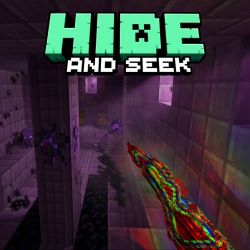
MECCHA CHAMELEON
Java mod listed for Minecraft 1.20. Downloads from the MC Java Mods app on Android.
Paint-your-skin hide-and-seek. Camouflage with paint and poses, stick to walls, hunt with the seeker gun. Normal, Infection, and Double modes.
⬇ Download on Modrinth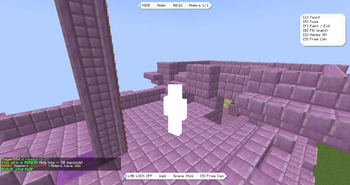
MECCHA CHAMELEON
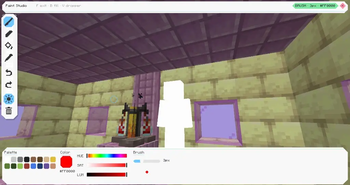
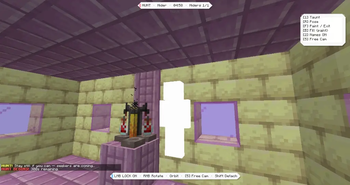
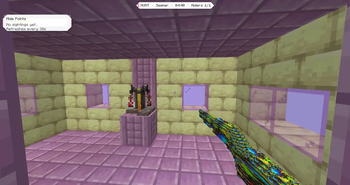
Paint your body, strike a pose, stick to a wall, and disappear into the map — then hunt your friends with a seeker paint gun.
Inspired by MECCHA CHAMELEON
Fan-made tribute — not affiliated with the original game.
Requirements
- Minecraft Java 1.20.1
- Fabric Loader + Fabric API
- Multiplayer: install on every client and the server
Features
Hiding
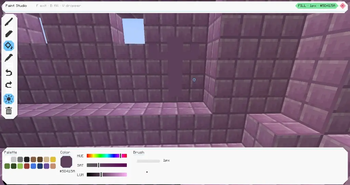
- Live skin painting — brush, eyedropper, fill bucket
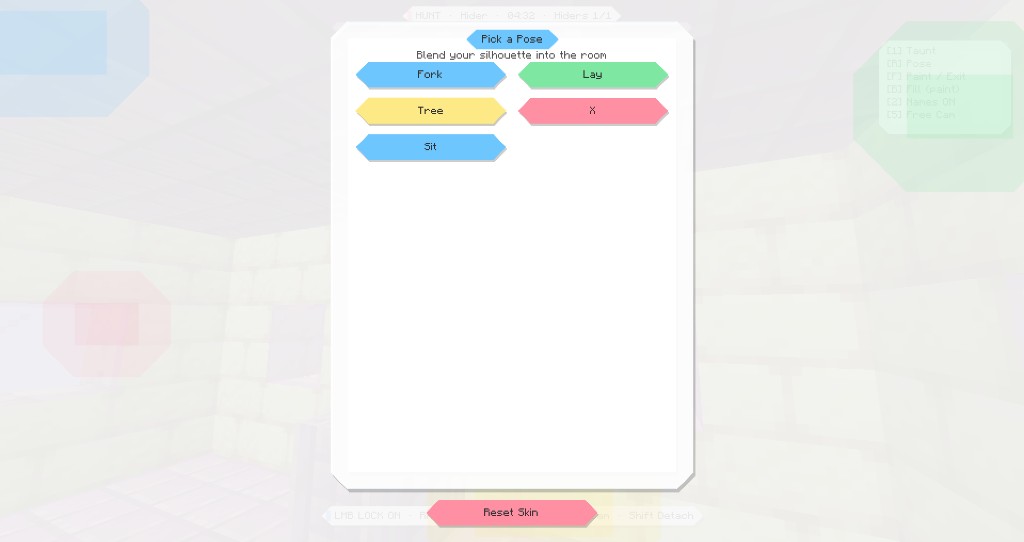
- Pose menu for better camouflage
- Wall / ceiling stick with orbit camera
- Rotation lock (freeze body, look around)
- Freecam during hide prep
- Taunt sound
- Toggle nameplates
Seeking
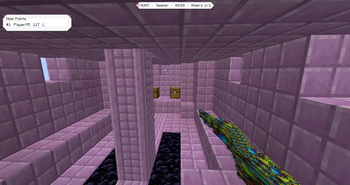
- Seeker paint gun (right-click to tag)
- Optional ammo (miss costs 1, hit is free)
- No name tags while hunting — spot them yourself
- Hide-points board (how well hiders blend when looked at)
Match flow
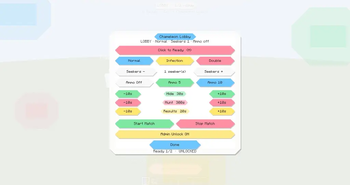
- Lobby with Ready (H) + Esc → Chameleon Lobby settings
- Phases: Hide → Hunt → Answer Check
- Arena points: lobby, seeker room, hider spawn, play-area corners
- Custom timers for hide / hunt / results
Modes
- Normal — fixed seekers vs hiders
- Infection — tagged hiders join the seekers
- Double — everyone hides, then everyone hunts (keep your disguise; most finds wins)
Quick setup
- Stand at each spot and run:
/chameleon set lobby/chameleon set seeker/chameleon set hider/chameleon set corner1/corner2
- Esc → Chameleon Lobby — pick mode, timers, seekers, ammo
- Everyone presses H (Ready)
/chameleon start
Default controls
(Remap in Options → Controls → MECCHA Chameleon)
| Key | Action |
|---|---|
| F | Paint mode on/off |
| R | Pose menu |
| V | Eyedropper |
| [ / ] | Brush size |
| B | Fill (in paint UI) |
| Space | Stick to wall/ceiling |
| Shift | Unstick |
| LMB | Rotation lock |
| RMB | Rotate body while locked · fire gun (seeker) |
| 1 | Taunt |
| 2 | Nameplates |
| 5 | Freecam (hide) |
| H | Ready (lobby) |
Hider prep tools work in the HIDE phase. In Double hunt you keep paint/pose/stick and still get a gun.
Commands
/chameleon set <lobby|seeker|hider|corner1|corner2>/chameleon ready/unready/chameleon start/stop/status/chameleon time <hide|hunt|results> <seconds>/chameleon seekers <1-8>/chameleon mode <normal|infection|double>/chameleon ammo <off|1-99>
License
CC0-1.0 — free to use and share. Code and some docs were written with AI coding assistance. Screenshots and the icon are in-game captures, not AI-generated images.
- Edition: Minecraft Java
- File type: .jar
- Minecraft versions listed: 1.20.1, 1.20.2, 1.20.3
- How to install: Install the matching mod loader (Forge, Fabric or NeoForge) for your Minecraft version. → Download the .jar. → Put it in the .minecraft/mods folder and launch that loader profile.
- Where to get it: Opens on Modrinth — not every file is mirrored on our own servers.
Install steps are the general flow for this file type — How to install Minecraft Java mods & modpacks walks through it step by step.
- Ships as meccha-chameleon-1.0.0.jar — drop this file into the mods folder
- Download size: 394 KB
- Download link checked 21 Oct 2026 — working
These come from our own check of the pack file, not from the source page.