ModsJava
Fluid Horizon Vision Mod (26.2, 1.20.1) – Keep Frame Rates Steady
Java mod listed for Minecraft 1.20. Downloads from the MC Java Mods app on Android.
⬇ Download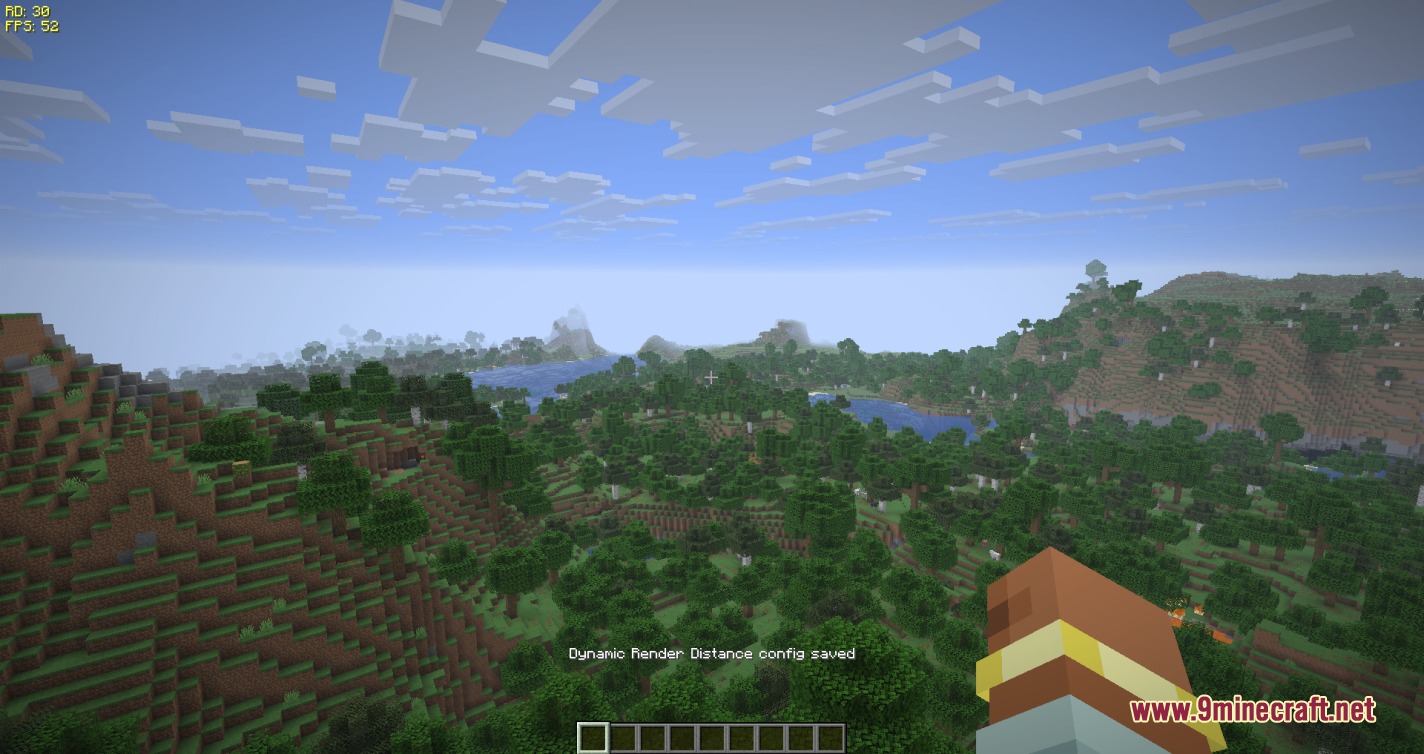
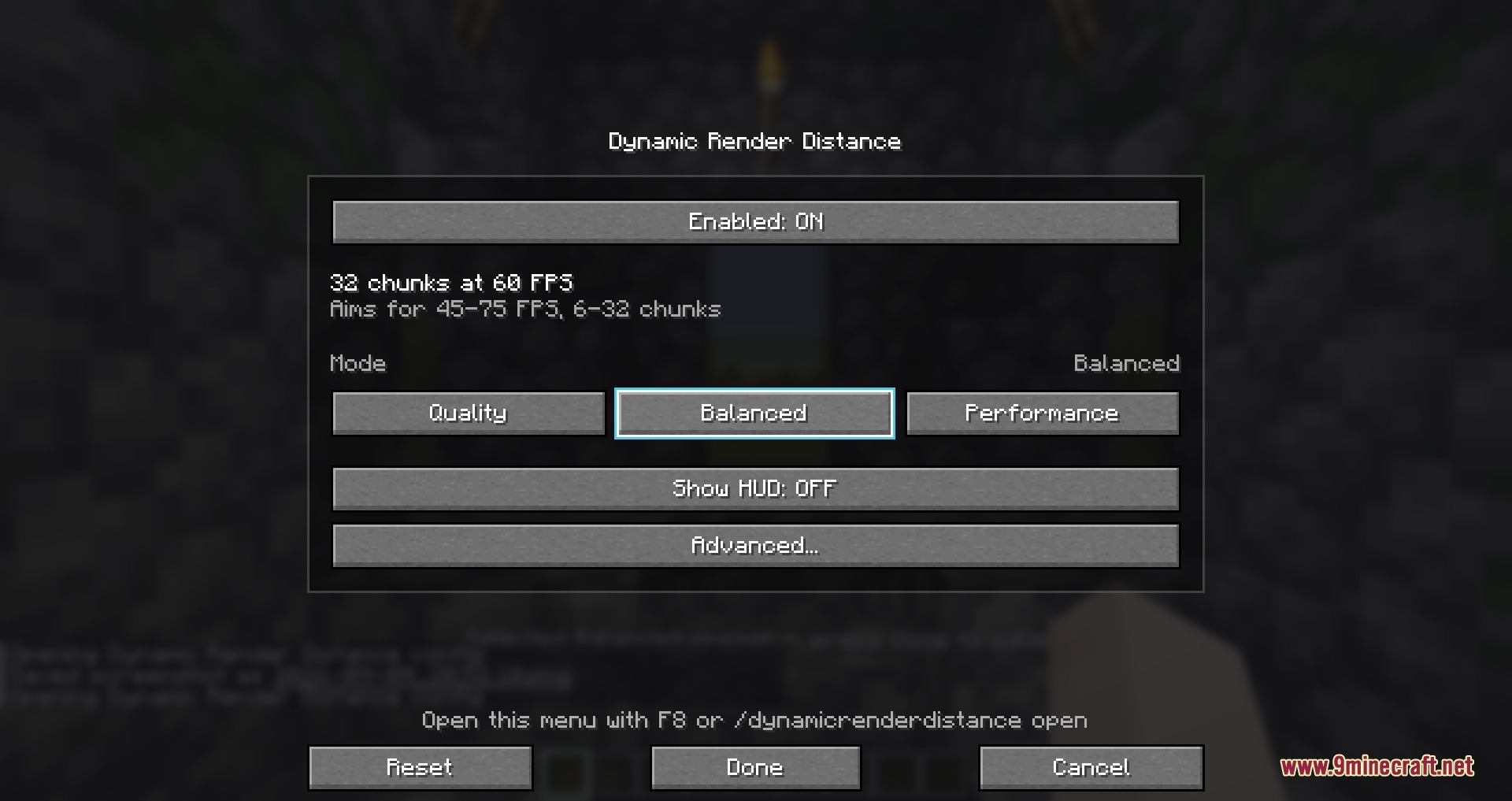
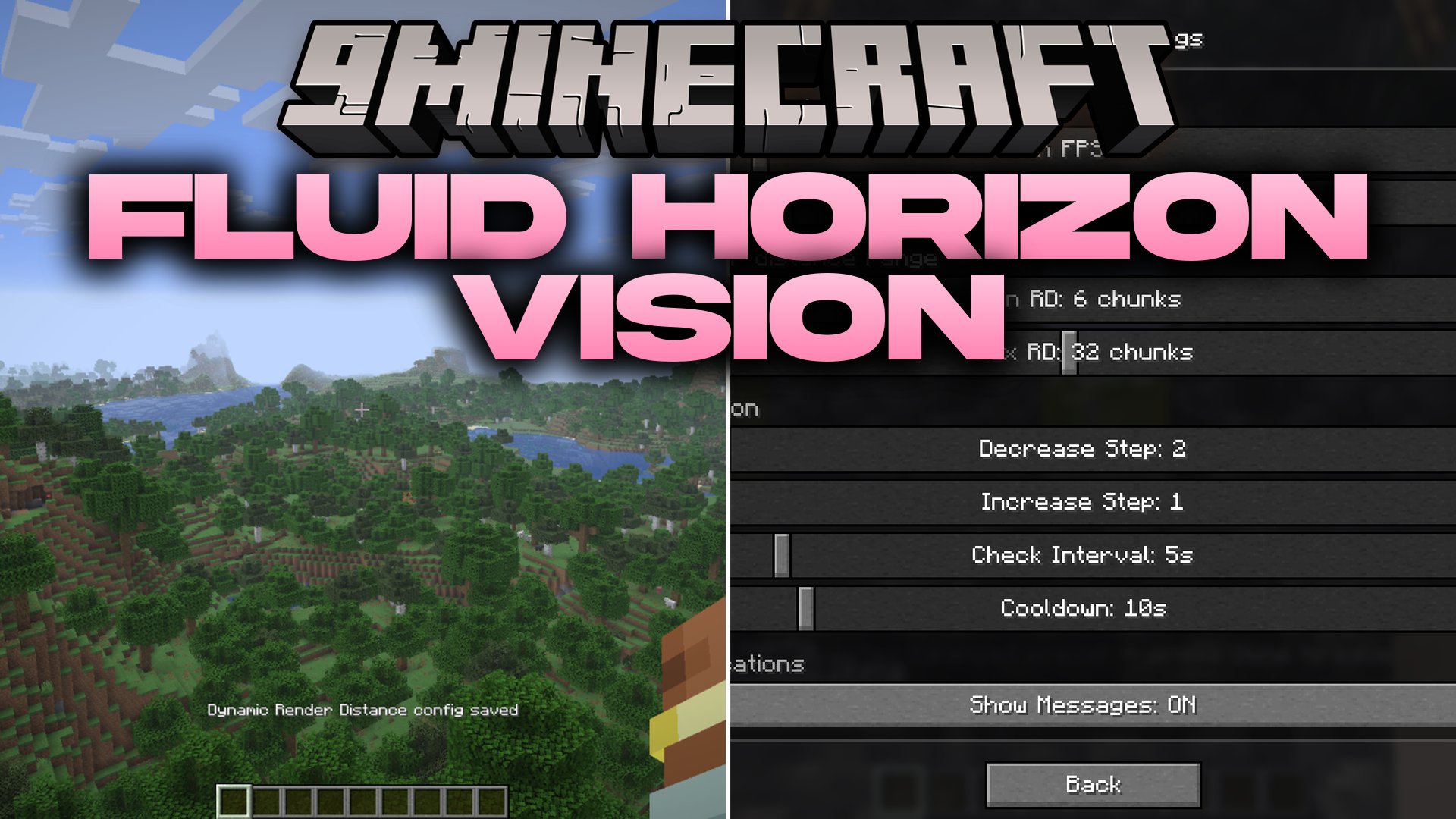
Fluid Horizon Vision Mod adjusts your view distance in real time to match your current frame rate. The mod keeps your gameplay running smooth during intense moments and increases your sightline when performance is clear. It runs entirely on the client side, making it safe for singleplayer worlds and multiplayer servers without extra server setup.
Features:
- Automatically scales render distance up or down to keep frame rates steady.
- Offers ready-to-use profiles including Quality, Balanced, and Performance modes.
- Includes an optional on-screen HUD overlay showing your current view distance and FPS.
- Lets you set custom minimum and maximum chunk limits so your view never goes out of bounds.
- Uses built-in cooldown timers to prevent sudden view distance flickering.
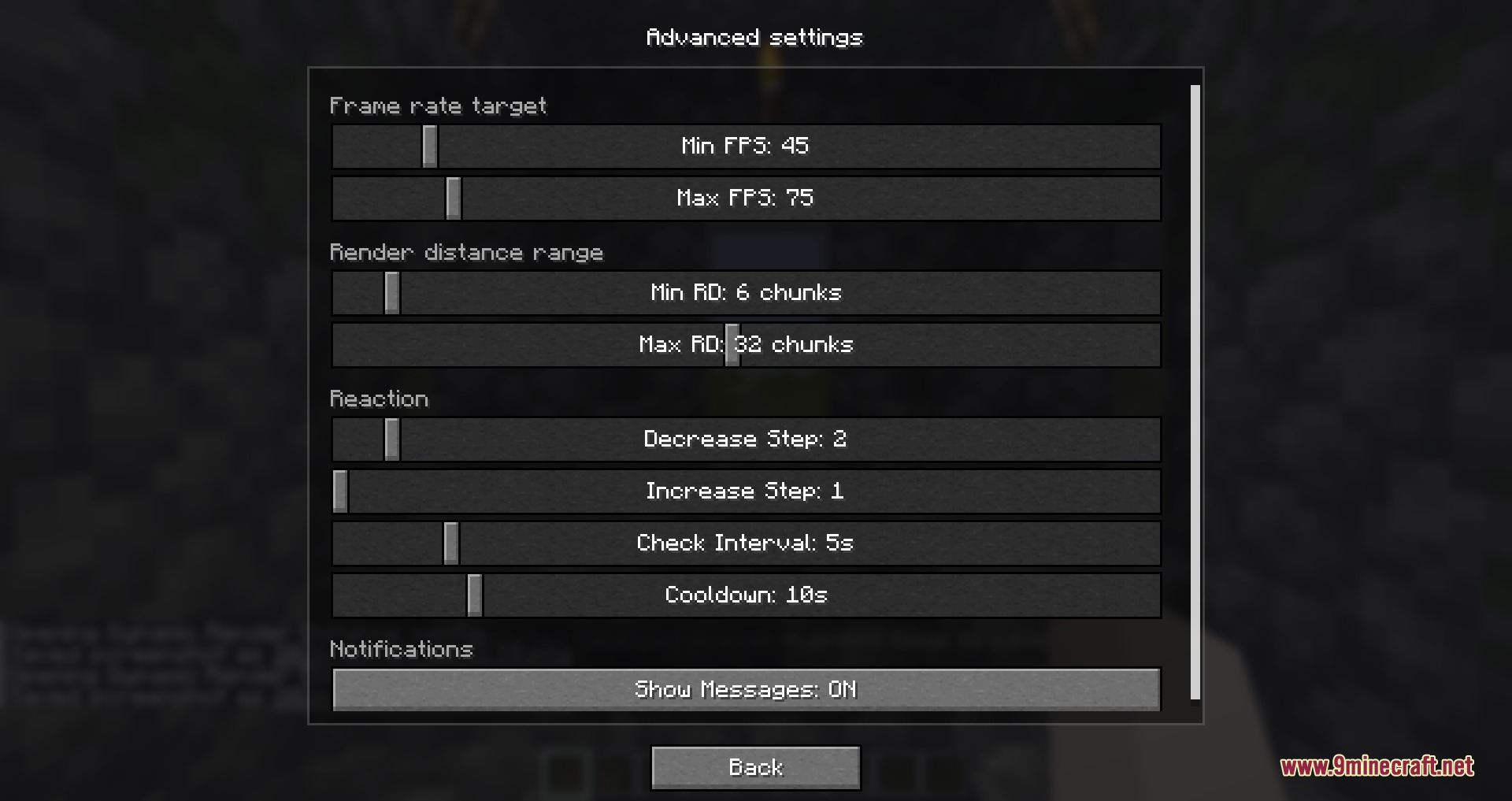
- Provides an in-game settings card and chat commands for quick adjustments.
- Hides the status HUD automatically when you open the F3 debug screen.
- Lowers view distance faster than it raises it, helping laggy areas settle down fast.
- Works on vanilla and modded servers without needing server-side files.
Commands:
/drd status: Check current mod statistics and performance status./drd preset <preset>: Apply a performance profile like quality, balanced, or performance./drd open: Open the in-game settings card./drd minFps <value>: Set the minimum frame rate threshold before chunks decrease./drd maxFps <value>: Set the maximum frame rate target before chunks increase./drd showHud: Turn the on-screen overlay display on or off./drd cooldown <seconds>: Set the wait time between distance adjustments.
How to Use:
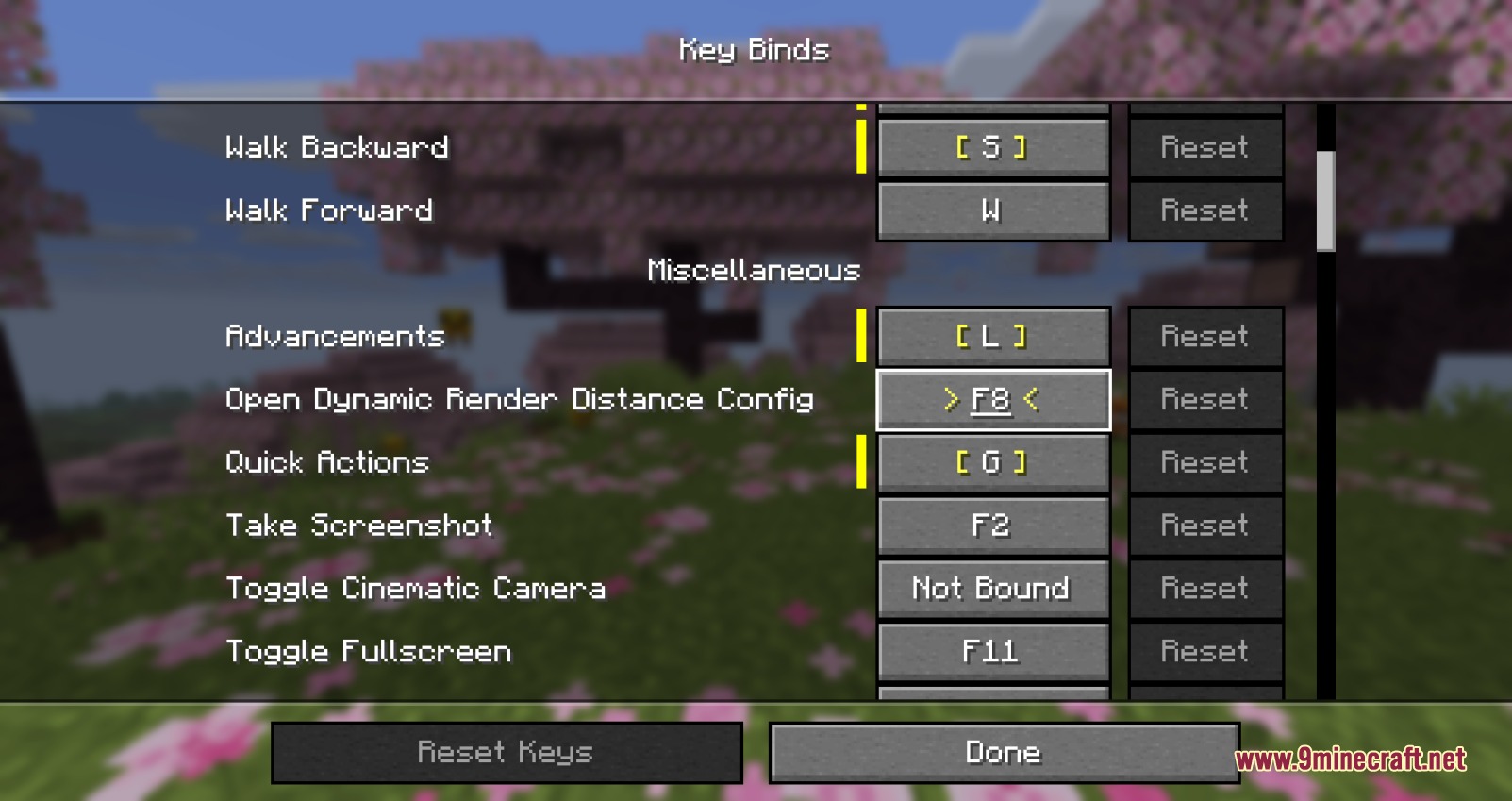
- Press F8 in-game to open the settings card.
- Pick a preset or adjust your target minimum and maximum FPS rules.
- Set your preferred chunk limits to control how far you want to see.
- Click Done to save your settings and return to the game.
Screenshots:
Fluid Horizon Vision Mod Download Links
Quick facts
- Edition: Minecraft Java
- File type: .jar
- Minecraft version listed: 1.20.1
- How to install: Install the matching mod loader (Forge, Fabric or NeoForge) for your Minecraft version. → Download the .jar. → Put it in the .minecraft/mods folder and launch that loader profile.
- Where to get it: In MC Java Mods, or directly above on this page.
Install steps are the general flow for this file type — How to install Minecraft Java mods & modpacks walks through it step by step.
File checked by MCModsHub
- Downloads as 508172.mcaddon
- Download size: 114 KB
- Download link checked 22 Sept 2026 — working
- Mirrored on our own servers — the download does not depend on the original host
These come from our own check of the pack file, not from the source page.