ModsJava
Automated Redstone Logic Mod (1.21.1) – Program Smart Robots to Automate
Java mod listed for Minecraft 1.21. Downloads from the MC Java Mods app on Android.
⬇ Download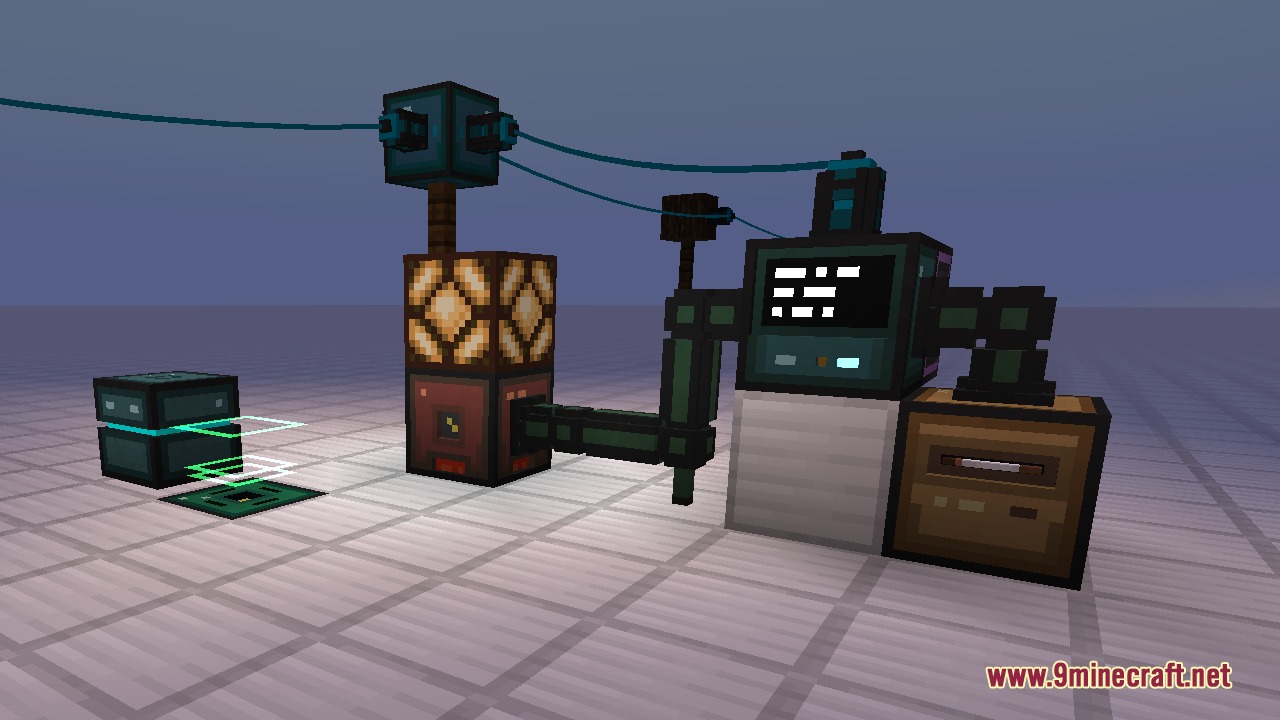
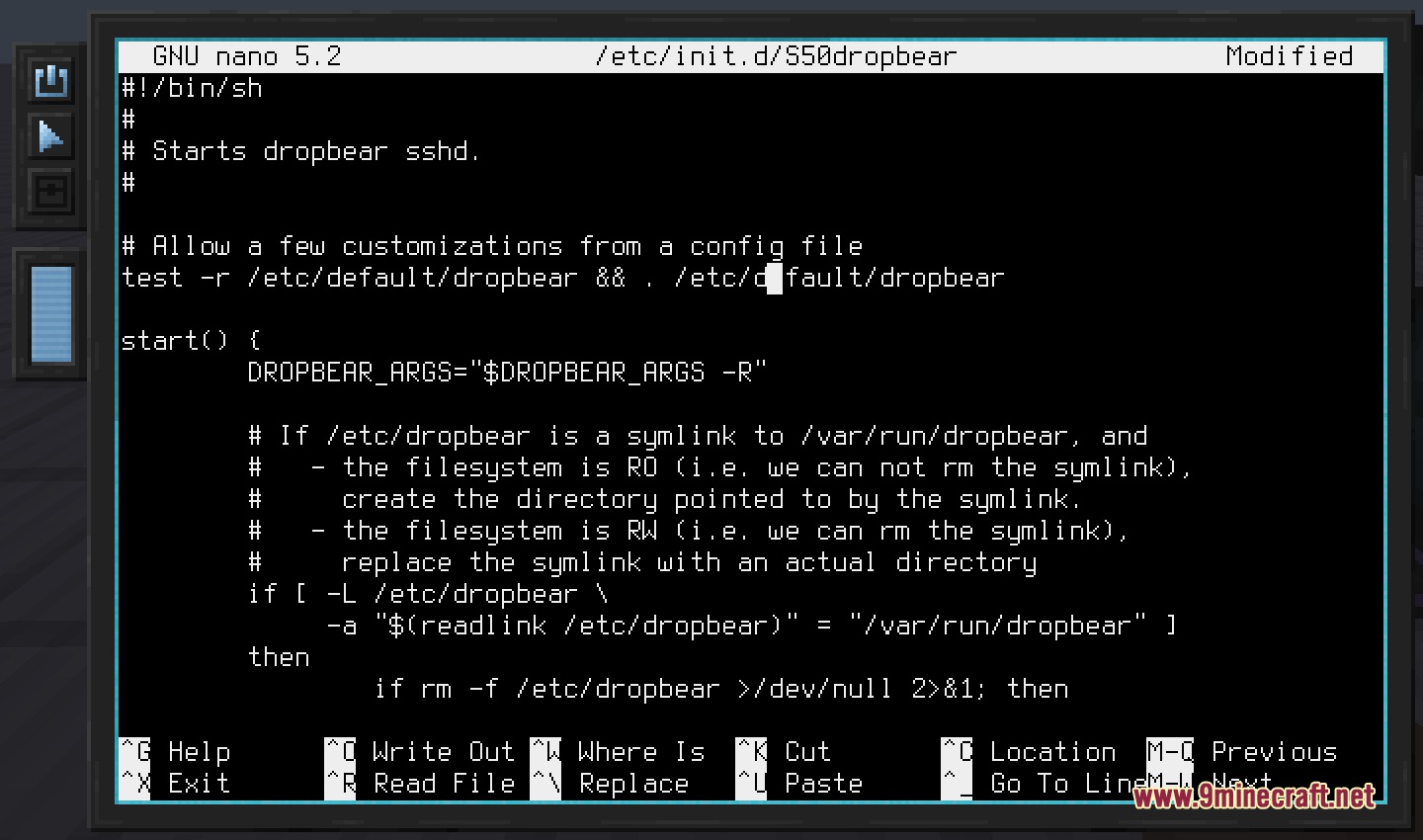
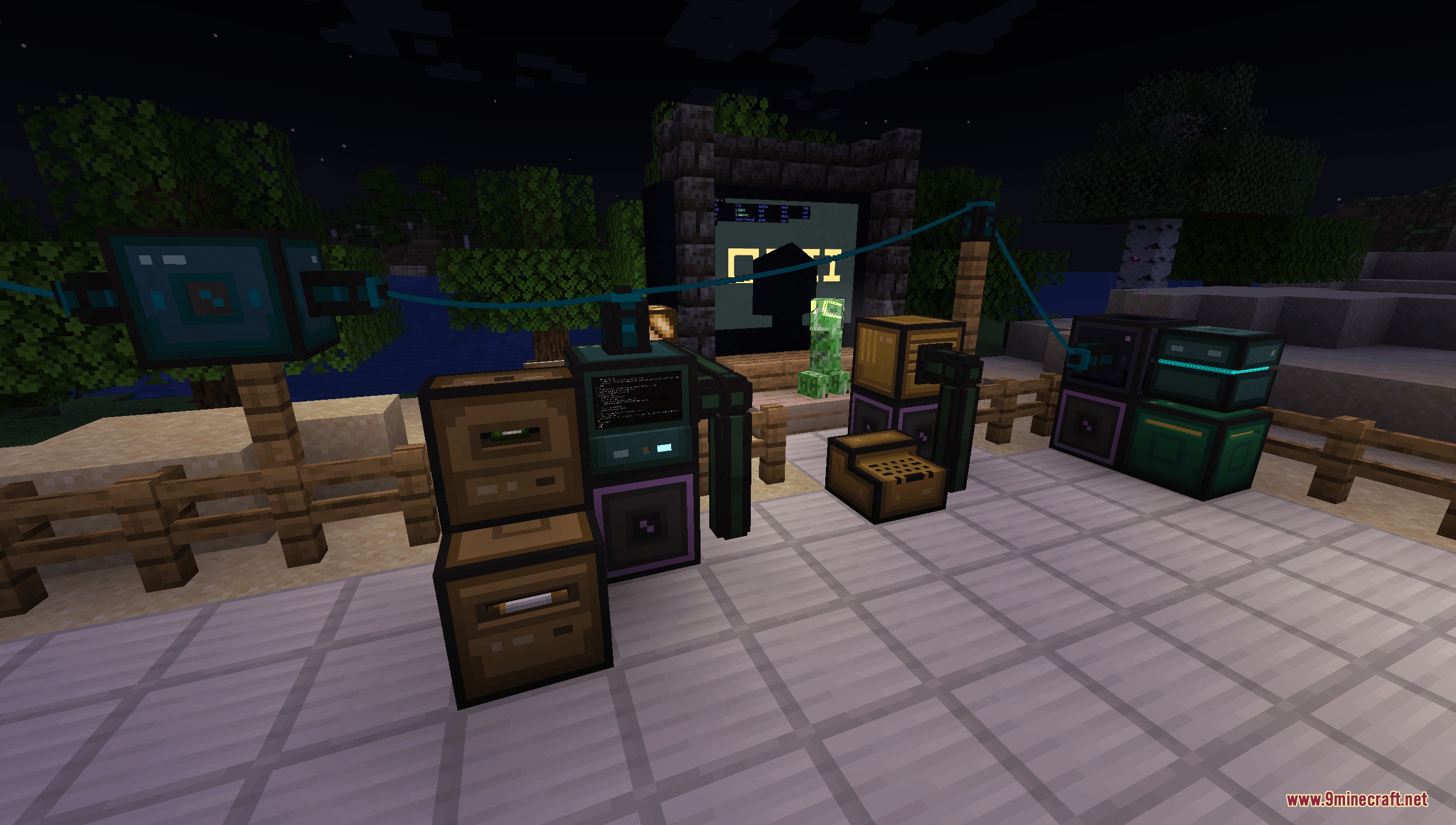
Automated Redstone Logic Mod introduces programmable computers and mobile robots into your Minecraft world. It emulates real computer architecture to run a Linux operating system directly inside the game. You can write scripts in Lua to read redstone signals, manage inventories, and control machines from a distance. The mod connects stationary machines and robots through network cables to automate everyday farming, crafting, and sorting tasks.
Features:
- Adds stationary computers that run an emulated RISC-V architecture with Linux operating system support.
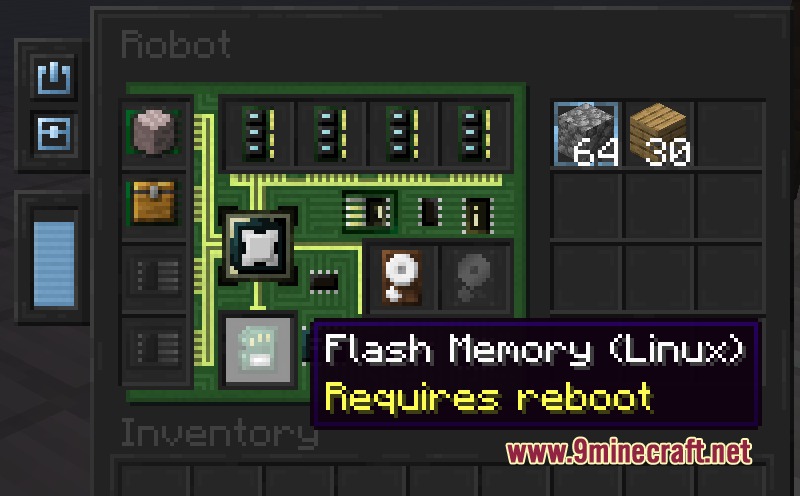
- Provides mobile robots that can move through terrain, break blocks, and place items using specialized modules.
- Supports Lua scripting to interact directly with redstone interfaces, storage inventories, and external devices.
- Includes physical hardware items such as RAM sticks, hard drives, flash storage, and CPU chips.
- Uses network cables, connectors, and hubs to build local networks between multiple computers.
- Offers a Redstone Interface block to emit and monitor redstone strength values through code.
- Features terminal tools like vi and nano for editing programs in the game.
- Includes a Projector block to display terminal screens directly onto nearby surfaces.
- Requires standard energy systems like Forge Energy (FE) or RF to power active machines.
- Contains an in-game guidebook item named The Computerist’s Handbook to explain device recipes and setup steps.
How to Use:
- Craft The Computerist’s Handbook to view recipes and hardware component requirements.
- Place a Computer block or Robot next to an energy source.
- Open the device inventory and insert required hardware including a processor, RAM, firmware, and a hard drive.
- Attach a Keyboard and a Projector or terminal screen to interact with the system.
- Turn on the computer, boot into the operating system, and run Lua scripts to control your connected blocks.
Screenshots:
Automated Redstone Logic Mod Download Links
Quick facts
- Edition: Minecraft Java
- File type: .jar
- Minecraft version listed: 1.21.1
- How to install: Install the matching mod loader (Forge, Fabric or NeoForge) for your Minecraft version. → Download the .jar. → Put it in the .minecraft/mods folder and launch that loader profile.
- Where to get it: In MC Java Mods, or directly above on this page.
Install steps are the general flow for this file type — How to install Minecraft Java mods & modpacks walks through it step by step.
File checked by MCModsHub
- Downloads as 508179.mcaddon
- Download size: 6.9 MB
- Download link checked 25 Sept 2026 — working
- Mirrored on our own servers — the download does not depend on the original host
These come from our own check of the pack file, not from the source page.