NetheriteGlowing
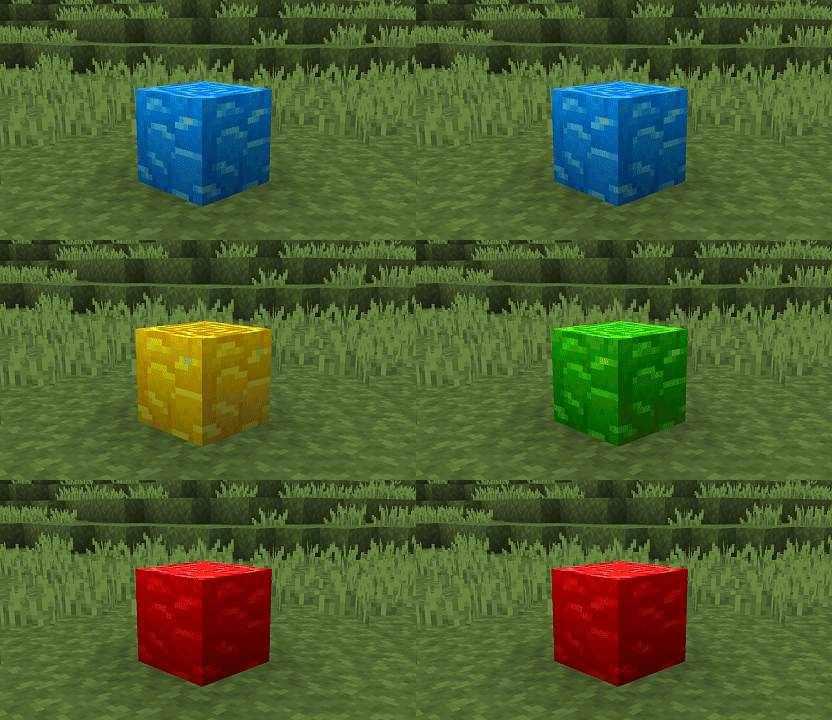
Make Ancient Debris glow in the depths of the Nether! ⛏️✨
How to install
Download the NetheriteGlowing resource pack and place it in your resourcepacks/ folder
Enjoy your mining sessions! 🎉
✨ Features
- 🔥 Block Glowing: Ancient Debris illuminates in pitch black darkness so you never miss them again.
- 👀 Optimized Visibility: Instantly spot the rare ore during your TNT or bed mining sessions.
- ⚡ Ultra Lightweight: Only modifies the emissive properties of this specific block without impacting your FPS.
- 🎨 Vanilla Friendly: Keeps the original Ancient Debris texture, simply adding a glowing effect to the cracks!
🎮 How it works
🔍 Exploration and Mining
- ✅ Go down mining in the Nether (usually around Y-level 15).
- ✅ Uncovered Ancient Debris blocks will stand out visually thanks to their magmatic glow.
- 🔄 Works instantly upon pack activation, no game restart required.
⚙️ Configuration
For the lighting effects to display correctly, check your settings:
📊 Requirements
- ✅ Minecraft: v:1.21 to 26.2
🐛 Support & Issues
The block doesn't glow in-game?
- 📝 Verify that the pack is at the very top of your resource packs list.
All rights reserved to VTH Studios
Happy mining in the Nether! ⛏️
Quick facts
- Edition: Minecraft Java
- File type: .zip (resource pack)
- Minecraft versions listed: 1.21, 1.21.1, 1.21.2
- How to install: Download the .zip resource pack — do not unzip it. → Put it in .minecraft/resourcepacks. → Enable it in Options → Resource Packs.
- Where to get it: Opens on Modrinth — not every file is mirrored on our own servers.
Install steps are the general flow for this file type — How to install Minecraft Java resource packs walks through it step by step.
Verified by MCModsHub
- Downloads as glowingnetherite-1.0.0.zip
- Download size: 7 KB
- Download link checked 11 Sept 2026 — working
These come from our own check of the pack file, not from the source page.