AddonsBedrock
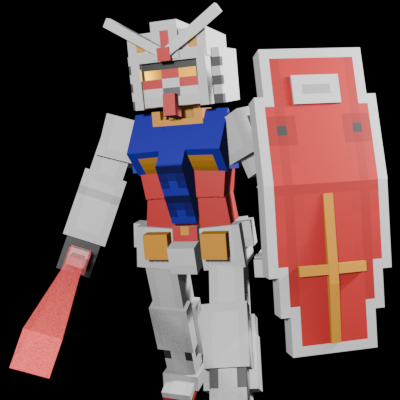
Gundam
The author built this one for Minecraft 26.40. On other versions it may install and then do nothing.
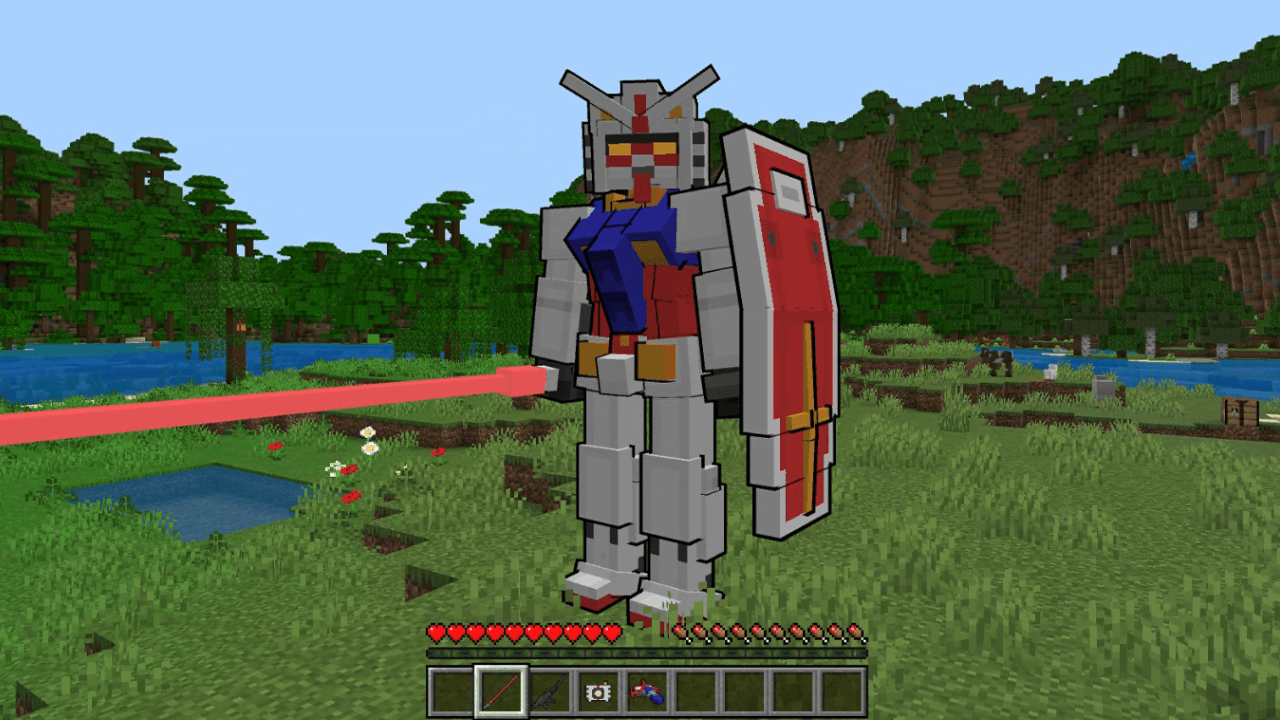
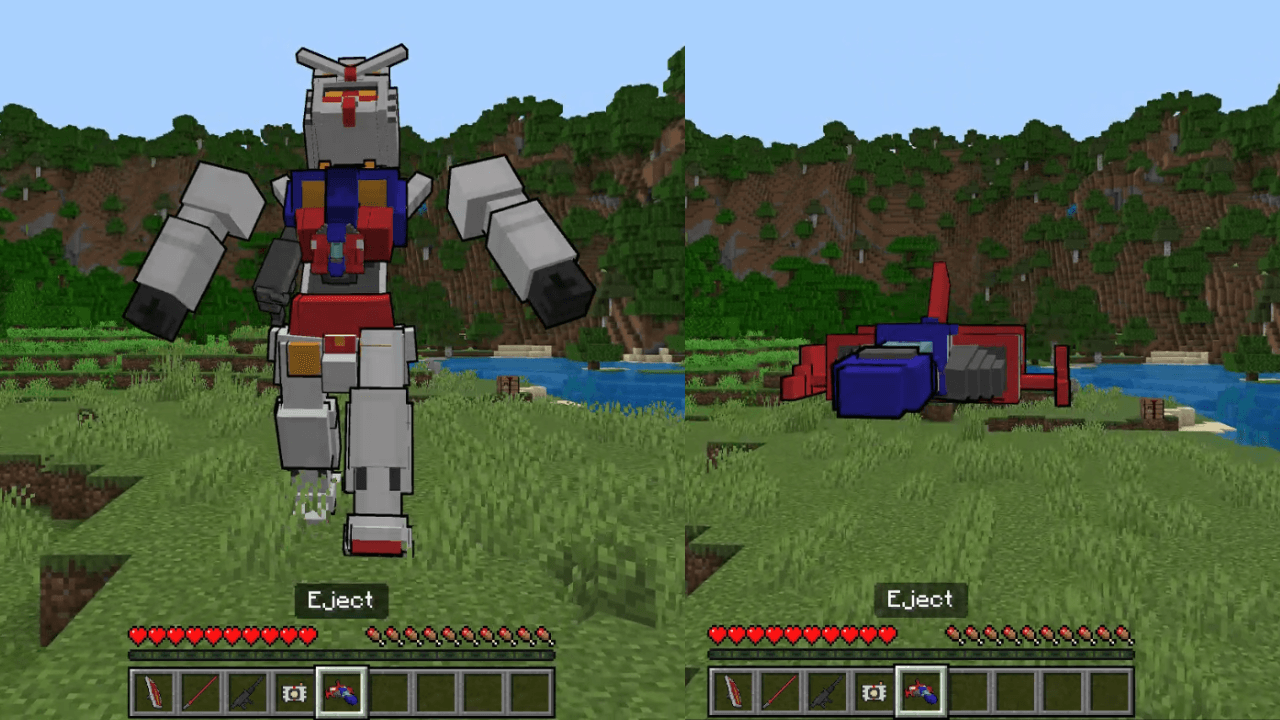
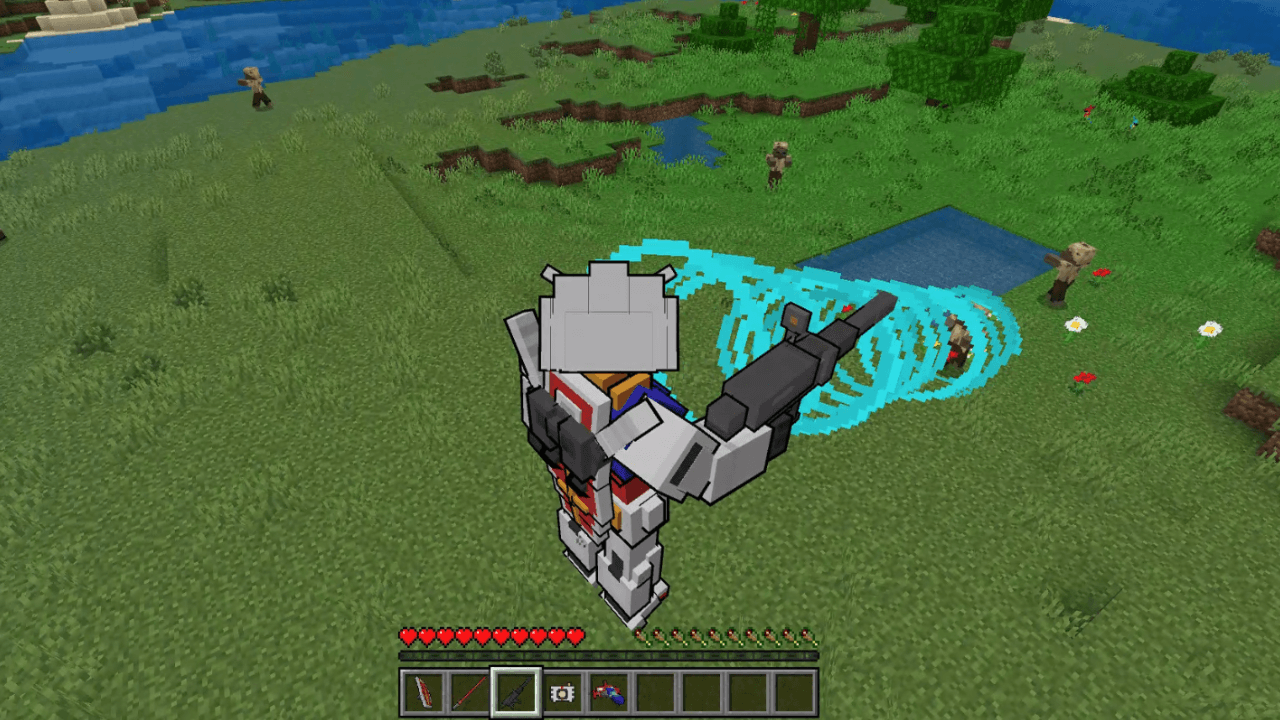
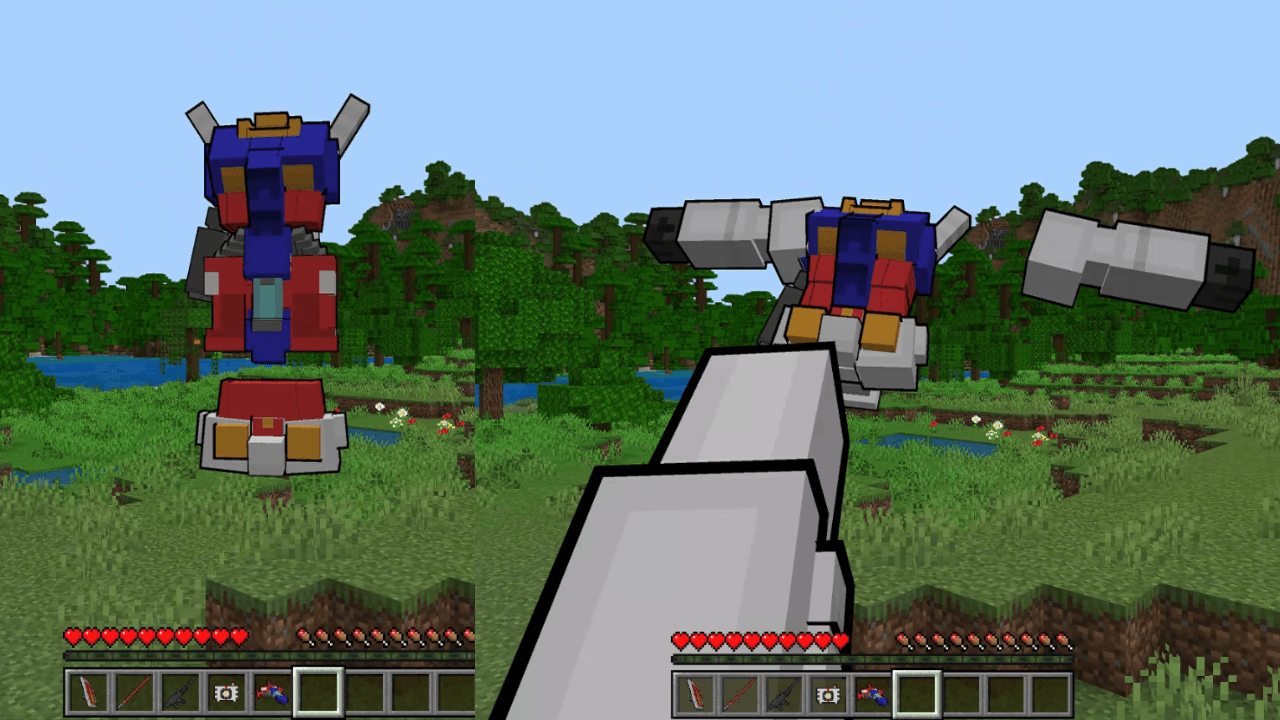
All the information you need to use this Add-On is listed below!
Requirements
- The Education Edition slider (found in settings under cheats) must be turned on in order for this Add-On to work! It is used for the Gundam ship's flight mechanics.
- This Add-On works on the latest version of Bedrock Edition and should continue to work for the forseeable future (unless there is a drastic change). Because there are so many versions, it is only listed as 26.40 for now.
How to use this Add-On
- Look in the recipe book to find what you need to craft the Gundam! Wear it on your head like a piece of armor in order to "pilot" the Gundam and gain access to various items! Selecting each item plays a different animation.
- The Beam Sword and Rifle can both be right-clicked. The sword does a sweep damaging mobs and sending them flying while the Beam Rifle fires a sonic pulse!
- The Shield can be right-clicked or equipped manually to put it in your offhand slot. Sneak to receive an increased resistance boost*(untested compared to the default resistance given from the Gundam).
- The Beam Sword and Rifle can both be right-clicked. The sword does a sweep damaging mobs and sending them flying while the Beam Rifle fires a sonic pulse!
-
- The Camera item can be right-clicked to switch into "first person". Gives you a better view of some of the animations!
- Select (no need to right-click), the Eject item to "eject" the Gundam Ship pod letting you fly similar to creative flight. Stop selecting the item in order to revert back to the regular Gundam Mech.
- The Camera item can be right-clicked to switch into "first person". Gives you a better view of some of the animations!
Quick facts
- Edition: Minecraft Bedrock
- File type: .mcpack or .mcaddon
- Minecraft version listed: 26.40
- How to install: Download the .mcpack or .mcaddon file. → Open it — Minecraft imports it. → In your world: Behavior Packs → Available → Activate, then the same under Resource Packs.
- Where to get it: Opens on CurseForge — not every file is mirrored on our own servers.
Install steps are the general flow for this file type — How to install Minecraft Bedrock addons & mods walks through it step by step.
Verified by MCModsHub
- Pack type: .mcaddon — behaviour and resource pack in one file
- Download size: 41 KB
- Download link checked 11 Sept 2026 — working
These come from our own check of the pack file, not from the source page.