AddonsBedrock
Auto Hotbar Refill | Inventory Use
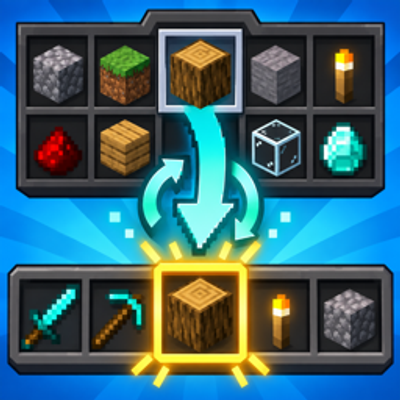
Automatically replaces an emptied selected hotbar stack with the same blocks, torches, food, or other items from your Minecraft Bedrock inventory.
⬇ Download on CurseForge
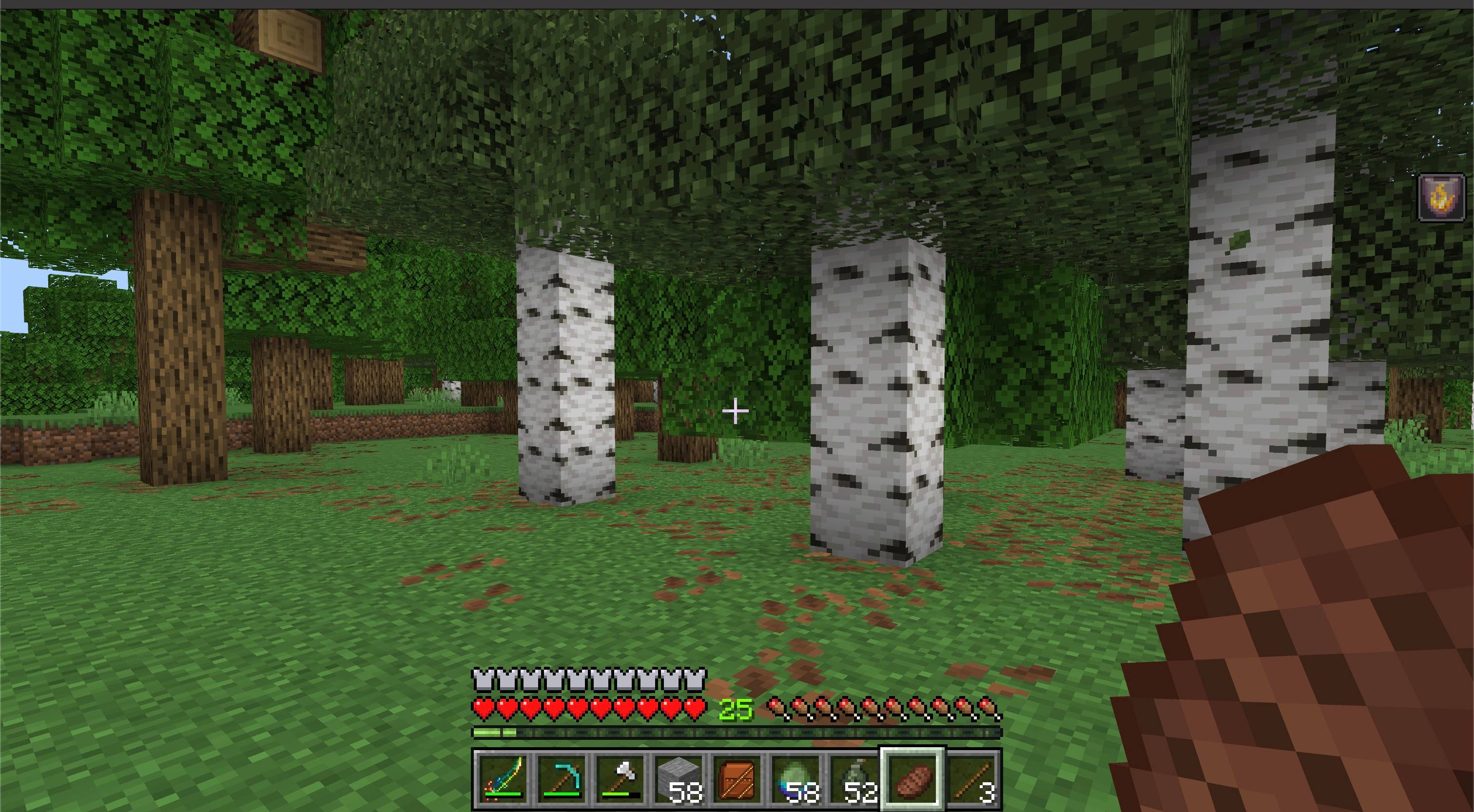
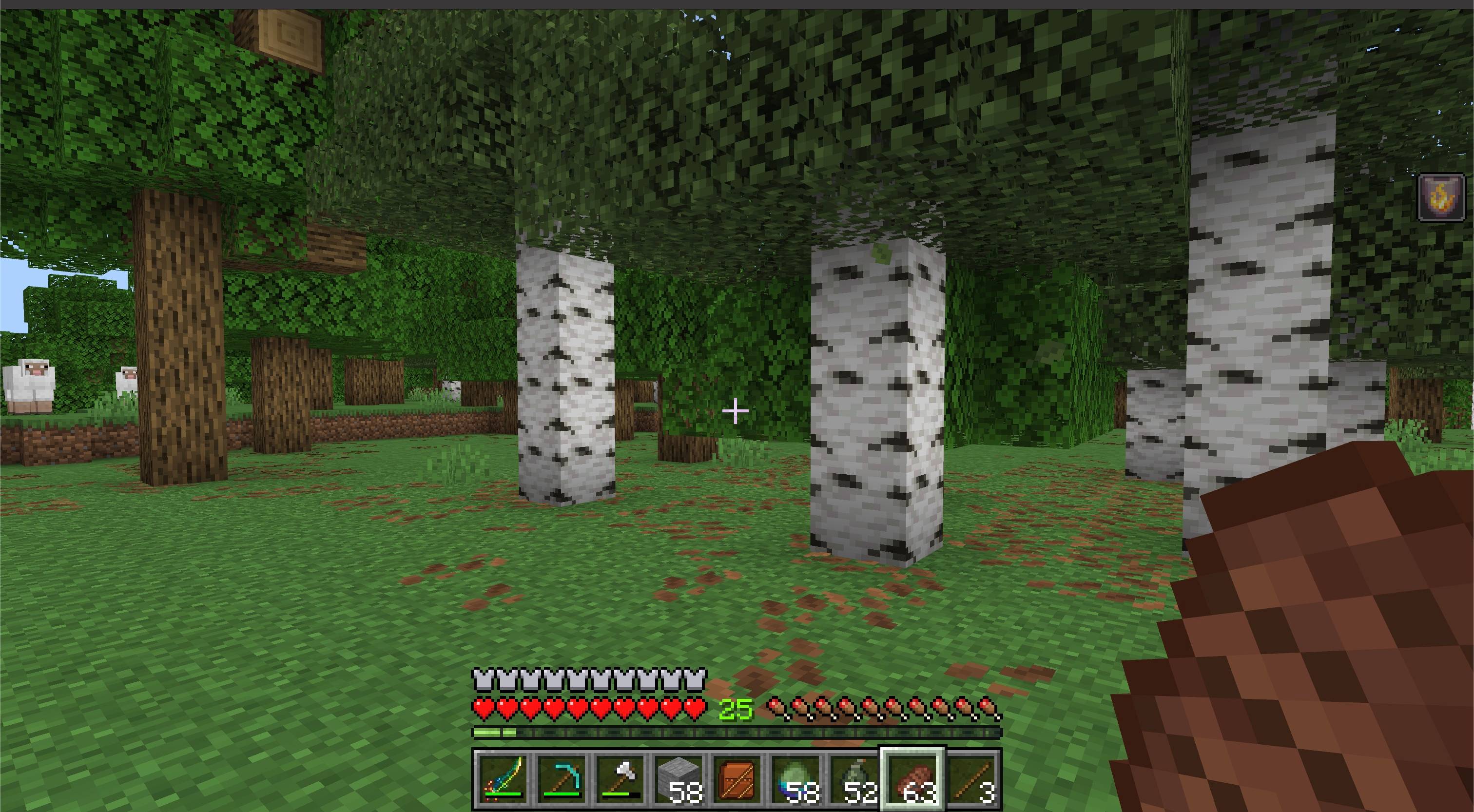
Keep building, exploring, and eating without stopping to refill your hotbar.
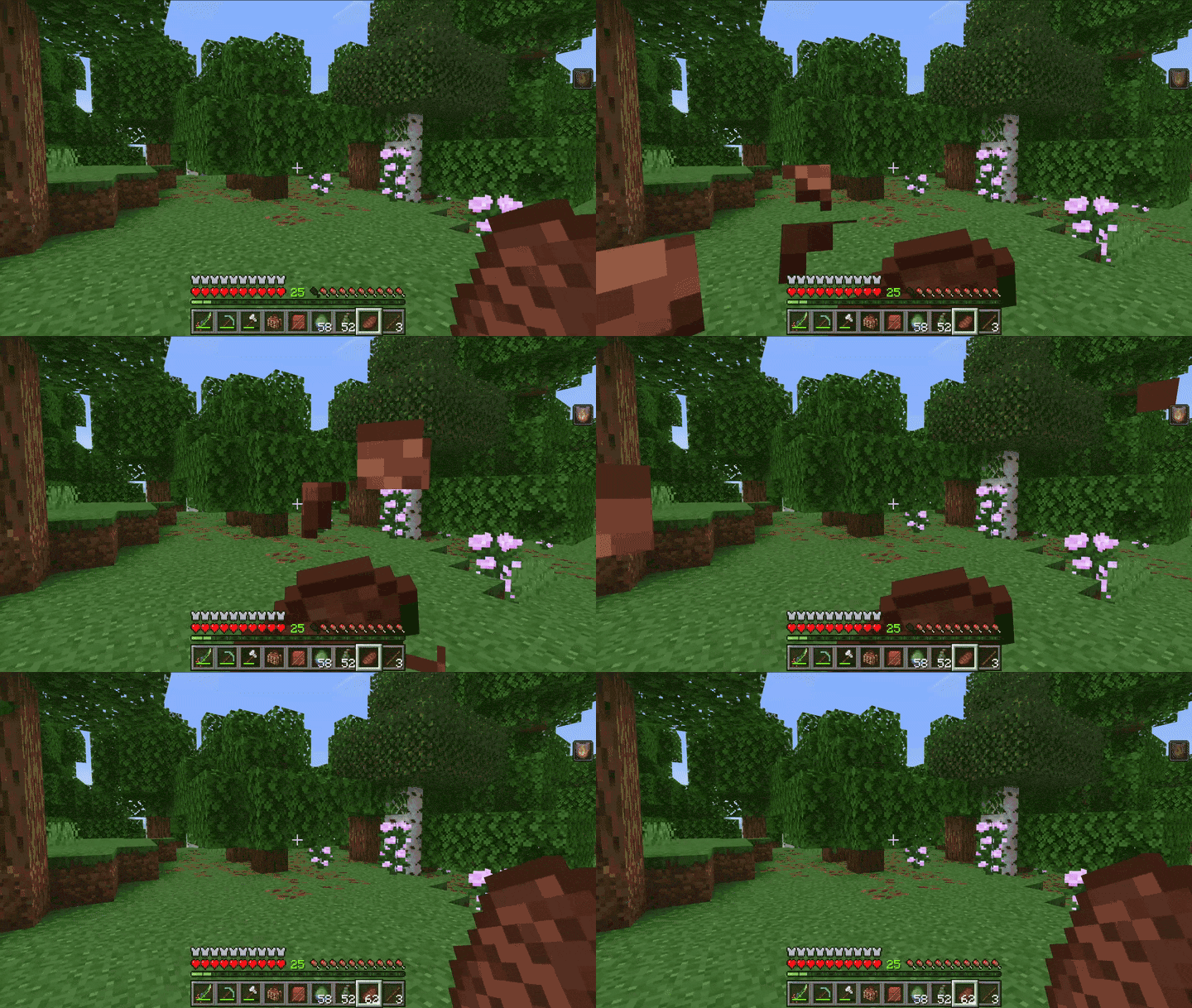
Auto Hotbar Refill is a lightweight quality-of-life add-on for Minecraft Bedrock. When the item in your selected hotbar slot runs out, a matching stack from your main inventory is moved into the same slot automatically.
Features
- Automatic hotbar refills — replaces a selected stack as soon as its slot becomes empty.
- Works with everyday items — supports stackable blocks, torches, food, projectiles, and other consumable items.
- Exact stack matching — respects custom item data and only chooses a stack that can genuinely combine with the item that ran out.
- Stable hotbar layout — refills the same slot without rearranging the rest of the hotbar.
- Inventory-safe sourcing — takes replacements from the main inventory and leaves other hotbar slots untouched.
- Multiplayer friendly — tracks each player's selected slot independently.
- Lightweight — no menus, commands, custom items, recipes, or visual changes.
How to use
- Import the
.mcaddonfile into Minecraft Bedrock. - Activate the Auto Hotbar Refill Behavior Pack for your world.
- Keep matching stacks in the main inventory below your hotbar.
- Select and use a hotbar stack normally. When it runs out, the matching inventory stack moves into that slot.
Notes
- Only stackable items with a matching stack in the main inventory can be refilled.
- Items already assigned to another hotbar slot are not moved.
- A slot is refilled only after its current stack becomes completely empty.
- No experimental toggles are required.
Requirements
- Minecraft Bedrock Edition 1.26.30 or newer
- Auto Hotbar Refill Behavior Pack must be active
- No Resource Pack or external add-on dependency required

Quick facts
- Edition: Minecraft Bedrock
- File type: .mcpack or .mcaddon
- Minecraft versions listed: 26.30, 26.40
- How to install: Download the .mcpack or .mcaddon file. → Open it — Minecraft imports it. → In your world: Behavior Packs → Available → Activate, then the same under Resource Packs.
- Where to get it: Opens on CurseForge — not every file is mirrored on our own servers.
Install steps are the general flow for this file type — How to install Minecraft Bedrock addons & mods walks through it step by step.
Verified by MCModsHub
- Pack type: .mcaddon — behaviour and resource pack in one file
- Manifest requires Minecraft 1.26.30 or newer
- Complete pack — everything it depends on is inside the file
- Download size: 102 KB
- Download link checked 11 Sept 2026 — working
These come from our own check of the pack file, not from the source page.