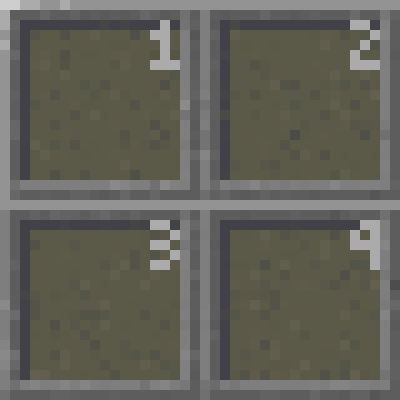
Adding a number to the top right of each hotbar slot and L or R for the offhand slot based on which side its on. This can be helpful for quickly seeing which slot your items are in and which number on your keyboard to press.
Quick facts
- Edition: Minecraft Java
- File type: .zip (resource pack)
- Minecraft version listed: 26.3-pre-3
- How to install: Download the .zip resource pack — do not unzip it. → Put it in .minecraft/resourcepacks. → Enable it in Options → Resource Packs.
- Where to get it: Opens on Modrinth — not every file is mirrored on our own servers.
Install steps are the general flow for this file type — How to install Minecraft Java resource packs walks through it step by step.
Verified by MCModsHub
- Downloads as Adelheid's Numbered Hotbar v26.3.3p.zip
- Download size: 13 KB
- Download link checked 12 Sept 2026 — working
These come from our own check of the pack file, not from the source page.