
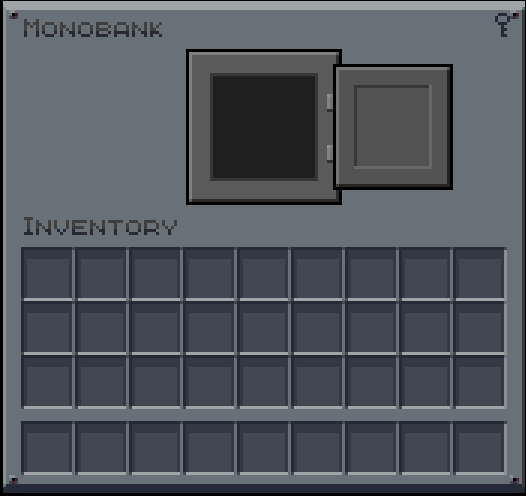
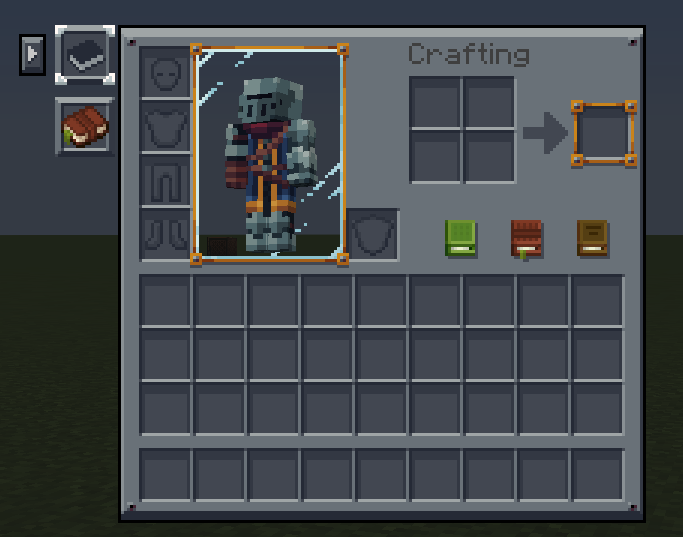
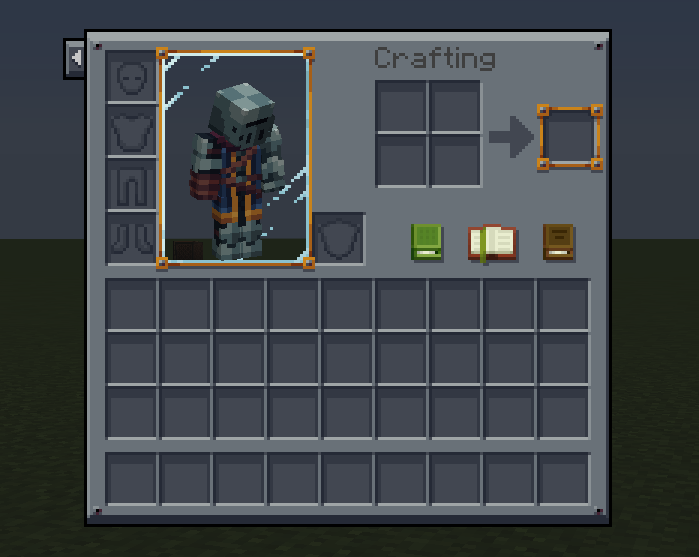
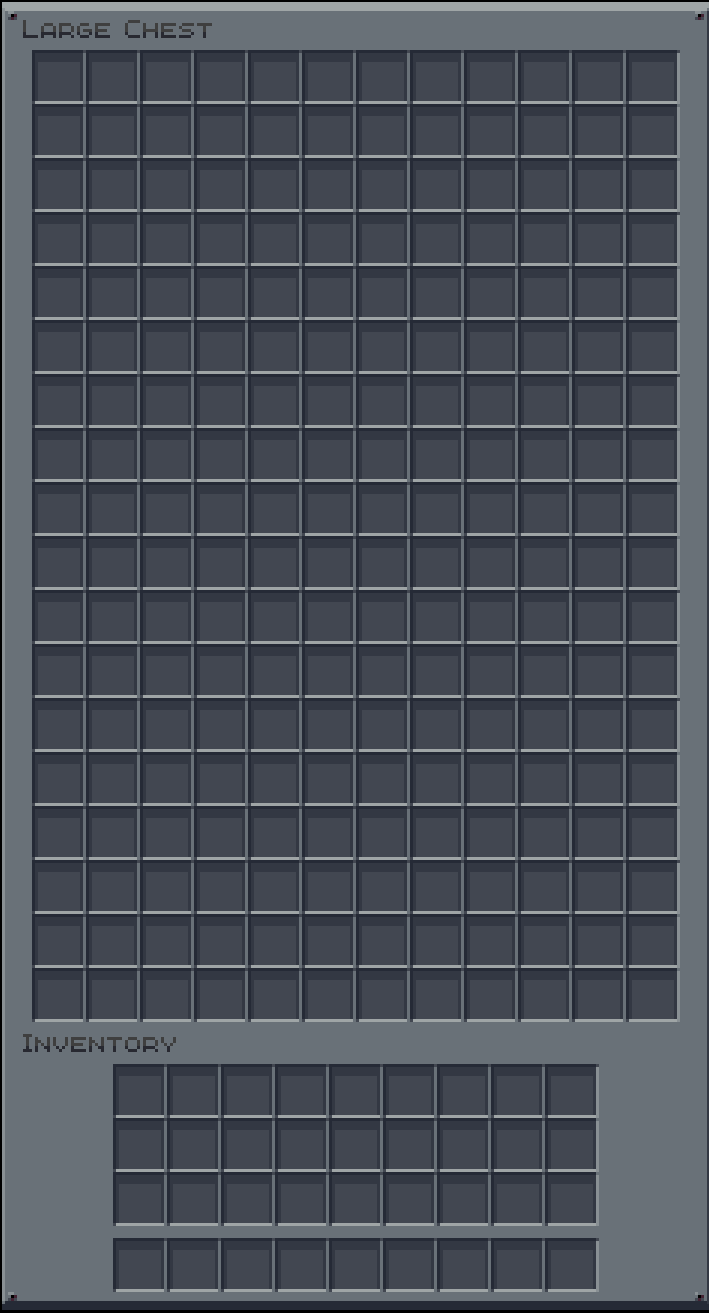
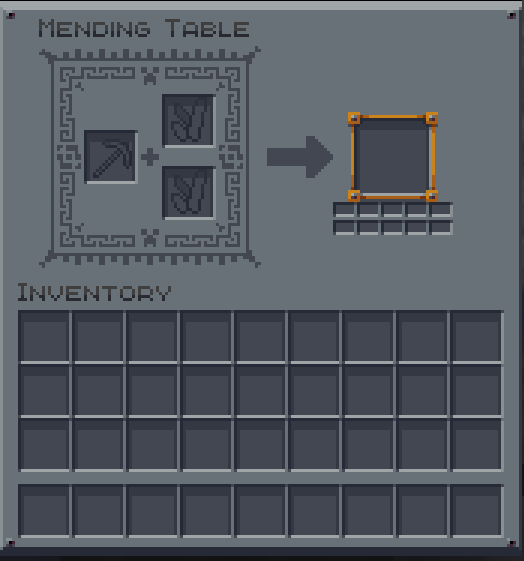
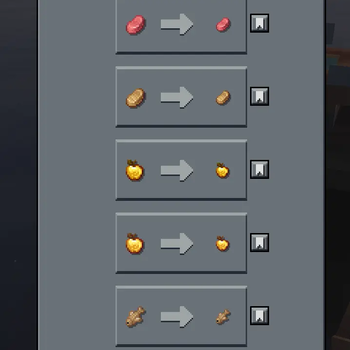
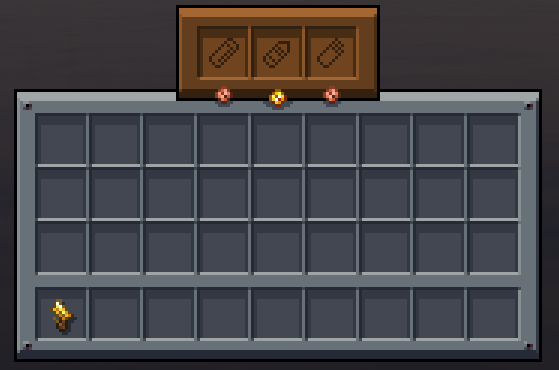
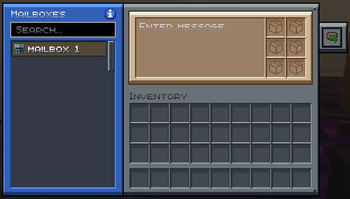
This pack adds compatibility to various mods that are currently unavailable in the Mandala's GUI - Dark mode resource pack, created by CesarZorak. There are also fixes included for existing textures. This pack is mainly focused around 1.20.1 mods that I personally use, so future compatibility with other mods is not guaranteed. Some of the additions/ changes are very minor, like curios item textures or jei recipe textures.
This resource pack is meant to be used alongside the official modded add-ons pack and other packs that also add modded GUI compatibility to Mandala's GUI - Dark mode.
Here are the packs that pair nicely with this resource pack, as I added GUI compats to mods not touched by these packs (or mods needing fixes)
Recommended Order:
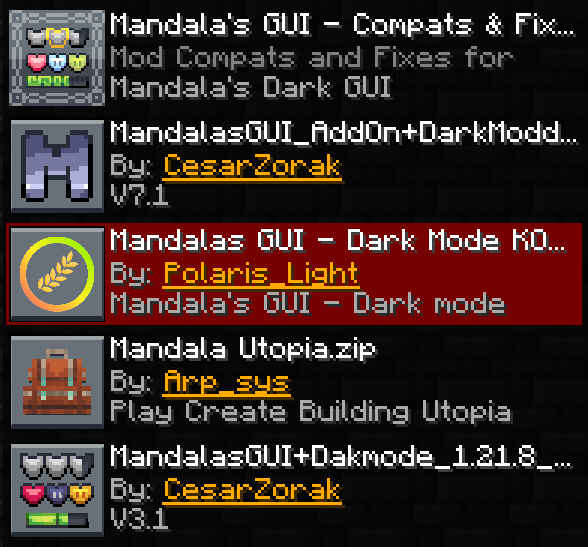
Top to Bottom:
Mandala's GUI - Compats & Fixes
Mandala's GUI - Add-Ons
Mandalas GUI-KOTS Compat
Mandala's GUI - Dark mode - Utopia extension
Added Mods:
- Alshanex's Familiars
- AstikorCarts Redux
- Automobility
- Boatload
- Bountiful
- Bountiful Fares
- Brewin' And Chewin'
- Buddycards
- Clanging Howl
- Clockwork
- Cozy Home
- Creatures and Beasts: Continued
- Dave's Potioneering
- Double Iron Chests
- Dungeon Now Loading
- Dungeon's Delight
- Easy Magic
- Enlightend
- Envelope
- Farmer's Respite
- Galosphere
- Golem Overhaul
- Guide Shelf
- HT's TreeChop
- Improved Grindstone
- Inhabitants
- Jaam's Weaponry
- Kaleidoscope Tavern
- Mighty Mail
- Modern Minecarts
- Monobank
- More Critters
- Music Disc Maker
- Paper Kite Manor
- Pop-up Emotes
- Quality Equipment
- Reliable Advancements
- Rubinated Nether
- Saint's Dragons
- Simple Radio
- Small Ships
- Spawn
- Species
- Tameable Beasts
- Tide 2
- Toggle Enchantments
- Vanilla Capes
- Wan's Ancient Beasts
- Warriors of Past Epoch
- Whimsy Deco
Fixed/ Updated:
Mods supported by Mandala's Dark GUI (or its official addons) that are either missing some GUIs or don't work correctly anymore
- Backpacked
- Cataclysm
- Caverns & Chasms
- Exposure
- More Sniffer Flowers
- Mowzie's Mobs
- Polymorph
- Quark
- Supplementaries
- Waystones
Minor Additions:
Curios slots, buttons or JEI menus
- BetterWaystonesMenu Fork
- Call of Yucatán
- Curios API
- Environmental
- Horseman
- Kaleidoscope Cookery
- Relics
Also includes a few vanilla Minecraft GUI textures (beacon, options background, recipe book and title edition).
To use custom button textures for Reliable Advancements properly, change the Inventory Button icon to blank in the config.
To use Field Guide and Reliable Advancements buttons in the inventory side by side, simply change the X offset for the advancements button to 22.
This is what the result should look like:
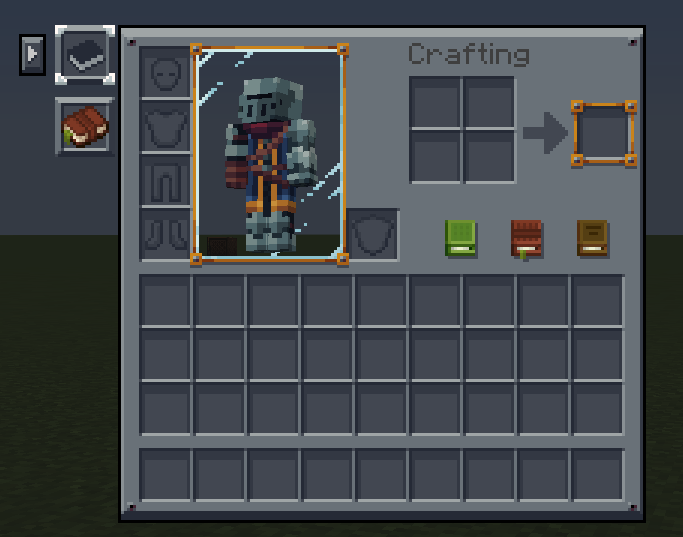
Book textures were inspired by Farmer GUI.
Resource Pack Links:
- Mandala's GUI - Dark mode: https://modrinth.com/resourcepack/mandalas-gui-dark-mode
- Mandala's GUI - Add-Ons: https://modrinth.com/resourcepack/mandalas-gui-add-ons
- Mandala's GUI - Dark mode - Utopia extension: https://modrinth.com/resourcepack/mandalas-gui-dark-mode-utopia-extension
- Mandalas GUI-KOTS Compat: https://modrinth.com/resourcepack/mandalas-gui-kots-compat
- Edition: Minecraft Java
- File type: .zip (resource pack)
- Minecraft versions listed: 1.20.1, 1.21.1
- How to install: Download the .zip resource pack — do not unzip it. → Put it in .minecraft/resourcepacks. → Enable it in Options → Resource Packs.
- Where to get it: Opens on Modrinth — not every file is mirrored on our own servers.
Install steps are the general flow for this file type — How to install Minecraft Java resource packs walks through it step by step.
- Downloads as Mandala's GUI - Compats & Fixes 1.0.zip
- Download size: 544 KB
- Download link checked 12 Sept 2026 — working
These come from our own check of the pack file, not from the source page.