
Manhunt Delta
Java mod listed for Minecraft 26.x. Downloads from the MC Java Mods app on Android.
⬇ Download on Modrinth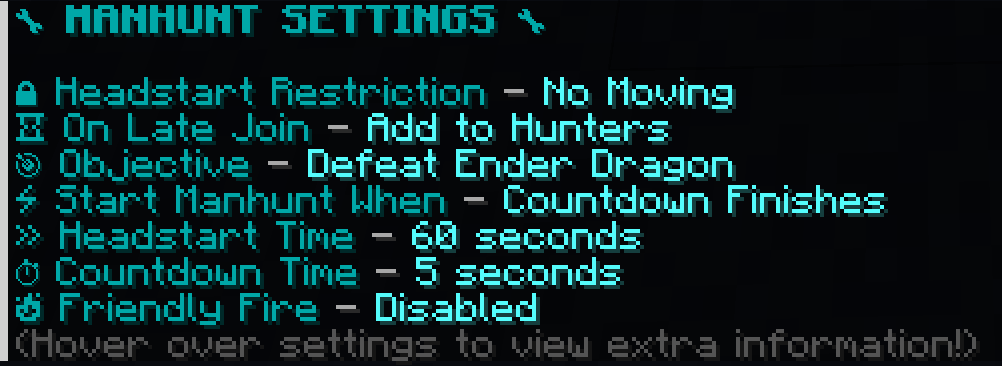

⚠️ This plugin is in beta!
There may be bugs and performance issues! If you find anything, please report it here!
It is recommended to install this plugin standalone on a fresh, temporary server!

Welcome! This is a small plugin that allows you to play Minecraft Manhunt with your friends!
Will the Hunted prevail, or will the Hunters crush them?
Features
- A role selector - choose roles randomly, or rig it! Supports multiple Hunted!
- Completely autonomous game management, just choose roles, run
/manhunt startand let the fun begin! - Customize the manhunt to your liking with dedicated settings!
- The settings are modifiable directly in-game and automatically save themselves, so no need to constantly edit config files!
- Control things such as Hunted objectives, timers, friendly fire, and more!
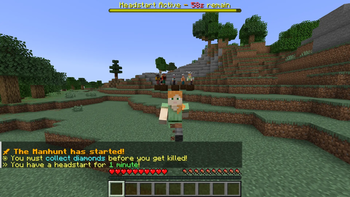
- An optional headstart/grace period for the Hunted, with a bossbar UI!
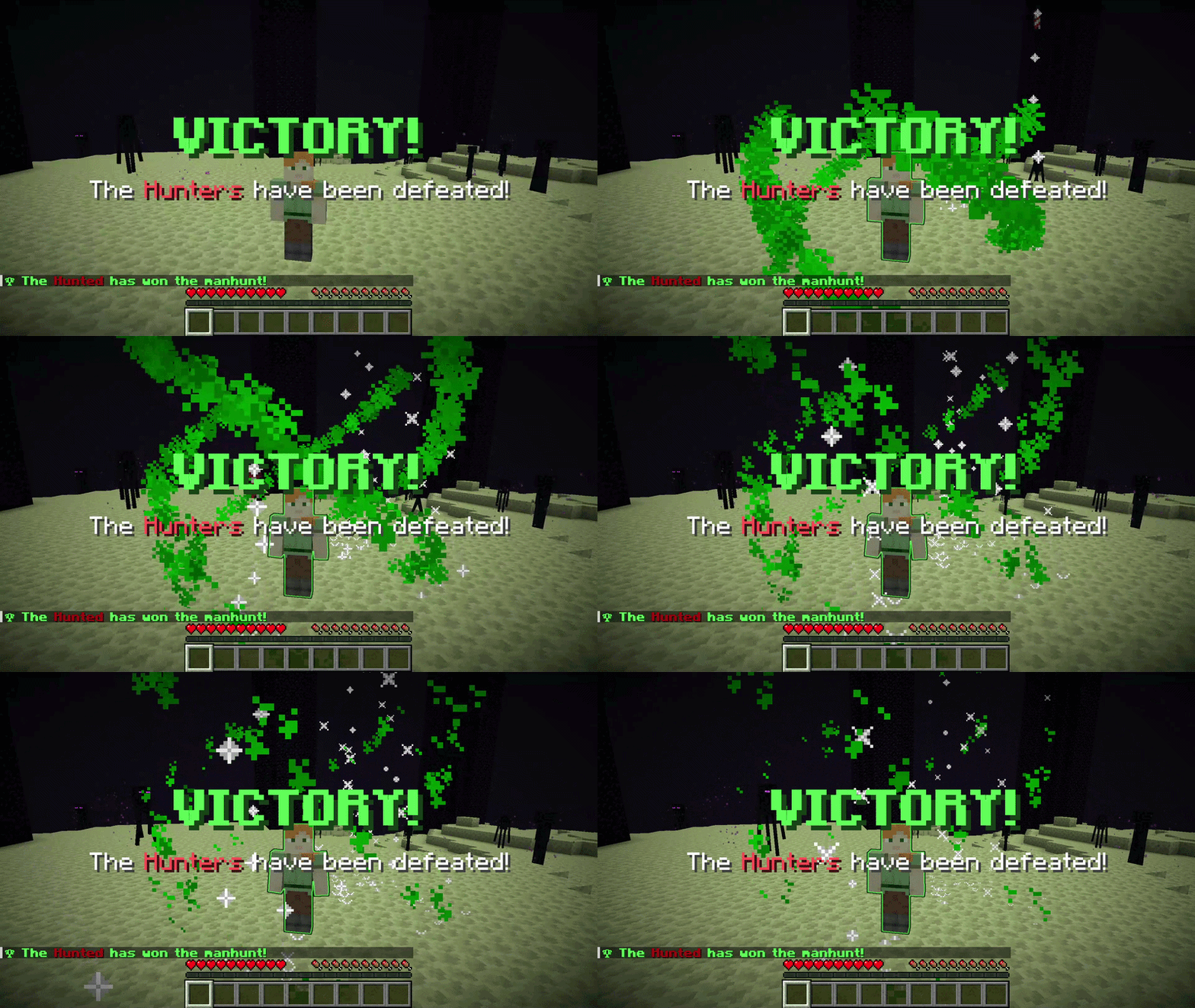
- Cool effects for winning and losing, among other things!
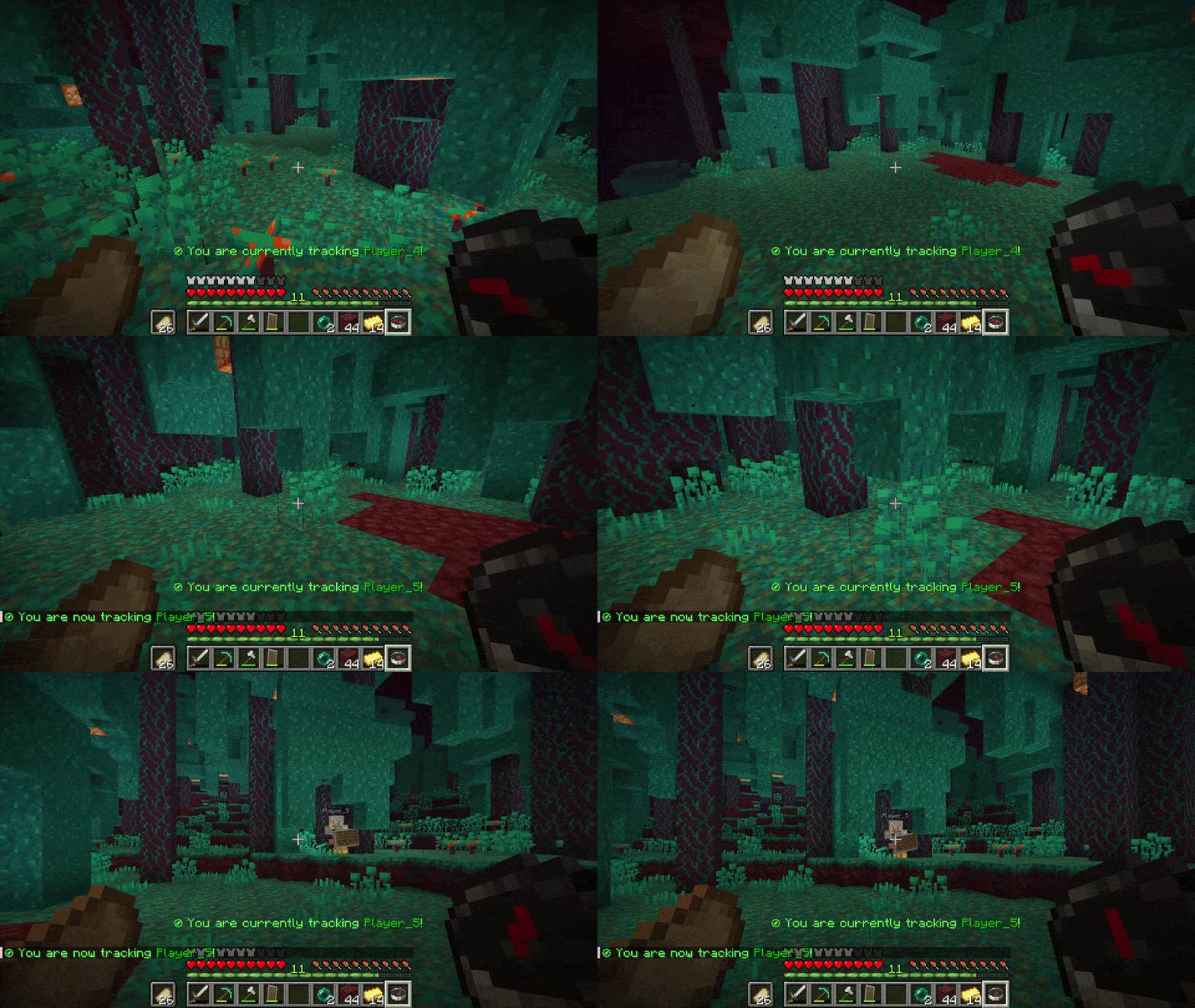
- A Tracking Compass that stubbornly refuses to do anything but track the Hunted, even across dimensions!
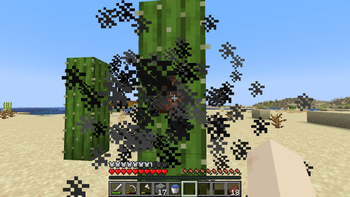
- A feat of sheer, unadulterated strength! (If you know where to look.)
- ...and more!
How to Play
- Once everyone is online, run
/manhunt rolesto determine who the Hunted will be. - Have the Hunters encircle the Hunted as they shake in their boots. (Optional, but it's tradition.)
- Once everyone is ready, run
/manhunt startto start the manhunt. - The game is on! The Hunted must complete their objective before they are killed by the Hunters. Good luck, and have fun!
If you'd like to customize the manhunt, see the /manhunt roles and /manhuntsettings commands in the Commands section!
Commands
Most commands require operator status (OP) or Manhunt Delta's admin permission to run.
/manhunt roles [hunted_count] [hunted...]
Creates a new manhunt and selects roles for it.
- "hunted_count" is how many Hunted you want the manhunt to have, defaults to 1 if not specified.
- "hunted..." supports any number of arguments and are the players you want to deliberately make the Hunted. If left blank or incomplete, the remaining Hunted will be chosen at random.
/manhunt roles creates a manhunt with 1 Hunted, chosen at random./manhunt roles 3 creates a manhunt with 3 Hunted, all chosen at random./manhunt roles 3 Player_5 creates a manhunt with 3 Hunted, with Player_5 guaranteed to be one and the rest chosen at random./manhunt roles 3 Player_5 Player_6 Player_8 creates a manhunt with 3 Hunted, guaranteed to be Player_5, Player_6, and Player_8.
/manhunt start
Triggers the manhunt to begin. Note that the manhunt may not begin immediately if settings delay its start (e.g., having the countdown enabled).
/manhunt stop
Stops the manhunt early.
/manhuntcompass
Gives the player a new Tracking Compass if they do not have one. Can only be used by Hunters during an active manhunt.
/manhuntsettings [setting] [value]
Change a given setting to the provided value. If no arguments are given, a hoverable text view of all current setting selections will be displayed (see the gallery). All players may view settings, but only players with appropriate permissions may modify them.
/manhuntpermissions [grant/revoke/list] [player]
Control who has the ability to execute Manhunt Delta's commands that require admin permissions.
FAQ
Where can I give you feedback or report bugs?Right here!
Does this plugin need any other plugins to run?Nope! :)
Is this compatible with other plugins?This plugin is mainly intended to be installed by itself, but it may be...! No guarantees, though. Mix and match at your own risk!
What Minecraft versions do you support? Will you backport?I only support the latest version of the plugin, which is usually built for the latest version of Minecraft. Older versions of the plugin built for earlier Minecraft versions can run in their respective versions (and potentially later ones), but I unfortunately don't have the time to maintain complete compatibility. As such, I will not be doing backports, either. :(
Will this plugin be receiving content updates?As of now, yes! It will likely take a while, though, and there's always the possibility that my plans change. I hope you understand! ^-^
How do I see what the settings do?Run /manhuntsettings and hover over your desired setting in chat to see its description!
To keep the classic Minecraft manhunt experience, the plugin automatically disables the locator bar in favor of the Tracking Compass. If you'd like to re-enable it, run /gamerule locator_bar true!
Whenever a chunk is generated, natural events immediately begin to occur (e.g., water and lava flow, mobs spawn). Players with keen eyes can notice these features, or lack thereof, to tell whether someone has already been to and generated the chunk. To prevent interfering with this, spectators cannot generate chunks. If you'd like to re-enable it, run /gamerule spectators_generate_chunks true!
The Tracking Compass constantly updates its internal item data to track its target. Since the client re-plays the hand animation whenever the player's selected item is updated, this animation constantly occurs and creates the bobbing effect. Don't worry, this is purely visual and doesn't impact gameplay at all!
How do I reset the world to play a new manhunt on?This will delete ALL the previous world data (including player data those worlds contained), so be careful! Stop the server, delete the "world" folder in your server's file directory, then start the server again. Fresh worlds will then be generated! (If you'd rather not do that, teleporting everyone extremely far away from spawn can do the trick as well!)
- Edition: Minecraft Java
- File type: .jar
- Minecraft version listed: 26.2
- How to install: Install the matching mod loader (Forge, Fabric or NeoForge) for your Minecraft version. → Download the .jar. → Put it in the .minecraft/mods folder and launch that loader profile.
- Where to get it: Opens on Modrinth — not every file is mirrored on our own servers.
Install steps are the general flow for this file type — How to install Minecraft Java mods & modpacks walks through it step by step.
- Ships as Manhunt_Delta-1.0.0-beta.2.jar — drop this file into the mods folder
- Download size: 132 KB
- Download link checked 22 Oct 2026 — working
These come from our own check of the pack file, not from the source page.