
Signed Jukeboxes
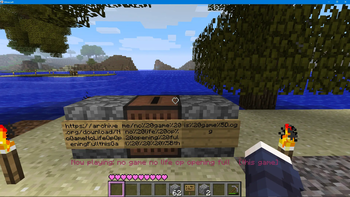
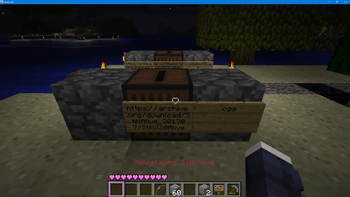
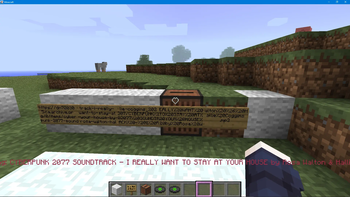
Plays the URL written on a sign attached to the jukebox instead of the Disc!
How to use
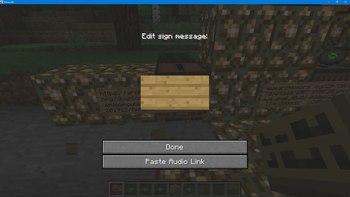
Attach a sign (or more in a row) that contains the audio file link to the Jukebox
Then insert and eject any disc as usual
The Paste Audio Link button in the sign edit menu lets you paste a link from your clipboard across multiple signs with ease
Supported formats
The wav and ogg formats are supported by default.
If the ffmpeg command line utility is installed on your system you can also use mp3, flac, m4a, webm, mkv, opus formatted files
mid midi files are technically supported but playback cannot be stopped until the midi file finishes
- Edition: Minecraft Java
- File type: .jar
- Minecraft version listed: b1.7.3
- How to install: Install the matching mod loader (Forge, Fabric or NeoForge) for your Minecraft version. → Download the .jar. → Put it in the .minecraft/mods folder and launch that loader profile.
- Where to get it: Opens on Modrinth — not every file is mirrored on our own servers.
Install steps are the general flow for this file type — How to install Minecraft Java mods & modpacks walks through it step by step.
- Ships as signedjukebox-1.0.5.jar — drop this file into the mods folder
- Download size: 77 KB
- Download link checked 12 Sept 2026 — working
These come from our own check of the pack file, not from the source page.