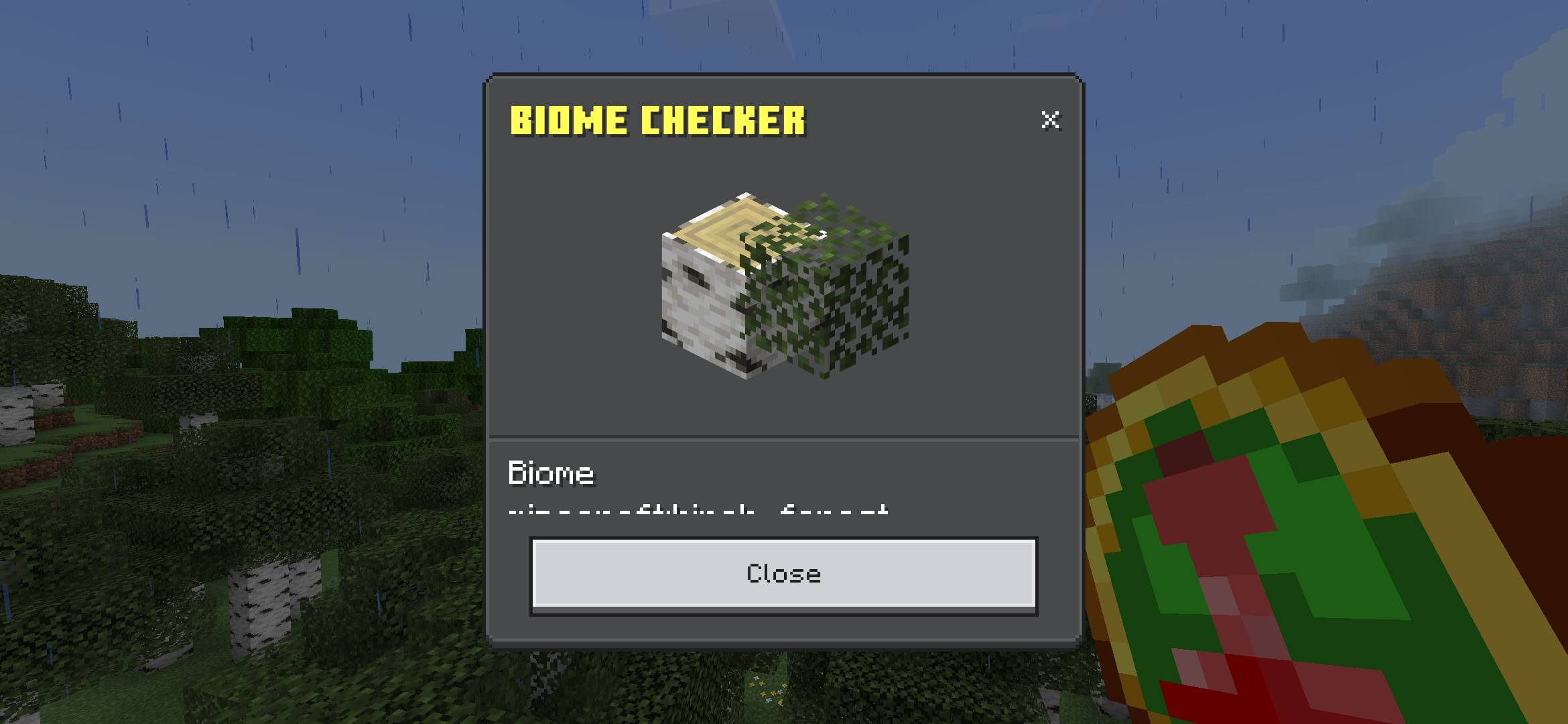
Biome Checker
⚠️ Important ⚠️
Activate all Experiments for it to work.
It's not a wiki. It's an instrument.
Biome Checker doesn't tell you "you're in a forest" and takes a picture of you
of a forest - you're already seeing that. Analyze the real environment
that you have around you and it gives you back data.
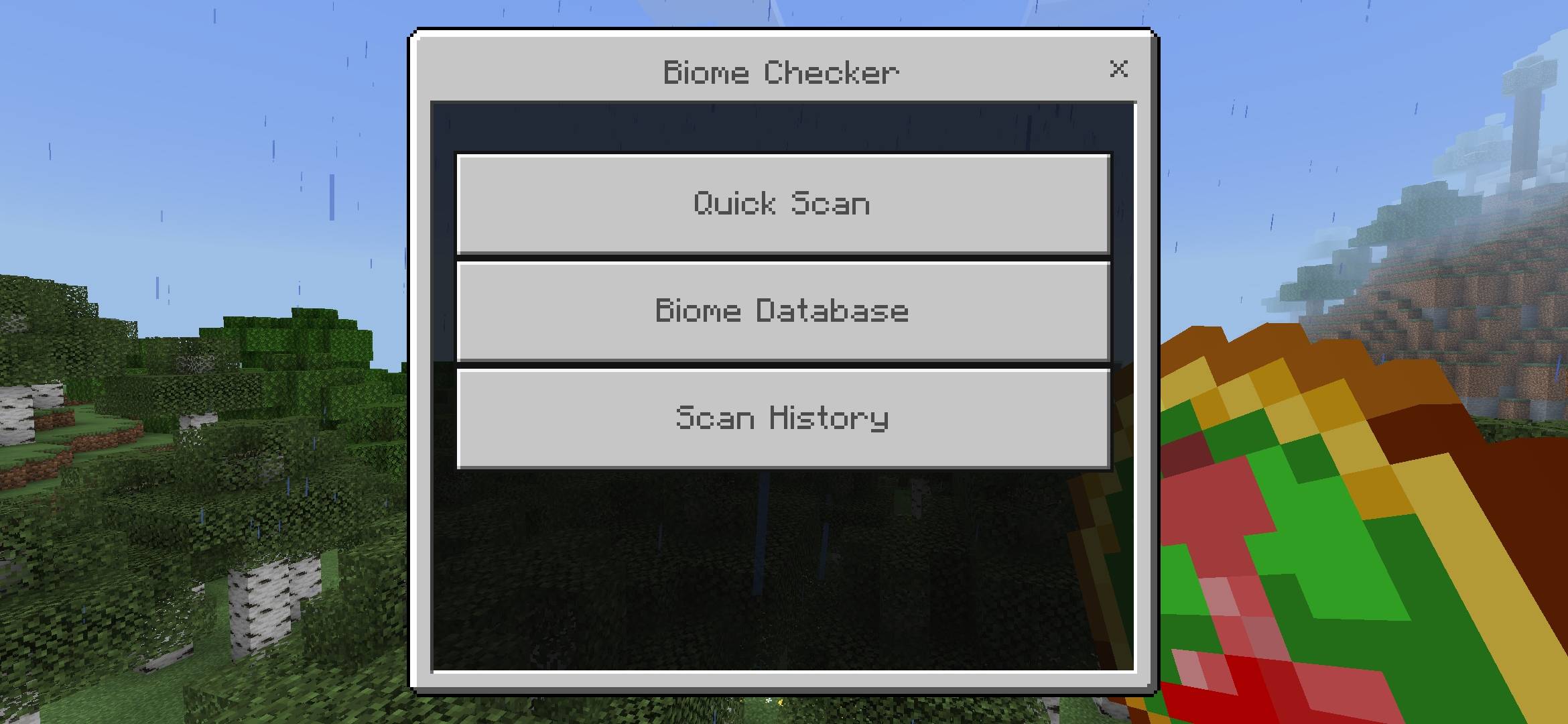
Each Quick Scan is a real sweep of blocks and entities
close, not fixed text by biome:
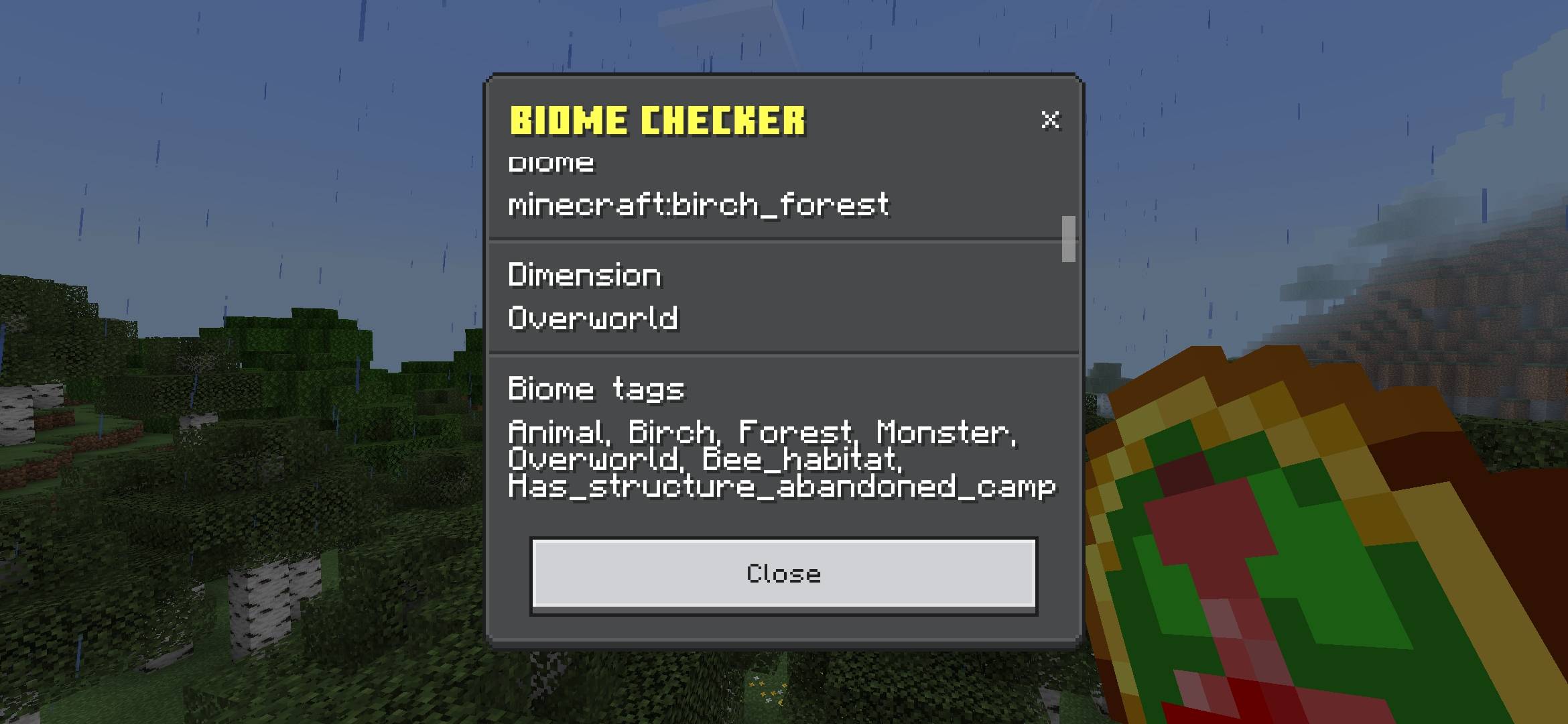
Identification - biome, dimension and real tags
Dominant terrain - what blocks there really are, by percentage
Vegetation - density and dominant flora type
Water - real presence, not assumed by the biome
Resources - wood / stone / sand / clay, measured on site
Relief - flat, wavy, mountainous or steep
• Biome signature - visual summary in bars
Fauna - what entities are really nearby, peaceful and hostile
Each bm:biome_checker is independent. Your Database (biomes that
You discovered with that item) and its Scan History (your last
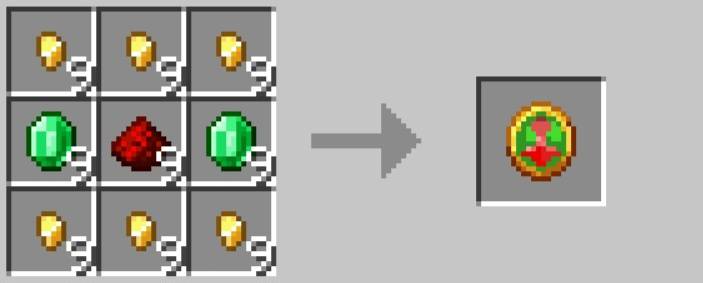
Scans) live on the item itself - Crafting a new one starts.
at zero.
It doesn't depend on any other addon. No loops in the background.
It kicks in when you use it, period.
- Edition: Minecraft Bedrock
- File type: .mcpack or .mcaddon
- Minecraft versions listed: 26.30, 26.40
- How to install: Download the .mcpack or .mcaddon file. → Open it — Minecraft imports it. → In your world: Behavior Packs → Available → Activate, then the same under Resource Packs.
- Where to get it: Opens on CurseForge — not every file is mirrored on our own servers.
Install steps are the general flow for this file type — How to install Minecraft Bedrock addons & mods walks through it step by step.
- Pack type: .mcaddon — behaviour and resource pack in one file
- Manifest requires Minecraft 1.26.0 or newer
- Needs Beta APIs switched on in the world settings
- Complete pack — everything it depends on is inside the file
- Download size: 6.2 MB
- Download link checked 2 Oct 2026 — working
These come from our own check of the pack file, not from the source page.