
QuickBuy
Java mod listed for Minecraft 1.21. Downloads from the MC Java Mods app on Android.
⬇ Download on Modrinth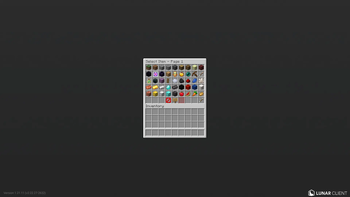


WHAT IS QUICKBUY?
Have you ever felt like usual /shop's take a long time to buy stuff if you need it fast and simple?
Well, this plugin makes that way easier.
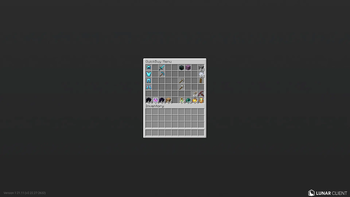
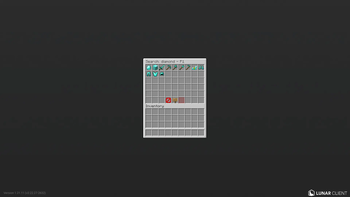
Players can do either /qb or /quickbuy, to quickly buy items that they have set in their qb menu.
EASY TO USE
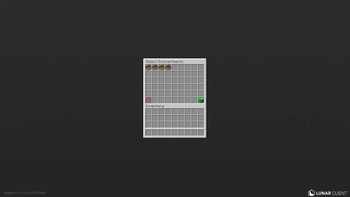
All you have to do is /qb or /quickbuy, and select >Add Item< After that, a menu with some items will appear on your screen. You can either search an item or add it just by 1 click. Enchantable Items can be Pre-Enchanted by Shift+Left-Clicking them. Once you select an item, the system will detect whether the item is stackable or not. It will ask you the amount of the selected item to add it to your qb menu. Once you set a amount, youre all done.
- Edition: Minecraft Java
- File type: .jar
- Minecraft versions listed: 1.21, 1.21.1, 1.21.2
- How to install: Install the matching mod loader (Forge, Fabric or NeoForge) for your Minecraft version. → Download the .jar. → Put it in the .minecraft/mods folder and launch that loader profile.
- Where to get it: Opens on Modrinth — not every file is mirrored on our own servers.
Install steps are the general flow for this file type — How to install Minecraft Java mods & modpacks walks through it step by step.
- Ships as QuickBuy-1.0.0.jar — drop this file into the mods folder
- Download size: 32 KB
- Download link checked 23 Oct 2026 — working
These come from our own check of the pack file, not from the source page.