Vivid Structure Architect Mod equips you with in-game tools to build, test, and inspect custom world generation datapacks and projects. It lets you reload worldgen files and reset nearby chunks without restarting your world. Jigsaw blocks receive custom color coding based on target names, making structure building much clearer in testing environments.
Features:
- Reloads world generation data on the fly whenever you run the reload command or toggle a datapack.
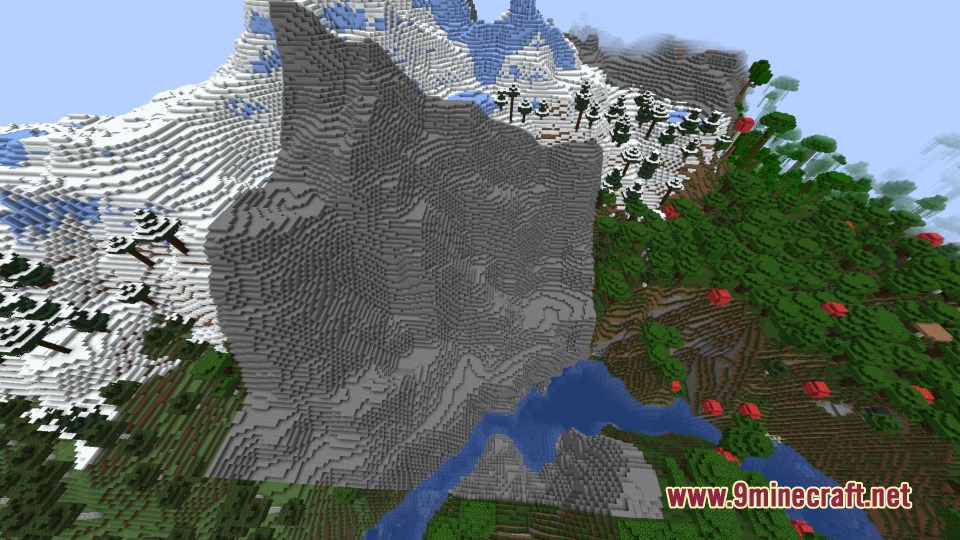
- Resets chunks around your player to regenerate terrain with updated settings without quitting the world.
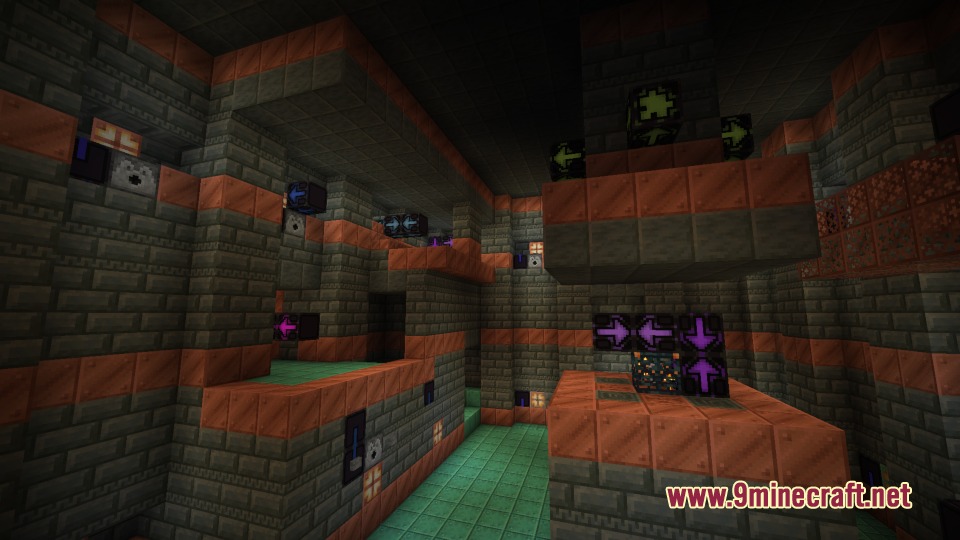
- Colors jigsaw blocks based on their assigned name and target name so you can track structure connections easily.
- Displays custom inventory tooltips and colors for jigsaw blocks picked with specific NBT data.
- Renders empty or deactivated jigsaw blocks with grayed-out arrows to avoid confusion.
- Measures chunk generation speeds per stage and stores performance metrics directly inside the chunks.
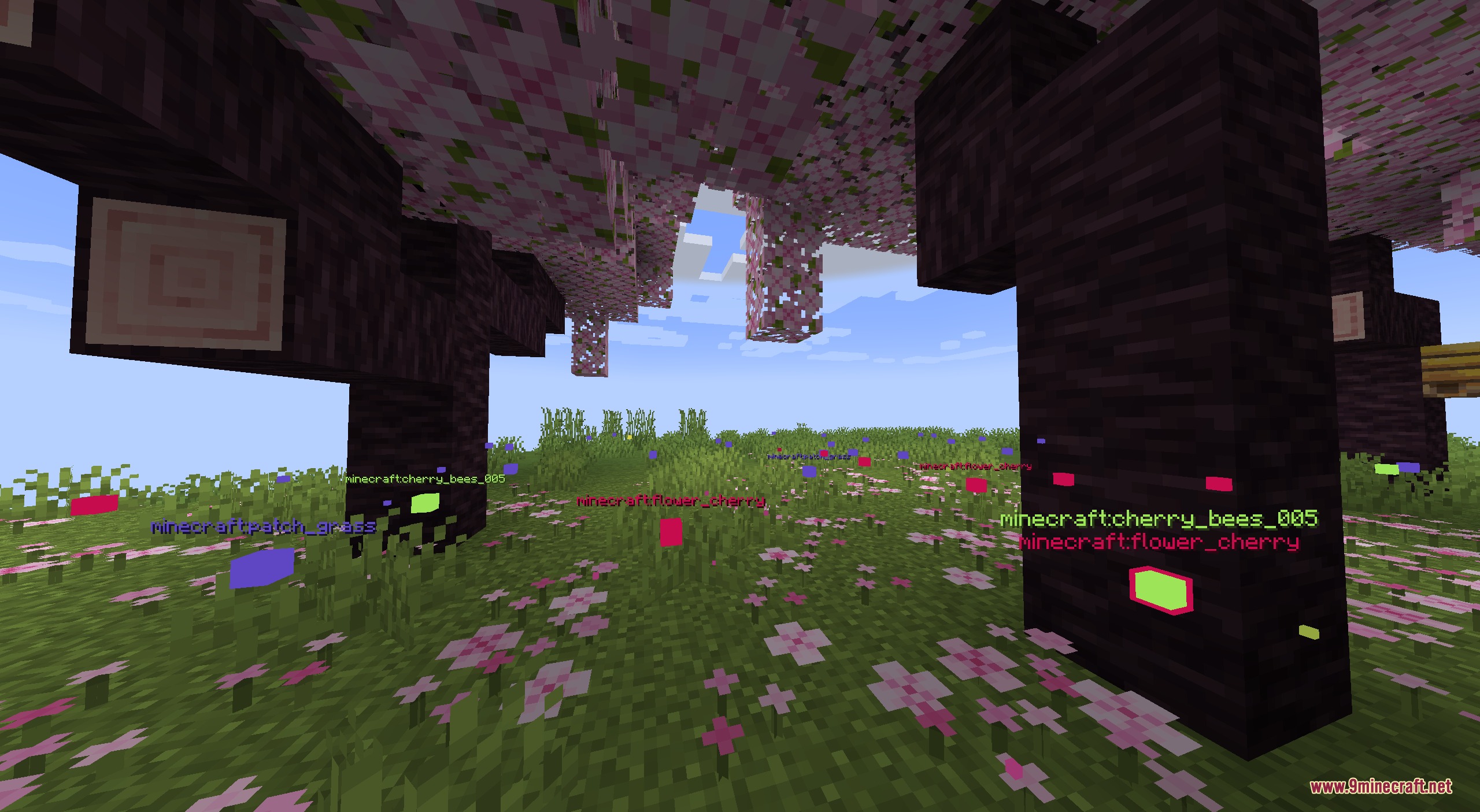
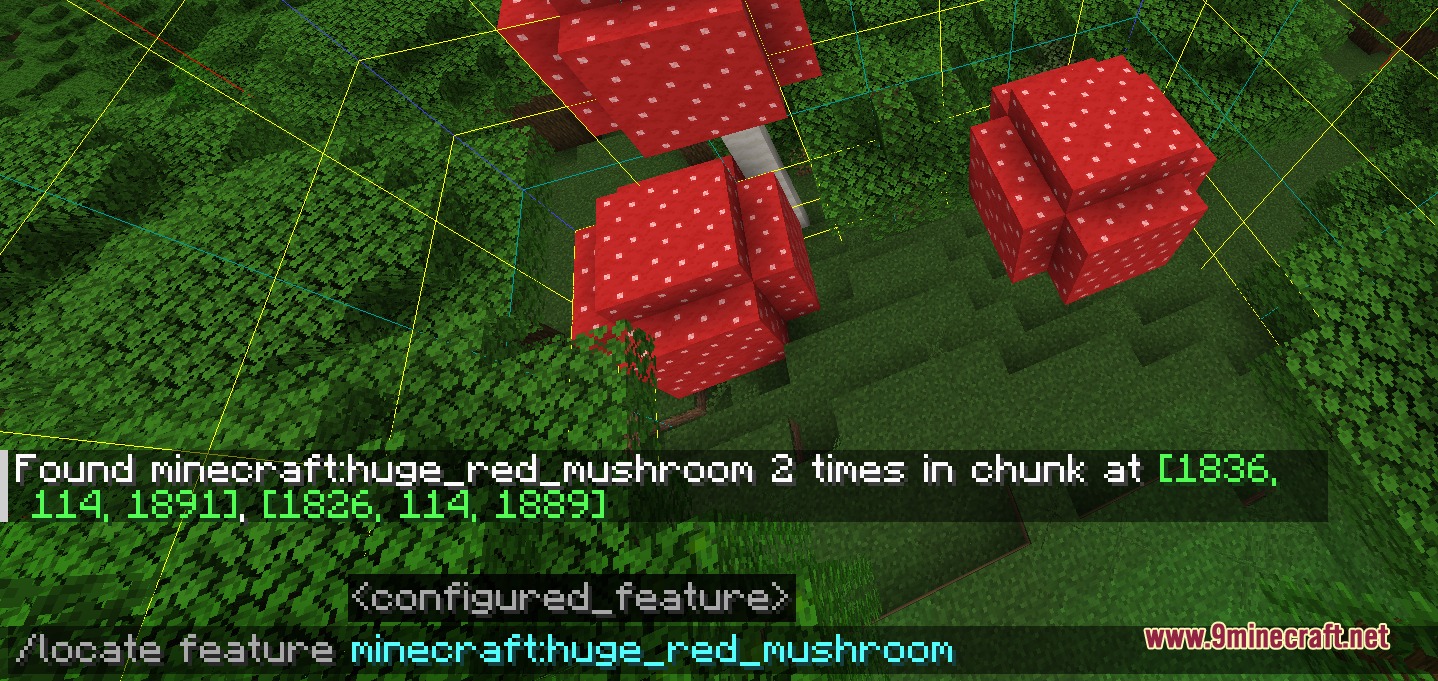
- Finds the exact generation positions of nearby configured features.
- Adds custom gamerules to control structure generation steps, terrain gravity, and jigsaw retention.
- Logs missing or broken height ranges directly to help identify problematic placed features.
Commands:
/resetchunks <range>: Resets and regenerates chunks surrounding the player within the chosen range./getDensity density_function <df> <pos>: Checks the value of a specific density function at a target position./getDensity noise_router <entry> <pos>: Checks the noise router value of the current dimension at a chosen location./chunkprofiling <range>: Shows chunk generation time statistics averaged across nearby chunks./locate feature <configured_feature>: Locates nearby generation coordinates for a specific configured feature./chase: Synchronizes player positions between two running game instances to compare world generation.
Configuration:
reloadRegistries: Controls whether running the reload command updates registries in your world.syncAfterRegistryReload: Sends updated registry content to connected clients after a reload.maxChunkStatus: Limits chunk generation stages to test terrain states like noise only or full features.keepJigsaws: Keeps jigsaw blocks visible in generated structures instead of removing them.applyProcessorLists: Toggles structure processor lists during world generation.applyGravityProcessor: Determines whether structure pieces adjust to match the surrounding terrain height.saveChunks: Toggles chunk saving behavior during testing sessions.
How to Use:
- Open a testing world and set the
reloadRegistriesgamerule to true. - Edit your world generation datapack files in your chosen editor.
- Run the
/reloadcommand in-game to apply your worldgen changes instantly. - Use
/resetchunkswhile standing near modified areas to see the new terrain and structures generate.
Screenshots:
Vivid Structure Architect Mod Download Links
Quick facts
- Edition: Minecraft Java
- File type: .jar
- Minecraft version listed: 1.21.1
- How to install: Install the matching mod loader (Forge, Fabric or NeoForge) for your Minecraft version. → Download the .jar. → Put it in the .minecraft/mods folder and launch that loader profile.
- Where to get it: In MC Java Mods, or directly above on this page.
Install steps are the general flow for this file type — How to install Minecraft Java mods & modpacks walks through it step by step.
Verified by MCModsHub
- Downloads as 509318.mcaddon
- Download size: 250 KB
- Download link checked 22 Sept 2026 — working
- Mirrored on our own servers — the download does not depend on the original host
These come from our own check of the pack file, not from the source page.