


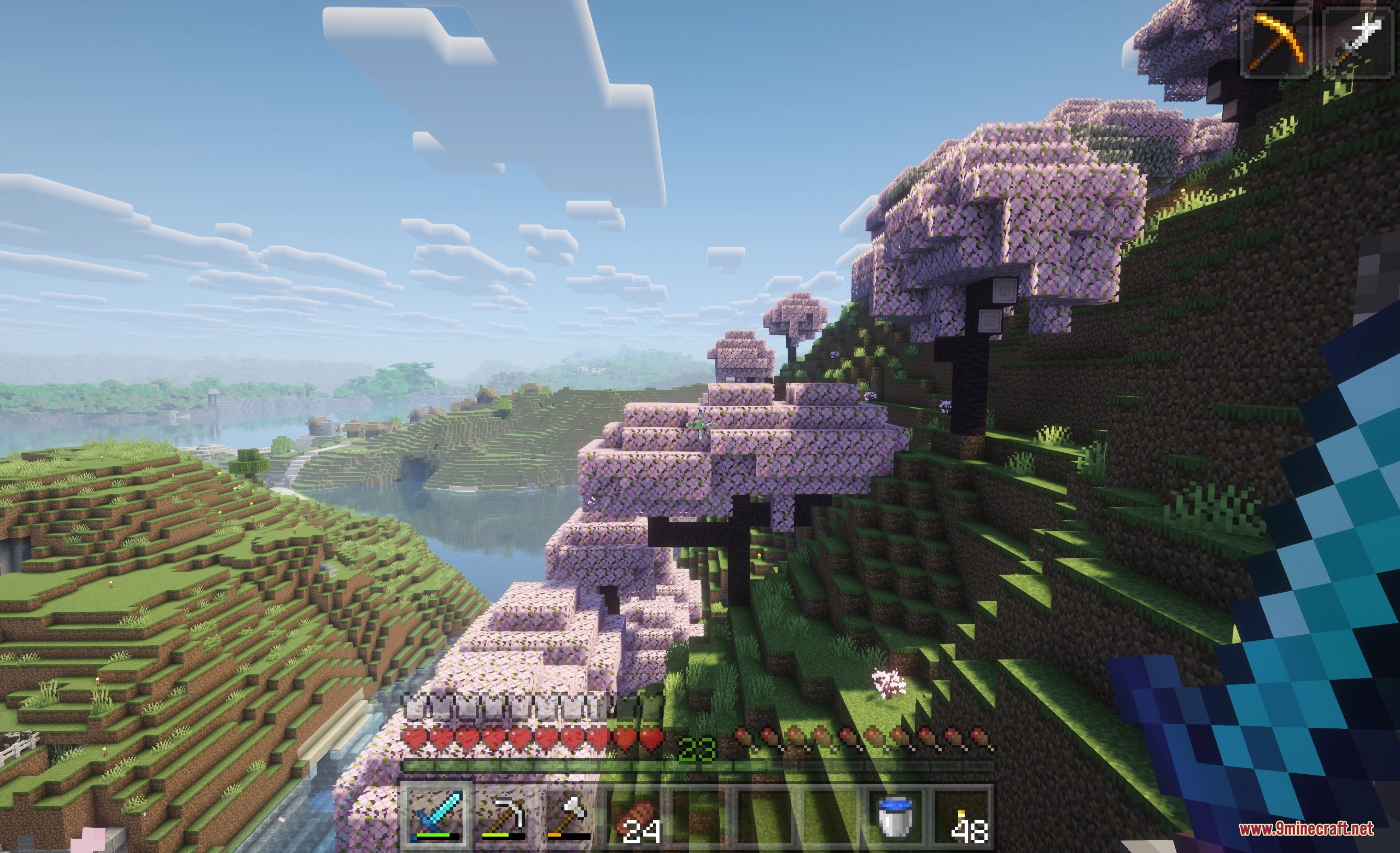
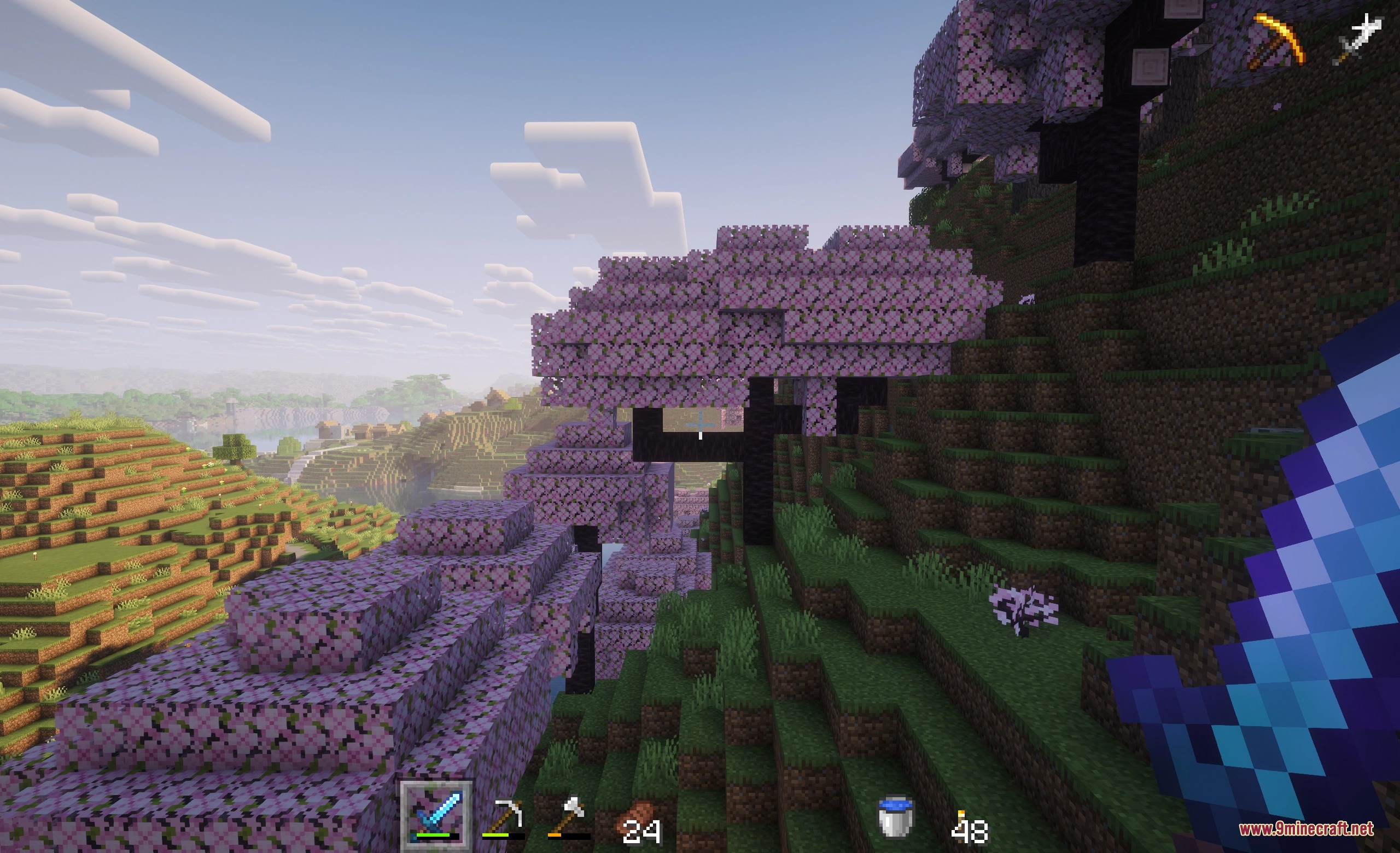
Vanishing Survival HUD Mod fades out on-screen interface elements whenever you do not need them. It helps protect OLED screens from burn-in while keeping your view clean during quiet moments in the world. Icons like your health bar, hunger meter, and hotbar pop back onto the screen right away as soon as values change or you interact with them.
Features:
- Dims or hides interface elements after a set period of inactivity.
- Fades the hotbar, health bar, hunger meter, armor gauge, XP bar, and status effects.
- Shows your mount jump or dash meter only while you charge up a leap.
- Keeps core survival stats visible whenever you open your inventory.
- Lets you adjust transparency levels for inactive UI parts from slight dimming to full invisibility.
- Includes options to hide held item popup tooltips.
- Lets you set custom health and hunger percentage triggers so gauges only show during danger.
- Provides an in-game settings menu to tweak display timing and rules.
Screenshots:
Vanishing Survival HUD Mod Download Links
Quick facts
- Edition: Minecraft Java
- File type: .jar
- How to install: Install the matching mod loader (Forge, Fabric or NeoForge) for your Minecraft version. → Download the .jar. → Put it in the .minecraft/mods folder and launch that loader profile.
- Where to get it: In MC Java Mods, or directly above on this page.
Install steps are the general flow for this file type — How to install Minecraft Java mods & modpacks walks through it step by step.
Verified by MCModsHub
- Downloads as 509321.mcaddon
- Download size: 92 KB
- Download link checked 25 Sept 2026 — working
- Mirrored on our own servers — the download does not depend on the original host
These come from our own check of the pack file, not from the source page.