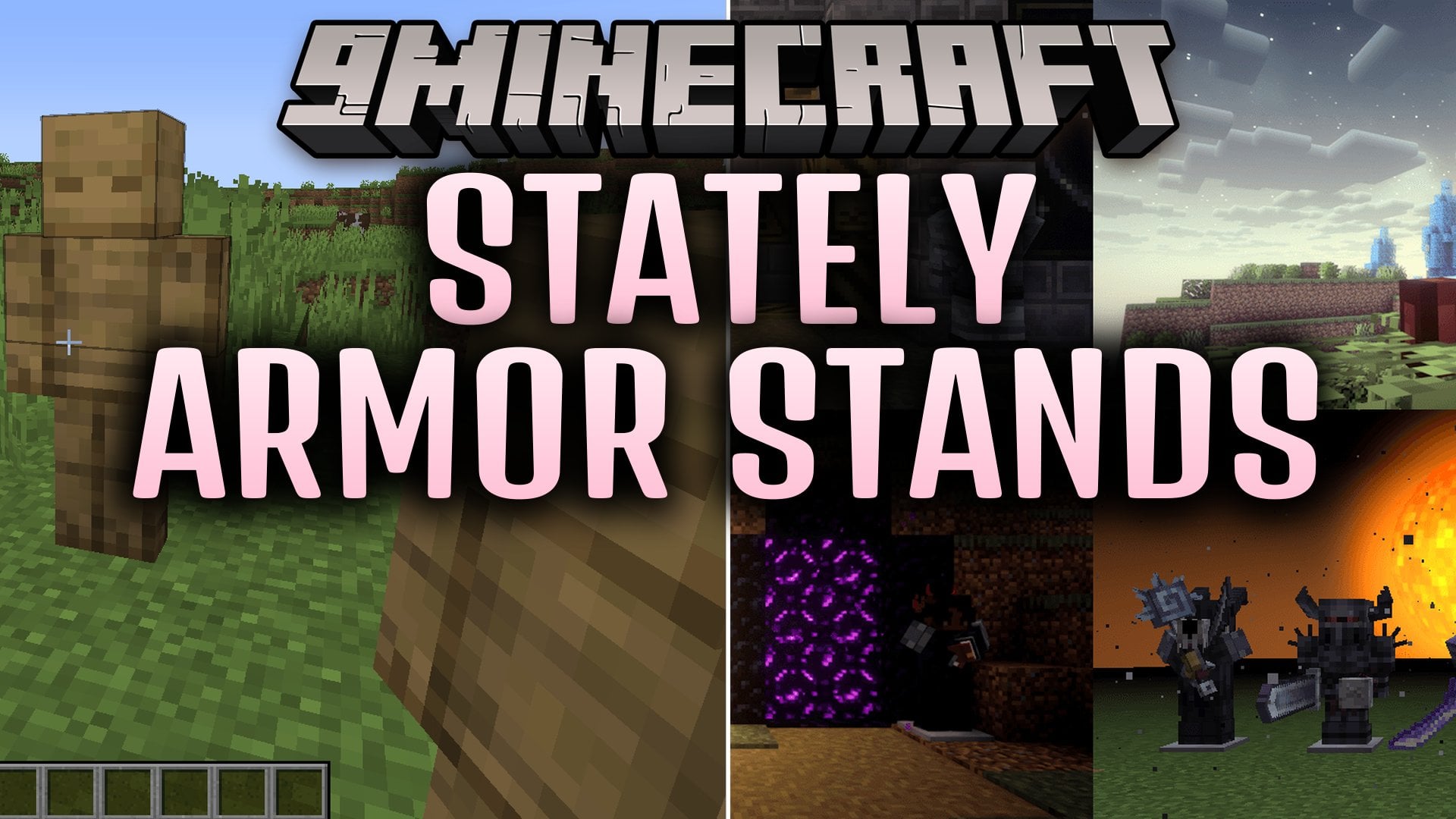
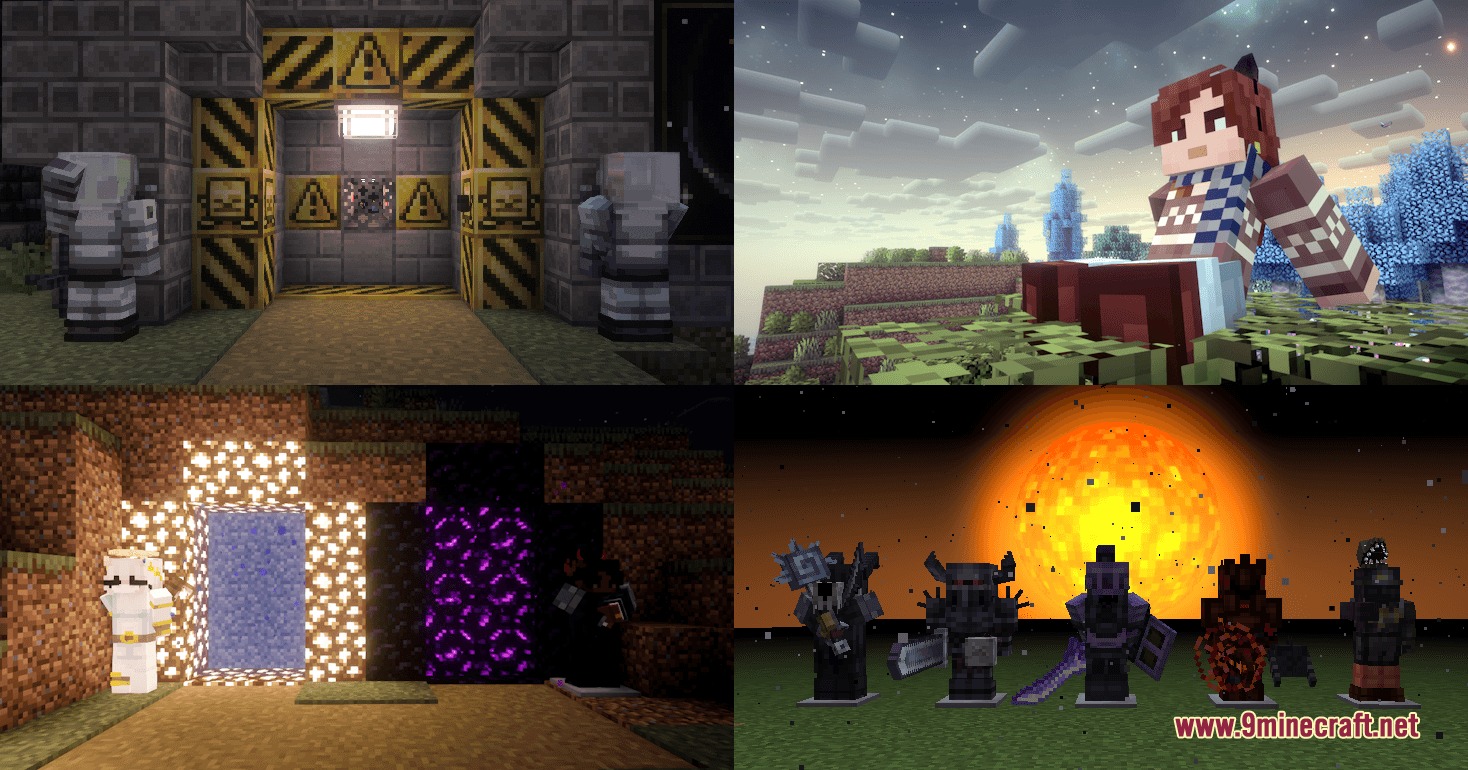

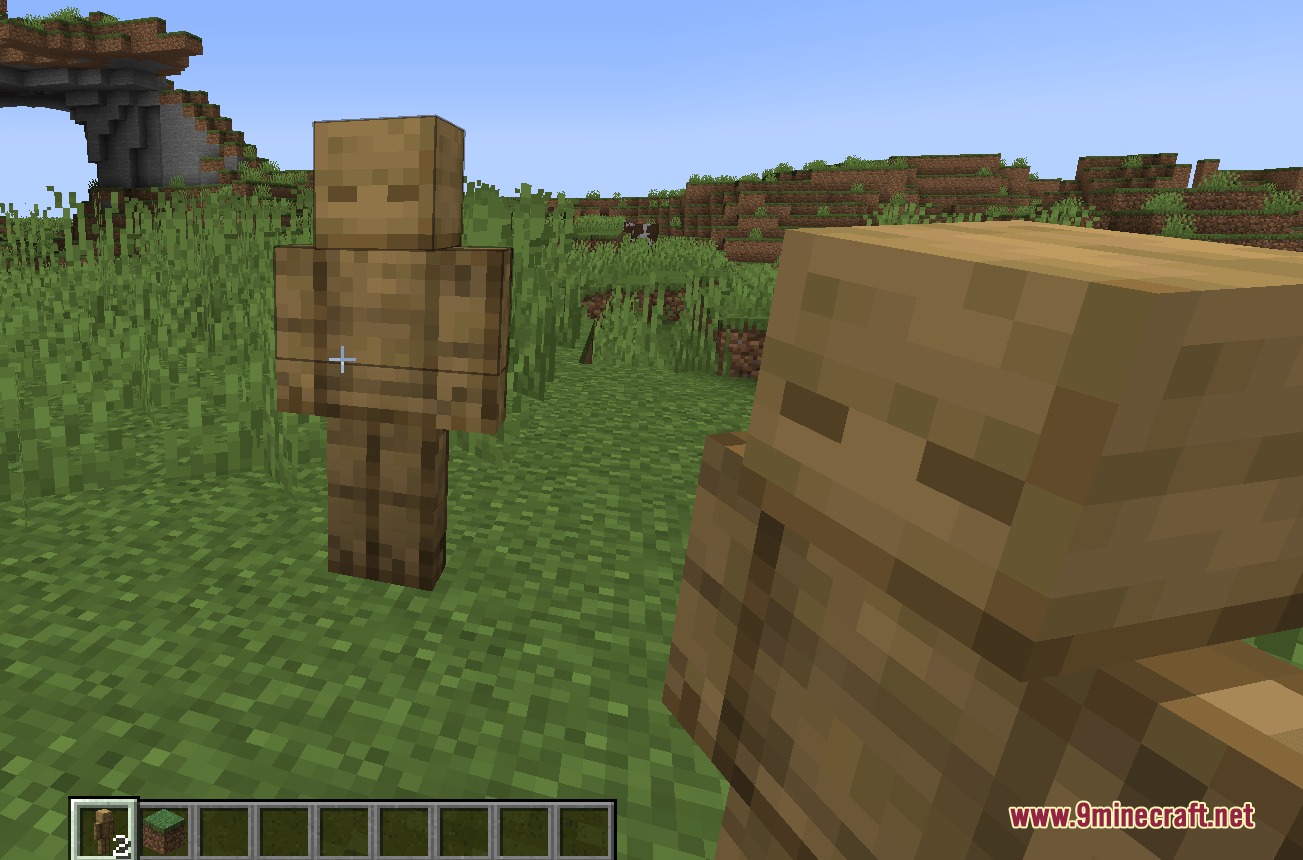
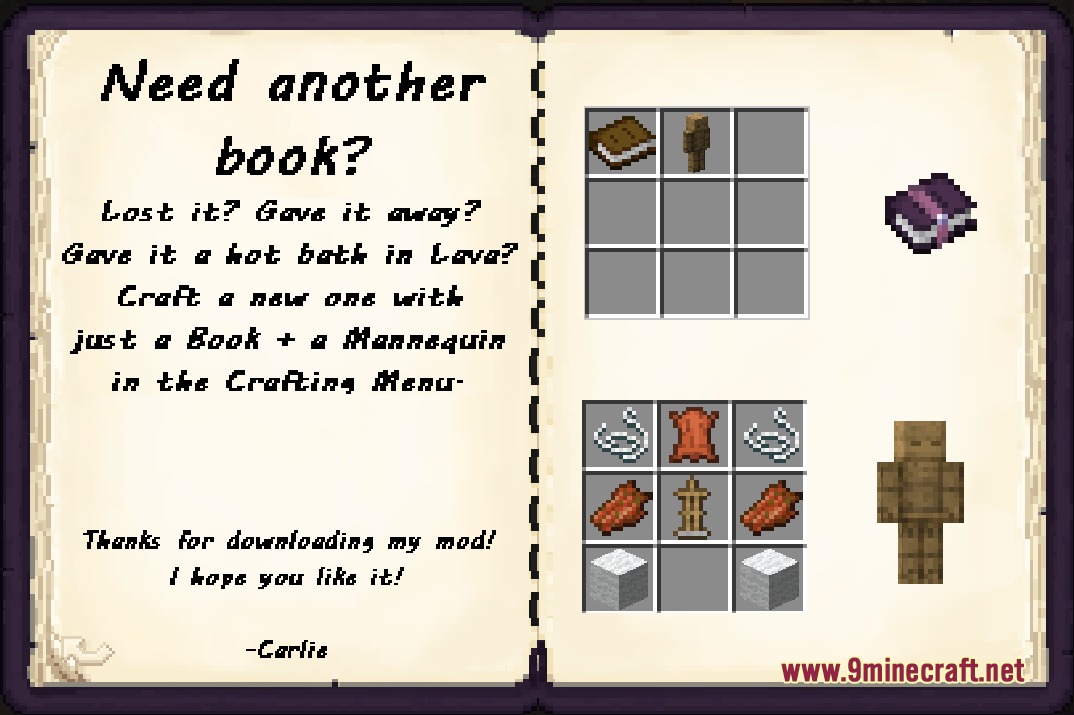
Stately Armor Stands Mod introduces customizable mannequins that display any player skin in your world. You can dress them up in vanilla or modded armor, hand them weapons, and adjust their stance using a built-in notebook menu. This mod lets you showcase character models, test out gear combinations, and build lively scenes across your bases.
Features:
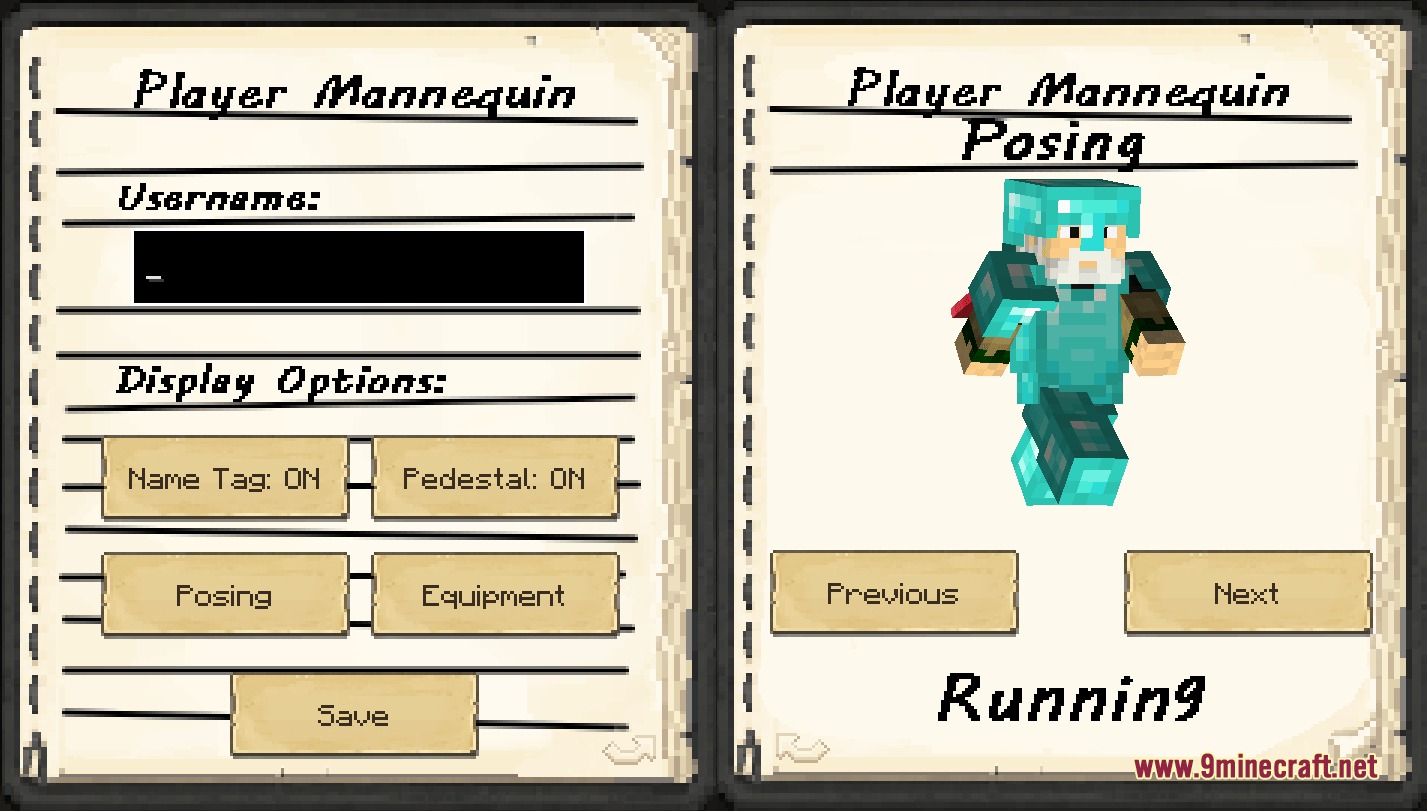
- Renders any Minecraft player skin by typing the account username into the menu.
- Includes a notebook-style interface with a live rotatable preview for editing.
- Supports both standard Steve and slim Alex player models.
- Lets you equip weapons, tools, and armor pieces from vanilla and modded gameplay.
- Allows you to toggle pedestals and nameplates on or off at any time.
- Includes cape support that lets you display or hide player capes.
- Accepts custom skin data pasted from player head give commands.
Included Poses:
- Standing, Saluting, and Arms Crossed stances.
- Hands Behind Back, Relaxed Sitting, and Meditating poses.
- Action positions including Waving, Pointing, Aiming, Running, T-Pose, and Family Guy Death Pose.
How to Use:
- Place a crafted mannequin down in your world.
- Right-click the mannequin to open the notebook menu.
- Type a player name in the username field or paste custom head skin data to apply a skin.
- Select a pose from the pose tab and toggle pedestal or nameplate visibility.
- Place armor, tools, and weapons into the equipment slots to outfit the mannequin.
Screenshots:
Stately Armor Stands Mod Download Links
Quick facts
- Edition: Minecraft Java
- File type: .jar
- Minecraft version listed: 1.20.1
- How to install: Install the matching mod loader (Forge, Fabric or NeoForge) for your Minecraft version. → Download the .jar. → Put it in the .minecraft/mods folder and launch that loader profile.
- Where to get it: In MC Java Mods, or directly above on this page.
Install steps are the general flow for this file type — How to install Minecraft Java mods & modpacks walks through it step by step.
Verified by MCModsHub
- Downloads as 509329.mcaddon
- Download size: 2.8 MB
- Download link checked 22 Sept 2026 — working
- Mirrored on our own servers — the download does not depend on the original host
These come from our own check of the pack file, not from the source page.