Tidy Storage Logistics Mod brings Terraria-style inventory management straight into Minecraft. It sends loose items to nearby storage boxes, restocks your active supplies, and protects important inventory slots from moving. You can also craft recipes using ingredients placed in surrounding chests without opening each box one by one. This mod keeps your personal bags clean and saves precious time during survival adventures.
Features:
- Sends matching items from your inventory into nearby storage containers that already hold them.
- Fills existing partial item stacks in your inventory and hotbar using supplies from nearby containers.
- Dumps all unlocked items into nearby storage blocks that have available space.
- Lets you lock individual inventory slots by pressing Alt and left-clicking to protect precious gear.
- Crafts recipes through the vanilla recipe book or recipe viewer mods using materials from nearby chests.
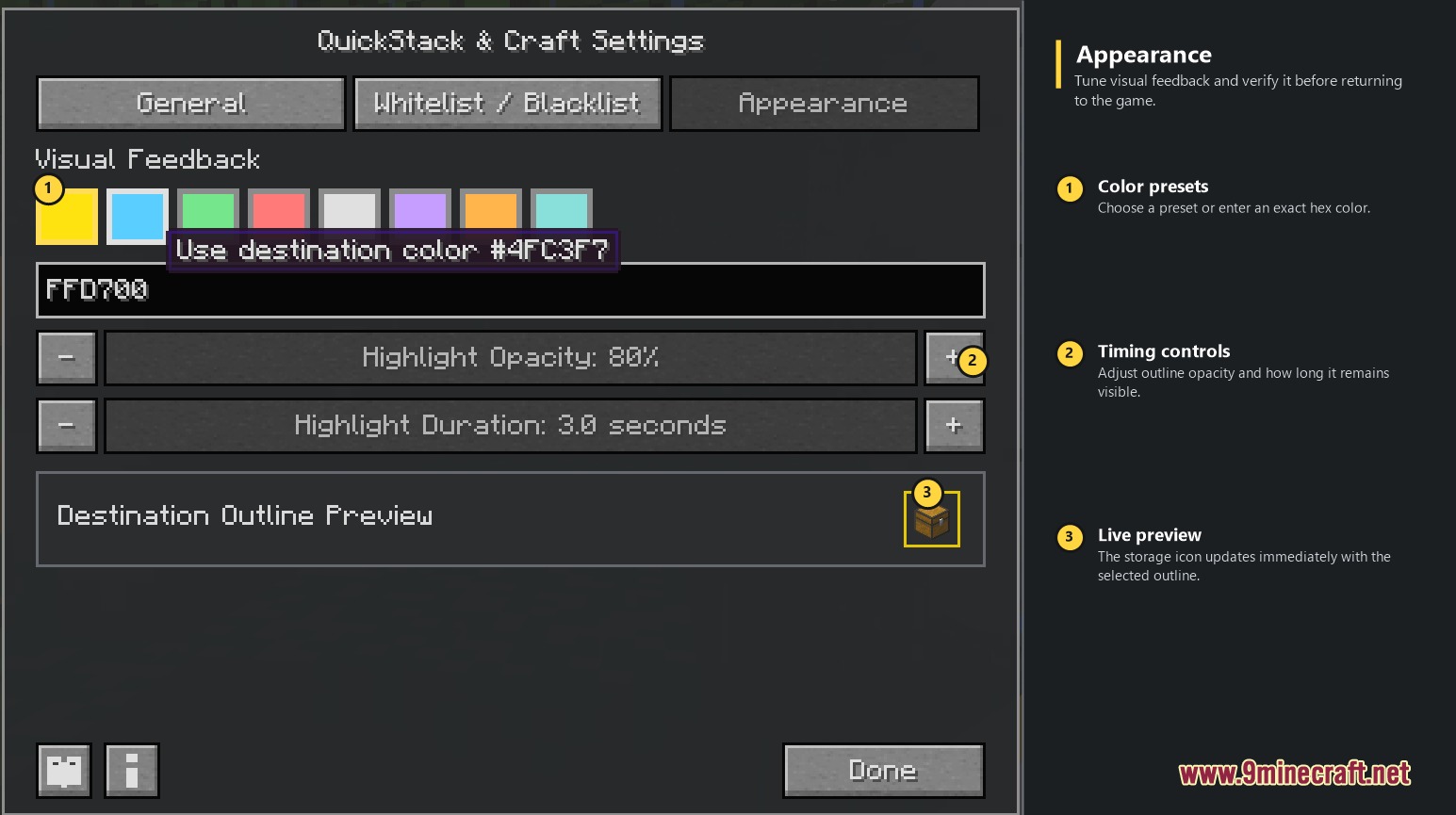
- Highlights destination chests with colored outlines and action-bar messages during item transfers.
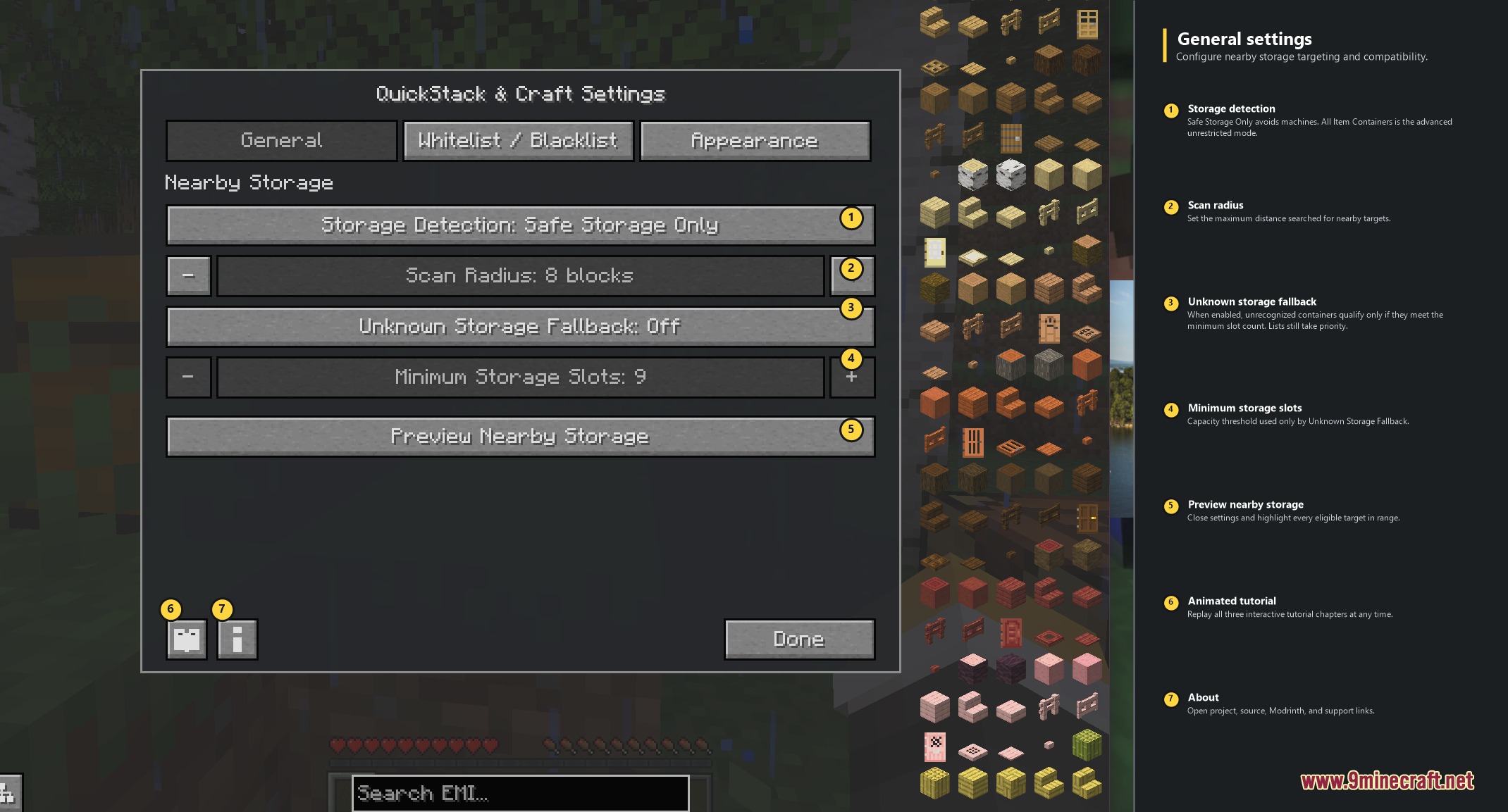
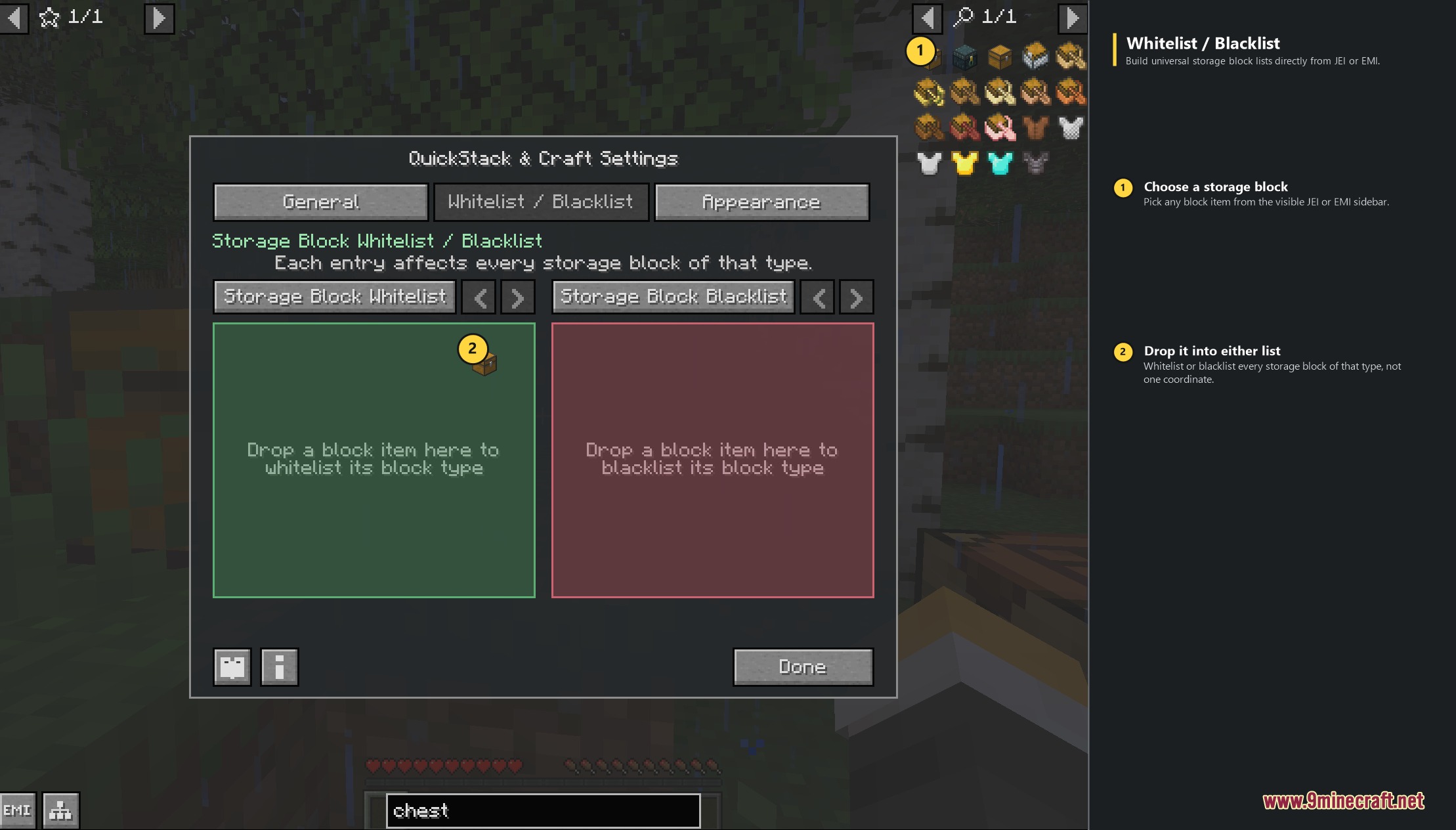
- Provides custom filters to whitelist or blacklist specific container blocks.
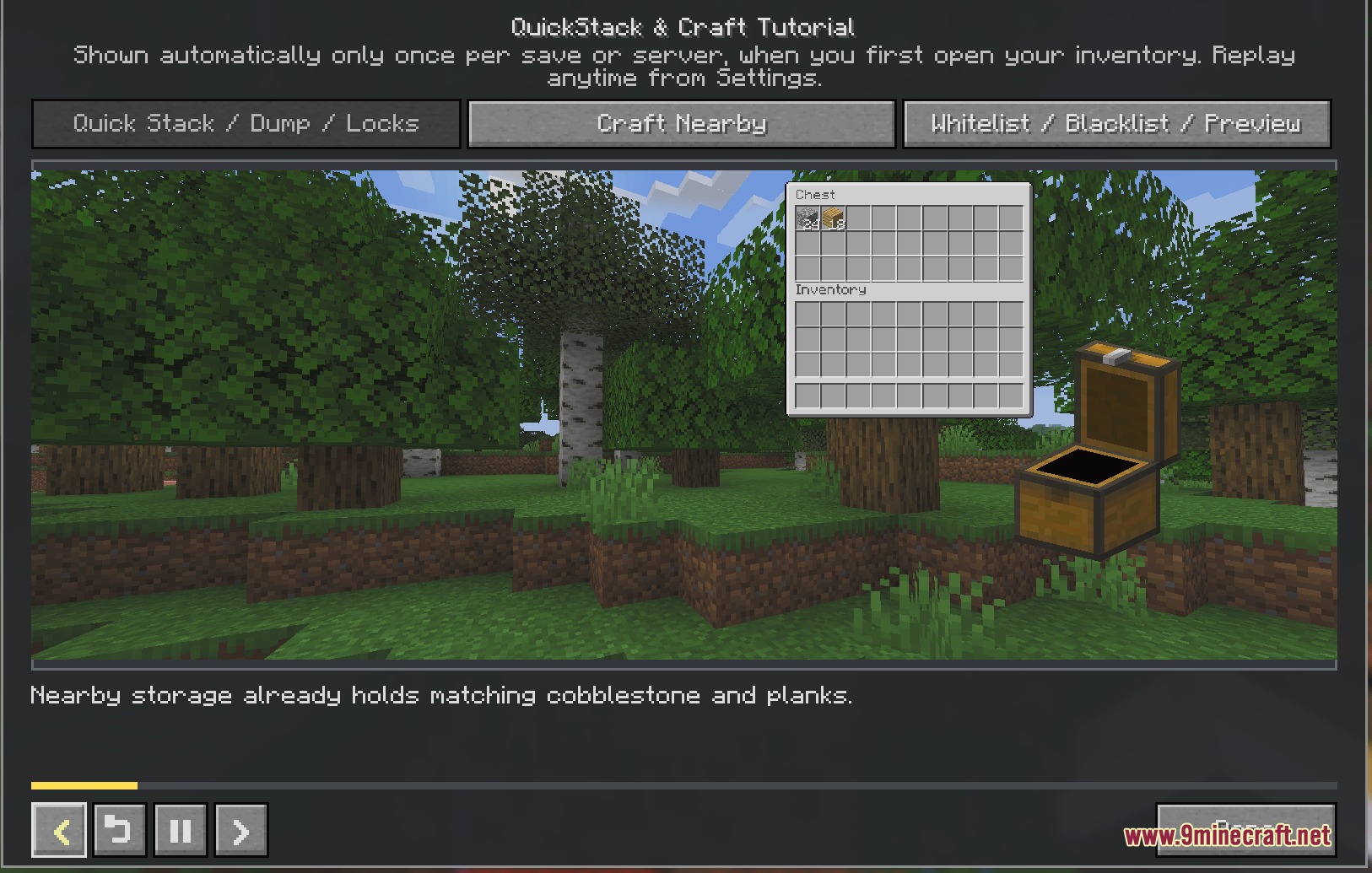
- Includes an animated in-game tutorial book to help you learn every control and shortcut.
- Works directly with standard chests, barrels, shulker boxes, and supported modded containers.
How to Use:
- Stand near chests, barrels, or other containers and open your player inventory.
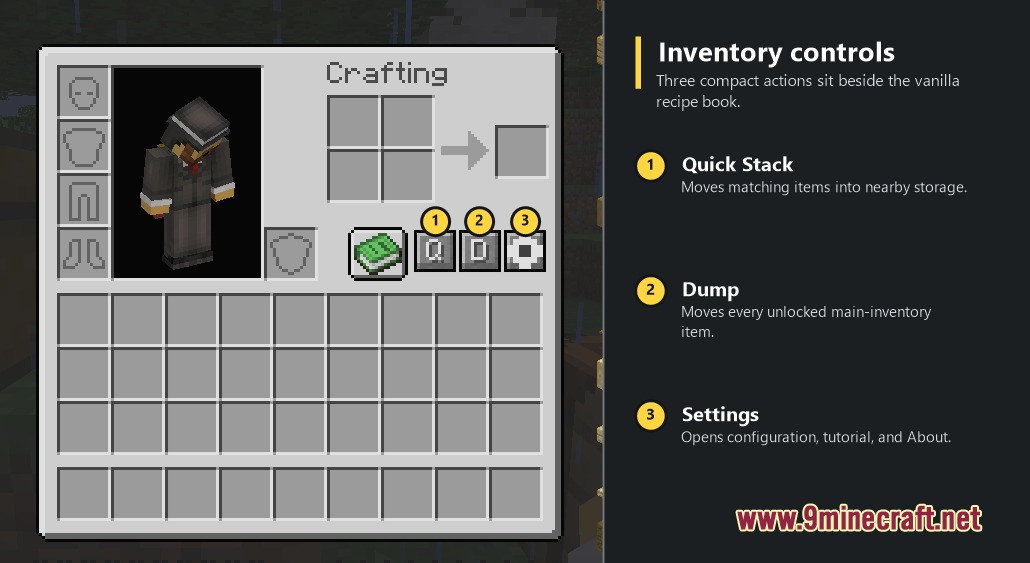
- Click the on-screen Q button to quick-stack matching items into nearby storage.
- Click the R button to restock depleted item stacks in your hotbar and main inventory.
- Click the D button to dump all unlocked items into available container slots.
- Press Alt and left-click on any inventory slot to lock it against accidental transfers.
- Open your recipe book or recipe viewer and click a recipe to craft with nearby ingredients.
Screenshots:
Tidy Storage Logistics Mod Download Links
Quick facts
- Edition: Minecraft Java
- File type: .jar
- Minecraft versions listed: 1.21.4, 1.20.1
- How to install: Install the matching mod loader (Forge, Fabric or NeoForge) for your Minecraft version. → Download the .jar. → Put it in the .minecraft/mods folder and launch that loader profile.
- Where to get it: In MC Java Mods, or directly above on this page.
Install steps are the general flow for this file type — How to install Minecraft Java mods & modpacks walks through it step by step.
Verified by MCModsHub
- Downloads as 509330.mcaddon
- Download size: 2.4 MB
- Download link checked 22 Sept 2026 — working
- Mirrored on our own servers — the download does not depend on the original host
These come from our own check of the pack file, not from the source page.