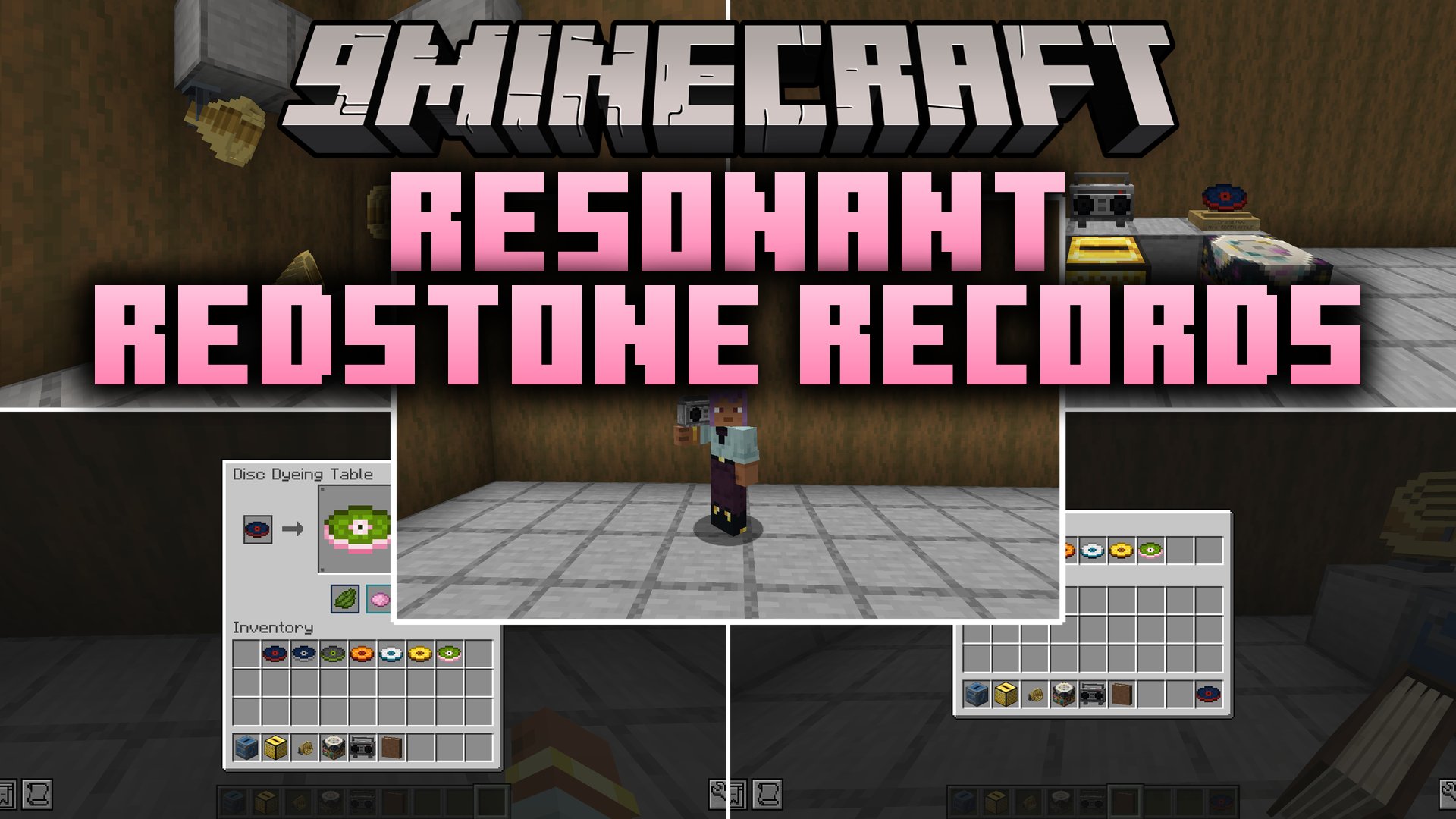
Resonant Redstone Records Mod lets you turn audio links from the web into playable custom music discs inside your world. You can craft blank records, burn tracks from online music platforms, and play your favorite tunes in regular jukeboxes or portable sound gear. The mod also introduces multi-room speakers, storage albums, and display stands to show off your music collection.
Features:
- Craft blank discs with lapis lazuli and iron to store custom audio tracks.
- Music Disc Maker converts links from YouTube, Spotify, SoundCloud, Bandcamp, or direct audio streams into working discs.
- Hover tooltips display the track title, artist name, duration, audio source, and album art.
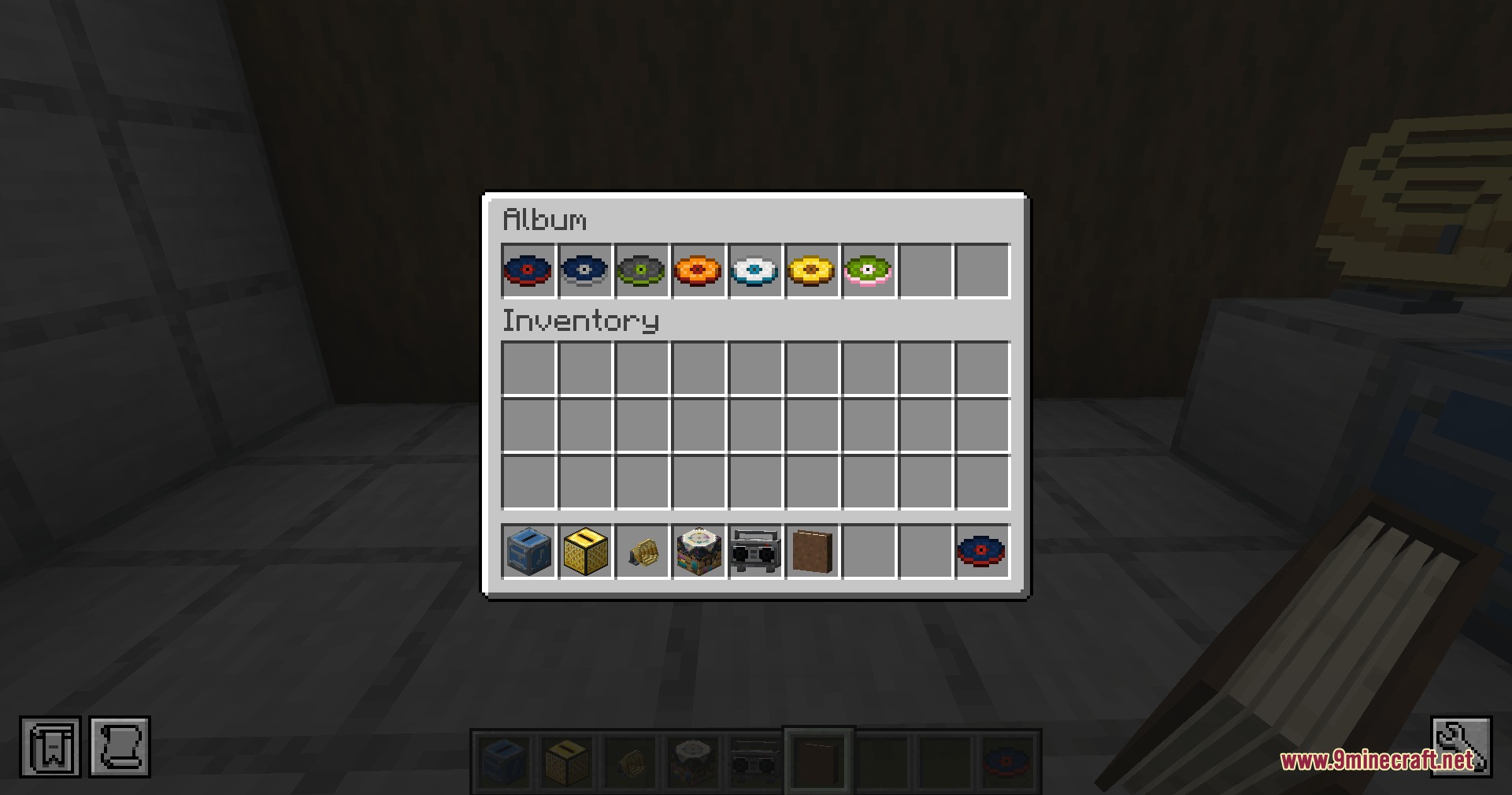
- Albums hold up to nine discs in one place, allowing you to shuffle tracks and dye the binder covers.
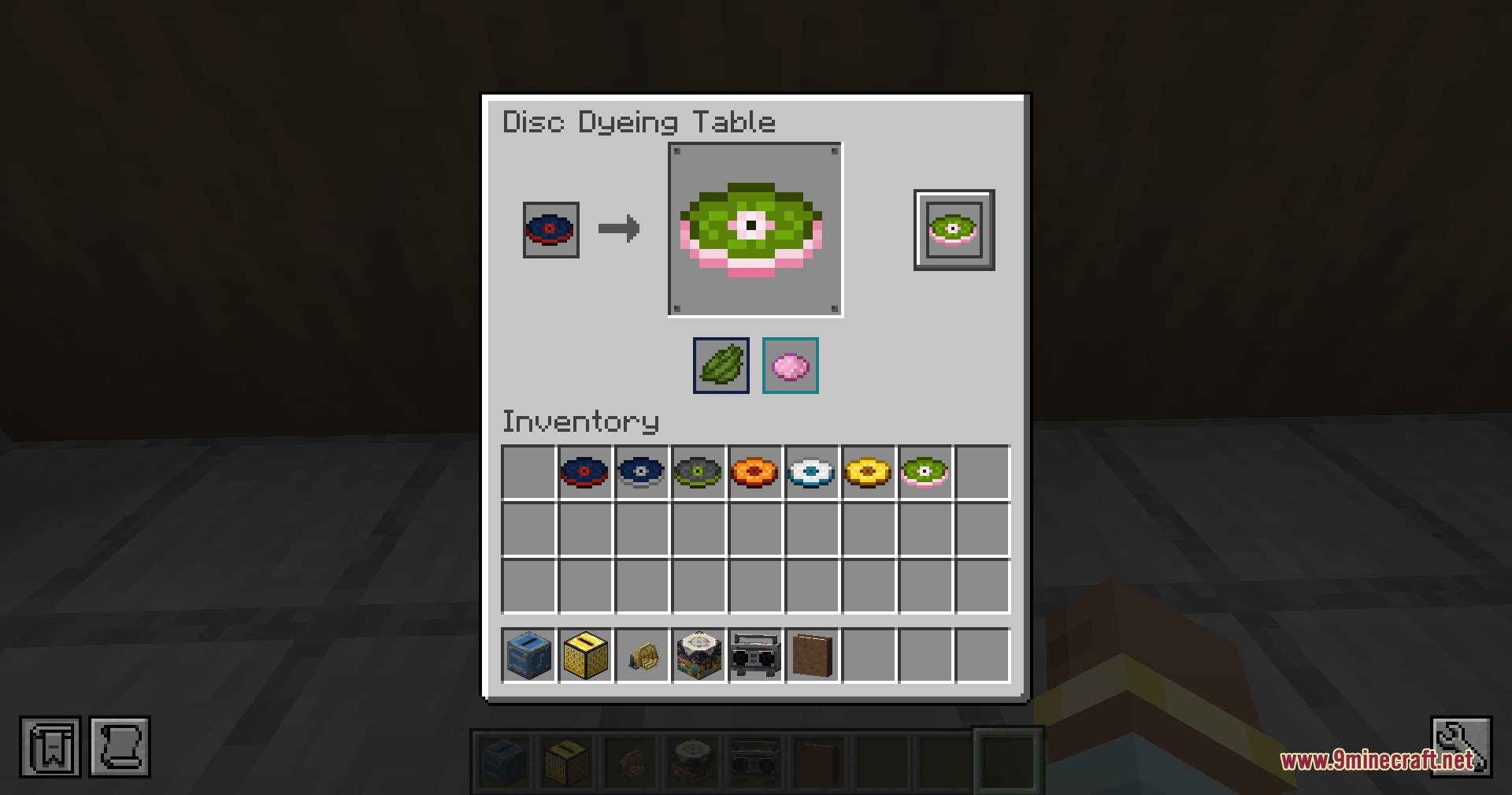
- Disc Dyeing Table lets you customize both the surface and accent colors of each disc.
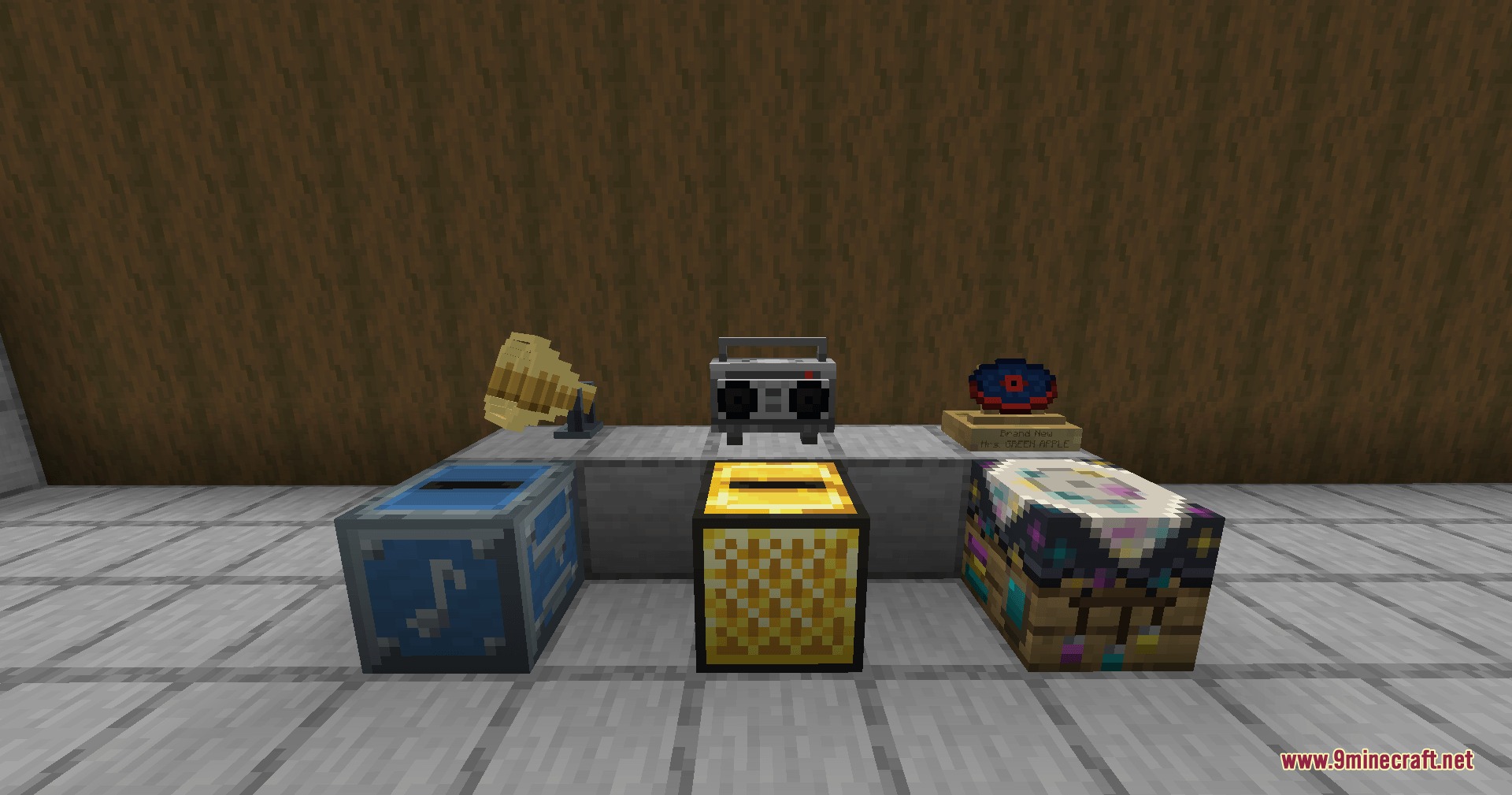
- Disc Pedestal puts your favorite record on display while showing its track title and artist.
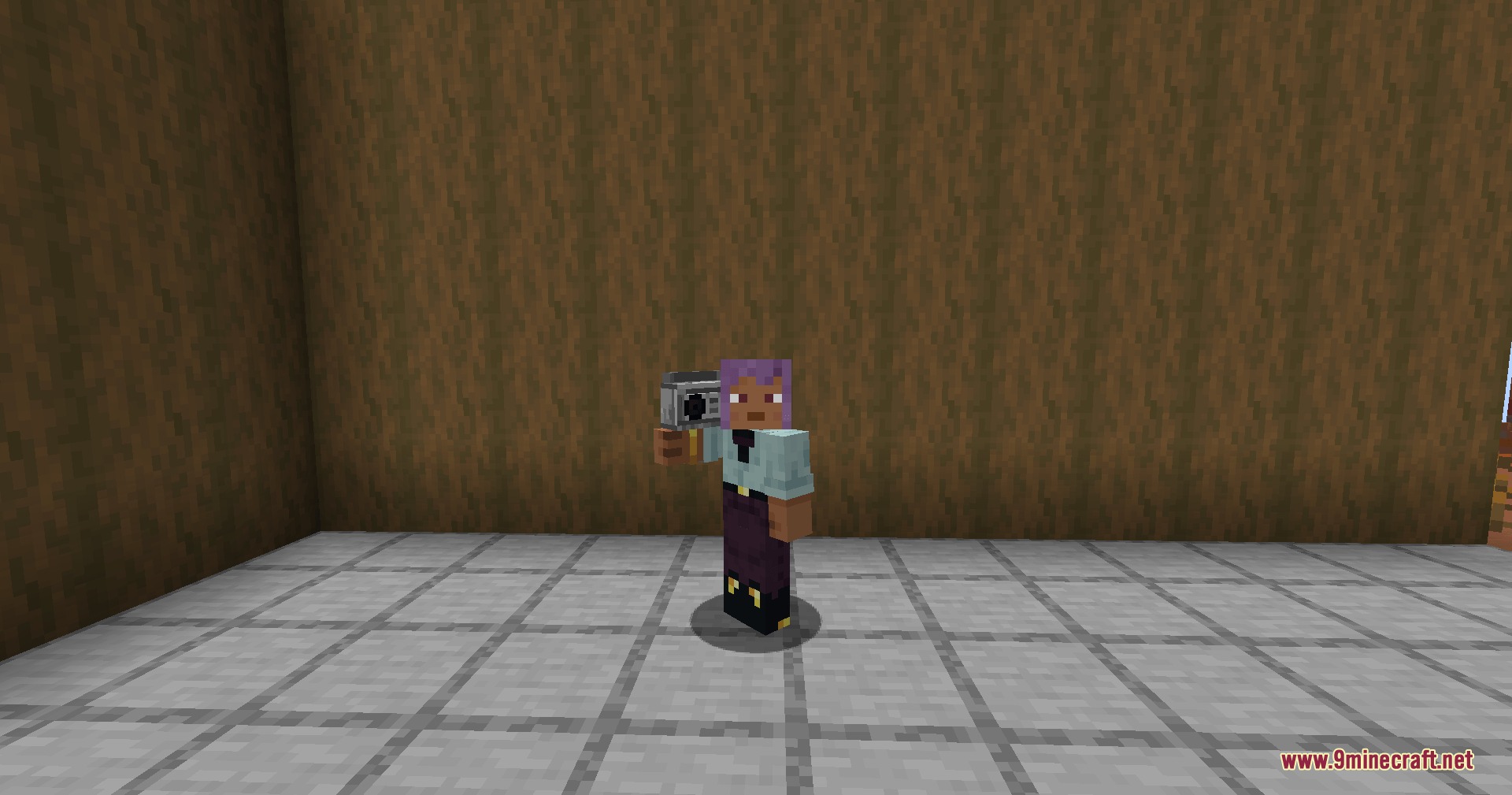
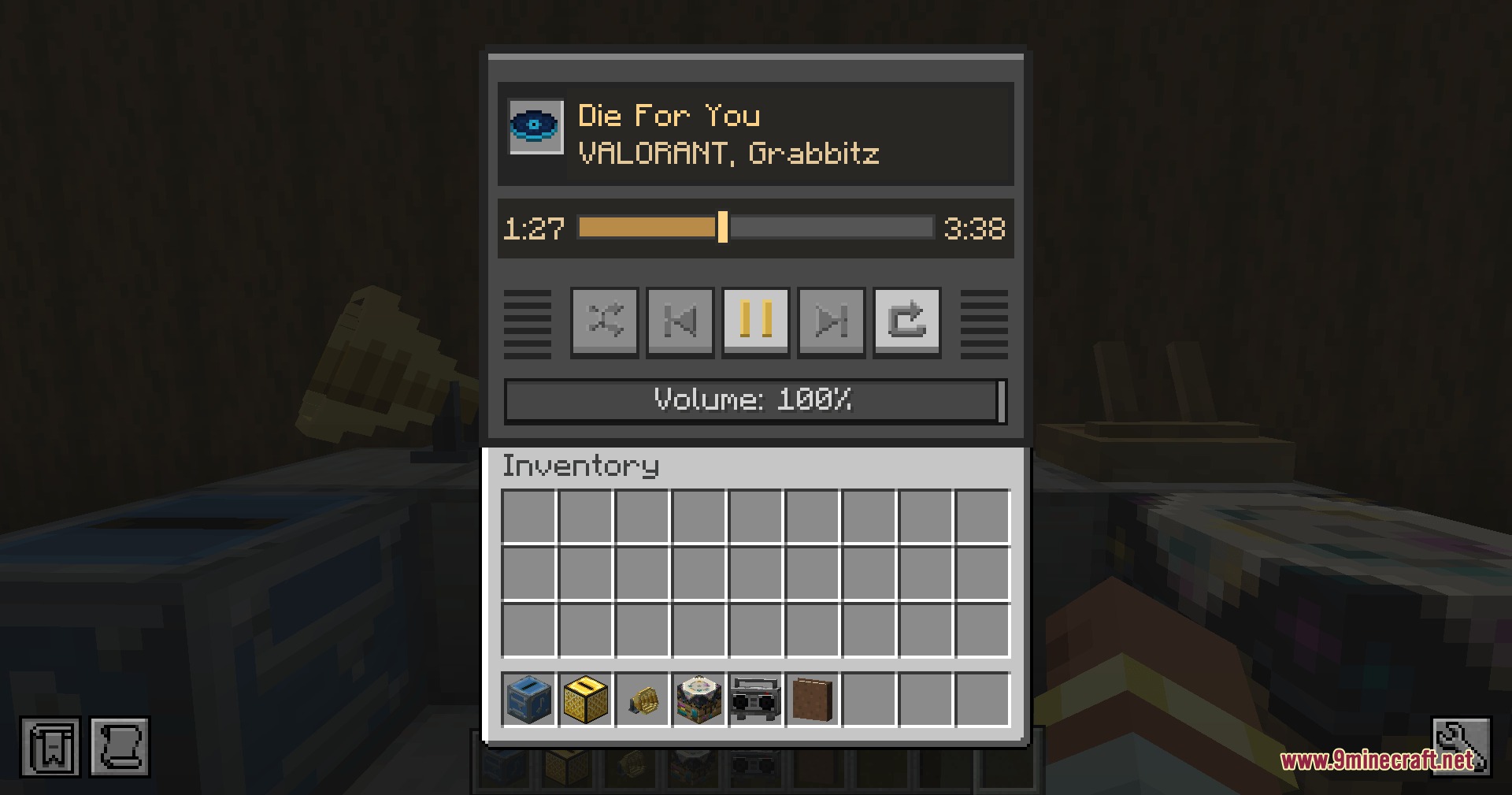
- Boombox plays individual discs or entire albums while held in your hand or placed on the ground.
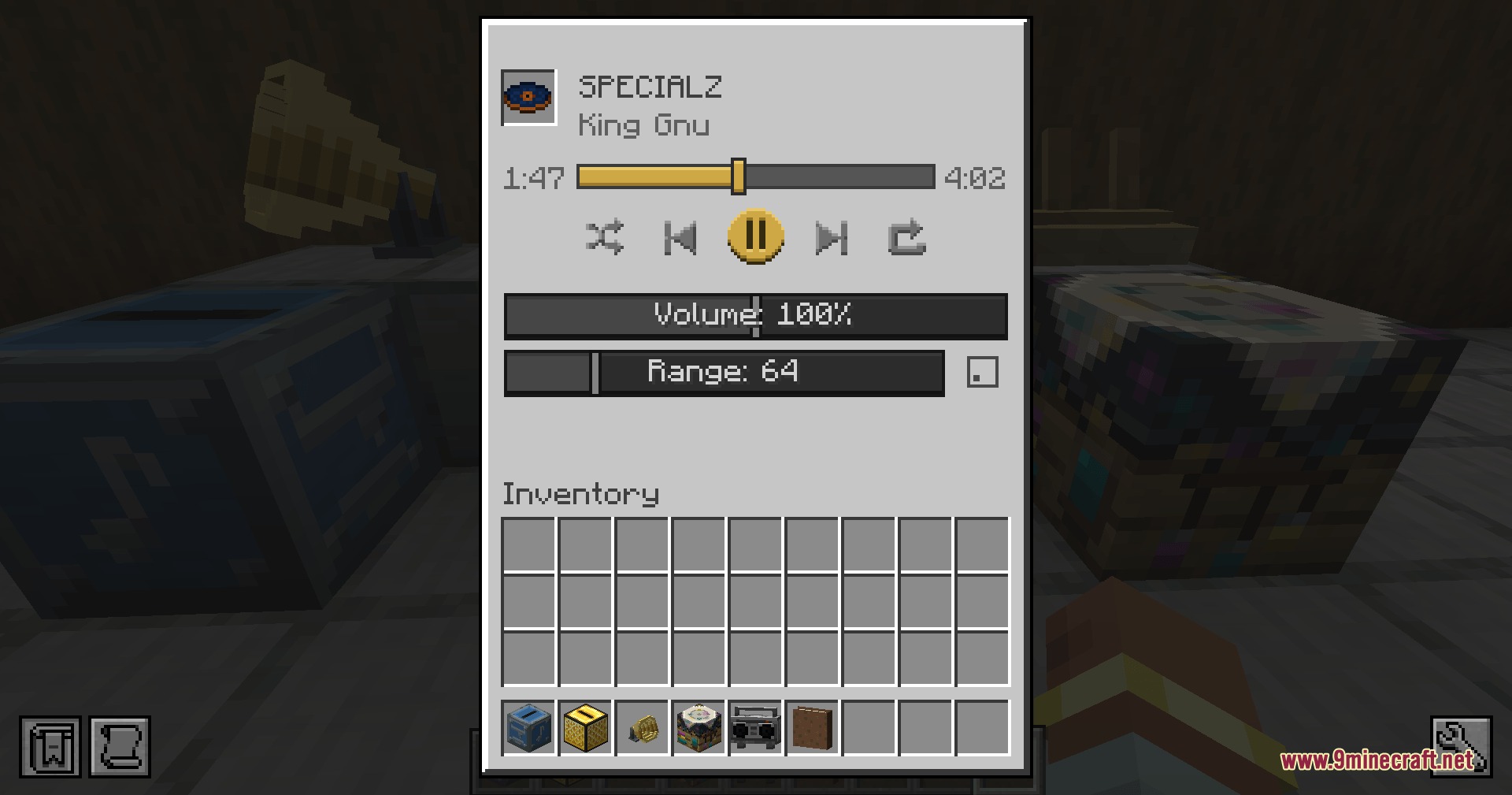
- Golden Jukebox allows you to set the audio radius between 16 and 256 blocks with full volume control.
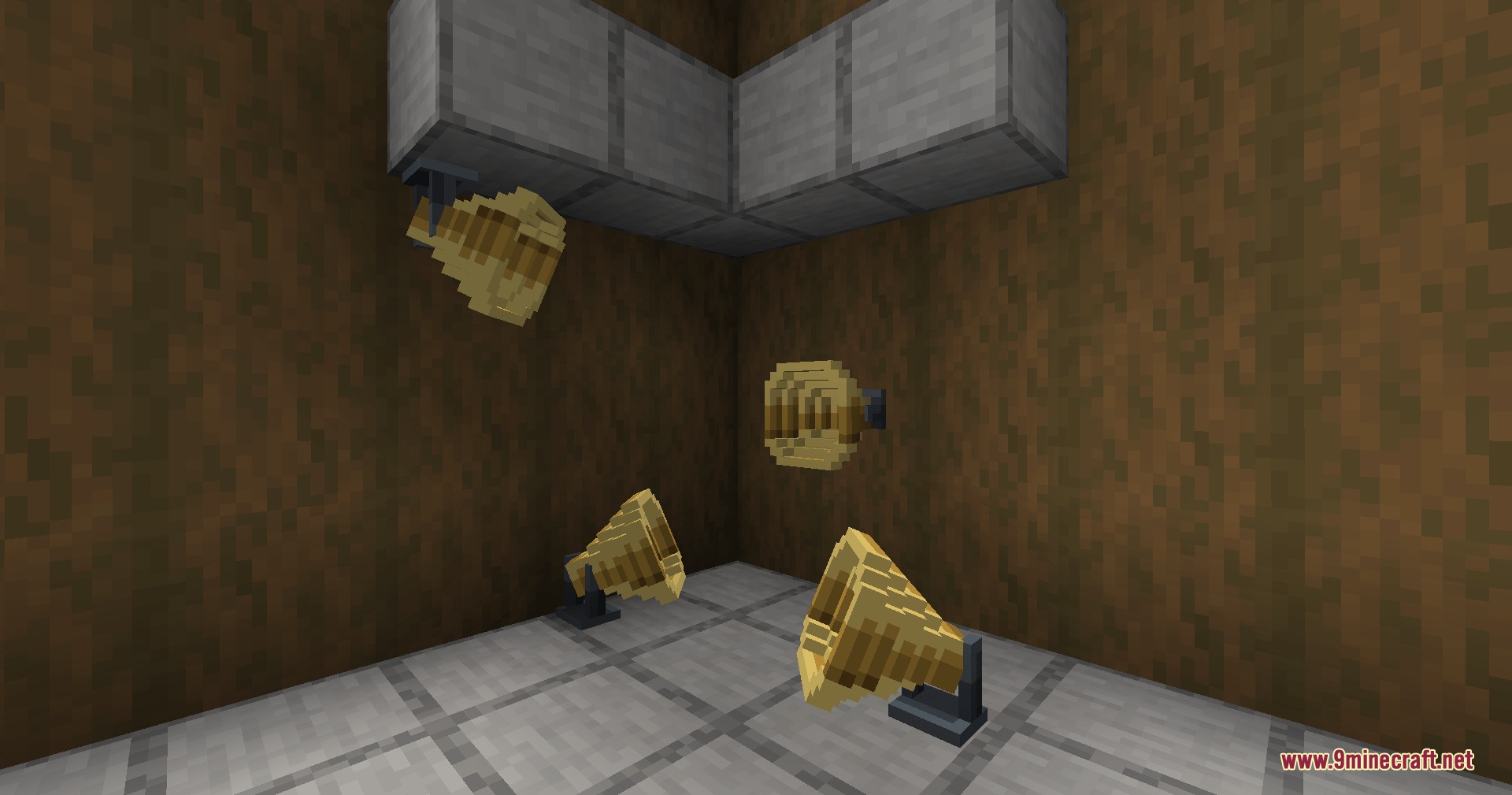
- Speakers link to jukeboxes and mount onto walls, floors, ceilings, or fences to spread music to distant rooms.
- Redstone signals can be used to quickly mute linked speakers.
- Live radio streams from YouTube Live and Icecast broadcast real-time audio with automatic reconnects.
- Server audio stays synchronized across all connected players listening to the same song.
How to Use:
- Craft a Music Disc Maker and a Blank Disc using lapis lazuli and iron.
- Place down the Music Disc Maker block and right-click to open its menu.
- Paste your audio link into the text box and place the Blank Disc inside.
- Take out your new Custom Music Disc and insert it into any jukebox or Boombox to listen.
Screenshots:
Resonant Redstone Records Mod Download Links
Quick facts
- Edition: Minecraft Java
- File type: .jar
- Minecraft version listed: 1.20.1
- How to install: Install the matching mod loader (Forge, Fabric or NeoForge) for your Minecraft version. → Download the .jar. → Put it in the .minecraft/mods folder and launch that loader profile.
- Where to get it: In MC Java Mods, or directly above on this page.
Install steps are the general flow for this file type — How to install Minecraft Java mods & modpacks walks through it step by step.
Verified by MCModsHub
- Downloads as 509338.mcaddon
- Download size: 33.3 MB
- Download link checked 22 Sept 2026 — working
- Mirrored on our own servers — the download does not depend on the original host
These come from our own check of the pack file, not from the source page.