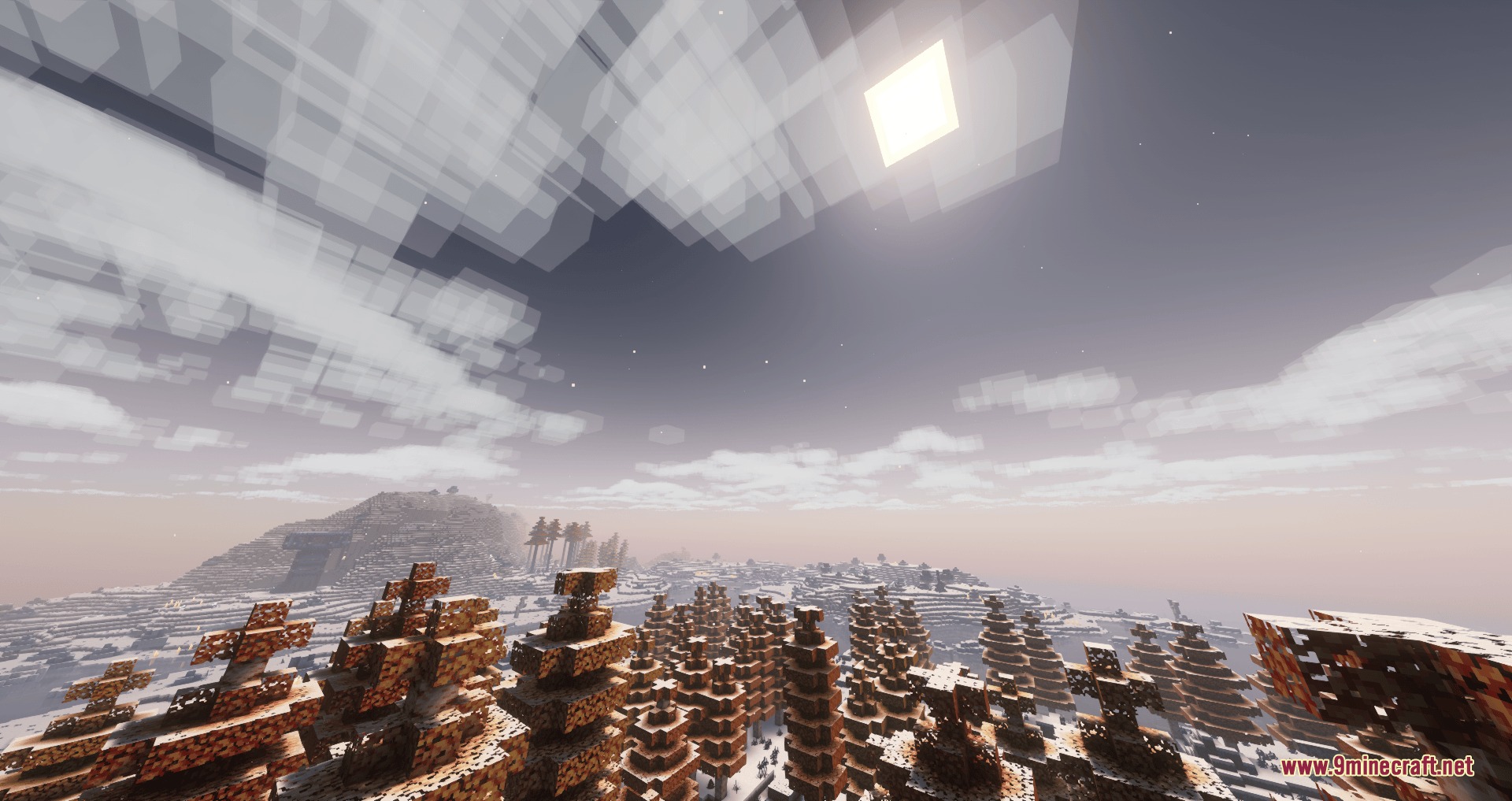
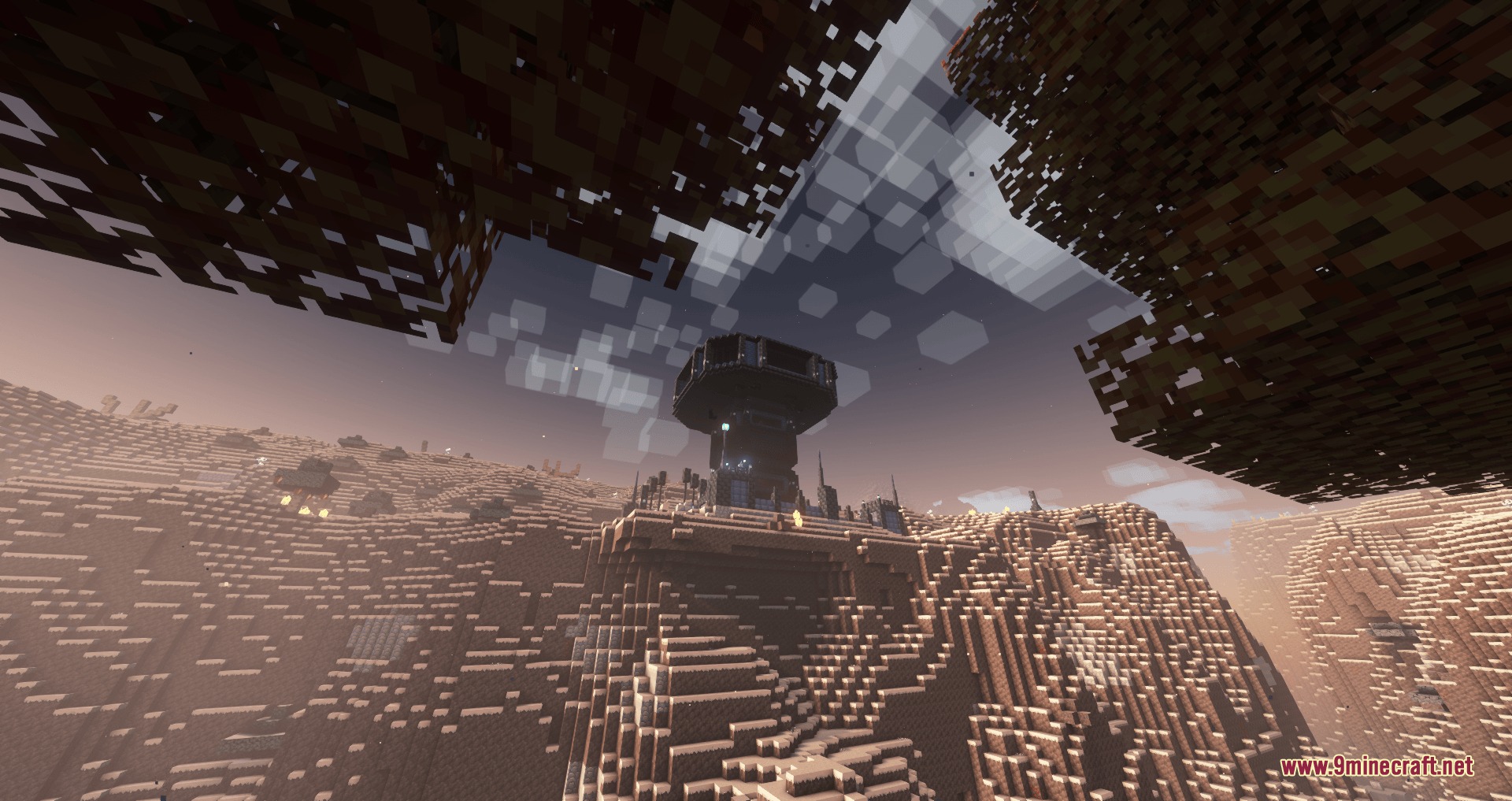
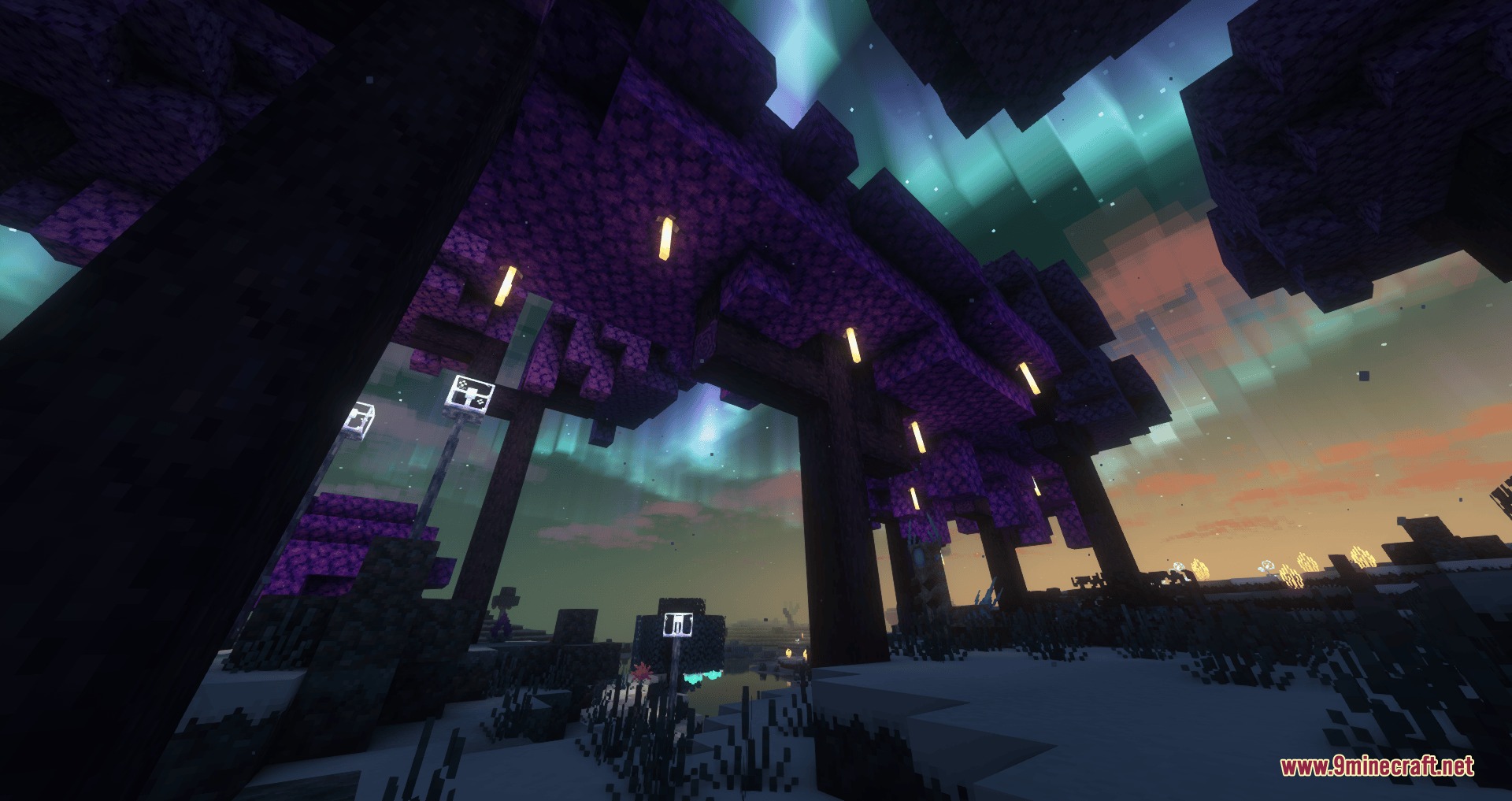
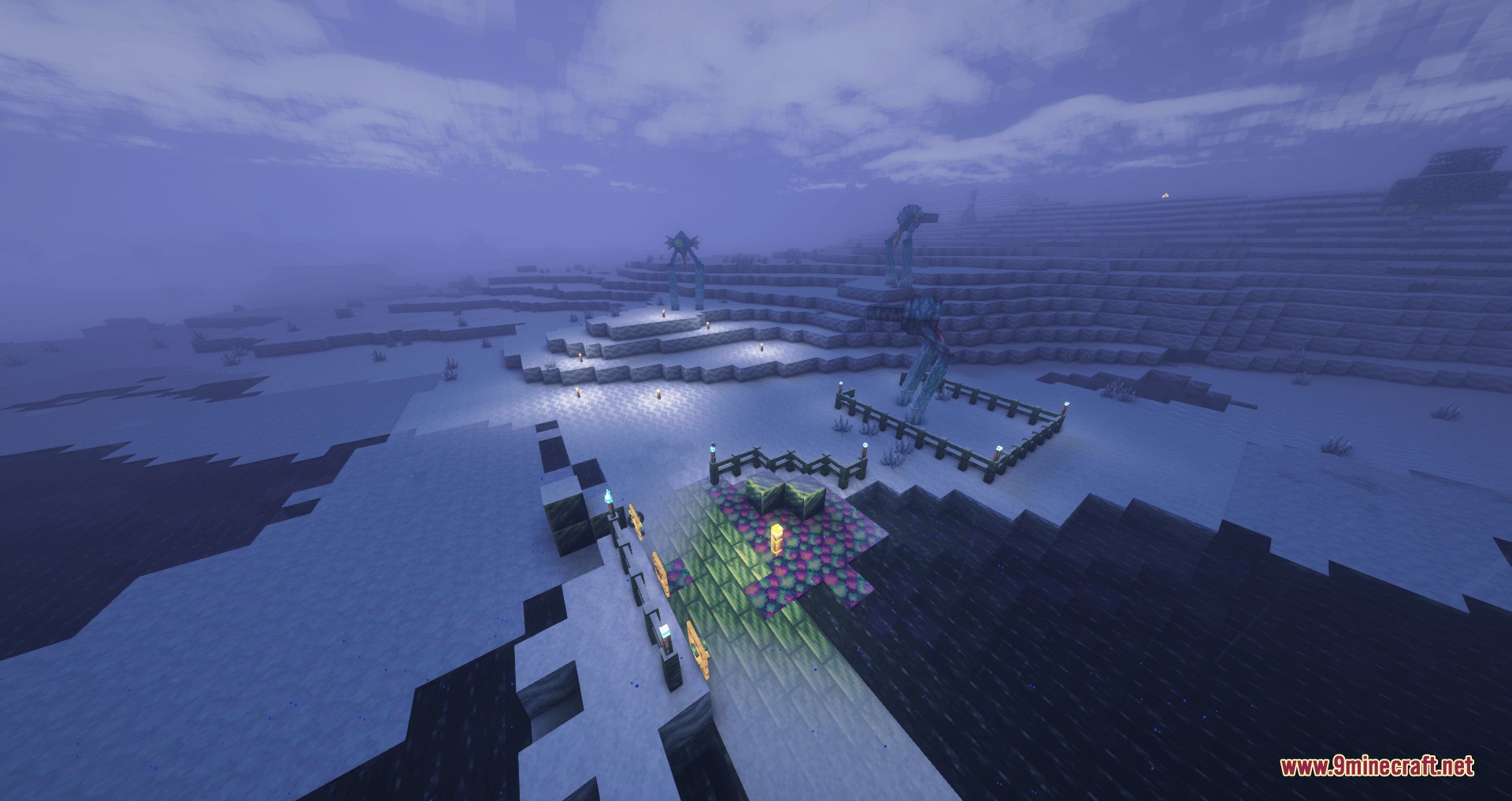

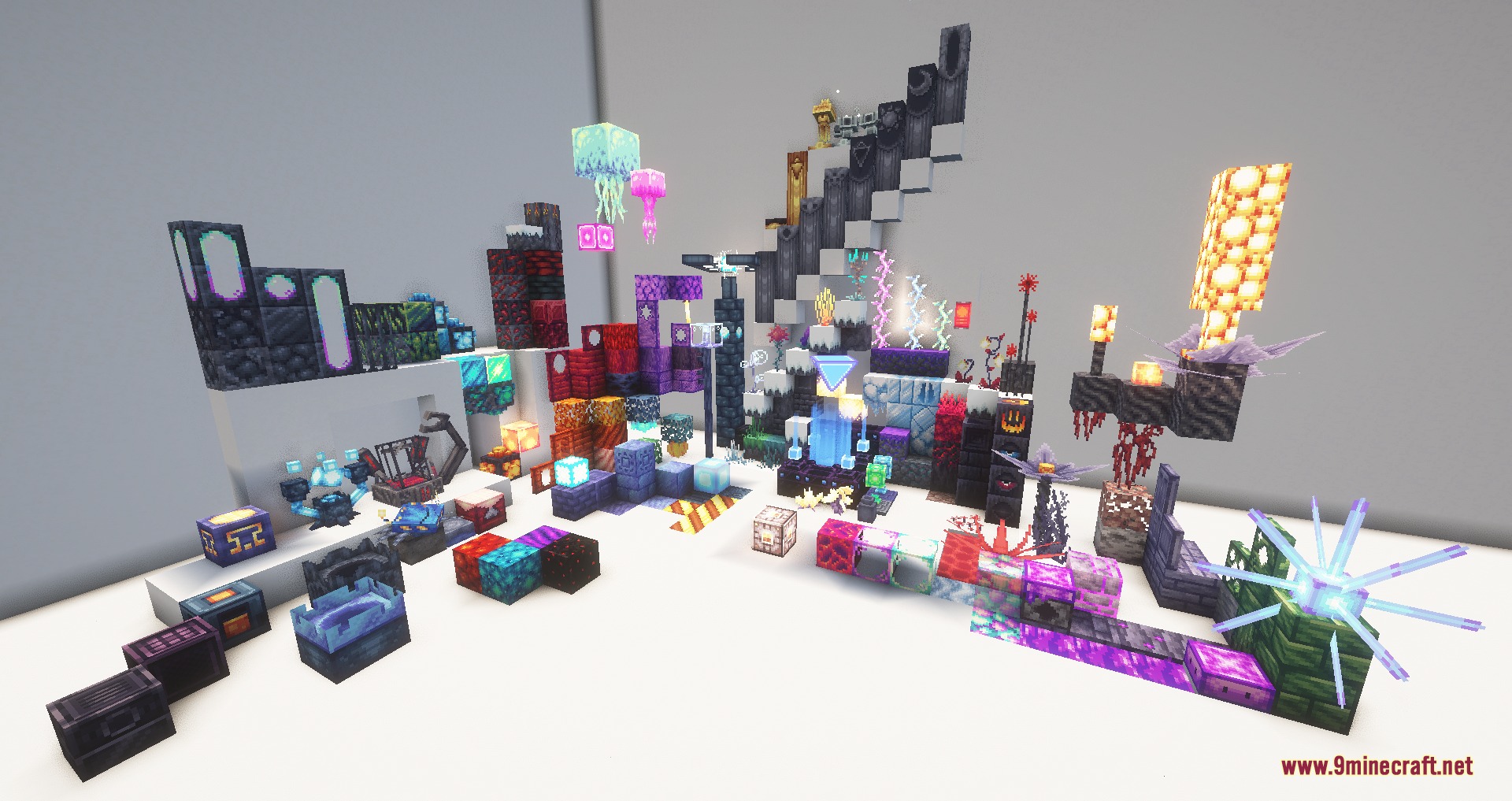
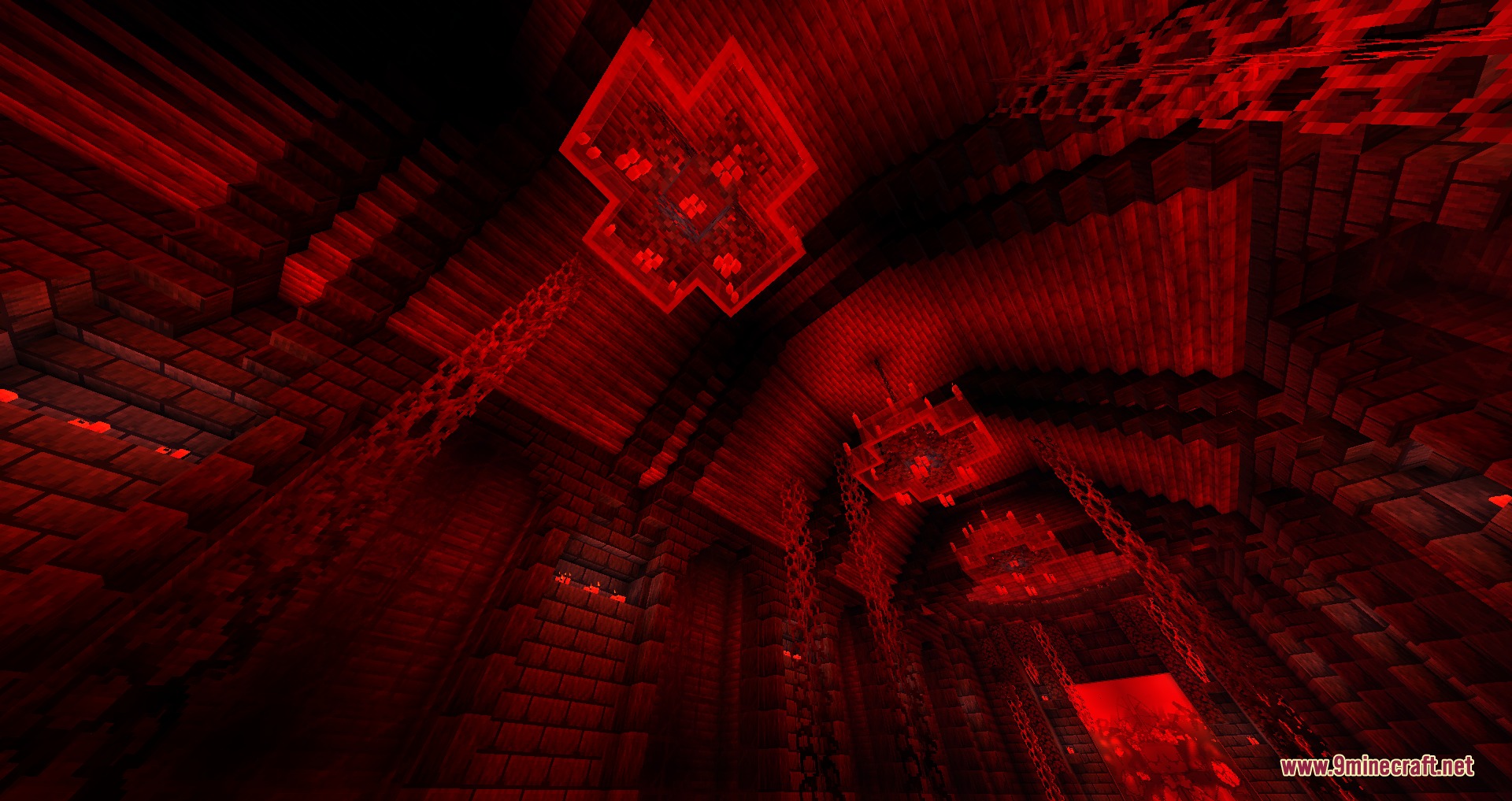
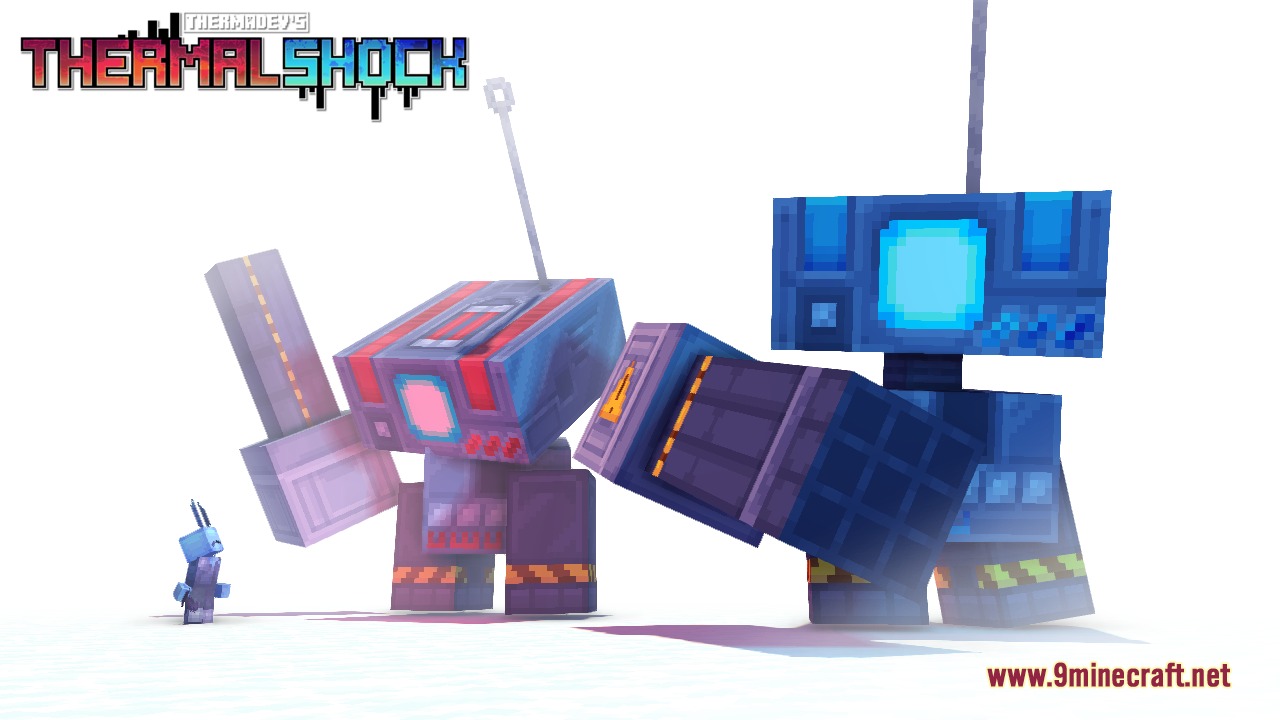
Frozen Frontier Combat Mod transports you to an eternal winter realm known as Loqendia. This world is packed with cold biomes, dangerous undead foes, and ancient mechanical structures waiting underground. You can meet helpful characters, gather unusual ores, and craft high-tech gear to survive tough combat encounters. The mod turns cold survival into an action-packed journey with deep lore and custom gear progression.
Features:
- Adds the Loqendia dimension, an endless frozen garden filled with custom trees, stone types, and surface wildlife.
- Populates the underground with hostile swarms and forgotten constructs.
- Introduces interactive NPCs who trade valuable goods for XP and spice while offering directions and tasks.
- Generates unique ore sets like Ruby, Bloodstone, Bismuth, and Malachite that vary between generated worlds.
- Allows players to convert alternate ores into their counterpart materials without missing out on gear.
- Includes Zenith Smithing Templates to unlock powerful full-set bonus buffs on Loqendian armor sets.
- Features the Fabricator crafting station, which pulls loose materials straight from your inventory to build armor and heavy firearms.
- Adds custom background music tracks and collectible music discs.
Key Elements:
- Keystone mechanic: activates a 3×3 obsidian platform to spawn the Atlas portal leading to the dimension.
- Ruby Tier: provides diamond-level protection and weapons for main progression.
- Heavy Arsenal: offers firearms and specialized combat suits through advanced crafting.
How to Use:
- Find or craft a Keystone during early survival.
- Construct a flat 3×3 platform made of obsidian blocks on the ground.
- Use the Keystone on the center of the platform to activate the Atlas portal.
- Step through the portal to travel into Loqendia and begin collecting new materials.
- Place a Fabricator to craft specialized weapons and armor without using standard crafting shapes.
Screenshots:
Frozen Frontier Combat Mod Download Links
Quick facts
- Edition: Minecraft Java
- File type: .jar
- Minecraft version listed: 1.20.1
- How to install: Install the matching mod loader (Forge, Fabric or NeoForge) for your Minecraft version. → Download the .jar. → Put it in the .minecraft/mods folder and launch that loader profile.
- Where to get it: In MC Java Mods, or directly above on this page.
Install steps are the general flow for this file type — How to install Minecraft Java mods & modpacks walks through it step by step.
Verified by MCModsHub
- Downloads as 509339.mcaddon
- Download size: 84.4 MB
- Download link checked 23 Sept 2026 — working
- Mirrored on our own servers — the download does not depend on the original host
These come from our own check of the pack file, not from the source page.