
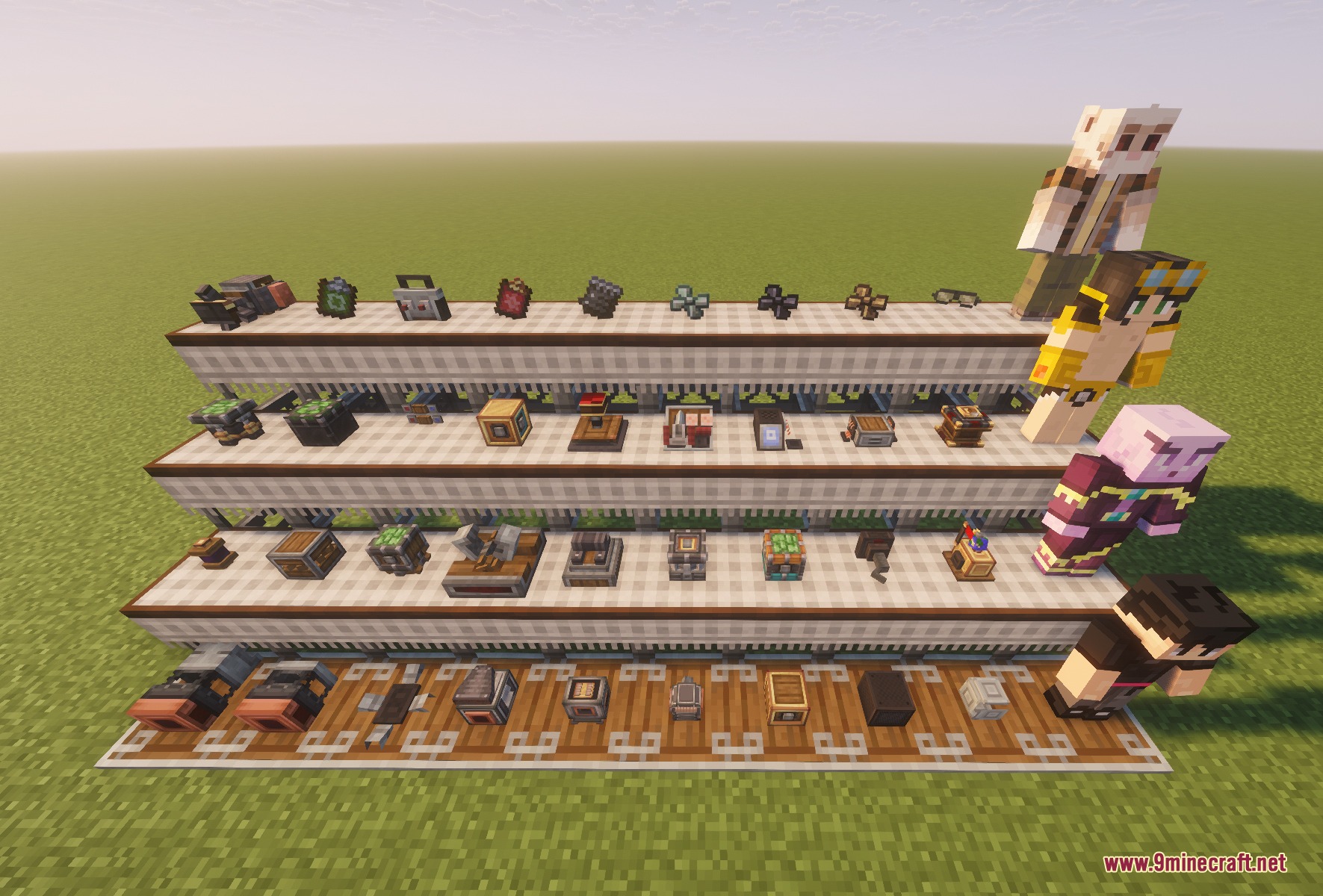


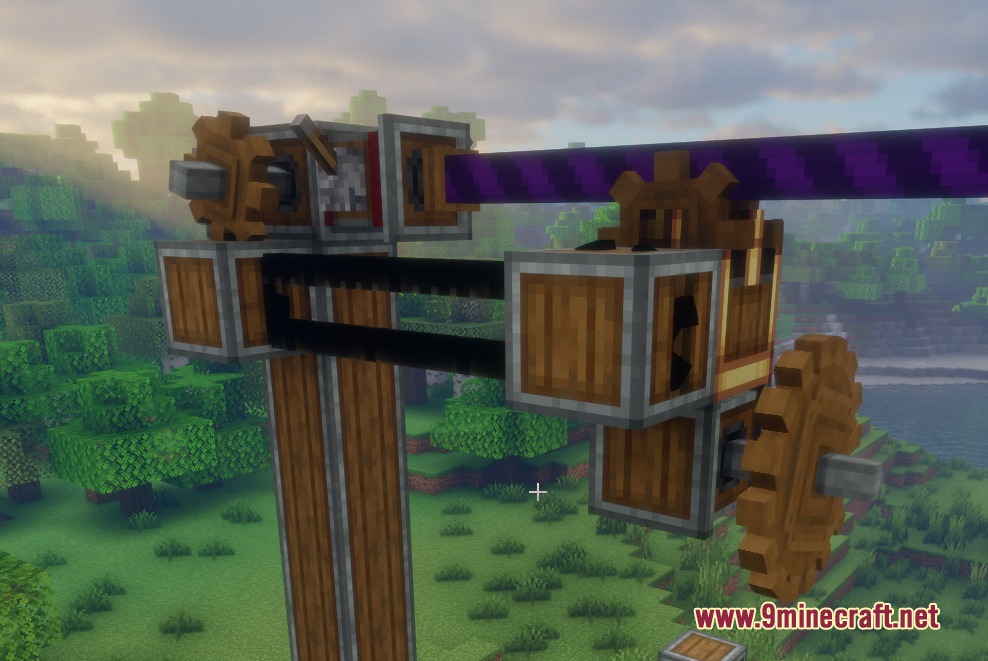
Redstone Aviator Tools Mod extends Create Aeronautics with specialized control parts, powerful thrusters, and automated flight systems. It gives you precise command over flying contraptions through joysticks, smart bearings, and custom redstone linkers. You can build self-flying airships that travel between docks without hitting terrain. The mod also adds bulk processing options to thruster plumes and links directly to in-game computer networks.
Features:
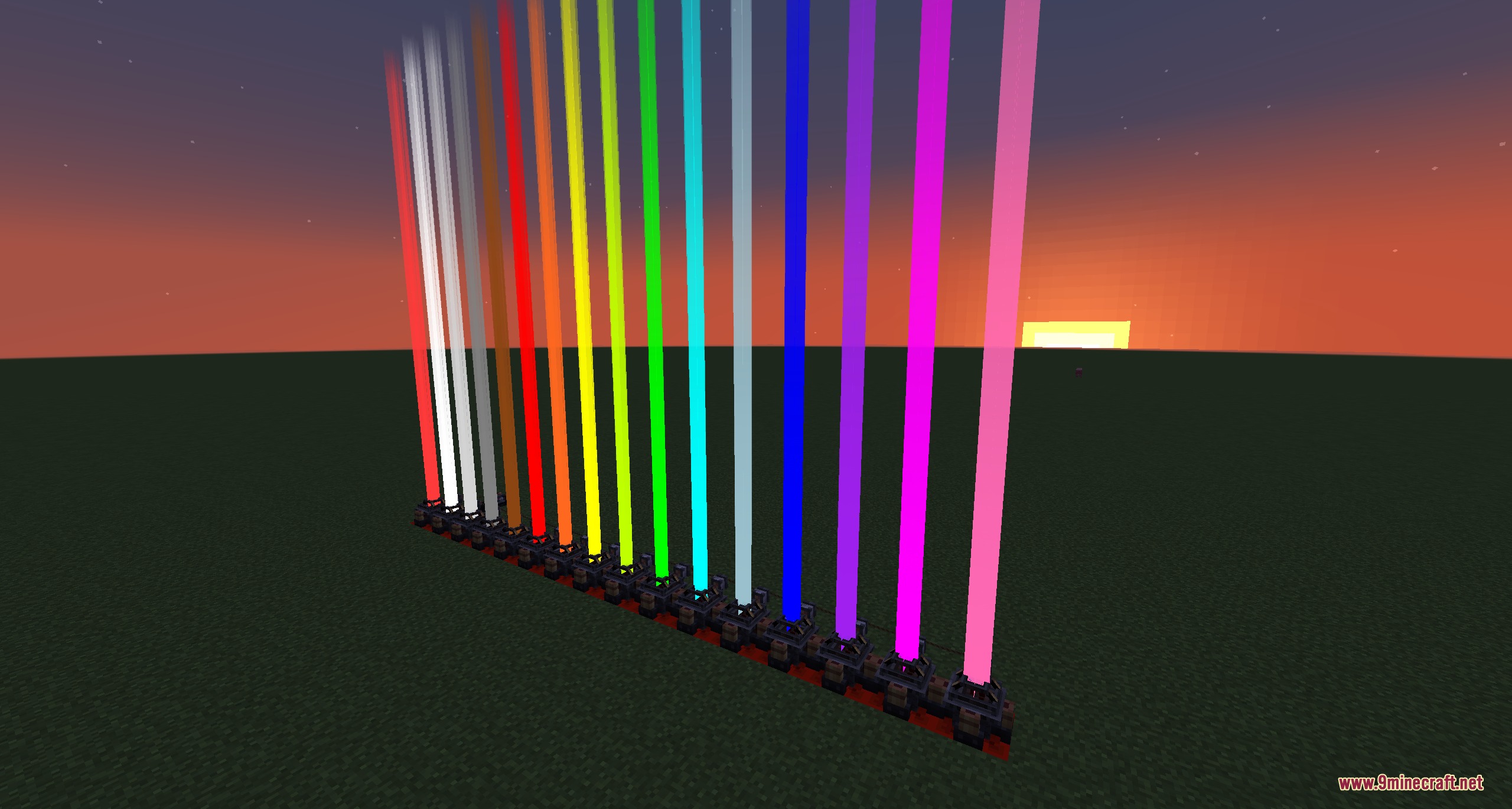
- Adds four types of thrusters to push airships, including mini thrusters, beam thrusters, and RCS thrusters.
- Automates airship flight paths using the Ship Control Module alongside Shipping Schedules and Ship Docks.
- Avoids world terrain and sub-level obstacles automatically during autonomous flights.
- Provides direct manual flight control with joysticks, double buttons, and contraption controllers.
- Introduces vector bearings, servo bearings, and aileron bearings for realistic moving parts on flying craft.
- Includes scissor pistons and physics gantries to move complex sub-contraptions mid-flight.
- Lets you ride ropes across long distances using the powered zipline block.
- Adds rope claws to pick up, move, and release physics contraptions like working cranes.
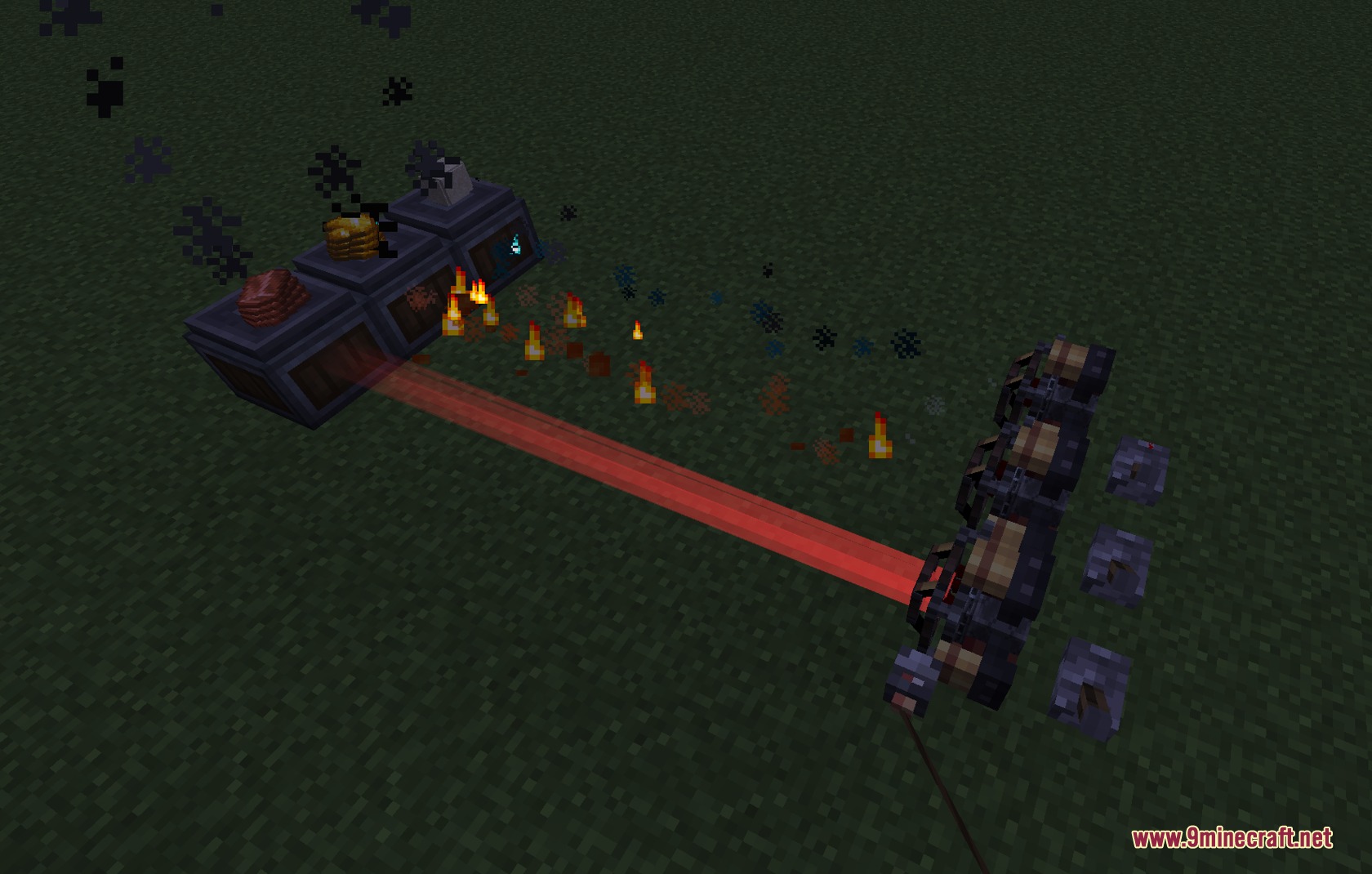
- Transforms thruster plumes into item processors using smelting, smoking, and haunting upgrades.
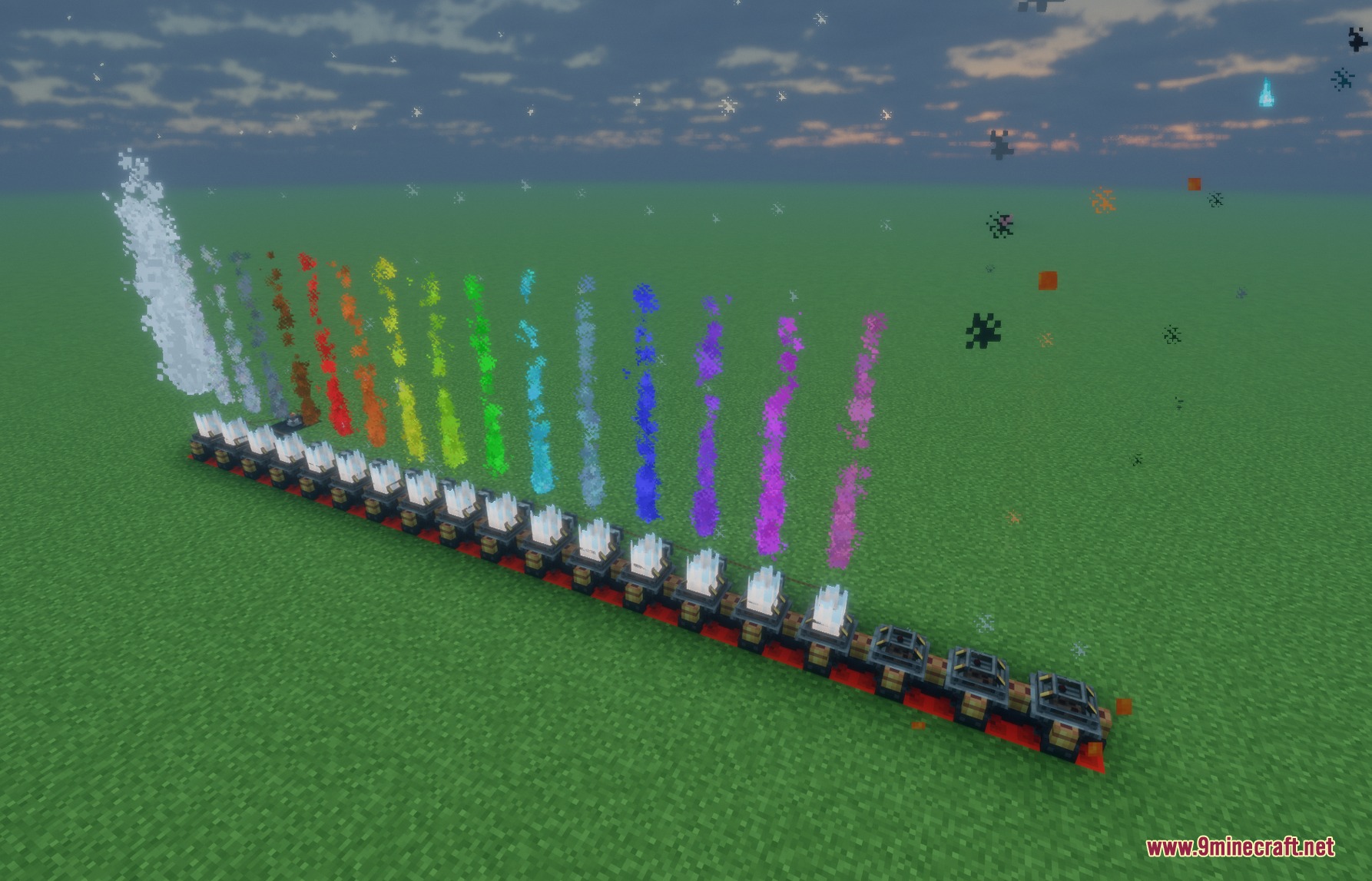
- Allows full exhaust customization with dyes and visibility toggles on thruster blocks.
- Links with CC:Tweaked computers to let players read flight data and code custom flight routines.
- Includes portable controllers so you can steer your contraptions from anywhere on deck.
Flight & Control Blocks:
- Ship Control Module: multiblock base that runs live pathfinding and automated shipping schedules.
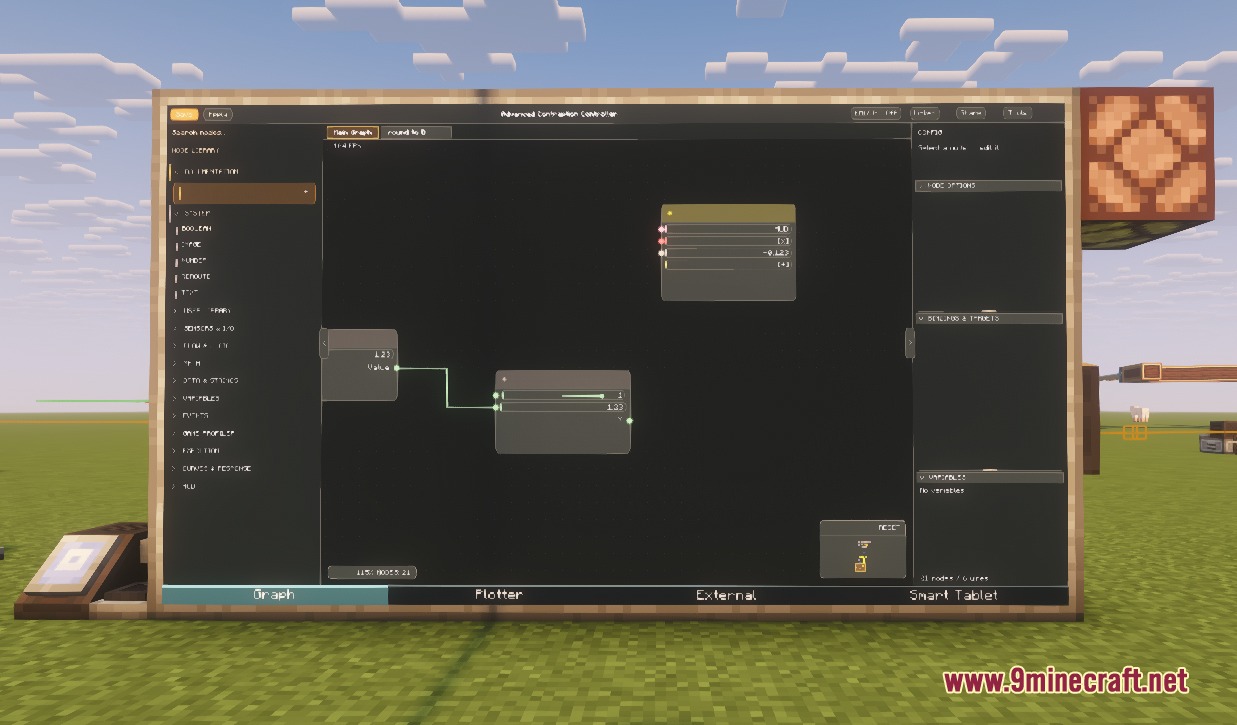
- Advanced Contraption Controller: main interface placed on the control module to process flight logic.
- Joystick: directional flight stick that sends multi-axis signals across redstone links.
- ACC Display: clear readout screens that show real-time contraption information.
Bearings & Actuators:
- Vector Bearing: rotates thrusters smoothly to direct thrust in any chosen direction.
- Scissor Piston: compact extending piston mechanism suited for tight airframe builds.
- Physics Gantry: shifts attached machine parts along rails while maintaining full physics.
- Claw: attaches to rope winches to grab and drop contraptions on demand.
Upgrades & Utility Items:
- Processing Upgrades: turns thruster exhaust into functional smelting or haunting stations.
- Thruster Lens: modifies and focuses beam thruster outputs.
- Physics Staff: handy tool for checking contraption links and mechanical sub-levels.
- Shipping Schedule: route sheet used to program docking stops for automated airships.
How to Use:
- Place a Ship Control Module directly beneath an Advanced Contraption Controller on your vessel.
- Attach modded thrusters around the ship to provide directional propulsion and steering.
- Set up Ship Docks at each station or harbor you want your vessel to visit.
- Hold a Shipping Schedule and right-click to set your desired docking destinations.
- Insert the configured schedule into the Ship Control Module to begin automatic transit.
Screenshots:
Redstone Aviator Tools Mod Download Links
Quick facts
- Edition: Minecraft Java
- File type: .jar
- Minecraft version listed: 1.21.1
- How to install: Install the matching mod loader (Forge, Fabric or NeoForge) for your Minecraft version. → Download the .jar. → Put it in the .minecraft/mods folder and launch that loader profile.
- Where to get it: In MC Java Mods, or directly above on this page.
Install steps are the general flow for this file type — How to install Minecraft Java mods & modpacks walks through it step by step.
Verified by MCModsHub
- Downloads as 509347.mcaddon
- Download size: 31.3 MB
- Download link checked 23 Sept 2026 — working
- Mirrored on our own servers — the download does not depend on the original host
These come from our own check of the pack file, not from the source page.