
ShadersJava
AnalogCraft
Adds Beautiful Filters. Transform Minecraft into a playable retro fever dream. Analog features 10 fully authentic camera and screen filters including VHS…
⬇ Download on Modrinth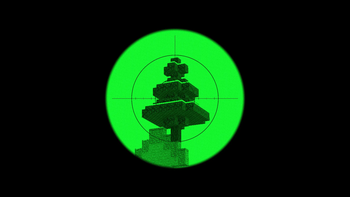
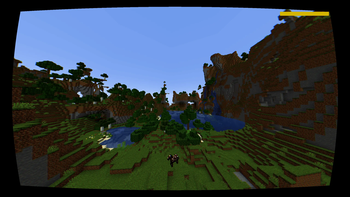
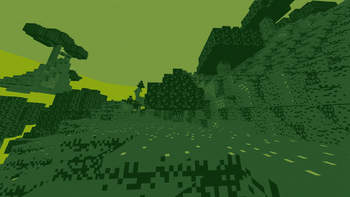
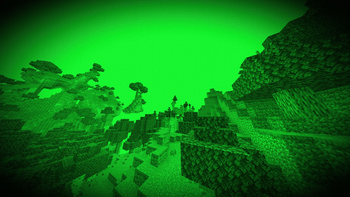
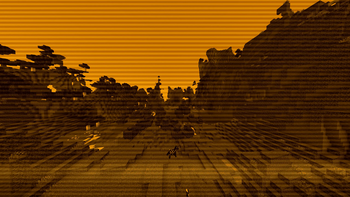
📼 AnalogCraft
A stylized post-processing shader pack for Iris, OptiFine, and Oculus that adds 10 distinct retro camera, monitor, and screen filters to Minecraft with near-zero performance cost.
Ideal for horror maps, found-footage videos, themed modpacks, or changing up standard visuals without sacrificing FPS.
📸 Filter Showcase
| Preset | Screenshot Preview |
|---|---|
| VHS Camcorder | 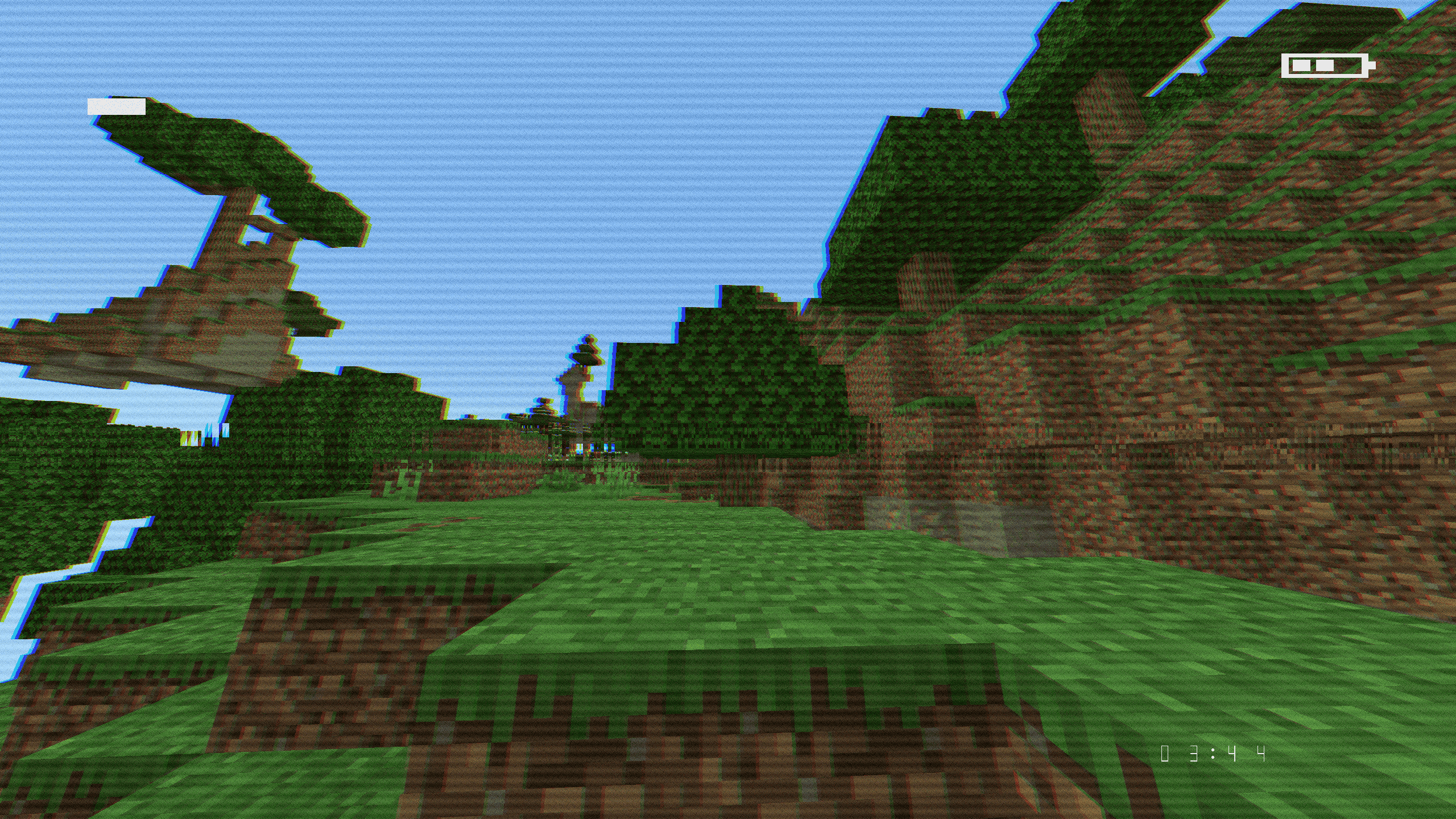 |
| Police Bodycam | 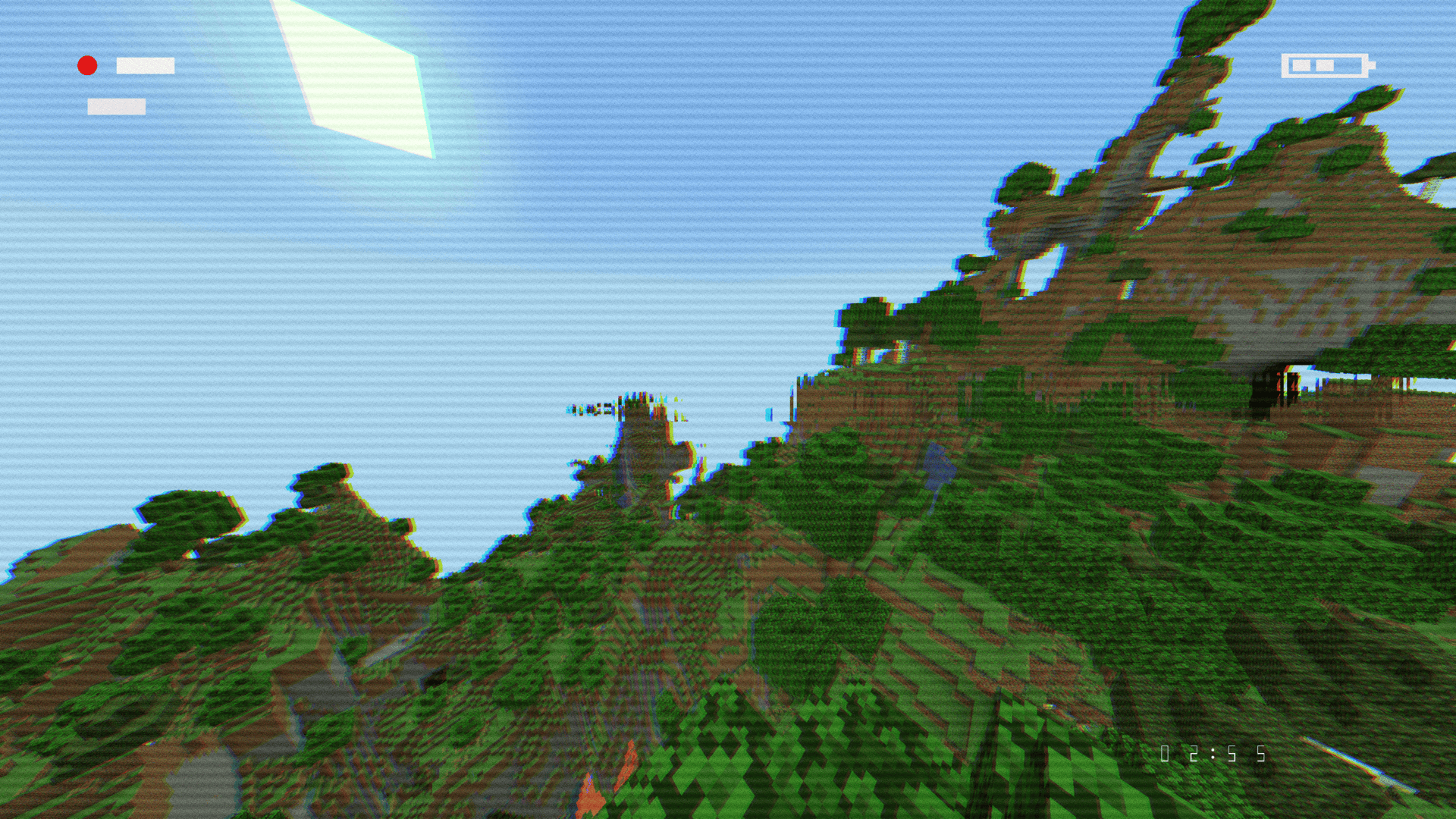 |
| CCTV Surveillance | 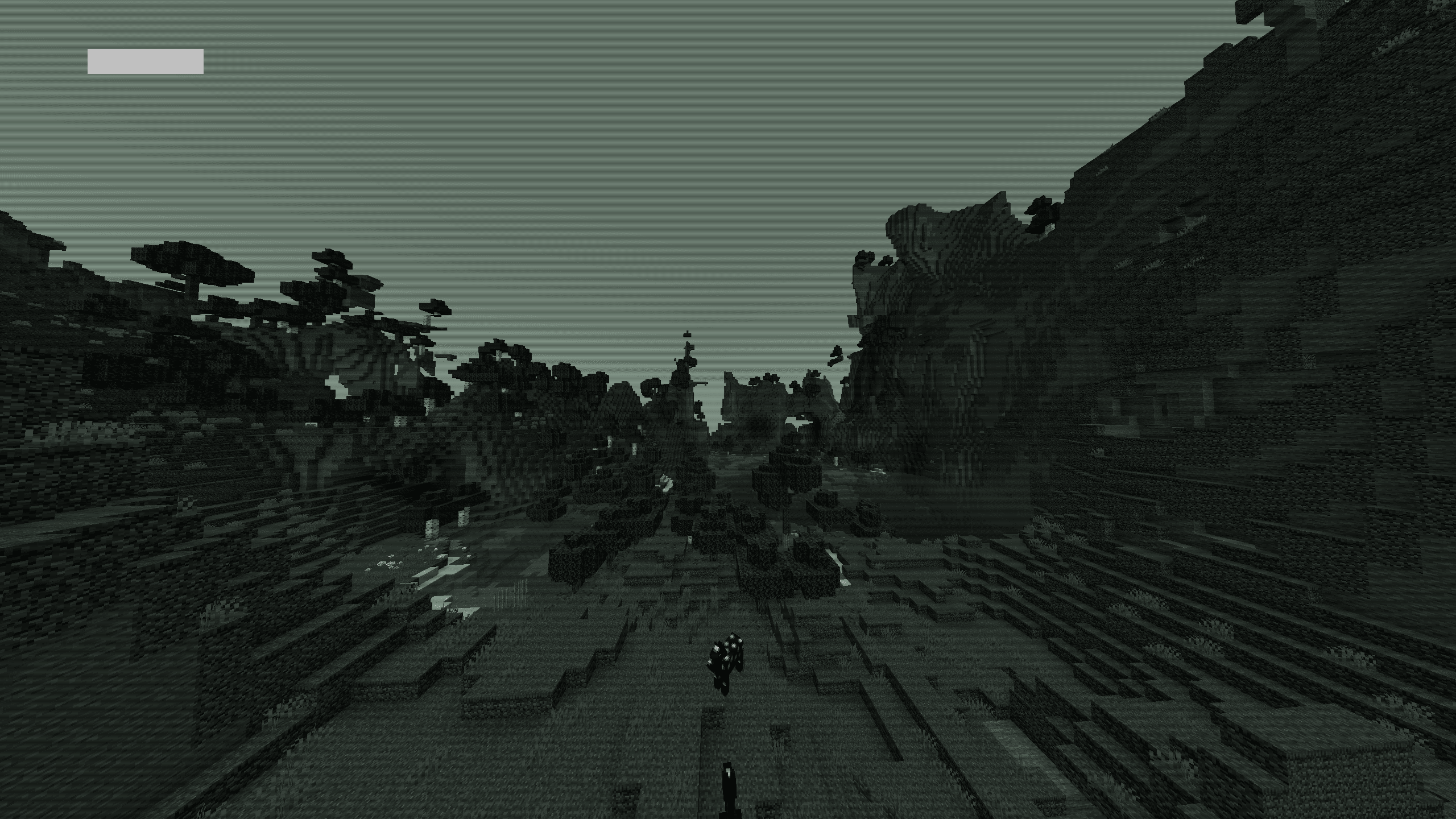 |
| Game Boy Classic | 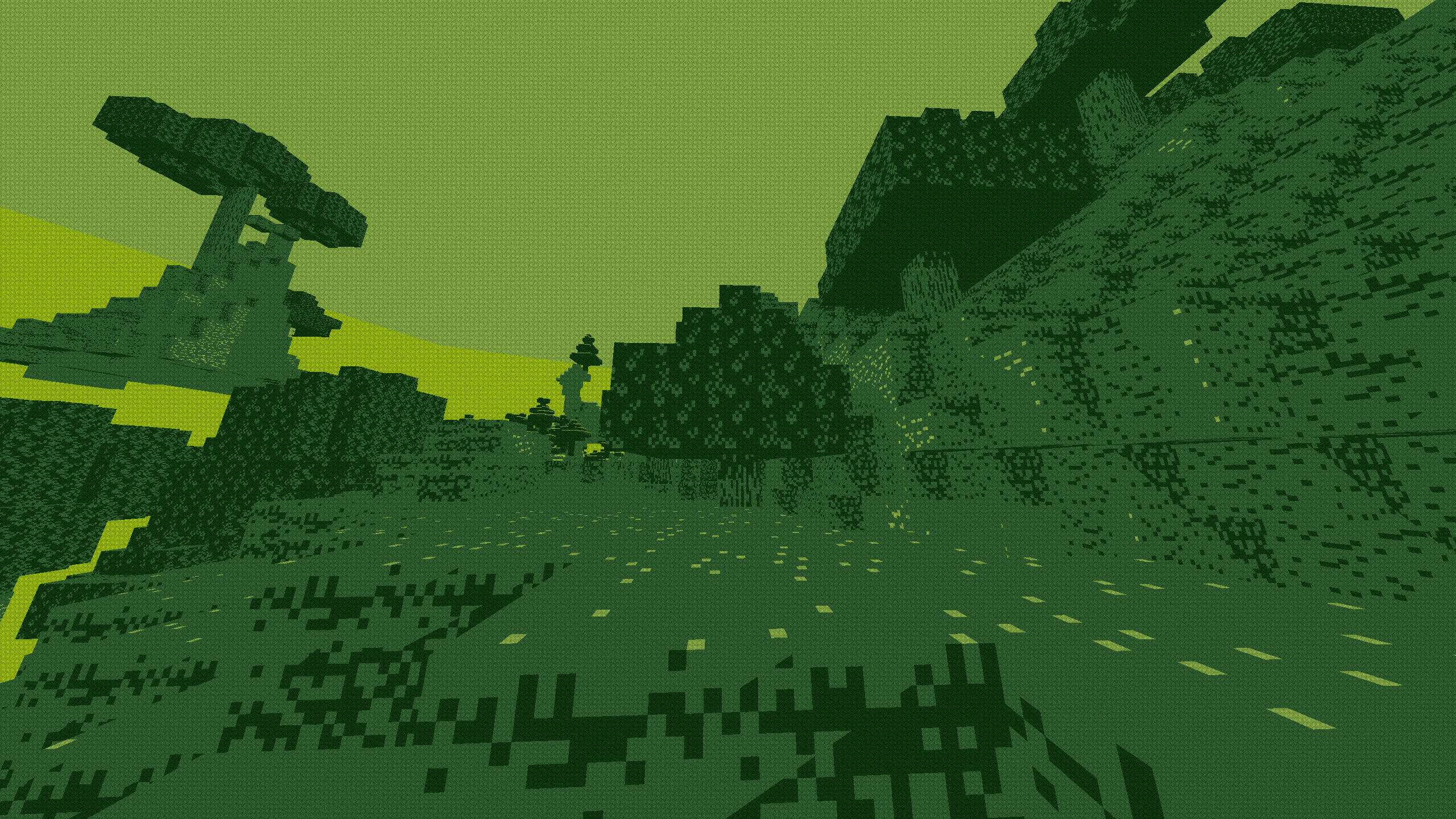 |
| Arcade CRT | 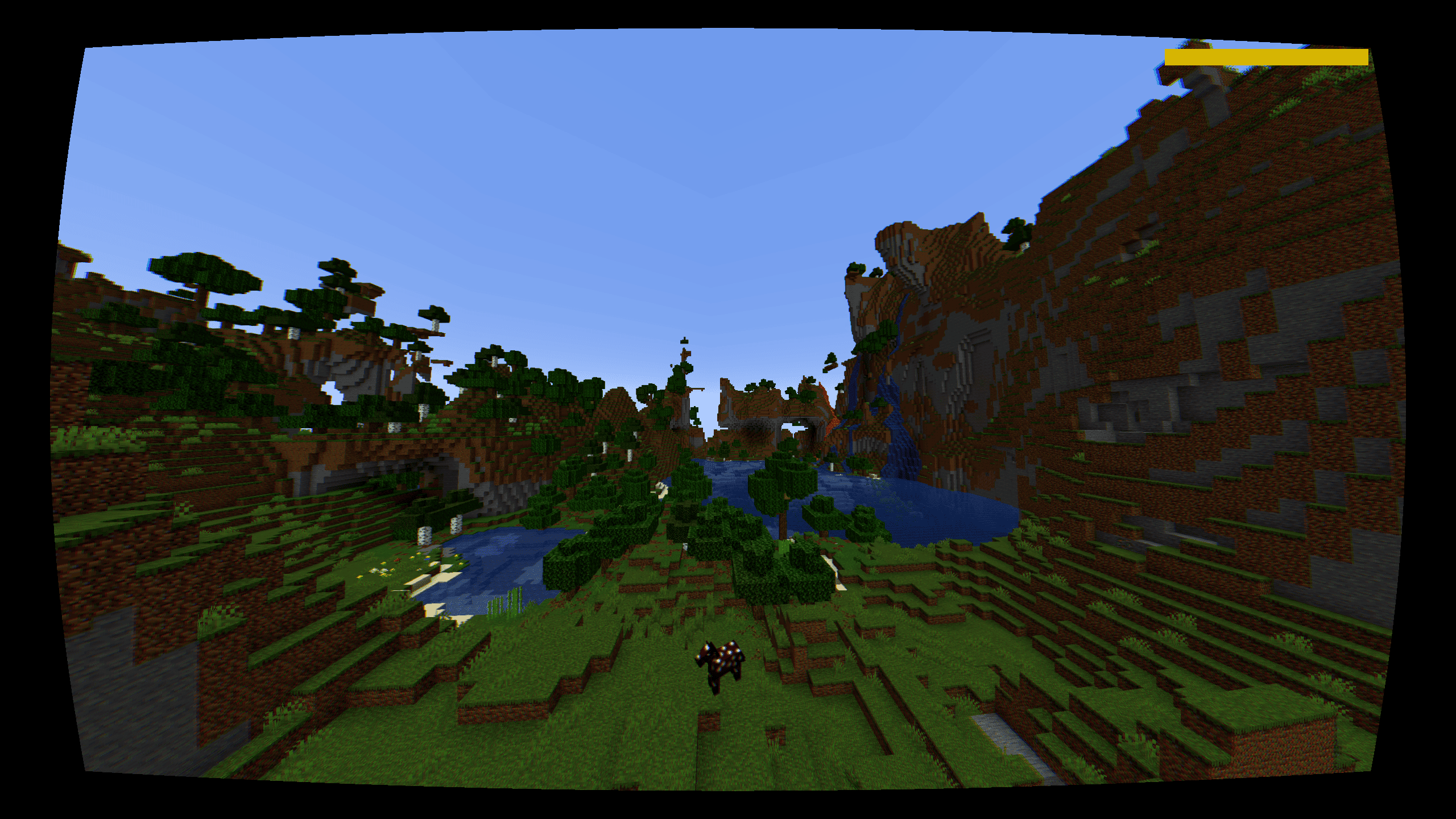 |
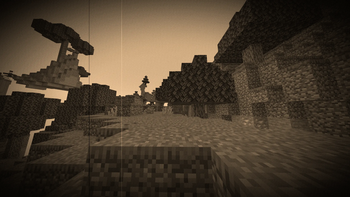
| 1920s Film Reel | 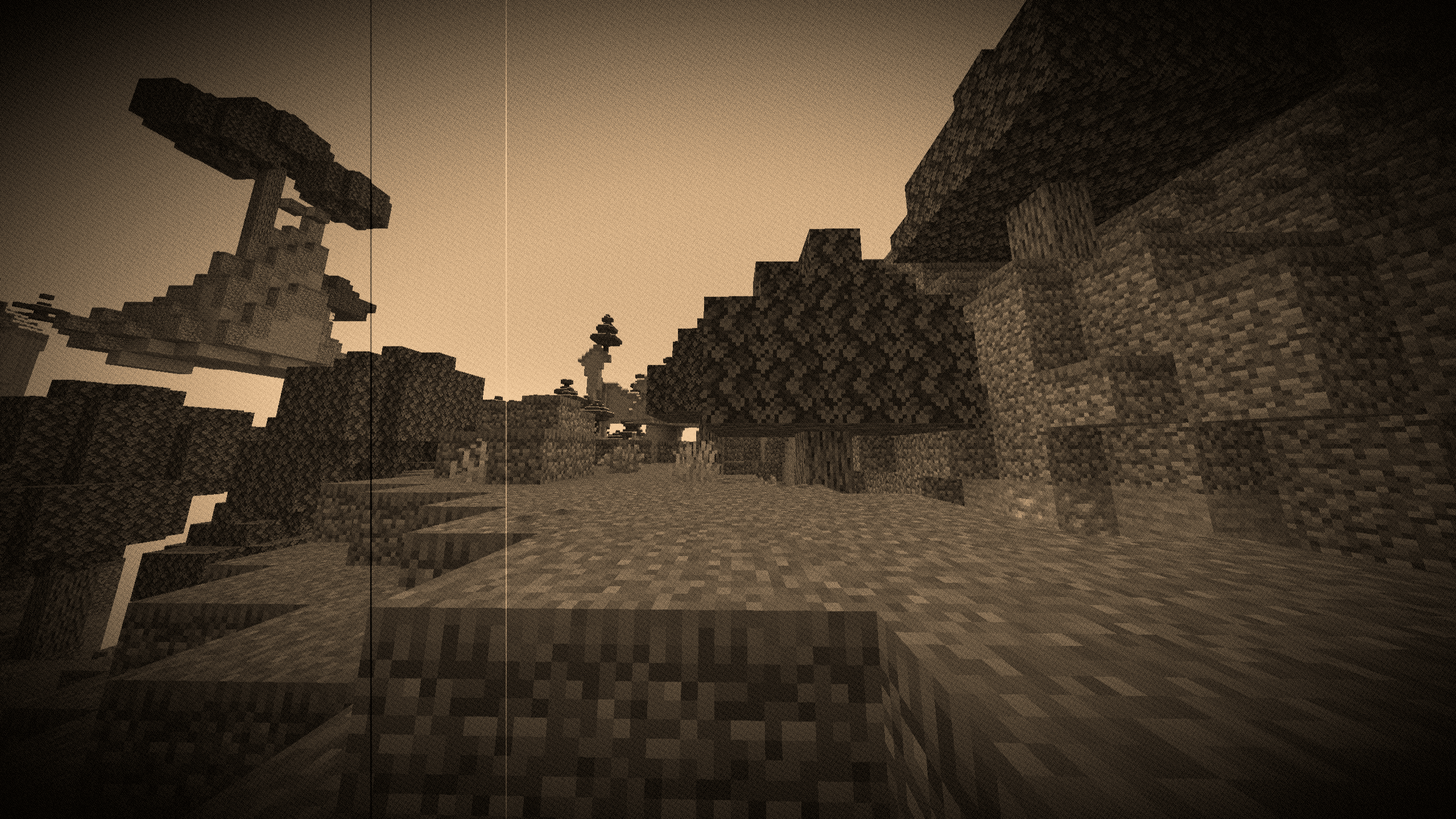 |
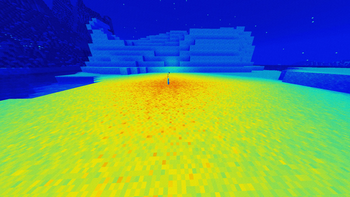
| Thermal (Heat Map) | 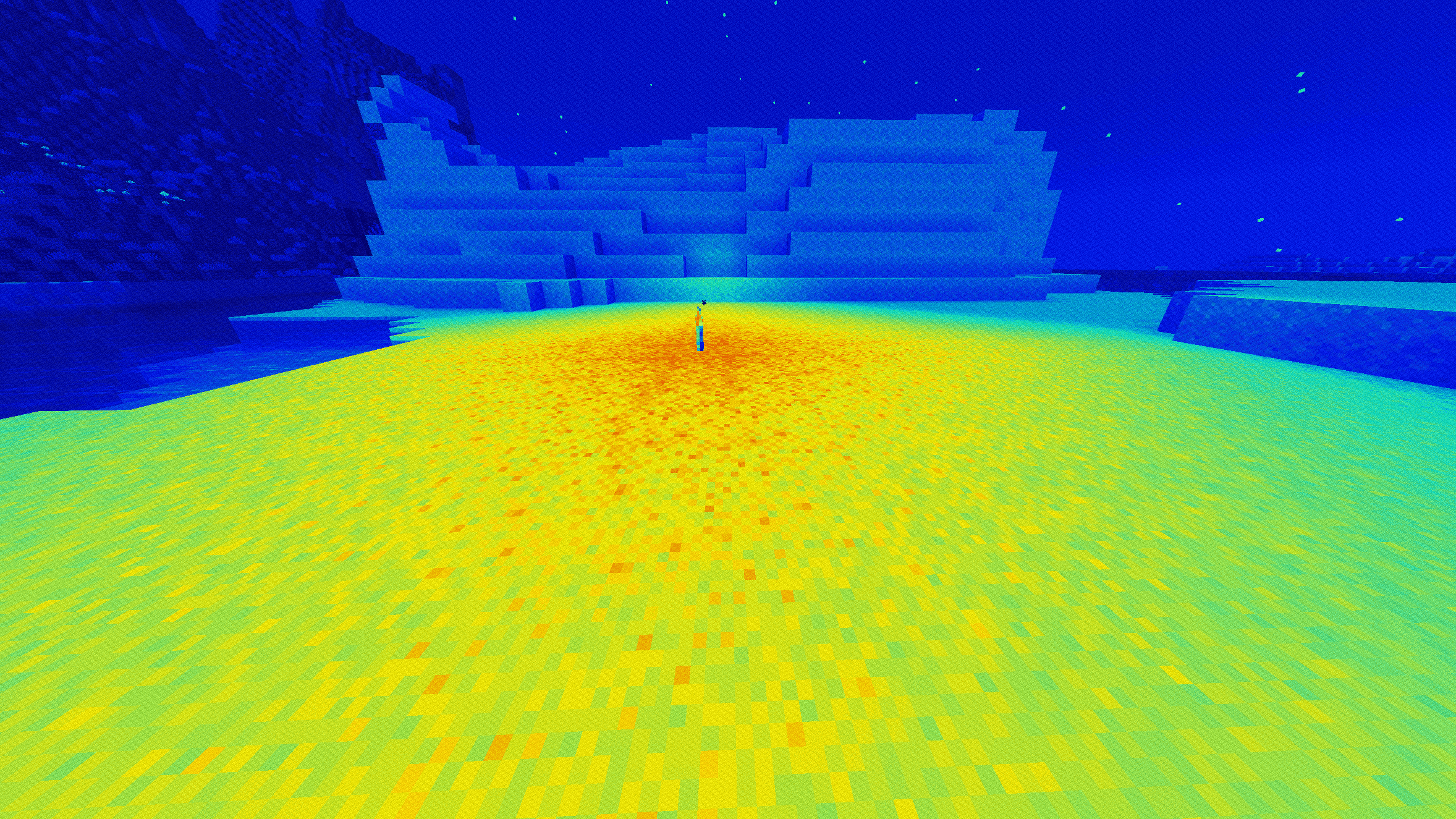 |
| Night Vision (Gen 1) | 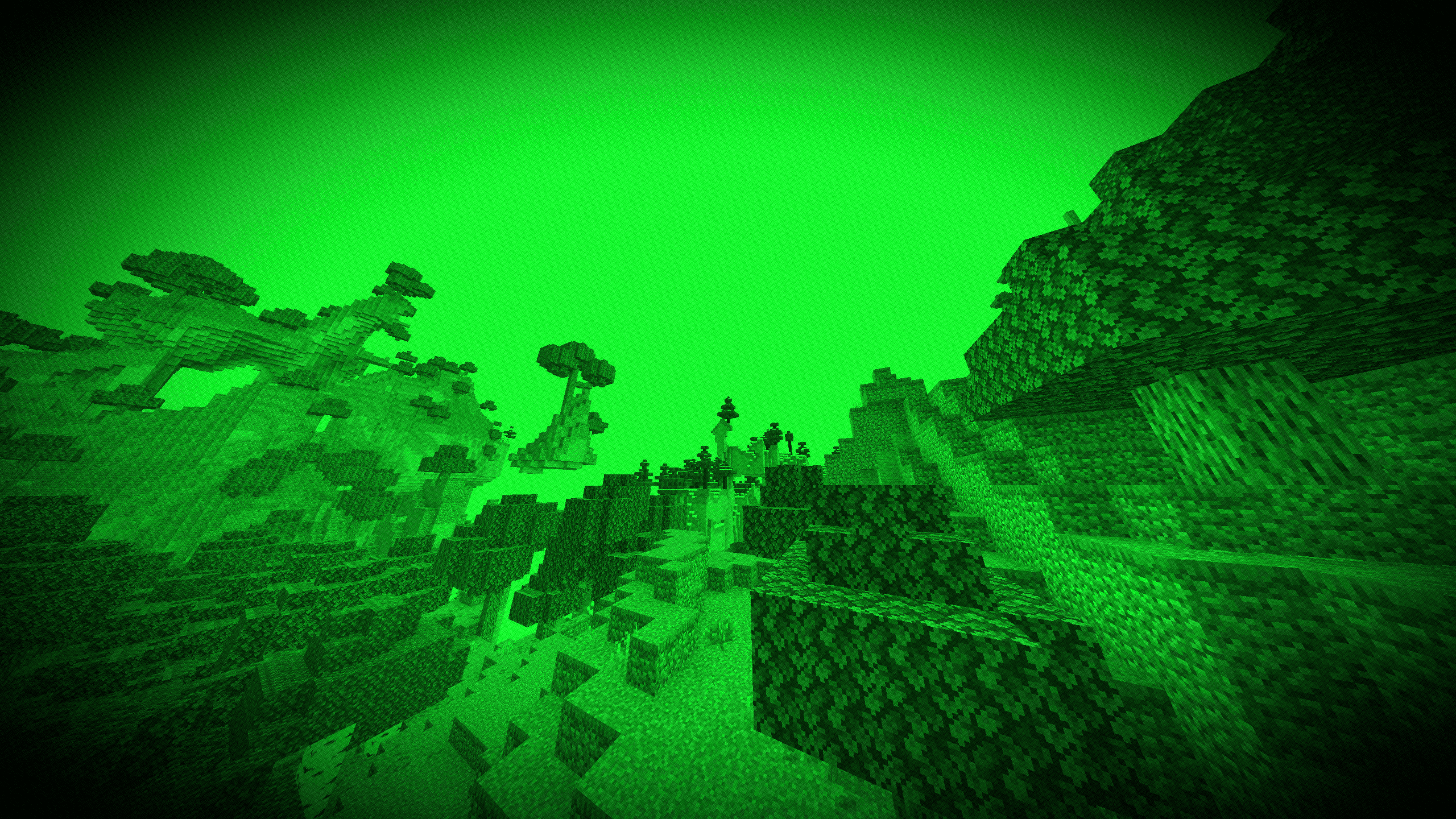 |
| Cyberpunk / Neon | 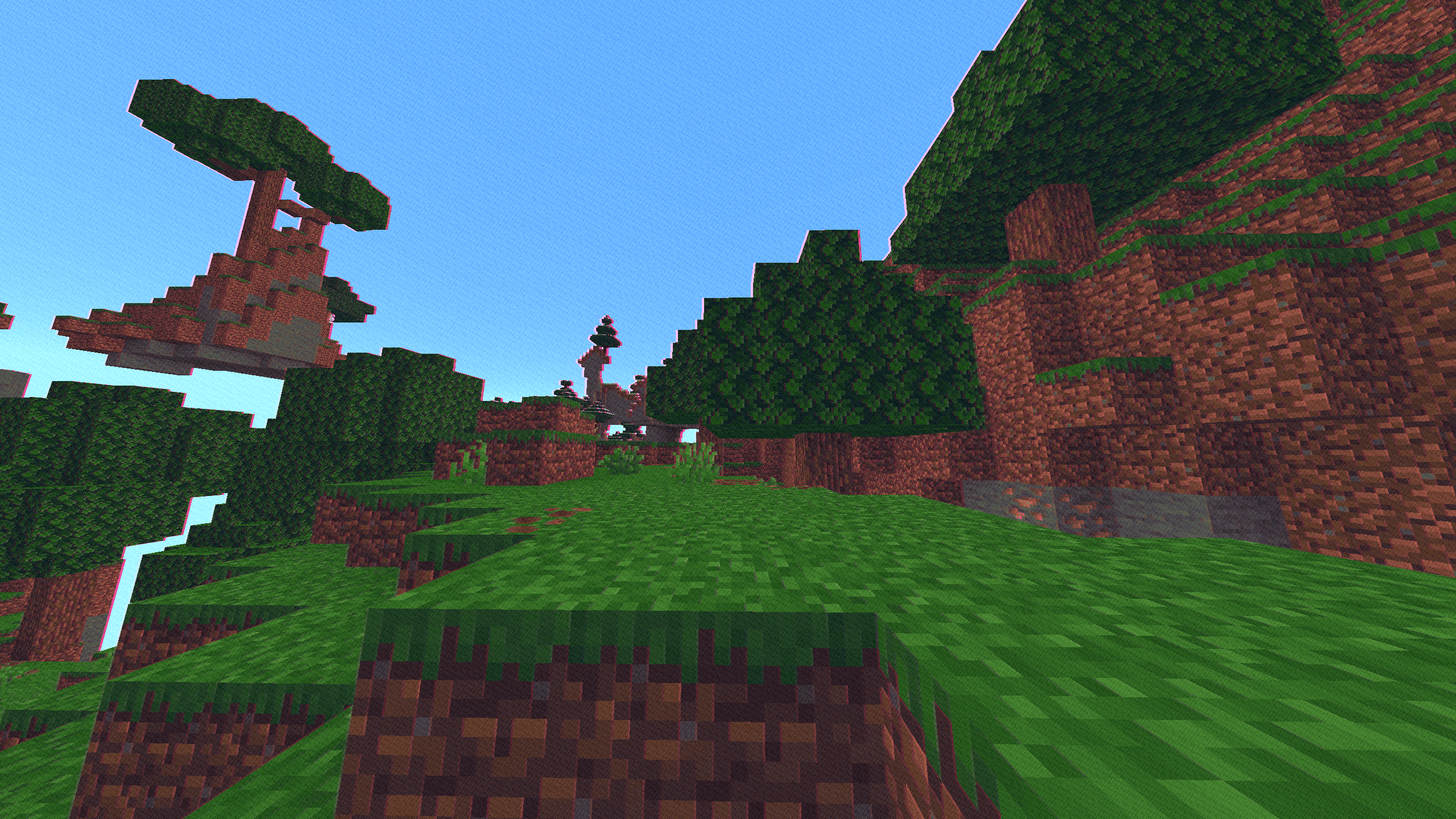 |
| Amber Terminal | 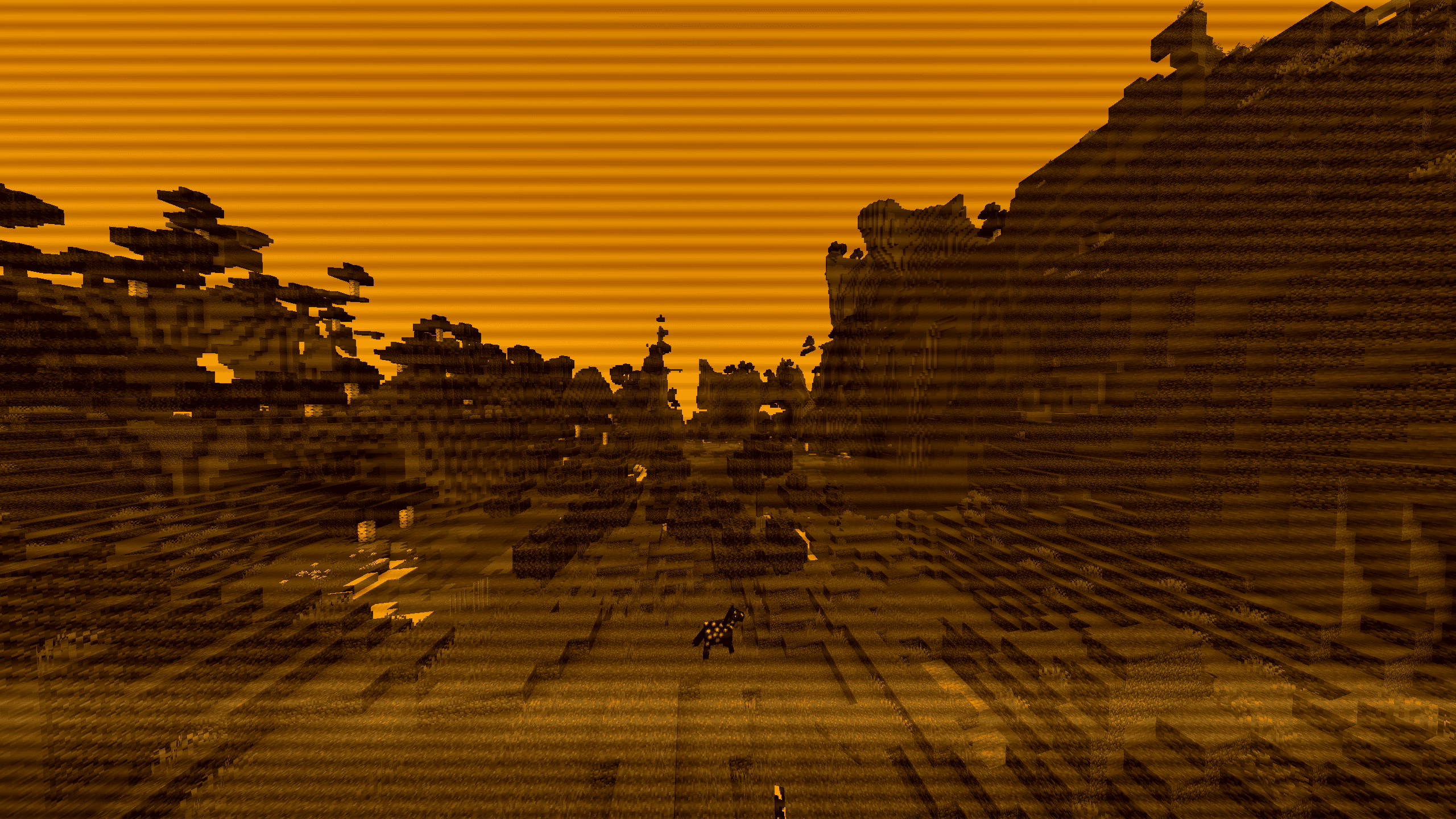 |
⚙️ Included Presets
Select any mode instantly through the in-game shader options menu:
- VHS Camcorder: Horizontal tape flutter, rolling tracking noise, RGB chromatic aberration, and a functional camcorder HUD (battery gauge, flashing
● REC, live clock). - Police Bodycam: Wide fisheye distortion, harsh highlight clipping, sensor grain, and yellow Axon telemetry markers.
- CCTV Surveillance: 8-FPS security feed cadence, desaturated green-gray tint, scanlines, and camera status overlays.
- Game Boy Classic: 4-shade olive DMG palette with LCD subpixel grid lines. Balanced luma curves prevent outdoor washout.
- Arcade CRT: Curved glass distortion, phosphor subpixel splitting, and horizontal scanlines.
- 1920s Film Reel: Sepia grade, 18-FPS projector gate bounce, light bulb flutter, hairline scratches, and transient dust specks.
- Thermal Vision: Luminance-based heat spectrum ranging from deep blue/purple up to bright white.
- Night Vision: High-gain green phosphor intensification with peripheral lens falloff.
- Cyberpunk / Neon: Midnight blue shadows paired with saturated cyan and hot-magenta highlight edges.
- Amber Terminal: Monochrome amber CRT phosphor look with an active downward raster sweep.
🎯 Interactive Features
- Dynamic Sniper Optics: Zooming in (via Spyglass or zoom keys like
C) while using Night Vision or Thermal automatically engages a tactical scope housing with mil-dot reticle crosshairs. Configurable between 1.0x, 2.0x, 4.0x, and 8.0x zoom. - Universal 35mm Grain Slider: Organic, shutter-locked 24-FPS grain that respects scene lighting (heavier in dark areas, subtle in highlights). Works across all presets, including the clean passthrough mode.
📦 Installation
- Install Iris (recommended) or OptiFine.
- Download
AnalogCraft.zipand place it inside your.minecraft/shaderpacks/folder. - Select AnalogCraft in
Video Settings -> Shader Packs.
Quick facts
- Edition: Minecraft Java
- File type: .zip (resource pack)
- Minecraft versions listed: 1.8, 1.8.1, 1.8.2
- How to install: Download the .zip resource pack — do not unzip it. → Put it in .minecraft/resourcepacks. → Enable it in Options → Resource Packs.
- Where to get it: Opens on Modrinth — not every file is mirrored on our own servers.
Install steps are the general flow for this file type — see the MC Java Mods guides for the full walkthrough.
Verified by MCModsHub
- Downloads as AnalogCraft v1.zip
- Download size: 6 KB
- Download link checked 14 Sept 2026 — working
These come from our own check of the pack file, not from the source page.