
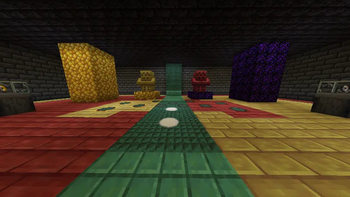
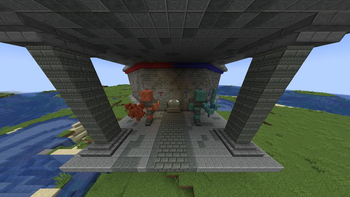
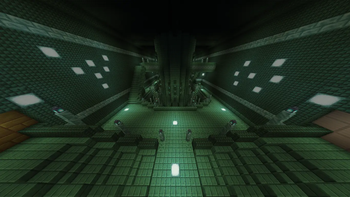
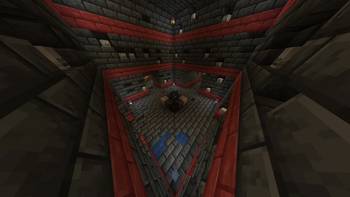
You may want to remove the Chipped dependency inside the Legendary Monuments jar file:
To do this, open the LM jar file (inside the /mods/ folder) with a compressed file viewer like WinRAR
Go to /META-INF/neoforge.mods.toml/
Open it with a text editor, like notepad, and remove these lines:

[[dependencies.legendarymonuments]]
modId = "chipped"
type="required"
versionRange = "[0,)"
ordering = "NONE"
side = "BOTH"
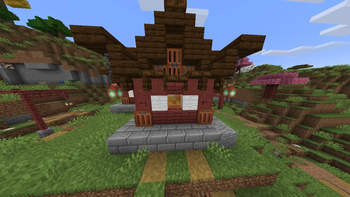
If you want to use Legendary Monuments but don't want to have Chipped installed in your datapack or simply don't like Chipped blocks in these structures, this datapack replaces those blocks with what I consider to be the best vanilla* Minecraft alternative blocks for these. This also means all structures generate correctly without having Chipped installed, just having the datapack. All credits go to the Legendary Monuments mod developer and original structure builders, this is just a simple block swap datapack and I didn't create the original builds.
Any palette suggestions or blocks I missed can be discussed in the Discord Server.
*Some blocks aren't exactly vanilla 1.21.1, as they could be backported with Vanilla Backport and Copper Age Backport, for example Cinnabar Blocks and Copper Lanterns
DEPENDENCIES
- Legendary Monuments
- Vanilla Backport
- Copper Age Backport
- Edition: Minecraft Java
- File type: .jar
- Minecraft version listed: 1.21.1
- How to install: Install the matching mod loader (Forge, Fabric or NeoForge) for your Minecraft version. → Download the .jar. → Put it in the .minecraft/mods folder and launch that loader profile.
- Where to get it: Opens on Modrinth — not every file is mirrored on our own servers.
Install steps are the general flow for this file type — see the MC Java Mods guides for the full walkthrough.
- Downloads as Chippedless_Legendary_Monuments_v1.zip
- Download size: 6.6 MB
- Download link checked 14 Sept 2026 — working
These come from our own check of the pack file, not from the source page.