
Save Stage
Stage system for retake survival roleplay scenes - save/load player state, director mode, autosave, rollback block, GUI
⬇ Download on Modrinth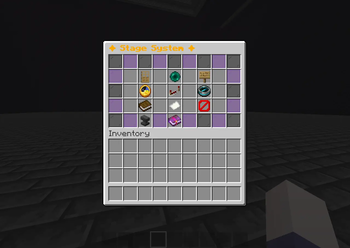
Save Stage
Save Stage is a Paper plugin designed for Minecraft roleplay, cinematics, survival stories, and machinima production.
Instead of rebuilding your scene after every recording, Save Stage lets you save the current stage and restore it at any time. It captures players, world settings, props, and visual effects, making scene retakes fast and consistent.
Built for content creators, production teams, and roleplay servers.
Features
💾 Complete Stage Saving
Save almost everything needed for a perfect retake:
- Player position
- Inventory
- Health & Hunger
- Experience
- Gamemode
- Active potion effects
- Glowing state
- Scoreboard tags
- Time
- Weather
- Mob states
- Block changes
- Props / placed objects
Load everything back exactly as it was.
🎬 Director Mode
Freeze the stage while recording.
Director Mode prevents unwanted world changes by freezing:
- Mobs
- Time
- Weather
Perfect for filming multiple takes.
👀 Preview Mode
screenshot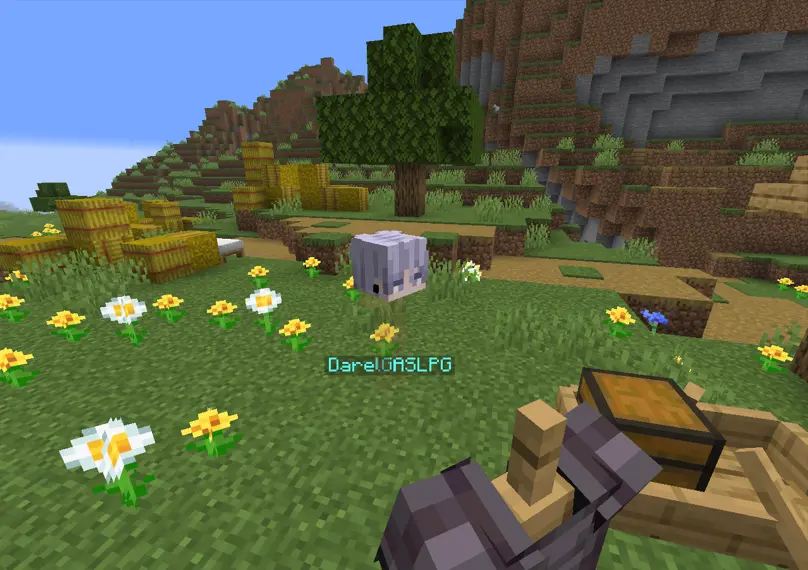
Preview a saved stage before loading it.
- Temporary preview mode
- Smooth fade transition
- Exit anytime without affecting the actual world
👤 Player & Environment Loading
Choose exactly what to restore.
- Load the entire stage
- Load only one player
- Load only the environment (time & weather)
Useful when actors don't need to be reset.
📝 Stage Notes
Attach notes to every stage.
Example:
/stage notes intro First village scene
Perfect for directors managing many scenes.
🔄 Autosave
Automatically create checkpoints while recording.
If something goes wrong, simply restore the latest autosave.
🧱 Block Rollback
Restore every modified block after recording.
Great for:
- Explosions
- PvP fights
- Destroyed buildings
- Environmental damage
⭐ Favorite (Pin) Stages
Pin important stages so they always stay at the top of the list.
📦 Export & Import
Share stages between servers.
- Export to JSON
- Import from JSON
Perfect for backups and team collaboration.
✏ Rename Stages
Rename saved stages without recording them again.
🖥 Modern GUI
Screenschot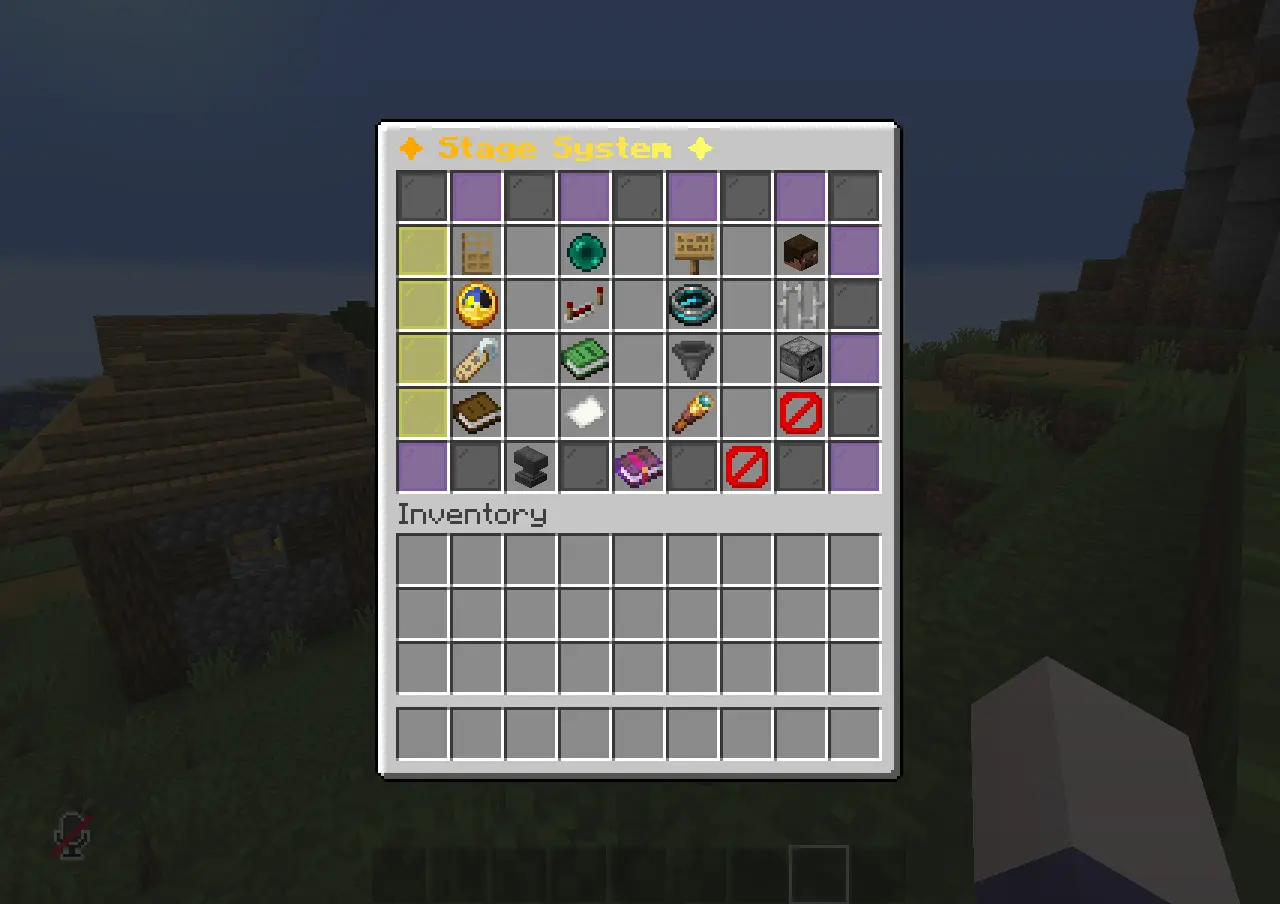
A completely redesigned GUI featuring:
- Cleaner layout
- Better organization
- Stage previews
- Click-to-load
- GUI animations
- Confirmation menus
✅ Confirmation GUI
Screenshot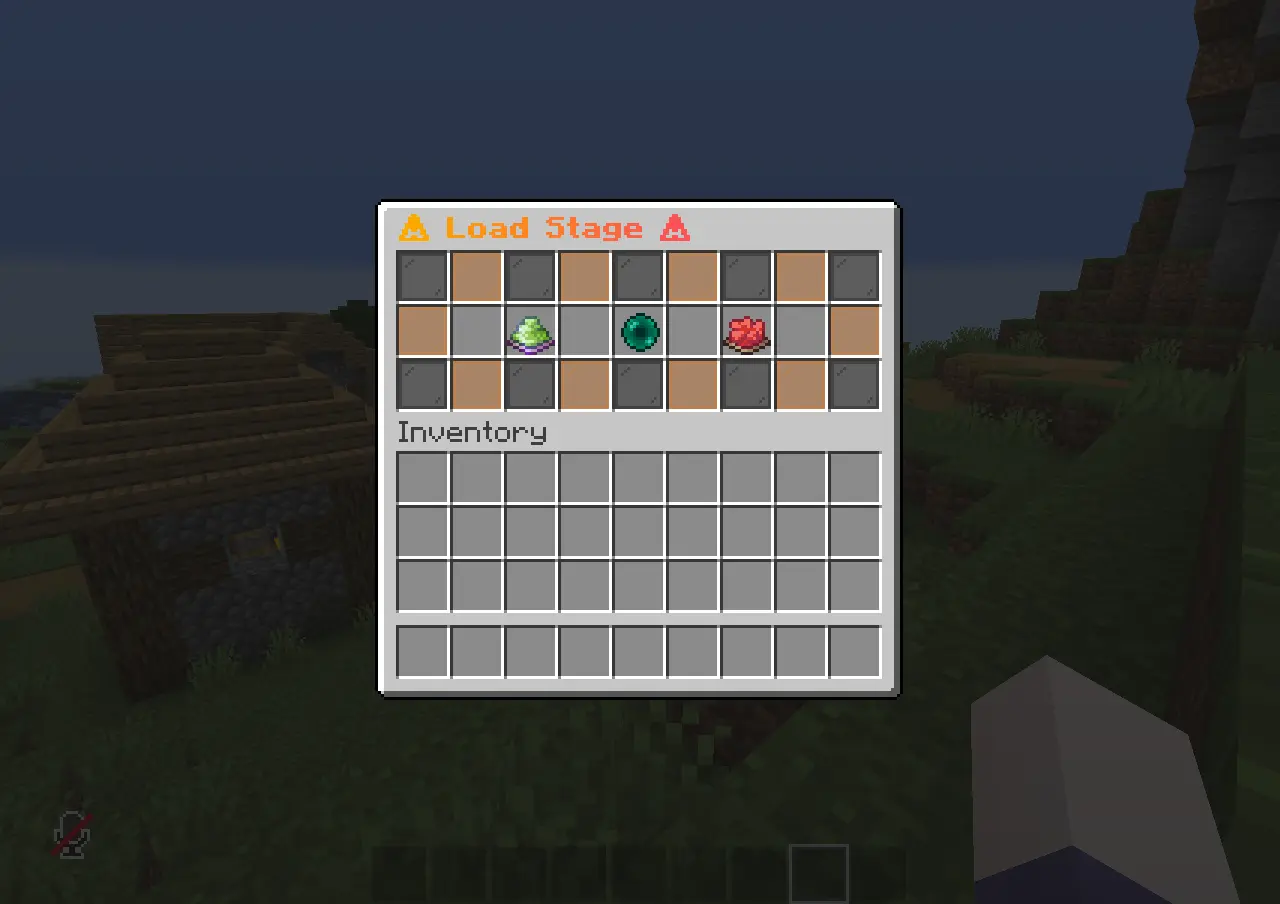
Potentially dangerous actions (such as loading a stage) require confirmation through a GUI to prevent accidental mistakes.
🌍 Multi-language Support
Translate all plugin messages by editing the files inside the lang folder.
📜 Activity Logs
Track plugin activity including:
- Saves
- Loads
- Deletes
- Imports
- Exports
- Renames
- Rollbacks
⚙ Easy Configuration
Customize the plugin using config.yml.
🛡 Load Conflict Prevention
If two staff members try to load the same stage almost simultaneously, Save Stage prevents accidental conflicts.
Example:
"This stage was just loaded by Steve. Continue anyway?"
This helps directors avoid overwriting each other's work.
📢 Player Notifications
When a director reloads a stage, affected players receive a Title or Action Bar message.
Example:
Your condition has been reloaded by the director.
Players won't be confused by sudden teleports or world changes.
🚫 Spectator Protection
Players in Spectator Mode can be excluded from stage loading, preventing camera operators from being affected.
Commands
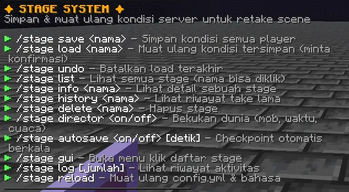
| Command | Description |
|---|---|
/stage save <name> |
Save the current stage. |
/stage load <name> |
Load a saved stage. |
/stage load <name> <player> |
Load only the selected player's state. |
/stage load <name> ground |
Load only the environment (time & weather). |
/stage preview <name> |
Preview a stage before loading it. |
/stage preview exit |
Exit preview mode. |
/stage notes <name> <text> |
Add or edit notes for a stage. |
/stage notes <name> clear |
Remove all notes. |
/stage undo |
Undo the last stage load. |
/stage list |
Show all saved stages. |
/stage info <name> |
View stage information. |
/stage history <name> |
Show stage load history. |
/stage rename <old> <new> |
Rename a stage. |
/stage duplicate <name> <new> |
Duplicate an existing stage. |
/stage pin <name> |
Pin or unpin a stage. |
/stage export <name> |
Export a stage to a JSON file. |
/stage import <file> [new-name] |
Import a stage from a JSON file. |
/stage delete <name> |
Delete a stage. |
/stage director <on/off> |
Enable or disable Director Mode. |
/stage autosave <on/off> [seconds] |
Enable automatic checkpoints. |
/stage gui |
Open the Stage GUI. |
/stage exclude <player> |
Include or exclude a player from stage loading. |
/stage log [count] |
View recent activity logs. |
/stage reload |
Reload the plugin configuration and language files. |
Installation
- Download the latest version of Save Stage.
- Place the plugin
.jarinto your server'spluginsfolder. - Start or restart the server.
- The plugin will automatically generate its files.
- Edit
config.ymlor the files inside thelangfolder if needed. - Run
/stage reloadafter making changes.
Plugin Files
plugins/
└── SaveStage/
    ├── config.yml
    ├── stage-log.txt
    ├── lang/
    ├── stages/
    └── exports/
Perfect For
- Minecraft Roleplay Servers
- Survival Story Series
- Cinematics
- Machinima
- YouTube Content
- Multiplayer Productions
- Adventure Maps
- Event Recording
- Testing & Development
Why Save Stage?
Creating Minecraft roleplay content often means recording the same scene many times.
Save Stage eliminates the need to manually reset players, blocks, weather, time, props, potion effects, and other scene elements after every take.
Spend less time rebuilding your world, and more time creating great stories.
- Edition: Minecraft Java
- File type: .jar
- Minecraft versions listed: 1.21, 1.21.1, 1.21.2
- How to install: Install the matching mod loader (Forge, Fabric or NeoForge) for your Minecraft version. → Download the .jar. → Put it in the .minecraft/mods folder and launch that loader profile.
- Where to get it: Opens on Modrinth — not every file is mirrored on our own servers.
Install steps are the general flow for this file type — How to install Minecraft Java mods & modpacks walks through it step by step.
- Ships as stageplugin.jar — drop this file into the mods folder
- Download size: 137 KB
- Download link checked 14 Sept 2026 — working
These come from our own check of the pack file, not from the source page.