ModsJava
CobbleTCG Mod (1.21.1) – Collect Rare Trading Cards and Fill Custom Albums
Java mod listed for Minecraft 1.21. Downloads from the MC Java Mods app on Android.
⬇ Download

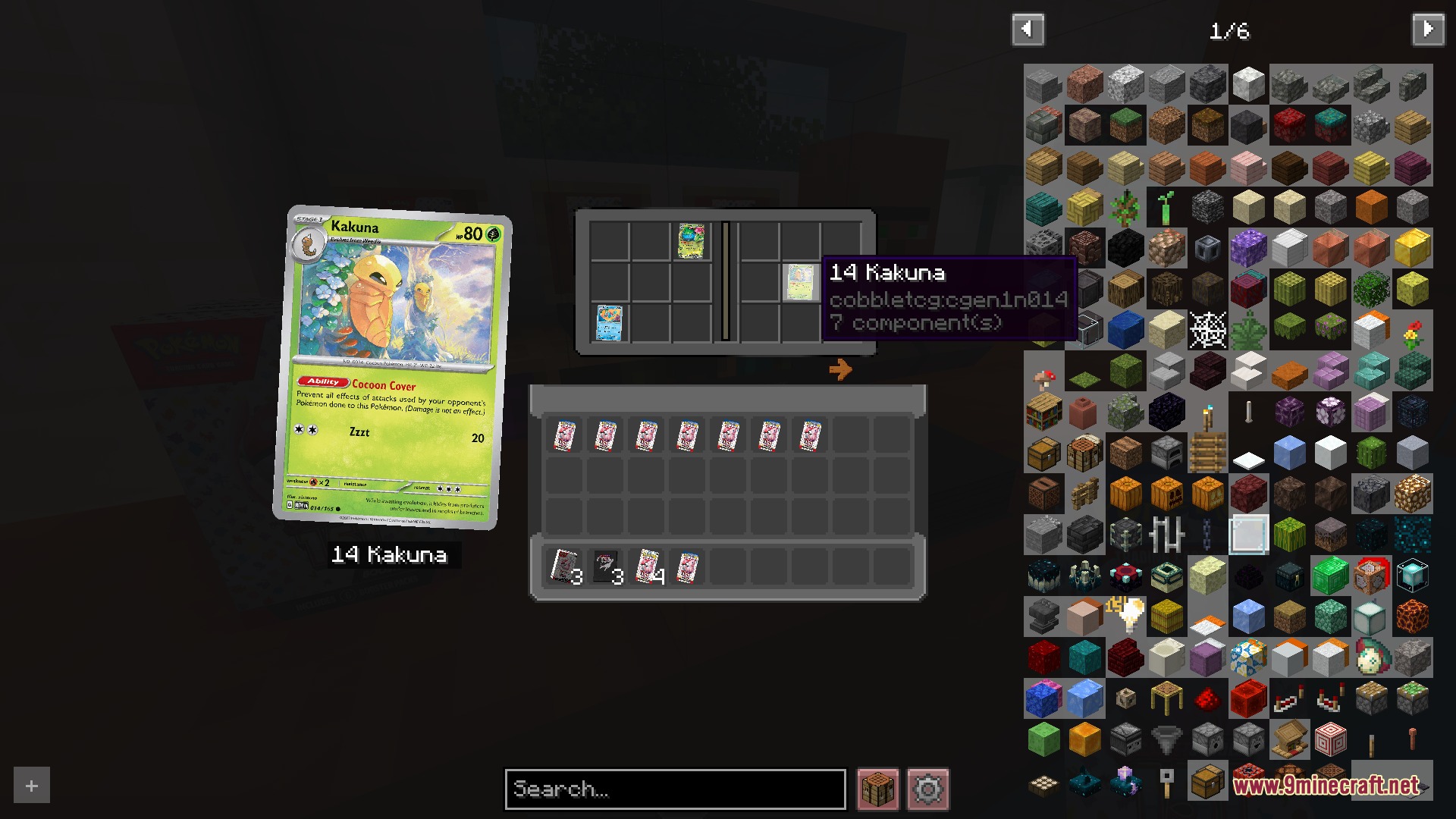
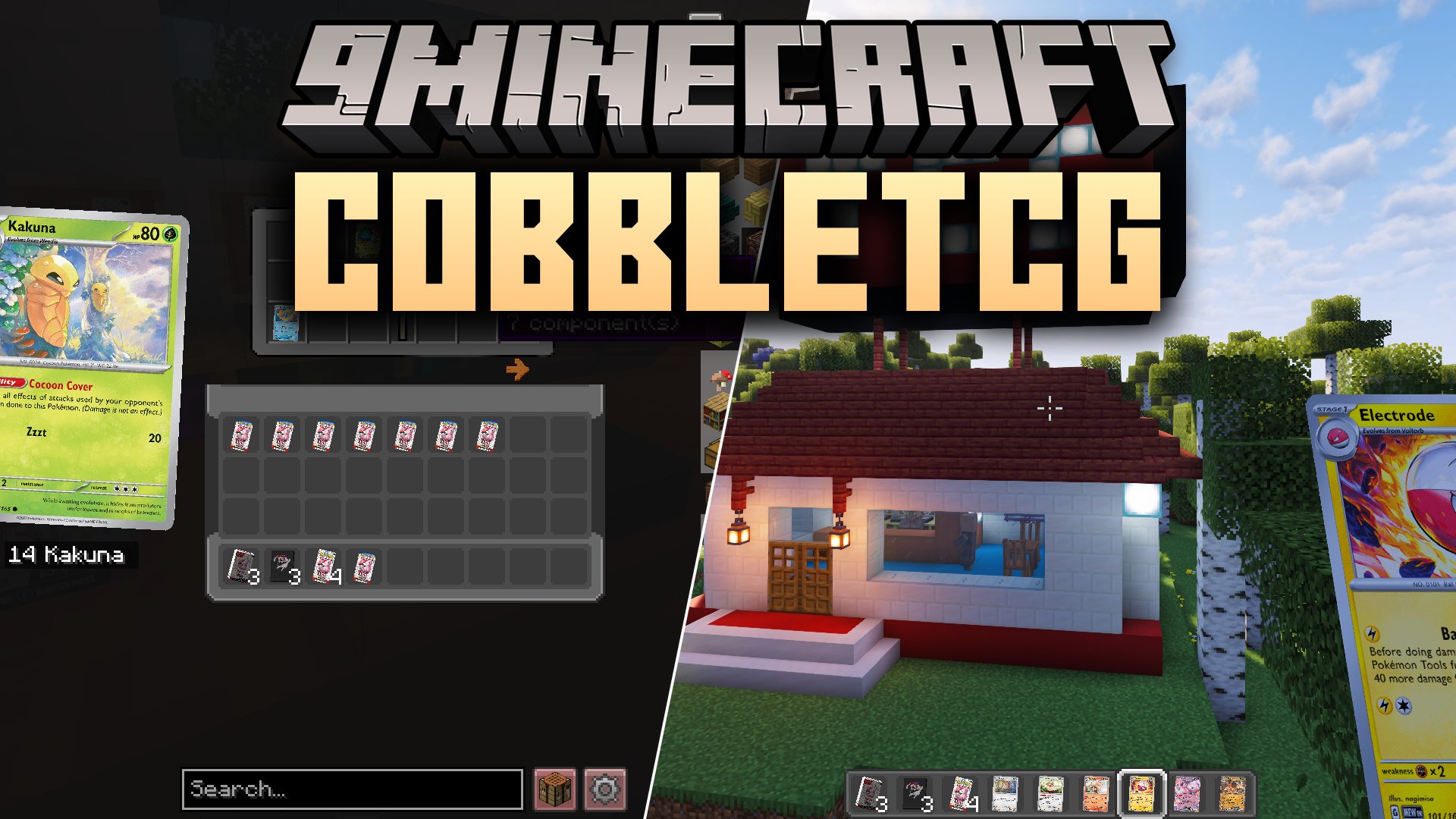
CobbleTCG Mod brings the fun of collecting classic trading card packs directly into your game. You can open booster packs, find rare foil cards, and organize complete card sets into custom albums. It works on its own or alongside creature-catching setups, giving you an exciting treasure hunting hobby as you travel across your world.
Features:
- Adds over 8,300 collectible cards spanning 41 card set collections.
- Lets you open booster packs containing 5 cards each, featuring normal, semi-god, and god pack rarities.
- Includes dedicated Card Album binders that store full sets and let you view cards up close.
- Albums keep all stored cards safe even when broken and carried around in your inventory.
- Adds craftable Bundle blocks that work as storage units and placeable world decorations.
- Allows players to convert 6 booster packs into 1 bundle and unpack bundles back into 6 booster packs.
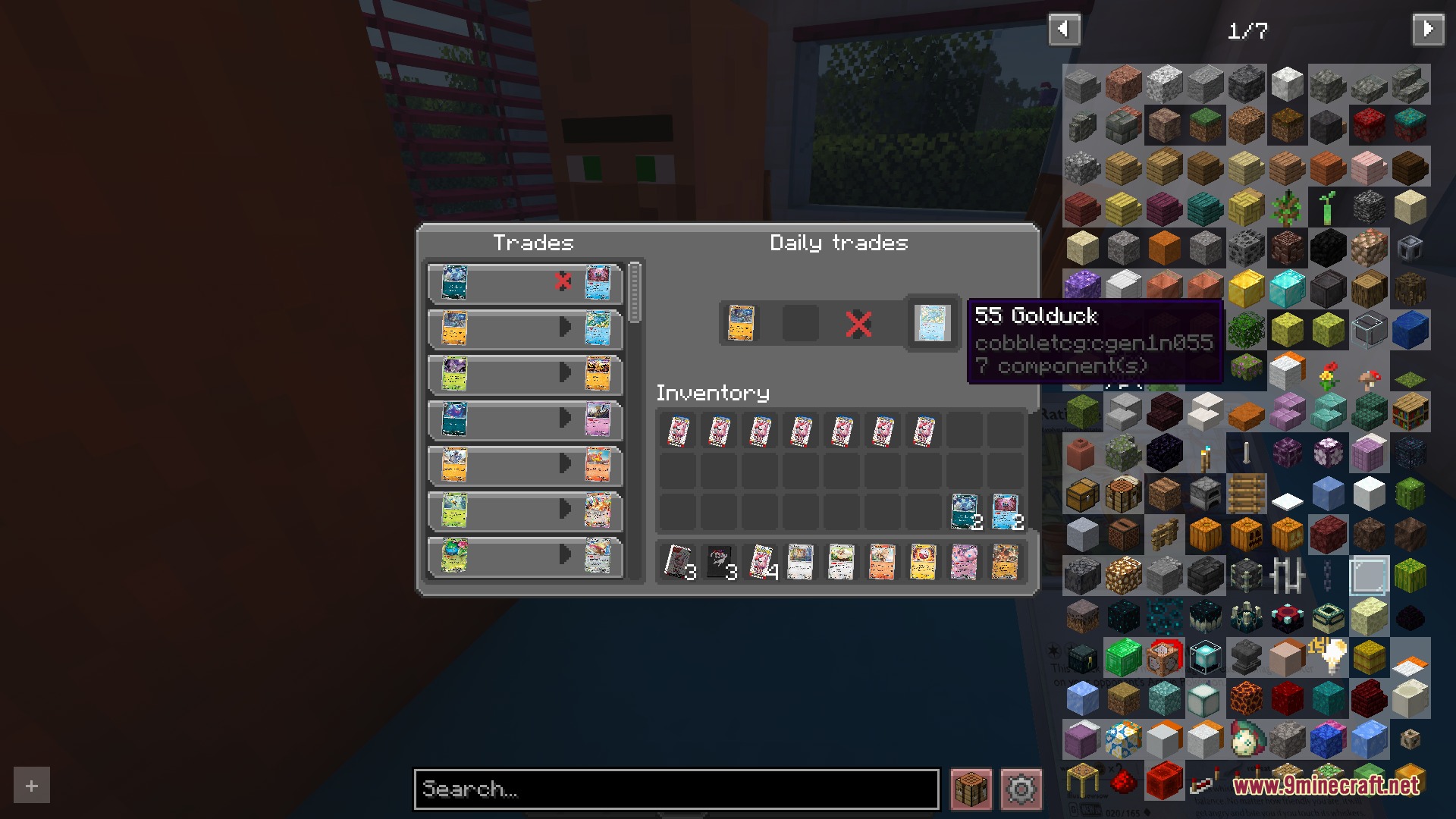
- Generates a custom card shop structure with an ATM block, a Bundle Vendor mob, and a Card Collector mob.
- Card Collectors update their available card trades every 20 minutes.
- Bundle Vendors restock booster packs and bundles every 60 minutes.
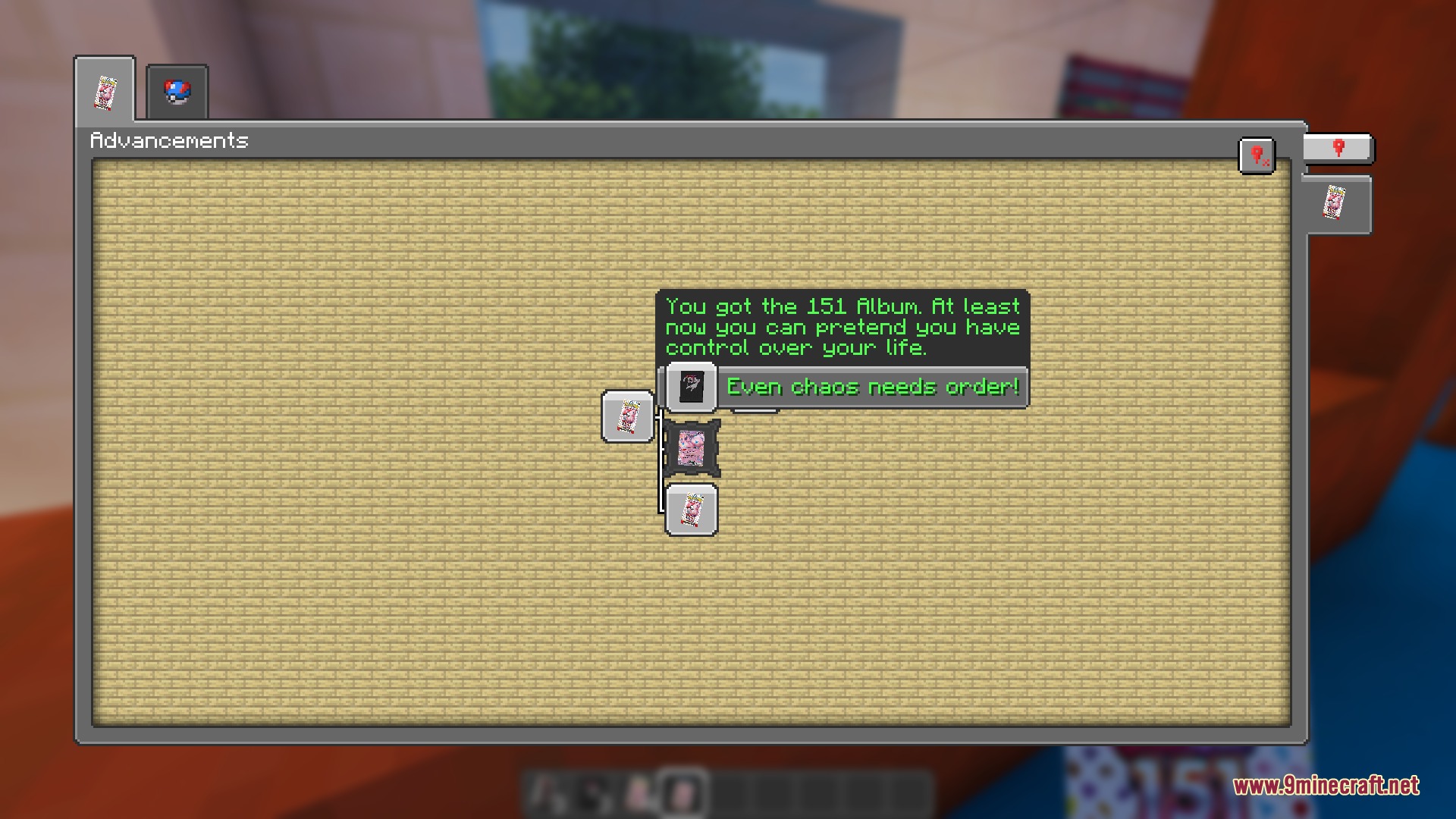
- Includes custom advancements with thematic messages that track your collecting journey.
Commands:
/cobbletcg reload: Reloads the mod configuration file and applies changes immediately.
Configuration:
Booster pack prices: Changes the coin or emerald prices required to purchase packs from vendors.Restock times: Adjusts how frequently store vendors update their items and trade inventories.The Welcome Pack: Turns the free starter pack on or off for players after one hour of playtime.
Screenshots:
CobbleTCG Mod Download Links
Quick facts
- Edition: Minecraft Java
- File type: .jar
- Minecraft version listed: 1.21.1
- How to install: Install the matching mod loader (Forge, Fabric or NeoForge) for your Minecraft version. → Download the .jar. → Put it in the .minecraft/mods folder and launch that loader profile.
- Where to get it: In MC Java Mods, or directly above on this page.
Install steps are the general flow for this file type — How to install Minecraft Java mods & modpacks walks through it step by step.
File checked by MCModsHub
- Downloads as 510059.mcaddon
- Download size: 58.9 MB
- Download link checked 22 Sept 2026 — working
- Mirrored on our own servers — the download does not depend on the original host
These come from our own check of the pack file, not from the source page.