ModsJava
Create Fishery Industry Mod (1.21.1, 1.20.1) – Automate Fish Catching
Java mod listed for Minecraft 1.20–1.21. Downloads from the MC Java Mods app on Android.
⬇ Download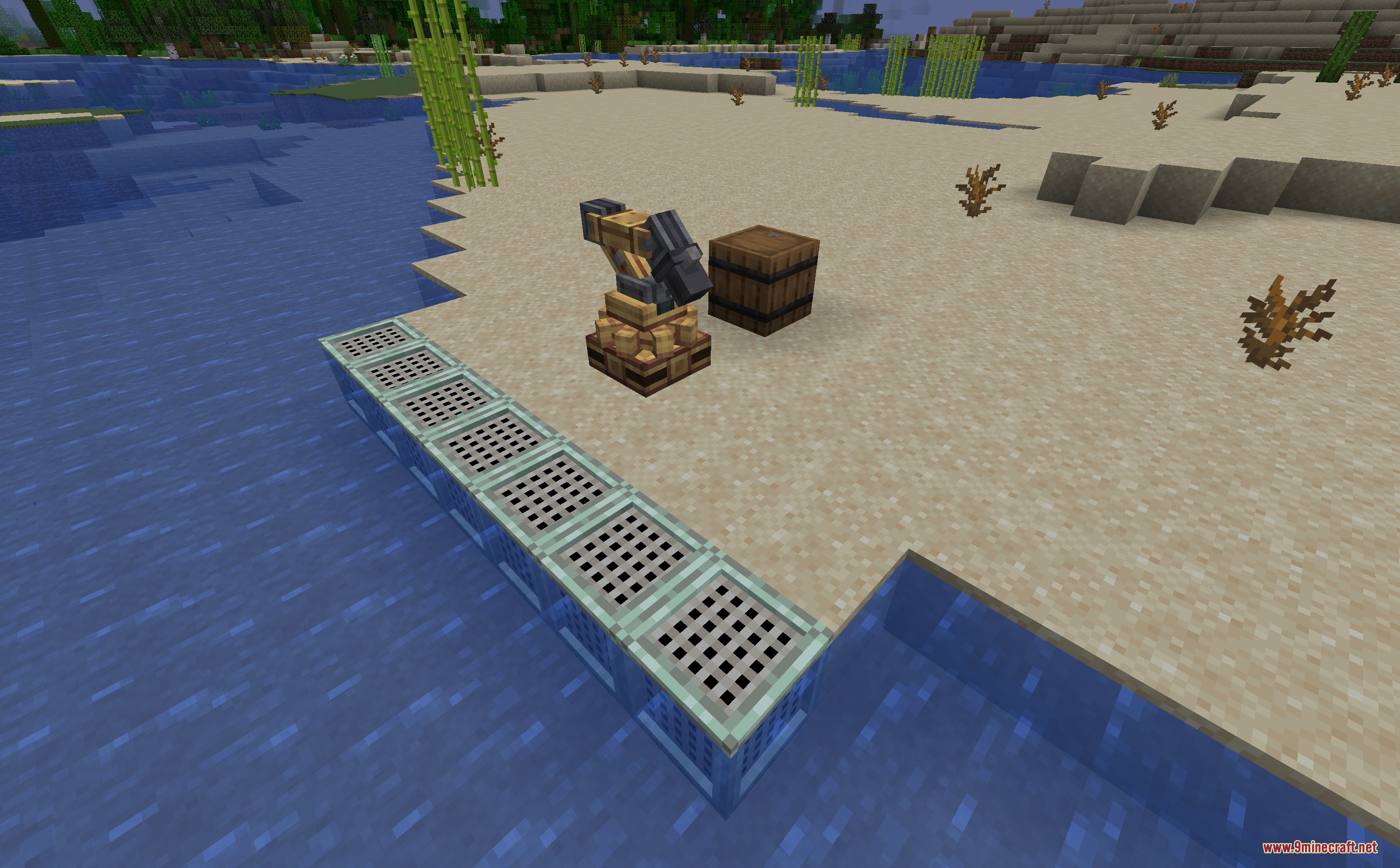
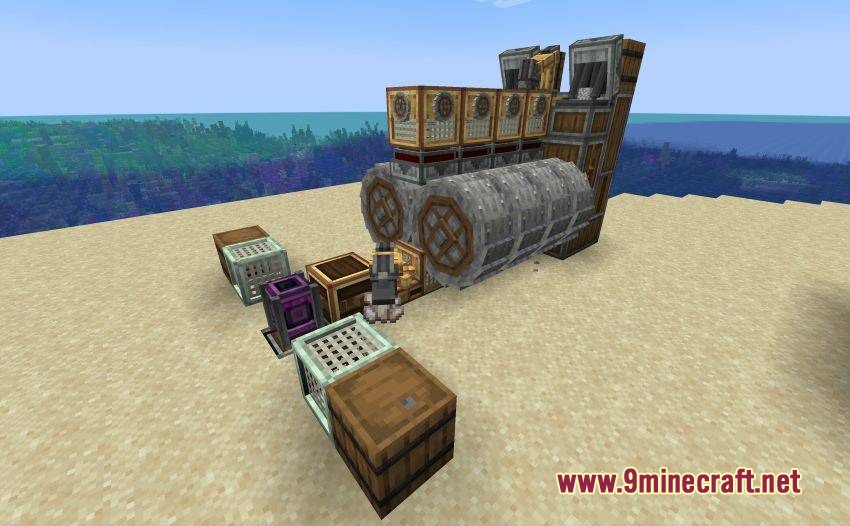
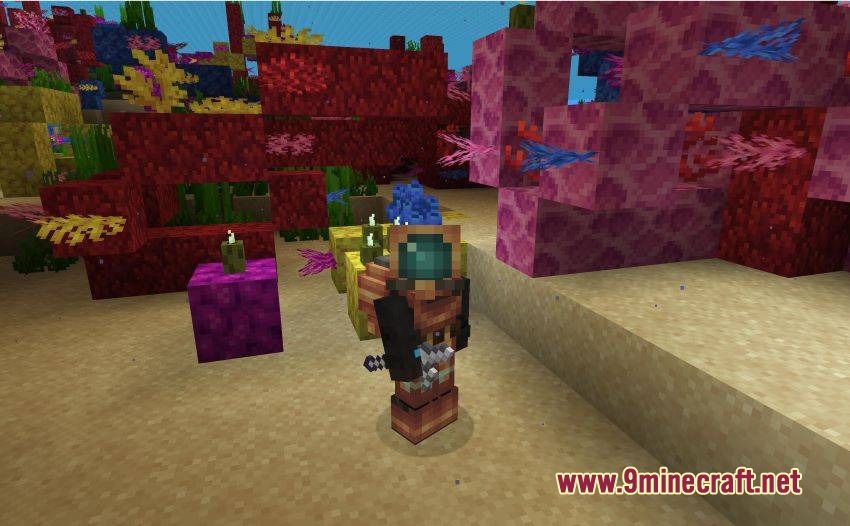
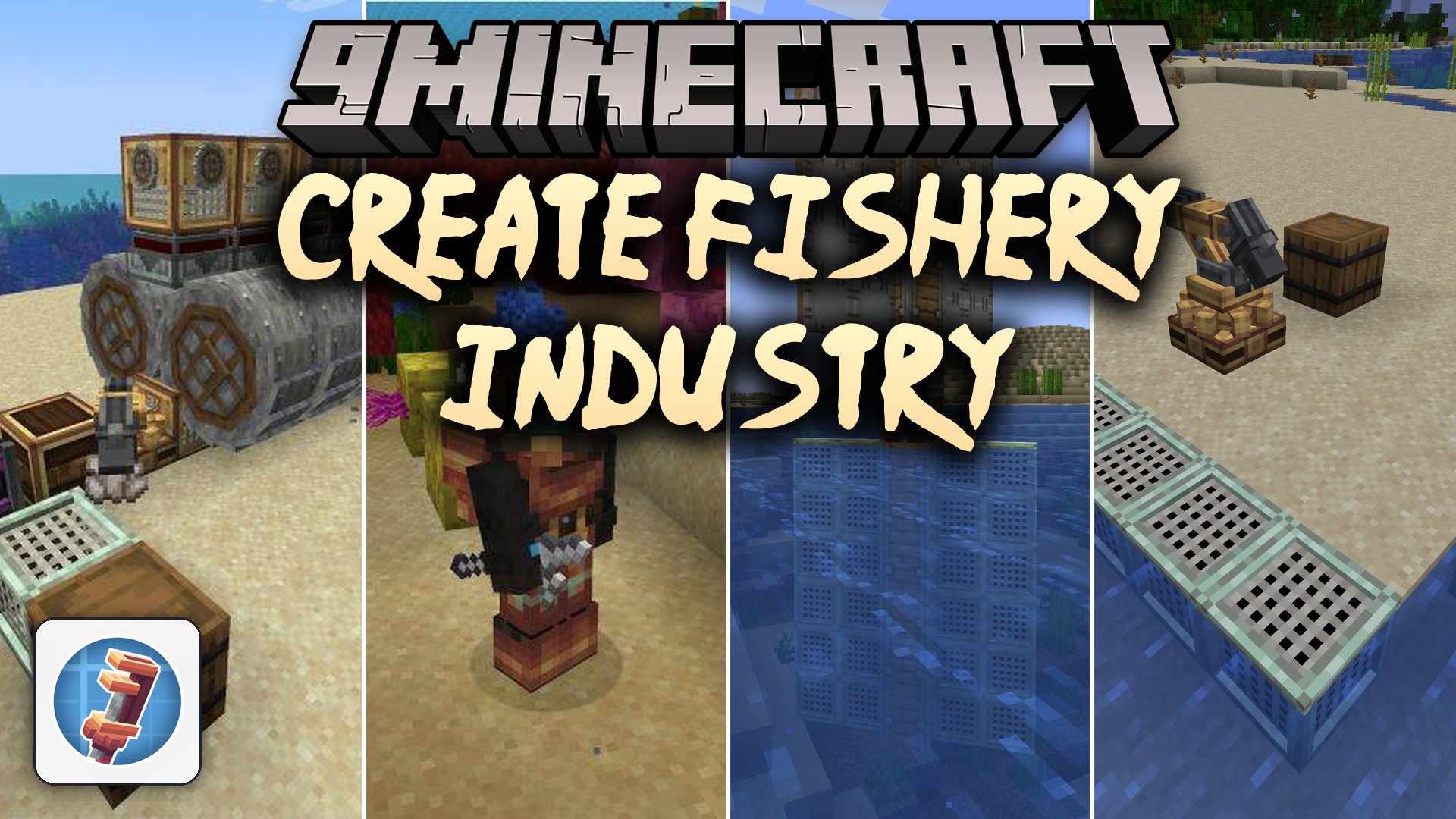
Create Fishery Industry Mod extends Create with automated fishing systems and aquatic machinery. This addon brings specialized traps, underwater diving gear, and seafood processing lines to your kinetic factories. You can gather items across different biomes using moving contraptions and turn fresh catches into hearty meals.
Features:
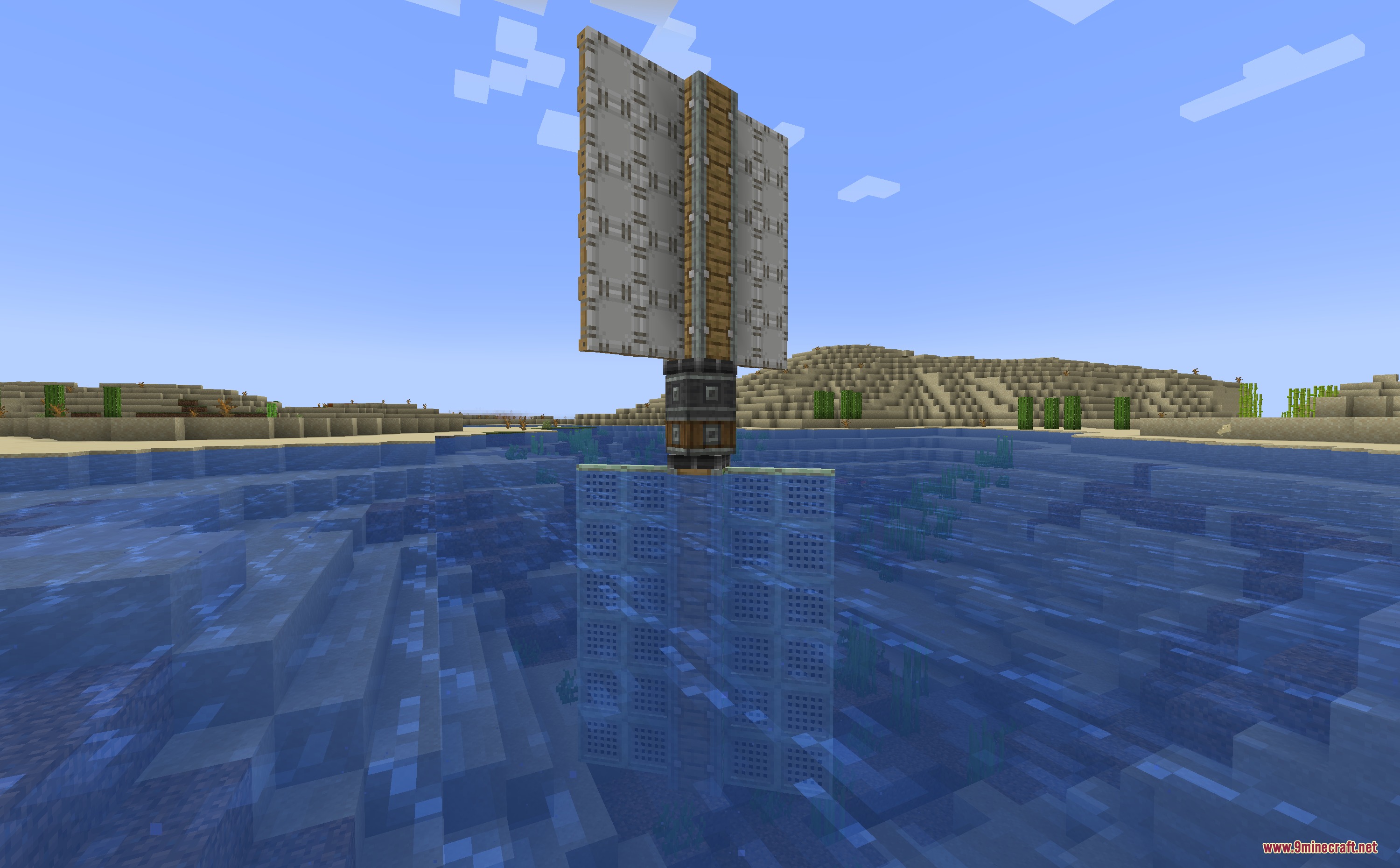
- Frame Trap catches fish, collects nearby floating items, and generates biome-specific fishing loot when mounted on moving contraptions.
- Trap Nozzle generates strong air currents to capture flying mobs such as phantoms from the sky.
- Smart Mesh routes aquatic items along your kinetic conveyor setups.
- Mechanical Peeler separates raw fish skins from fish steaks on your processing line.
- Mesh Trap catches small wandering land mobs and drops their loot straight into adjacent storage containers.
- Smart Nozzle uses air suction to pull distant items through customized item filters without pulling players or mobs.
- Diving Leggings provide extra jump strength when exploring deep underwater areas.
- Pneumatic Harpoon Gun runs on compressed air from your backtank to pull mobs, collect items, or pull you toward distant blocks.
- Harpoon Pouch lets you throw multiple harpoon projectiles in rapid succession.
- Brings seafood foods to cook, including mussels, lobsters, fish skins, and hot seafood chowders.
- Supports item extraction by right-clicking or connecting mechanical arms directly to trap blocks.
How to Use:
- Attach a Frame Trap to a kinetic contraption and run it through water to collect biome loot.
- Place a Mechanical Peeler along your shaft lines to process raw fish into steaks.
- Equip Diving Leggings to boost your underwater movement and jumping height.
- Charge a Pneumatic Harpoon Gun with air from a backtank to grapple blocks or pull targets.
Screenshots:
Create Fishery Industry Mod Download Links
Quick facts
- Edition: Minecraft Java
- File type: .jar
- Minecraft versions listed: 1.21.1, 1.20.1
- How to install: Install the matching mod loader (Forge, Fabric or NeoForge) for your Minecraft version. → Download the .jar. → Put it in the .minecraft/mods folder and launch that loader profile.
- Where to get it: In MC Java Mods, or directly above on this page.
Install steps are the general flow for this file type — How to install Minecraft Java mods & modpacks walks through it step by step.
File checked by MCModsHub
- Downloads as 510062.mcaddon
- Download size: 932 KB
- Download link checked 22 Sept 2026 — working
- Mirrored on our own servers — the download does not depend on the original host
These come from our own check of the pack file, not from the source page.