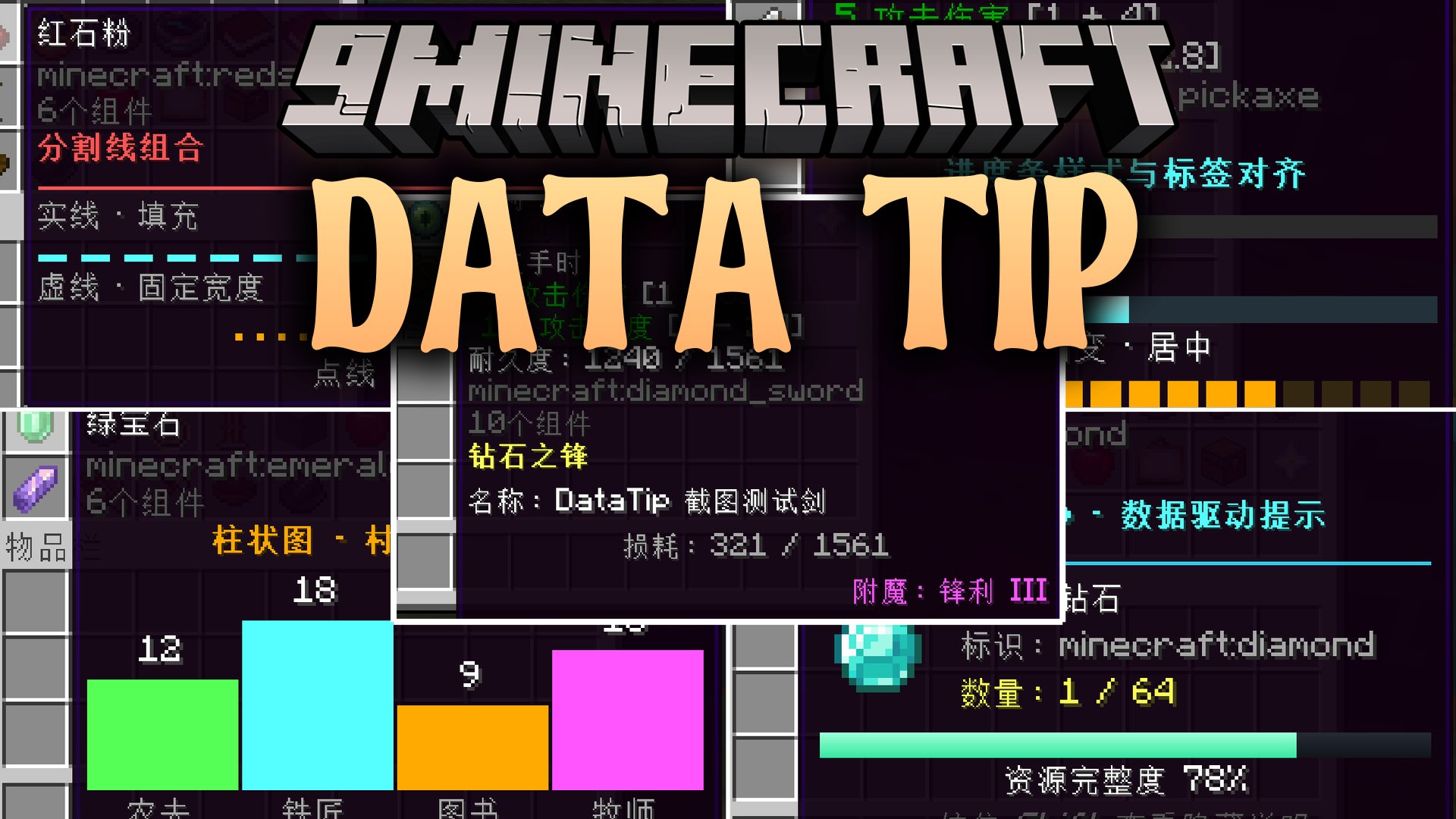
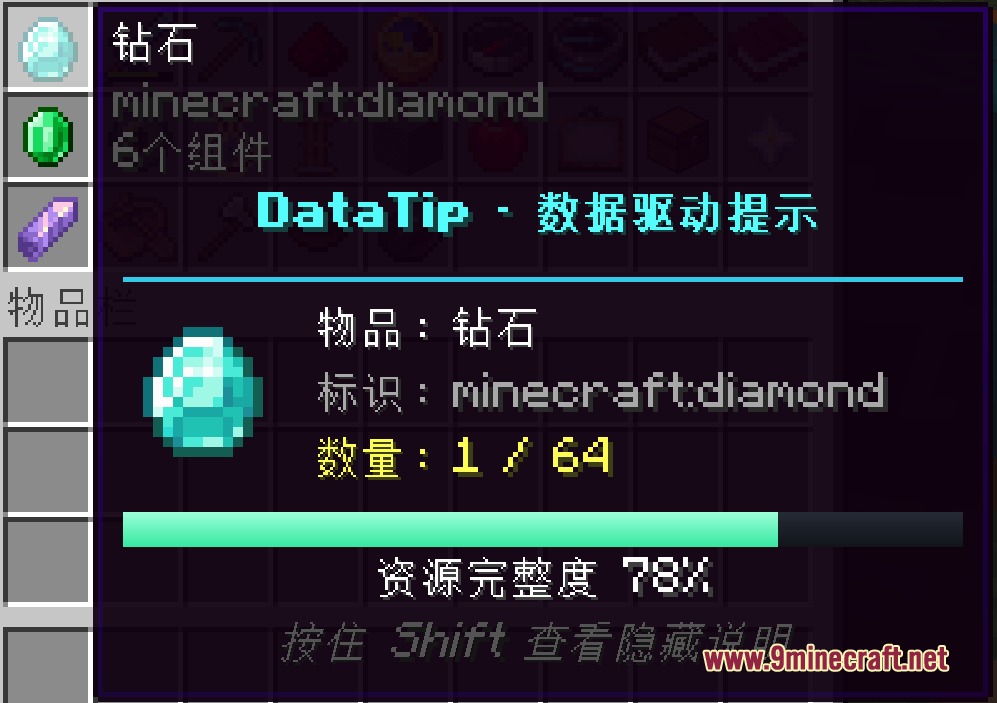
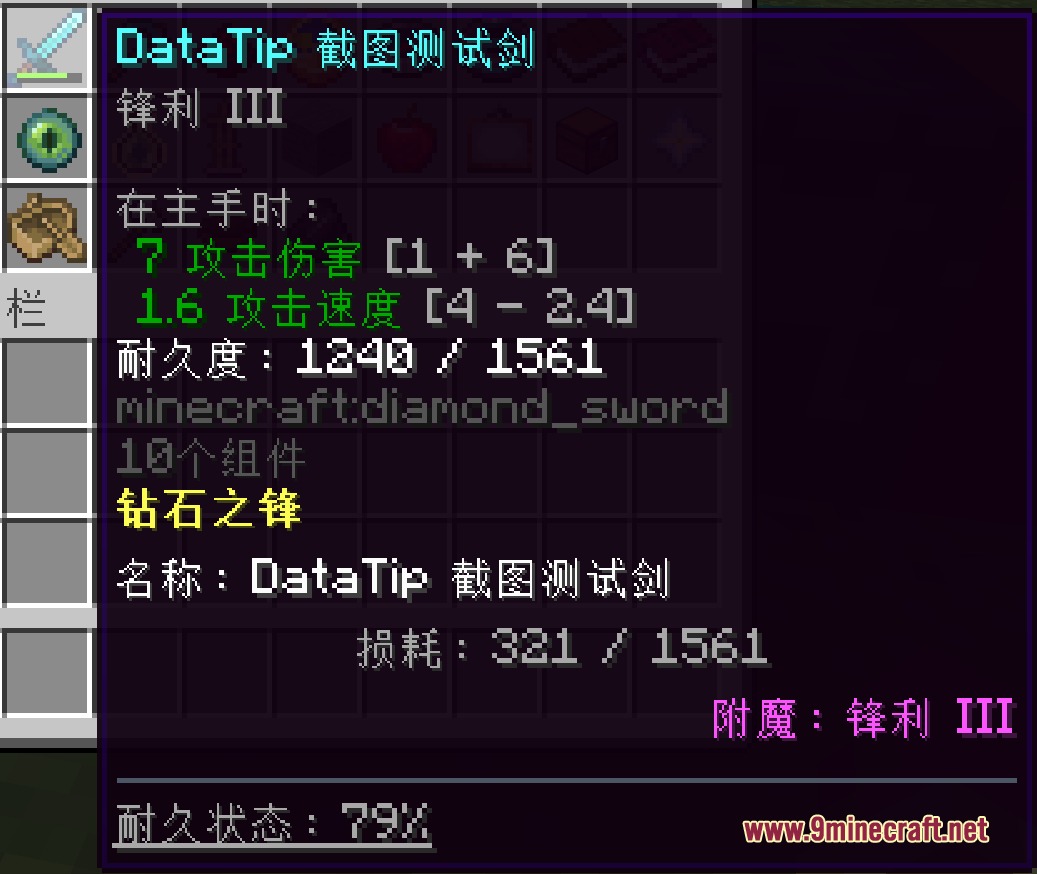
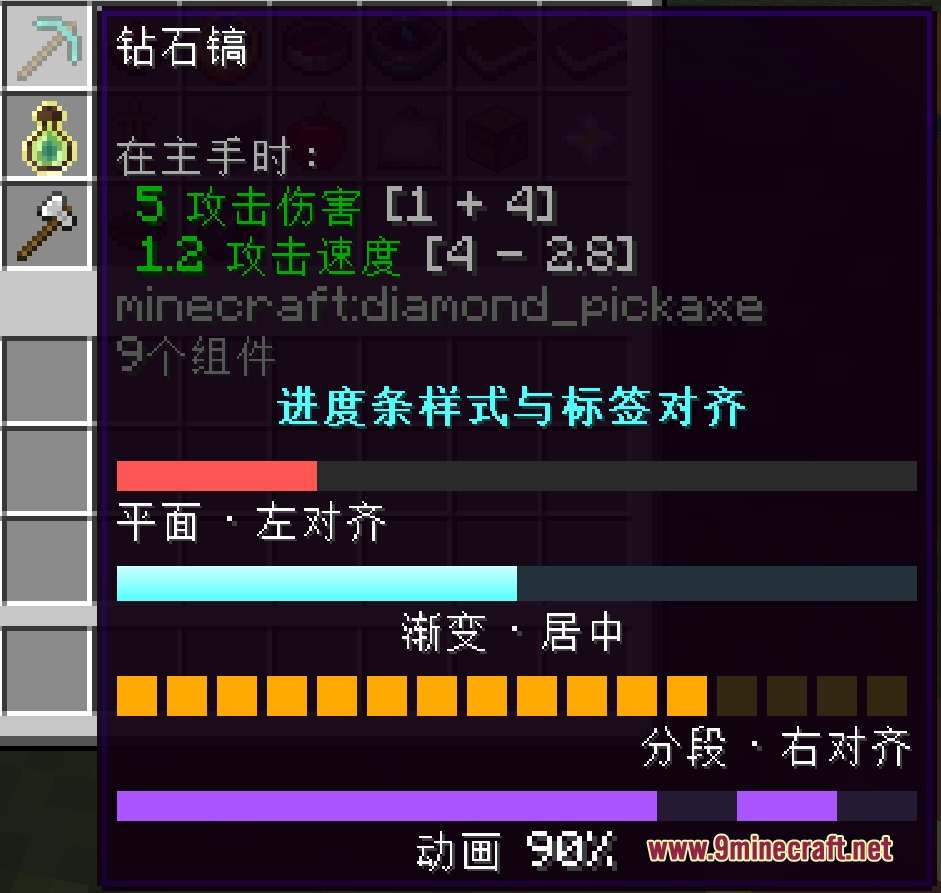
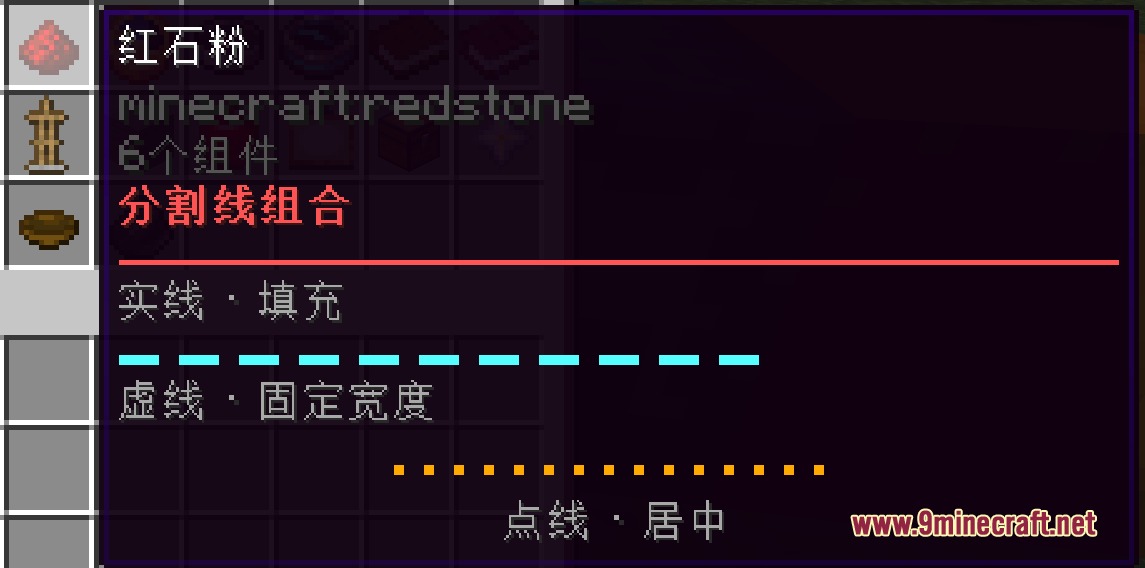
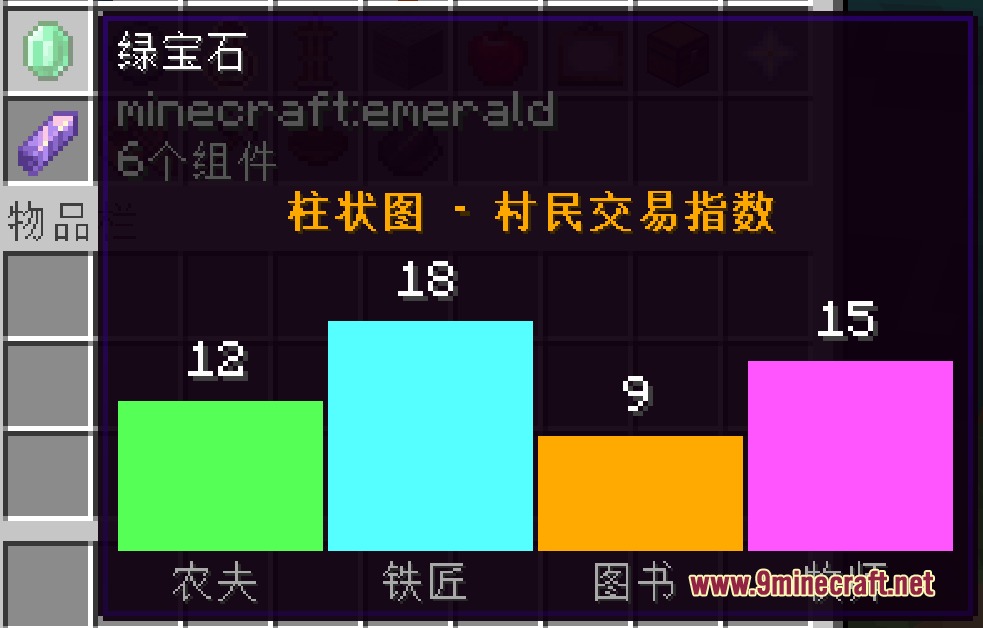
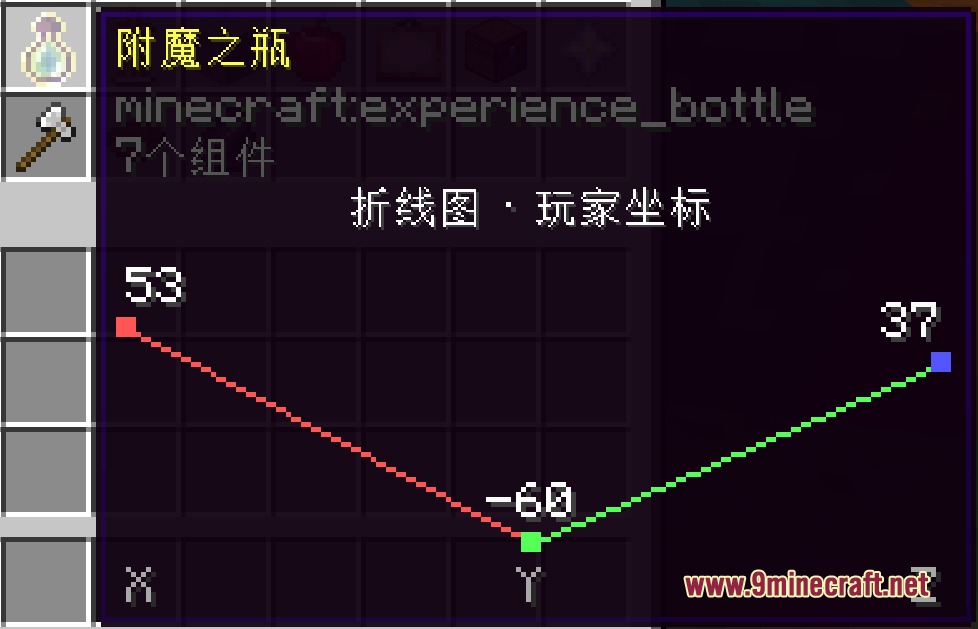
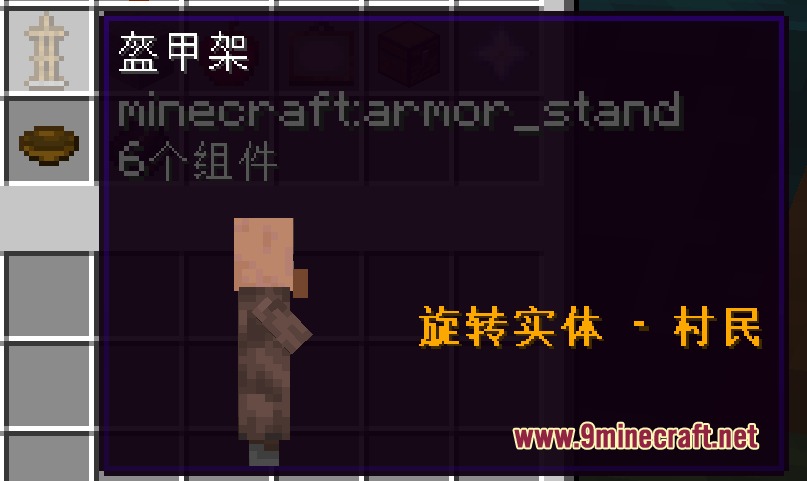
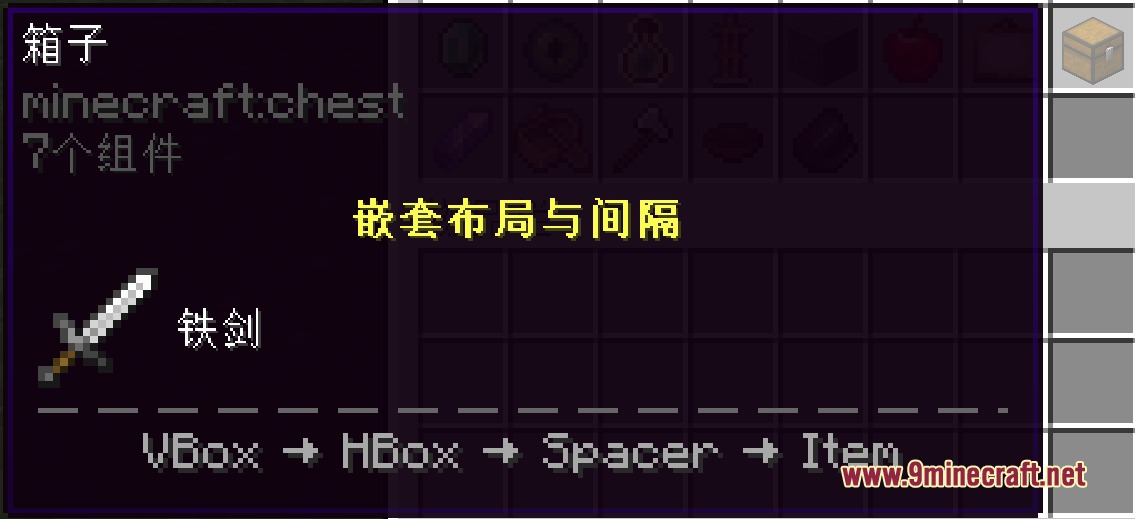
Data Tip Mod adds custom visual tooltips to items using simple JSON files in resource packs. It lets you display extra text, progress bars, 3D models, and live stats without writing any Java code. You can customize tooltip colors, set up multi-language text, or hide extra details behind a key press. It updates in real time and reloads instantly whenever you refresh your resource packs.
Features:
- Lets you create rich item tooltips with custom colors, bold styles, custom fonts, and formatting.
- Displays 3D rotating blocks, mob models, item icons, and custom textures directly inside the hover box.
- Shows live values such as remaining durability, player health, world coordinates, and in-game time.
- Includes progress bars, carousels, typewriter text effects, and data charts like bar, pie, and line graphs.
- Matches items using exact IDs, item tags, or wildcard patterns.
- Uses conditions to display or hide tooltip lines based on biome, dimension, weather, player hunger, or NBT data.
- Hides extra information until you press and hold the keybind.
- Positions elements precisely with custom horizontal and vertical offsets.
- Reloads all tooltip definitions instantly without restarting the game.
Configuration:
enabled: Global toggle to turn the tooltip system on or off.defaultColor: Sets the default text color using ARGB values.defaultLineHeight: Sets the default line spacing in pixels.maxWidth: Sets the maximum width limit for tooltip boxes.
How to Use:
- Create a JSON file at
assets/<namespace>/datatip/datatip.jsoninside your resource pack. - Define your item IDs and add your desired text, colors, conditions, or components.
- Press F3 + T or run
/reloadin-game to apply your changes. - Hover over the item in your inventory and hold Left Shift to view hidden details.
Screenshots:
Data Tip Mod Download Links
Quick facts
- Edition: Minecraft Java
- File type: .jar
- Minecraft versions listed: 1.21.1, 1.20.1
- How to install: Install the matching mod loader (Forge, Fabric or NeoForge) for your Minecraft version. → Download the .jar. → Put it in the .minecraft/mods folder and launch that loader profile.
- Where to get it: In MC Java Mods, or directly above on this page.
Install steps are the general flow for this file type — How to install Minecraft Java mods & modpacks walks through it step by step.
Verified by MCModsHub
- Downloads as 510078.mcaddon
- Download size: 649 KB
- Download link checked 25 Sept 2026 — working
- Mirrored on our own servers — the download does not depend on the original host
These come from our own check of the pack file, not from the source page.