
A client-side addon for Create that adds previews for Packages and Toolboxes directly in your inventory
📦 Packages
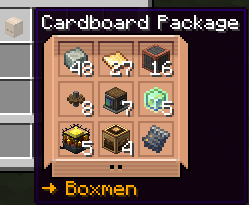
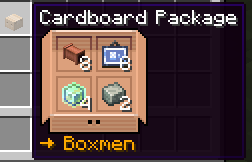
Preview the contents of Create Packages directly from your inventory without opening them.
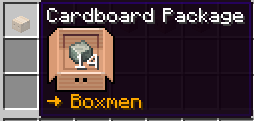
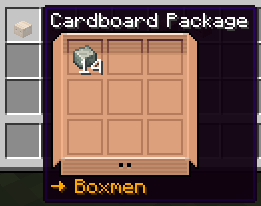
The preview automatically adapts to the contents of the Package and supports different layouts.
🧰 Toolboxes
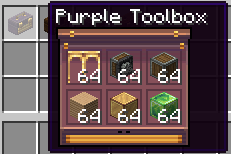
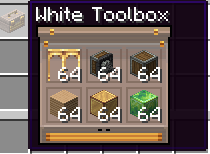
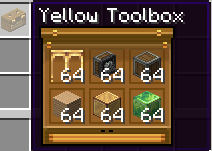
Hover over a Create Toolbox to preview its contents without opening it.
Toolbox previews support:
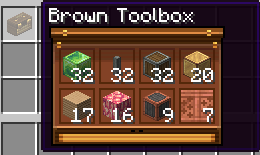
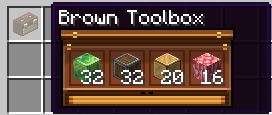
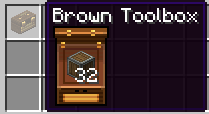
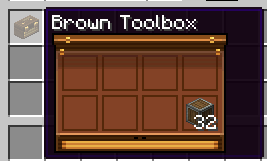
Toolbox previews automatically match the color of the Toolbox
⚙️ Configuration
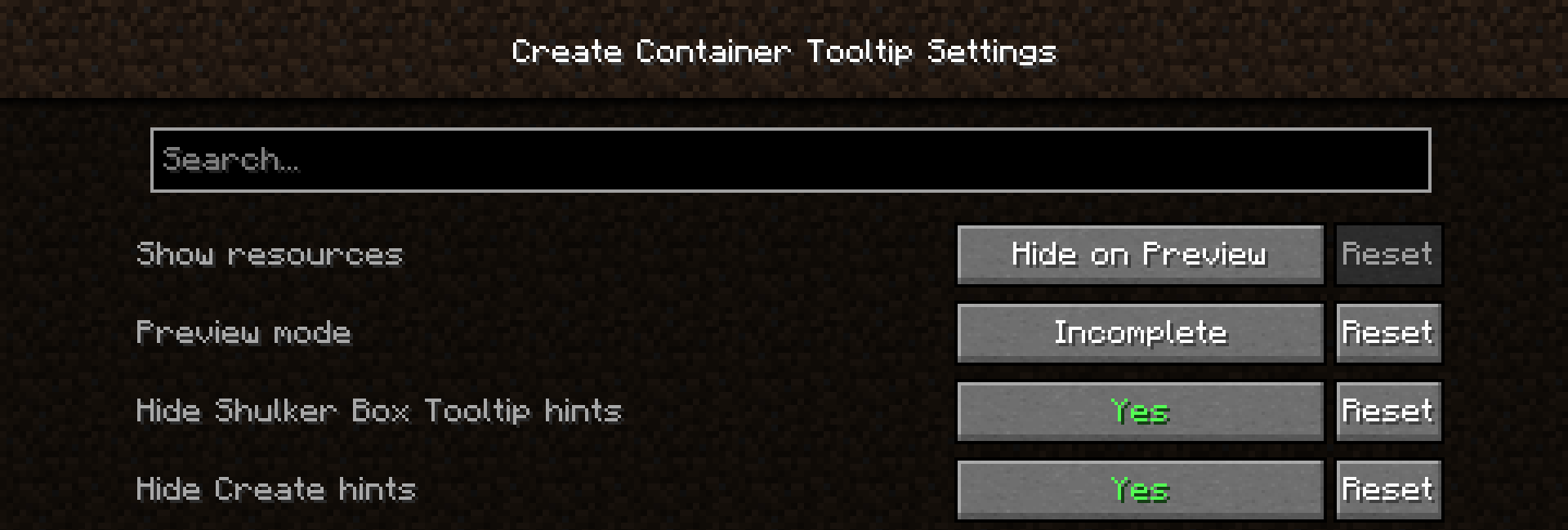
The mod provides several options for customizing the previews.
Show Resources
Controls how resource names are displayed below Package previews.
- Never
- Hide on Preview
- Always
Preview Mode
Choose how previews behave by default.
Base
- Normal preview by default
- Shift opens Incomplete
- Shift + Alt opens Full
Incomplete
- Incomplete preview by default
- Shift opens Full
Full
- Full preview by default
- Empty slots are displayed
Hide Shulker Box Tooltip Hints
Hides the Shift, Shift + Alt and Ctrl hints for Package and Toolbox previews.
Hide Create Hints
Hides Create's own Toolbox description and key hints.
❤️ Credits
Create Container Tooltip was built using ideas and code from:
Create Container Tooltip is a client-side mod. It does not need to be installed on the server.
- Edition: Minecraft Java
- File type: .jar
- Minecraft version listed: 1.20.1
- How to install: Install the matching mod loader (Forge, Fabric or NeoForge) for your Minecraft version. → Download the .jar. → Put it in the .minecraft/mods folder and launch that loader profile.
- Where to get it: Opens on Modrinth — not every file is mirrored on our own servers.
Install steps are the general flow for this file type — How to install Minecraft Java mods & modpacks walks through it step by step.
- Ships as createcontainertooltip-1.0.1+1.20.1-fabric.jar — drop this file into the mods folder
- Download size: 346 KB
- Download link checked 15 Sept 2026 — working
These come from our own check of the pack file, not from the source page.