CB Toolkit
Java mod listed for Minecraft 1.21. Downloads from the MC Java Mods app on Android.
⬇ Download on Modrinth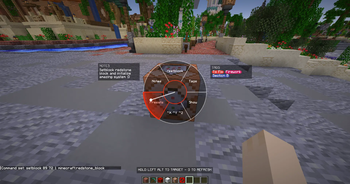
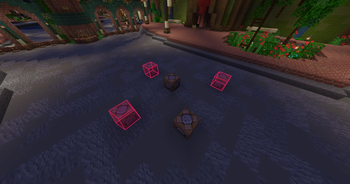
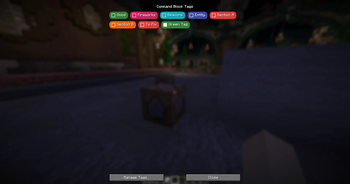
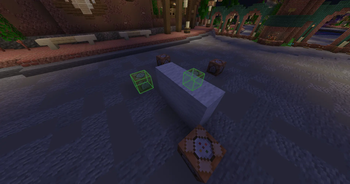
 A client-side toolbox built for command block users. Annotate, tag, and navigate your command block builds without endless right-clicking through the vanilla edit screen.
Features
Radial Menu
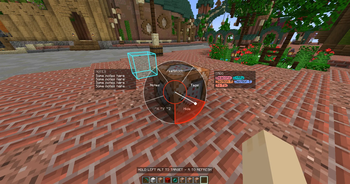
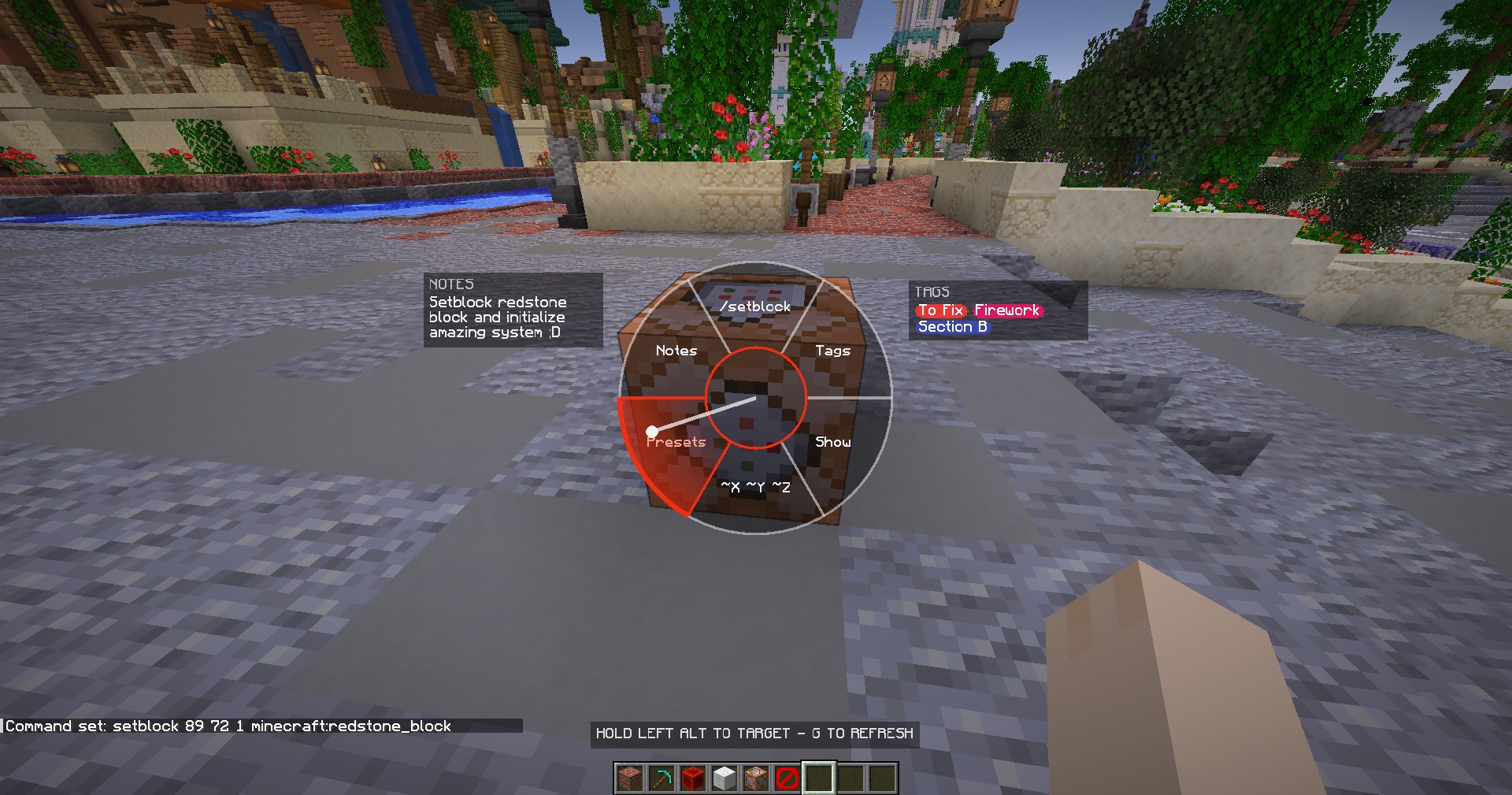
Hold a key on a command block to open a compact pie menu. No clicks, no complex screens, no interruption to your build flow.
Notes
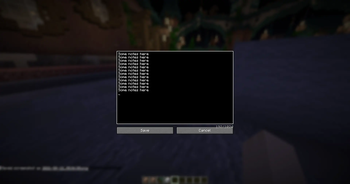
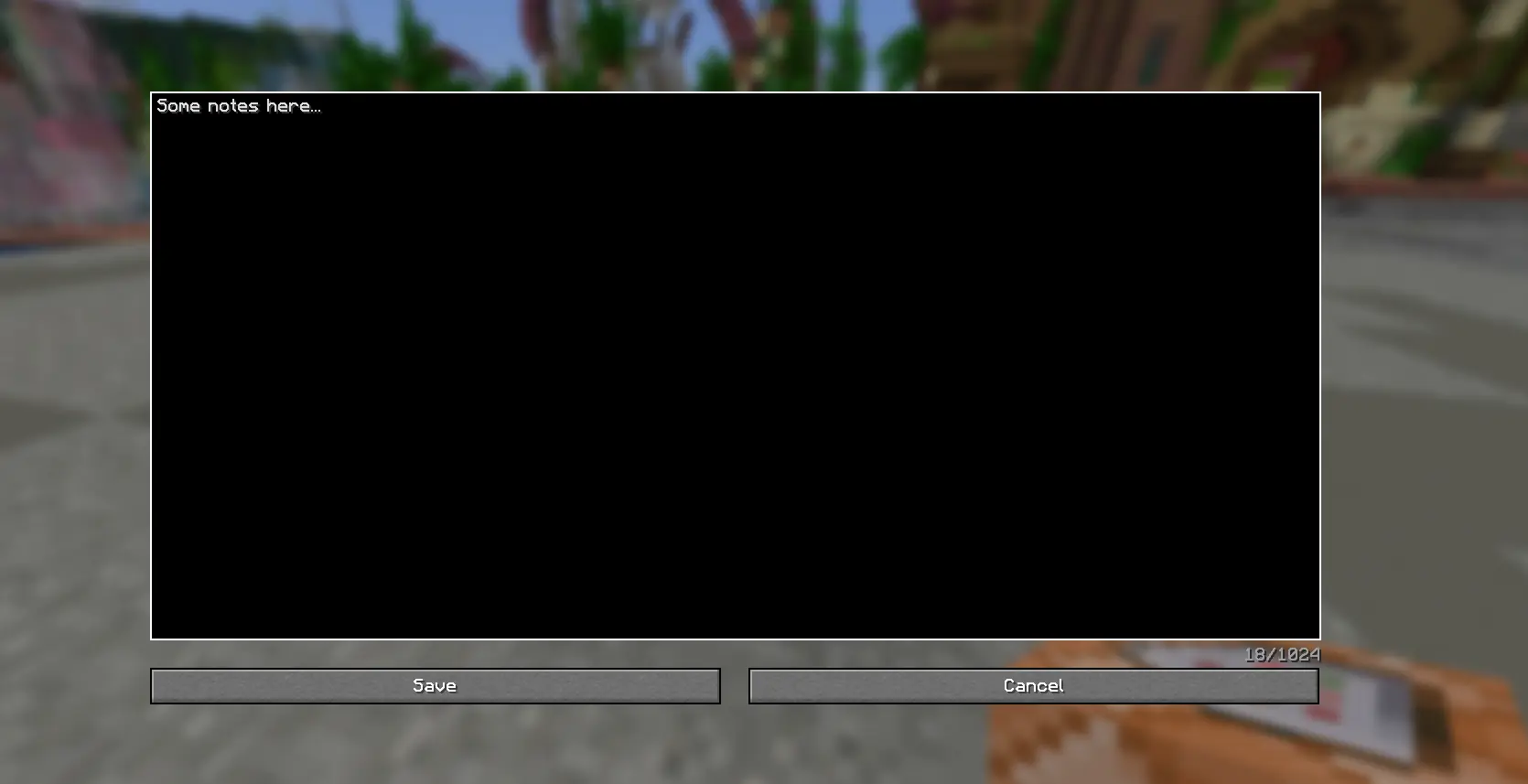
Attach a persistent note to any command block, straight from the radial menu. A quick preview shows on the wheel itself; open it for the full text. Notes are saved per world/server and survive restarts.
Tags
Assign tags to command blocks to organize large builds:
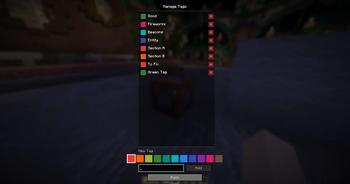
- Add and remove your tags list from a dedicated screen.
/cbtag show <name>highlights every command block carrying that tag — find every block with a given role at a glance./cbtag hideclears it./cbtag apply <name> <x1> <y1> <z1> <x2> <y2> <z2>//cbtag removebulk-tag or untag an entire region in one command, instead of tagging each block by hand.

Highlight Destination
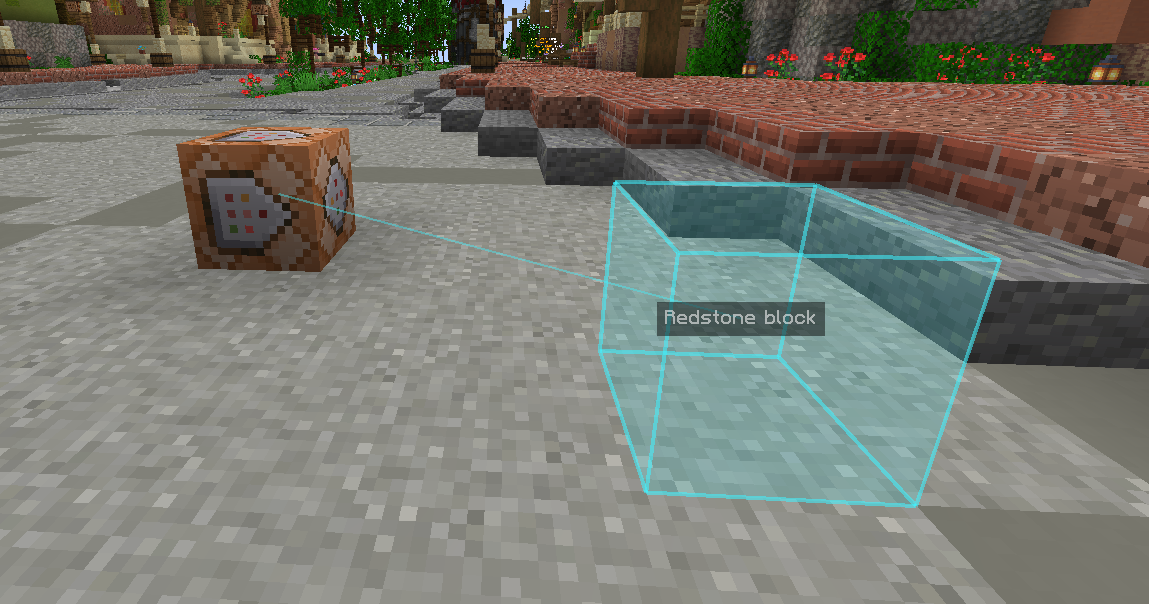
Toggle a hologram box on whatever block a command block's command actually targets (resolves both absolute and ~ relative coordinates). Trace where a chain of command blocks points without teleporting around or guessing.
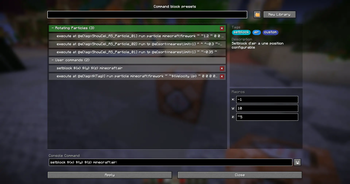
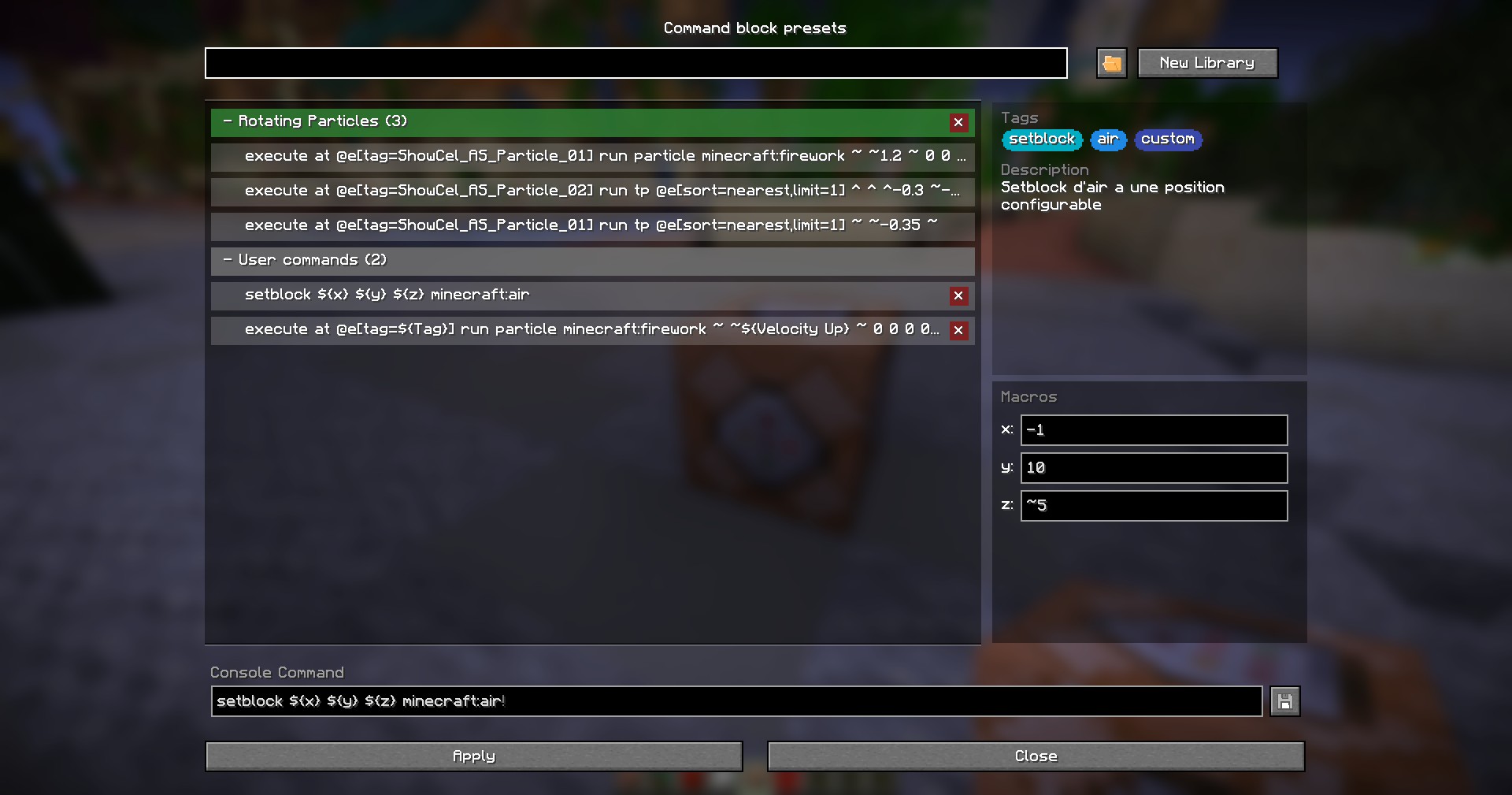
Presets and Macro commands
Save, store, organize, share and edit libraries of commands and make them dynamic with macros
And More ...
Coordinate Convert Flip a command block's target coordinates between absolute (
X Y Z) and block-relative (~X ~Y ~Z) notation in one click from the radial menu — handy when copy-pasting builds or making a contraption position-independent.Fast Copy See the initial command instantly on the pie menu and copy instantly the command without entering the editor
Commmand blocks duplication compatibility Ctrl+middle-click ("pick block with data") a tagged or annotated command block, and its Tags/Note travel with the item
- Edition: Minecraft Java
- File type: .jar
- Minecraft versions listed: 1.21.4, 1.21.5, 1.21.6
- How to install: Install the matching mod loader (Forge, Fabric or NeoForge) for your Minecraft version. → Download the .jar. → Put it in the .minecraft/mods folder and launch that loader profile.
- Where to get it: Opens on Modrinth — not every file is mirrored on our own servers.
Install steps are the general flow for this file type — How to install Minecraft Java mods & modpacks walks through it step by step.
- Ships as cb-toolkit-1.4.0.jar — drop this file into the mods folder
- Download size: 193 KB
- Download link checked 15 Nov 2026 — working
These come from our own check of the pack file, not from the source page.