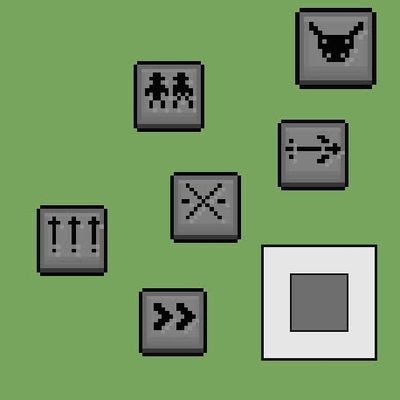
Button skill
Transform a skill that requires multiple activation methods into one that only requires pressing a single button.
⬇ Download on CurseForgeThe author built this one for Minecraft 26.30–26.40. On other versions it may install and then do nothing.
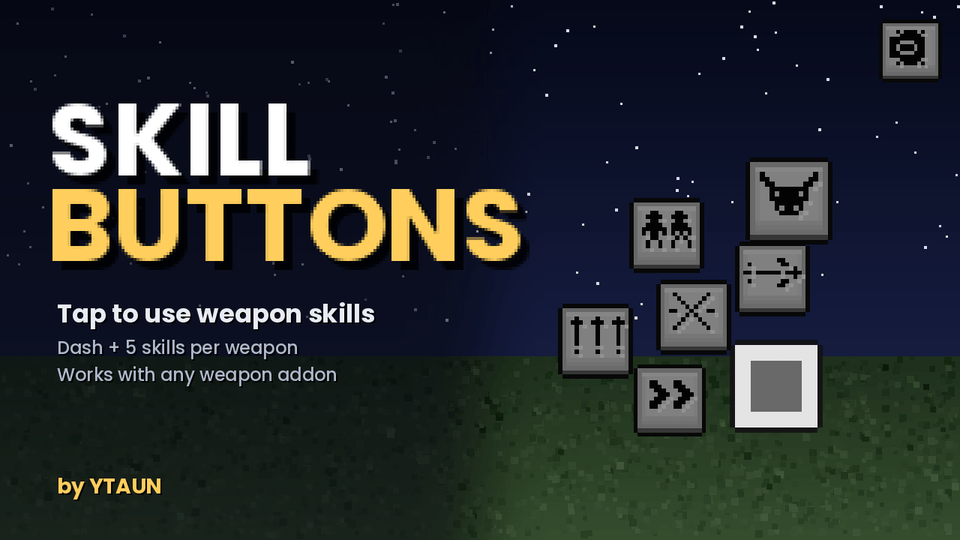
YTAUN Skill Buttons
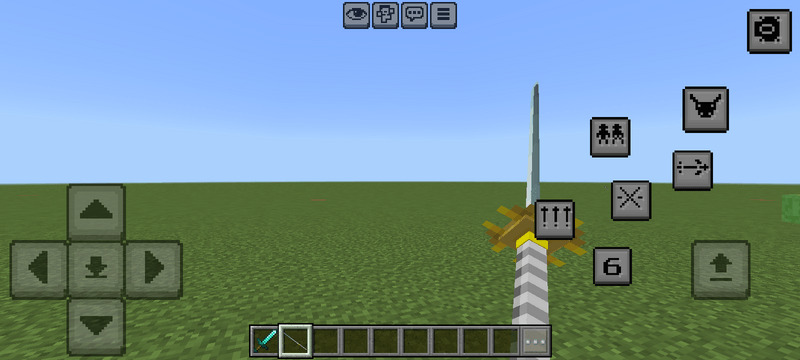
Adds on-screen skill buttons for Minecraft Bedrock. Six buttons sit in an arc around the jump button: one dash, and five skill buttons that appear when you hold a weapon that has skills.
This is a base pack. On its own it gives you the dash plus skills on the vanilla swords. Other weapon addons can register their own skills, cooldowns and icons through two script events.
Companion weapon: Yamato Katana. All five buttons are wired up: Judgment Cut, Sin Stinger, Summoned Swords, Doppelganger and Devil Trigger, with different versions of each while Devil Trigger is active.
Features

- Dash button, always available. Short forward burst with a 1.5 second cooldown.
- Skill 1 to 5. A button only appears if the weapon in your hand has that skill.
- Buttons dim while on cooldown. The time left shows on the action bar.
- Each weapon can use its own icon set. Default icons are numbers, so a new weapon needs no artwork.
- Settings menu: tap the gear in the top-right corner, pick a button from the tab row, move it with the X and Y squares. The buttons move while the menu is open. The menu uses no hotbar slot.
/scriptevent ytsb:menuhides or shows individual buttons, saved per player./scriptevent ytsb:resetshows them all again.
Skills included on vanilla swords
| Weapon | Skill 1 | Skill 2 |
|---|---|---|
| Diamond Sword | Whirlwind, a spinning slash around you | Leap Strike, jump and slam the ground |
| Iron Sword | Piercing Thrust, a long forward stab | - |
How the buttons use the hotbar
Bedrock gives scripts no way to detect a custom interface button. The only channel that can tell a script a button was pressed is the hotbar, so each button selects a hotbar slot and the script puts your selection straight back.
- Slot 9 is the dash button. Items there are never moved, and the button hides while you are holding that slot.
- Slots 4 to 8 are skills 1 to 5, but only while you hold a weapon that has skills. Holding anything else, those slots work normally.
- A skill weapon sitting in one of its own skill slots is moved to slots 1 to 3, otherwise that button would not work.
- On keyboard, keys 4 to 8 fire the skills and key 9 dashes.
Nothing is deleted or dropped from your inventory.
While a skill weapon is in hand, tapping slots 4 to 8 on the hotbar also fires the skill, because a button press and a hotbar tap look the same to the script. Switch to slots 1 to 3 first and those slots behave normally.
For addon makers
A weapon addon can add its own buttons without editing this pack.
Register the weapon:
system.sendScriptEvent("ytsb:register", JSON.stringify({
  item: "yourpack:your_sword",
  skill1: { name: "Void Rift",   cooldown: 120 },  // ticks
  skill2: { name: "Reaper Spin", cooldown: 200 },
}));
Run the skill when its button is pressed:
system.afterEvents.scriptEventReceive.subscribe((ev) => {
  if (ev.id === "ytsb:ready") return register();   // Skill Buttons reloaded
  if (ev.id !== "ytsb:cast") return;
  const { player, item, skill } = JSON.parse(ev.message);
  // fire skill number `skill` for that player
}, { namespaces: ["ytsb"] });
Other options:
ytsb:cdsends your own cooldown timers over so the buttons dim in sync.- Item tags
ytsb:skill1toytsb:skill5work without registering anything. icons: "yourset"in the registration points the buttons at your own icon textures.- Up to 5 skills per weapon.
A working example is in the behaviour pack at examples/external_weapon_addon.js. The Yamato Katana script is a full reference.
Install
- Import the
.mcaddon. - Enable both the behaviour pack and the resource pack on your world.
- Needs Minecraft Bedrock 1.21.90 or newer. No experimental toggles.
Updating from an older version: remove the old behaviour pack and resource pack from the world first, because every release uses new UUIDs.
Configuration
BP/scripts/config.js holds the dash strength, cooldown, particle and sound, which hotbar slots the buttons use, and whether a weapon is moved out of its own skill slot.
Button layout, sizes and icon sets come from BP/build_ui.py. Edit the values at the top and run python3 build_ui.py to rebuild the interface.
The settings menu does not remember its layout after you rejoin. To set a permanent starting layout, edit RP/ui/_global_variables.json.
Credits
Made by YTAUN.
- Zalo: +84394798144
- Email: letu157751157@gmail.com
You can use this in your own weapon addons and modpacks. Please credit and link back. Bug reports and skill ideas are welcome.
- Edition: Minecraft Bedrock
- File type: .mcpack or .mcaddon
- Minecraft versions listed: 26.30, 26.40
- How to install: Download the .mcpack or .mcaddon file. → Open it — Minecraft imports it. → In your world: Behavior Packs → Available → Activate, then the same under Resource Packs.
- Where to get it: Opens on CurseForge — not every file is mirrored on our own servers.
Install steps are the general flow for this file type — How to install Minecraft Bedrock addons & mods walks through it step by step.
- Pack type: .mcaddon — behaviour and resource pack in one file
- Manifest requires Minecraft 1.21.90 or newer
- Complete pack — everything it depends on is inside the file
- Download size: 34 KB
- Download link checked 15 Sept 2026 — working
These come from our own check of the pack file, not from the source page.