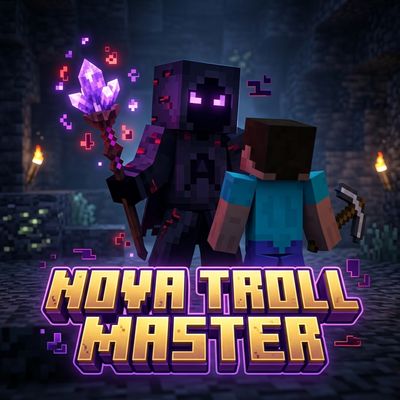
Nova Troll Master — Trolling Addon
Admin-only trolling addon with 6 pranks — fake creeper, item drop, launchpad, 180 spin, paranoia, and fake lava. Includes panel UI, dummy testing, and…
⬇ Download on CurseForge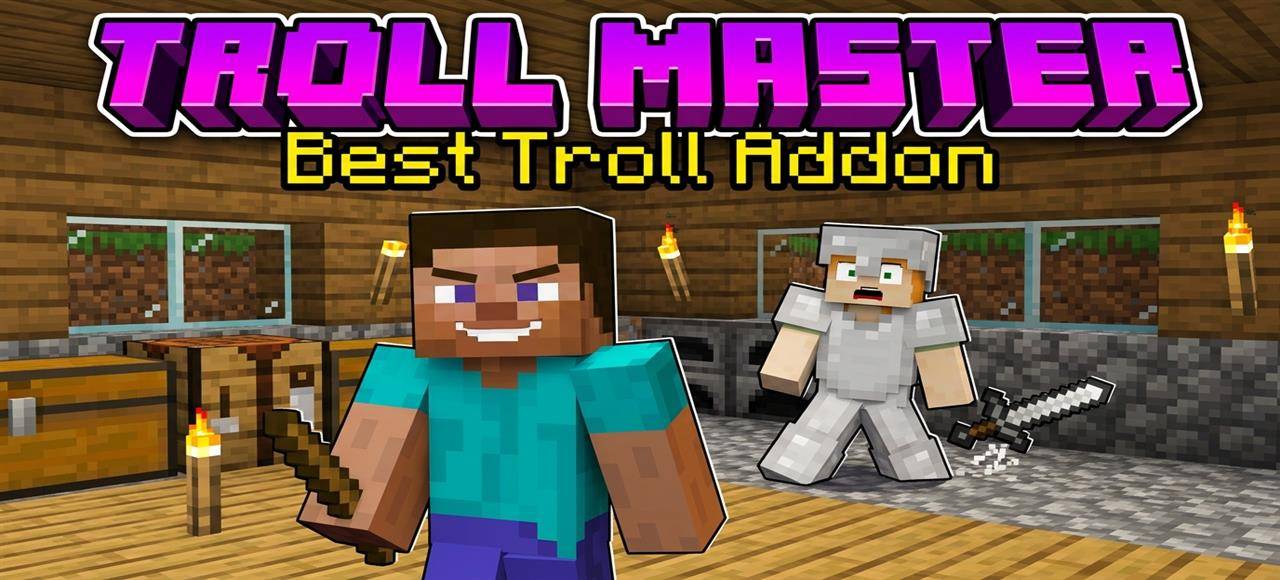
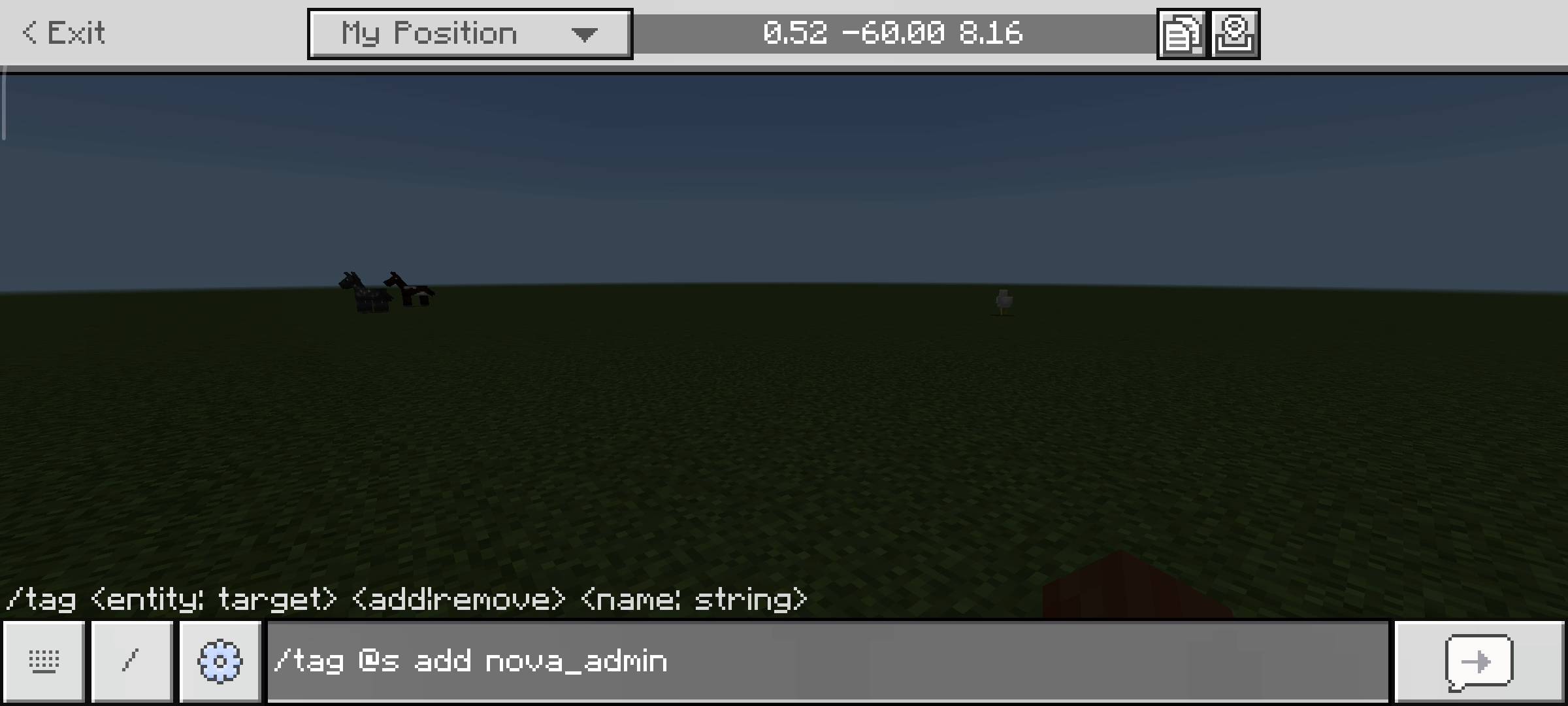
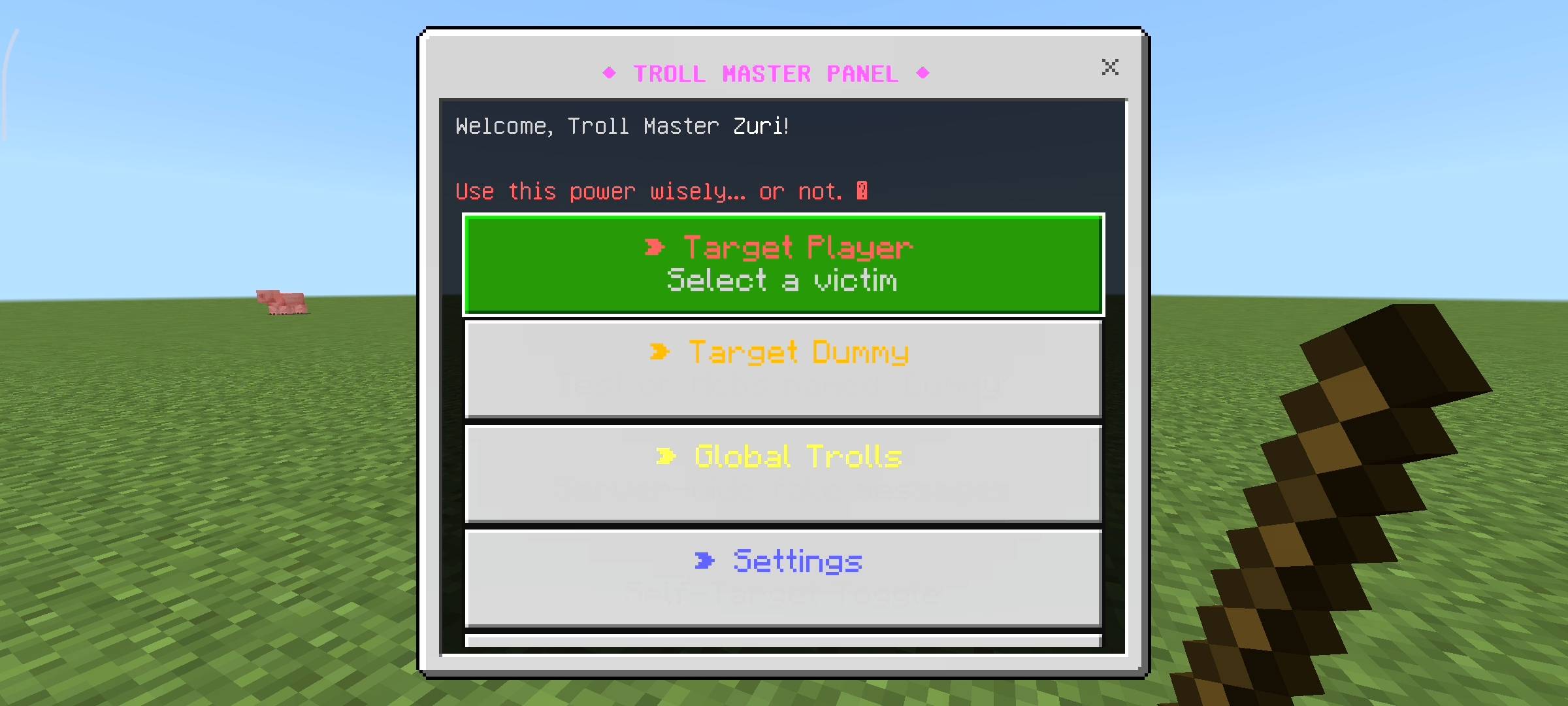
What is up, my fellow Minecraft server admins and realm owners? Let us be completely real for a second. Running a multiplayer world for your friends is fun, but after a few weeks, everyone just gets too comfortable.
They are sitting in their fully lit bases, farming crops, mining safely, and flexing their enchanted diamond gear on you. It gets boring, bro. Sometimes, you just want to inject a little bit of absolute chaos into their peaceful gameplay. You want to remind them who actually runs the server.
I looked around for a good trolling add-on, but most of them require typing out massive, complicated commands that take too long. By the time you finish typing the command, the perfect prank opportunity is already gone.
That is exactly why Novacraft studios built the Nova Troll Master add-on. I wanted a lightning-fast, user-friendly, UI-based menu that lets you completely mess with your friends with just the click of a button. No commands, no lag, just pure, hilarious suffering for your server members.
THE TROLL MASTER PANEL (YOUR NEW BEST FRIEND)
The core of this add-on is the custom Troll Master Panel. I designed this to be completely hidden from regular players. When a normal player joins, they just get a basic welcome message. But if you give yourself the admin tag, the system instantly slips a magical, locked Troll Panel straight into the 8th slot of your inventory. Do not worry about losing it; it keeps itself locked safely in your inventory even if you somehow manage to die.
To use your admin powers, all you have to do is sneak (crouch) and use the item. Instantly, a sleek, custom UI menu pops up on your screen. From this control panel, you can select any active player on your server and unleash absolute havoc on them without them ever knowing it was you. It is the perfect ghost-admin tool.
THE 6 WAYS TO RUIN A FRIEND'S DAY
Once you select your victim from the player list, you get access to six custom-coded trolls. I specifically designed these to induce maximum panic:
-
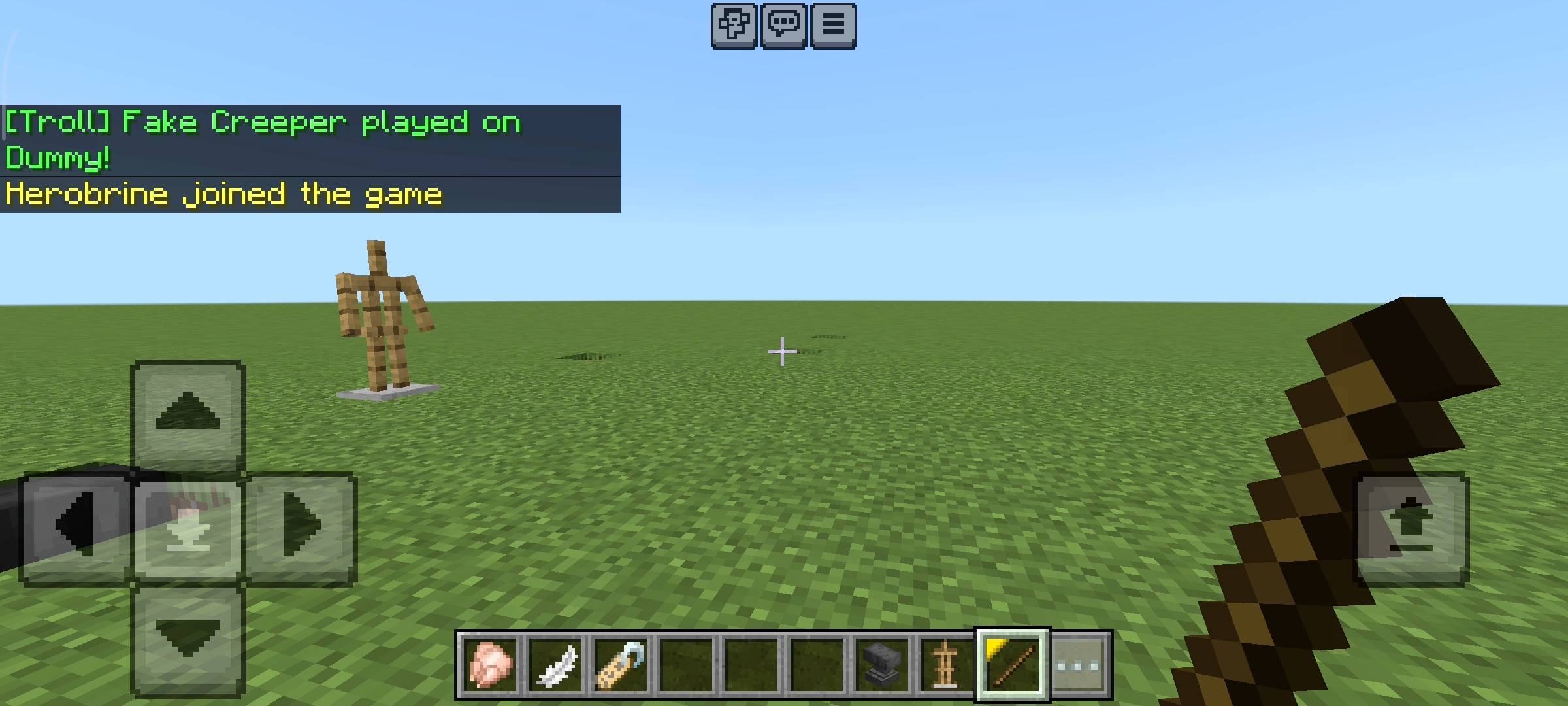
Phantom Creeper: Imagine your friend is bridging directly over a massive lava lake in the Nether. You click this button, and it instantly plays the iconic, terrifying Creeper fuse sssssss sound right directly behind their head. The panic jumping is hilarious to watch.
-
Butter Fingers: This one is just evil. Click this, and the add-on forces the player to instantly drop whatever item they are currently holding in their main hand. Doing this while they are holding their god-tier enchanted pickaxe over a cliff is peak comedy.
-
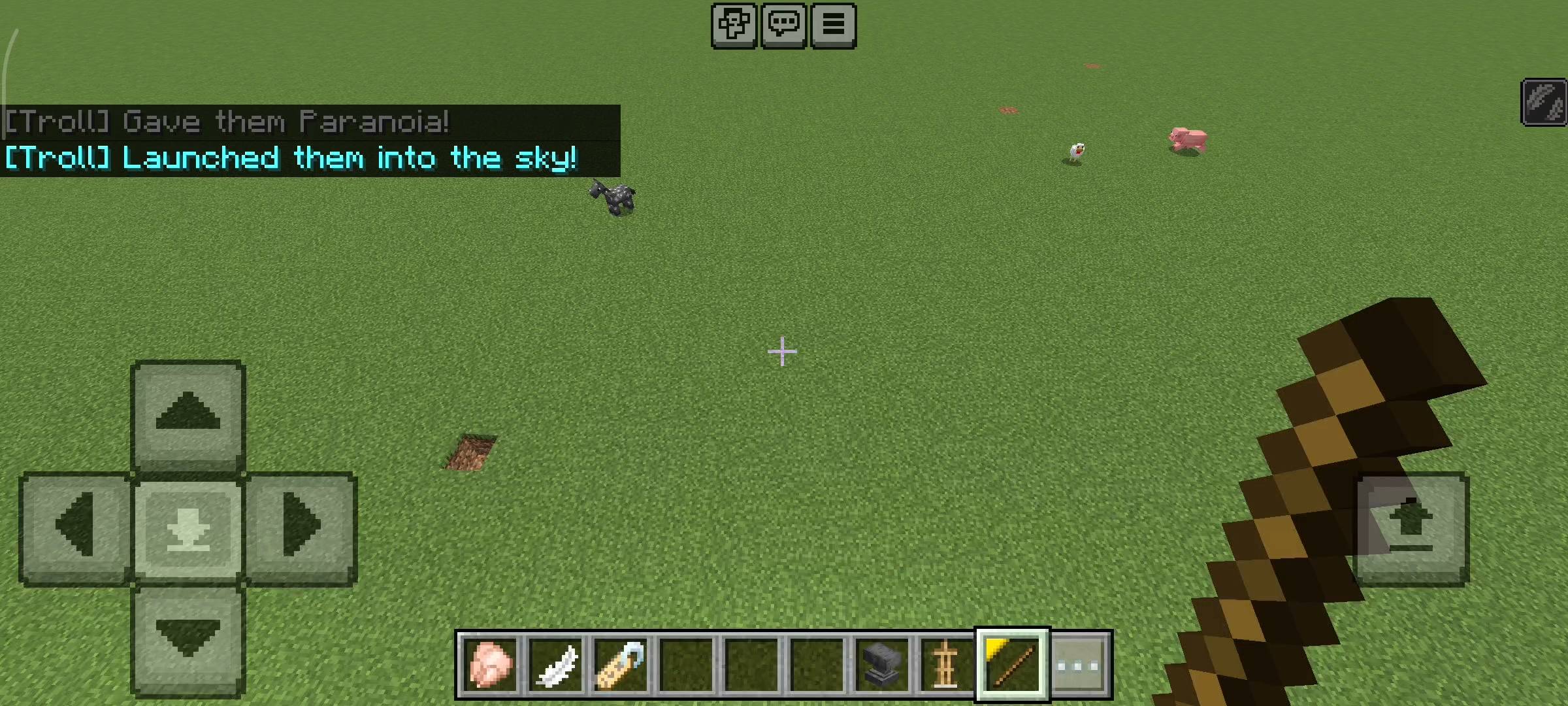
The Launchpad: Instantly blasts the target 15 blocks straight up into the sky. I added a slow-falling effect to it so they don't actually take fall damage and die (unless you want them to). It just completely disorients them.
-
Schizophrenia: This is a literal neck-snapper. It instantly teleports them in place but rotates their camera exactly 180 degrees. If they are running forward away from a zombie, suddenly they are running straight into it.
-
Paranoia Mode: A psychological horror experience. It completely blinds the player for a few seconds and plays a terrifying, loud cave ambiance sound effect directly into their ears.
-
Fake Lava Trap: This plays the sound of burning lava and spawns fake lava particles right at their feet, making them think they just stepped into a death trap.
GLOBAL SERVER TROLLS
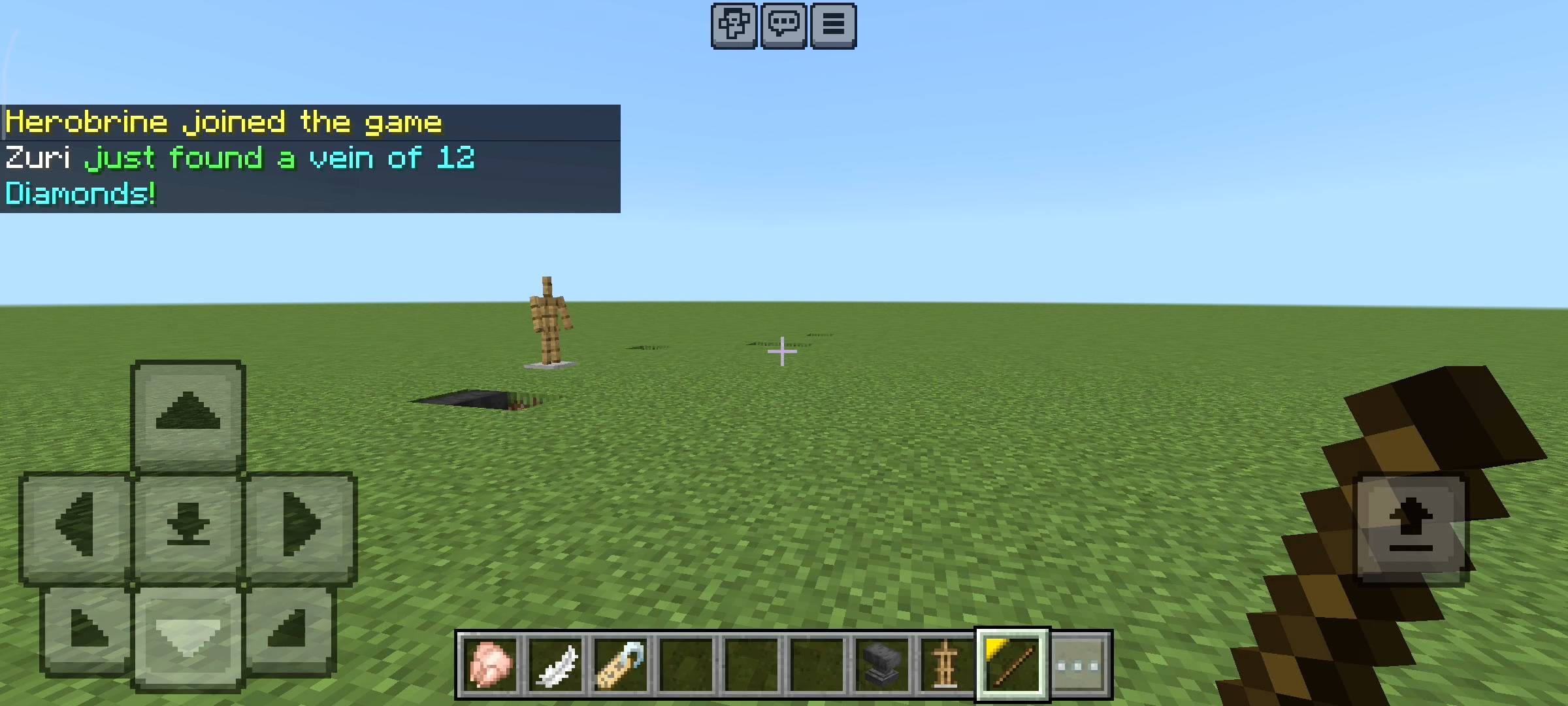
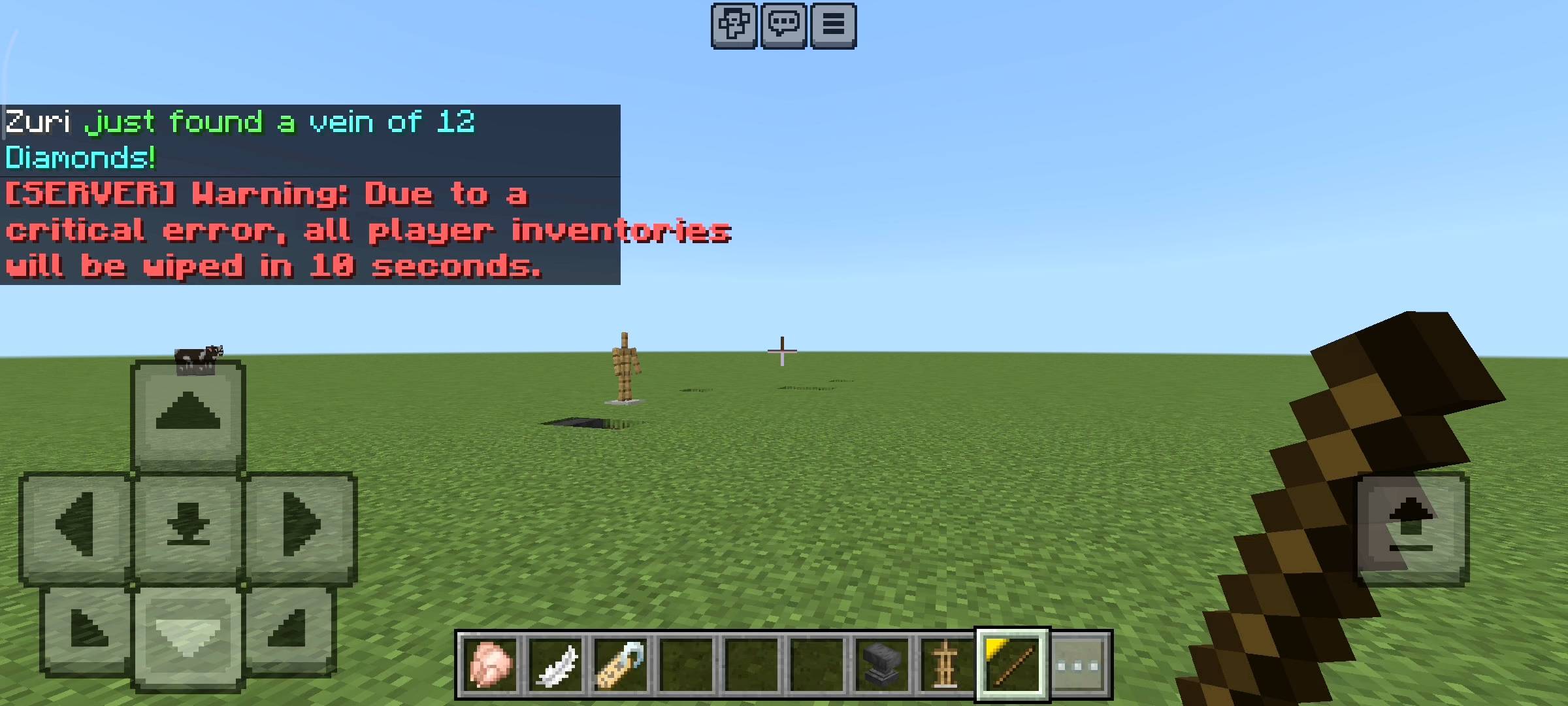
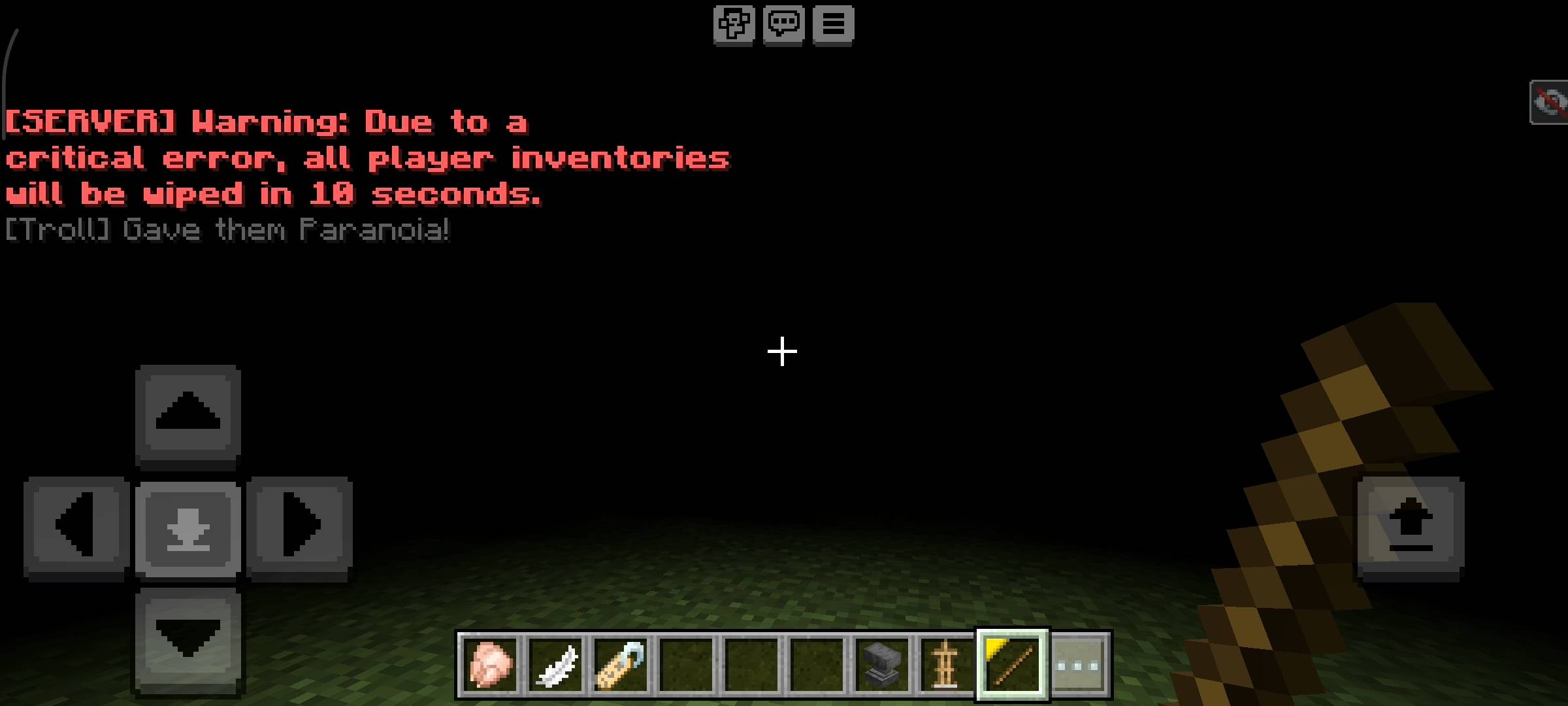
Sometimes you do not want to target just one person; you want to make the entire server sweat. The panel has a "Global Trolls" section that sends fake, official-looking system messages to the chat. You can broadcast a fake "Herobrine joined the game" message and watch everyone freak out. My personal favorite is the fake "Server Wipe Warning," which tells the chat that all player inventories will be deleted in 10 seconds due to a critical error. The discord calls get so loud when that message drops!
PRACTICE MAKES PERFECT: DUMMY MODE
If you want to see what a troll actually does before you use it on your friends, I added two testing features. First, you can go into the panel settings and toggle "Self-Targeting" on, allowing you to select your own name and troll yourself. Second, you can simply grab a name tag, name a zombie or an armor stand "Dummy", and a special "Target Dummy" menu will appear in your panel so you can practice your pranks on mobs.
HOW TO IMPORT AND SETUP THE ADD-ON
Since a lot of people get confused about installing custom UI add-ons, here is the exact step-by-step guide to get this working in your world perfectly, bro:
Download the
.mcpackfile and just click on it. Minecraft will automatically open and say "Import Started" at the top of your screen.Go to your World Settings (either create a new world or edit an existing one).
Scroll down to the Behavior Packs tab and activate the Nova Troll Master add-on.
CRITICAL STEP: You absolutely MUST scroll down to the Experiments section in your world settings and turn on Beta APIs. If you do not turn this toggle on, the custom UI panel will not open!
Load into the world. Open your chat box and type:
/tag @s add nova_adminBoom! The panel will instantly appear in your inventory. Sneak and right-click to start trolling!
QUICK COMMUNITY NOTICE REGARDING AI
Just a quick note about the pictures on this Add-on. The main cover thumbnail and the screenshots in the gallery were enhanced using ai image tools.
- Edition: Minecraft Bedrock
- File type: .mcpack or .mcaddon
- Minecraft versions listed: 26.0.02, 26.0, 26.3
- How to install: Download the .mcpack or .mcaddon file. → Open it — Minecraft imports it. → In your world: Behavior Packs → Available → Activate, then the same under Resource Packs.
- Where to get it: Opens on CurseForge — not every file is mirrored on our own servers.
Install steps are the general flow for this file type — How to install Minecraft Bedrock addons & mods walks through it step by step.
- Pack type: .mcpack — a single pack
- Manifest requires Minecraft 1.21.0 or newer
- Complete pack — everything it depends on is inside the file
- Download size: 612 KB
- Download link checked 15 Sept 2026 — working
These come from our own check of the pack file, not from the source page.