AddonsBedrock
Sleeping Bag | Sleep Without Setting Spawn
I don't know my version
Open Minecraft and look at the bottom-left corner of the main screen — the version is printed there, like v1.26.30.
The game writes a 1. in front; the buttons above leave it off. v1.26.30 in the game is 26.30 here.
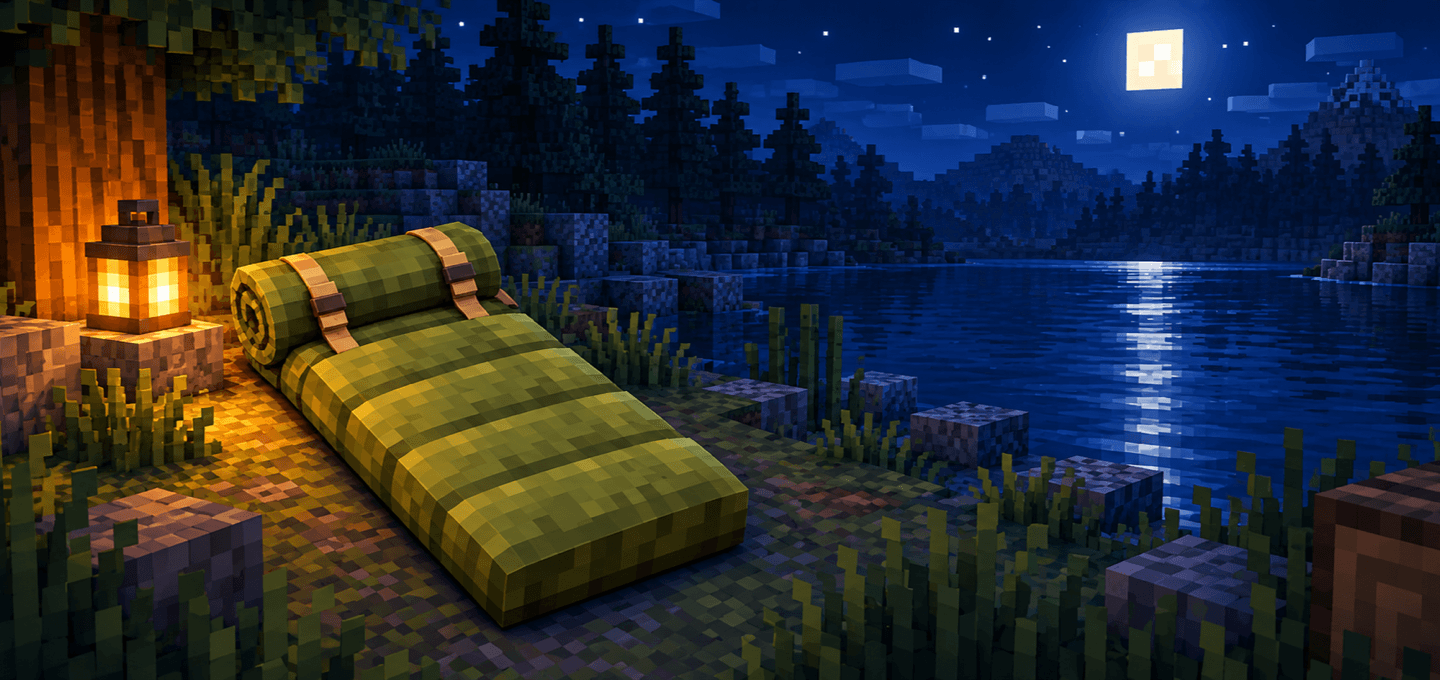
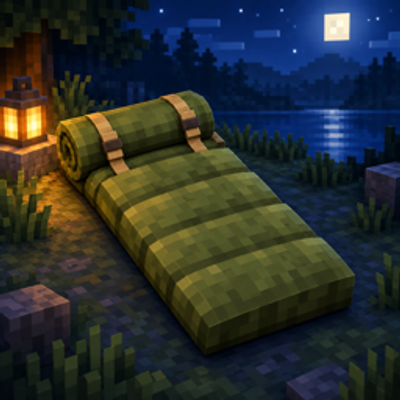
Sleeping Bag adds a lightweight alternative to the bed for Minecraft Bedrock adventures.
Place it at camp and use it at night to skip ahead to morning without changing your respawn point. Its inexpensive wool and bamboo recipes make it useful during early exploration, while the four-item stack limit lets you carry a small supply without filling your inventory.
Features
- Keeps your respawn point unchanged — resting in a Sleeping Bag never replaces your existing spawn location.
- Skips the night — use the placed bag at night to advance to morning.
- Affordable crafting — make it from two pieces of wool and one string, or use three pieces of bamboo instead of wool.
- Compact storage — Sleeping Bags stack up to 4 per inventory slot.
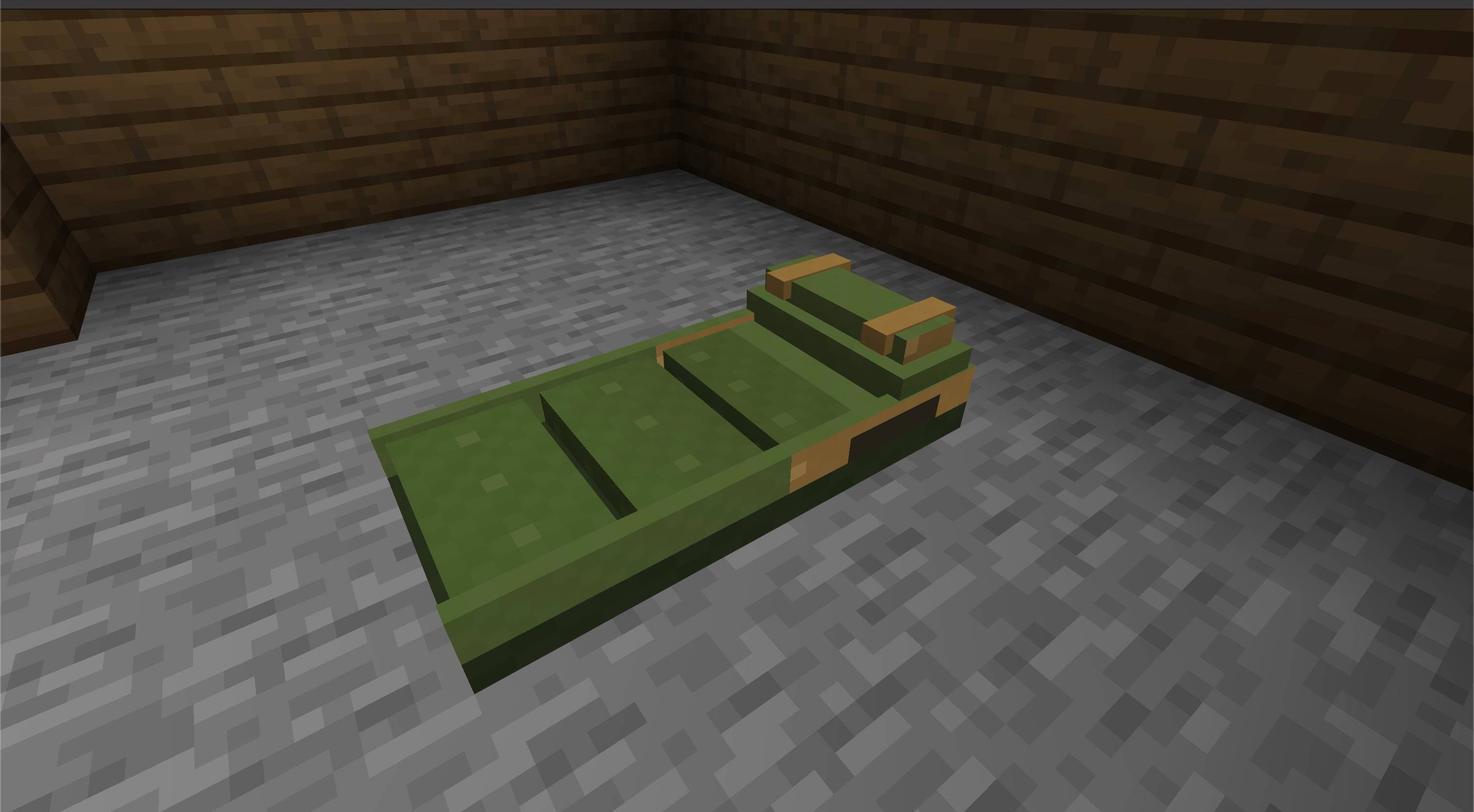
- One-click placement — the full two-block-long bag is placed at once.
- Bed-like safety rules — resting is blocked when hostile monsters are nearby.
- Multiplayer support — respects the world's player sleeping percentage.
- Dimension behavior — like a bed, using it outside the Overworld causes an explosion.
- Original visuals — includes a custom olive-green model, item texture, and pack artwork.
- English and Russian localization — item names and feedback messages are translated.
How to use
- Craft a Sleeping Bag at a crafting table.
- Place it on a clear surface.
- Interact with it at night.
- Stay close while the world waits for the required number of resting players.
- Morning arrives without changing your respawn point.
Crafting
Either recipe produces 1 Sleeping Bag and fits in the inventory crafting grid.
Wool recipe:
Wool | Wool
     | String
Bamboo recipe:
Bamboo | Bamboo
Bamboo | String
Notes
- The Sleeping Bag does not set or move your respawn point.
- Hostile monsters near the player prevent resting.
- The world's normal player sleeping percentage is respected in multiplayer.
- Do not use the Sleeping Bag in the Nether or the End unless you are prepared for an explosion.
- No commands, cheats, or experimental toggles are required.
Requirements
- Minecraft Bedrock Edition 26.0 or newer
- Both included Sleeping Bag packs must be active
- No external add-ons required

Quick facts
- Edition: Minecraft Bedrock
- File type: .mcpack or .mcaddon
- Minecraft versions listed: 26.40, 26.0.02, 26.0
- How to install: Download the .mcpack or .mcaddon file. → Open it — Minecraft imports it. → In your world: Behavior Packs → Available → Activate, then the same under Resource Packs.
- Where to get it: Opens on CurseForge — not every file is mirrored on our own servers.
Install steps are the general flow for this file type — How to install Minecraft Bedrock addons & mods walks through it step by step.
Verified by MCModsHub
- Pack type: .mcaddon — behaviour and resource pack in one file
- Manifest requires Minecraft 1.26.40 or newer
- Complete pack — everything it depends on is inside the file
- Download size: 213 KB
- Download link checked 15 Sept 2026 — working
These come from our own check of the pack file, not from the source page.