Rewind Beyond
Bedrock add-on listed for Minecraft 26.x (behavior + resource pack). File opened and checked on 15 Sep 2026; installs from the MC Bedrock Mods app on Android.
Did you ever want to undo a mistake? Rewind Beyond quietly records your last few minutes so you can walk back — straight through your own death if it…
⬇ Download on CurseForgeThe author built this one for Minecraft 26.40. On other versions it may install and then do nothing.
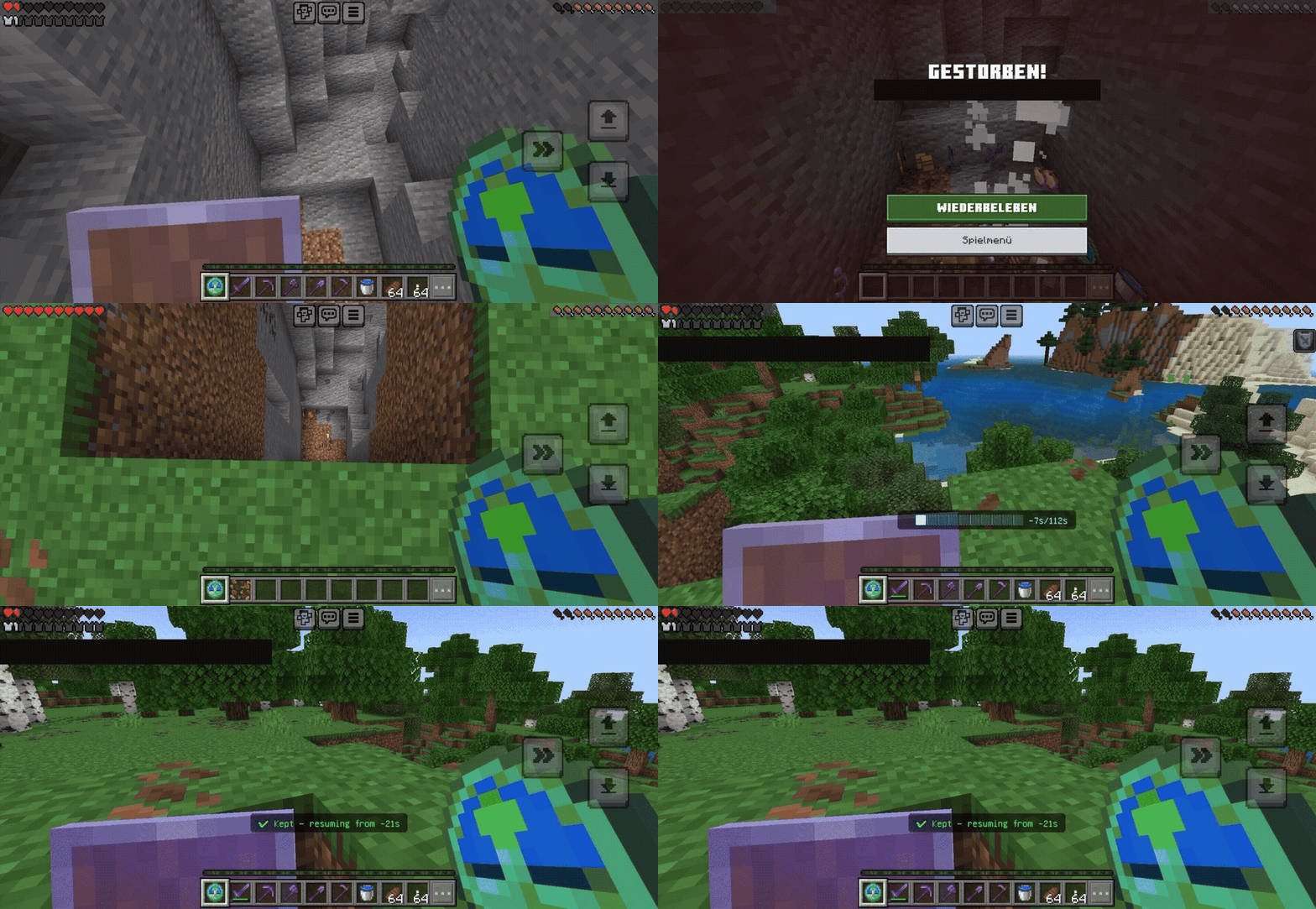
Fell in lava, or walked off a cliff? Rewind Beyond quietly records the last few minutes of your life, so you can walk back through them whenever you want.
Falling to death, then scrubbing the clock back to safety before it happens.
⏰ THE CLOCK:
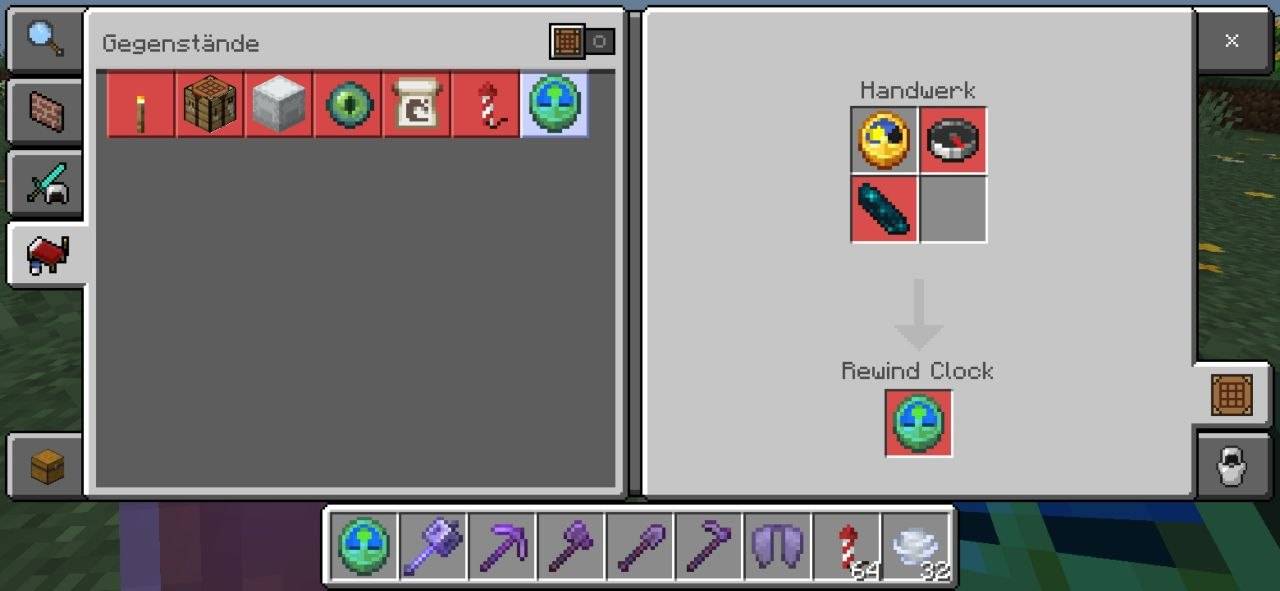
Get the Rewind Clock on join or craft it yourself — Clock + Compass + Echo Shard.
The Rewind Clock item and its crafting recipe: Clock + Compass + Echo Shard.
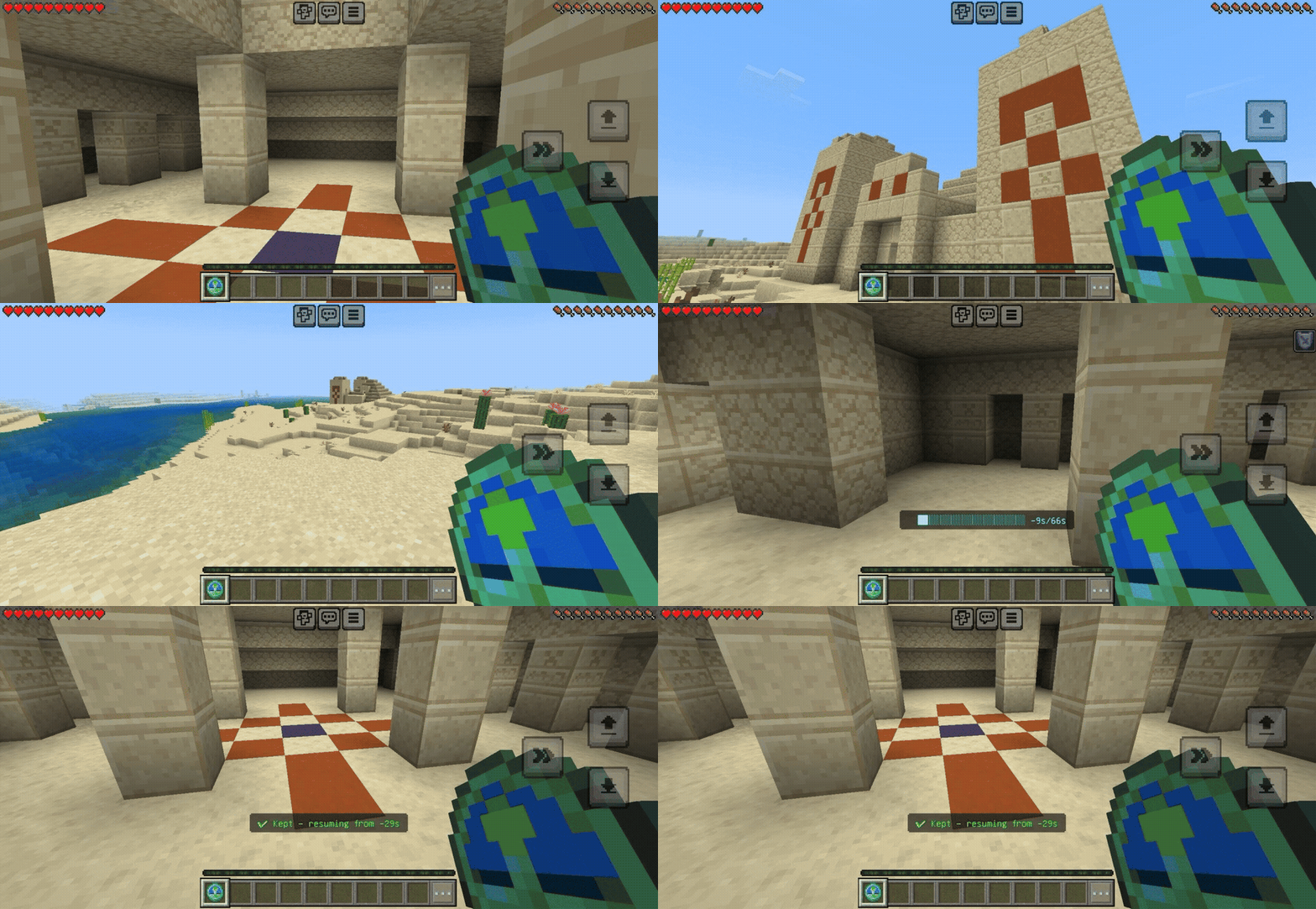
Hold it and use it to start scrubbing back through your recorded history, live. Stop wherever you want.
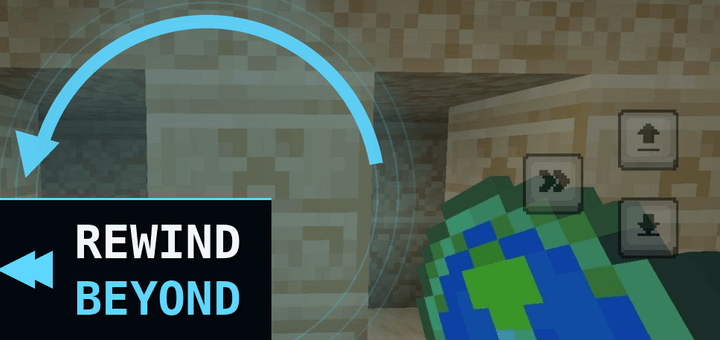
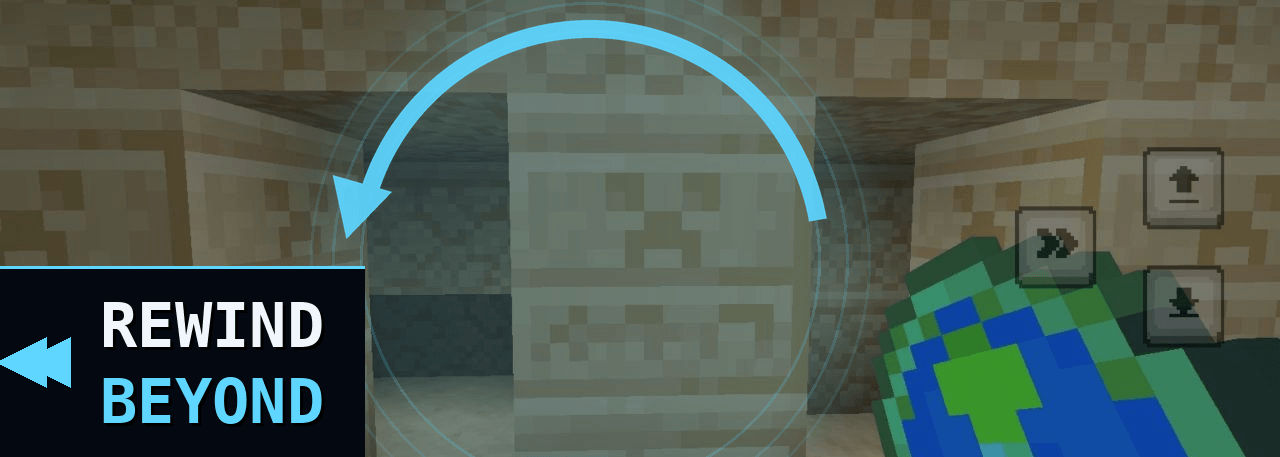
Manually scrubbing back through recorded history in a desert temple, no death involved.
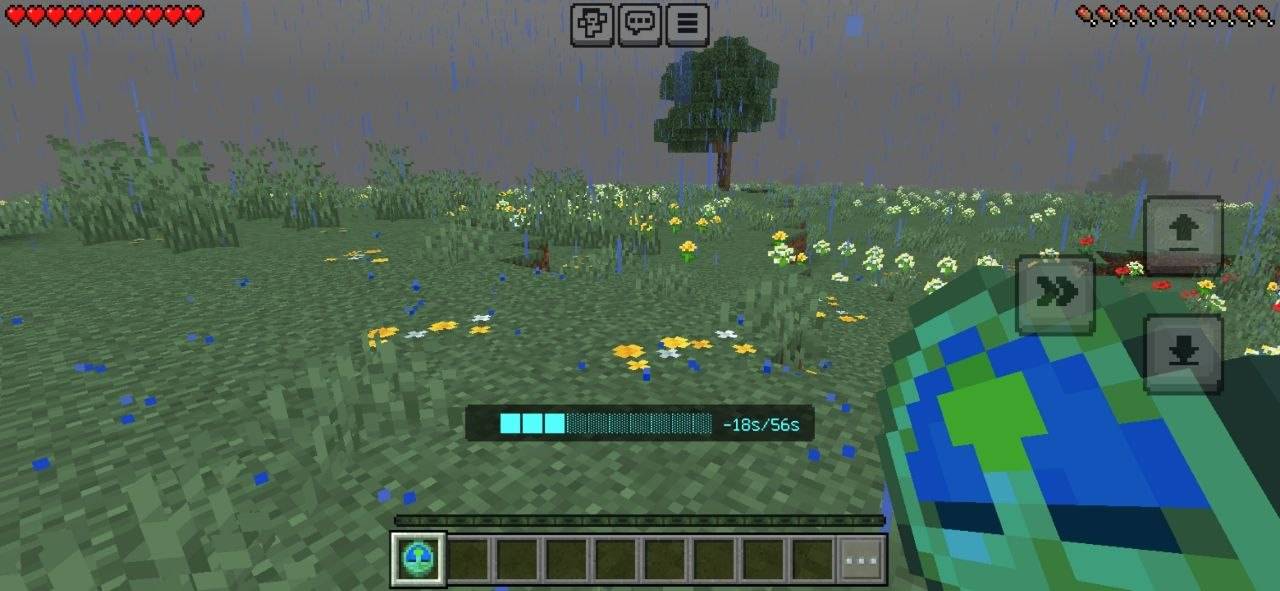
The live progress-bar HUD mid-scrub, showing how far back you've gone.
No checkpoints to remember to set, nothing to plan ahead of time — it's already recording from the moment you join. Beyond death: You just respawn, and the clock still works exactly like before — walk yourself back through the moment you died and beyond, whenever you decide to. The addon settings allow some adjustments including activating automatic rewind upon death Rewind. A rewind never costs you an item. Anything you'd otherwise lose gets handed straight back the moment it stops — the tradeoff is a small chance of a leftover duplicate. Rewind only affects the player. Your position, gear, and status rewind — the world around you doesn't.
⭐ FEATURES:
• Undo a mistake — always recording from the moment you join, the clock is how you access it, not what starts it
• Rewind beyond your own death — a real headline feature, not a checkpoint gimmick
• Player-only — never touches blocks, mobs, or other players' state, so it's safe in multiplayer
• Rewinds position, full inventory, equipped gear, health, hunger, XP, and effects
• We play it safe: a rewind never costs you an item — surplus gear is always handed back, though there's a small risk of leftover duplicates
• Clean up death drops — rewinding past a death also clears loose items near death spot (can be turned off)
• Works in any existing world — no setup, no commands
Rewind Beyond title.
📥 HOW TO INSTALL:
1. Download the .mcaddon file
2. Tap/double-click to import into Minecraft
3. Open a world — both packs enable together automatically
4. Find the Rewind Clock in your inventory (or craft one: Clock + Compass + Echo Shard) and use it any time you want to rewind
- Edition: Minecraft Bedrock
- File type: .mcpack or .mcaddon
- Minecraft version listed: 26.40
- How to install: Download the .mcpack or .mcaddon file. → Open it — Minecraft imports it. → In your world: Behavior Packs → Available → Activate, then the same under Resource Packs.
- Where to get it: Opens on CurseForge — not every file is mirrored on our own servers.
Install steps are the general flow for this file type — How to install Minecraft Bedrock addons & mods walks through it step by step.
- Pack type: .mcaddon — behaviour and resource pack in one file
- Manifest requires Minecraft 1.26.20 or newer
- Complete pack — everything it depends on is inside the file
- Download size: 67 KB
- Download link checked 5 Oct 2026 — working
These come from our own check of the pack file, not from the source page.