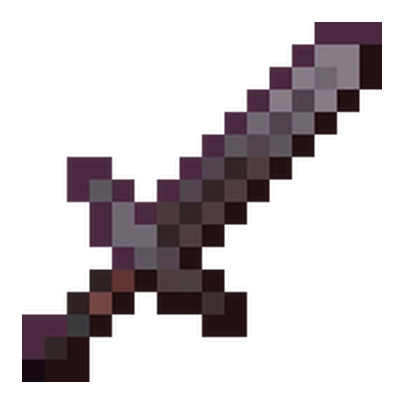
Auto Sword
We've all been swarmed mid-fight, only to watch our sword shatter and leave us awkwardly punching air. Auto Sword fixes that panic moment by seamlessly…
⬇ Download on CurseForgeThe author built this one for Minecraft 26.40. On other versions it may install and then do nothing.
 Project Description:
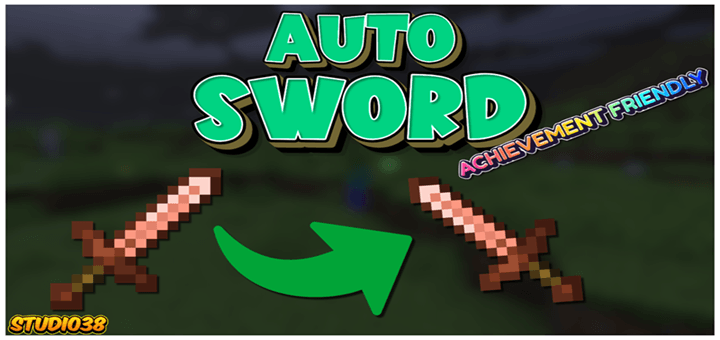
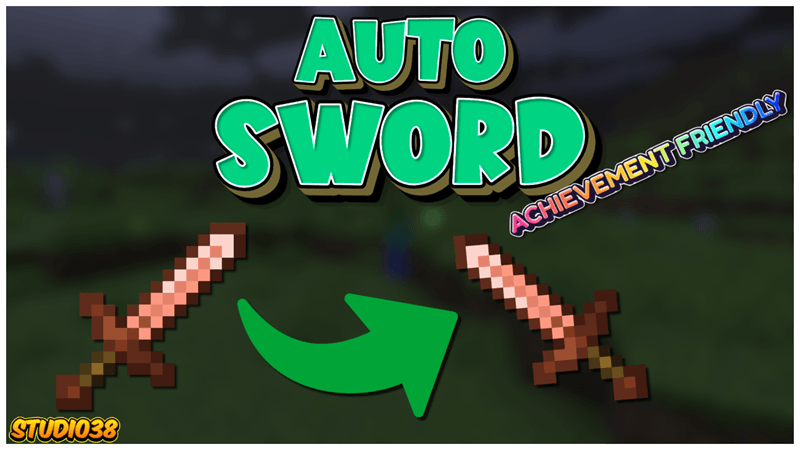
We've all been swarmed mid-fight, only to watch our sword shatter and leave us awkwardly punching air. Auto Sword fixes that panic moment by seamlessly swapping in a fresh blade from your inventory the exact tick your current one breaks.
Important Information:
- 💯This Project is 100% achievement compatible.
- ✅No Experiments will need to be activated to play.
- 👨💼No Player files are used in this project.
- 💡Dynamic sword switching feature.
- ⛽️Lightweight script.
- 💻Have something to say? Join the Discord.
 The second your Sword breaks the script will replace it with one from your inventory, keeping you in the fight for longer.
- Edition: Minecraft Bedrock
- File type: .mcpack or .mcaddon
- Minecraft version listed: 26.40
- How to install: Download the .mcpack or .mcaddon file. → Open it — Minecraft imports it. → In your world: Behavior Packs → Available → Activate, then the same under Resource Packs.
- Where to get it: Opens on CurseForge — not every file is mirrored on our own servers.
Install steps are the general flow for this file type — How to install Minecraft Bedrock addons & mods walks through it step by step.
- Save it as Auto Sword (V0.01).mcaddon before opening — it downloads as .mcpack, but it is a .mcaddon pack
- Manifest requires Minecraft 1.21.0 or newer
- Complete pack — everything it depends on is inside the file
- Download size: 58 KB
- Download link checked 16 Sept 2026 — working
These come from our own check of the pack file, not from the source page.