Herobrine Dimension UDDU
Herobrine Dimension Addon by MCPEUDDU brings a dark and mysterious Rift Realm to Minecraft Bedrock Edition. Craft a Rift Key, enter a fog-covered…
⬇ Download on CurseForgeThe author built this one for Minecraft 1.21.100. On other versions it may install and then do nothing.
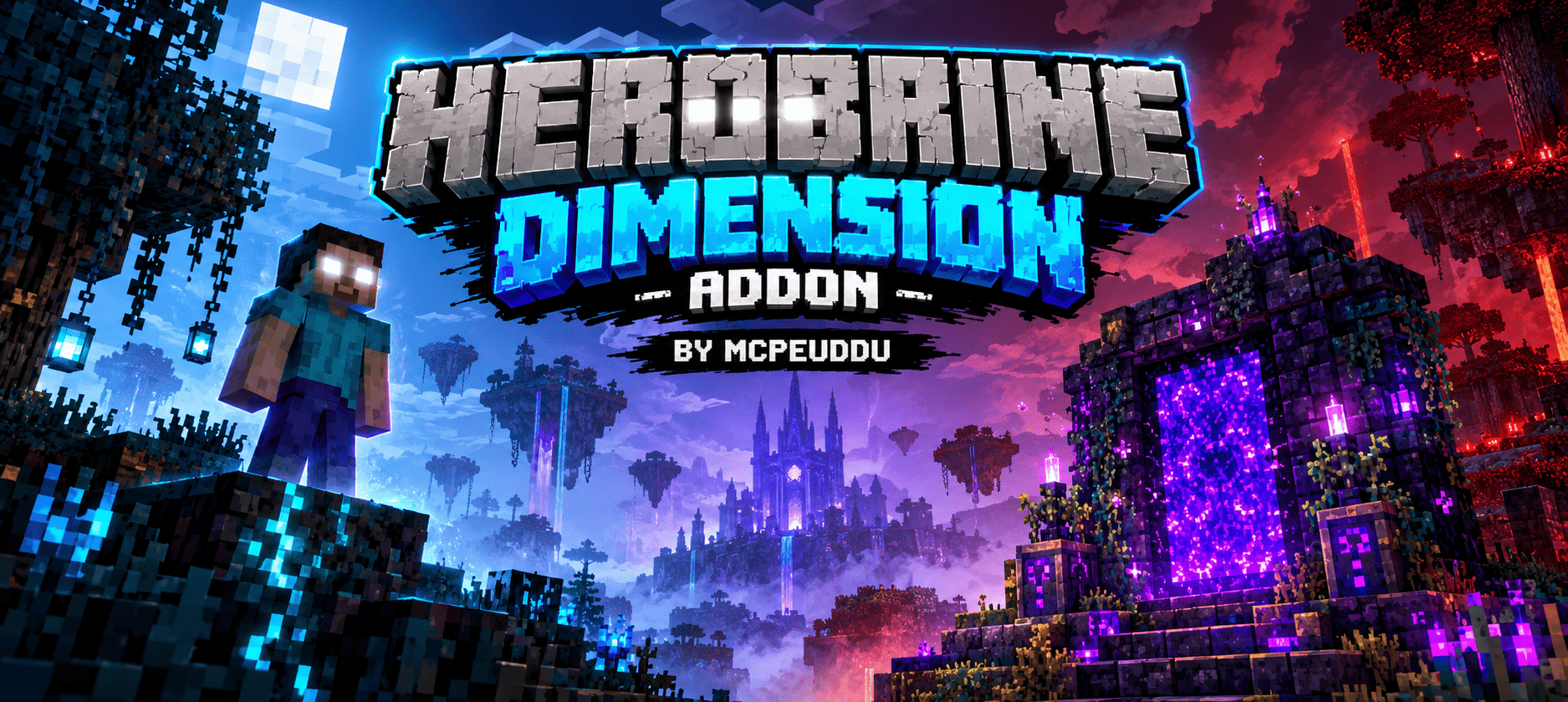
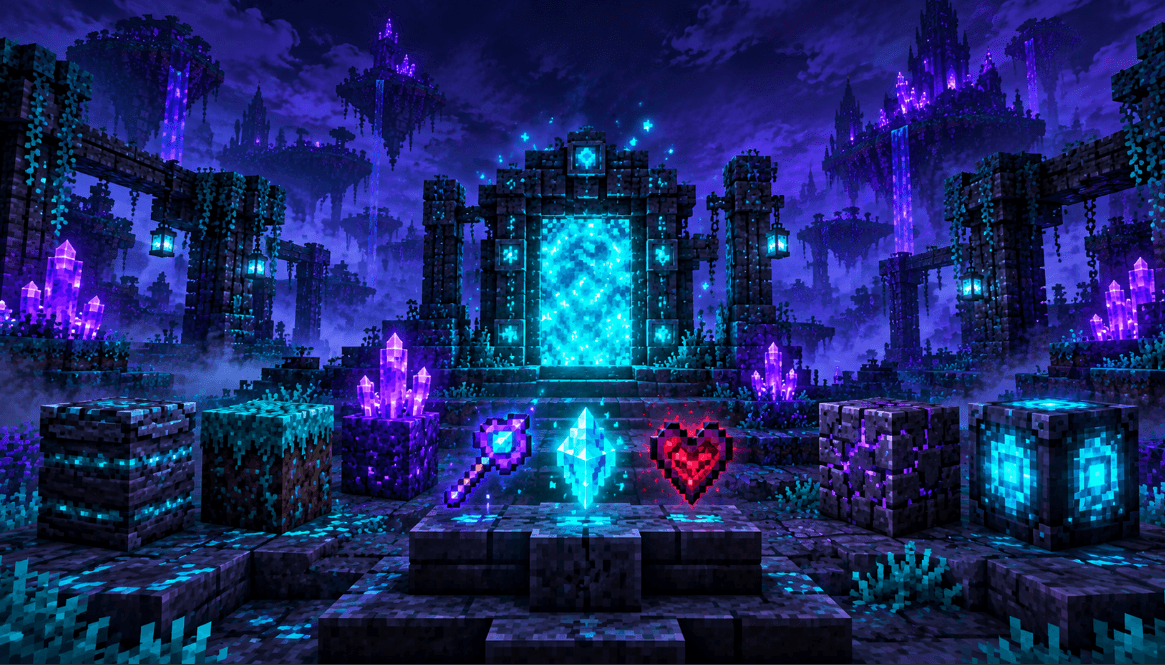
Herobrine Dimension Addon
Overview
Herobrine Dimension Addon is an original dark-fantasy adventure add-on for Minecraft Bedrock Edition / MCPE. It introduces the Rift Realm: an isolated, corrupted world zone filled with fog, ancient ruins, glowing crystals, dangerous terrain, rare collectibles, and mysterious supernatural encounters.
The add-on is designed to feel atmospheric and adventurous while staying faithful to Minecraft’s blocky visual style and survival gameplay.
Main Features
-
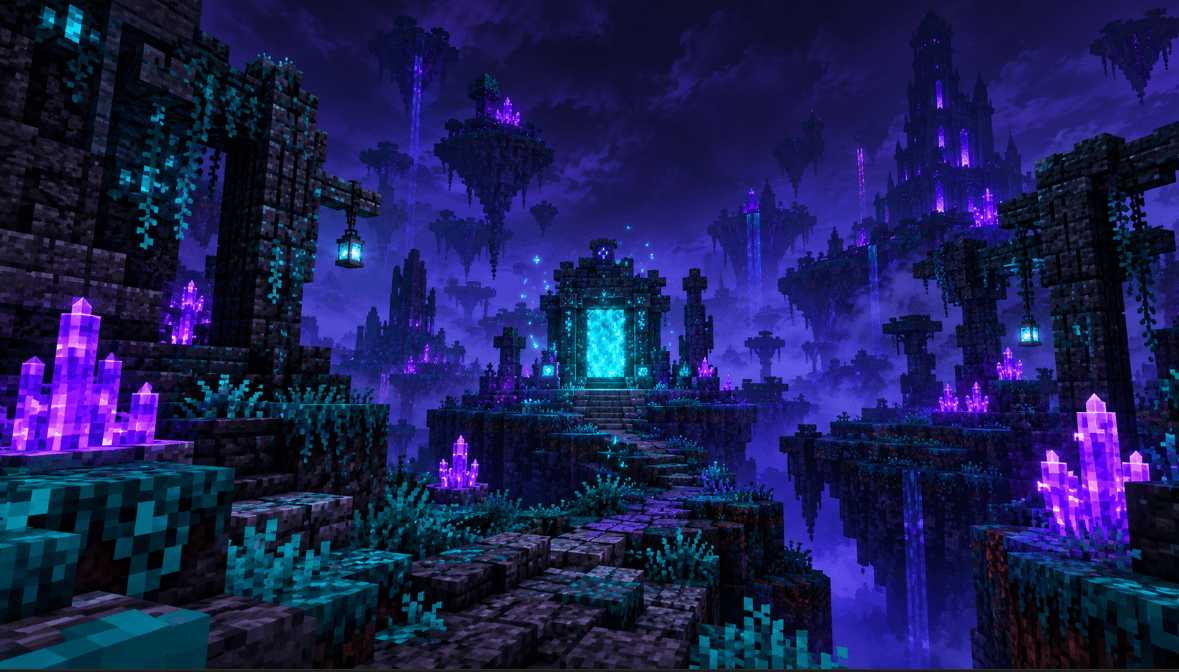
A dark Rift Realm with custom generated terrain
-
Foggy corrupted landscapes, Riftstone cliffs, crystal spires, and ruined structures
-
A glowing Rift Gate for entering the realm again after it has been discovered
-
Five original custom blocks:
-
Riftstone
-
Veilgrass
-
Umbra Crystal
-
Ashen Bricks
-
Rift Gate
-
-
Three original custom items:
-
Rift Key
-
Echo Shard
-
Umbra Heart
-
-
Crafting recipes for the Rift Key, Riftstone, and Rift Gate
-
Custom teal Rift Spark particles
-
Dark cinematic fog and supernatural atmosphere
-
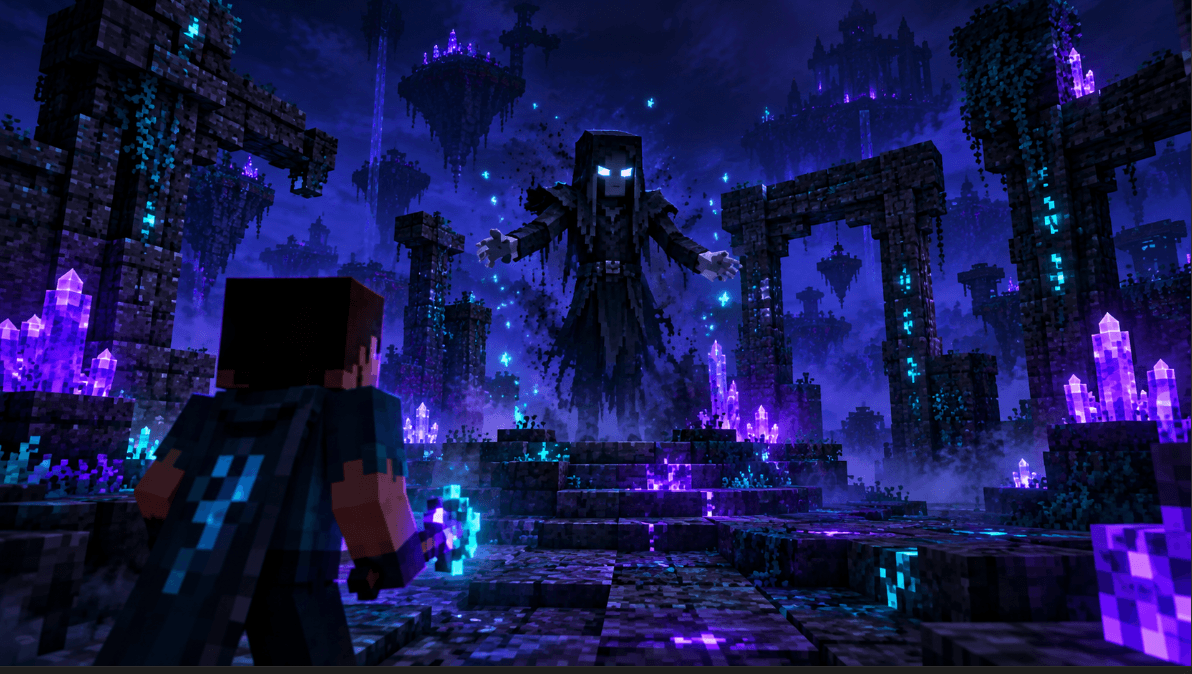
Rare Echo Wraith encounters inside the Rift Realm
-
Echo Wraith custom model, white glowing eyes, high health, combat behavior, and rare loot
-
Performance-conscious first-time realm generation that is spread over multiple game ticks
Minecraft Version and Requirements
-
Minecraft Bedrock Edition / MCPE 1.21.100 or newer
-
Add-on version: 1.1.4
-
Beta APIs experiment must be enabled
-
Both the Behavior Pack and Resource Pack must be activated in the same world
Installation Instructions
-
Download the file named
Herobrine_Dimension_Addon_MCPEUDDU.mcaddon. -
Open the file using Minecraft Bedrock Edition.
-
Wait for Minecraft to confirm that the packs were imported.
-
Create a new world or edit an existing world.
-
Open the Behavior Packs section and activate Herobrine Dimension Addon — Behavior.
-
Open the Resource Packs section and activate Herobrine Dimension Addon — Resources.
-
In the Experiments section, enable Beta APIs.
-
Create or load the world.
The Resource Pack is linked to the Behavior Pack, but both should be visible and enabled before entering the world.
How to Enter the Rift Realm
To enter the Rift Realm, first craft a Rift Key at a crafting table.
Rift Key Recipe
Use the following materials:
-
2 Amethyst Shards
-
1 Diamond
-
1 Crying Obsidian
Crafting-table pattern:
-
Top middle: Amethyst Shard
-
Middle left: Amethyst Shard
-
Middle center: Diamond
-
Middle right: Amethyst Shard
-
Bottom middle: Crying Obsidian
Hold the Rift Key and use it. The key is consumed, and the Rift Realm will begin forming for the first time.
The first realm generation may take a short moment on lower-end mobile devices. This is normal. Once the Rift Gate stabilises, your player is teleported into the realm.
Exploring the Rift Realm
The Rift Realm is a dangerous supernatural zone located far away from normal gameplay areas. It contains dark terrain, fog, glowing Umbra Crystals, ruined shrines, and broken Ashen Brick structures.
Look for:
-
Glowing crystal formations
-
Ancient ruined shrines
-
Riftstone cliffs and corrupted terrain
-
Teal Rift Spark particles
-
The central Rift Gate
-
Rare Echo Wraith appearances
After discovering the central Rift Gate, it can be used as a permanent entrance back into the Rift Realm.
Echo Wraith
The Echo Wraith is the realm’s rare hostile encounter. It appears only inside the Rift Realm, making encounters unusual and memorable.
The Echo Wraith has:
-
A custom dark humanoid appearance
-
Pale glowing eyes
-
Higher health than normal hostile mobs
-
Melee combat behavior
-
Faster enraged movement
-
Echo Shard and Umbra Heart loot
Prepare before exploring. The Rift Realm is intended to be dangerous, especially when the Echo Wraith appears.
Custom Items and Their Uses
Rift Key
The Rift Key opens the way to the Rift Realm. It is consumed when used for the first entry.
Echo Shard
Echo Shards are rare supernatural crystals dropped by the Echo Wraith. They can be kept as proof of survival, collectibles, or future crafting resources for add-on updates.
Umbra Heart
The Umbra Heart is a rare drop from the Echo Wraith. It is one of the most valuable artifacts in the add-on.
Important Note
Minecraft Bedrock Edition’s stable public add-on APIs do not support adding a completely separate third native dimension alongside the Overworld, Nether, and End.
For reliable compatibility, the Rift Realm is created as an isolated custom pocket zone in the Overworld. It has its own terrain style, fog, ruins, portal flow, particles, and encounters, while leaving normal spawn areas unchanged.
Author
Author Name: MCPEUDDU
Project: Herobrine Dimension Addon
Version: 1.1.4
Platform: Minecraft Bedrock Edition / MCPE
Minimum Minecraft Version: 1.21.100
Creator Credit: MCPEUDDU
Content Created For This Add-On: Original Rift Realm concept, custom blocks, custom items, custom particles, Rift Gate system, Echo Wraith encounter, crafting recipes, atmosphere design, and add-on presentation.
All branding for this project uses the name Herobrine Dimension Addon and the author name MCPEUDDU.
- Edition: Minecraft Bedrock
- File type: .mcpack or .mcaddon
- Minecraft version listed: 1.21.100
- How to install: Download the .mcpack or .mcaddon file. → Open it — Minecraft imports it. → In your world: Behavior Packs → Available → Activate, then the same under Resource Packs.
- Where to get it: Opens on CurseForge — not every file is mirrored on our own servers.
Install steps are the general flow for this file type — How to install Minecraft Bedrock addons & mods walks through it step by step.
- Pack type: .mcaddon — behaviour and resource pack in one file
- Manifest requires Minecraft 1.21.100 or newer
- Complete pack — everything it depends on is inside the file
- Download size: 20 KB
- Download link checked 16 Sept 2026 — working
These come from our own check of the pack file, not from the source page.