
Ender Chest Anywhere
Bedrock add-on listed for Minecraft 26.x. File opened and checked on 2 Oct 2026; installs from the MC Bedrock Mods app on Android.
⬇ Download on CurseForge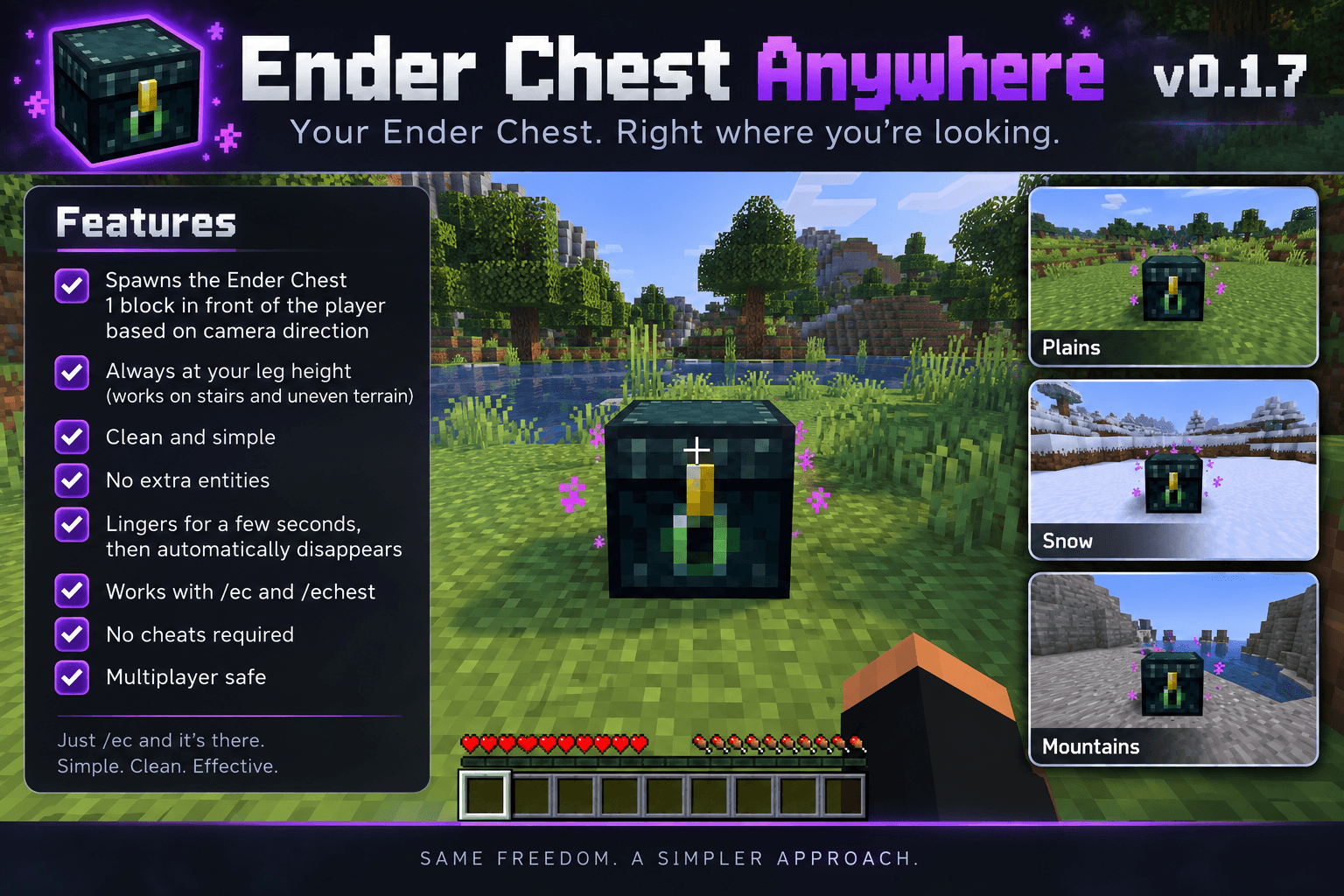
Ender Chest Anywhere adds /ec and /echest, allowing you to quickly place a temporary Ender Chest directly in front of you without needing to carry or locate a physical Ender Chest.
Features
/ec— Quickly access your Ender Chest./echest— Alternate command for the same functionality.- Camera-based placement — The Ender Chest appears directly in front of you based on your current facing direction.
- Leg-height placement — Designed to appear naturally at player level, including on uneven terrain.
- Temporary chest — The Ender Chest automatically disappears after a few seconds.
- Uses your actual Ender Chest — No separate storage system or item duplication.
- No extra entities — No snowballs, NPCs, or other helper entities.
- Multiplayer friendly — Each player's Ender Chest remains their own.
- No cheats required — Designed to work without enabling cheats.
- Simple and lightweight — Just run
/ecand use the chest.
Commands
/ec
/echest
How It Works
Run /ec or /echest and a temporary Ender Chest will appear one block in front of you at leg height, oriented toward you.
Use the chest normally to access your persistent Ender Chest inventory. After a few seconds, the temporary chest is automatically removed.
Nothing needs to be placed permanently in your world.
Compatibility
Minecraft Bedrock Edition
Designed for modern Bedrock Dedicated Server / Bedrock worlds.
Important
The temporary Ender Chest must have an empty space available at its placement location. The addon will not intentionally overwrite existing blocks.
- Edition: Minecraft Bedrock
- File type: .mcpack or .mcaddon
- Minecraft versions listed: 26.40, 26.50
- How to install: Download the .mcpack or .mcaddon file. → Open it — Minecraft imports it. → In your world: Behavior Packs → Available → Activate, then the same under Resource Packs.
- Where to get it: Opens on CurseForge — not every file is mirrored on our own servers.
Install steps are the general flow for this file type — How to install Minecraft Bedrock addons & mods walks through it step by step.
- Pack type: .mcaddon — behaviour and resource pack in one file
- Download size: 3 KB
- Download link checked 6 Oct 2026 — working
These come from our own check of the pack file, not from the source page.