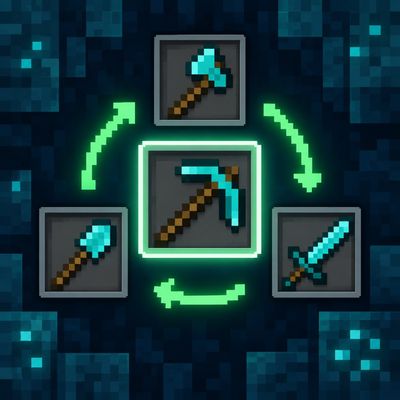
Auto tool Switch (Achivement Friendly)
Smart Tool Switch automatically selects the right tool for mining, chopping, digging and combat. Includes sword switching, durability protection…
⬇ Download on CurseForge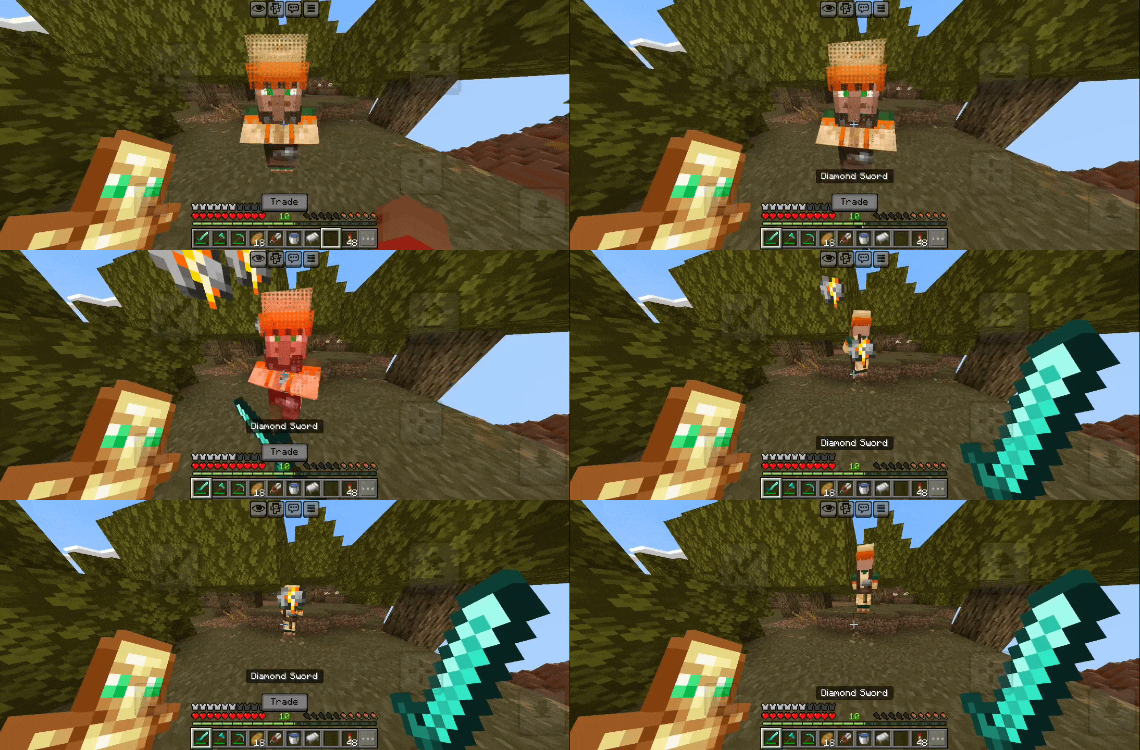
⚒️ SMART TOOL SWITCH
Automatic Tool Selection • Achievement Friendly • By Gavti
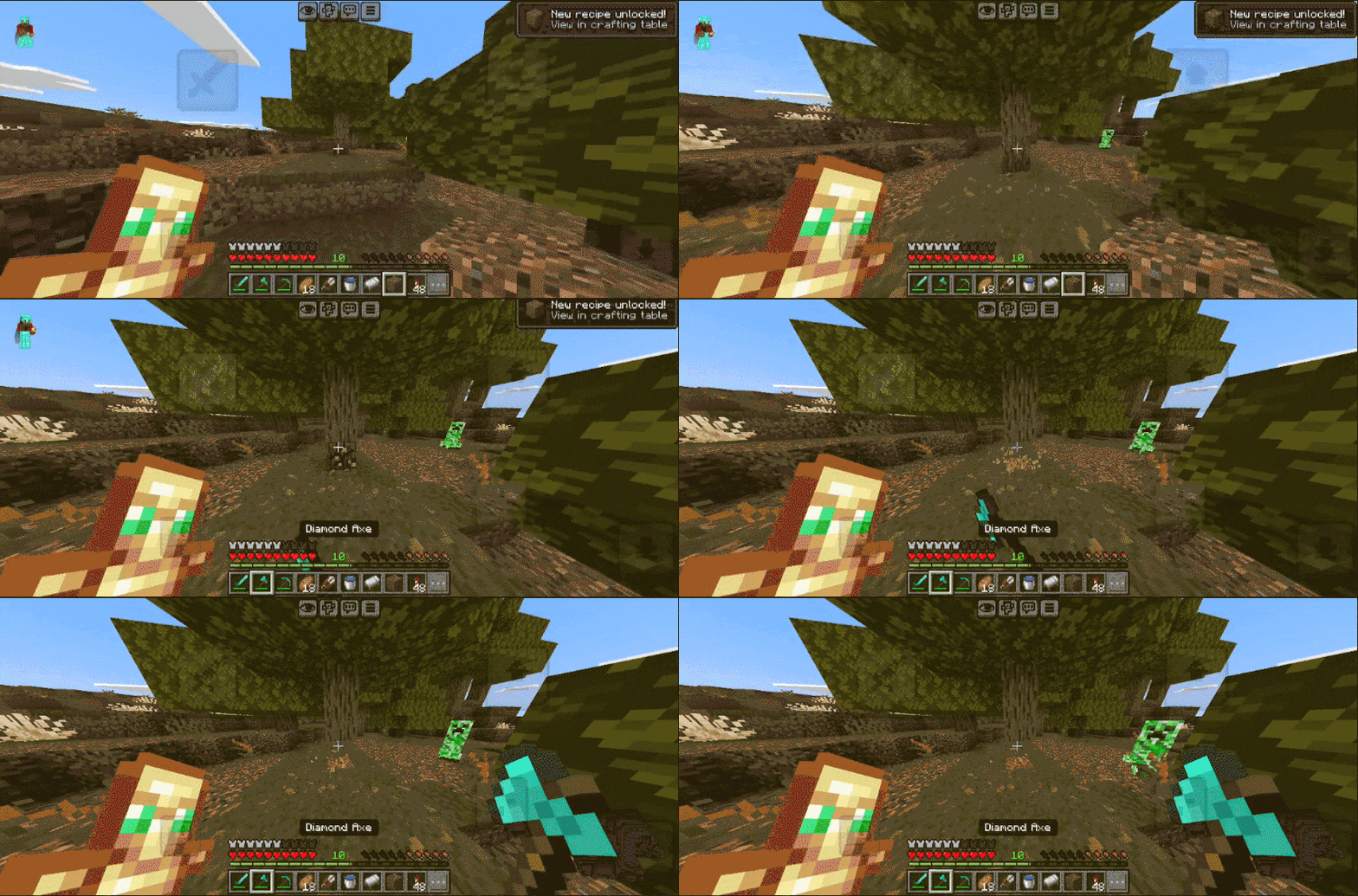
Smart Tool Switch automatically selects the right tool from your hotbar depending on what you are doing. Mine, chop, dig, harvest or fight without constantly switching tools manually.
| ⛏ Mining | Pickaxe • Axe • Shovel |
| 🌾 Utility | Hoe • Shears • Smart Detection |
| ⚔ Combat | Automatic Sword Switch • Entity Detection |
| 🛡 Protection | Low Durability Skip • Safe Tool Selection |
✨ Features
• Smart Auto Switch — automatically selects the correct tool. • Hotbar Only — keeps your inventory untouched. • Durability Protection — skips almost-broken tools.
• Combat Switching — automatically switches to a sword while attacking. • Pack Toggle — easily enable or disable Smart Tool Switch. • Lightweight — simple and survival-friendly.
🏆 ACHIEVEMENT FRIENDLY
Enjoy Smart Tool Switch in your survival world while keeping achievements available.
Created by Gavti
All Rights & Credits Reserved to Gavti
- Edition: Minecraft Bedrock
- File type: .mcpack or .mcaddon
- Minecraft versions listed: 26.20, 26.30, 26.40
- How to install: Download the .mcpack or .mcaddon file. → Open it — Minecraft imports it. → In your world: Behavior Packs → Available → Activate, then the same under Resource Packs.
- Where to get it: Opens on CurseForge — not every file is mirrored on our own servers.
Install steps are the general flow for this file type — How to install Minecraft Bedrock addons & mods walks through it step by step.
- Pack type: .mcaddon — behaviour and resource pack in one file
- Manifest requires Minecraft 1.26.40 or newer
- Complete pack — everything it depends on is inside the file
- Download size: 6 KB
- Download link checked 16 Sept 2026 — working
These come from our own check of the pack file, not from the source page.