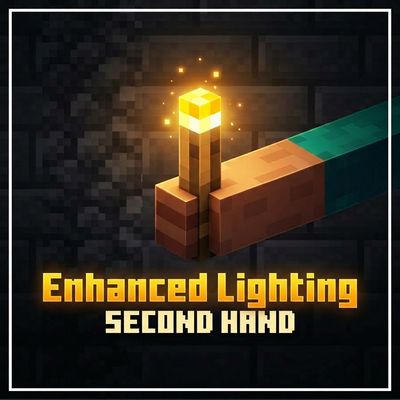
Enhanced Lighting
Dynamic lighting for Minecraft Bedrock! Hold torches in your off-hand with `/handsv`, `/handc`, an emote, or crouch + right-click. All light-emitting…
⬇ Download on CurseForge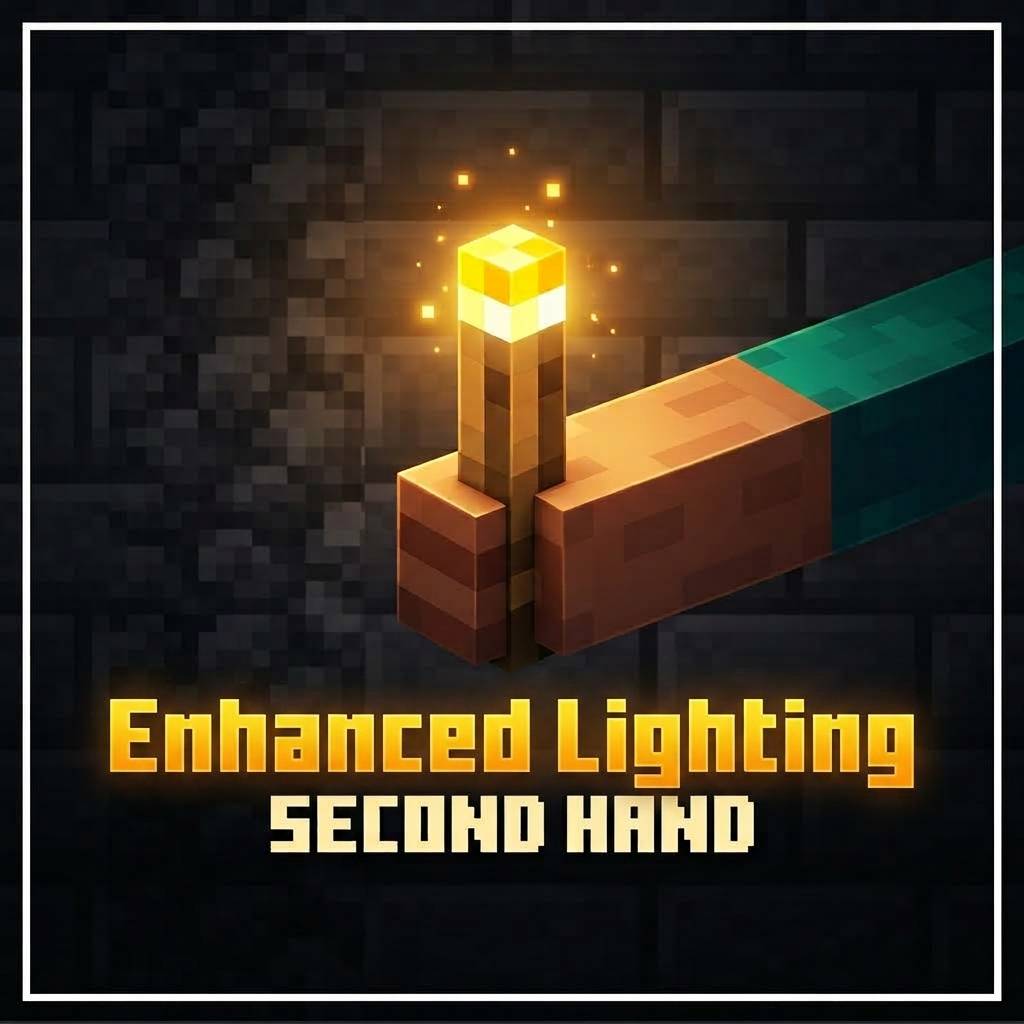
Enhanced Lighting
Bring dynamic lighting to Minecraft Bedrock and explore caves, mines, and dark areas with a much better lighting experience!
This addon adds dynamic lighting to light-emitting blocks and items, allowing you to carry a torch in your off-hand and illuminate the area around you while moving.
🔥 Dynamic Lighting
All supported light-emitting blocks can produce dynamic light, including different types of torches such as:
-
Torch
-
Soul Torch
-
Redstone Torch
-
Soul Lantern
-
Lantern and other supported light sources
The lighting follows the player, making it much easier to explore dark areas without constantly placing blocks.
🖐️ Off-Hand Torches
Torches can be placed in your off-hand using several methods:
-
/handsvcommand -
/handcmenu -
Using the supported emote/action
-
Crouching and right-clicking while holding a torch
Torches are restricted to the off-hand system provided by the addon, helping keep the mechanic simple and consistent.
⚙️ Configuration Menu
Use:
/handc
to open the addon configuration menu.
From the menu, you can configure the available dynamic-light features and customize the experience to your preference.
🏆 Achievements
This addon does not disable or remove Minecraft achievements.
Enjoy dynamic lighting while keeping your normal survival experience.
⛏️ Perfect for Exploration
Whether you're exploring caves, mining underground, building at night, or simply walking through dark areas, Dynamic Lights makes your world easier to navigate without constantly placing torches.
Simple, configurable, and designed to make Bedrock exploration more immersive.
- Edition: Minecraft Bedrock
- File type: .mcpack or .mcaddon
- Minecraft versions listed: 1.21, 26.0, 26.40
- How to install: Download the .mcpack or .mcaddon file. → Open it — Minecraft imports it. → In your world: Behavior Packs → Available → Activate, then the same under Resource Packs.
- Where to get it: Opens on CurseForge — not every file is mirrored on our own servers.
Install steps are the general flow for this file type — How to install Minecraft Bedrock addons & mods walks through it step by step.
- Pack type: .mcaddon — behaviour and resource pack in one file
- Manifest requires Minecraft 1.21.90 or newer
- Complete pack — everything it depends on is inside the file
- Download size: 853 KB
- Download link checked 16 Sept 2026 — working
These come from our own check of the pack file, not from the source page.