ModsJava
EpicYSM Mod (1.21.1, 1.20.1) – Bring Epic Combat Moves to Your Custom Player
Java mod listed for Minecraft 1.20–1.21. File opened and checked on 12 Oct 2026; downloads from the MC Java Mods app on Android.
⬇ Download
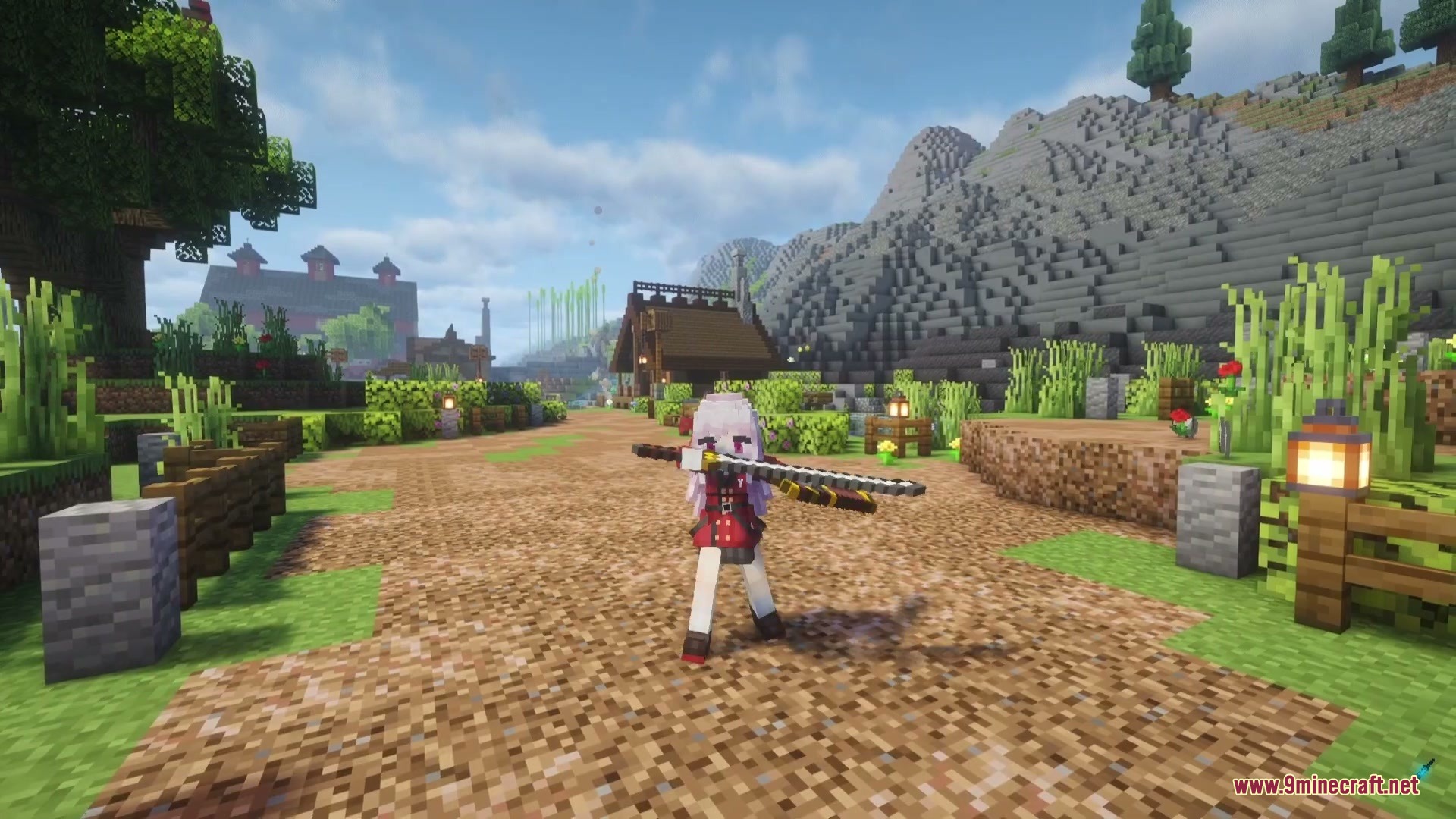
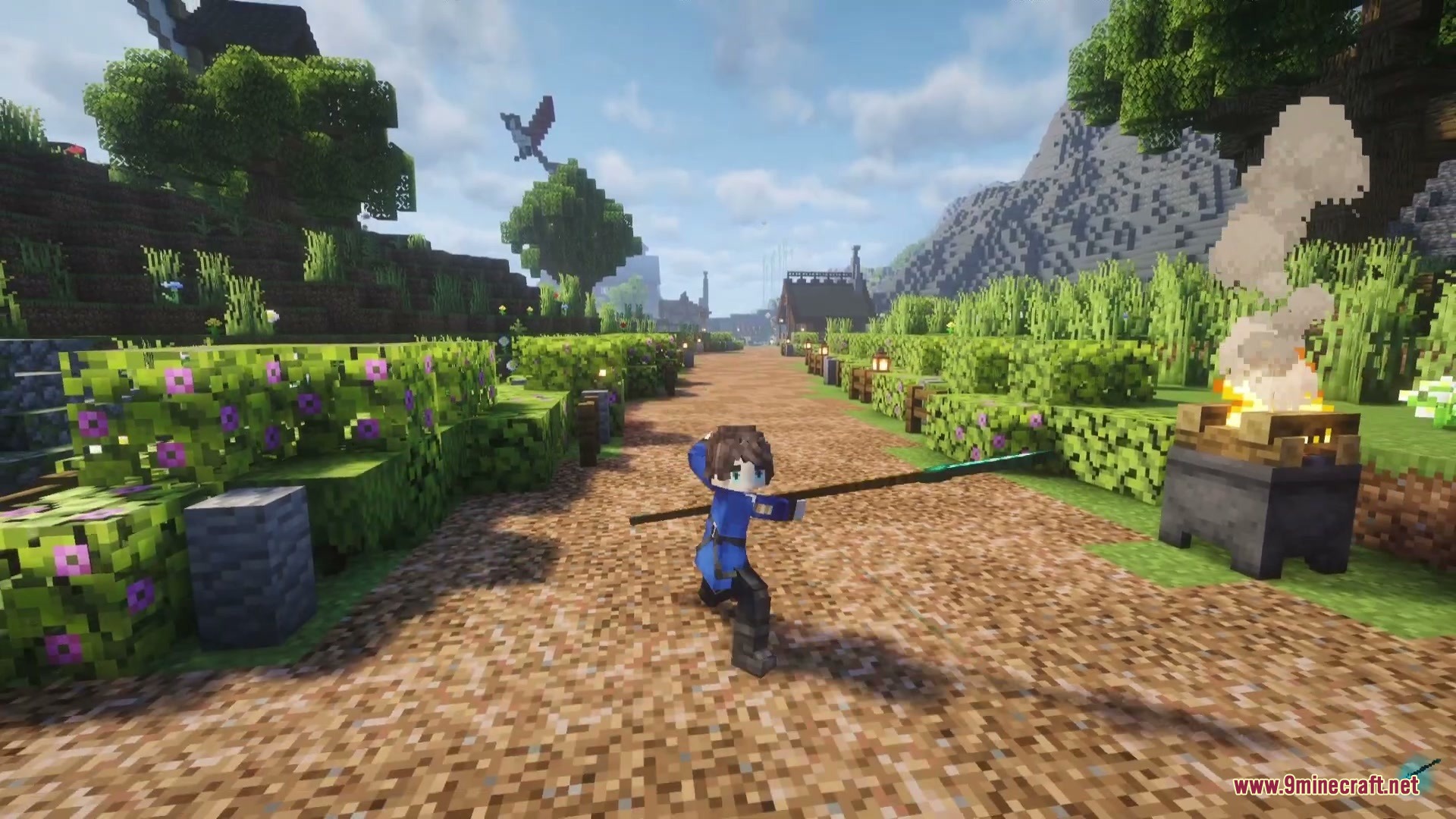
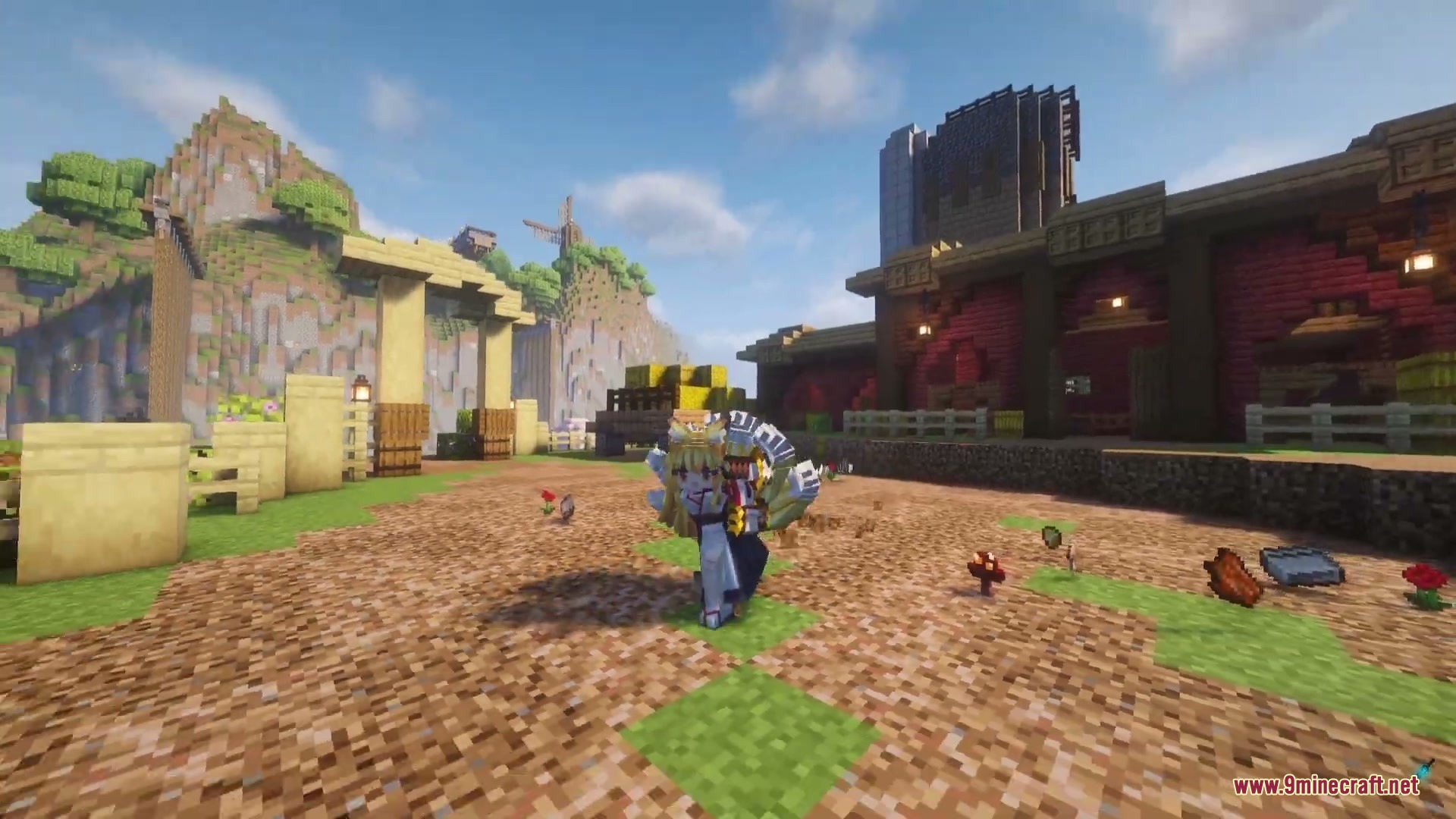
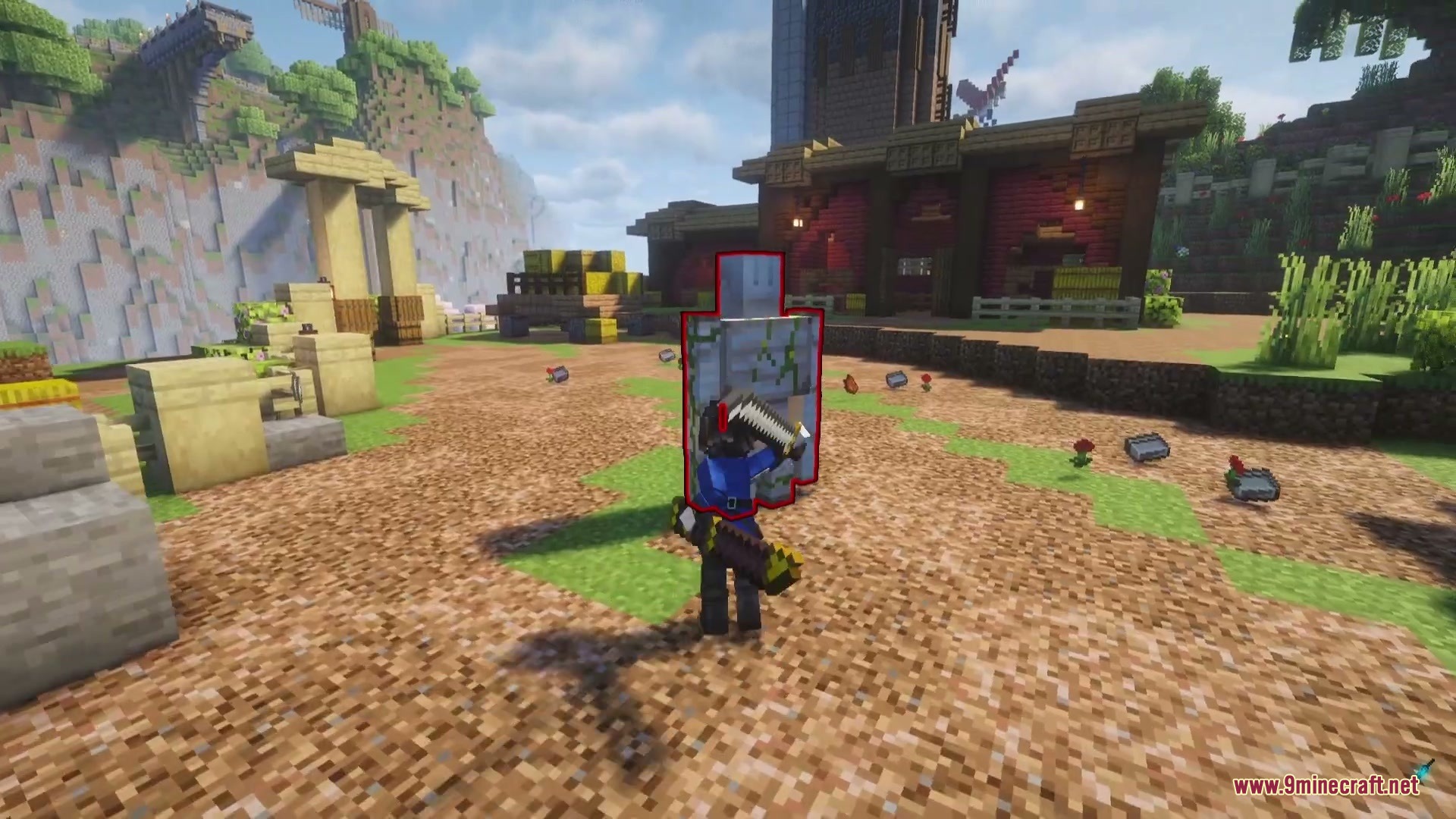
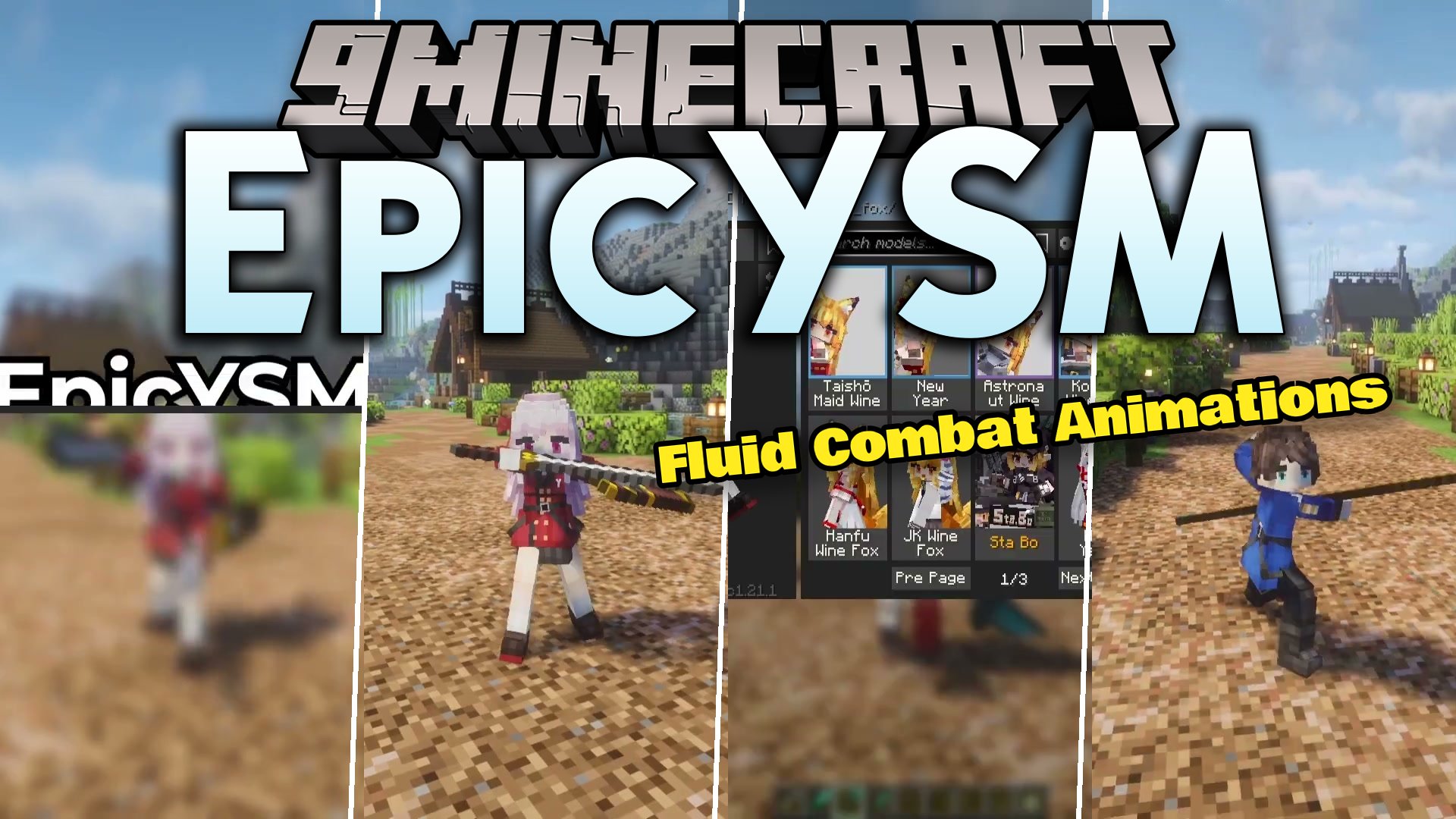
EpicYSM Mod adds Epic Fight combat animations for Yes Steve Model avatars. It lets custom player models perform weapon combos, dodges, guards, and special skills during battle. The mod runs on the client side and works on any multiplayer server where both base mods are already active. Outside of combat mode, all normal walk cycles, idle poses, and custom emotes continue working as usual.
Features:
- Plays combat animations like attacks, dodges, and weapon skills directly on custom player models.
- Converts readable model folders and zip files on the fly so armor, held weapons, and weapon trails render properly.
- Applies battle poses to encrypted
.ysmmodel files in memory without needing to decrypt the files. - Works with popular combat weapon expansions to render special effects on custom skeletons.
- Hides decorative built-in weapons on your model during fights so only the item in your hand shows up.
- Keeps custom idle, walk, and emote animations intact whenever you leave combat mode.
- Handles multi-form models and automatically tracks body changes if you change shapes.
- Shows other players in your world using their custom models during combat on your screen.
- Runs completely on the client side with no server installation needed.
Commands:
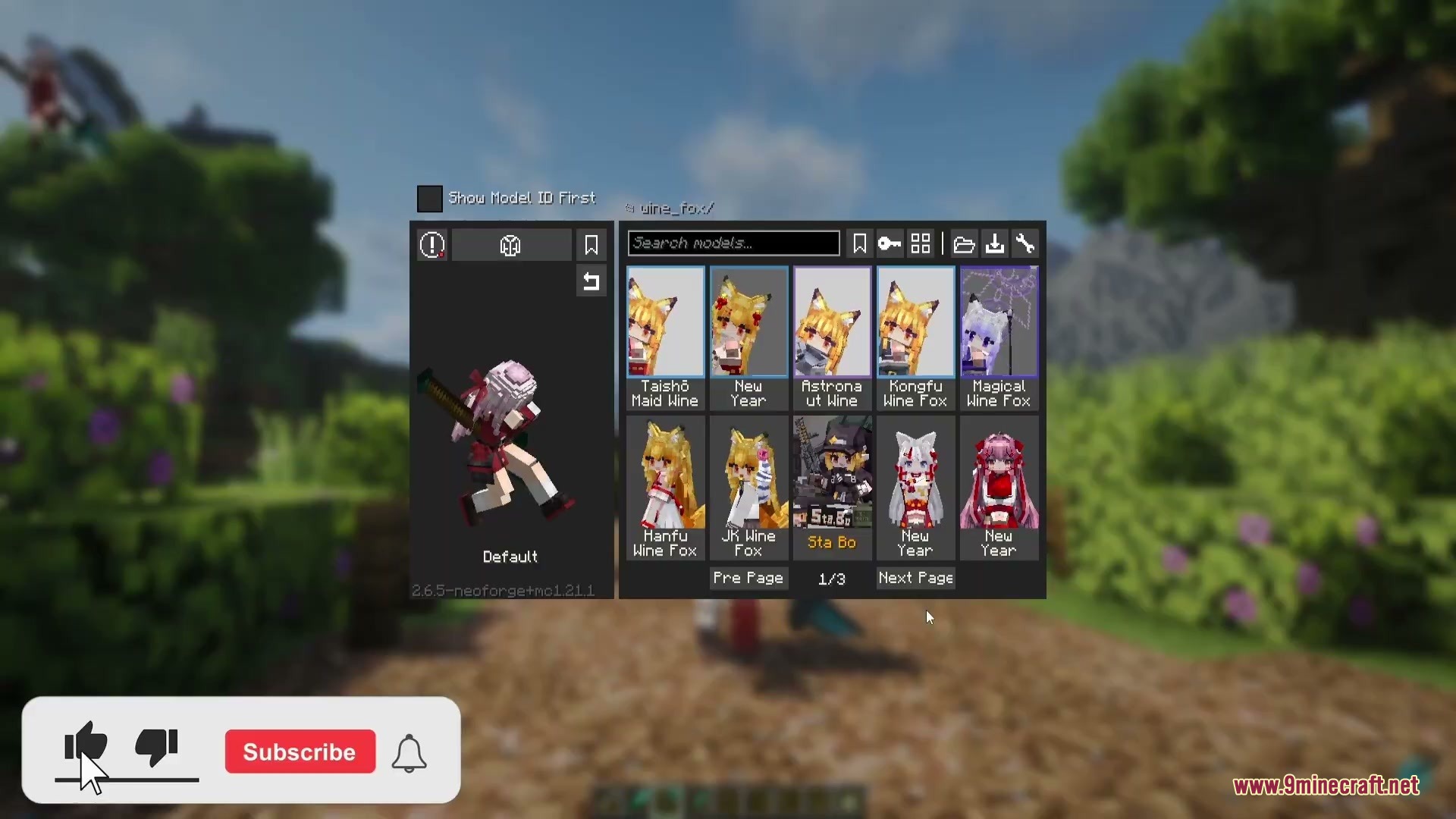
/epicysm config: opens the in-game settings menu.
How to Use:
- Press Alt + O in game or run the config command to open the settings menu.
- Choose whether armor renders over readable models.
- Toggle held item rendering options and physics settings for hair or cloth.
- Equip your weapons and enter battle mode to start fighting with custom animations.
Screenshots:
EpicYSM Mod Download Links
Quick facts
- Edition: Minecraft Java
- File type: .jar
- Minecraft versions listed: 1.21.1, 1.20.1
- How to install: Install the matching mod loader (Forge, Fabric or NeoForge) for your Minecraft version. → Download the .jar. → Put it in the .minecraft/mods folder and launch that loader profile.
- Where to get it: In MC Java Mods, or directly above on this page.
Install steps are the general flow for this file type — How to install Minecraft Java mods & modpacks walks through it step by step.
File checked by MCModsHub
- Downloads as 511238.mcaddon
- Download size: 447 KB
- Download link checked 22 Sept 2026 — working
- Mirrored on our own servers — the download does not depend on the original host
These come from our own check of the pack file, not from the source page.