Boundless & Endless Mod (1.20.1) – Resurface Stripped Logs and Mine
Java mod listed for Minecraft 1.20. Downloads from the MC Java Mods app on Android.
Boundless & Endless Mod brings practical building blocks, useful multi-tools, and handy mechanics to vanilla Minecraft. It introduces wood bark that you…
⬇ Download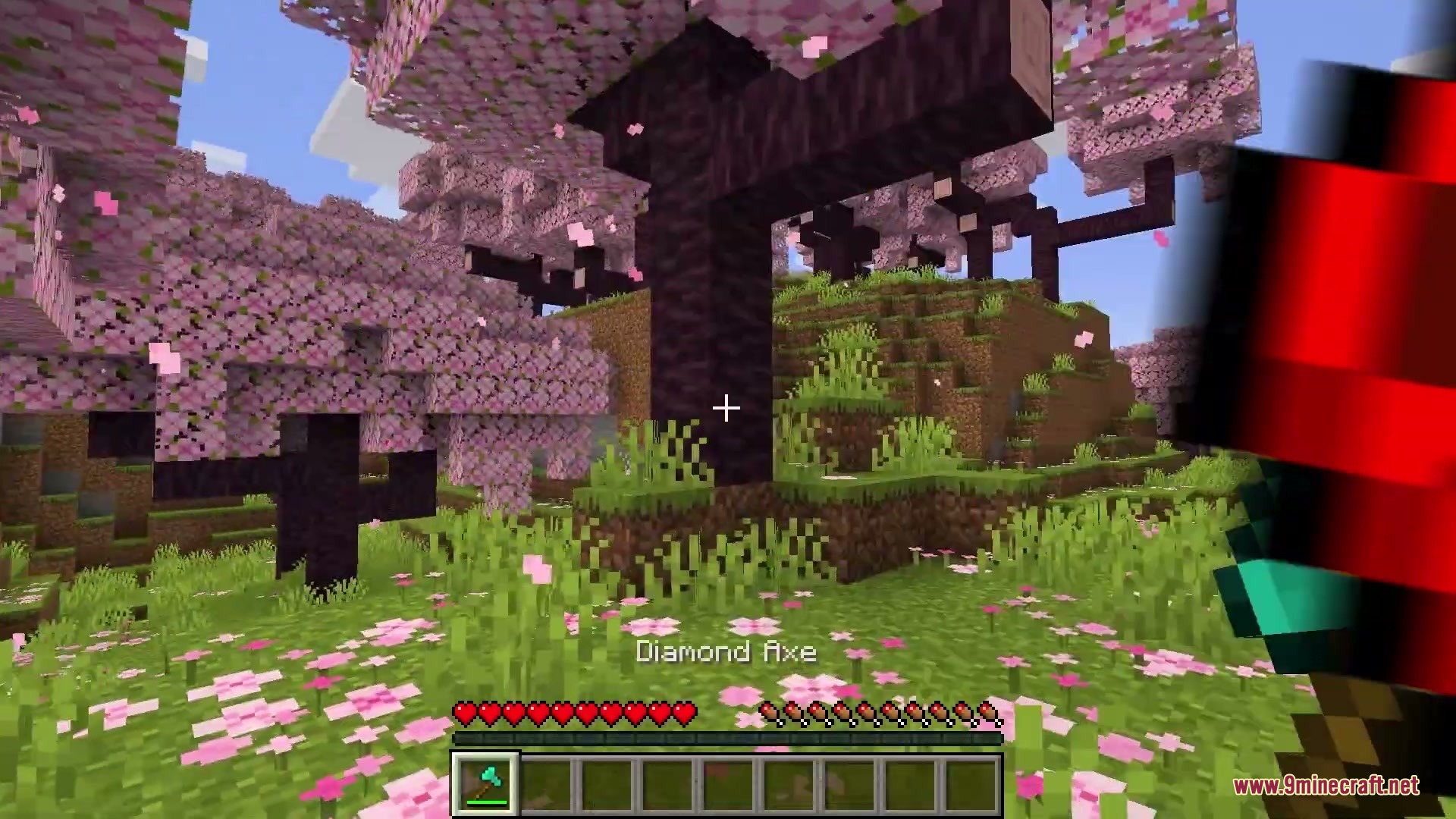
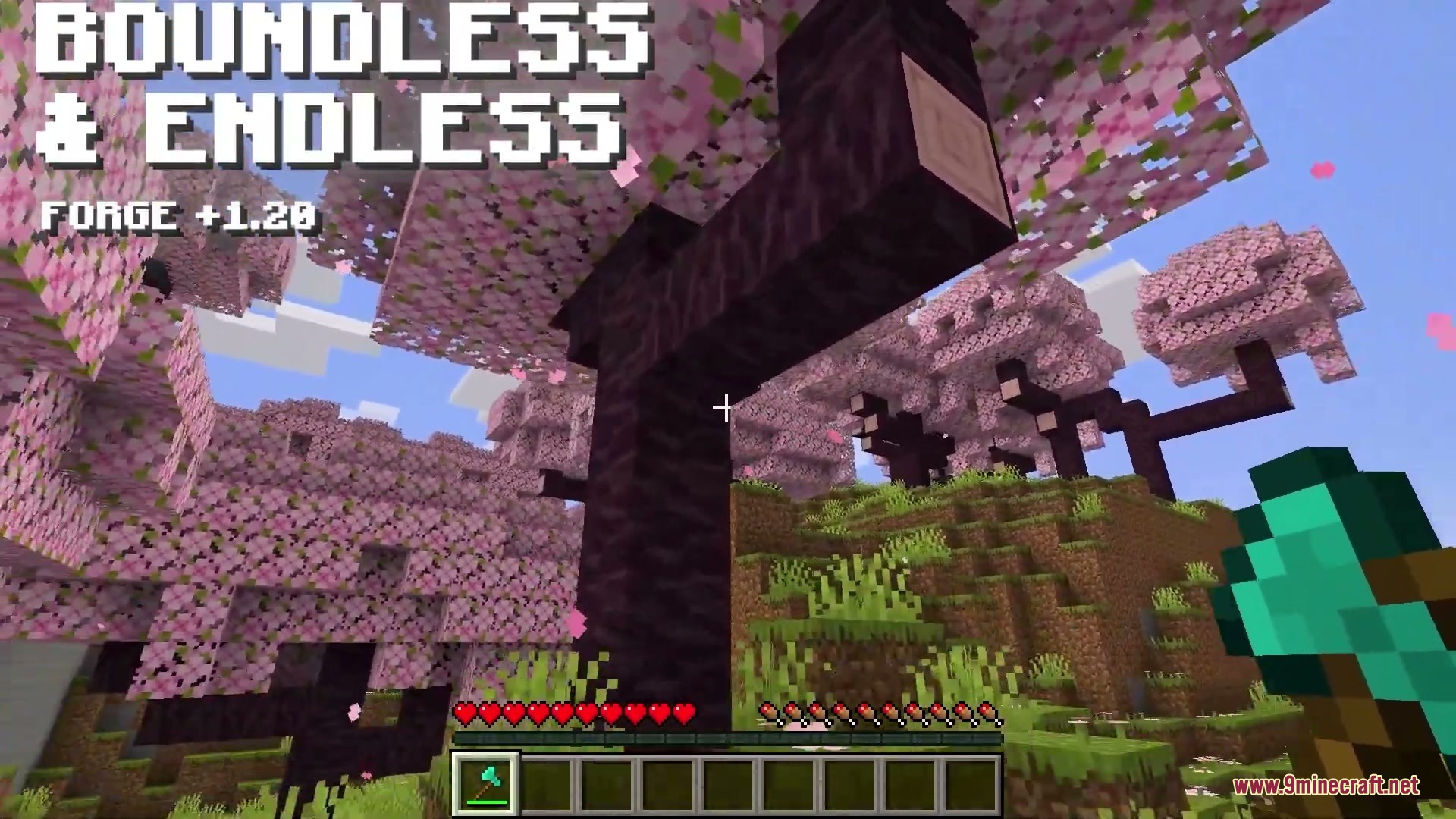
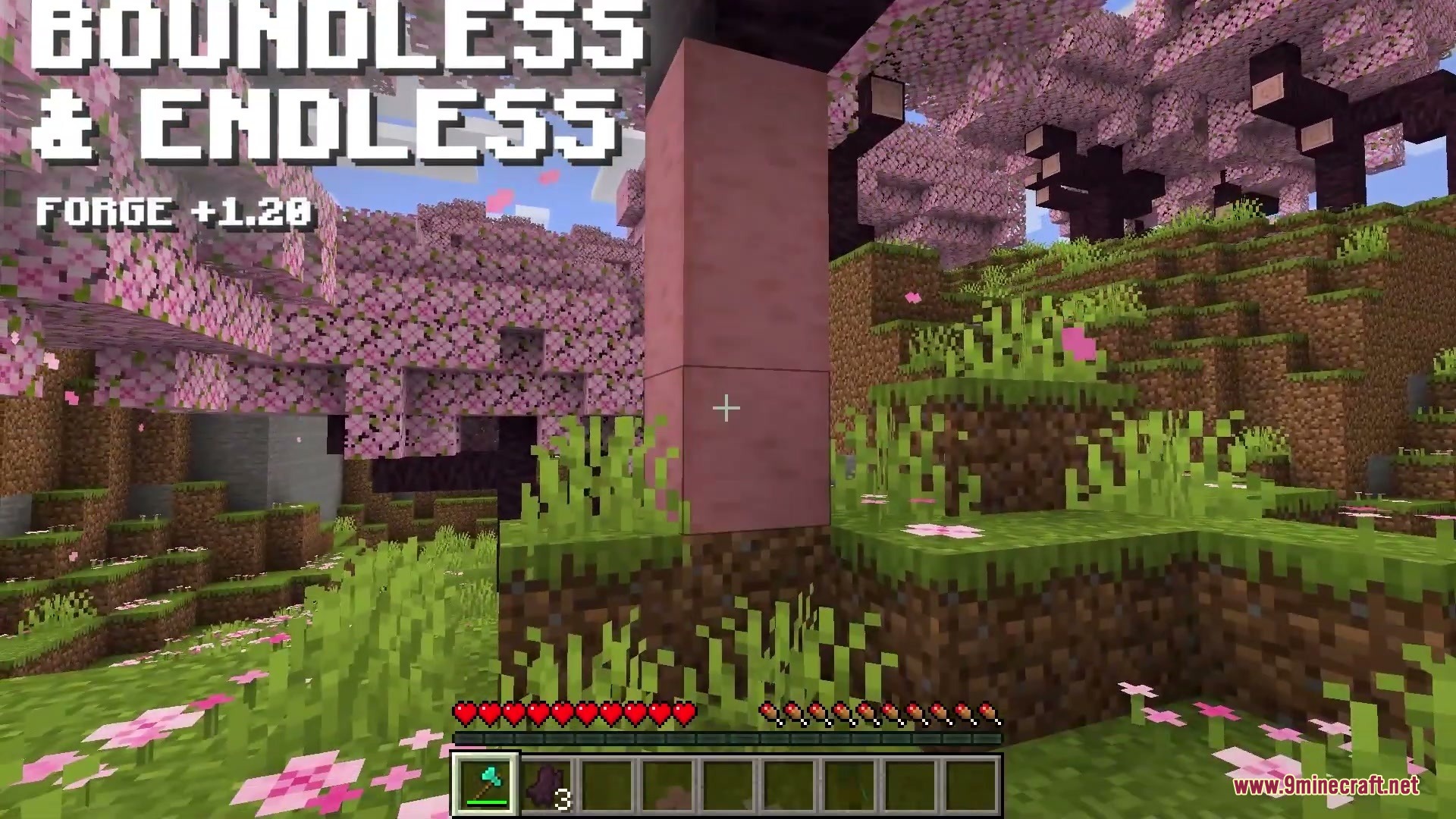
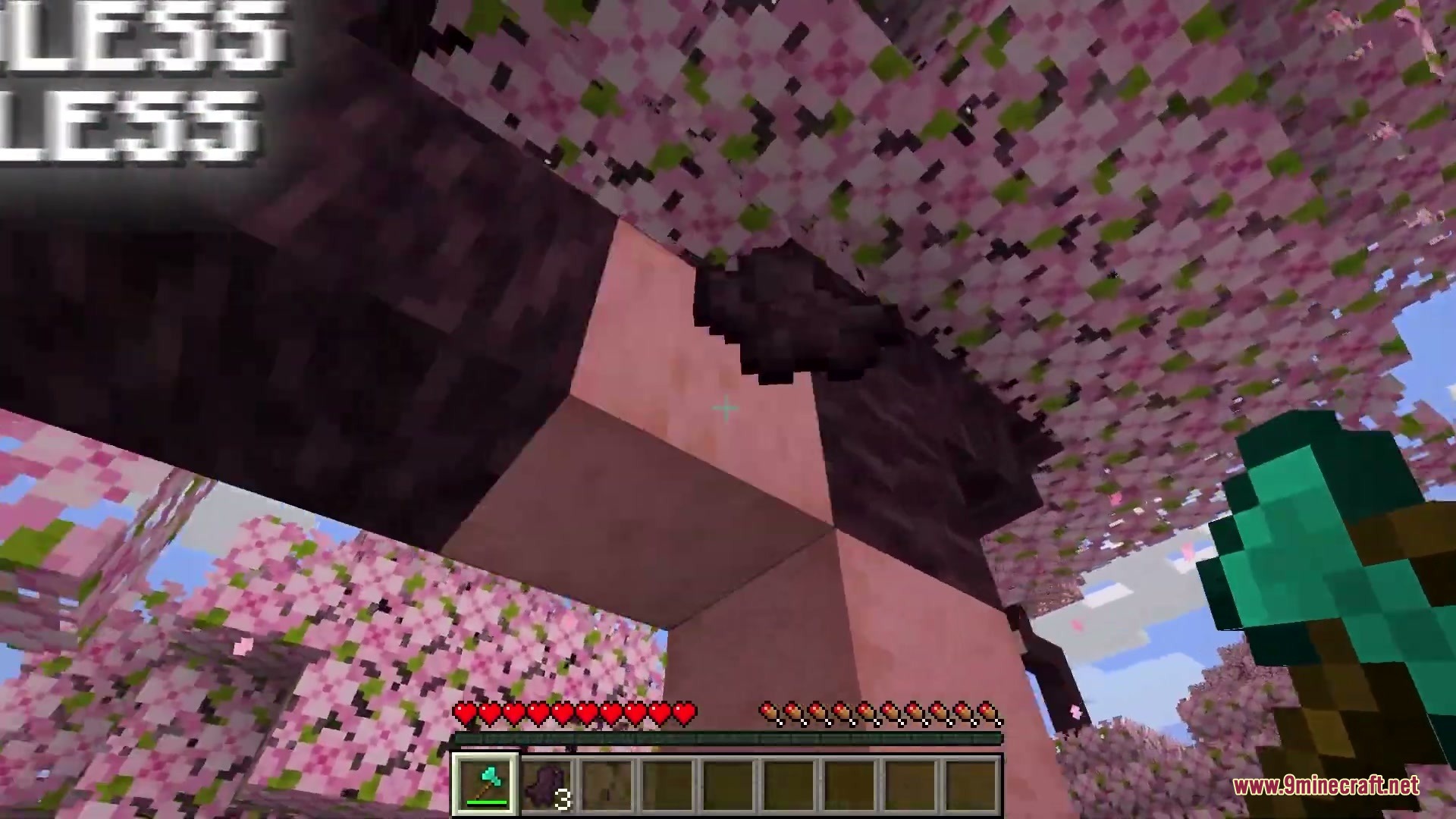
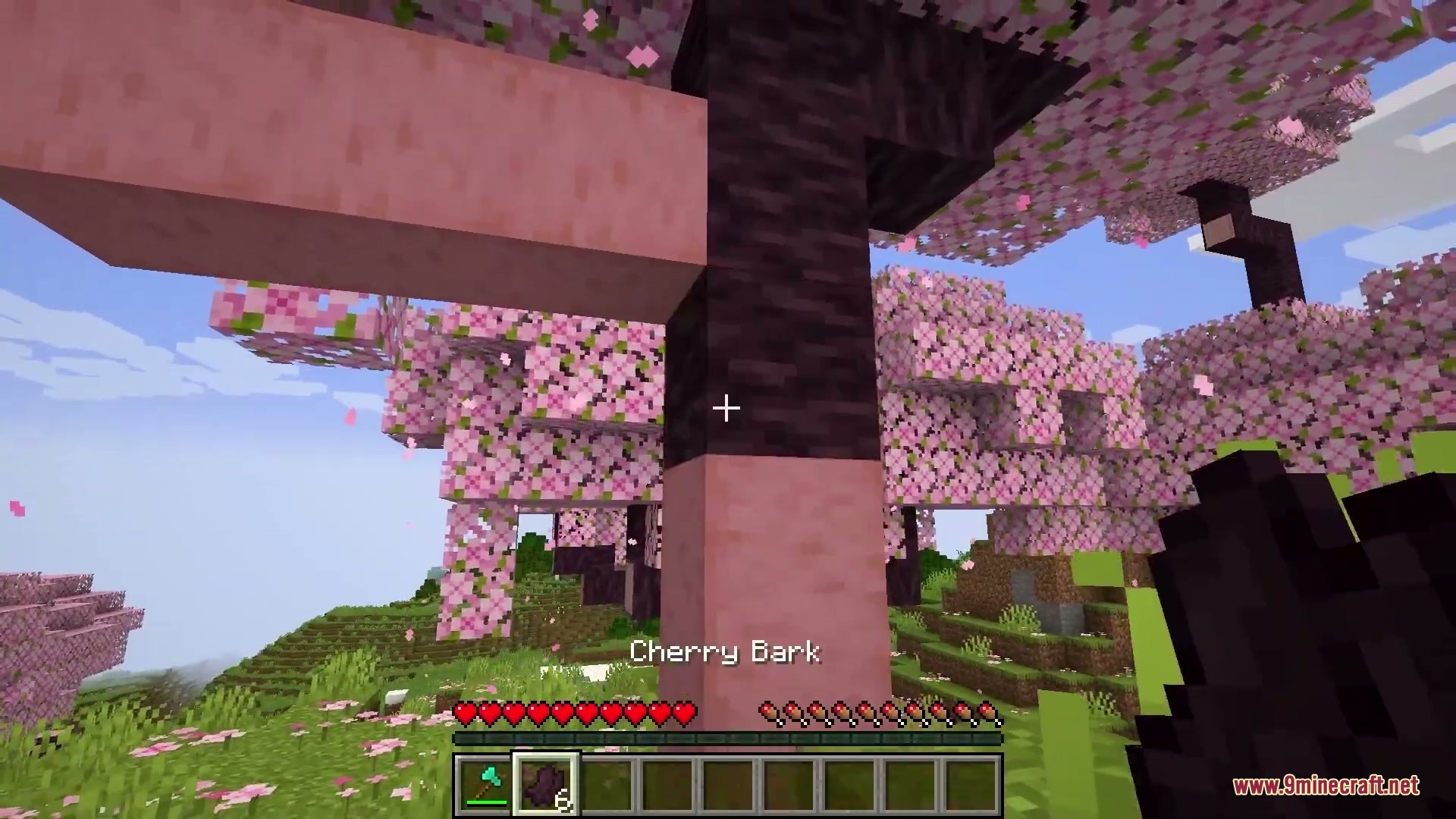
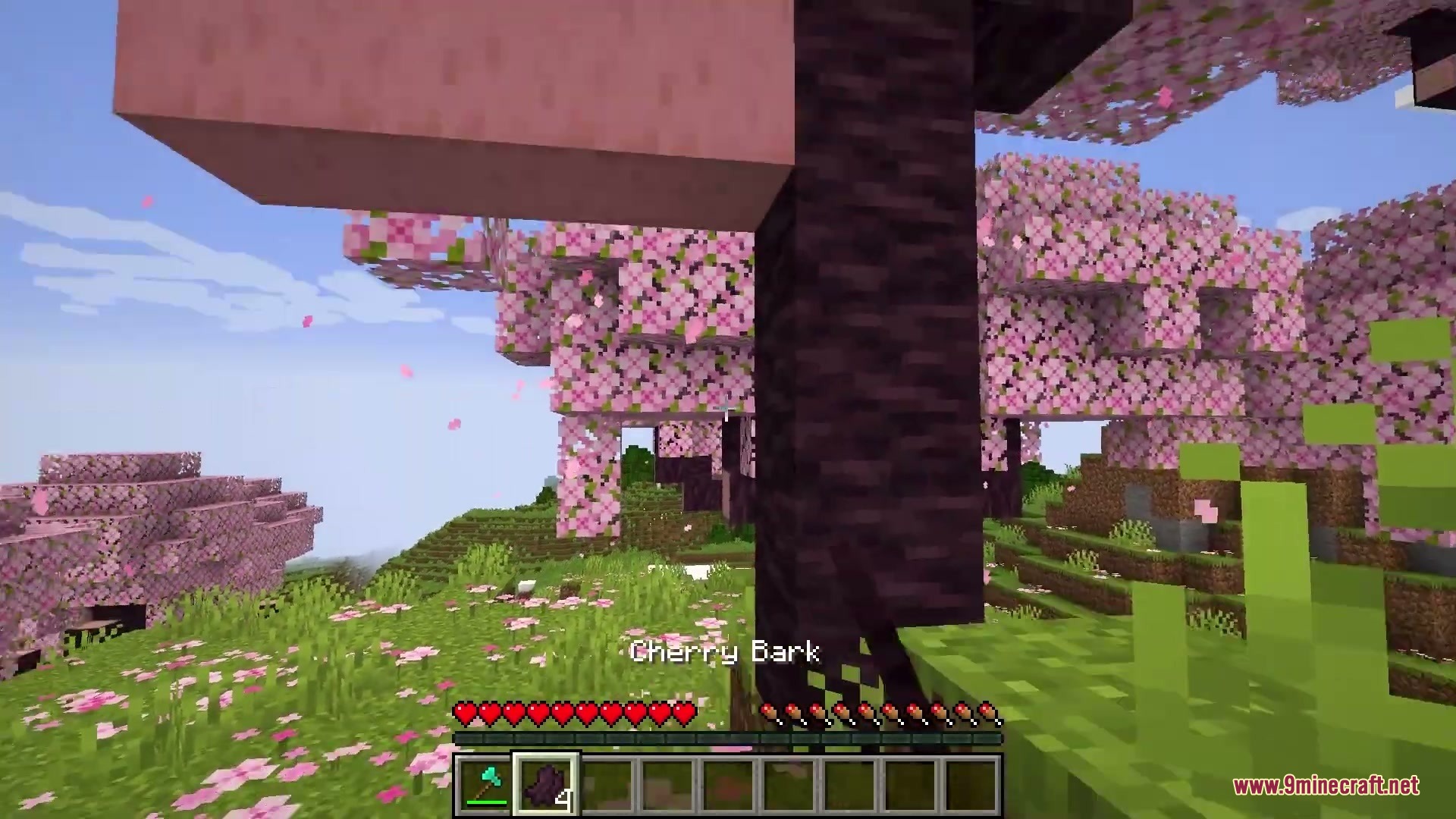
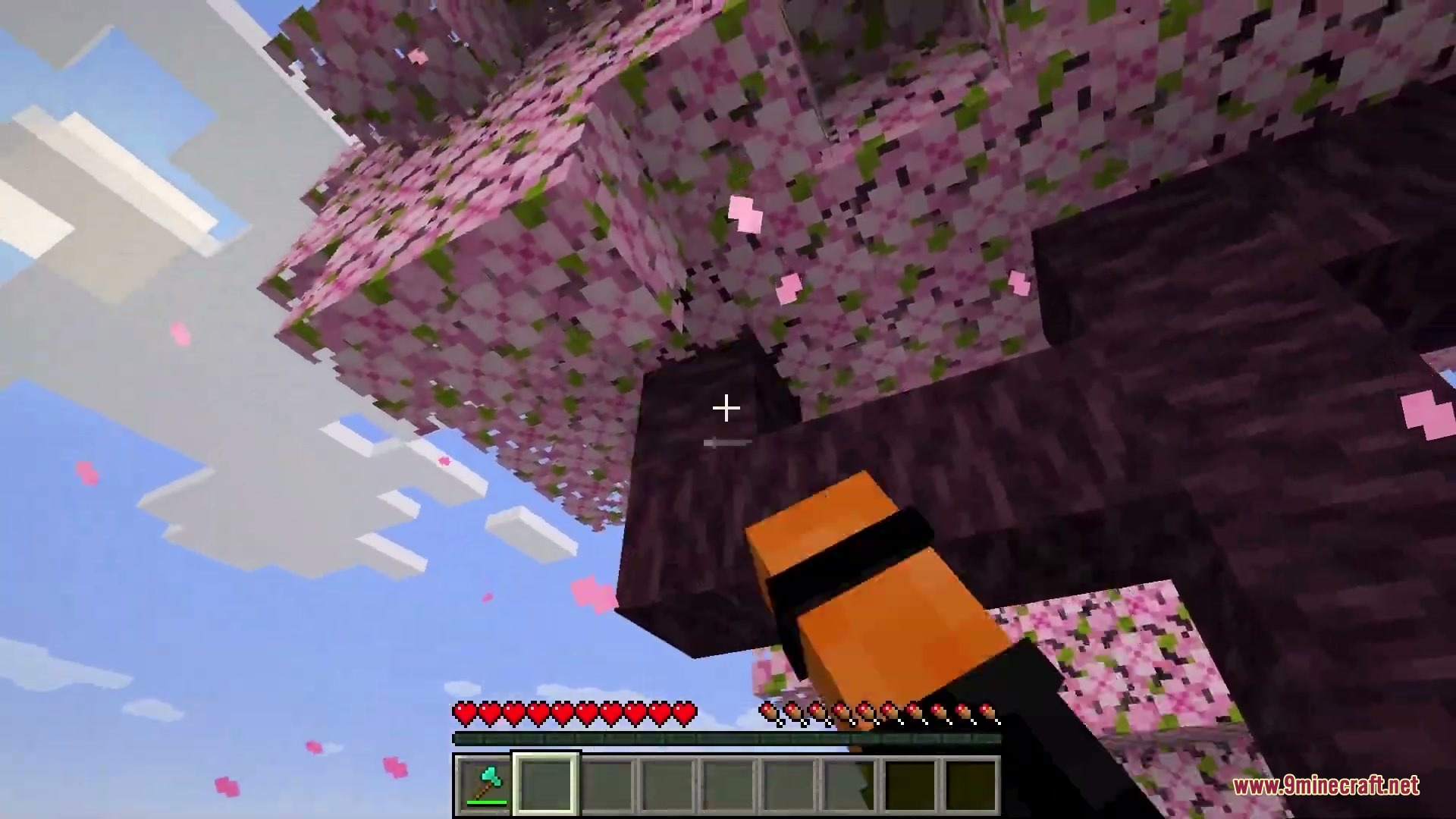
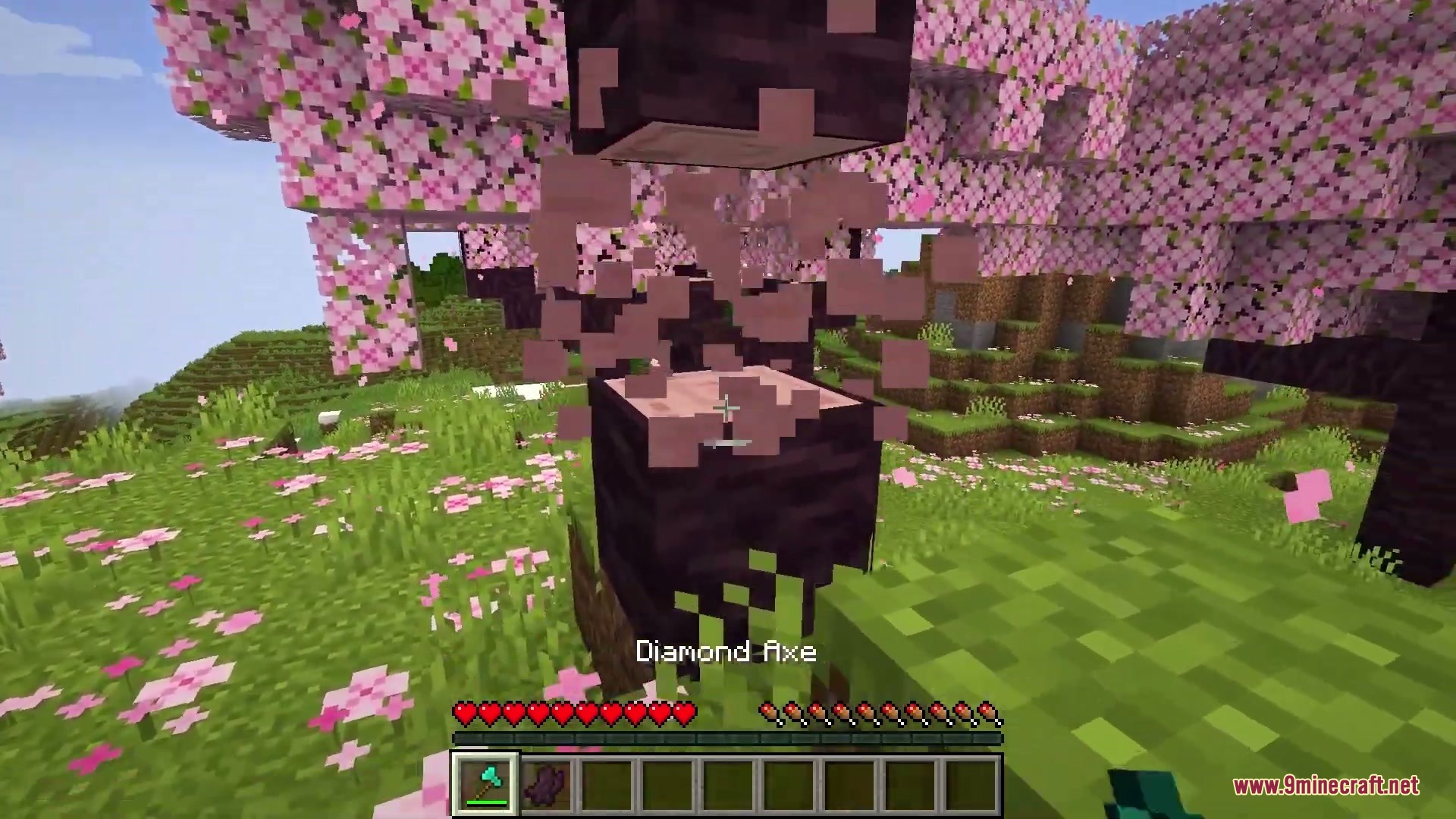
Boundless & Endless Mod brings practical building blocks, useful multi-tools, and handy mechanics to vanilla Minecraft. It introduces wood bark that you can peel off and reapply, along with log stumps that function as half-slabs. You can craft heavy hammers to clear out blocks in bulk or smash enemies in battle. The mod also provides sturdy explosion-proof glass and decorative building variants.
Features:
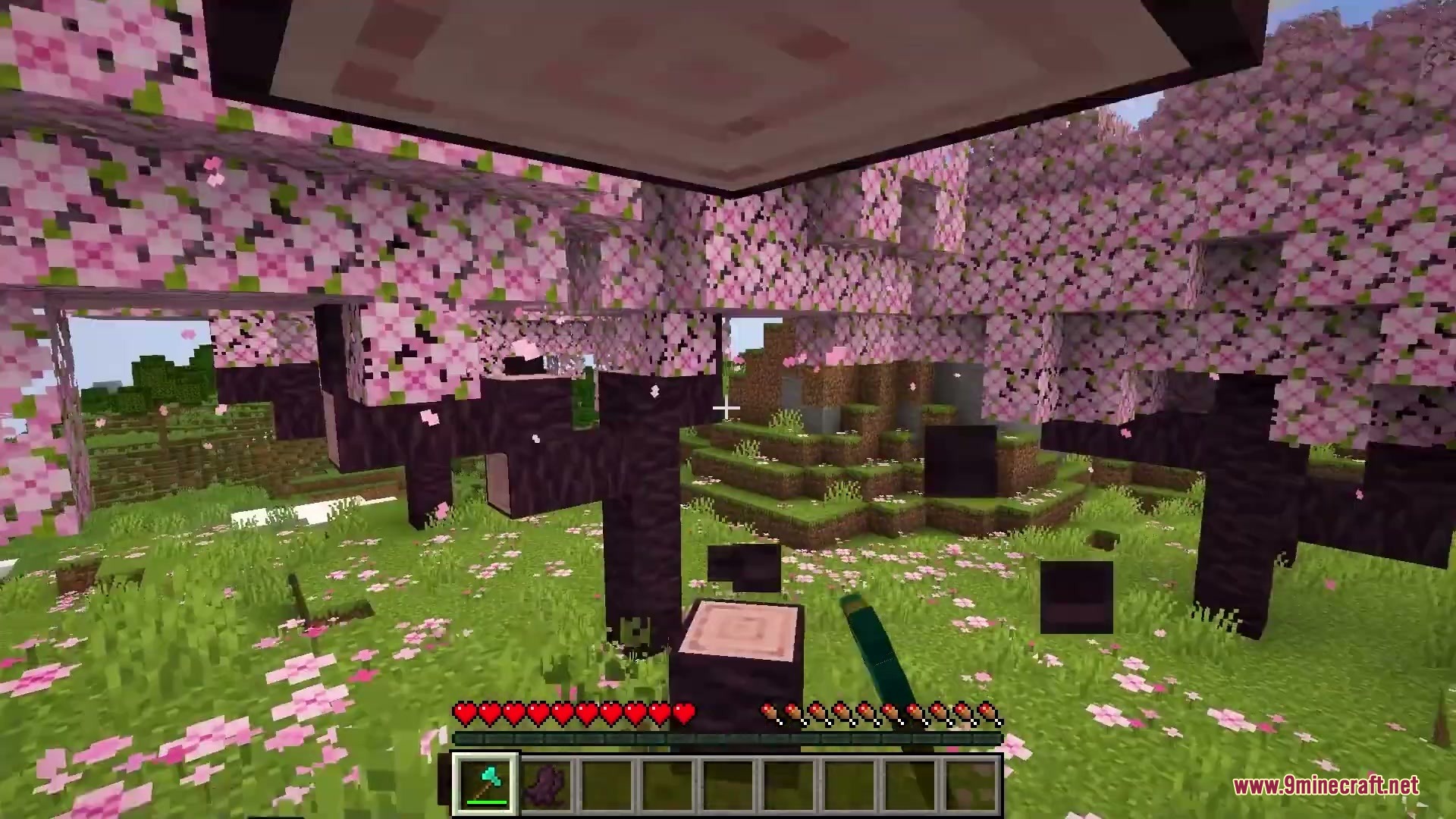
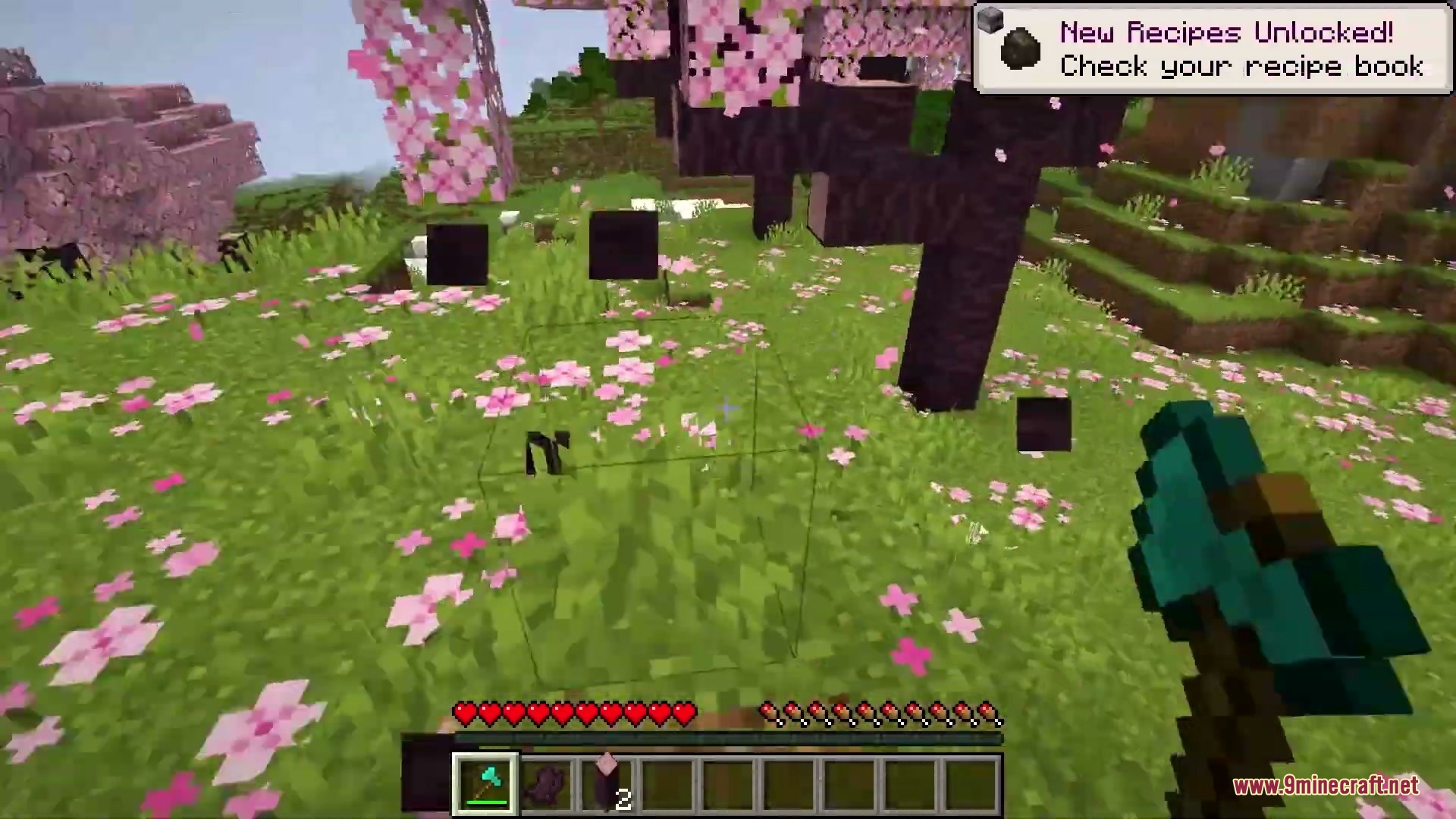
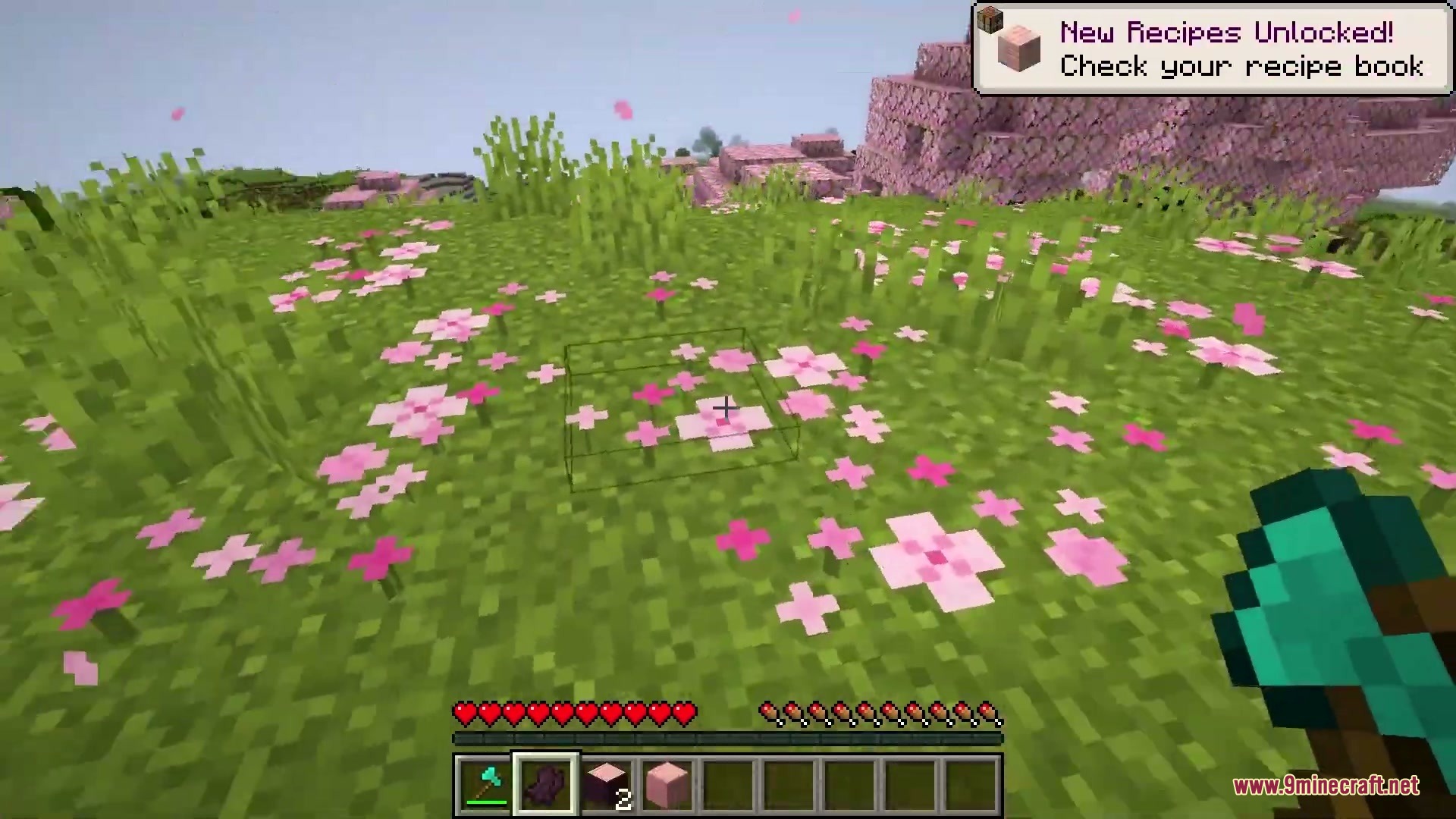
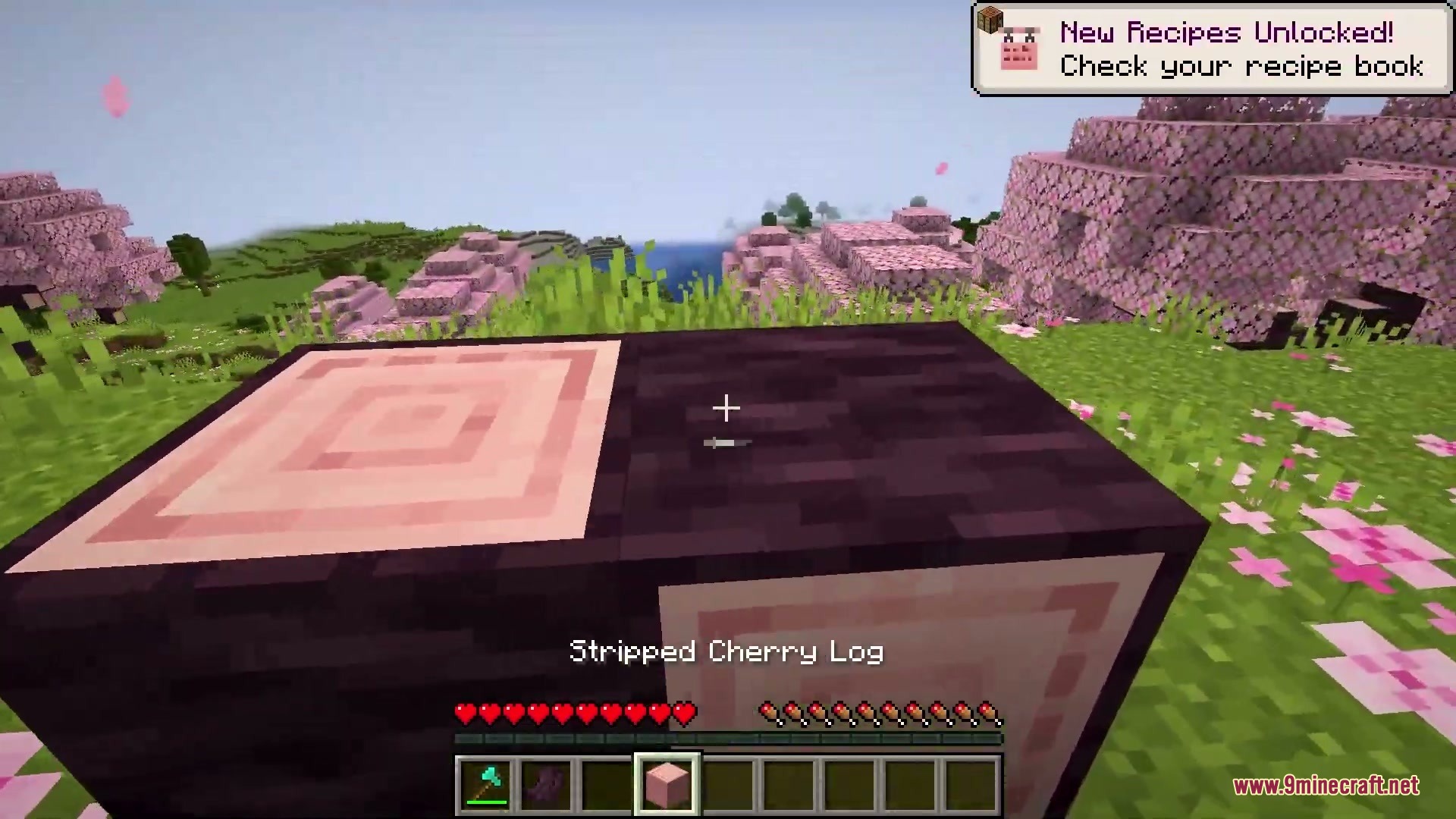
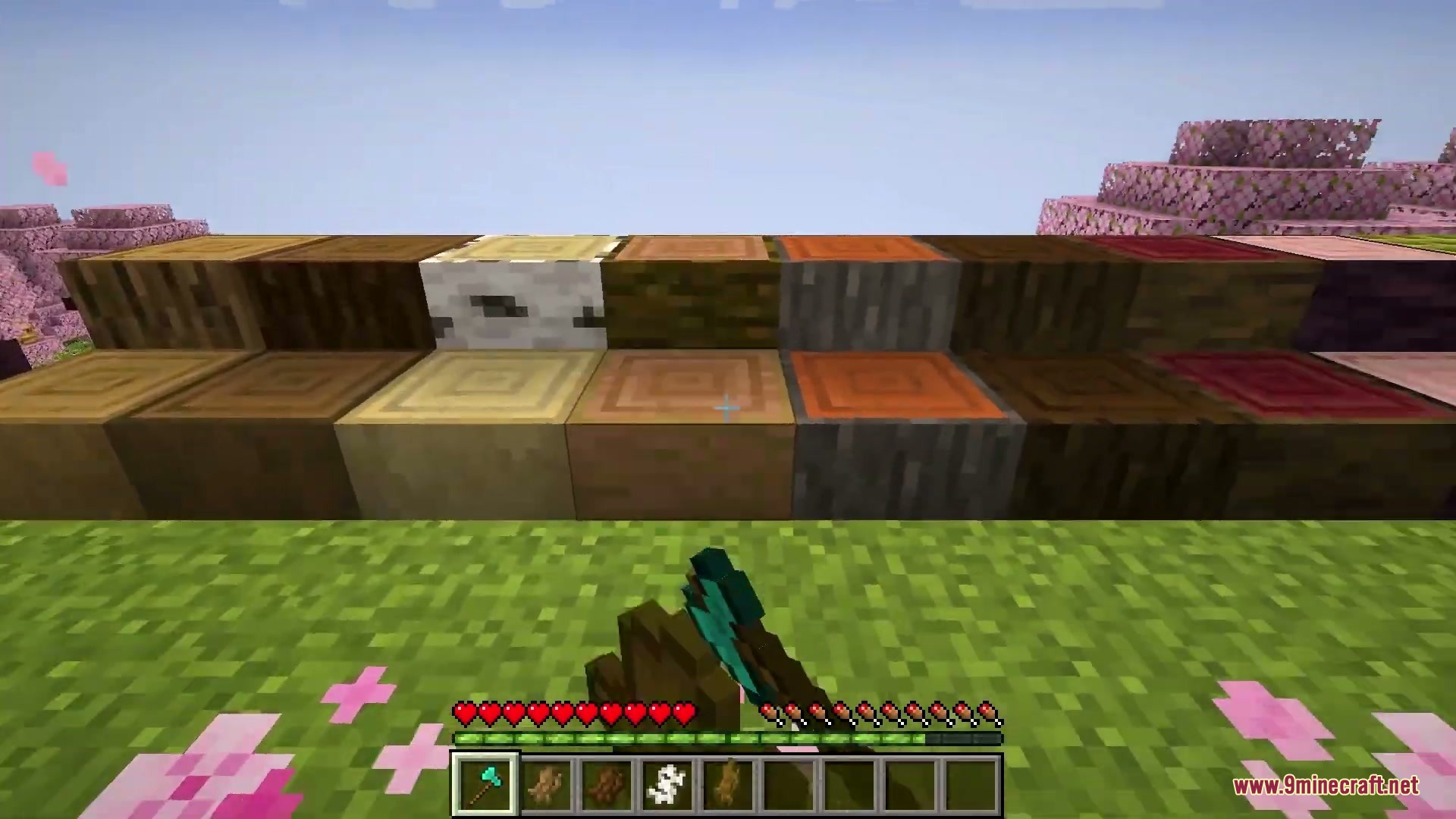
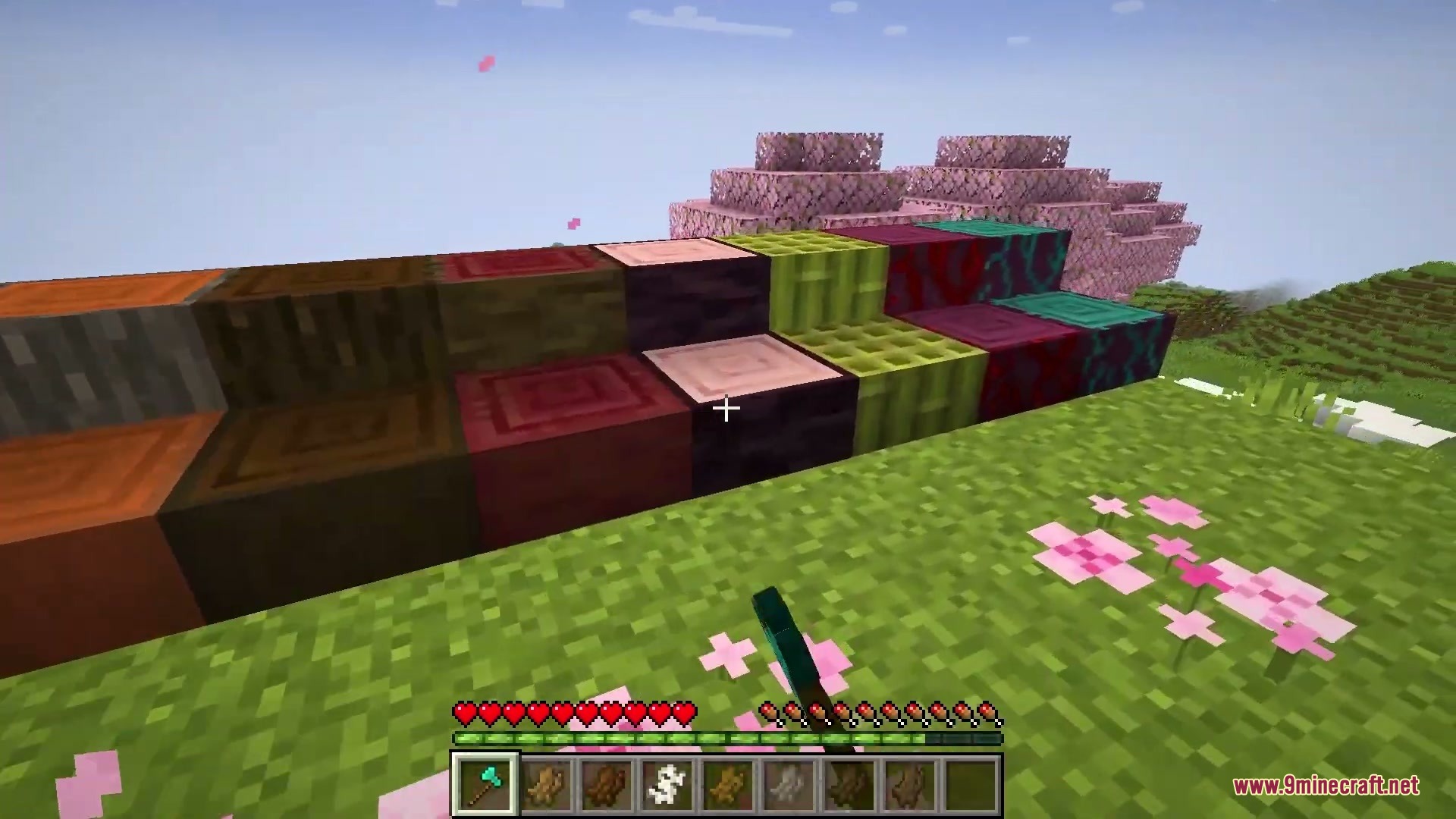
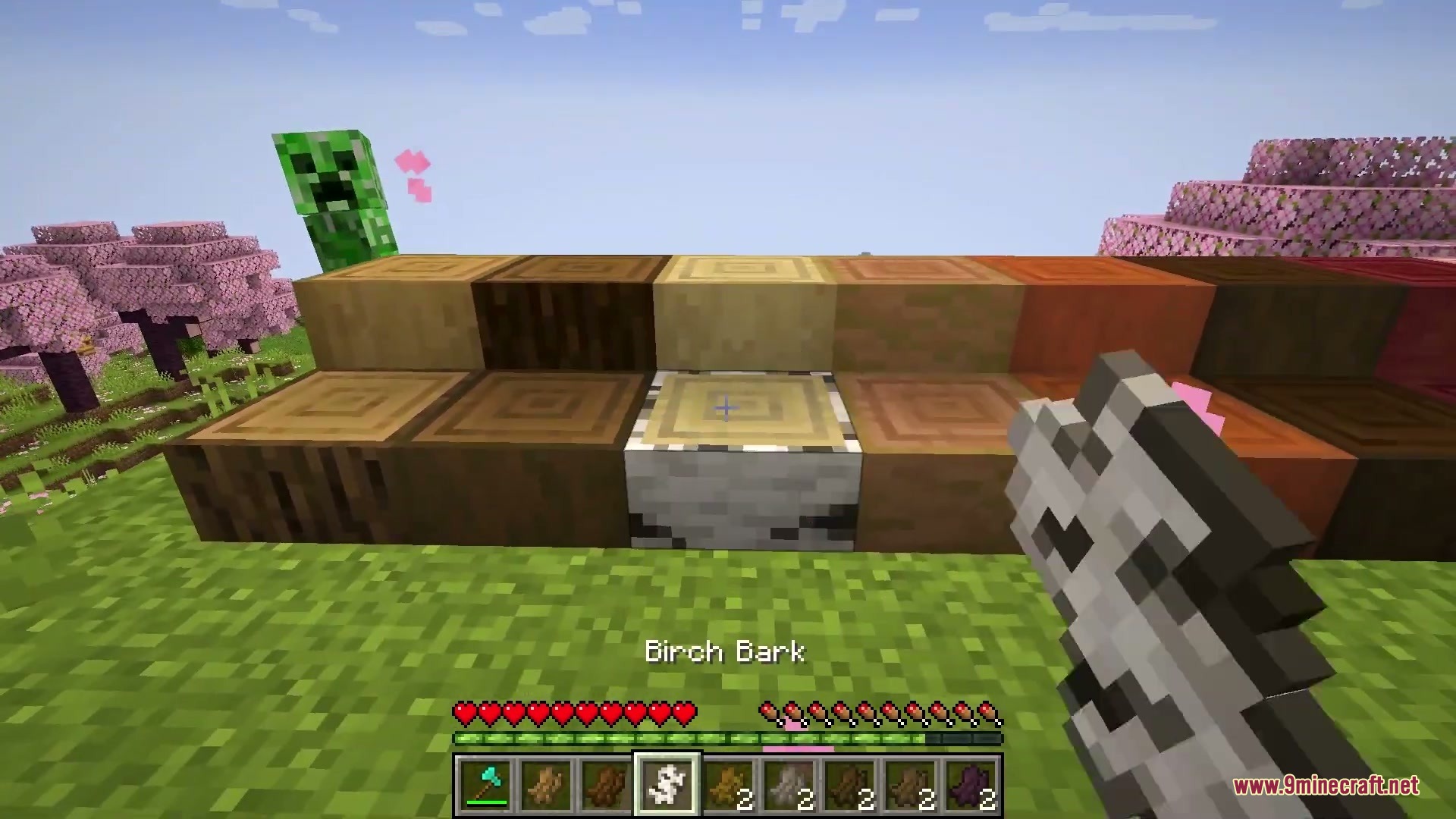
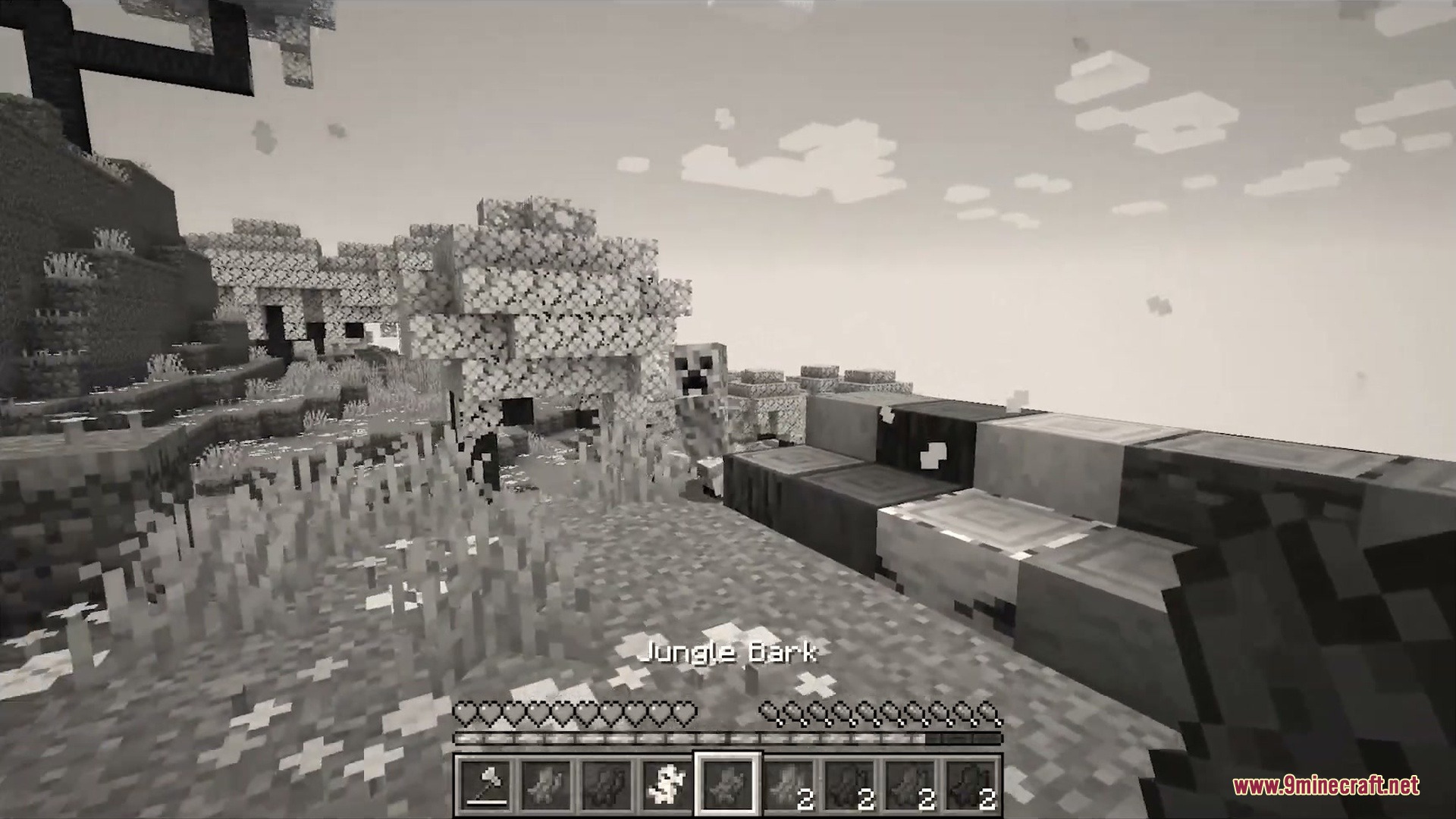
- Stripping logs drops wood bark items that you can place back onto stripped logs, wood, and stumps.
- Adds log stumps that act as slab versions of standard logs, supporting log placement mechanics and stripping.
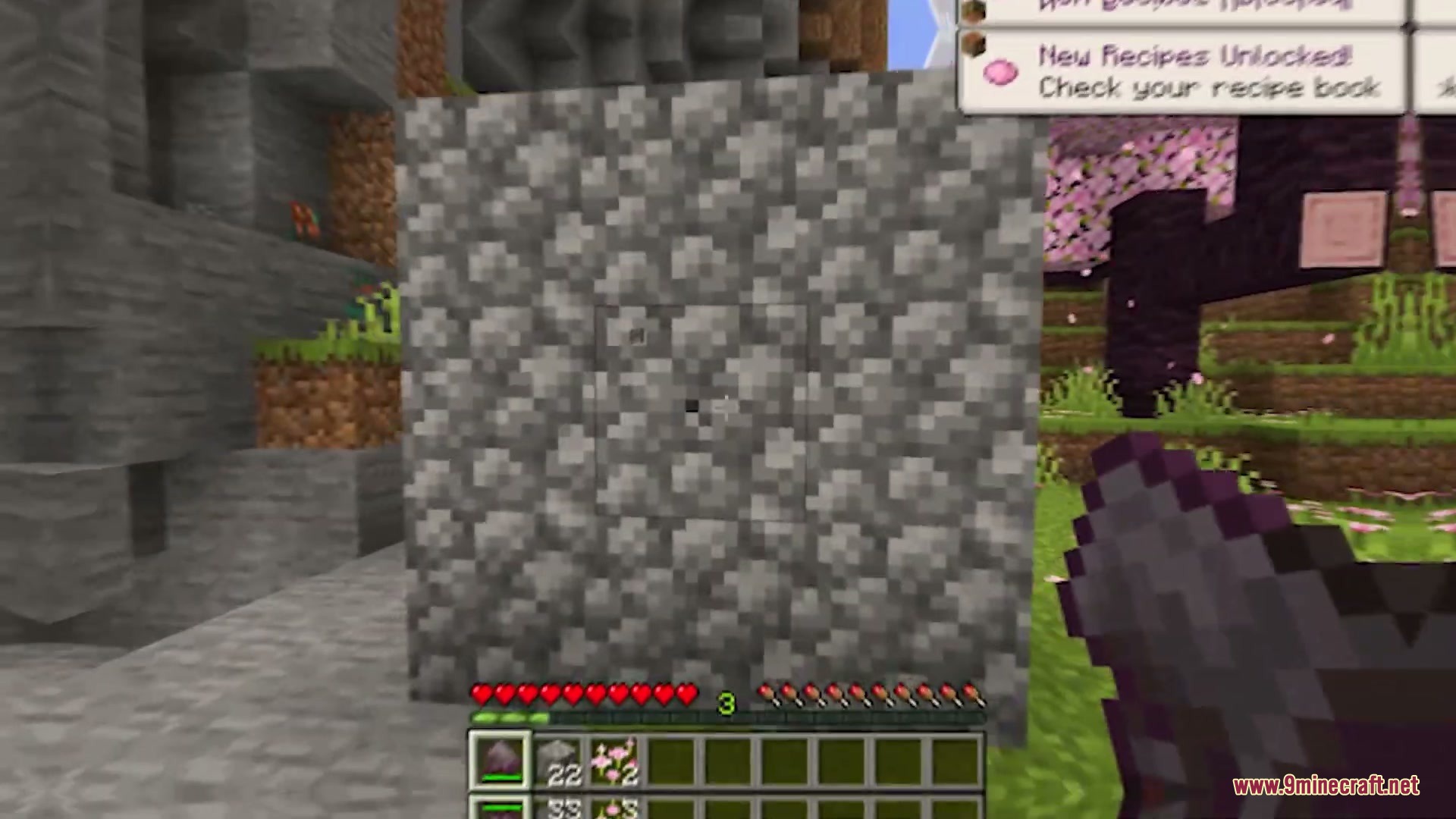
- Introduces hammers that break a six-block area at once or a single block when sneaking.
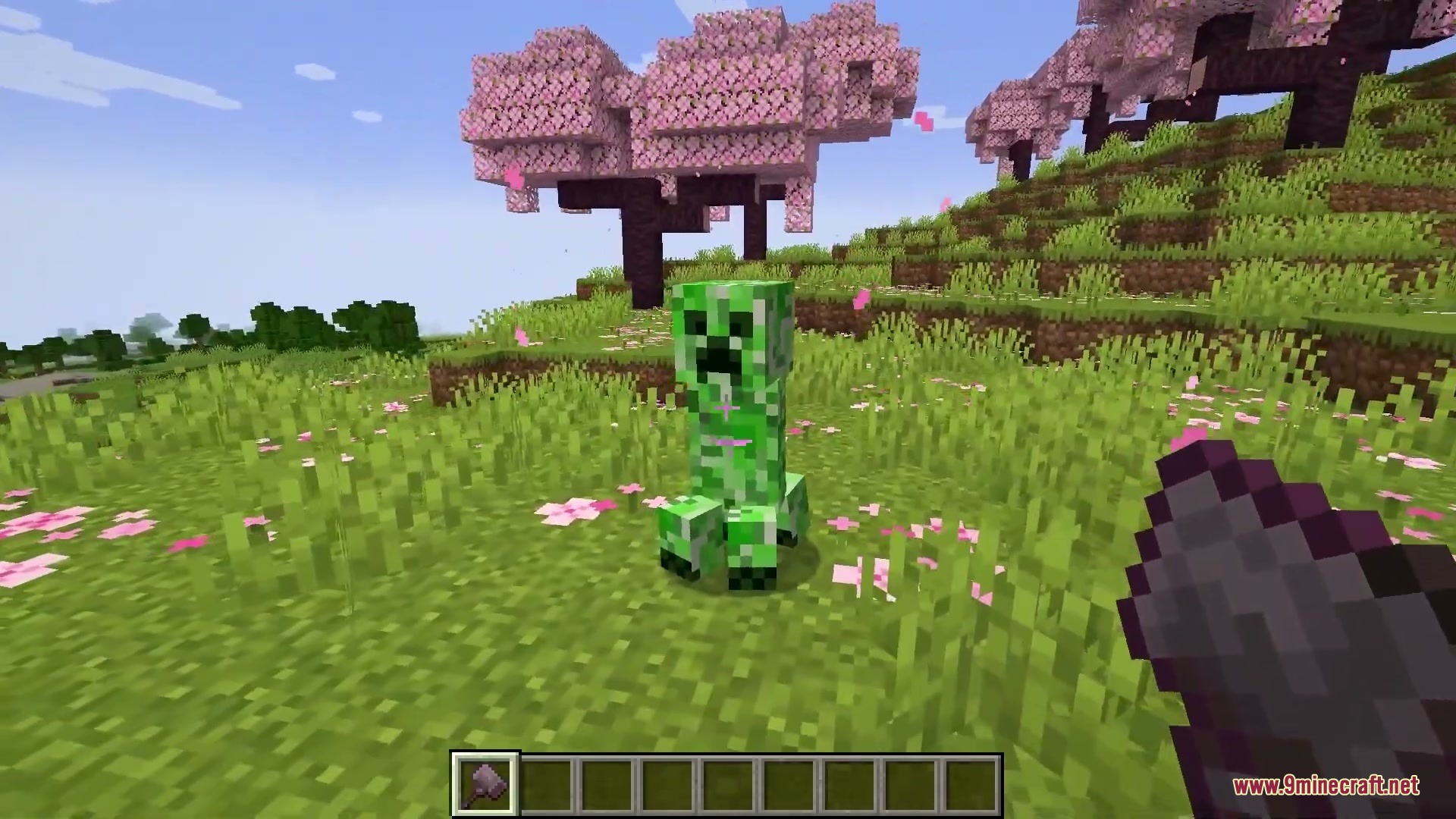
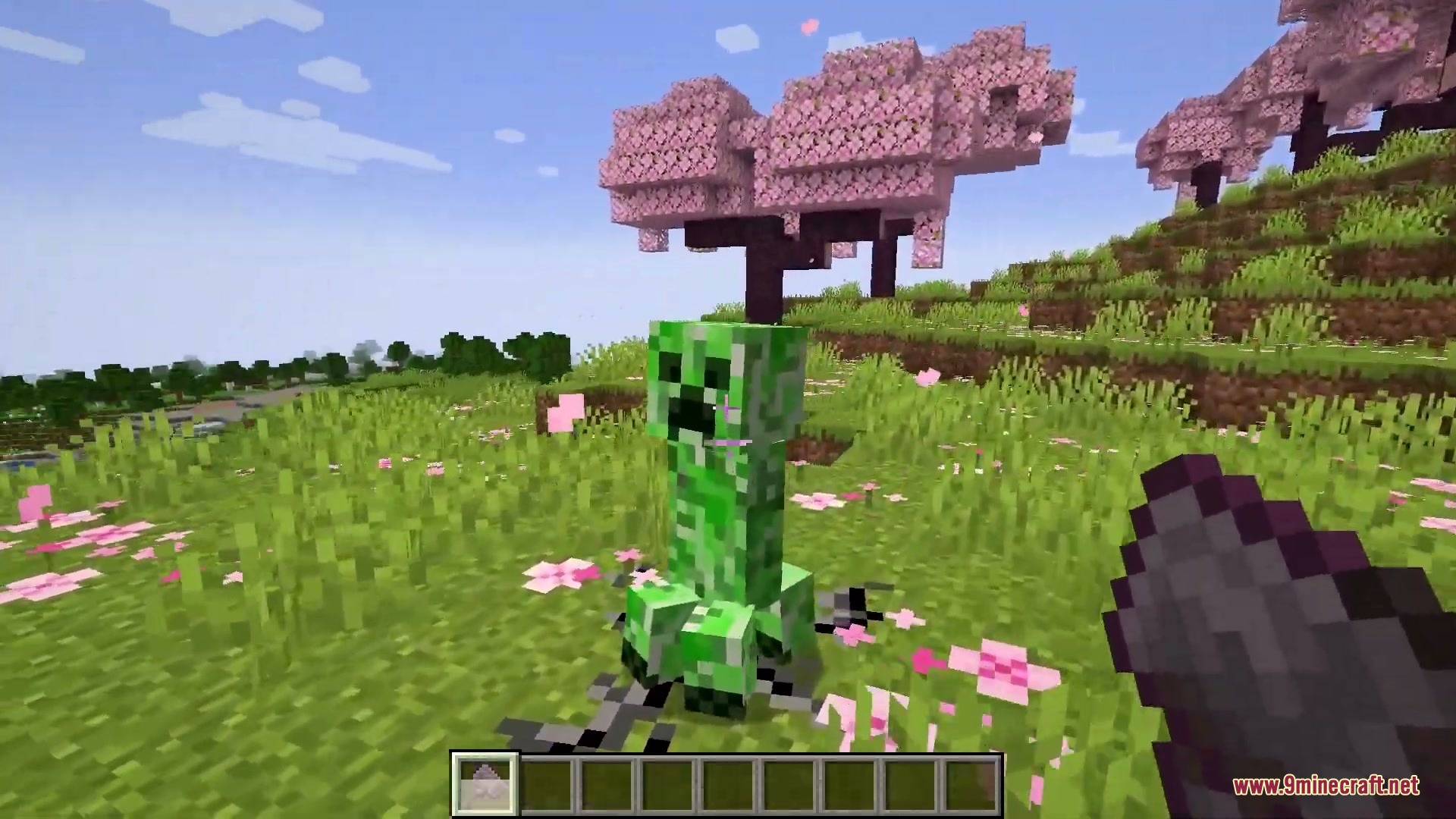
- Hammers knock mobs into the ground upon hit, slowing them down and dealing heavy damage to select enemies.
- Amethyst glass resists explosion damage from creepers and TNT.
- Brings decorative blocks including chiseled wood, copper bolts, and sandstone bricks.
- Adds audio cues when dropping items on the ground.
New Mobs:
- Crabs act like sea-themed spiders in combat.
- Poisonous Crabs paralyze targets on contact before running away.
- Ceramimics are clay pot zombies that take extra damage from hammer strikes.
How to Use:
- Craft a hammer using six base materials, one log stump, and one stick.
- Swing the hammer normally to clear multiple blocks in a half-sphere area.
- Hold Shift while mining with a hammer to break single blocks without extra durability loss.
- Right-click stripped wood with bark to restore the original log exterior.
Screenshots:
Boundless & Endless Mod Download Links
- Edition: Minecraft Java
- File type: .jar
- Minecraft version listed: 1.20.1
- How to install: Install the matching mod loader (Forge, Fabric or NeoForge) for your Minecraft version. → Download the .jar. → Put it in the .minecraft/mods folder and launch that loader profile.
- Where to get it: In MC Java Mods, or directly above on this page.
Install steps are the general flow for this file type — How to install Minecraft Java mods & modpacks walks through it step by step.
- Downloads as 511242.mcaddon
- Download size: 1009 KB
- Download link checked 24 Sept 2026 — working
- Mirrored on our own servers — the download does not depend on the original host
These come from our own check of the pack file, not from the source page.