ModsJava
Oh My Meteors a Meteorites Mod (26.2, 1.20.1) – Defend Your Base From Falling
Java mod listed for Minecraft 1.20. Downloads from the MC Java Mods app on Android.
⬇ Download
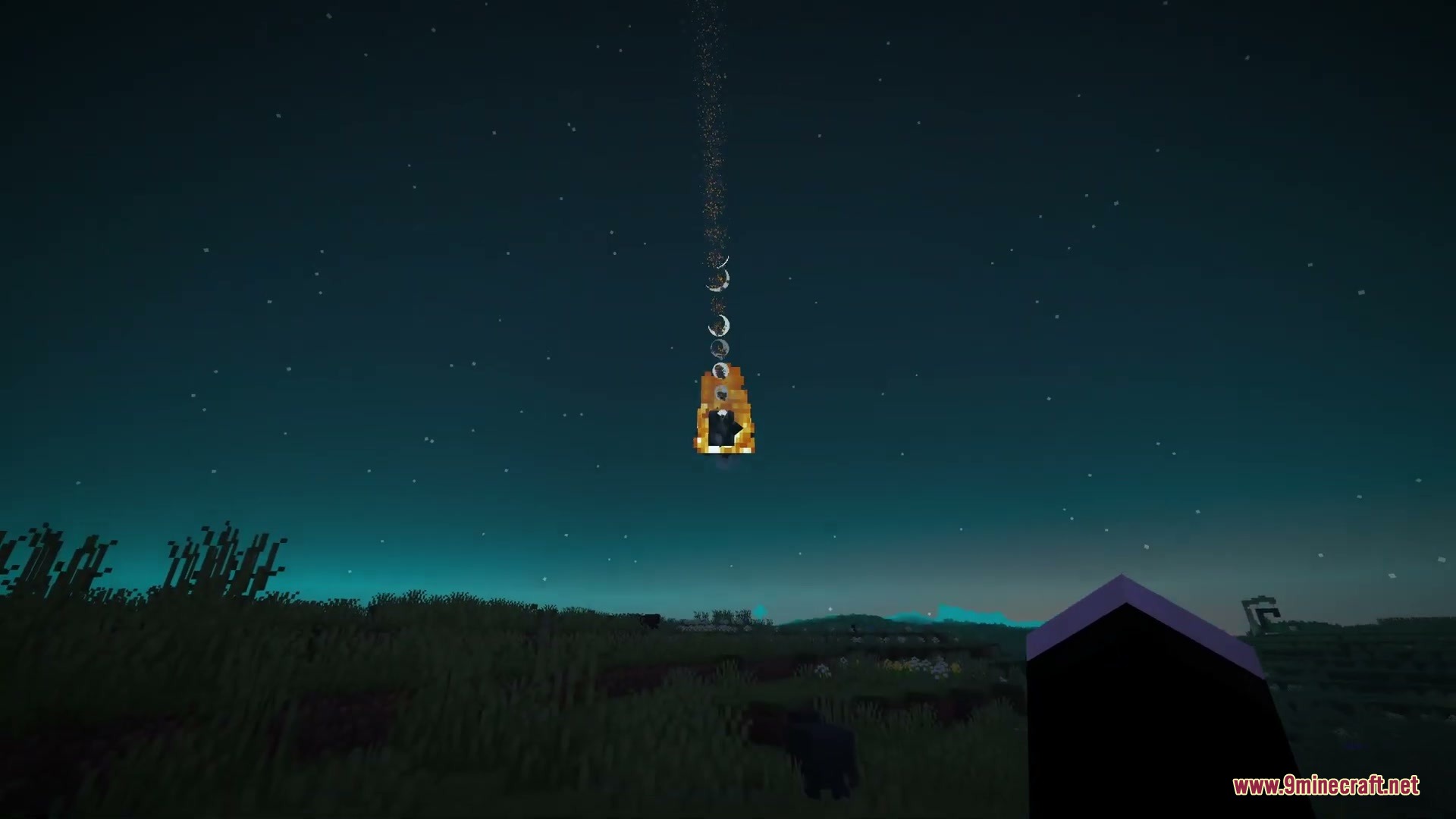

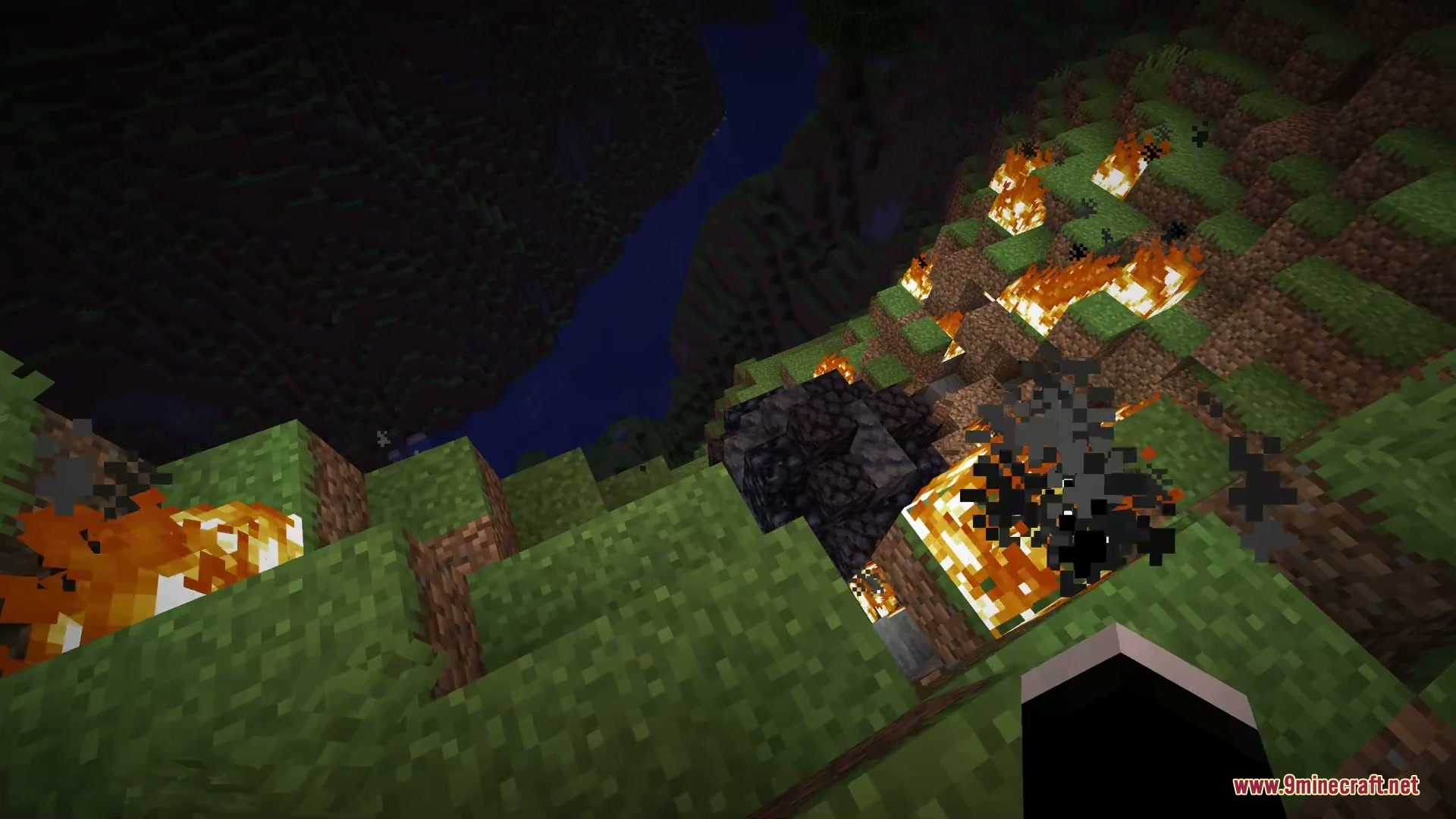
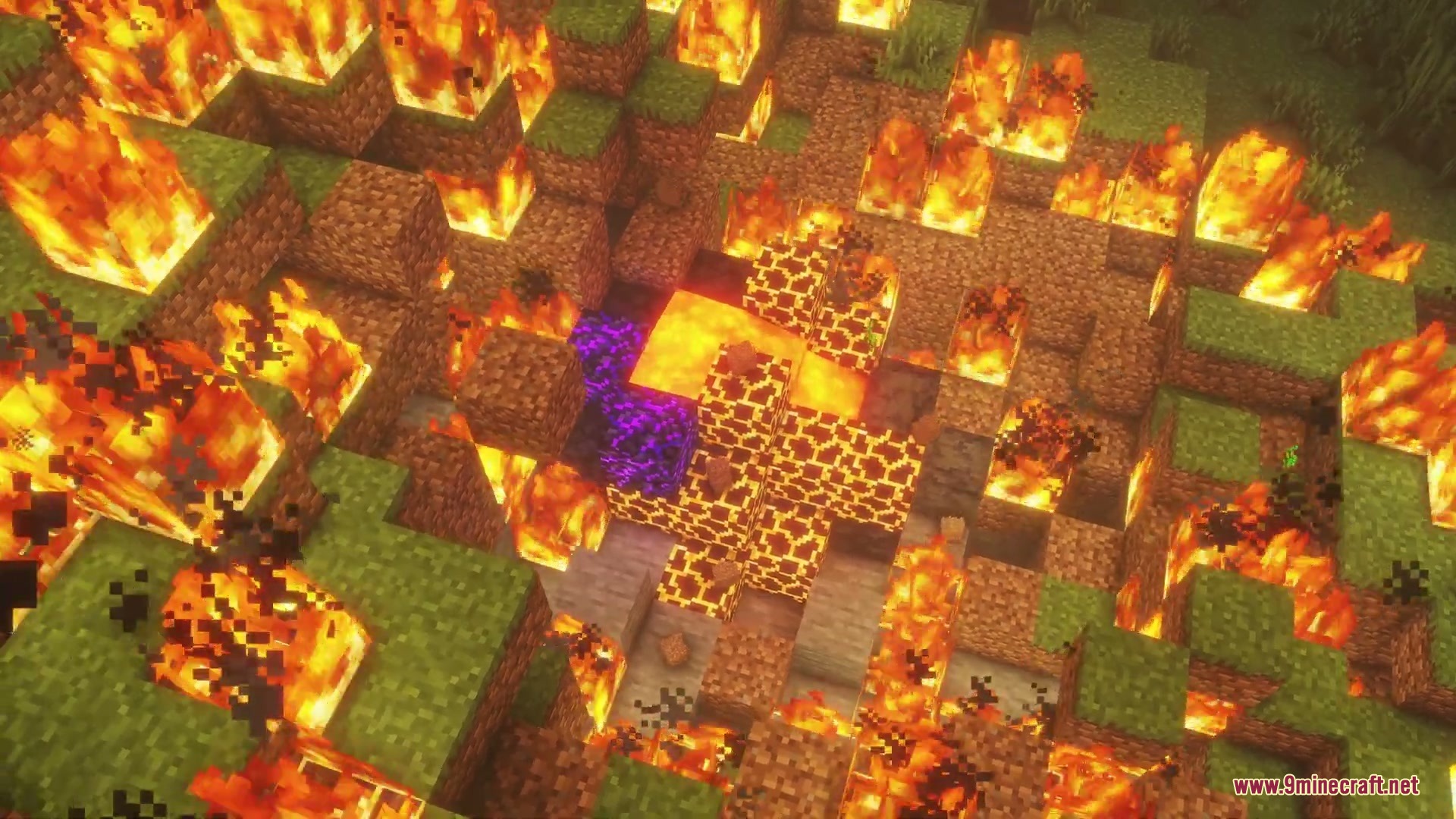

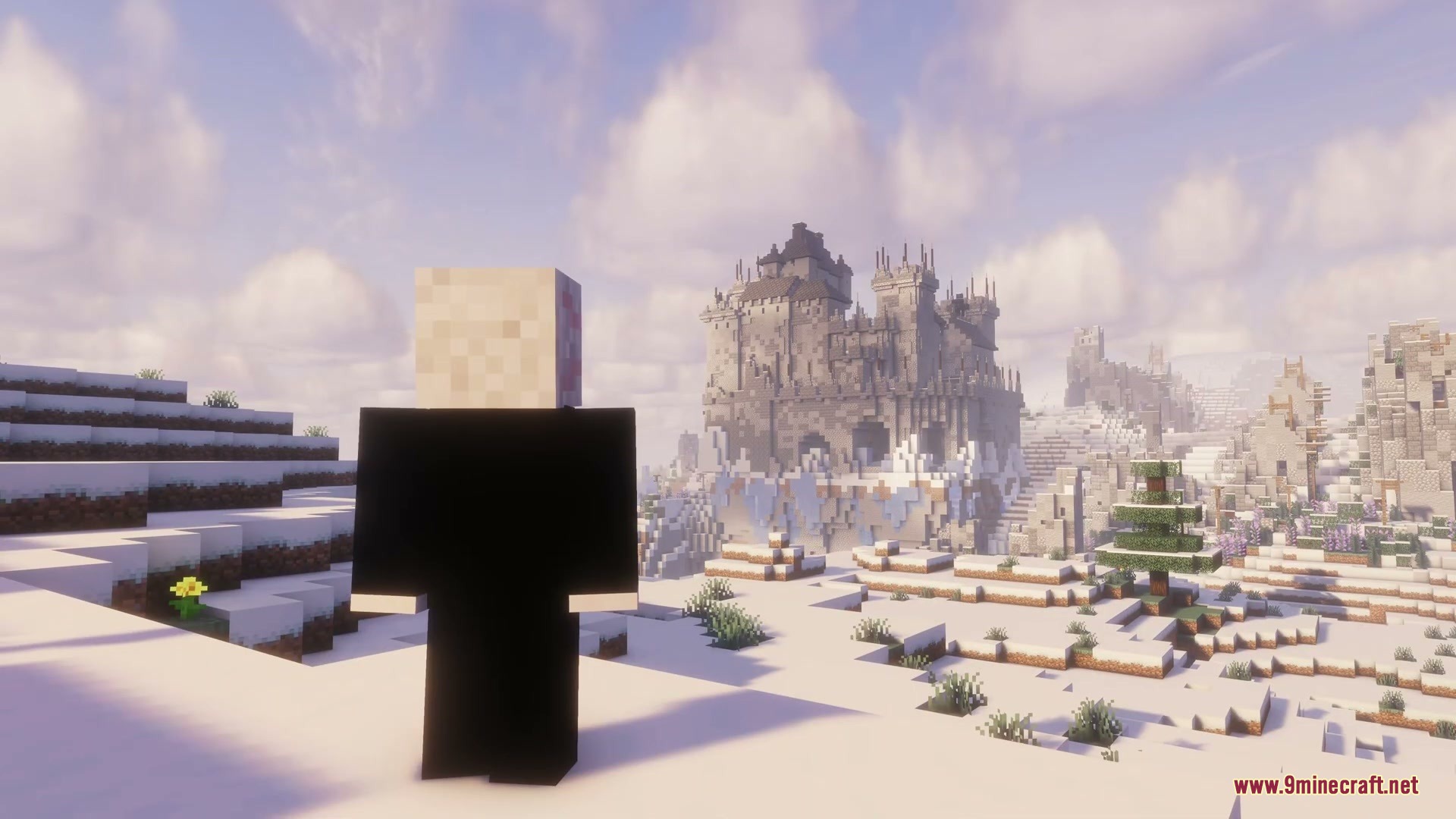
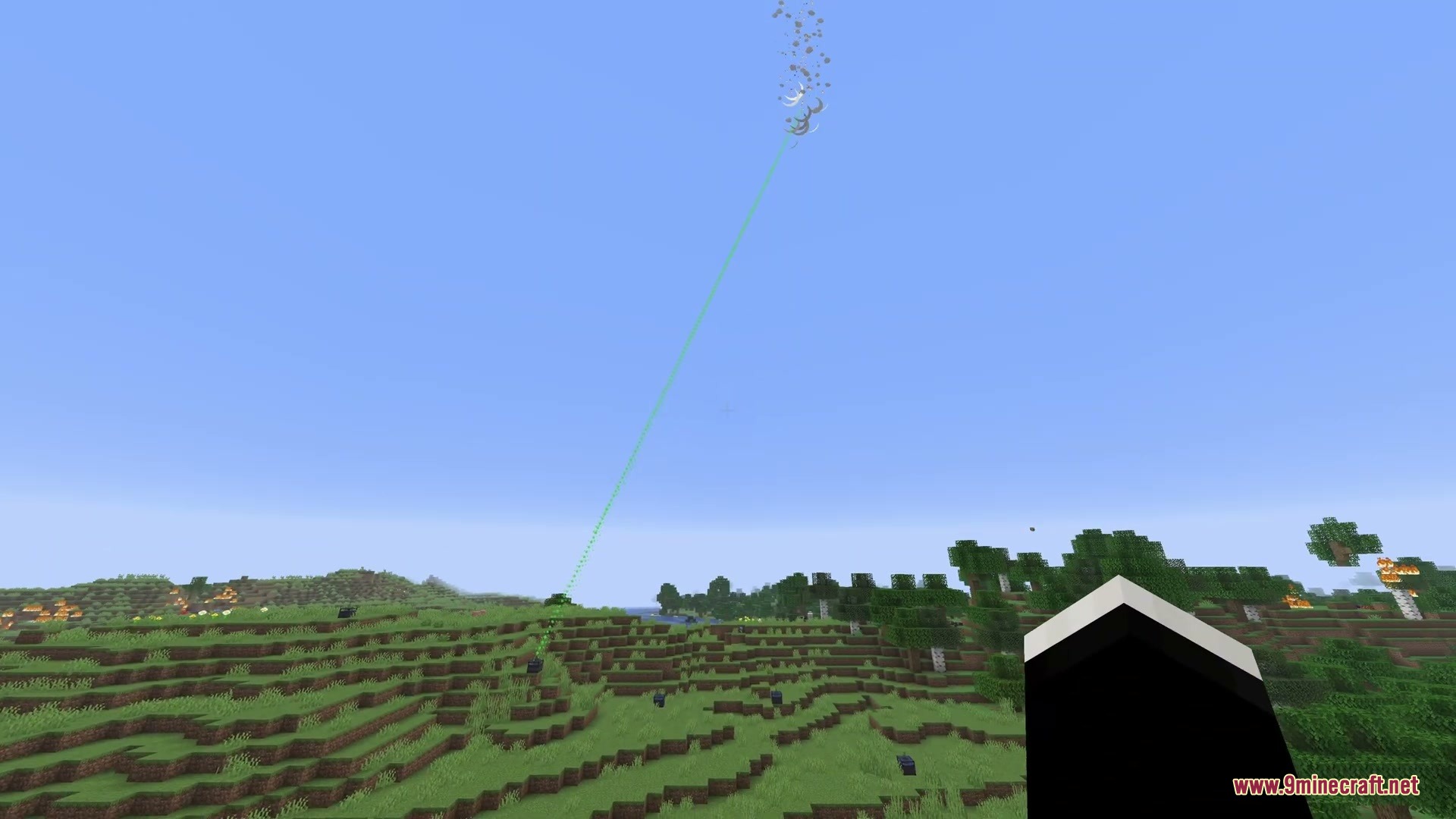
Oh My Meteors a Meteorites Mod spawns falling space rocks from the sky that crash into the terrain and leave behind valuable resources. These meteors create craters upon impact and come in different sizes, from small rocks to massive boulders. You can build defensive laser towers to shoot down incoming threats before they destroy your base. The mod also introduces new materials, rare celestial events, and even space cats.
Features:
- Meteors randomly drop from the sky in several sizes, leaving craters and blocks upon impact.
- Defense lasers shoot beams into the air to break incoming meteors before they hit the ground.
- Basic and advanced lasers offer different defense ranges, cooldown speeds, and targeting power.
- Meteoric Rock blocks cool down across three heat stages from hot to normal over time.
- Using snowballs cools down meteoric rocks, flint and steel heats them up, and echo shards lock their temperature.
- Meteoric Chunks can be mined from impact sites to craft meteoric alloy or turn into raw iron.
- Focusing Lenses display the active protection boundary around laser blocks when held.
- Meteor showers trigger rare cluster events in instant, delayed, or directional waves.
- Cosmic meteor cats can spawn inside crater structures with fire resistance and bonus health.
- Custom meteor structures can be added and adjusted through datapacks.
Commands:
/omm reload: Reloads the mod configuration settings in-game.
How to Use:
- Craft a basic laser and place it near your buildings to protect the area.
- Hold a Focusing Lens to view the defense zone covered by your laser.
- Upgrade your defense grid to an advanced laser using meteoric alloy crafted from meteorite chunks.
- Throw snowballs at hot meteoric rocks to cool them down before mining.
Screenshots:

Oh My Meteors a Meteorites Mod Download Links
Quick facts
- Edition: Minecraft Java
- File type: .jar
- Minecraft version listed: 1.20.1
- How to install: Install the matching mod loader (Forge, Fabric or NeoForge) for your Minecraft version. → Download the .jar. → Put it in the .minecraft/mods folder and launch that loader profile.
- Where to get it: In MC Java Mods, or directly above on this page.
Install steps are the general flow for this file type — How to install Minecraft Java mods & modpacks walks through it step by step.
File checked by MCModsHub
- Downloads as 511256.mcaddon
- Download size: 665 KB
- Download link checked 25 Sept 2026 — working
- Mirrored on our own servers — the download does not depend on the original host
These come from our own check of the pack file, not from the source page.