ModsJava
Oasis 2.0 Mod (1.21.8) – Transform Your World Instantly Using Text Prompts
Java mod listed for Minecraft 1.21. Downloads from the MC Java Mods app on Android.
⬇ Download
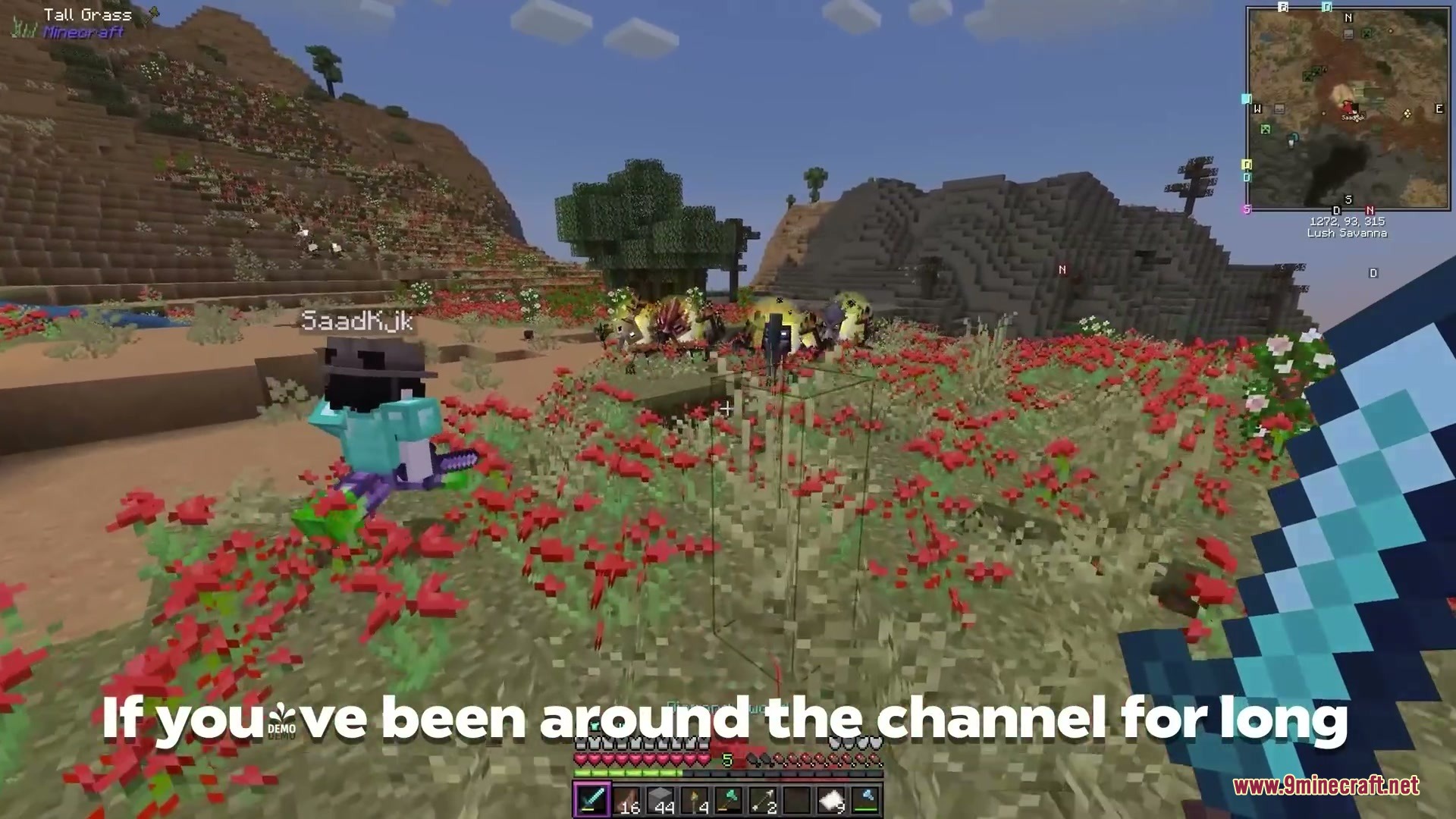
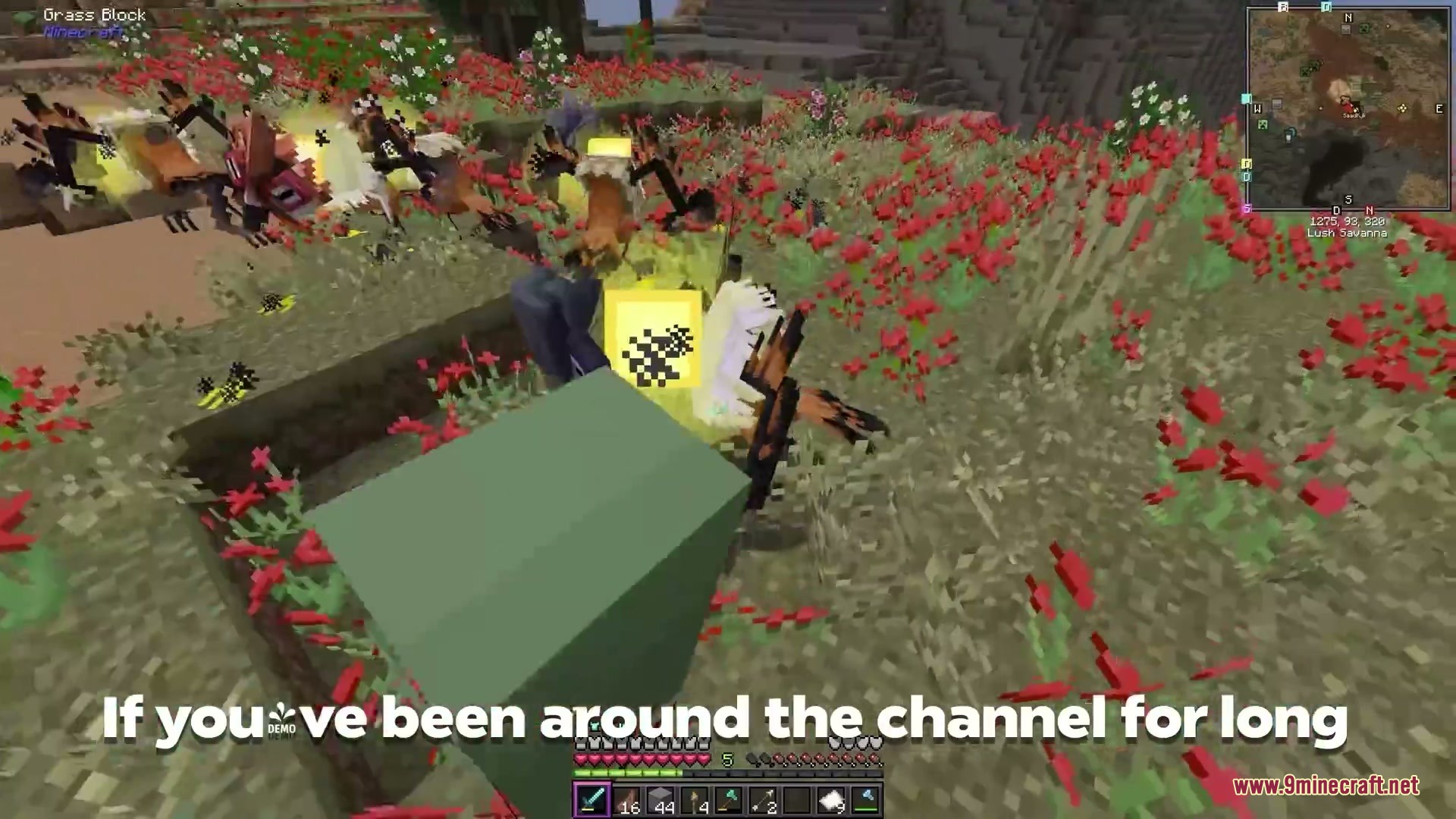
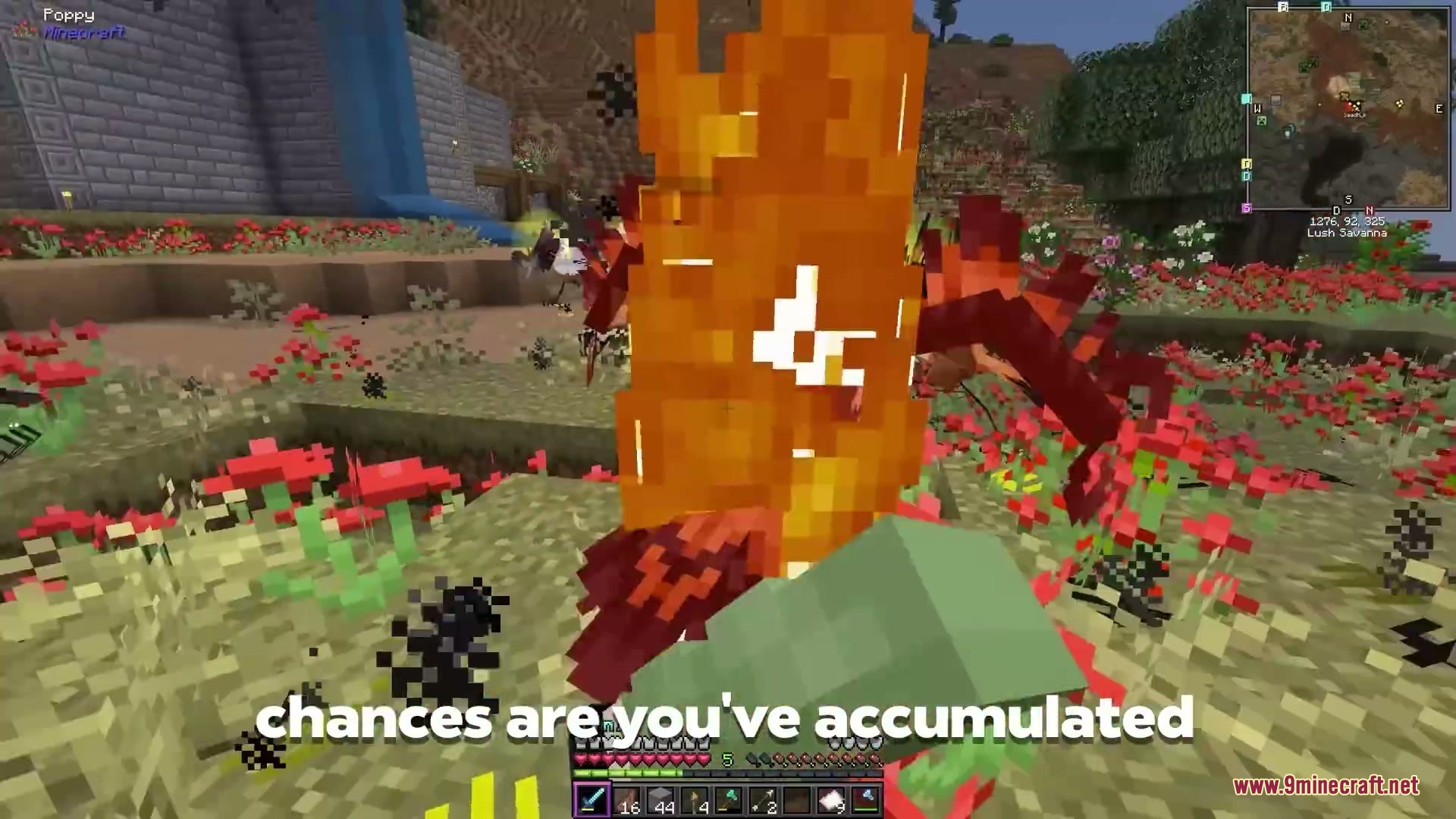
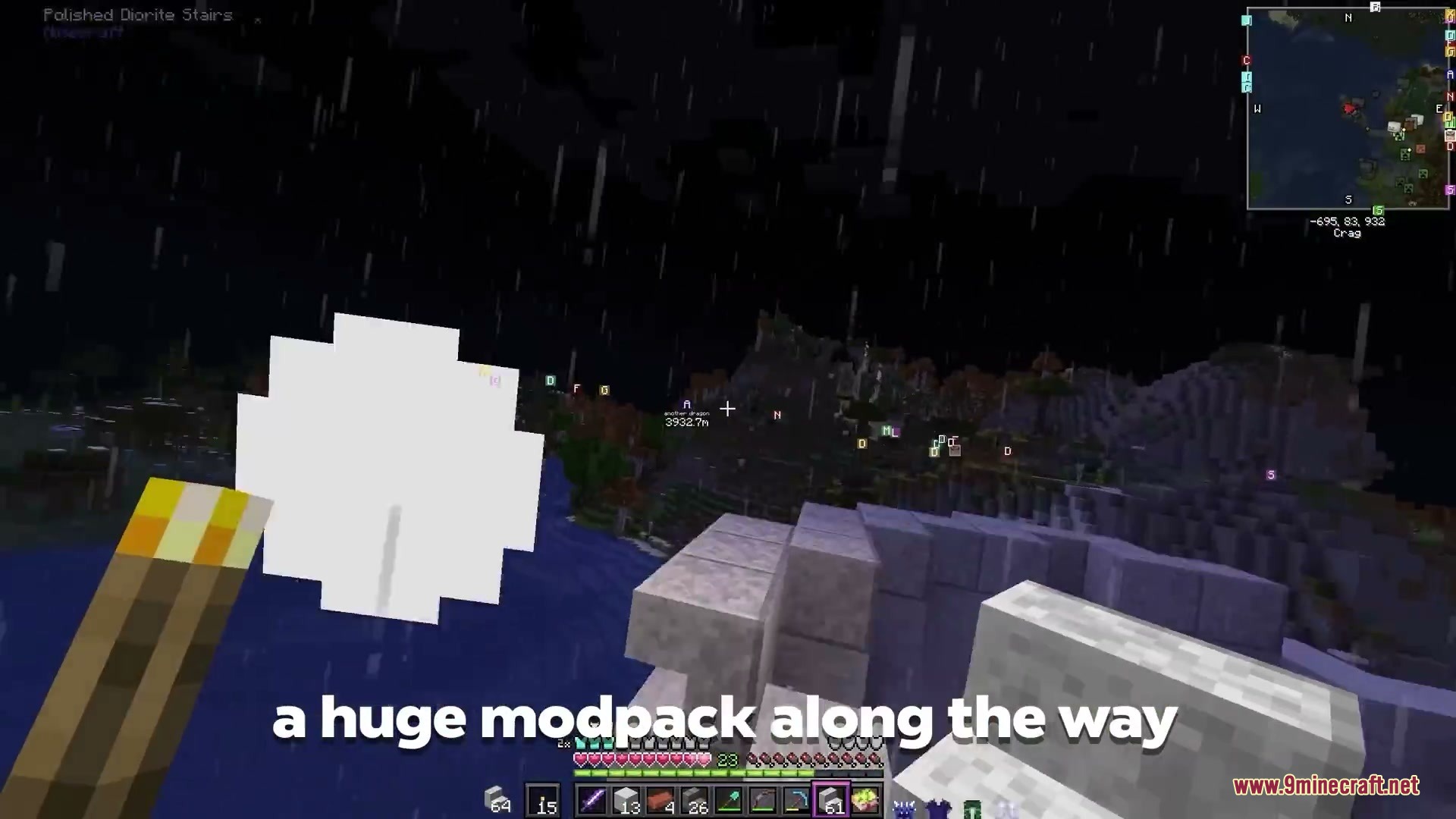
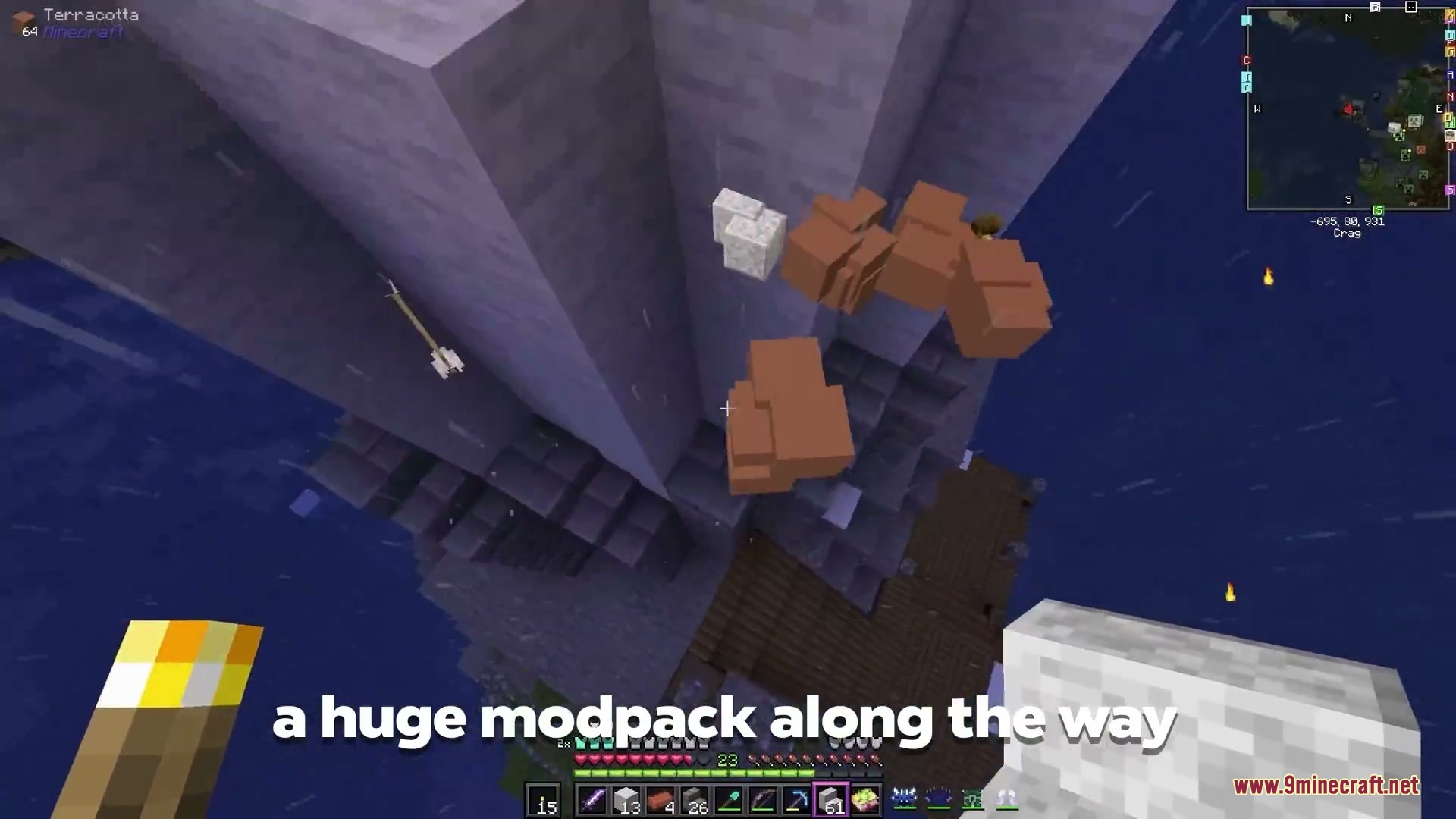
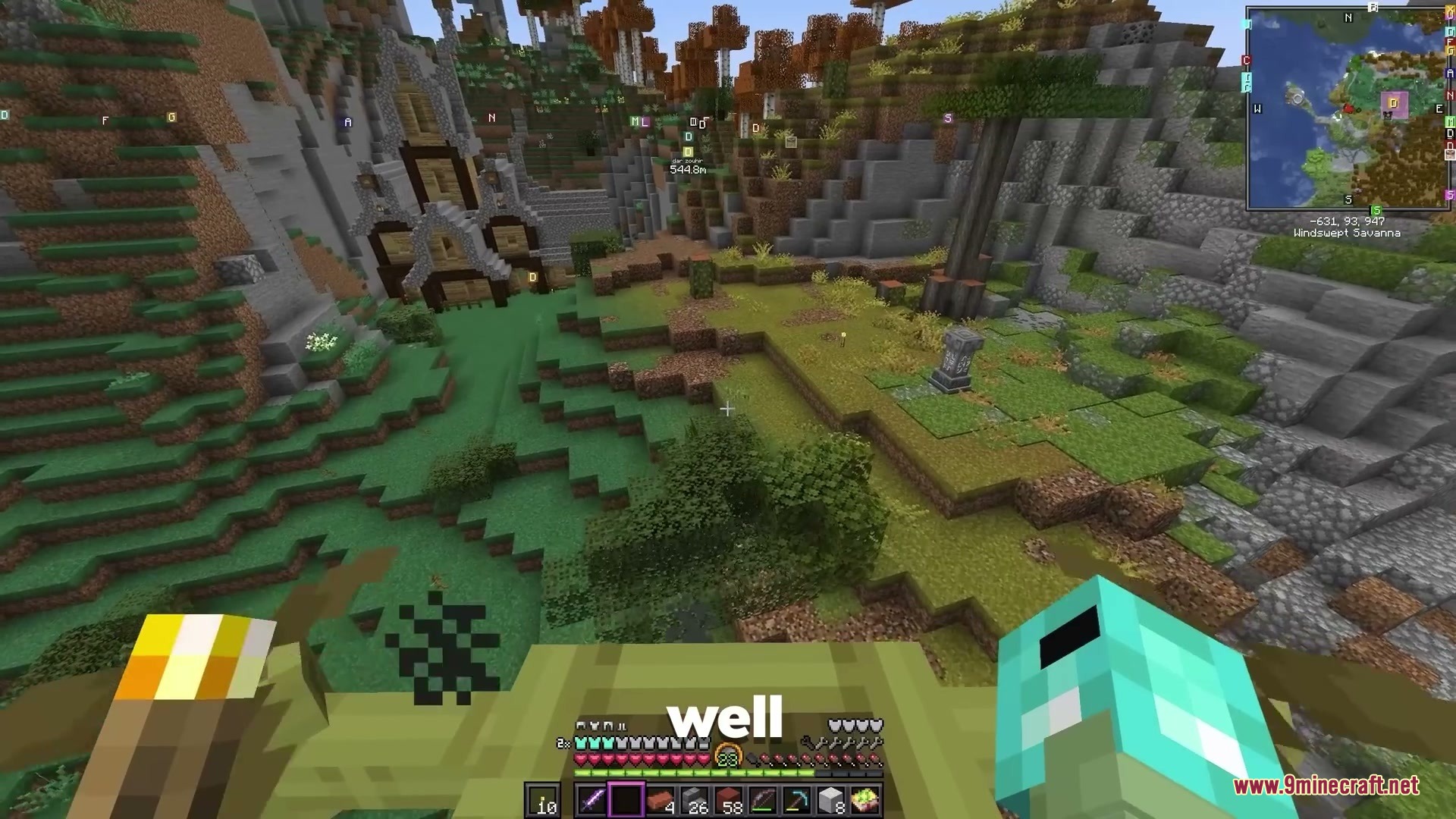
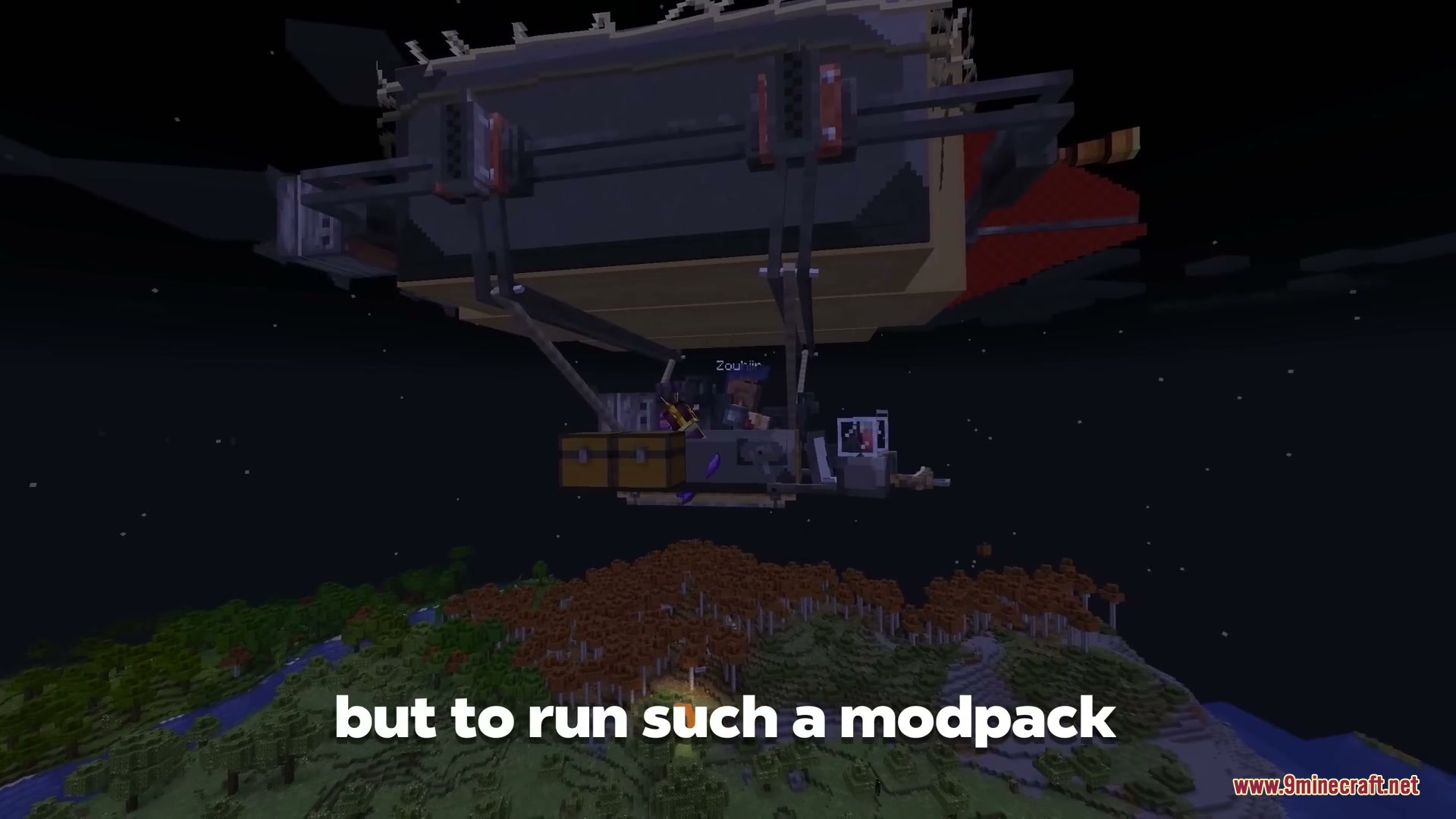
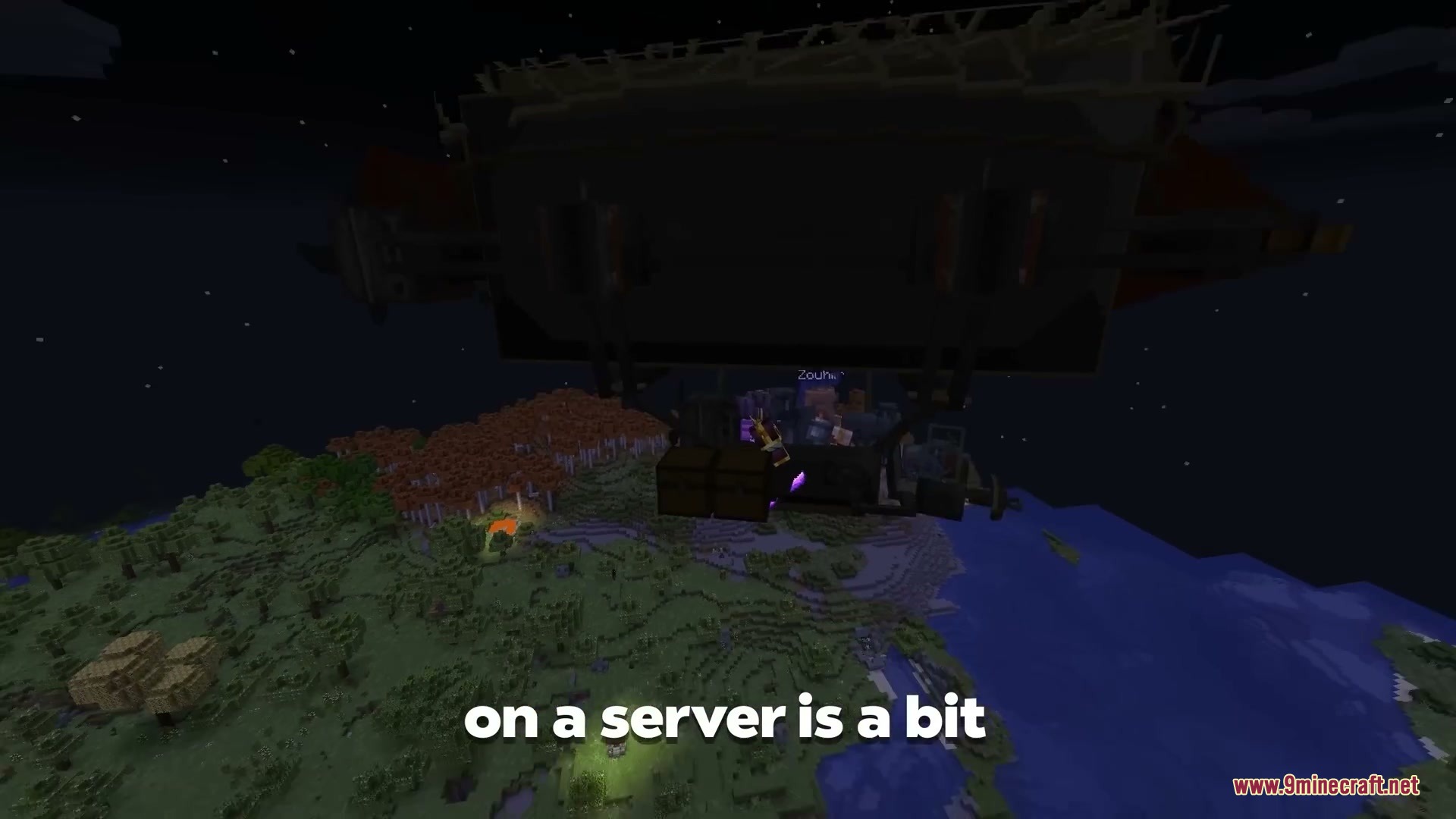
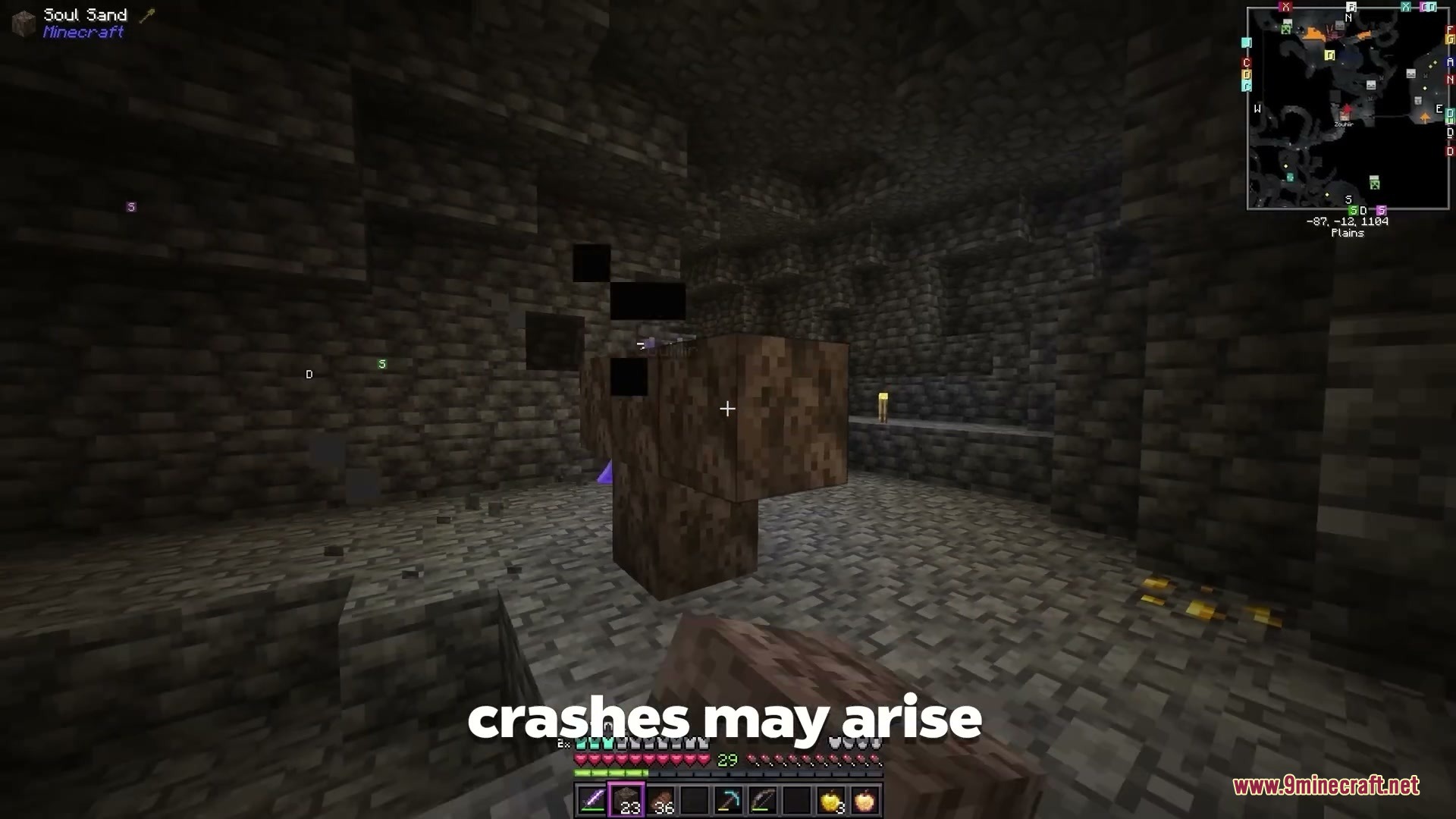
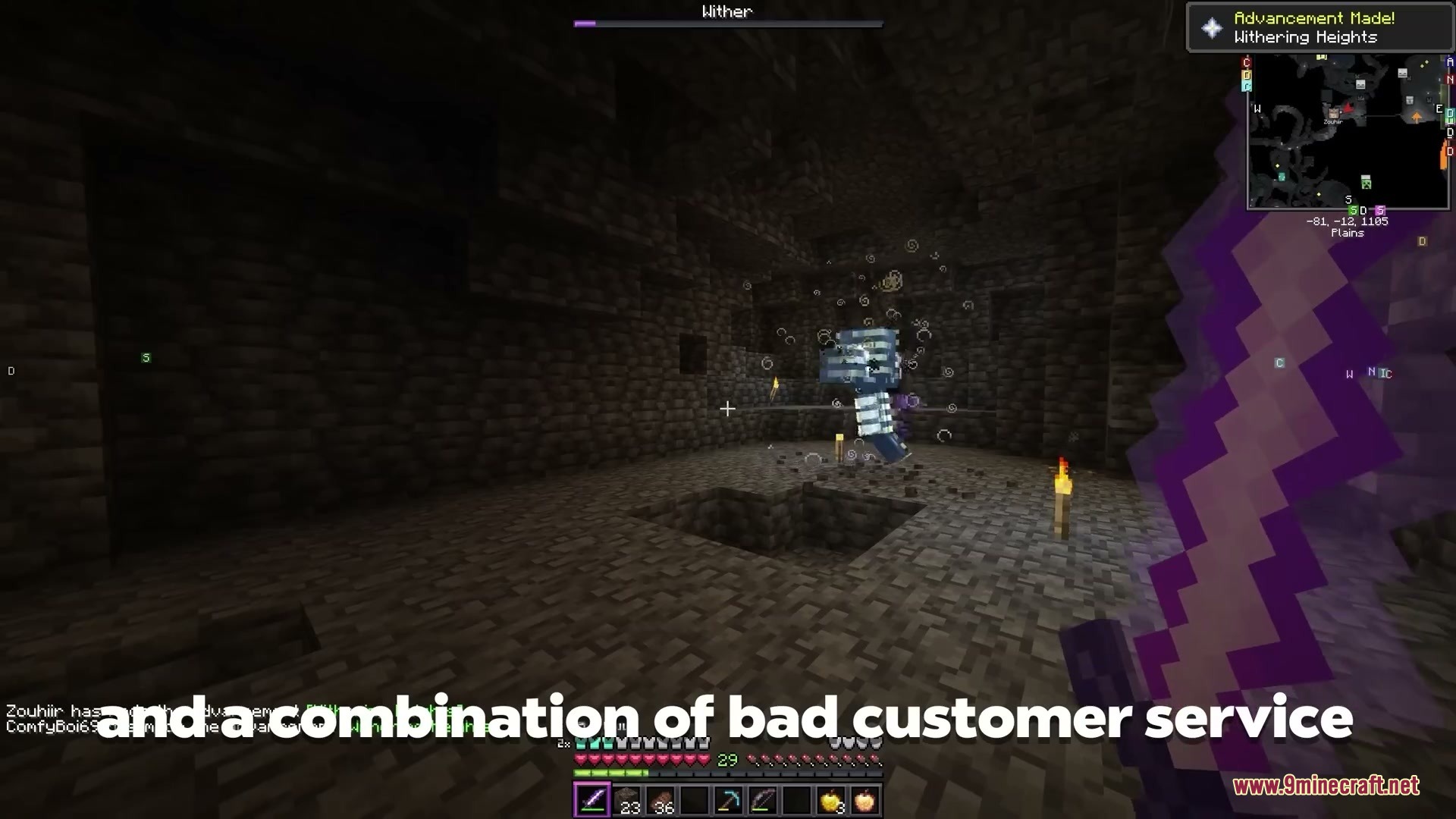
Oasis 2.0 Mod transforms the look of your game in real time using text prompts. You can turn your world into a desert city, a moon base, a cartoon realm, or an icy tundra with simple commands. The mod changes visuals live while you walk, build, and explore. It gives you a fresh visual theme whenever you want without downloading separate resource packs.
Features:
- Transforms the entire game world into custom visual themes in real time.
- Accepts written text prompts to generate unique visual environments on demand.
- Includes built-in preset prompts for instant scenery swaps.
- Lets you toggle or pause visual filters instantly using simple hotkeys.
- Works live during active gameplay while you move and interact with blocks.
Commands:
/oasis start: Starts the visual generation system./oasis prompt <your style>: Changes the world appearance to match your entered prompt./oasis stop: Turns off the visual generation system completely.
How to Use:
- Type
/oasis startin the game chat to launch the visual system. - Type
/oasis prompt <your style>with any theme you want to see. - Press [ or ] to cycle through preset visual styles.
- Press V to toggle the visuals on or off, or hold R to hide them temporarily.
- Type
/oasis stopwhenever you want to return to standard gameplay visuals.
Screenshots:

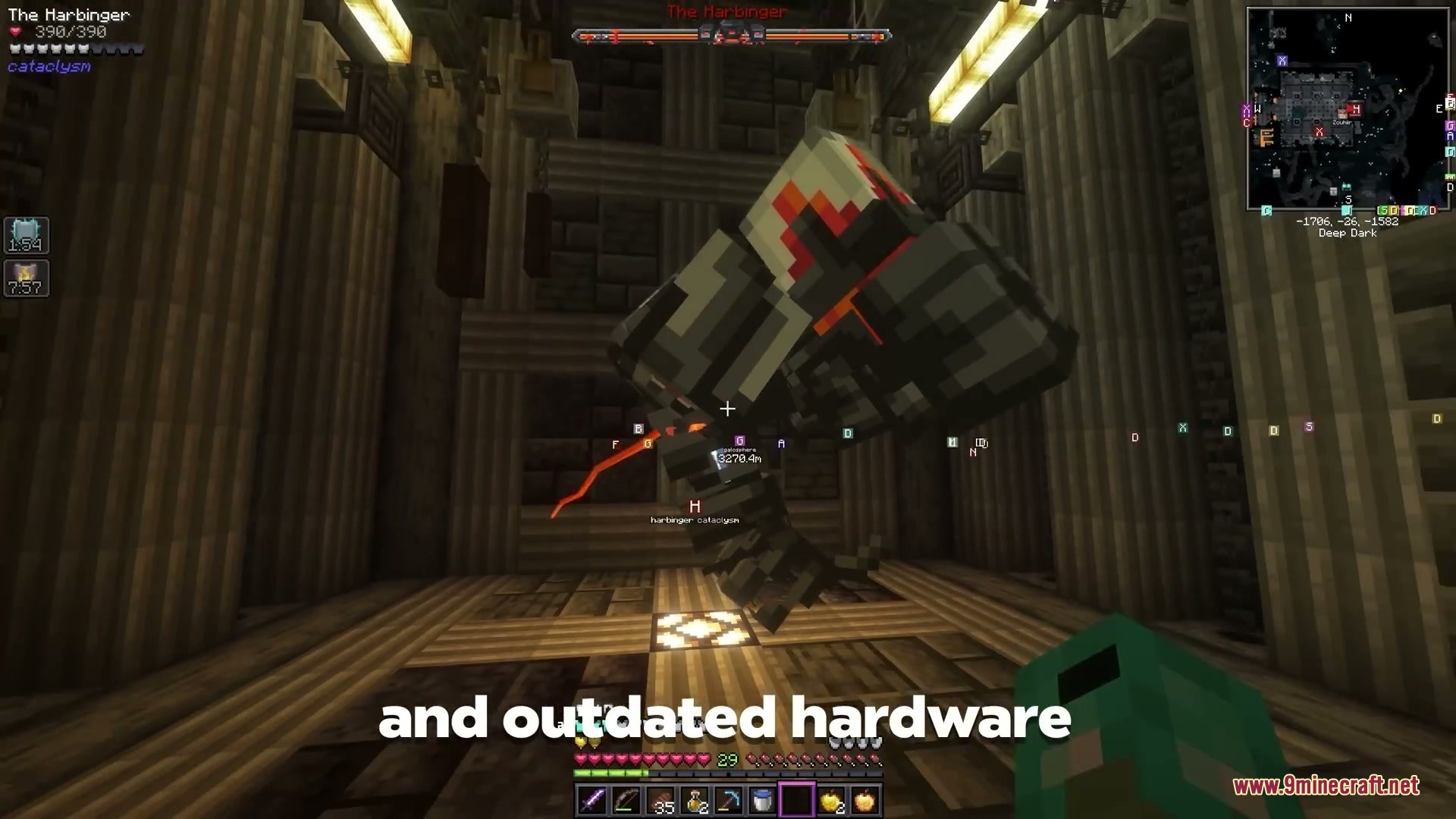
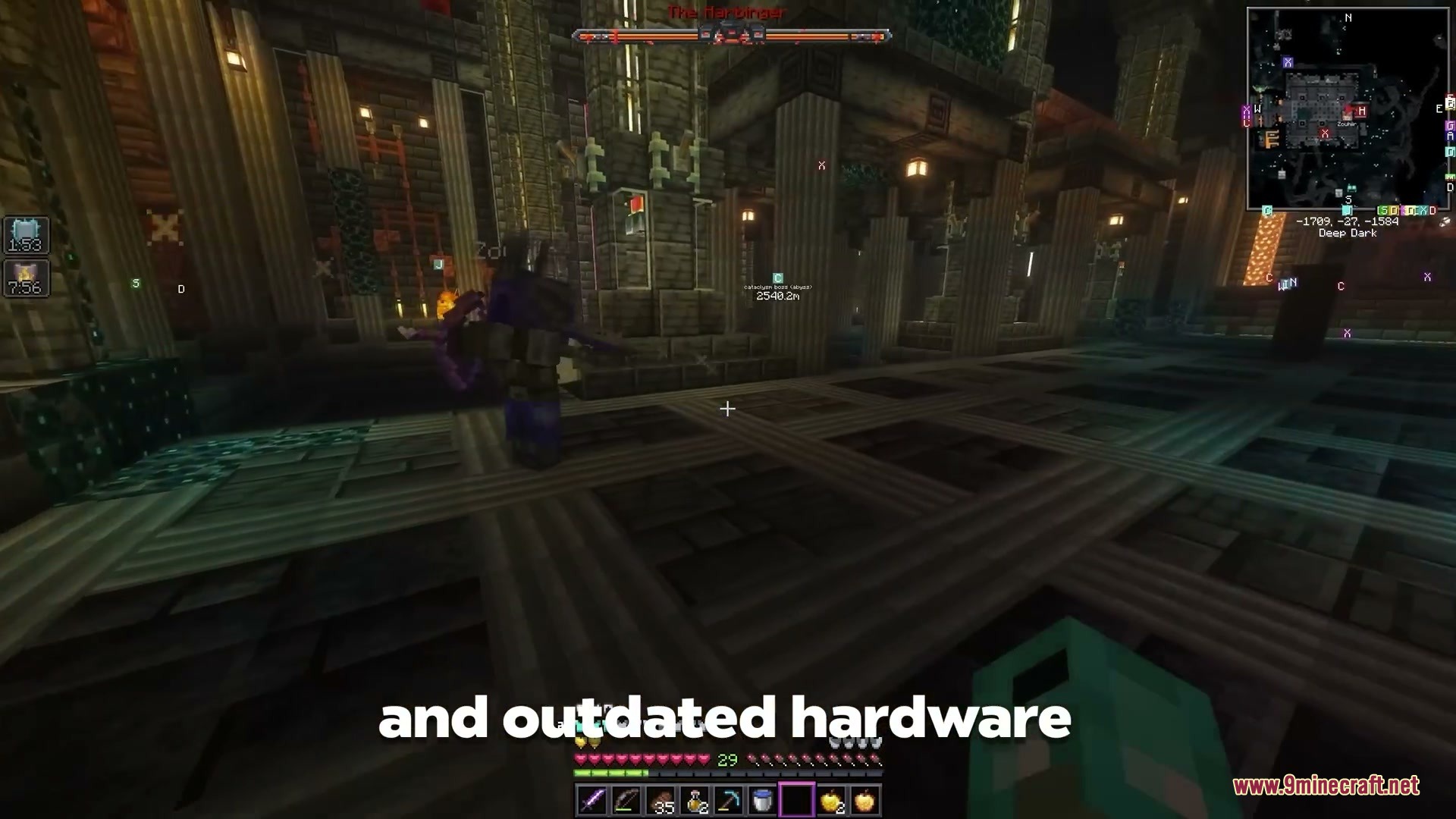
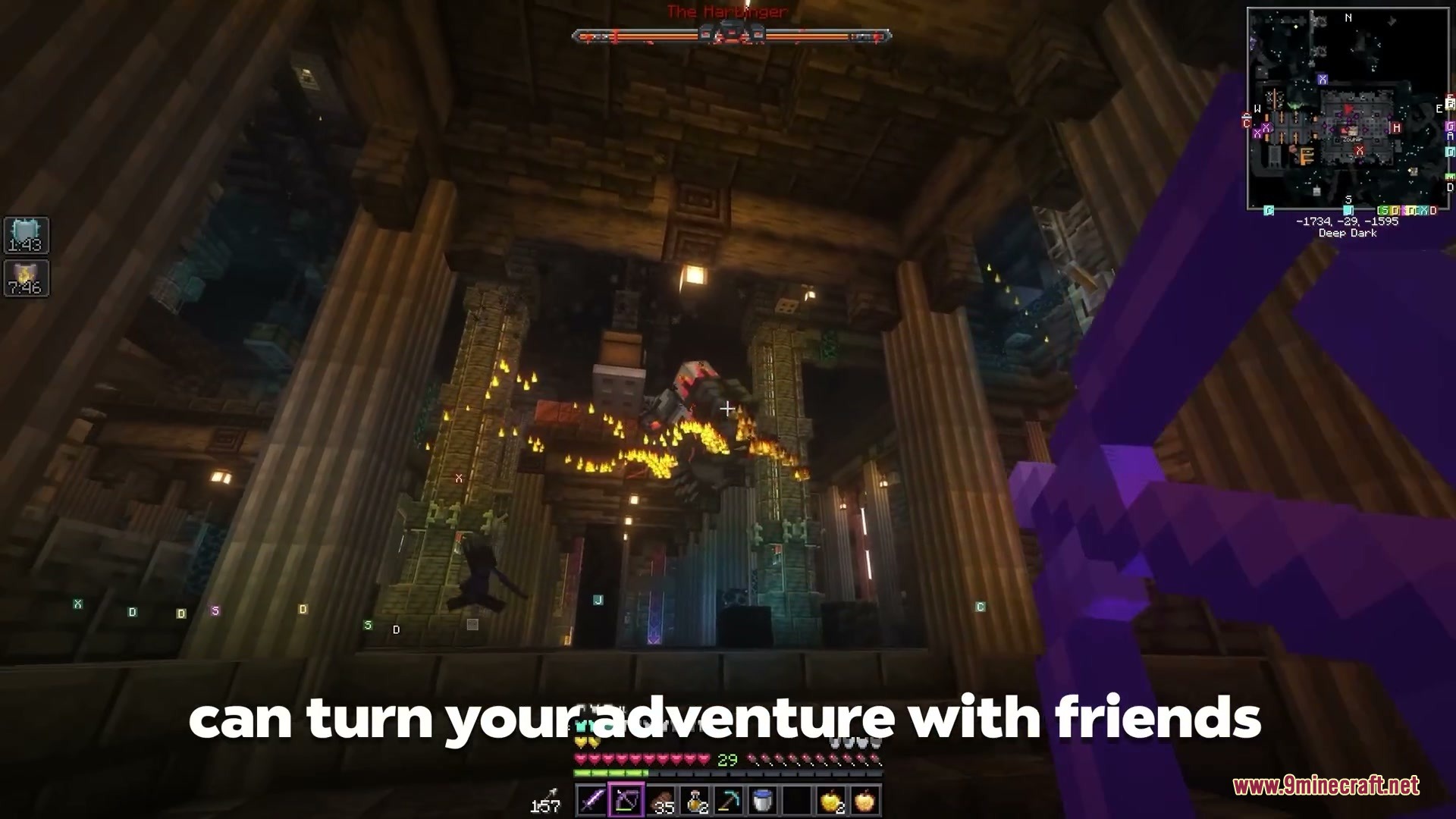
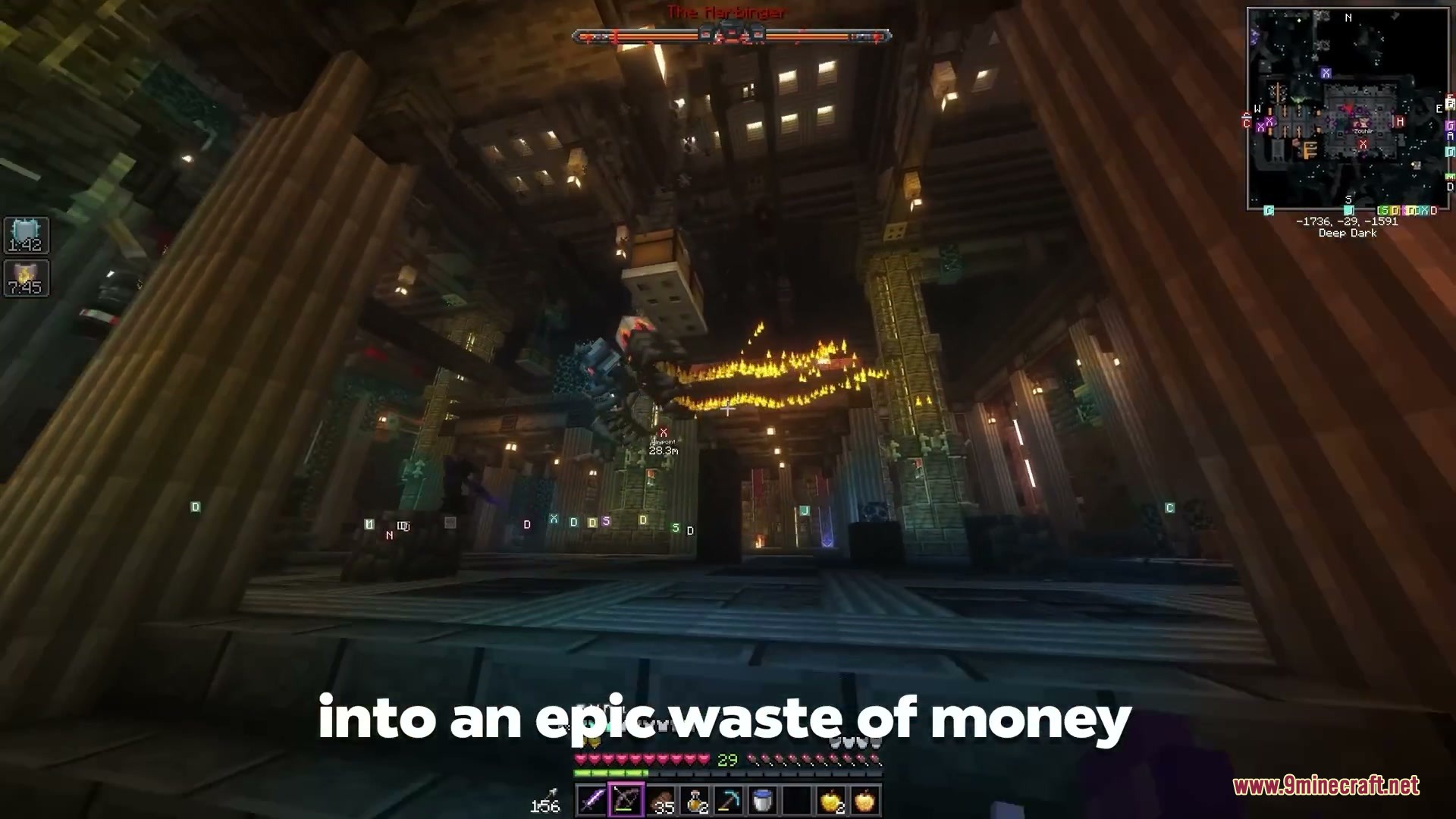

Oasis Mod Download Links
Quick facts
- Edition: Minecraft Java
- File type: .jar
- Minecraft version listed: 1.21.8
- How to install: Install the matching mod loader (Forge, Fabric or NeoForge) for your Minecraft version. → Download the .jar. → Put it in the .minecraft/mods folder and launch that loader profile.
- Where to get it: In MC Java Mods, or directly above on this page.
Install steps are the general flow for this file type — How to install Minecraft Java mods & modpacks walks through it step by step.
File checked by MCModsHub
- Downloads as 511257.mcaddon
- Download size: 43.8 MB
- Download link checked 22 Sept 2026 — working
- Mirrored on our own servers — the download does not depend on the original host
These come from our own check of the pack file, not from the source page.