ModsJava
Tough Environment Mod (1.21.1, 1.20.1) – Survive Staged Mining and Fragile
Java mod listed for Minecraft 1.20–1.21. Downloads from the MC Java Mods app on Android.
⬇ Download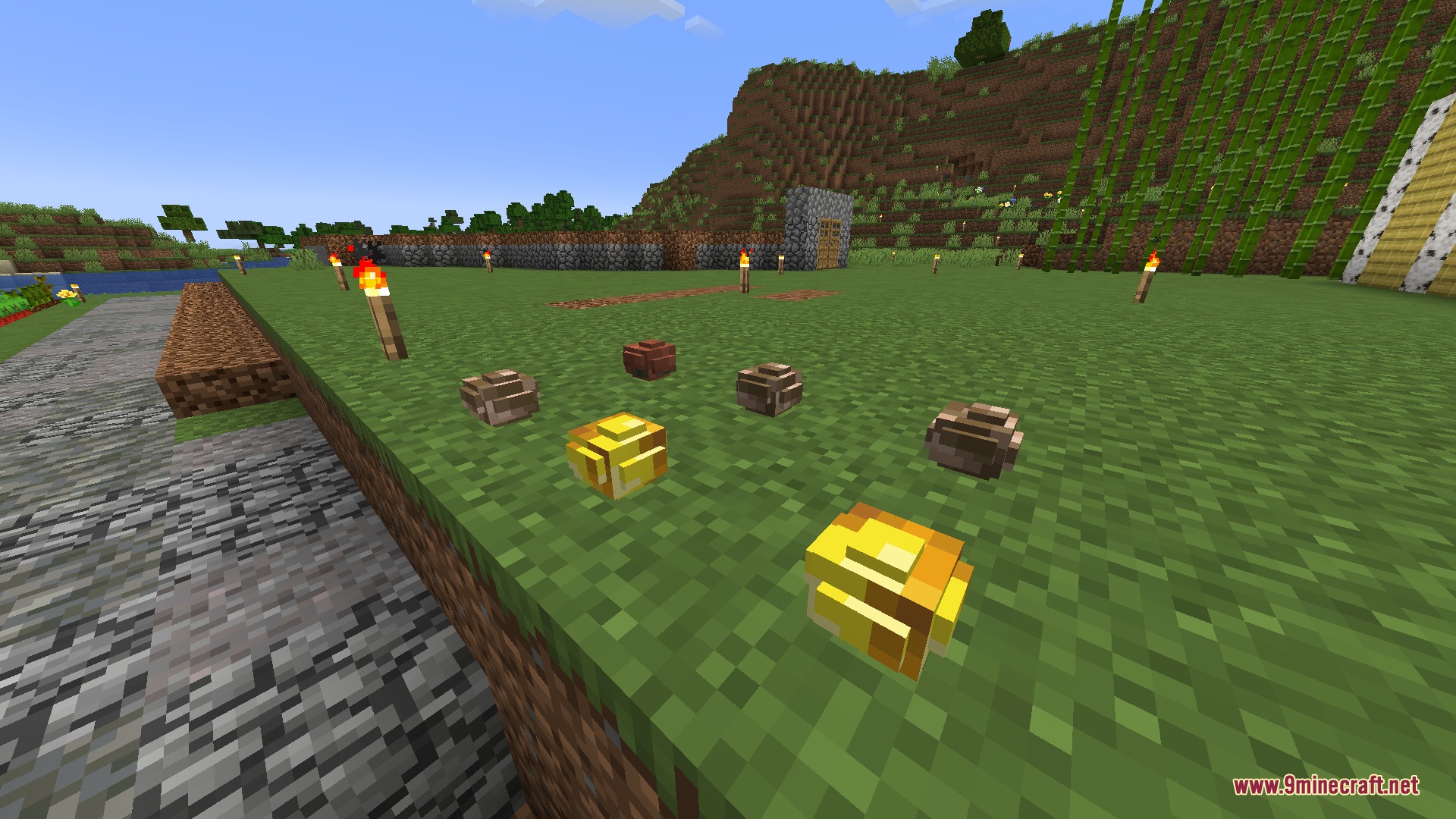
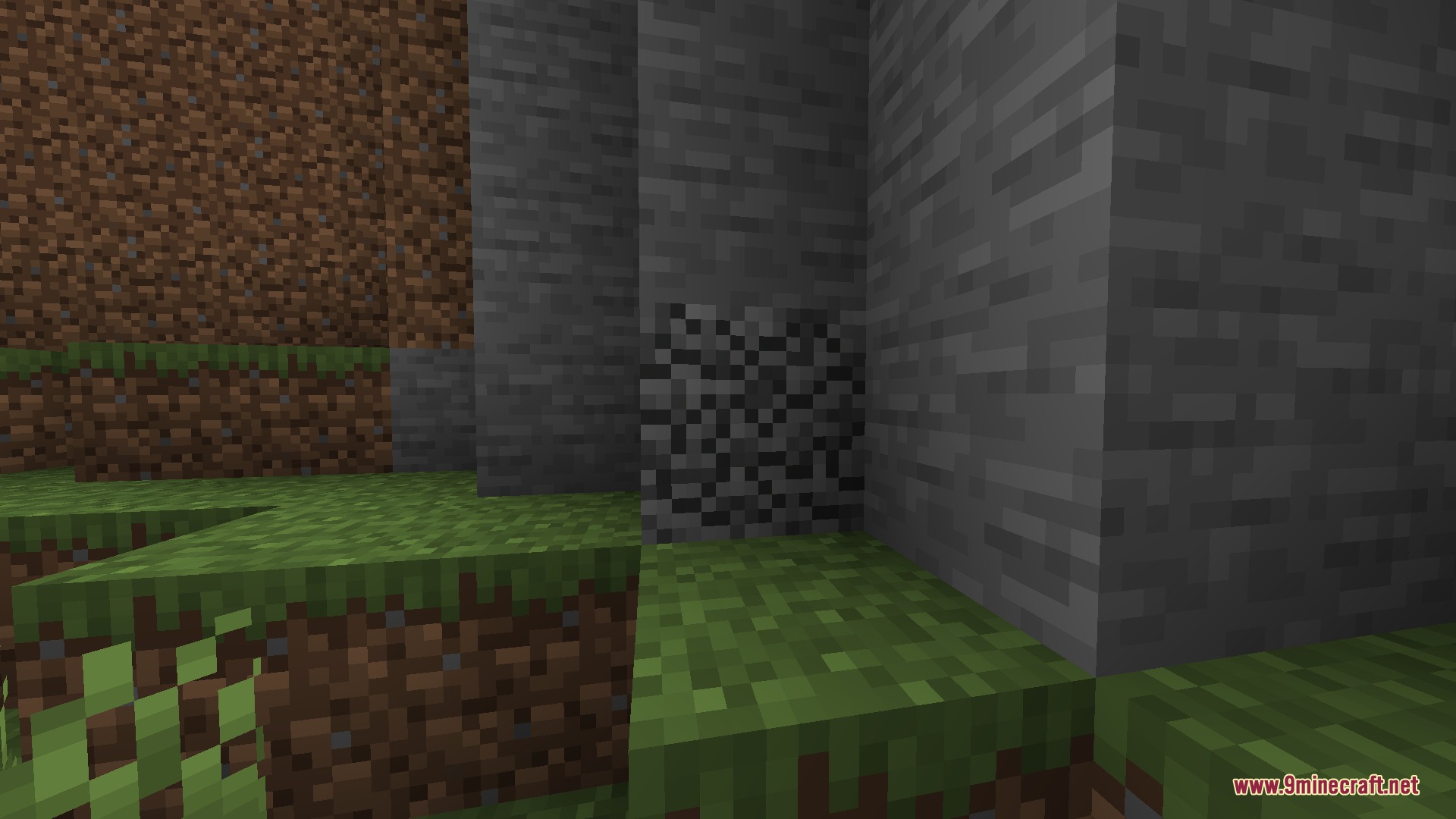
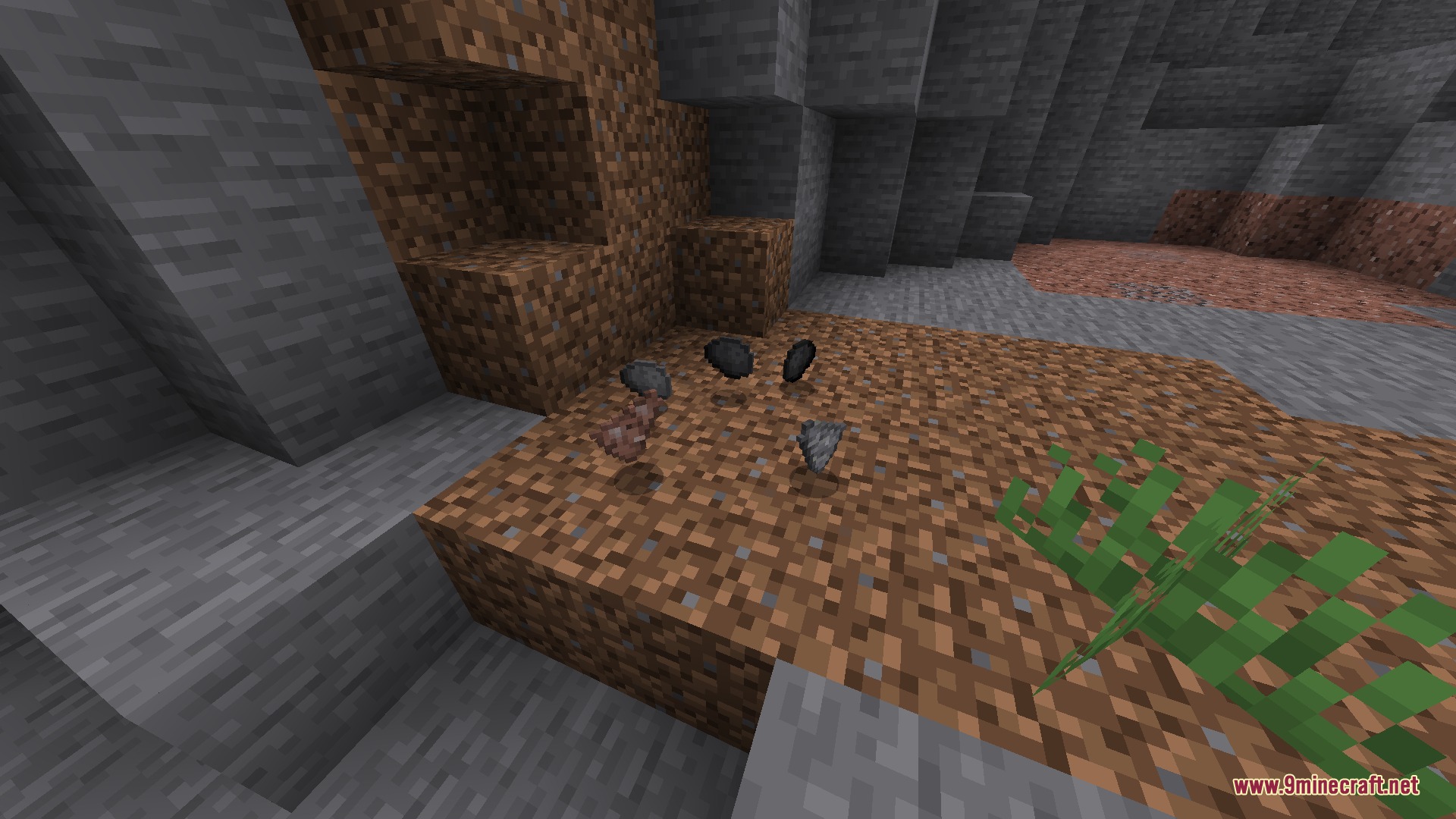
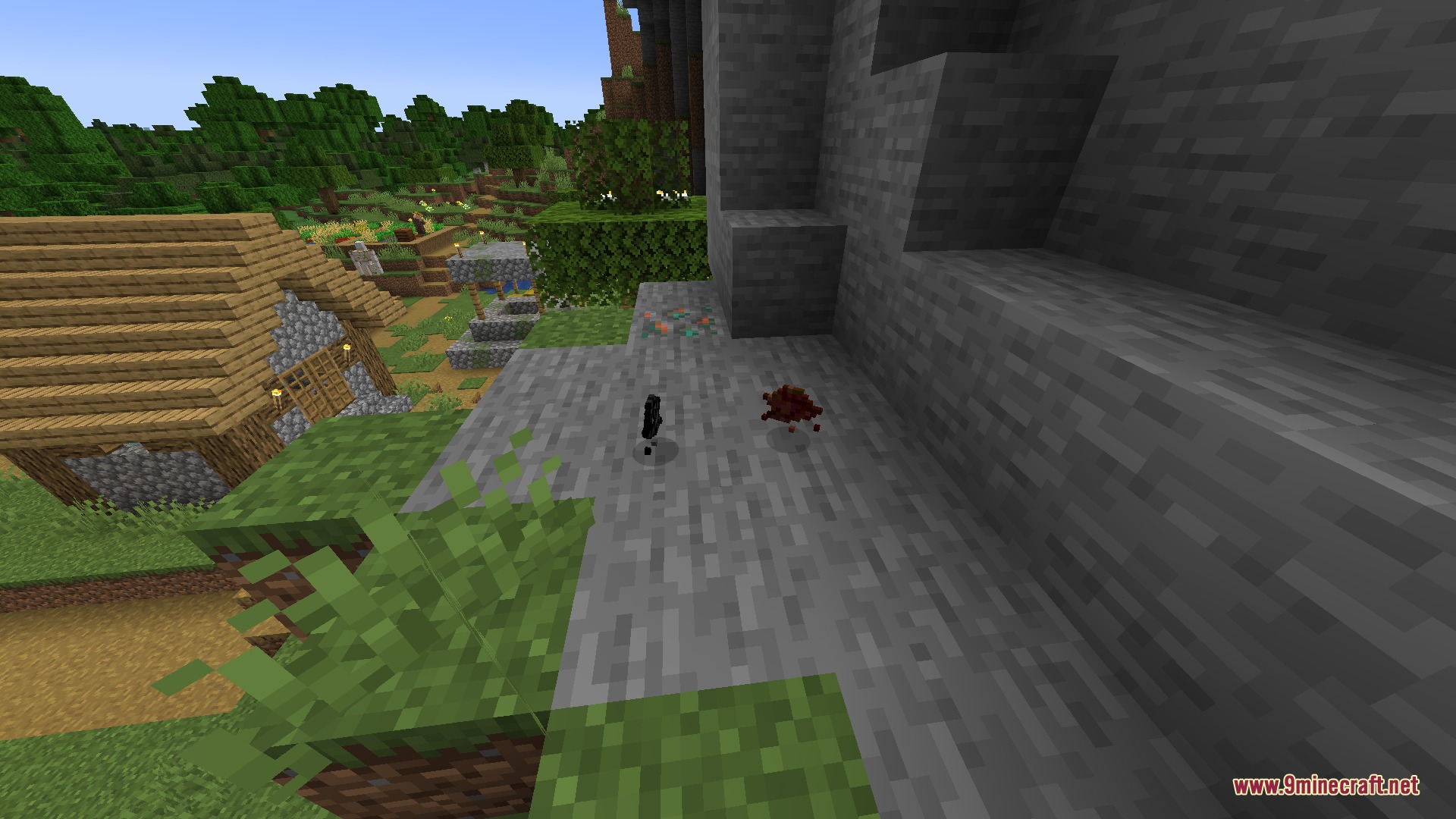
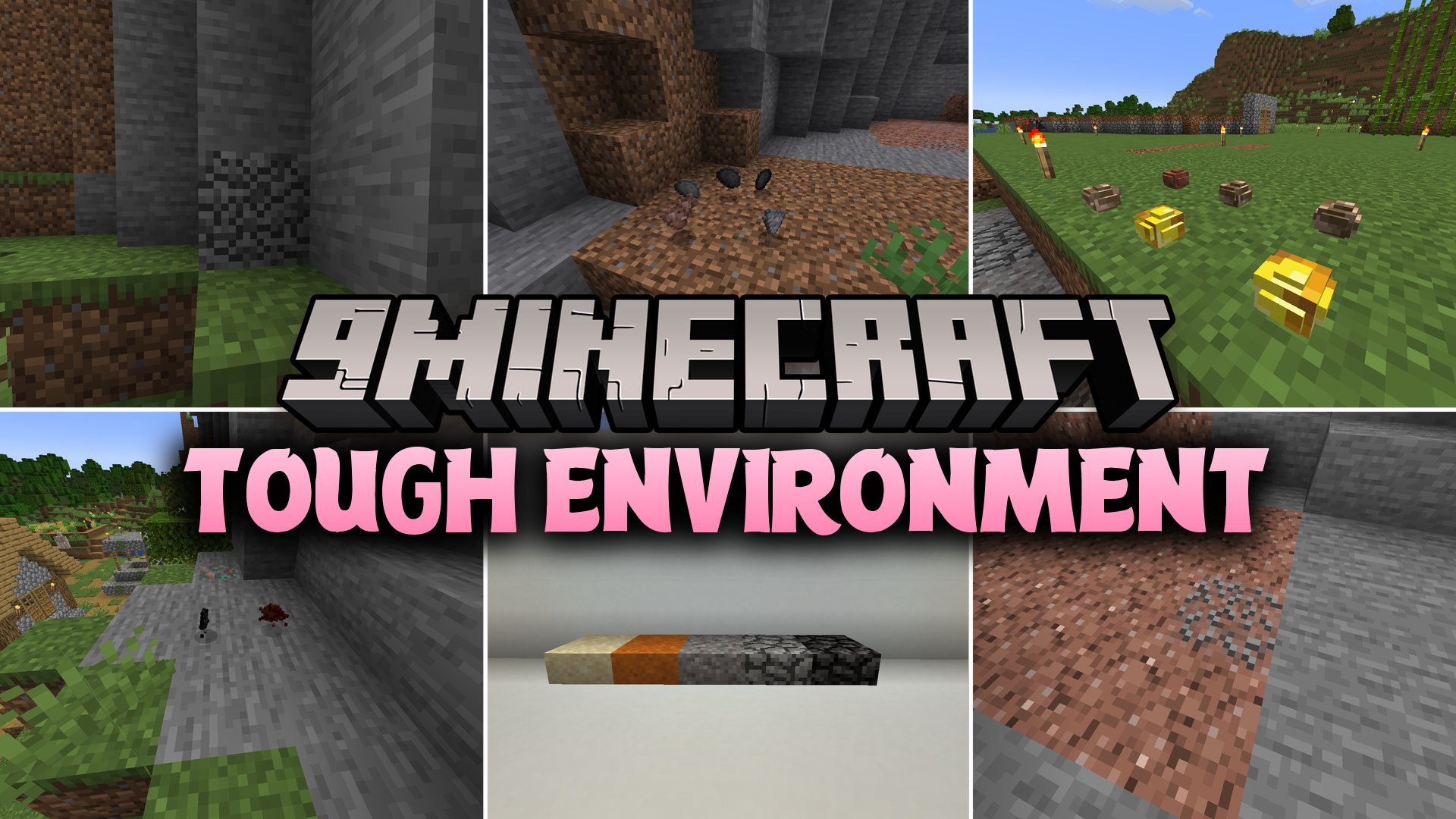
Tough Environment Mod reworks how blocks break and slows down early survival tool progression. Primitive tools like wood and stone pickaxes wear out faster and break stone blocks in multiple slow stages. Instead of dropping full blocks when harvested with weak tools, stone and ores shatter into small shards, pebbles, and dust. The mod brings a fresh survival challenge that forces players to plan out their tool upgrades carefully.
Features:
- Blocks break in multiple stages when mined with primitive wooden or stone tools.
- Stone blocks and raw ores drop lesser items like loose stones, shards, and dust when using improper gear.
- Adds copper and netherite nuggets alongside standalone stone brick items.
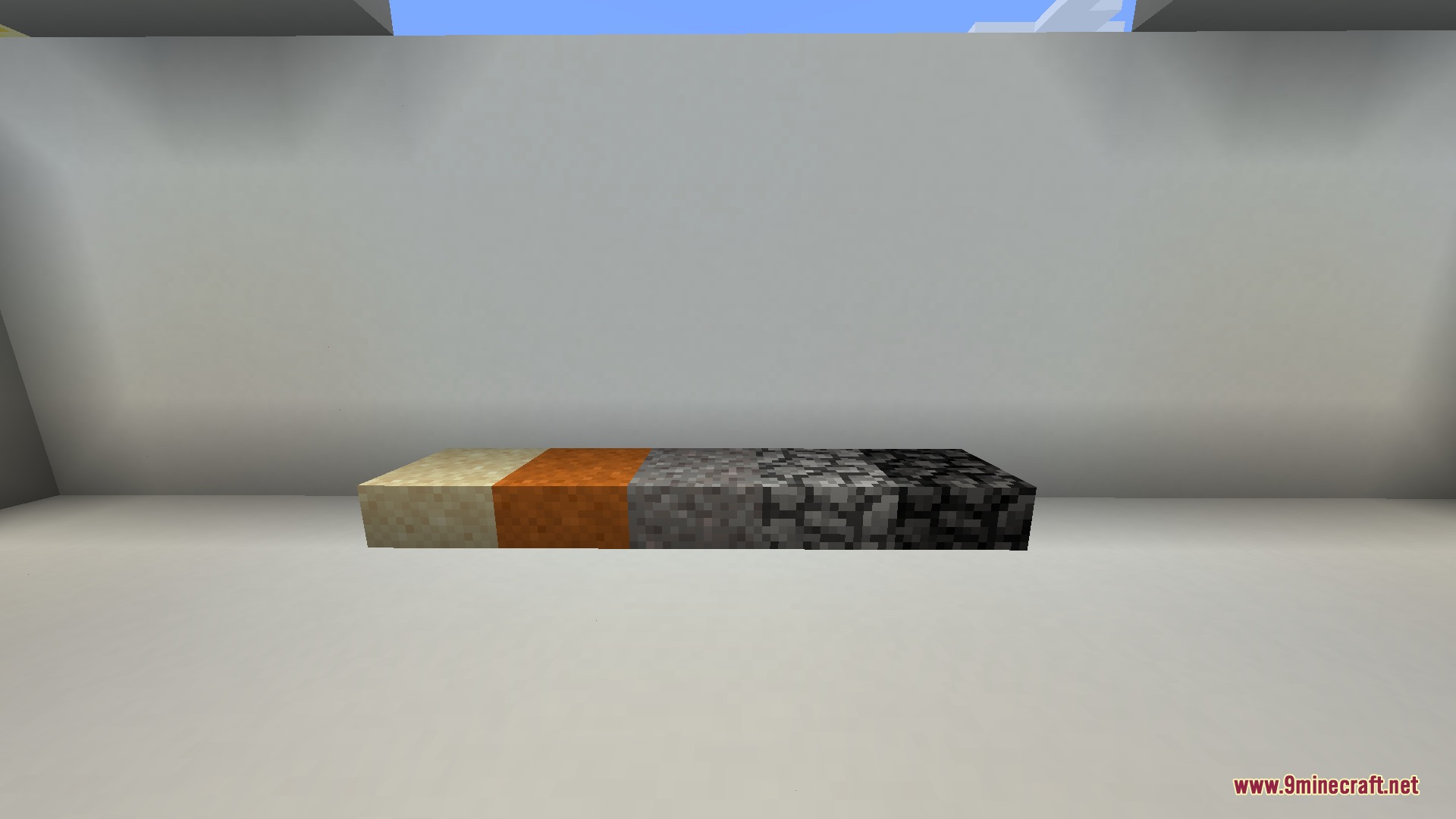
- Includes chisel items and loose block variants for loose dirt and common stone types.
- Allows raw ore items to be placed directly into the world as blocks.
- Introduces loose slab variants for loose blocks and aggregate materials.
- Adds a mortaring system to assemble loose stone blocks together.
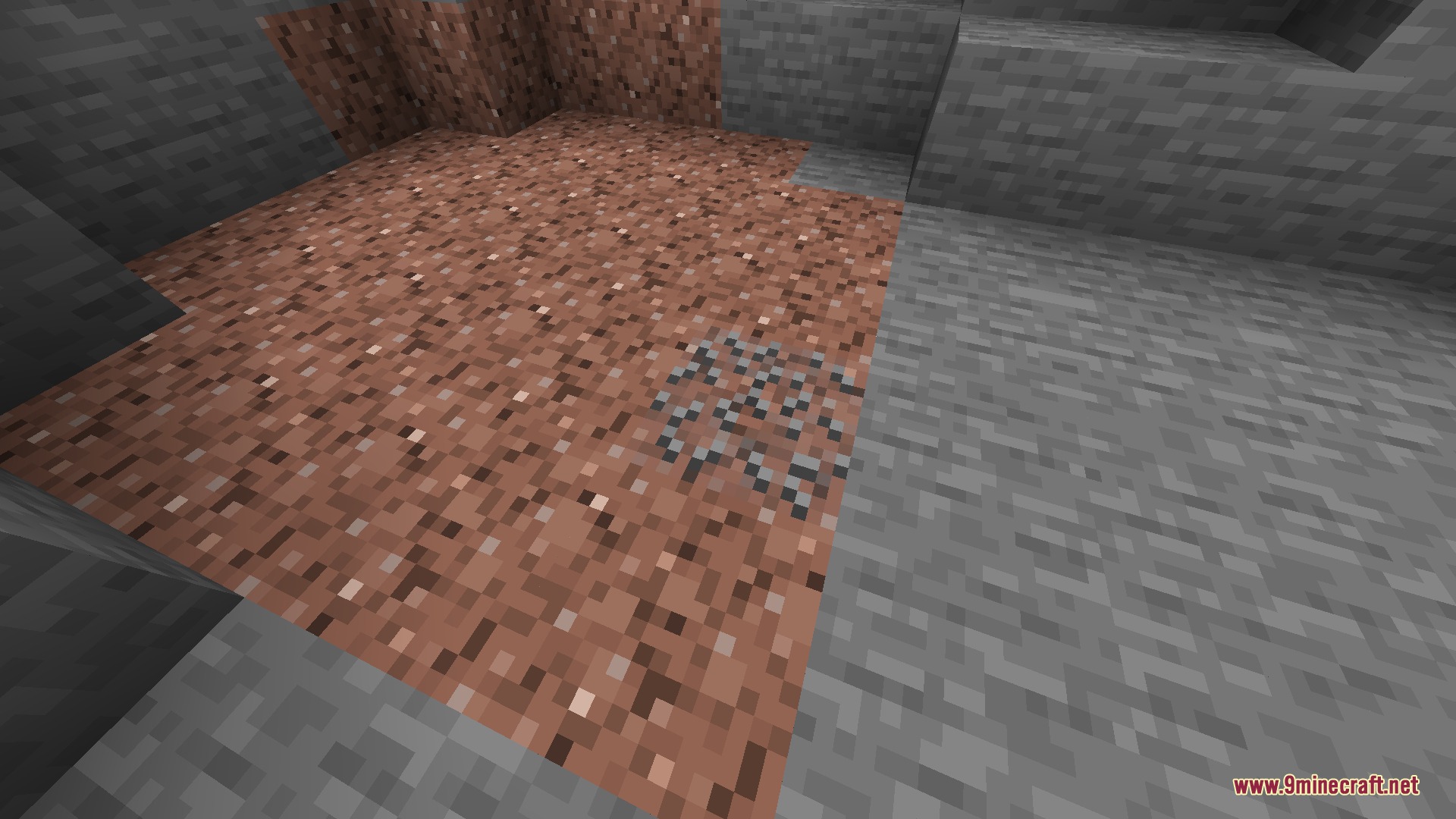
- Generates dirt clay blocks across the world instead of standard clay blocks.
- Lowers durability for all primitive wooden and stone harvesting tools.
- Alters crafting recipes for buckets, flint and steel, compasses, and clocks to balance nugget usage.
- Plays distinct sound cues when breaking specific blocks.
Configuration:
Hardcore Mining Speed: Slows down general block breaking speeds across the game.Block Breaking Restrictions: Prevents blocks from breaking unless the player holds the correct tool type.Stratification Toughness: Requires higher-tier pickaxes to mine deep, dense stone strata.
Screenshots:
Tough Environment Mod Download Links
Quick facts
- Edition: Minecraft Java
- File type: .jar
- Minecraft versions listed: 1.21.1, 1.20.1
- How to install: Install the matching mod loader (Forge, Fabric or NeoForge) for your Minecraft version. → Download the .jar. → Put it in the .minecraft/mods folder and launch that loader profile.
- Where to get it: In MC Java Mods, or directly above on this page.
Install steps are the general flow for this file type — How to install Minecraft Java mods & modpacks walks through it step by step.
File checked by MCModsHub
- Downloads as 511266.mcaddon
- Download size: 999 KB
- Download link checked 23 Sept 2026 — working
- Mirrored on our own servers — the download does not depend on the original host
These come from our own check of the pack file, not from the source page.