ModsJava
Miguel Economy MAX Mod (1.21.11, 1.20.1) – Run Player Markets and Trade
Java mod listed for Minecraft 1.20–1.21. Downloads from the MC Java Mods app on Android.
⬇ Download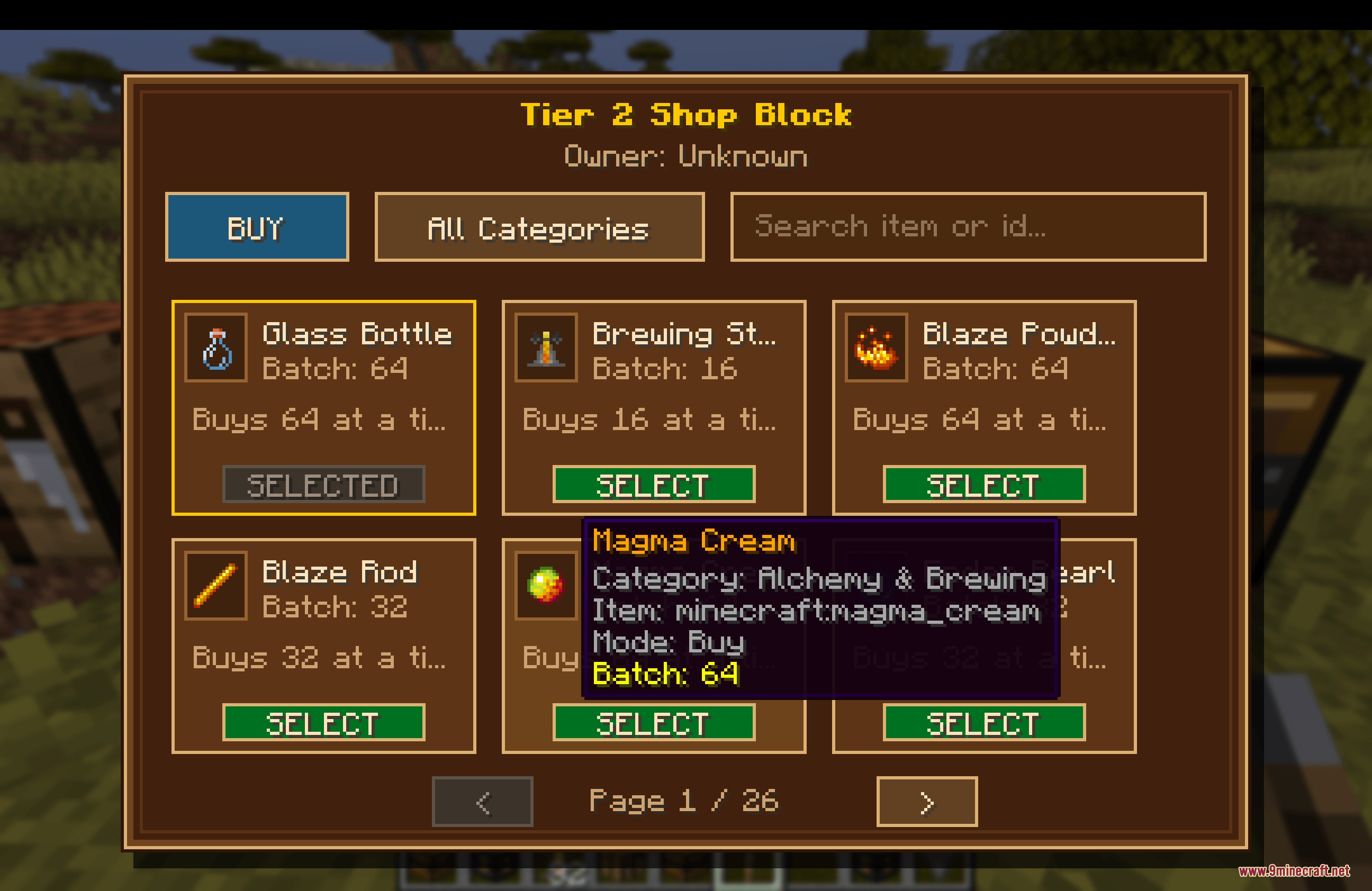
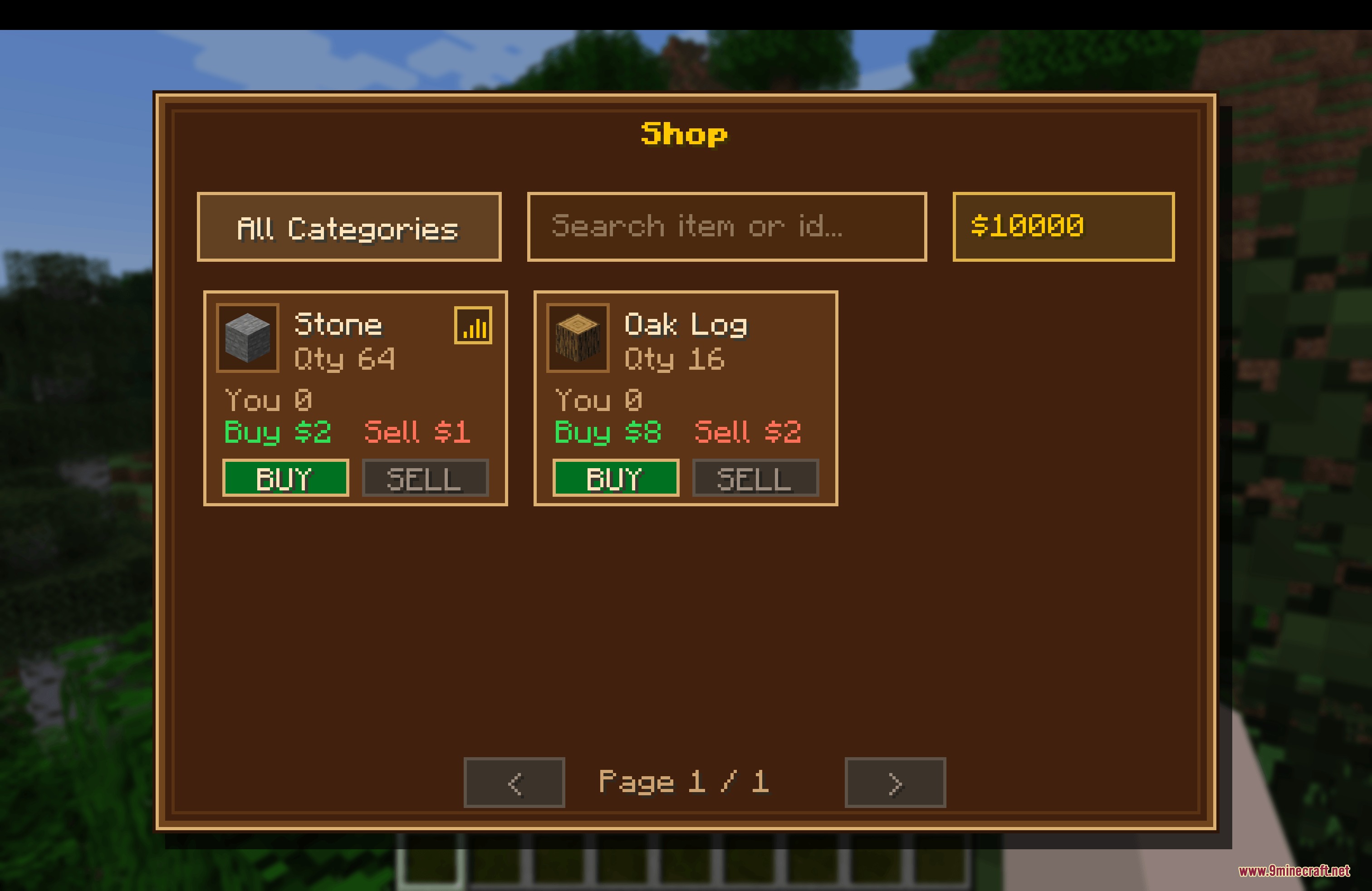
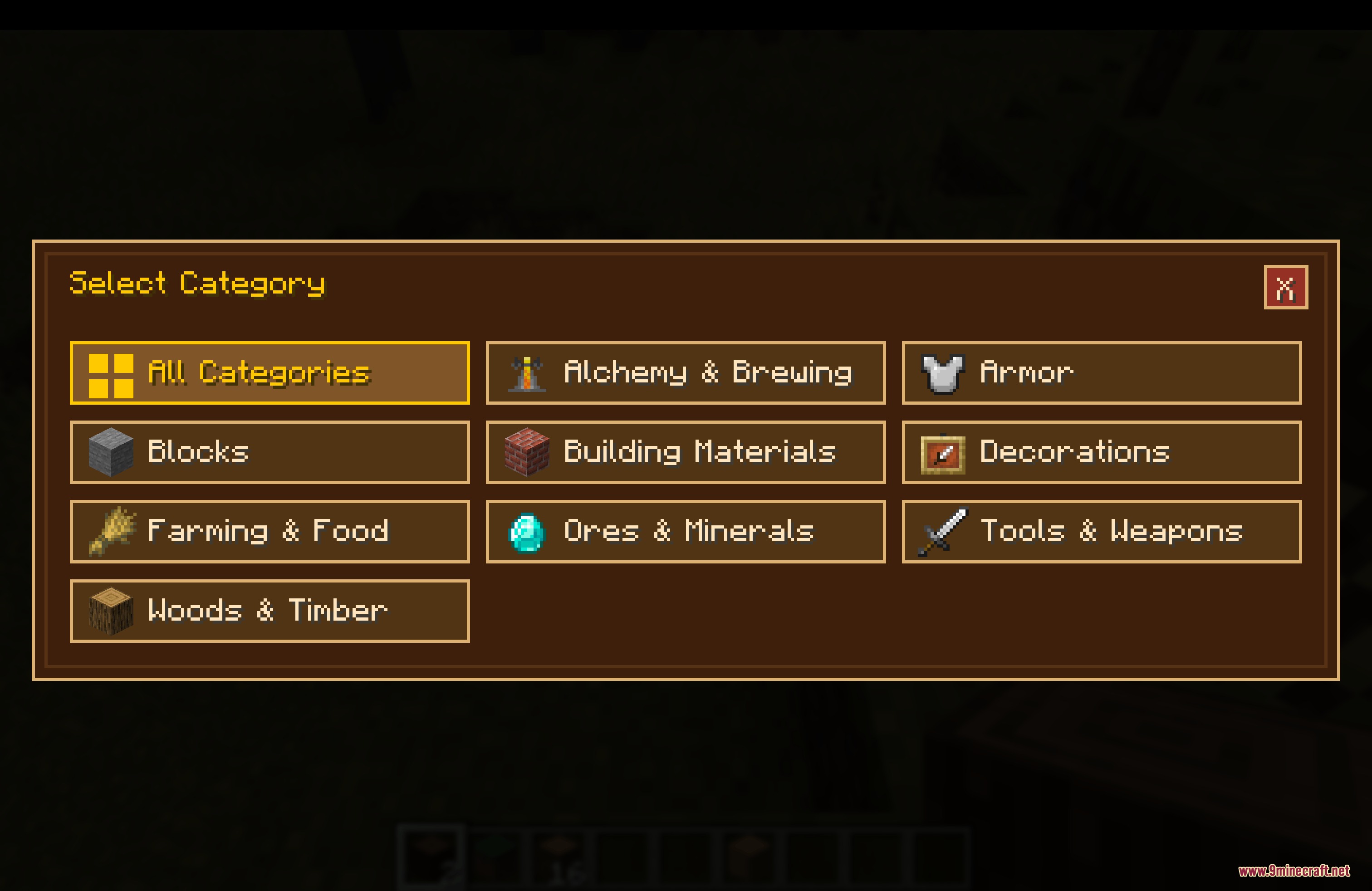
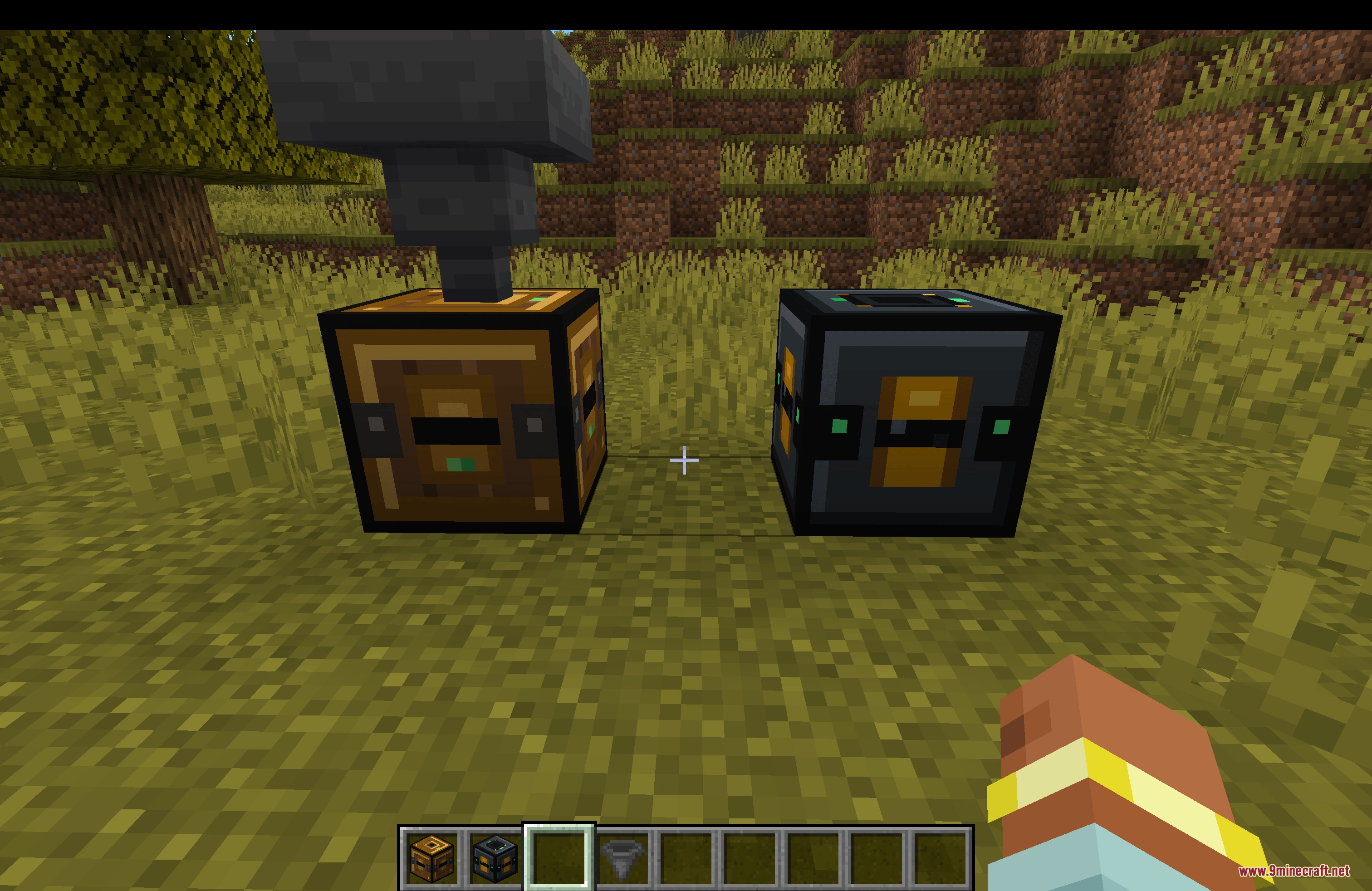
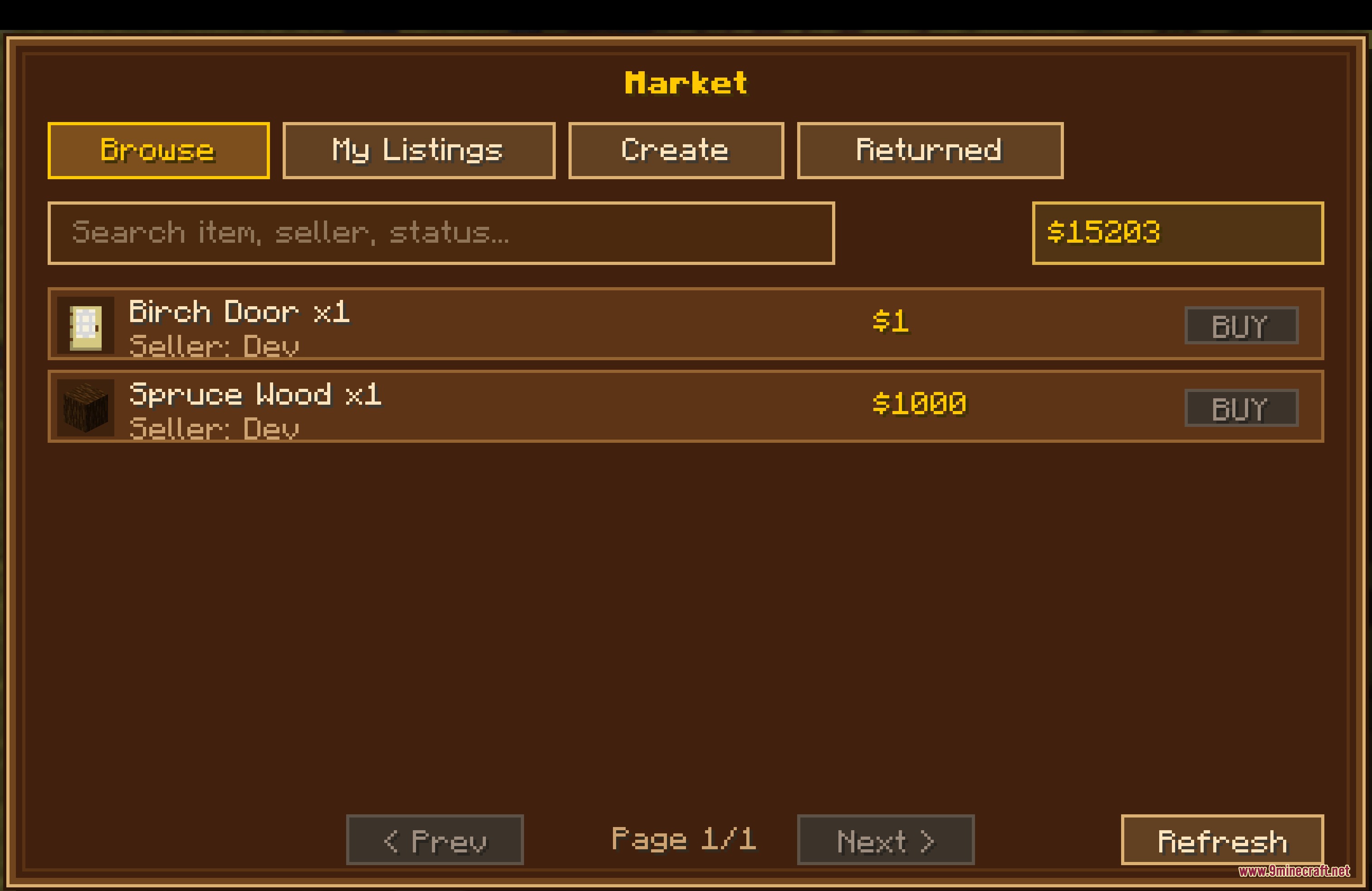
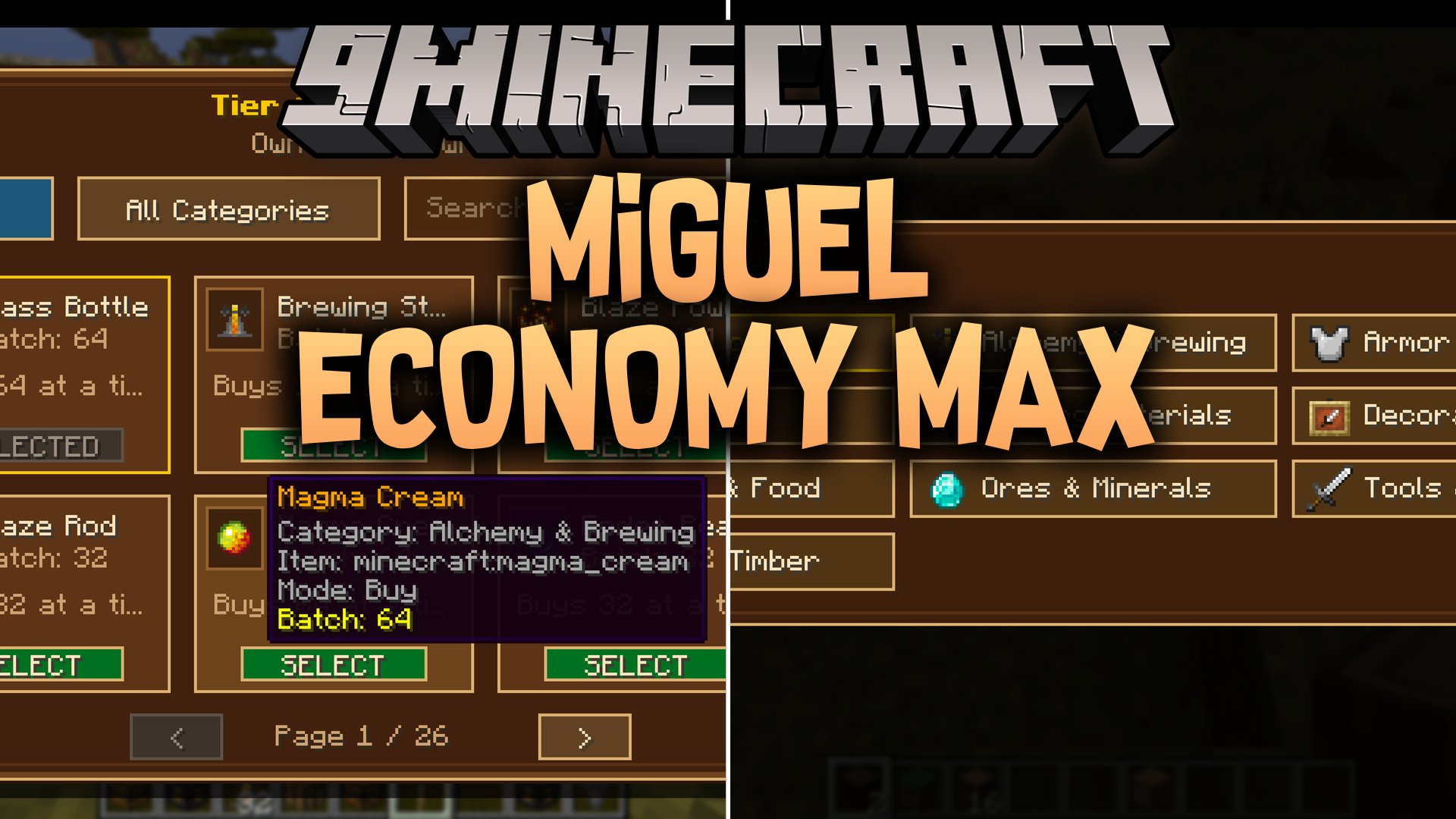
Miguel Economy MAX Mod introduces a full financial system with player trading, server shops, and custom currency. Players get starter balances, market listings, and automated trading blocks right out of the box. The mod also provides physical money items for quests and detailed transaction tracking for server management.
Features:
- Every player receives a starter balance right when joining the game world.
- Server shops include search filters, item categories, pagination, and bulk buying or selling options.
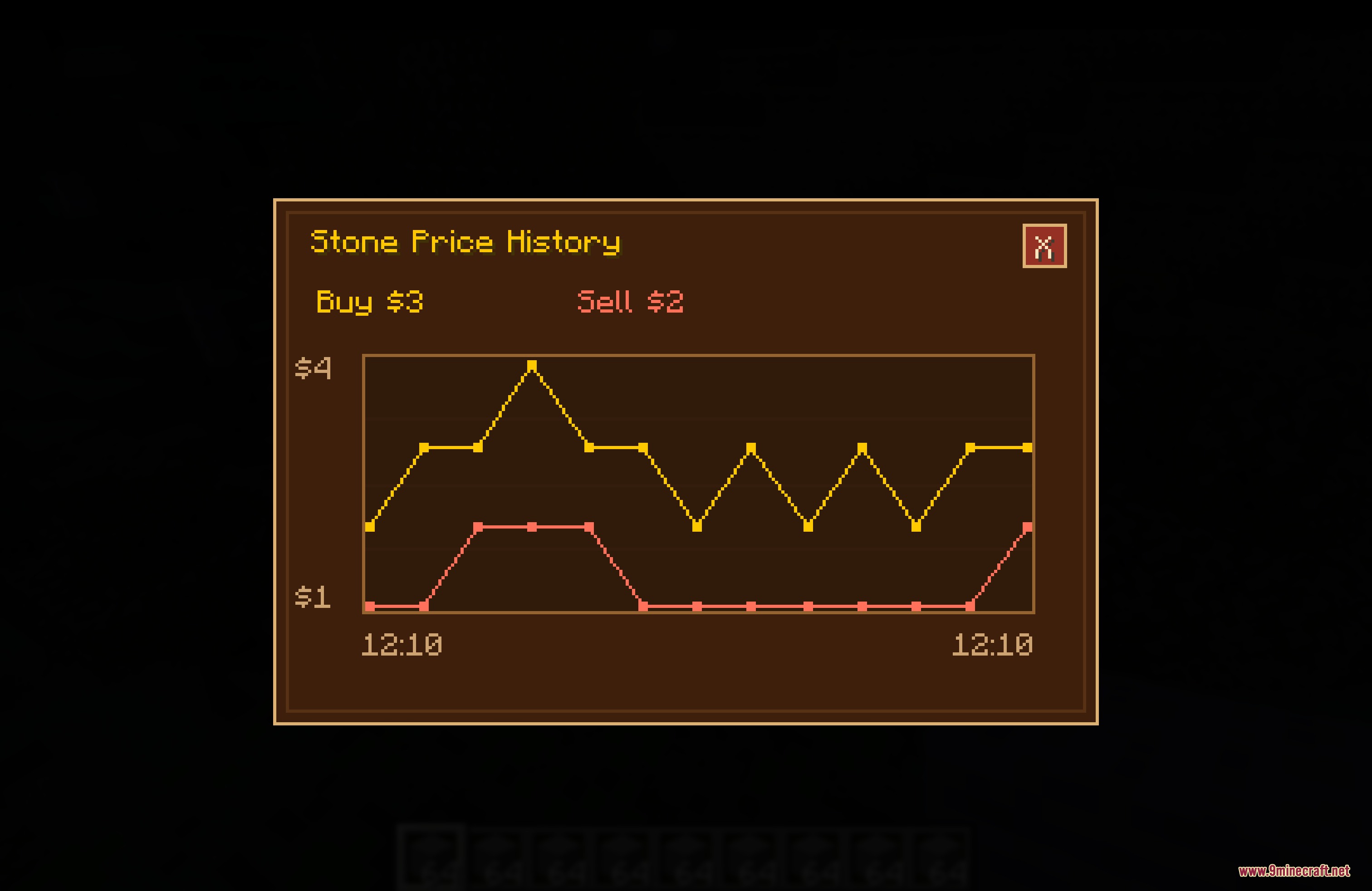
- Displays price history graphs so players can track value changes before trading.
- Player market allows anyone to list items for sale and collect earnings even after logging off.
- Buy orders let players request specific items with funds held safely until trades finish.
- Physical money items allow currency to be stored in chests, handed to friends, or earned as quest rewards.
- Automated shop blocks handle trades on their own without needing manual shopkeepers.
- Administrators can manage settings and inspect shop systems through a dedicated web dashboard.
- Daily transaction logs save trade history to track player spending and market activities.
Commands:
/menu: Opens the main economy menu interface./balance: Checks your current money balance./balancetop: Displays the richest players on the server leaderboard./pay <player> <amount>: Sends money directly to another player./daily: Claims the daily reward bonus./eco moneyitem <player> <value> [count]: Converts currency into a physical money item./transactions: Shows recent transactions and trade activity./history [market|shop|orders|pay]: Views specific trade history logs.
How to Use:
- Type
/menuin chat to open up the trading interface. - Browse categories or use the search bar to find items in the server shop.
- Use Shift-Click to quickly buy or sell items in bulk.
- Place a Tier 1 or Tier 2 Shop Block in the world to set up automated sales.
- Right-click any physical money item in your hand to deposit it into your account balance.
Screenshots:
Miguel Economy MAX Mod Download Links
Quick facts
- Edition: Minecraft Java
- File type: .jar
- Minecraft versions listed: 1.21.11, 1.20.1
- How to install: Install the matching mod loader (Forge, Fabric or NeoForge) for your Minecraft version. → Download the .jar. → Put it in the .minecraft/mods folder and launch that loader profile.
- Where to get it: In MC Java Mods, or directly above on this page.
Install steps are the general flow for this file type — How to install Minecraft Java mods & modpacks walks through it step by step.
File checked by MCModsHub
- Downloads as 511272.mcaddon
- Download size: 1.8 MB
- Download link checked 24 Sept 2026 — working
- Mirrored on our own servers — the download does not depend on the original host
These come from our own check of the pack file, not from the source page.