
ModsJava
Assorted Tech Mod (26.2, 1.20.1) – Protect Your Base with Smart Traps
Java mod listed for Minecraft 1.20. Downloads from the MC Java Mods app on Android.
⬇ Download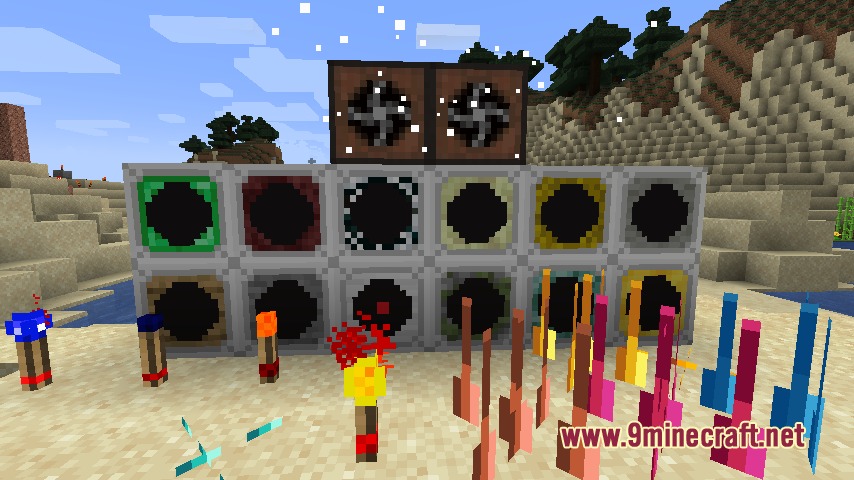
Assorted Tech Mod adds useful gadgets, defense blocks, and logic tools to Minecraft. It introduces customizable entity sensors, push-and-pull fans, laser bridges, and gravity controllers to help you build automated setups. The mod also brings wall-mountable spikes, logic torches, and alarm boxes to protect your base.
Features:
- Glowstone torches emit light only when they receive a redstone power signal.
- Flip flop torches toggle their output on and off each time redstone power pulses into them.
- Wall-mountable spikes deal direct damage to any mob or player standing in their area when powered.
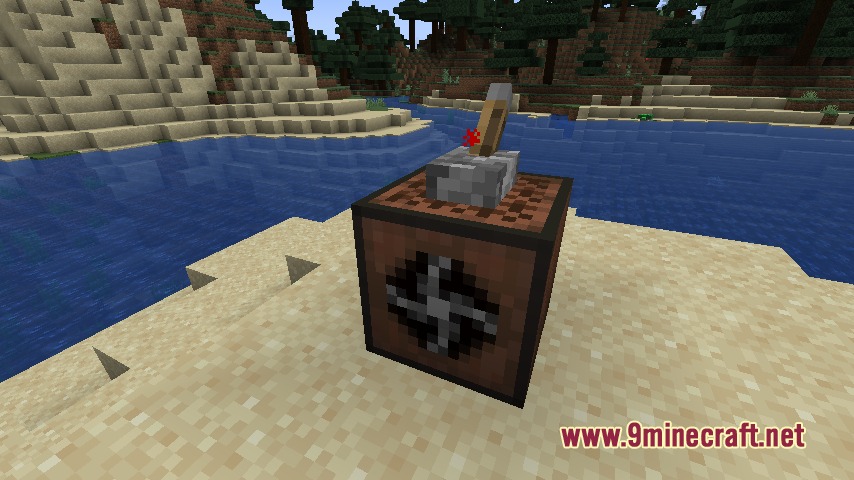
- Fans push or pull mobs in a customizable line and shut down when powered by redstone.
- Laser bridges generate solid walk paths across gaps, with special variants that move players automatically.
- Gravity controllers manipulate falling speed and float directions for surrounding entities.
- Special gravity boots protect players from being pushed around by gravity blocks.
- Alarm boxes play one of fourteen selectable sound effects upon receiving redstone power.
Sensor Types:
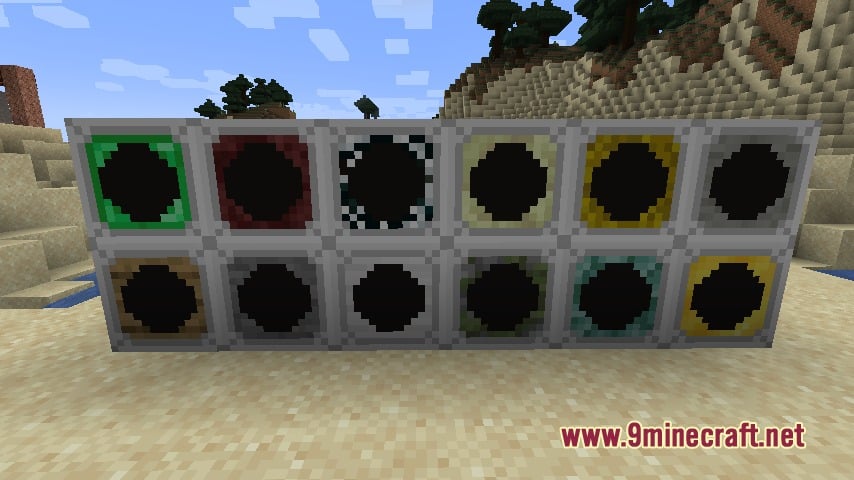
- Wood and stone sensors detect any entity or living creature in their line of sight.
- Iron and emerald sensors scan specifically for players and villagers.
- Mossy cobblestone, Netherrack, and End Stone sensors look for monsters, Nether mobs, and End mobs.
- Prismarine, cobweb, hay bale, and feather sensors track aquatic mobs, arthropods, pets, and flying creatures.
- Gold sensors trigger when dropped item entities enter their detection zone.
How to Use:
- Place down an entity sensor facing the target detection pathway.
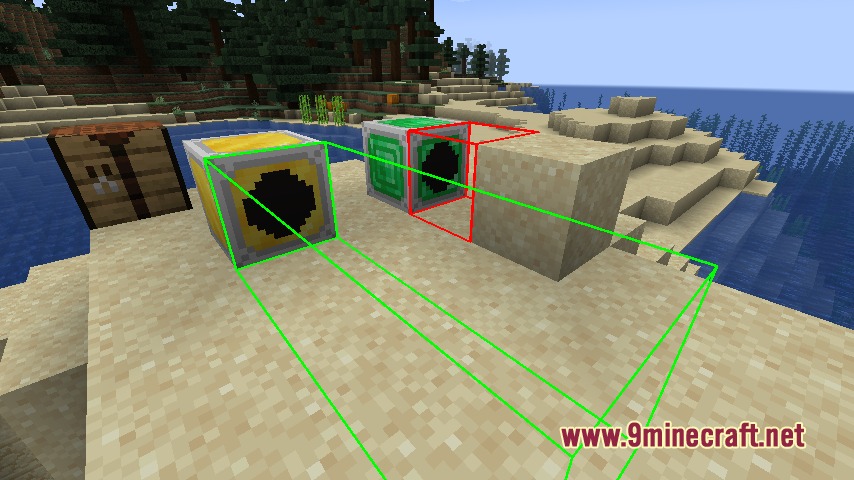
- Right-click or shift-right-click the sensor with an empty hand to adjust its scan distance.
- Right-click the sensor with a redstone torch to display a green or red range outline.
- Right-click a fan block to open its menu and choose push or pull modes.
- Connect redstone wiring to spikes, alarms, or bridge controllers to activate them.
Screenshots:
Assorted Tech Mod Download Links
Quick facts
- Edition: Minecraft Java
- File type: .jar
- Minecraft version listed: 1.20.1
- How to install: Install the matching mod loader (Forge, Fabric or NeoForge) for your Minecraft version. → Download the .jar. → Put it in the .minecraft/mods folder and launch that loader profile.
- Where to get it: In MC Java Mods, or directly above on this page.
Install steps are the general flow for this file type — How to install Minecraft Java mods & modpacks walks through it step by step.
File checked by MCModsHub
- Downloads as 511281.mcaddon
- Download size: 1.4 MB
- Download link checked 22 Sept 2026 — working
- Mirrored on our own servers — the download does not depend on the original host
These come from our own check of the pack file, not from the source page.