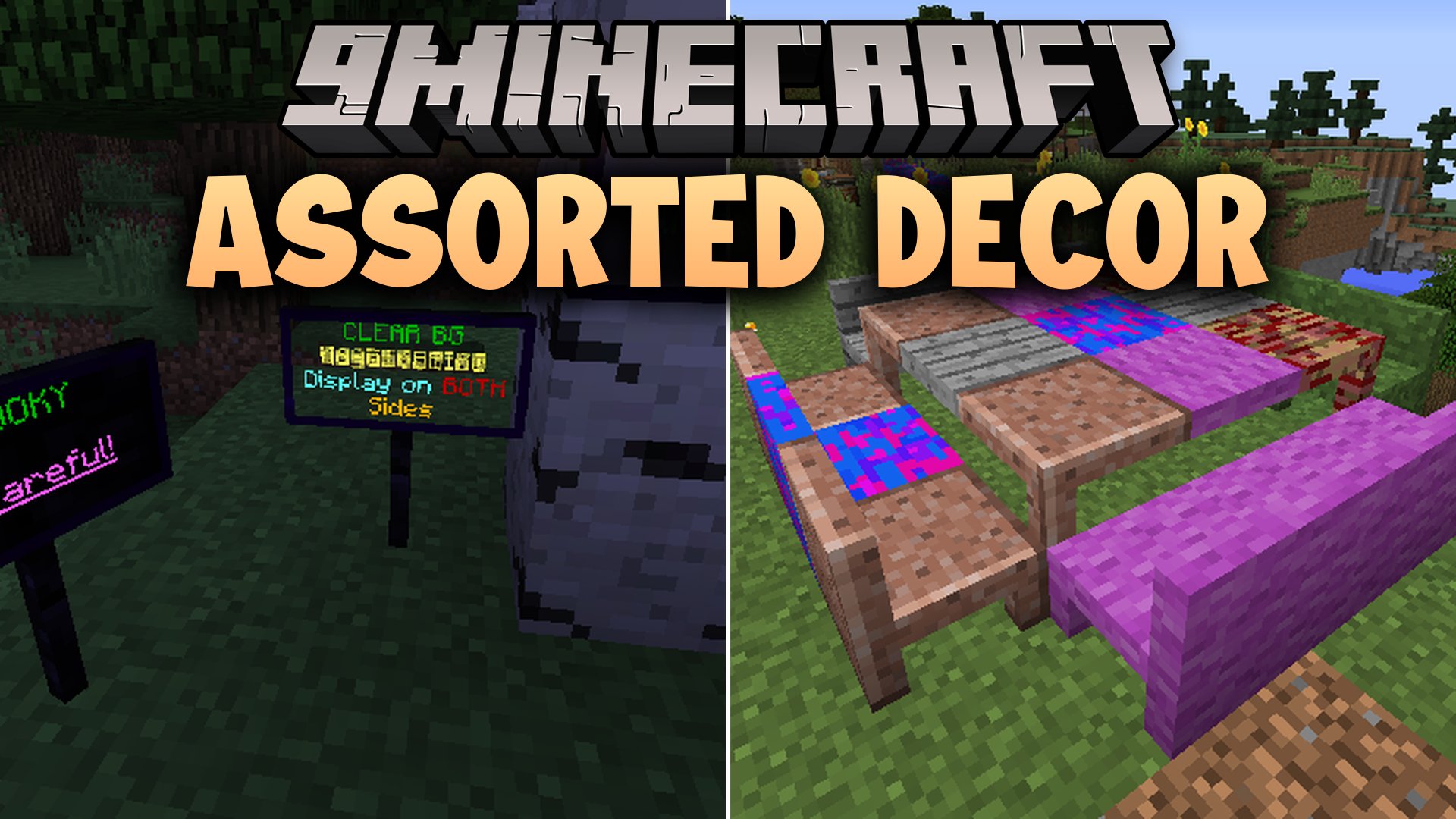
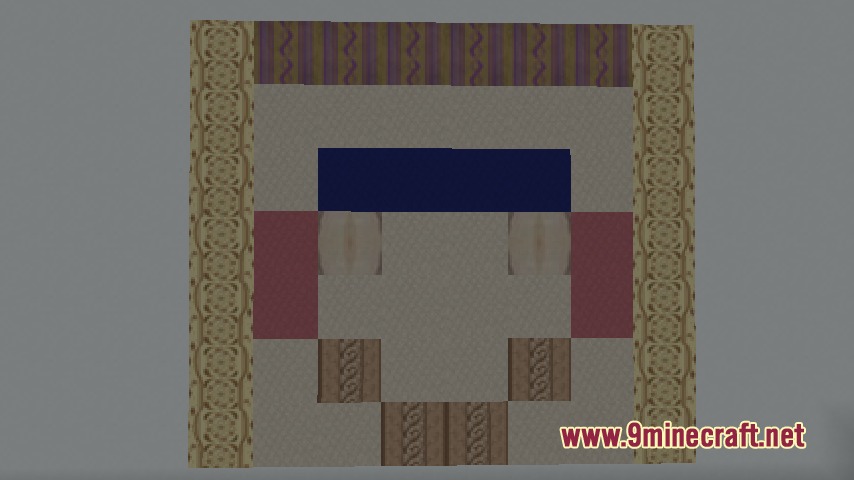
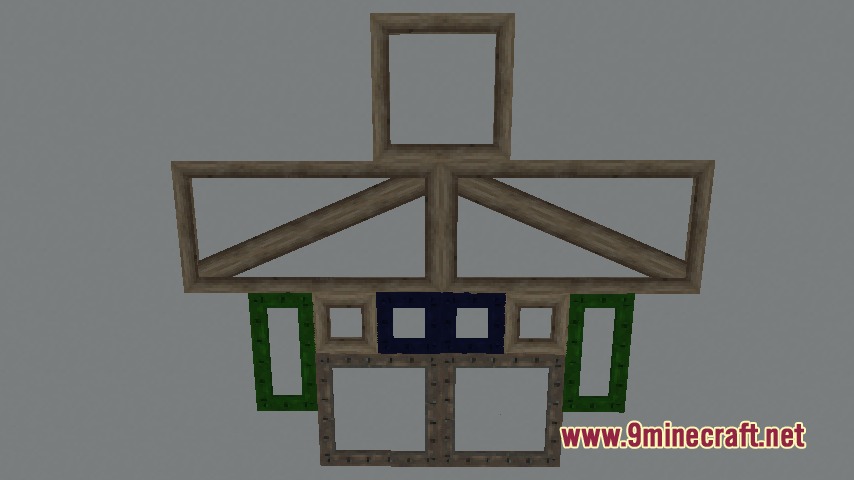
Assorted Decor Mod adds a massive collection of decorative blocks, furniture pieces, and custom styling tools to your world. It introduces Colorizer blocks that let you apply supported textures directly to chairs, tables, and sloped shapes. You can also place glowing neon signs with colored text, hang wallpapers, or build realistic roadways and fireplaces.
Features:
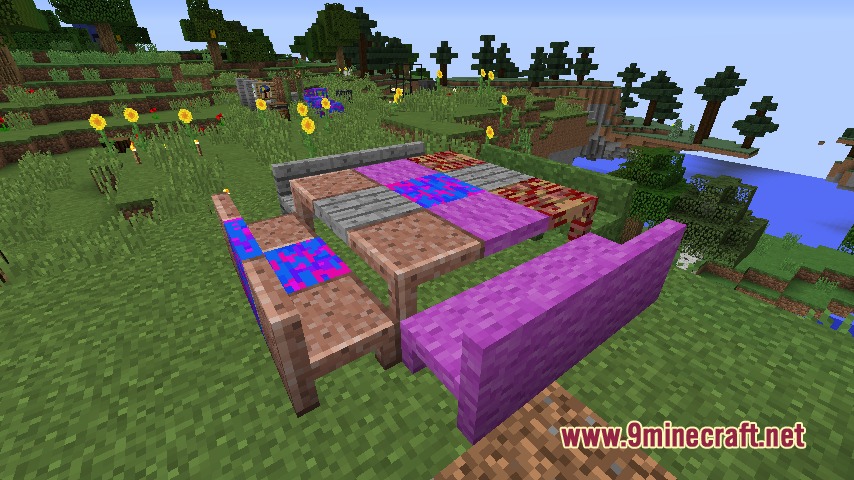
- Colorizer blocks allow you to apply matching block textures to custom shapes like chairs, counters, doors, and fences.
- Adds sloped blocks, angled corners, and pyramids to create smooth roofs and unique architectural shapes.
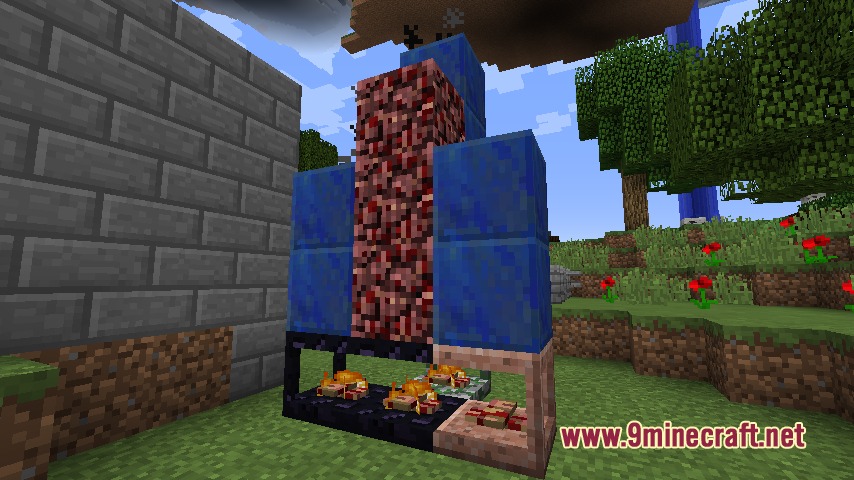
- Includes functional fireplace parts such as chimneys, stoves, firepits, and firerings.
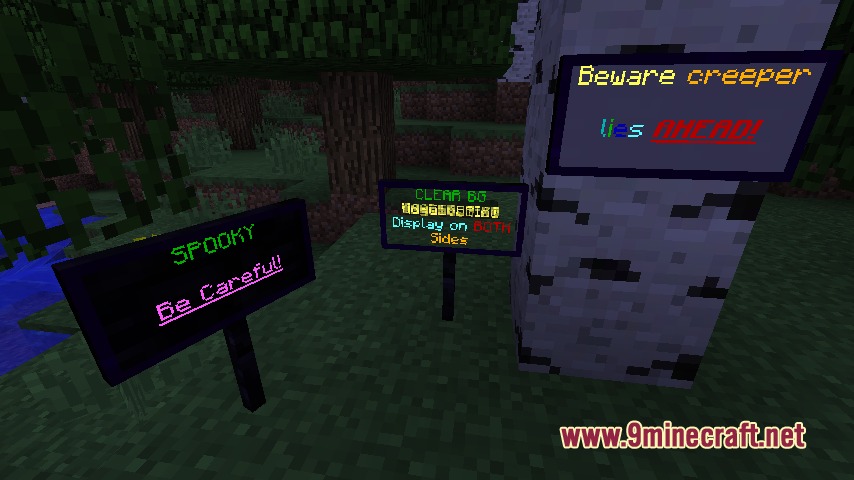
- Neon signs let you write glowing text with custom colors and text formatting options.
- Wallpapers and placeable wood or iron frames give your interior walls extra detail.
- Adds modern construction options like chain-link fences, chain-link doors, and asphalt for roads.
- Paint rollers in multiple dye colors help you quickly paint siding and decor pieces.
- Bone lanterns, cages, and calendars provide extra small clutter and accent options for builds.
Colorizer Shapes:
- Standard furniture: chairs, tables, stools, counters, and lamp posts.
- Building elements: slabs, stairs, walls, standard doors, and trap doors.
- Slope shapes: basic slopes, oblique slopes, slanted corners, and full pyramids.
- Heating blocks: chimneys, covered firepits, fireplaces, and stoves.
How to Use:
- Craft your desired Colorizer block and place it down in your world.
- Hold a Colorizer wand or brush and select a supported block texture.
- Right-click the Colorizer block with the tool to apply the selected texture.
- Place neon signs and type your message, then apply dye colors or formatting to make the text glow.
Screenshots:
Assorted Decor Mod Download Links
Quick facts
- Edition: Minecraft Java
- File type: .jar
- Minecraft version listed: 1.20.1
- How to install: Install the matching mod loader (Forge, Fabric or NeoForge) for your Minecraft version. → Download the .jar. → Put it in the .minecraft/mods folder and launch that loader profile.
- Where to get it: Opens on the file's original source — not every file is mirrored on our own servers.
Install steps are the general flow for this file type — How to install Minecraft Java mods & modpacks walks through it step by step.
Assorted Decor Mod (26.2, 1.20.1) – Design Detailed Rooms with Custom Shapes is a free Minecraft Java mod. Compatible with Minecraft 1.20.1. Download it and open it directly in the game.