ModsJava
Create Colony Logistics Mod (1.21.1) – Supply Growing Towns with Automated
Java mod listed for Minecraft 1.21. Downloads from the MC Java Mods app on Android.
⬇ Download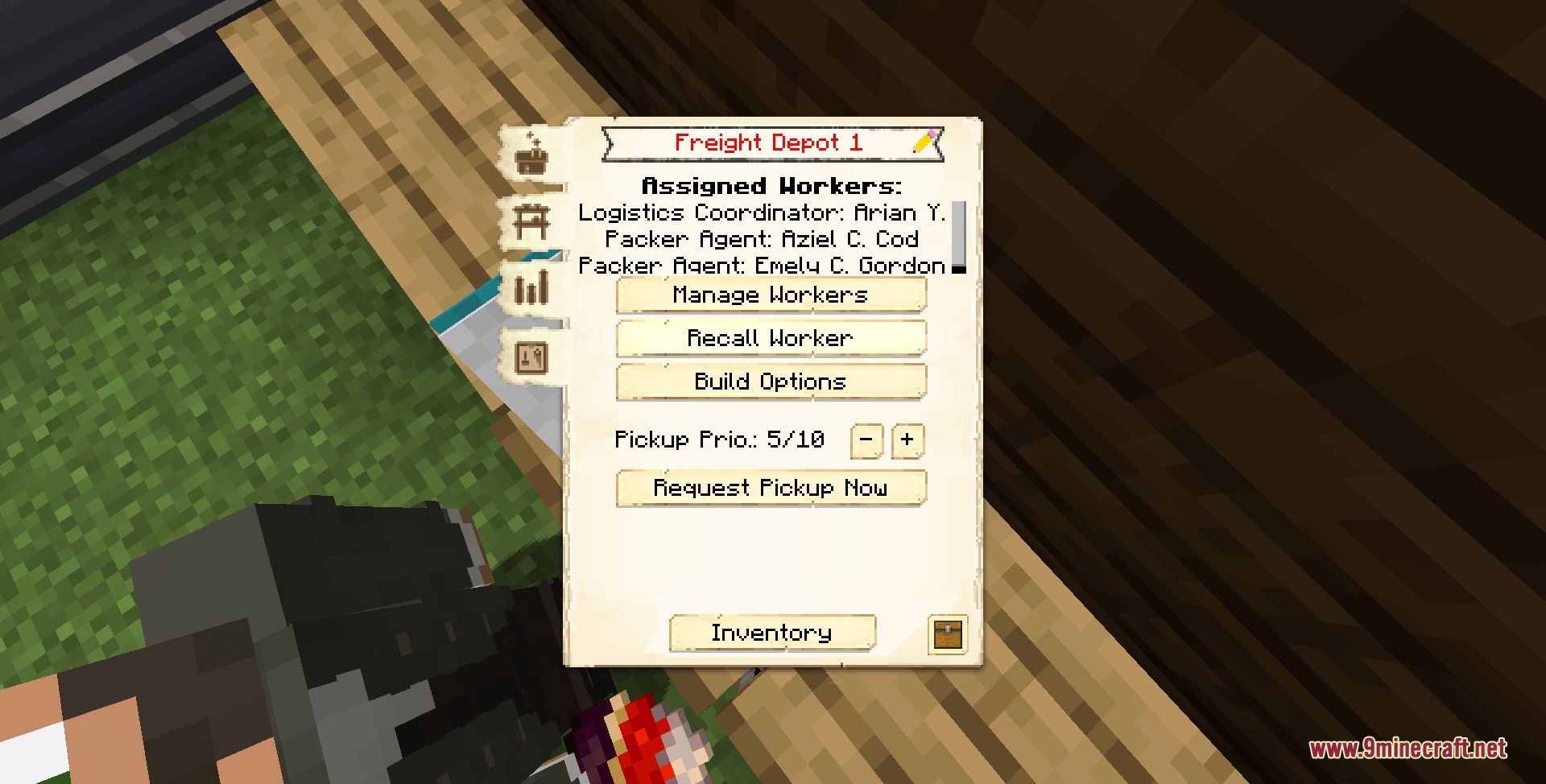
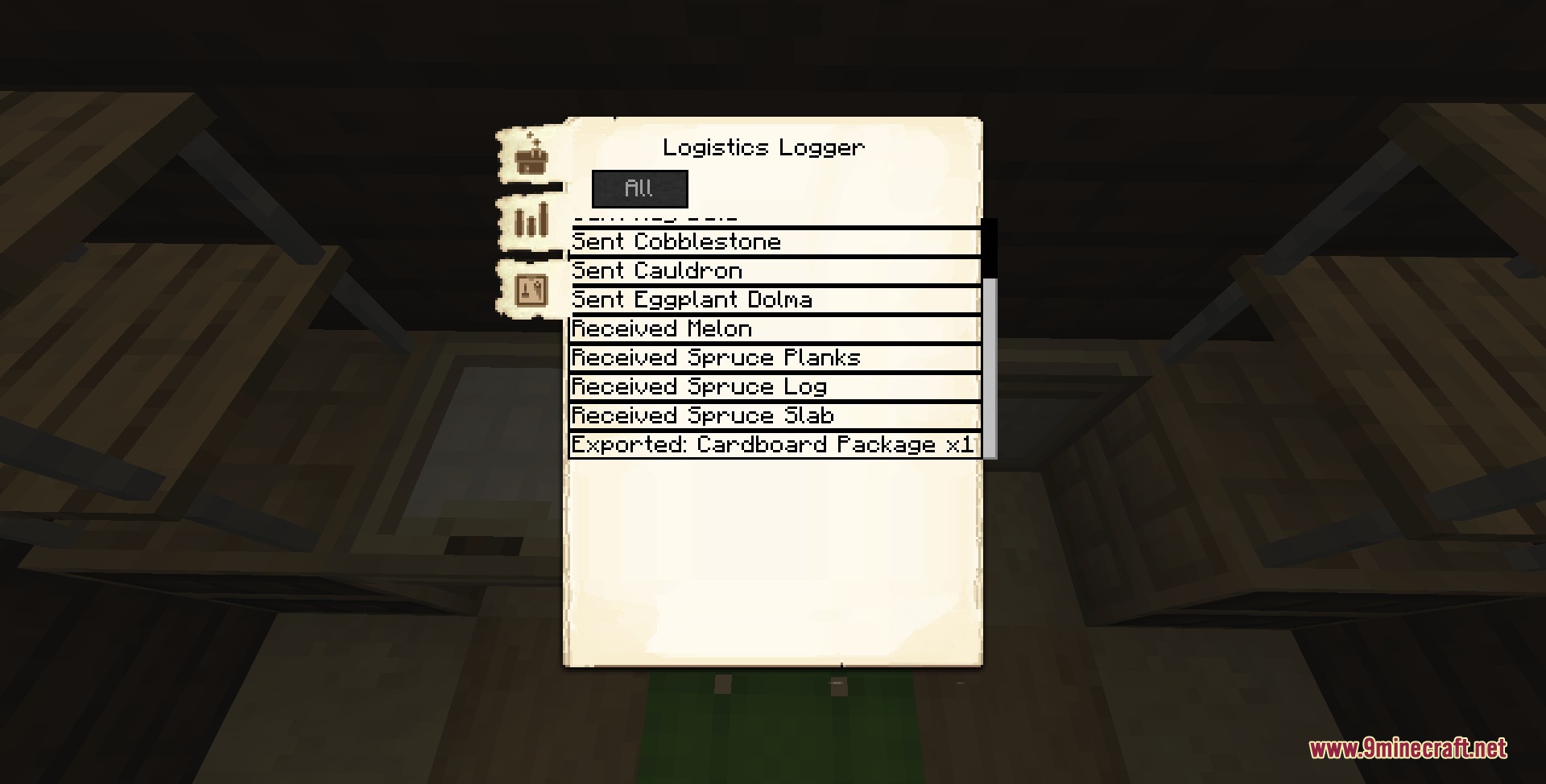
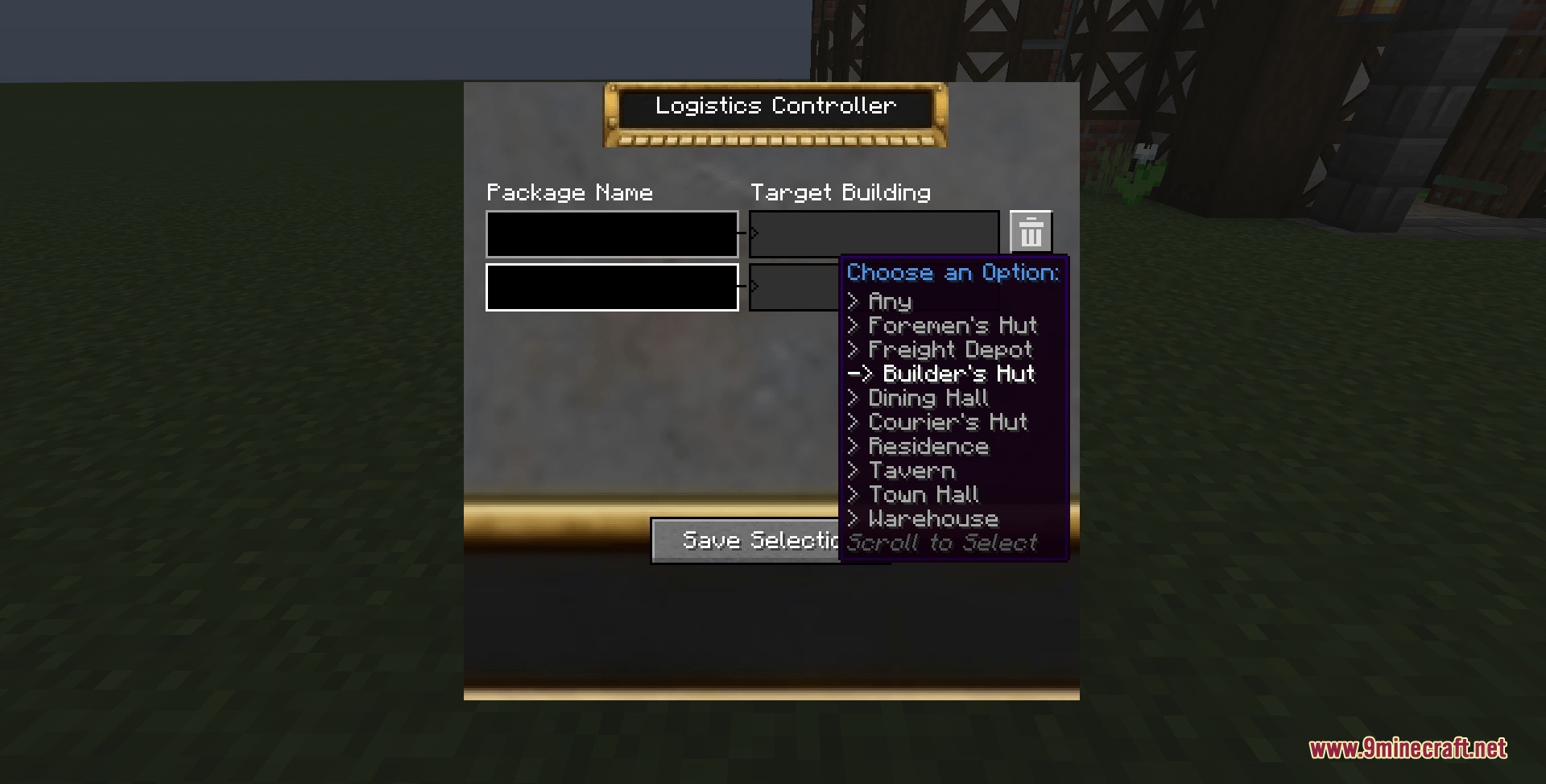
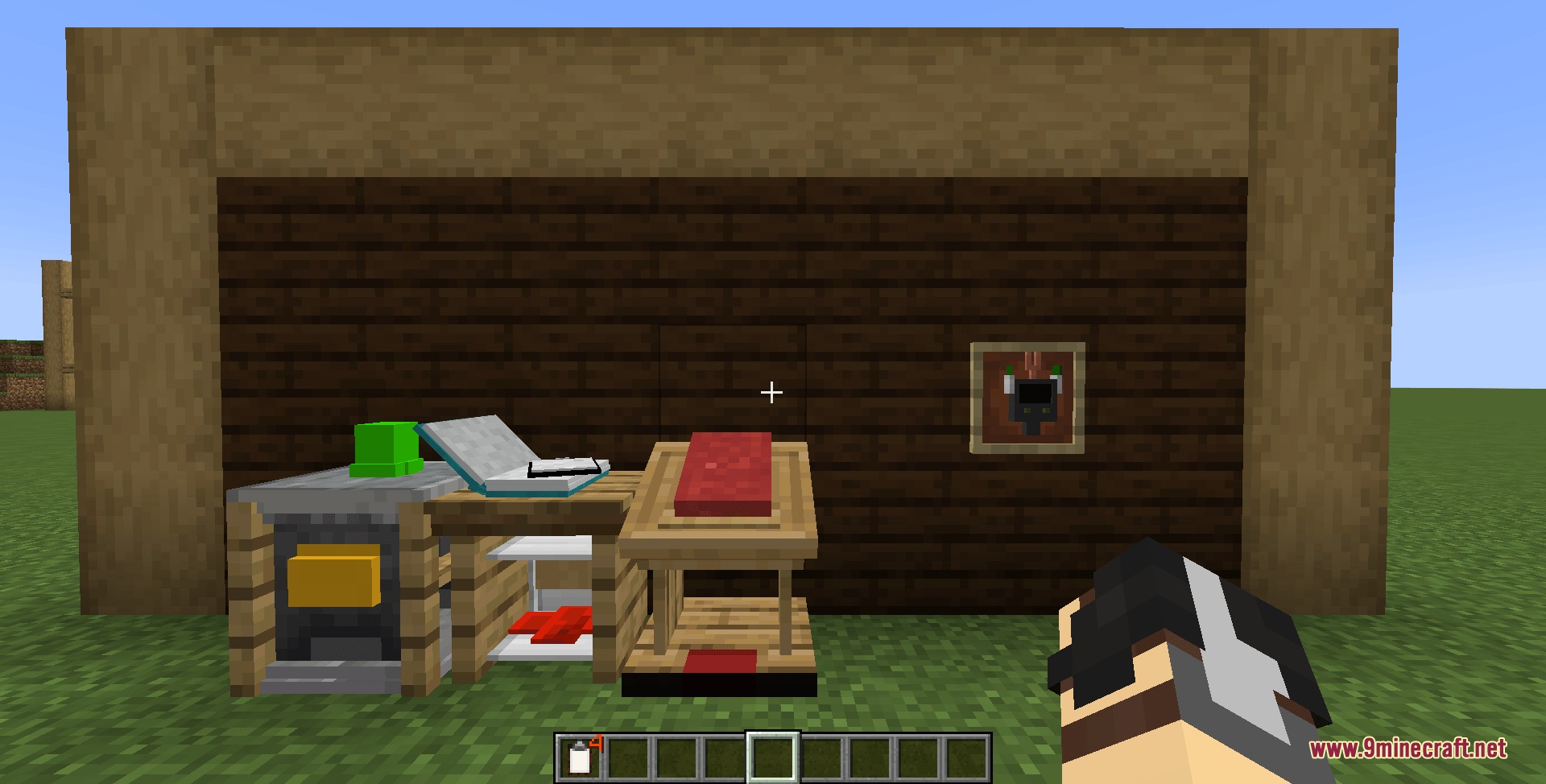
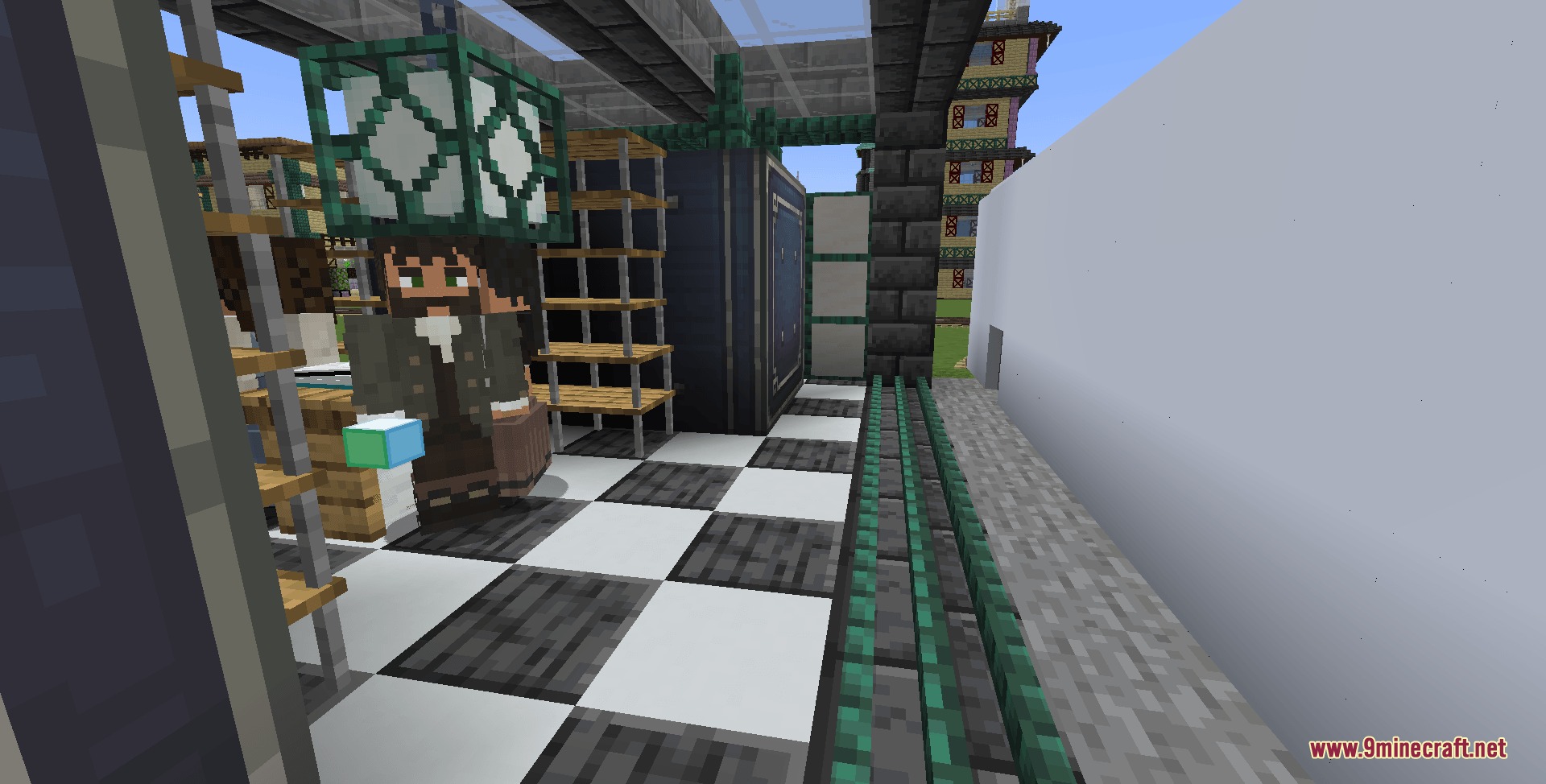

Create Colony Logistics Mod bridges your factory storage directly to your MineColonies towns. It connects factory logistics to citizen builders through real train deliveries and dedicated depot workers instead of teleporting items instantly.
Features:
- Adds the Freight Depot building where workers gather construction requests and manage train cargo.
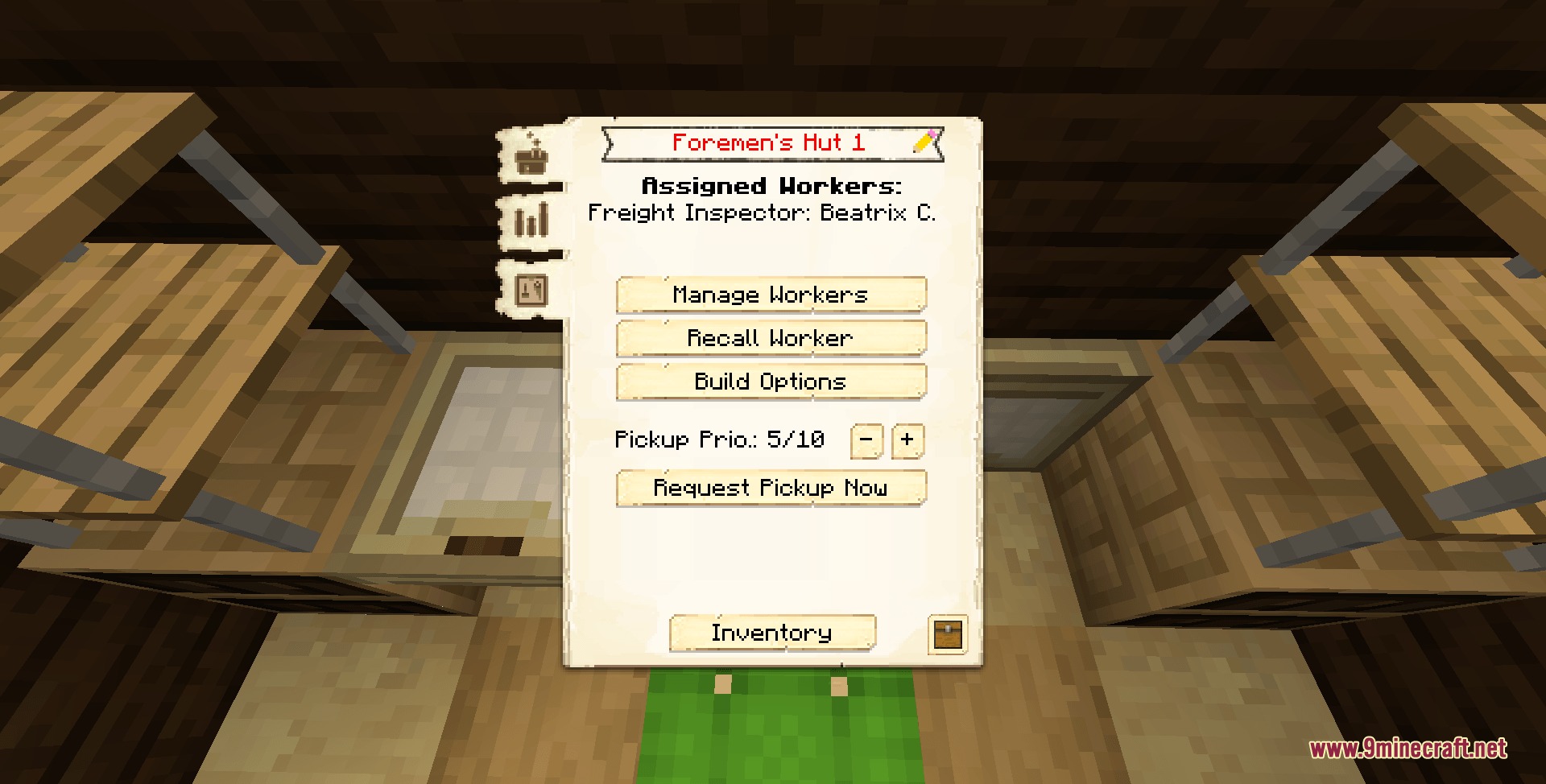
- Logistics Coordinators inspect town halls and warehouses daily to order needed building materials from factory storage.
- Packer Agents physically walk up to incoming trains to pack, unpack, and haul cardboard supply boxes.
- Lets you set stock limits inside the warehouse to automatically box up and export excess crops or resources.
- Features realistic worker schedules where delivery speeds depend on colonist stamina and health.
- Follows colony-first crafting rules by importing raw items so local craftsmen can still do their jobs.
- Adds Track Clearance blocks, ballast blocks, and slabs that keep walking citizens safe from moving trains.
- Works alongside mechanical rollers for easy track ballast placement and rail building.
- Includes protection timers to prevent infinite shipping loops between depots and main storage vaults.
How to Use:
- Construct a standard colony with an active Town Hall and Warehouse.
- Build a Freight Depot and hire a Logistics Coordinator alongside Packer Agents.
- Run a railway line connecting your factory storage vaults to the depot stop.
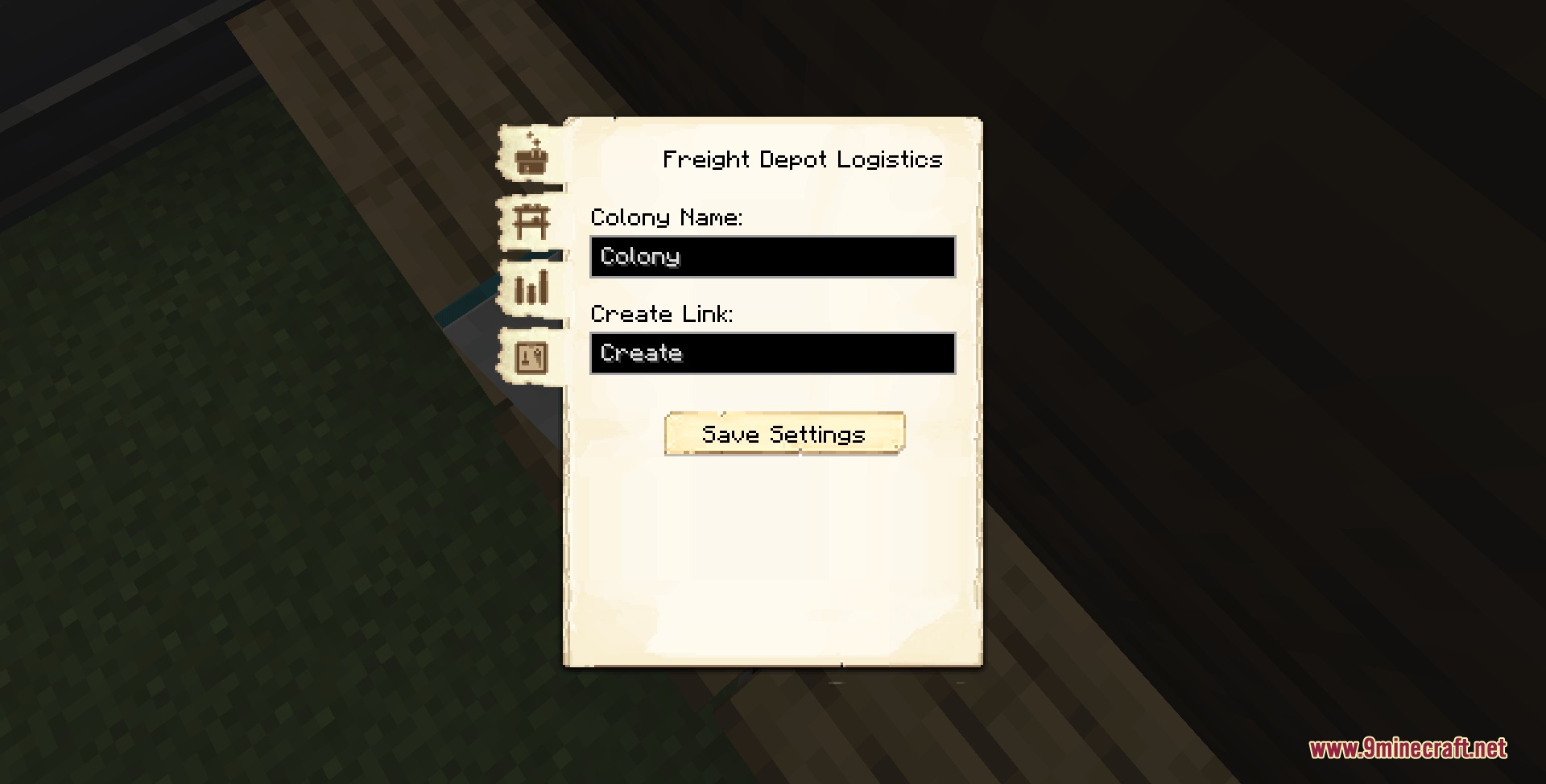
- Link the Freight Depot to your storage stock ticker using the linking tool.
- Watch your workers automatically unload shipments whenever builders submit material requests.
Screenshots:
Create Colony Logistics Mod Download Links
Quick facts
- Edition: Minecraft Java
- File type: .jar
- Minecraft version listed: 1.21.1
- How to install: Install the matching mod loader (Forge, Fabric or NeoForge) for your Minecraft version. → Download the .jar. → Put it in the .minecraft/mods folder and launch that loader profile.
- Where to get it: In MC Java Mods, or directly above on this page.
Install steps are the general flow for this file type — How to install Minecraft Java mods & modpacks walks through it step by step.
File checked by MCModsHub
- Downloads as 511294.mcaddon
- Download size: 988 KB
- Download link checked 25 Sept 2026 — working
- Mirrored on our own servers — the download does not depend on the original host
These come from our own check of the pack file, not from the source page.