
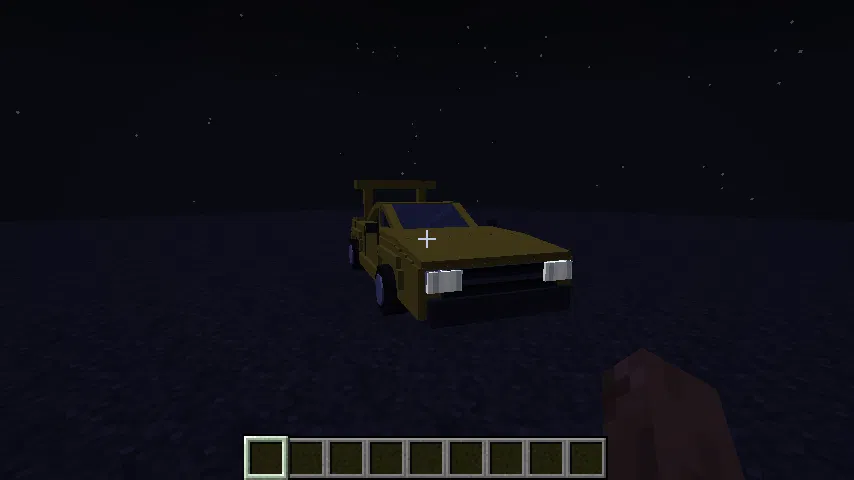
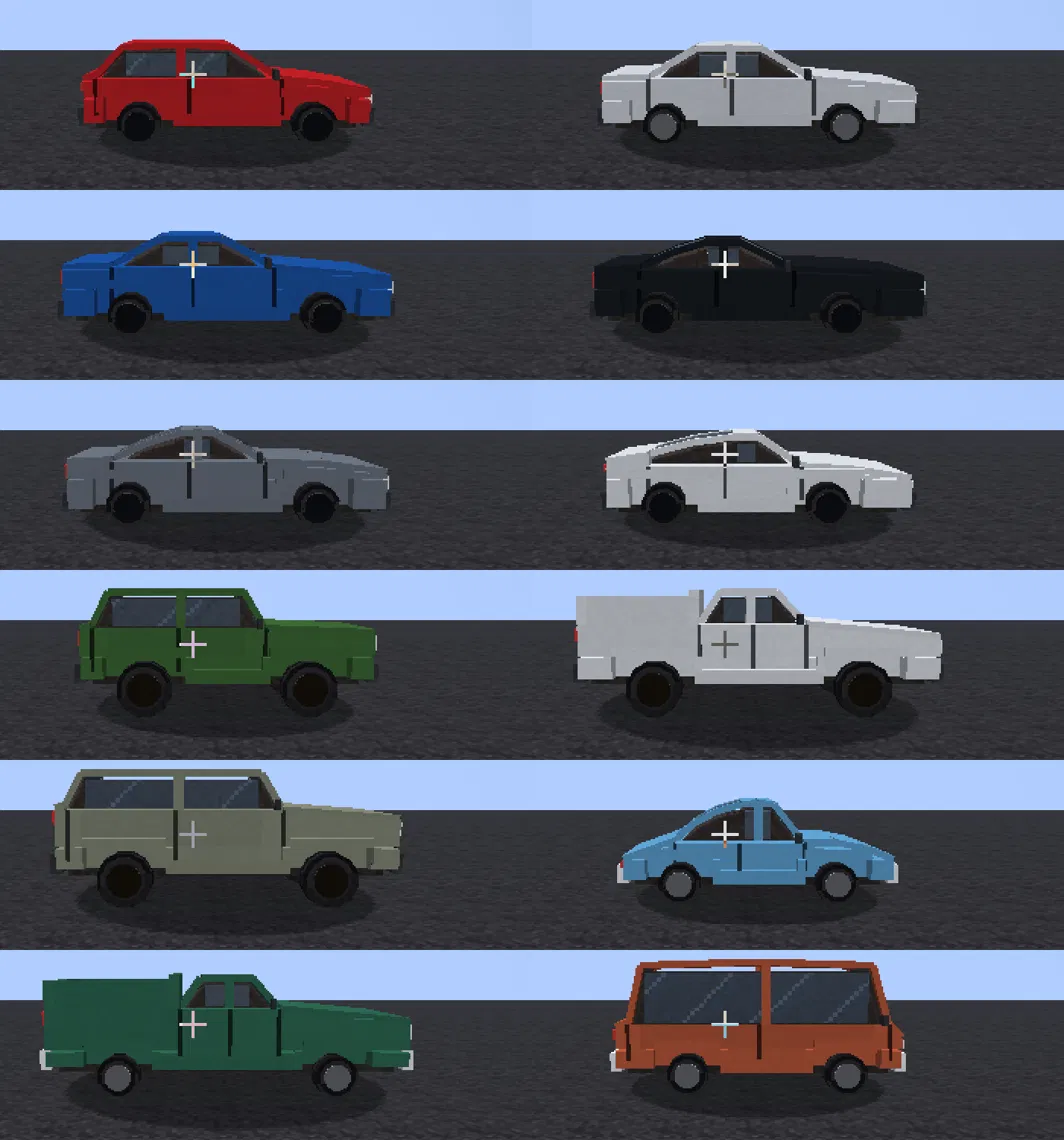
RealCars brings twelve real-world cars to Minecraft as fully drivable vehicles. You craft them from parts you build yourself — engine, transmission, wheels, chassis — then start the engine, watch the speedometer, and drive. Wheels roll and steer, the body leans in corners, headlights come on at night, and dust kicks up behind you on dirt and sand.
What's in it
12 cars in 4 classes — hatchback and sedan, sports, off-road/SUV/pickup, classic and van. Each one has its own top speed, 0–100 time, weight and fuel capacity, and its own body shape built from its real-life proportions.
A full parts and crafting chain. Everything starts from steel plates. You build engines, transmissions, wheels, a chassis, a seat and a windshield, then assemble a car in a 3×3 grid. Which car you get depends on the combination of chassis, engine, transmission and wheels.
A speedometer HUD while you're riding: a needle dial, digital km/h readout, current gear, an rpm bar with a redline marker, and a fuel gauge.
A modification system. Right-click a car with a wrench, or park next to a Car Lift. Four tabs — colour (16 dyes), wheels (4 types), spoiler (3 types), engine and transmission — with a live 3D preview that updates as you change things.
Synthesised engine sounds that follow engine speed. Each engine type has its own firing order, so a V8 and a four-cylinder really do sound different. Plus brake squeal, a horn, and a door sound when you get in or out.
Road building blocks — asphalt, asphalt slabs and two colours of road line that lay themselves out along the direction you're facing.
Driving
Place a car on the ground, right-click to get in, and press G to start the engine — it won't move otherwise.
Key Action
W / S Throttle / brake — press S while stopped to select reverse
A / D Steer
Shift Handbrake
G Start / stop the engine
H Horn
R / F Shift up / down (manual gearbox)
All keys can be rebound under RealCars in the game's controls menu.
Grip depends on what you're driving on. Asphalt gives the most, then stone and concrete, then dirt, sand and gravel, and least of all on ice and snow. Tyre choice matters too — sport tyres win on tarmac, off-road tyres win in the dirt. Building an actual road is worth it: you cannot reach the same speed across a field that you can on asphalt.
The gearbox matters. With a manual, revving too low or past the redline costs you traction, so shifting at the right moment genuinely makes you faster. An automatic does it for you but gives up a little power.
Fuel
The engine cuts out when the tank runs dry. Two ways to fill up:
Right-click the car with a Fuel Canister (+25 L, consumes the canister).
Park next to a Fuel Pump block and right-click it — each piece of coal in your inventory adds 20 L.
The cars
Car Class Top speed 0–100 Engine Gearbox
Volkswagen Golf GTI Hatchback 250 km/h 6.2 s I4 Manual
Toyota Corolla Sedan 190 km/h 10.4 s I4 Automatic
BMW M3 Sedan 290 km/h 4.1 s I6 Manual
Ford Mustang GT Sports 250 km/h 4.3 s V8 Manual
Nissan GT-R Sports 315 km/h 2.9 s V6 Sport DCT
Porsche 911 Sports t300 km/h 3.4 s Flat-6 Sport DCT
Jeep Wrangler Off-road 180 km/h 7.6 s V6 Automatic
Toyota Hilux Pickup 175 km/h 11.0 s I4 Manual
Land Rover Defender SUV 190 km/h 6.6 s I6 Automatic
Volkswagen Beetle Classic 130 km/h 17.5 s I4 Manual
Chevrolet C10 Classic pickup 160 km/h 9.0 s V8 Manual
VW Transporter T1 Van 105 km/h 22.0 s I4 Manual
Two things worth knowing
Speed is at real scale. One block is treated as one metre, so the number on the gauge is your actual speed in the world. That has a consequence: 250 km/h is about 69 blocks per second, which can outrun how fast the server loads chunks. On long drives it helps to raise your render distance or keep the route pre-loaded.
Wheels roll without slipping. Wheel rotation is derived from the distance actually travelled, so tyres don't skate along the ground — except during wheelspin, where they deliberately spin faster than the road.
- Edition: Minecraft Java
- File type: .jar
- Minecraft version listed: 26.2
- How to install: Install the matching mod loader (Forge, Fabric or NeoForge) for your Minecraft version. → Download the .jar. → Put it in the .minecraft/mods folder and launch that loader profile.
- Where to get it: Opens on Modrinth — not every file is mirrored on our own servers.
Install steps are the general flow for this file type — How to install Minecraft Java mods & modpacks walks through it step by step.
- Ships as realcars1.0.6.jar — drop this file into the mods folder
- Download size: 630 KB
- Download link checked 17 Sept 2026 — working
These come from our own check of the pack file, not from the source page.