
Designed to enhance your experience of Matcha Flavoured
This modpack includes a couple of visual, QoL and performance mods that go hand in hand with Matcha Flavoured. These mods were carefully selected as to not interfere with Matcha Flavoured's design.
What is Matcha Flavoured?
Matcha Flavoured is a datapack designed by Klei Wright to overhaul the entire vanilla Minecraft experience and make it friendlier towards players who enjoy a more "laid-back" gameplay experience. Check out the official modrinth page here and the explanation video here.
Plug and Play
Simply install the modpack and you can start playing right away! Everything is pre-selected and configured, and Matcha Flavoured is automatically installed in any world you create!
(Note: There is an issue with the first initialization of Matcha Flavoured when creating a new world, which requires you to run /reload if you have cheats enabled or simply leave and re-join the world. I added a popup upon joining a newly created world that reminds you of this.)
Some features
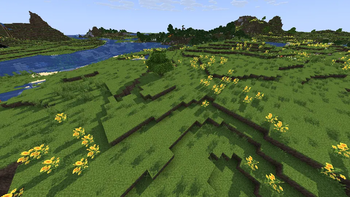
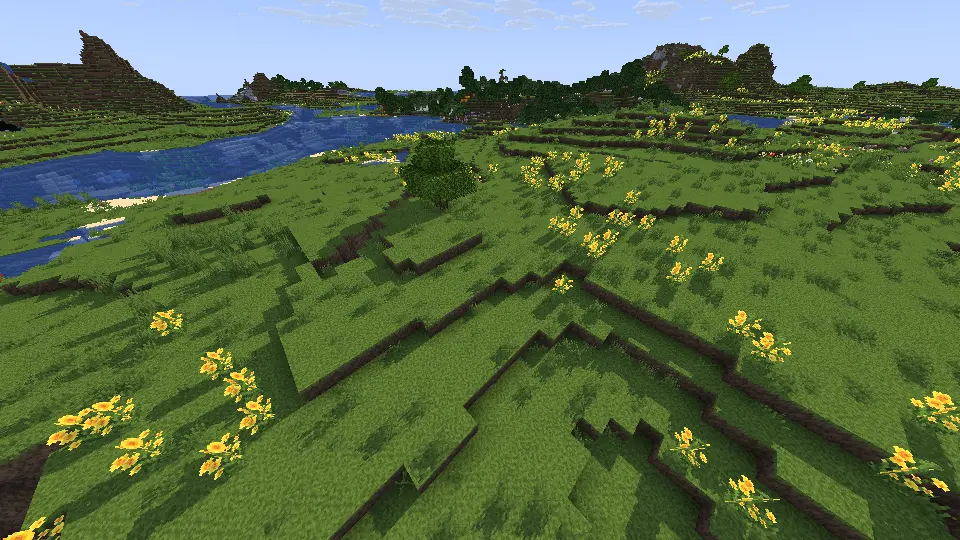
Shaders enabled!
By default the modpack comes with Miniature Shader by ukrech, but of course you can also install your personal favorite shader.
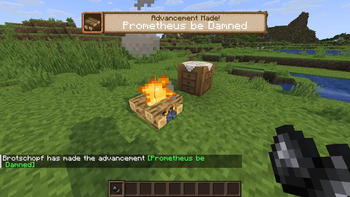
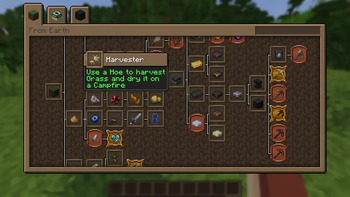
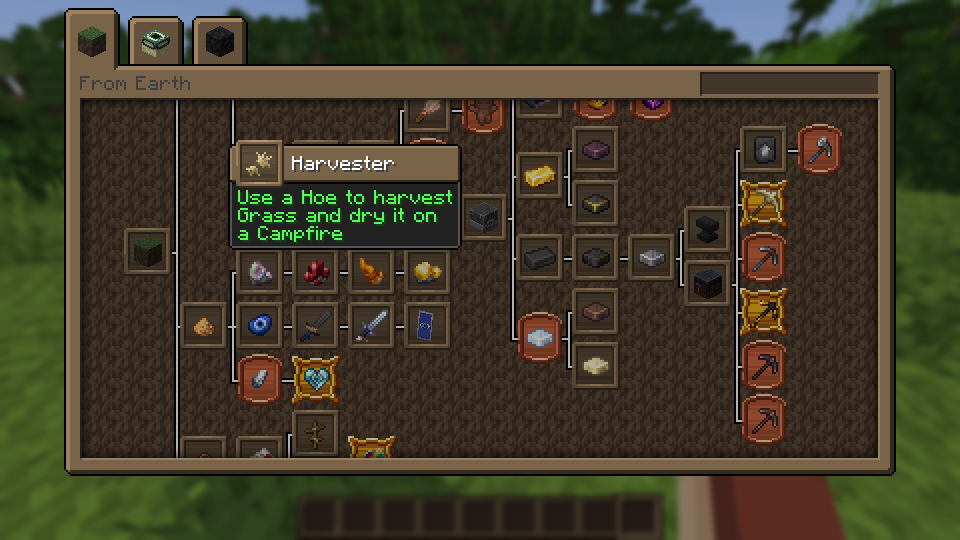
Advancement improvements!
Much of Matcha Flavoured's gameplay centers around Advancements, so Advancements have received some changes!
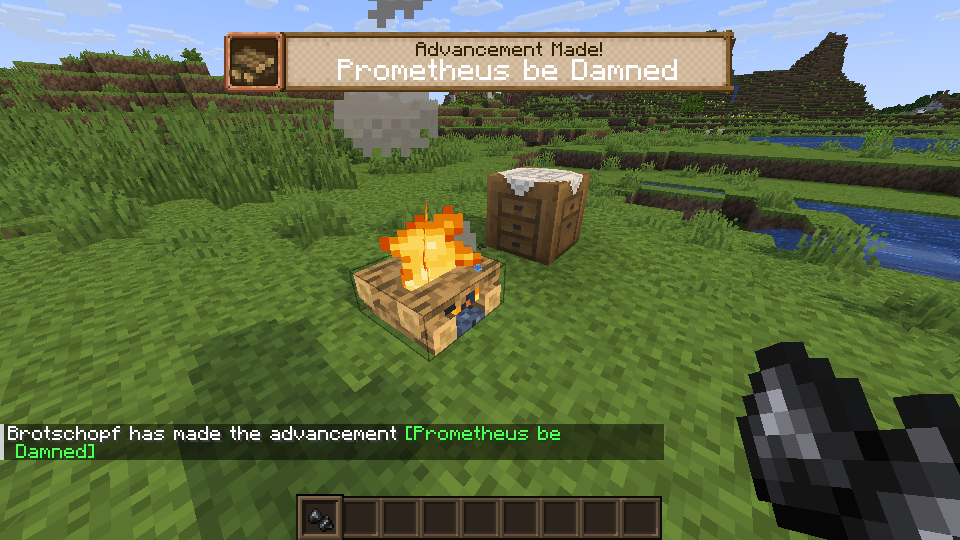
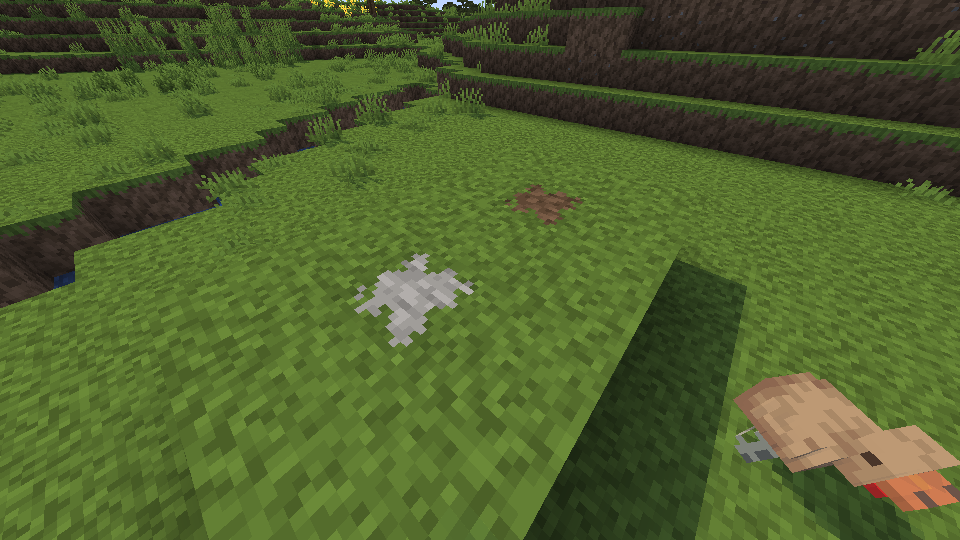
Block Overlays!
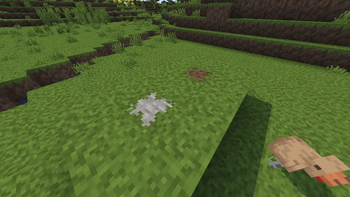
Using Continuity by Pepper_Bell in combination with Matcha Block Overlays by Bird73 results in a more beautiful look for Matcha Flavoured's Resource Pack!
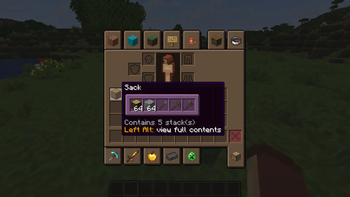
Sack Tooltips
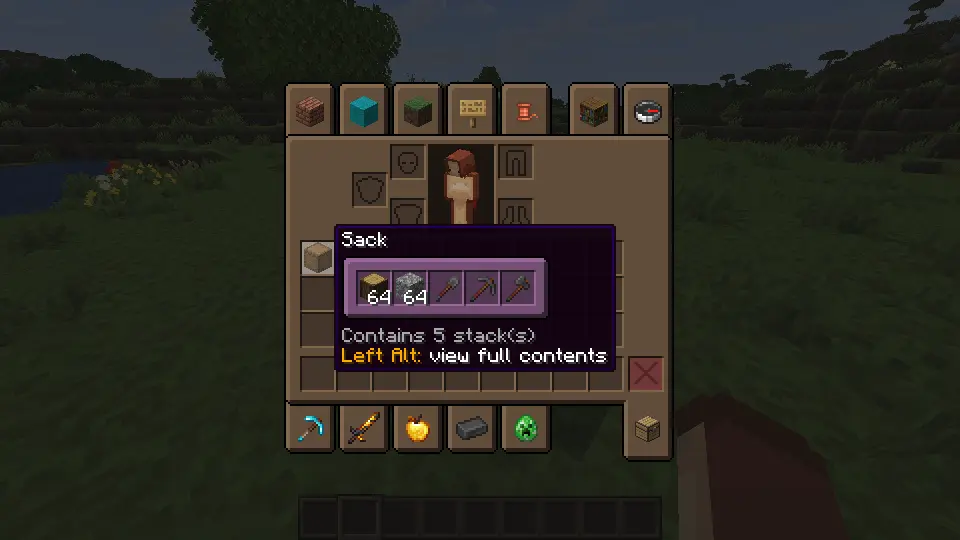
See the contents of your Sacks by simply hovering over them in your inventory!
Q&A
Question: I don't like Matcha Flavoured's look, can I change it?
Answer: Yes! You can use Matcha Vanilla Flavoured by bug_eater_, which overrides all the changed textures with their vanilla counterparts, while leaving things newly added through Matcha Flavoured alone. Simply install the resource pack, deselect "Matcha Block Overlays" and put Matcha Vanilla Flavoured above the "Matcha Flavoured" resource pack.
Question: I don't like the shader, can I change it?
Answer: Yes! Just install your preferred Shader and select it in the Shader Pack Options under Video Settings.
Question: I don't like XYZ mod, can I disable it?
Answer: Generally yes! The only mod required to play properly is Datapack Injector by henkelmax as it automatically installs Matcha Flavoured into your world.
Credits
Datapack
klei_wright for Matcha Flavoured
Mods
tr7zw for 3D Skin Layers
Grend and Mat0u5 for Advancement Plaques and Iceberg
diskria for Advancements Fullscreen and Advancements Search
qendolin and orangishcat for Better Clouds
shedaniel for Cloth Config API
jaredlll08 for Clumps
Serilum for Collective, Double Doors and First Join Message
henkelmax for Datapack Injector
SuperMartijn642 for Durability Tooltip and SuperMartijn642's Config Lib
juliand665 and LostLuma for Dynamic FPS
tr7zw, Pelotrio and vicisacat for Entity Culling
modmuss50 and Player7457 for Fabric API and Fabric Language Kotlin
malte0811 for FerriteCore
Fuzs for Forge Config API Port, Overflowing Bars and Puzzles Lib
coderbot and IMS for Iris Shaders
CaffeineMC, jellysquid3 and 2No2Name for Lithium
Terraformers, Prospector, modmuss50 and gniftygnome for Mod Menu
MisterPeModder for Shulker Box Tooltip
CaffeineMC, jellysquid3, douira and IMS for Sodium
Patbox for Text Placeholder API
Sunekaer, ErrorMikey and Nanite for Yeetus Experimentus
isxander for YetAnotherConfigLib (YACL)
Resource Packs
klei_wright for Matcha Flavoured
Cerealconjugo for Delightful Plaques
Bird73 for Matcha Block Overlays
Shaders
- Edition: Minecraft Java
- File type: .jar
- Minecraft version listed: 26.2
- How to install: Install the matching mod loader (Forge, Fabric or NeoForge) for your Minecraft version. → Download the .jar. → Put it in the .minecraft/mods folder and launch that loader profile.
- Where to get it: Opens on Modrinth — not every file is mirrored on our own servers.
Install steps are the general flow for this file type — How to install Minecraft Java mods & modpacks walks through it step by step.
- Downloads as Richly Matcha Flavoured 1.0.1.mrpack
- Download size: 26 KB
- Download link checked 17 Sept 2026 — working
These come from our own check of the pack file, not from the source page.