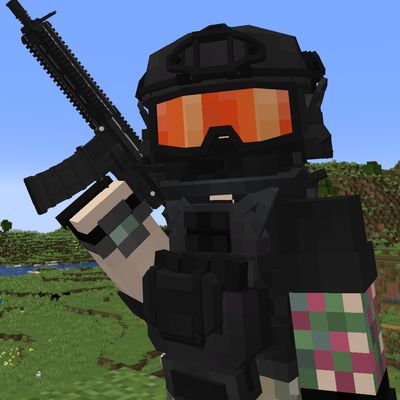
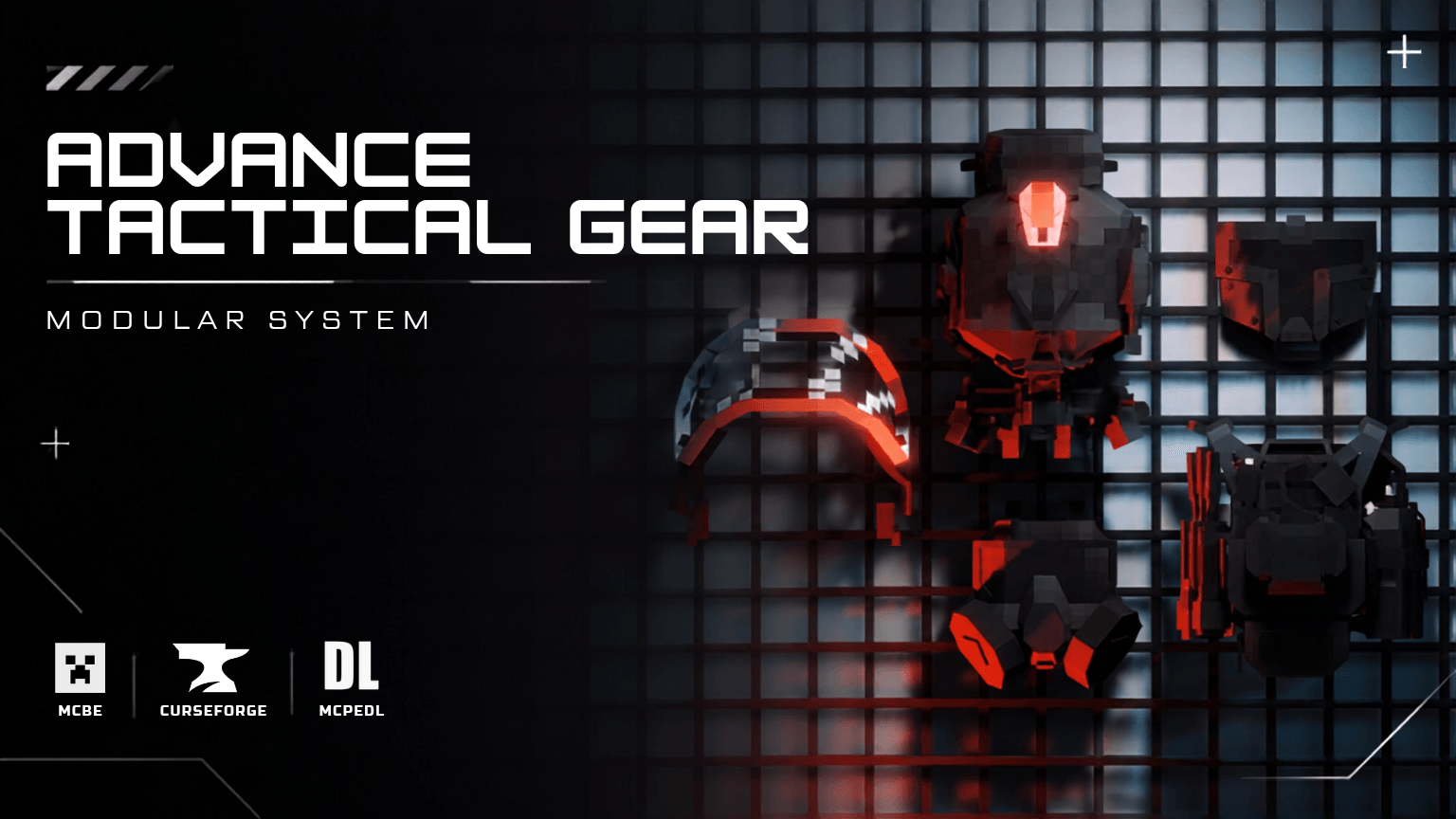

Advance Tactical Gear : Modular System is a modular tactical loadout system addon for Minecraft Bedrock. Every piece of gear is built to be customized. Swap attachments, manage battery life. Adjust your protection setup one part at a time.
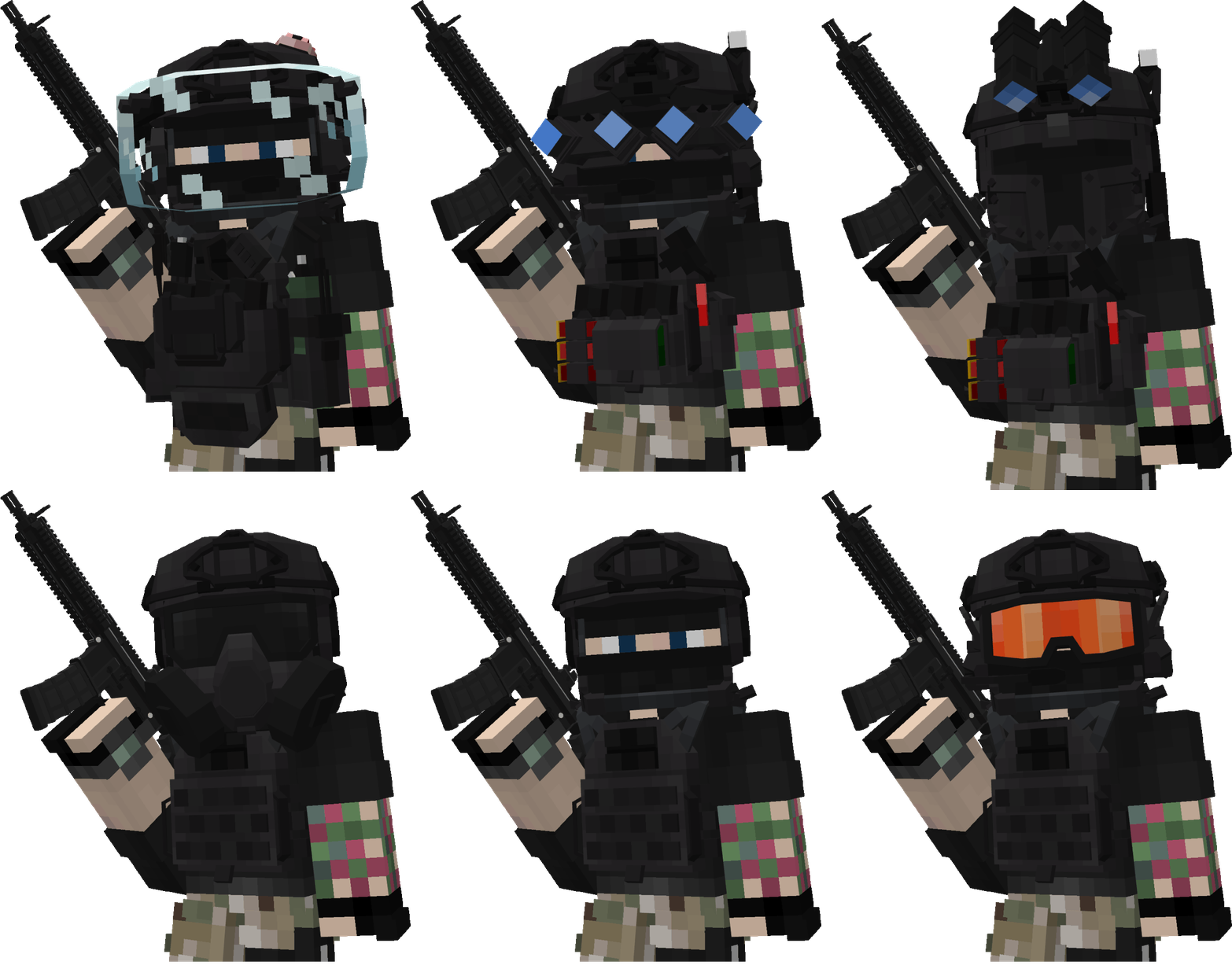
Modular Helmet
Seven attachment categories: Battery Pack, Face Shield, Gas Mask, Goggles, Headset, Lights and NVG (GPNVG-18 or PVS-31). Every slot can be set up independently using the loadout menu.
Modular Plate Carrier
Six attachment categories: Mag Pouch, Radio, Medkit, Back Panel, Utility and Other. Each category has real options. Open the loadout menu and mix and match without ever leaving your inventory.
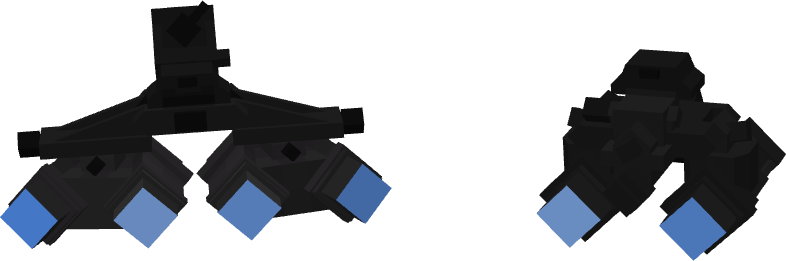
Functional NVG System
This is not a cosmetic goggle model. It runs on a battery. NVGs drain power over 60 minutes of active use. Recharge instantly with an NVG Battery item. Flip the visor up or down on demand (Sneak + Jump). In‑game battery percentage readout is available while active. Full Features mode adds a real‑time glow overlay that can be seen in first‑person while the NVG is down and powered
Real Damage Protection
The plate carrier and helmet are not visual. They actively absorb damage, from melee, projectiles and explosions. The protection stacks up to a capped maximum so it remains meaningful and does not turn you into invincibility.
This pack ships with two selectable subpacks so it fits your setup
Compatible Mode
Doesn't have NVG overlay
Safe to run alongside other addons all armor, attachment, battery, and protection systems work identically
Full Features
Have NVG overlay
May conflict with other addons that also modify the player.json
How to use:
-
- Equip the Plate Carrier or Helmet
- Use the matching Loadout Tool item to open the configuration menu
- Pick your setup from each category dropdown — changes apply instantly
- For NVGs: equip a GPNVG-18 or PVS-31 in the Helmet's NVG slot, then Sneak + Jump to flip the visor down
🗿🗿🗿
- Edition: Minecraft Bedrock
- File type: .mcpack or .mcaddon
- Minecraft versions listed: 26.30, 26.40, 26.50
- How to install: Download the .mcpack or .mcaddon file. → Open it — Minecraft imports it. → In your world: Behavior Packs → Available → Activate, then the same under Resource Packs.
- Where to get it: Opens on CurseForge — not every file is mirrored on our own servers.
Install steps are the general flow for this file type — How to install Minecraft Bedrock addons & mods walks through it step by step.
- Pack type: .mcaddon — behaviour and resource pack in one file
- Manifest requires Minecraft 1.21.120 or newer
- Complete pack — everything it depends on is inside the file
- Download size: 308 KB
- Download link checked 17 Sept 2026 — working
These come from our own check of the pack file, not from the source page.