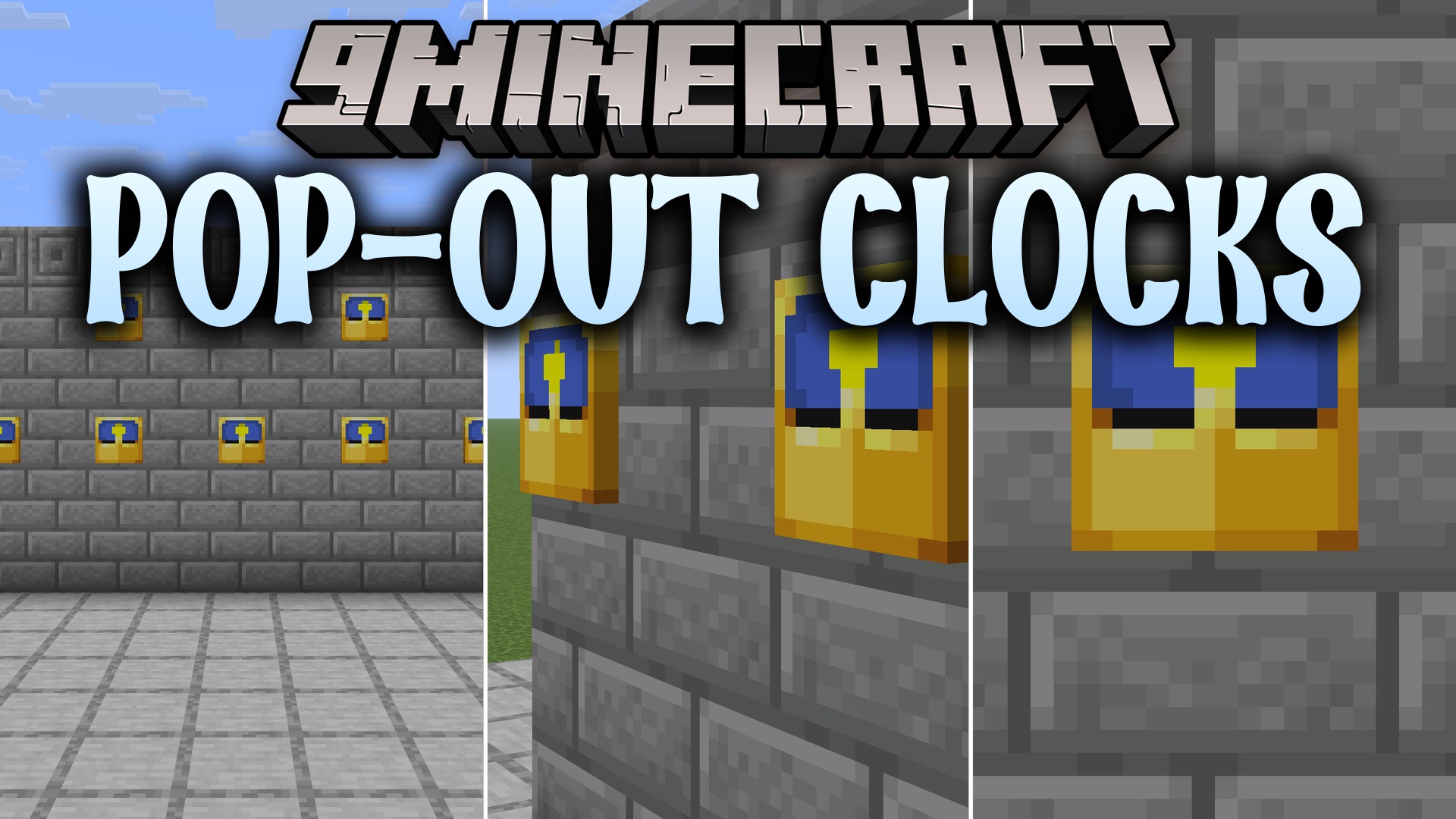
Pop-out Clocks 9minecraft Resource Pack (26.3) – True 3D Wall Clocks
Minecraft Java resource pack. Download on the author's site.
⬇ Download
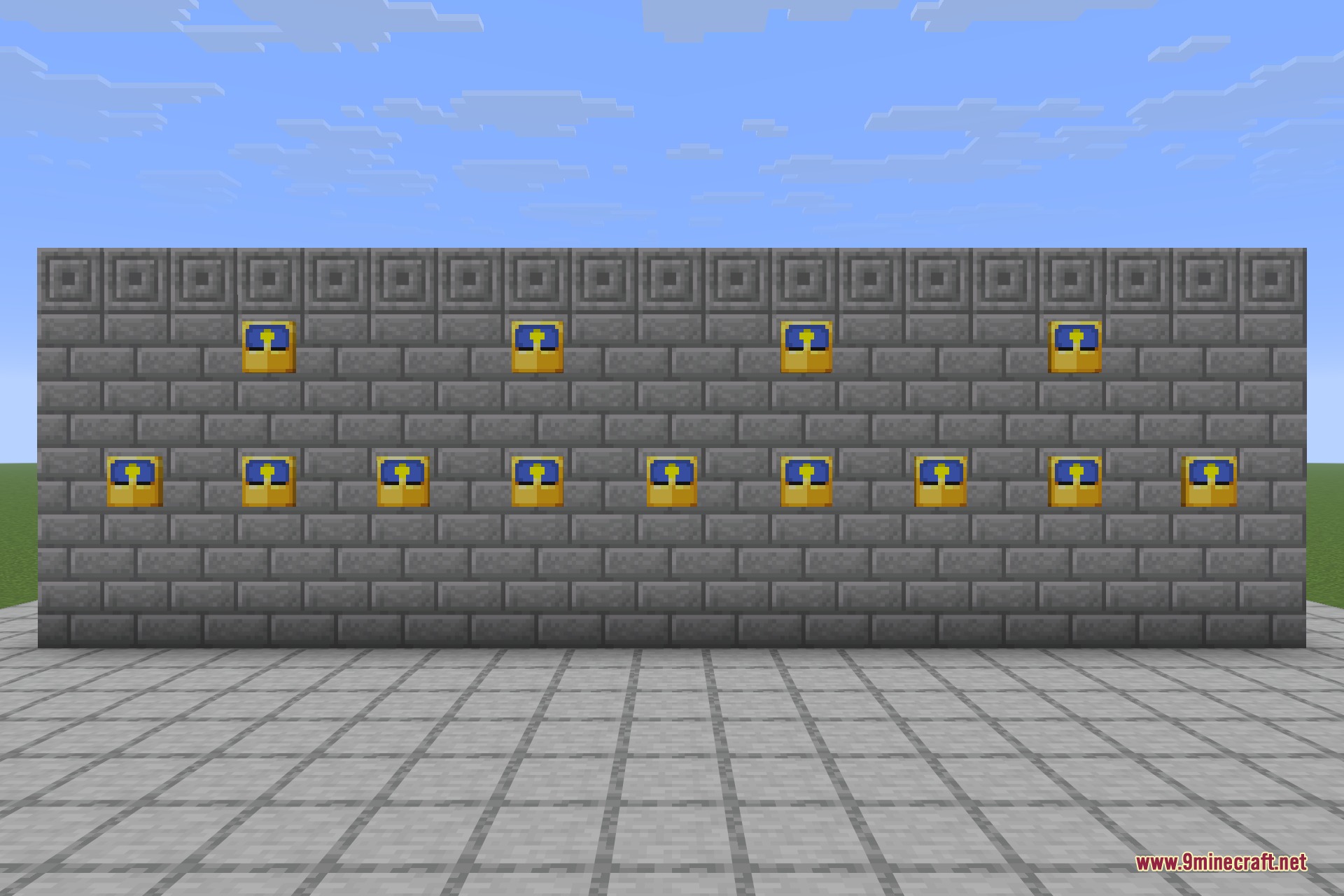
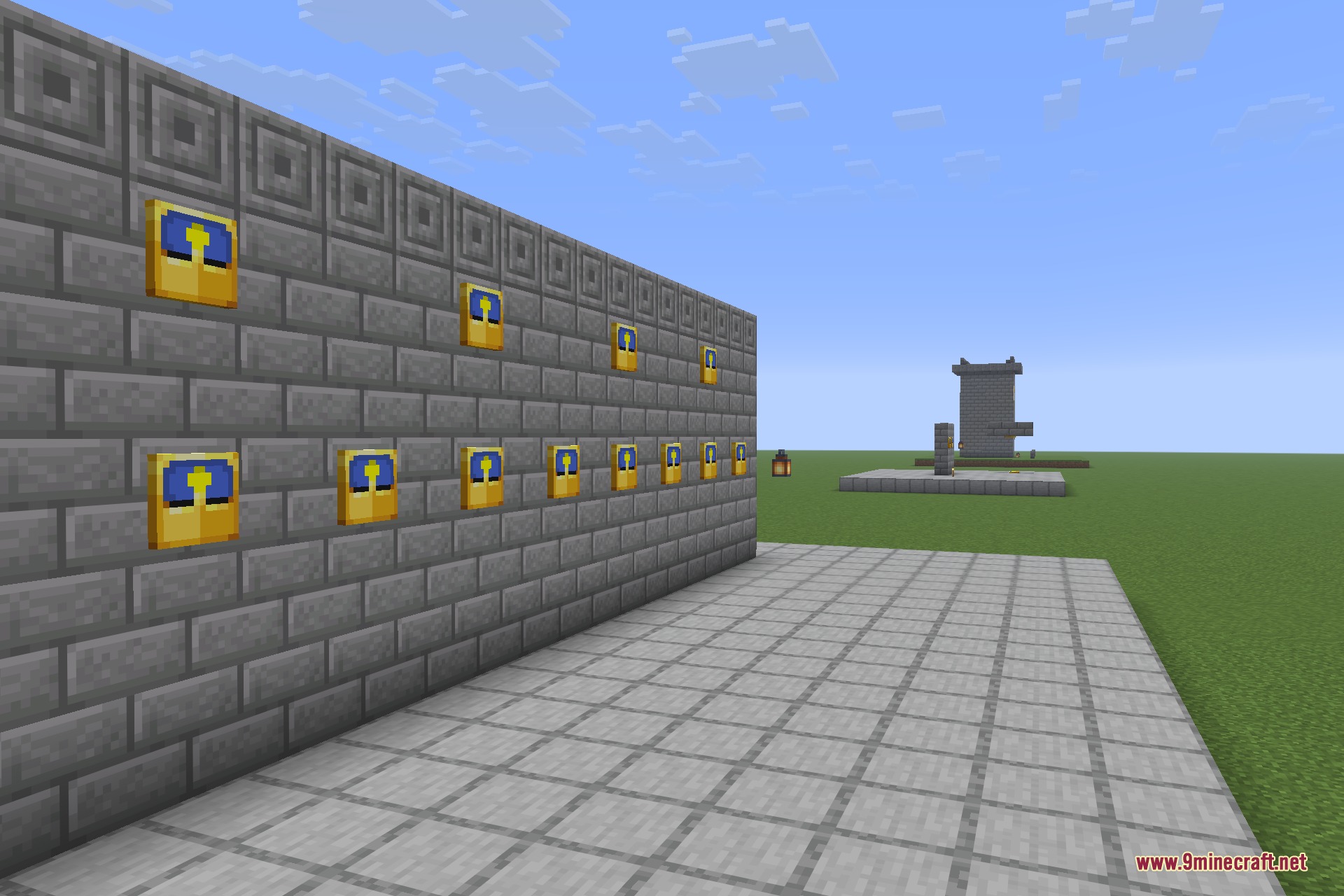
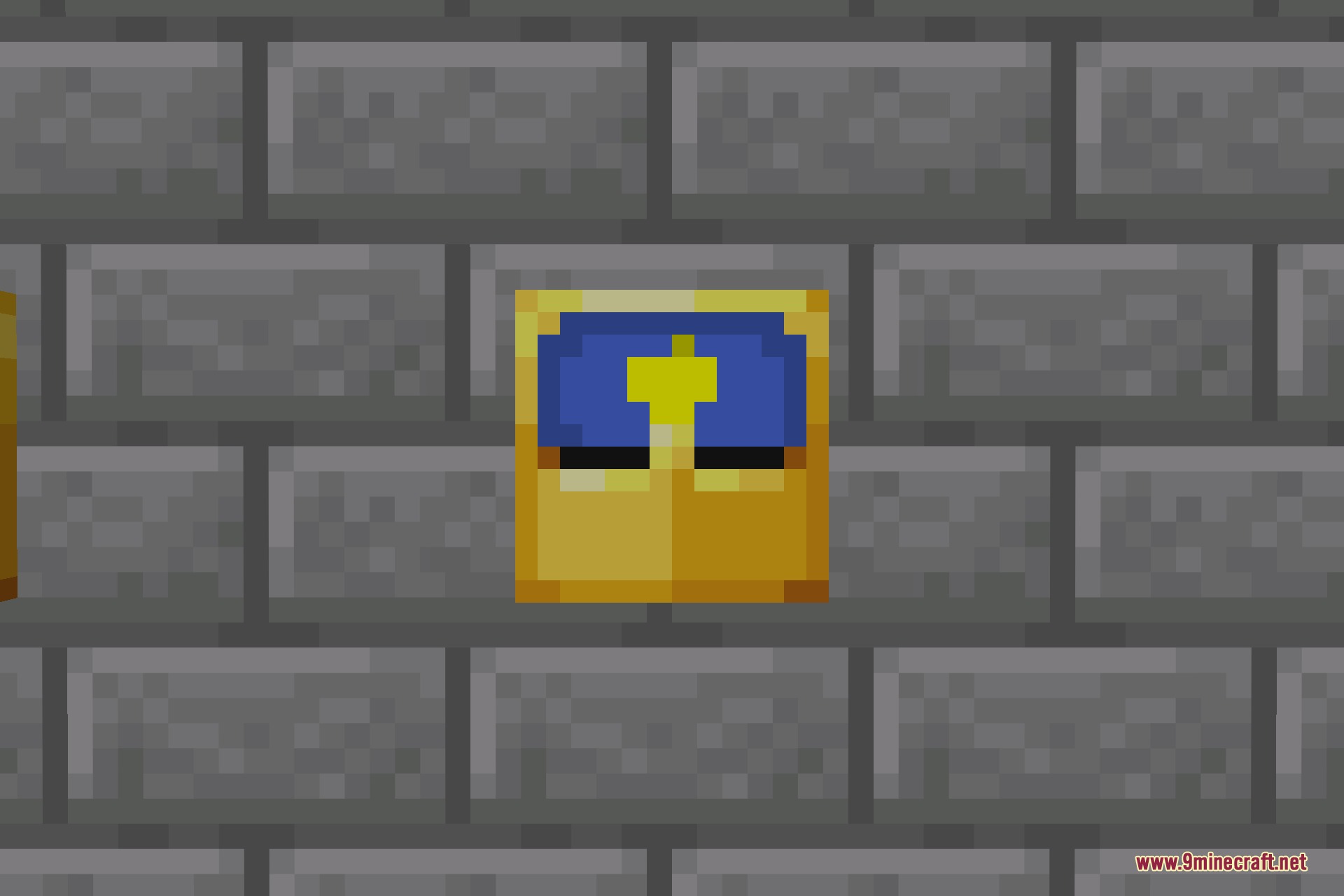
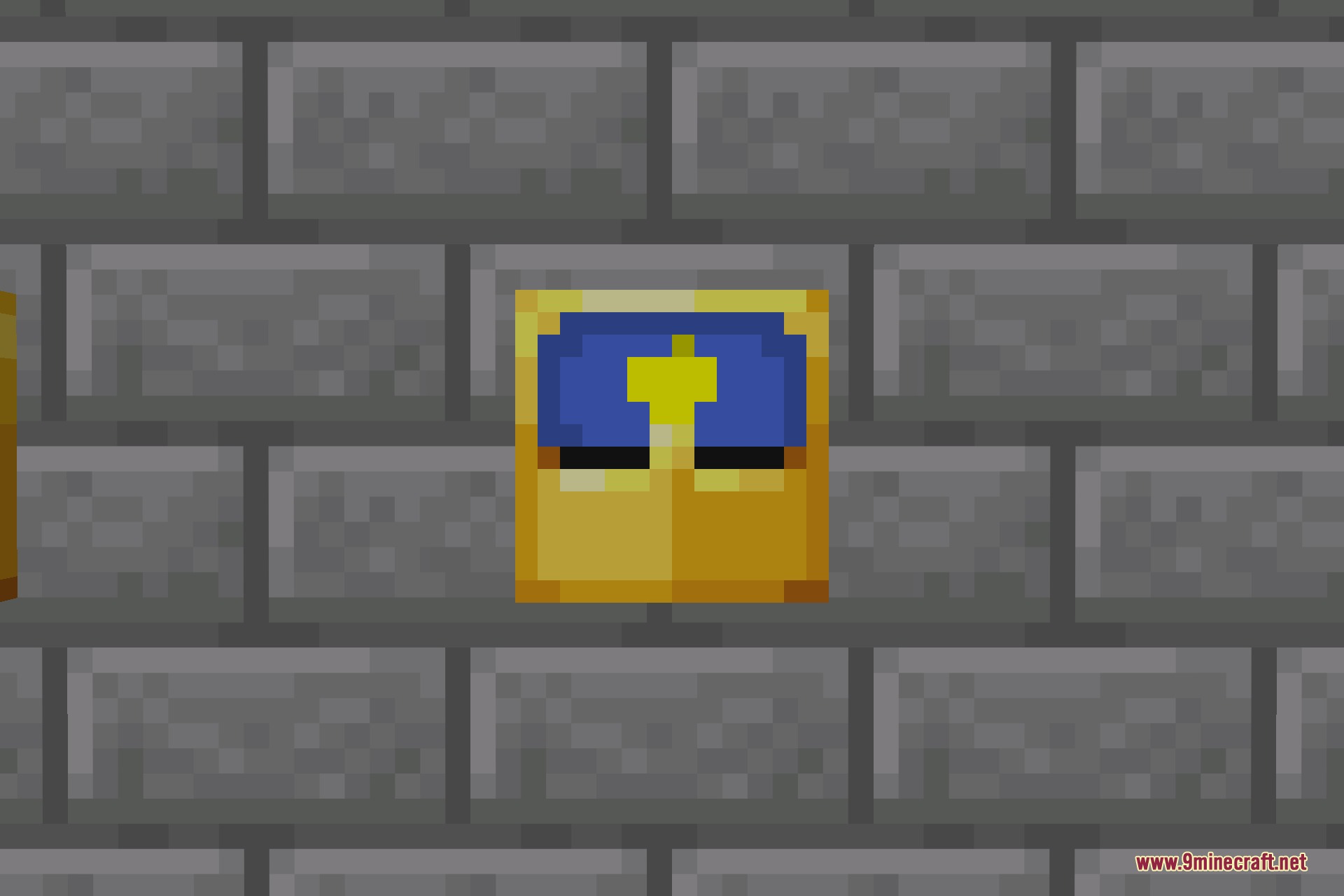
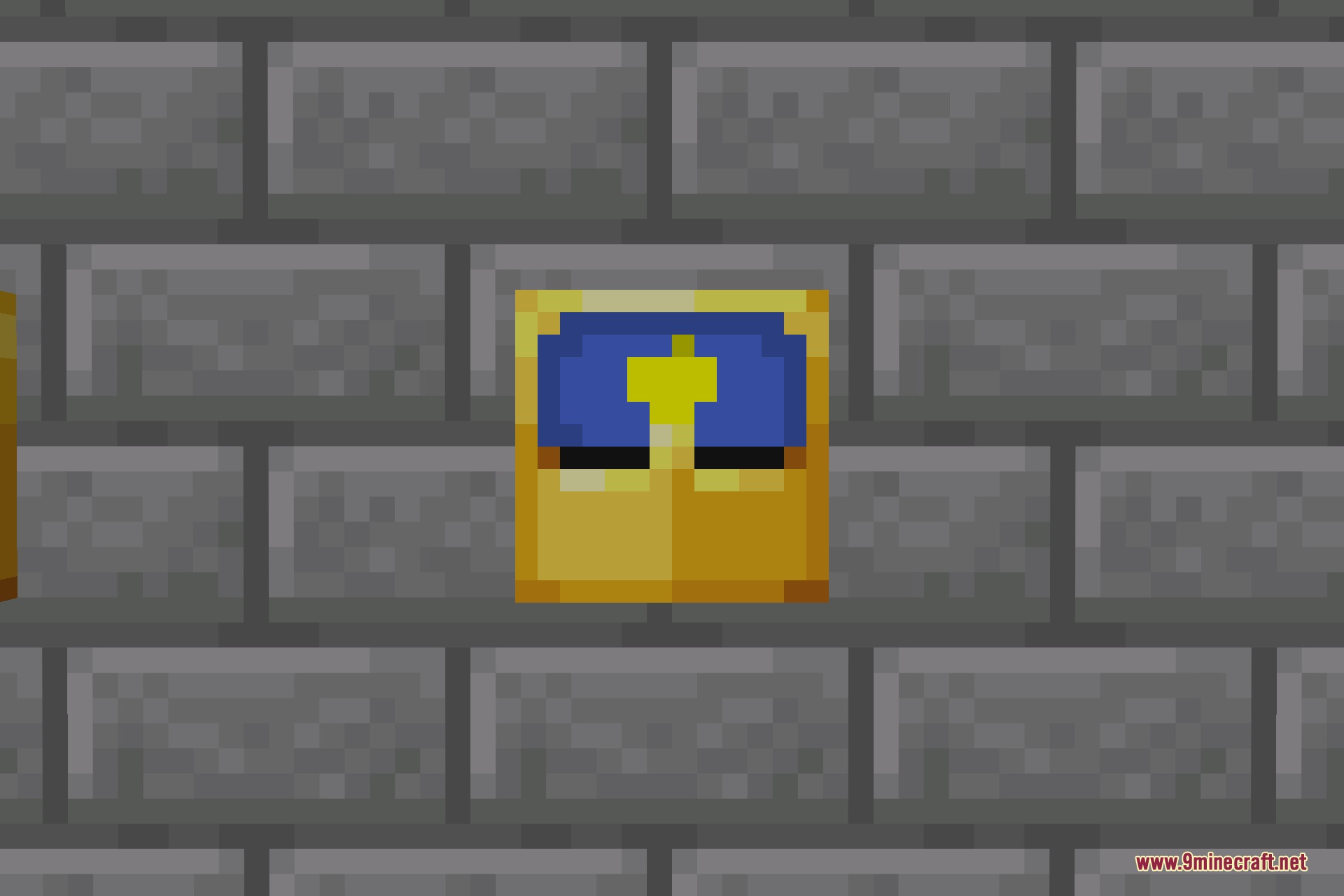
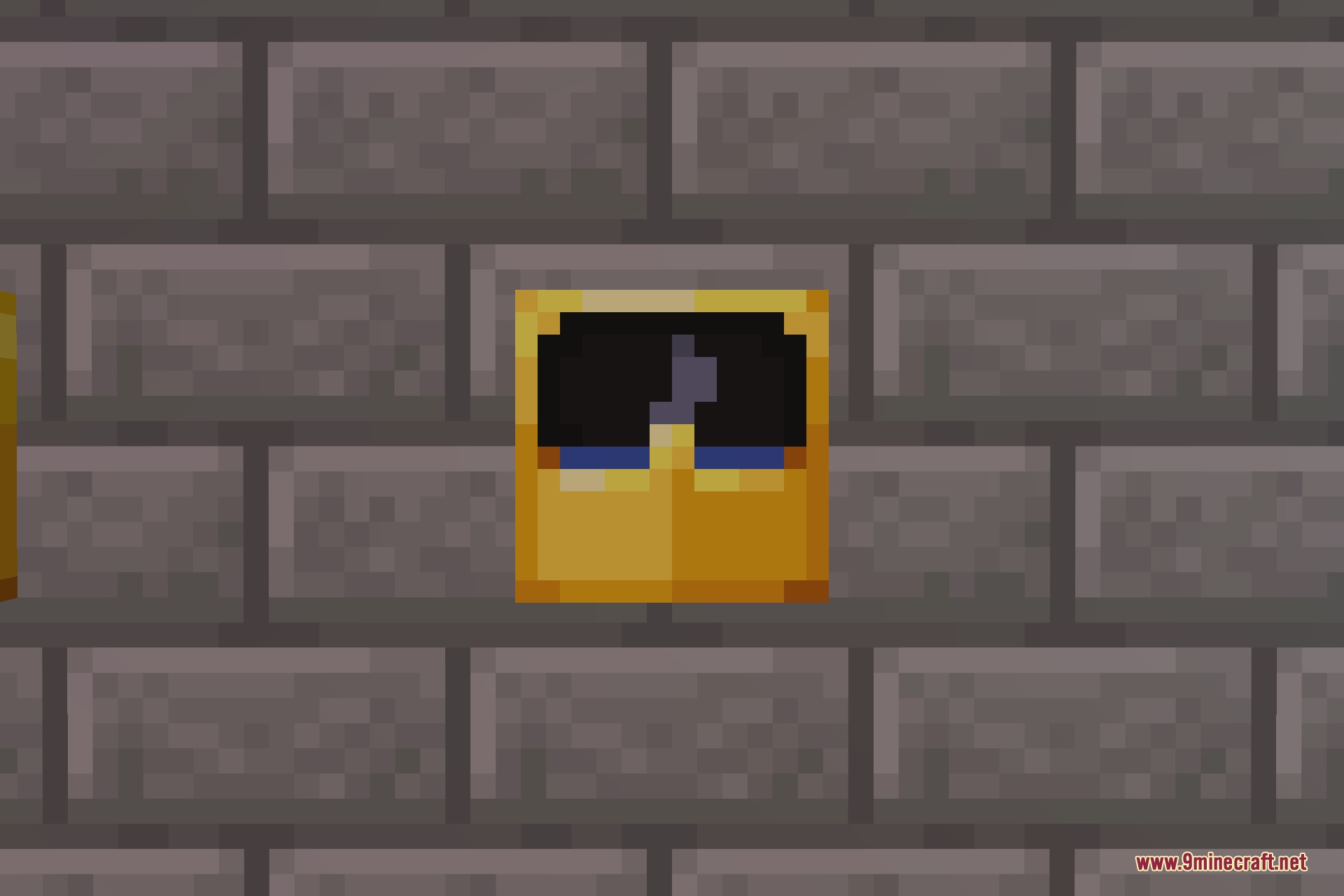
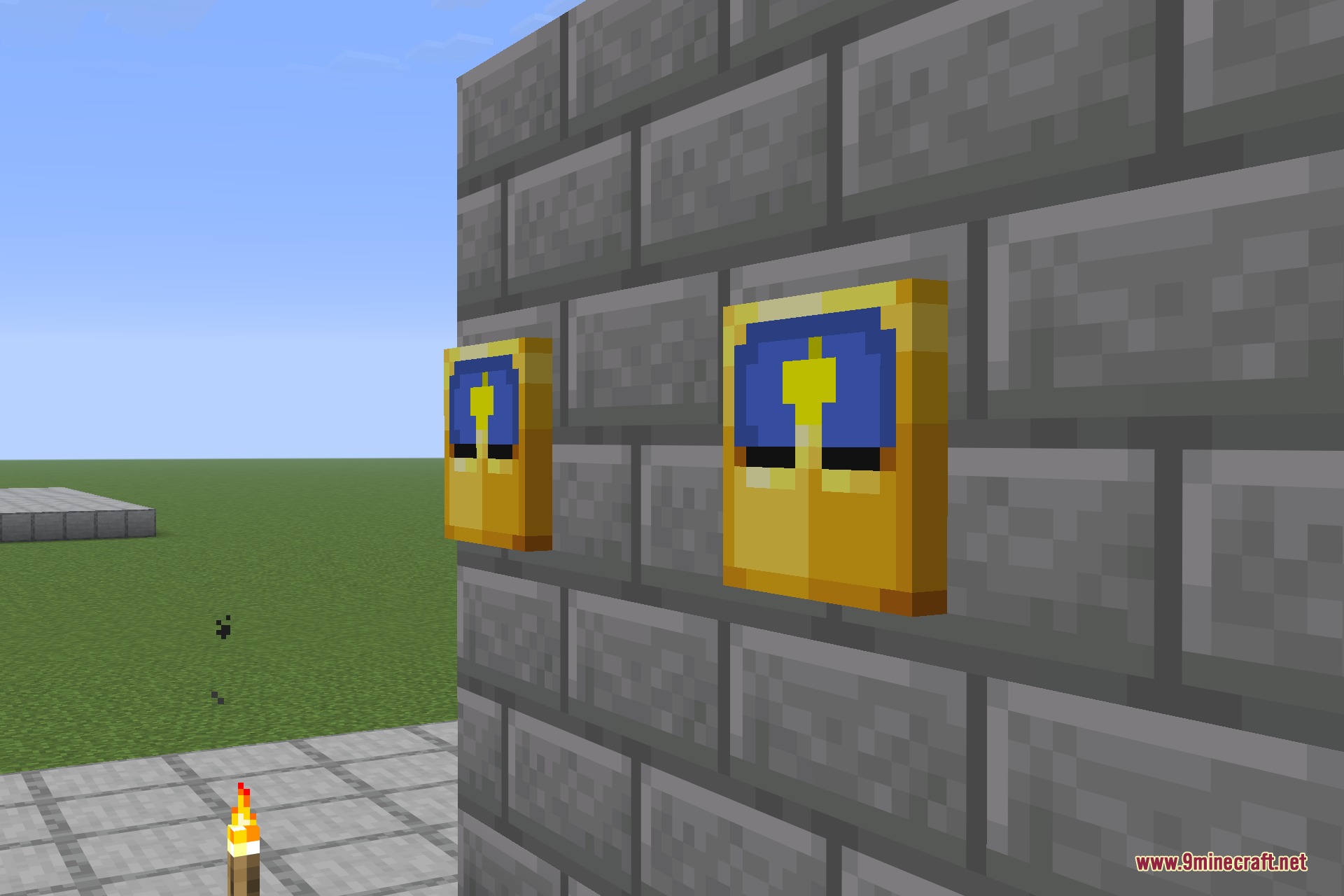
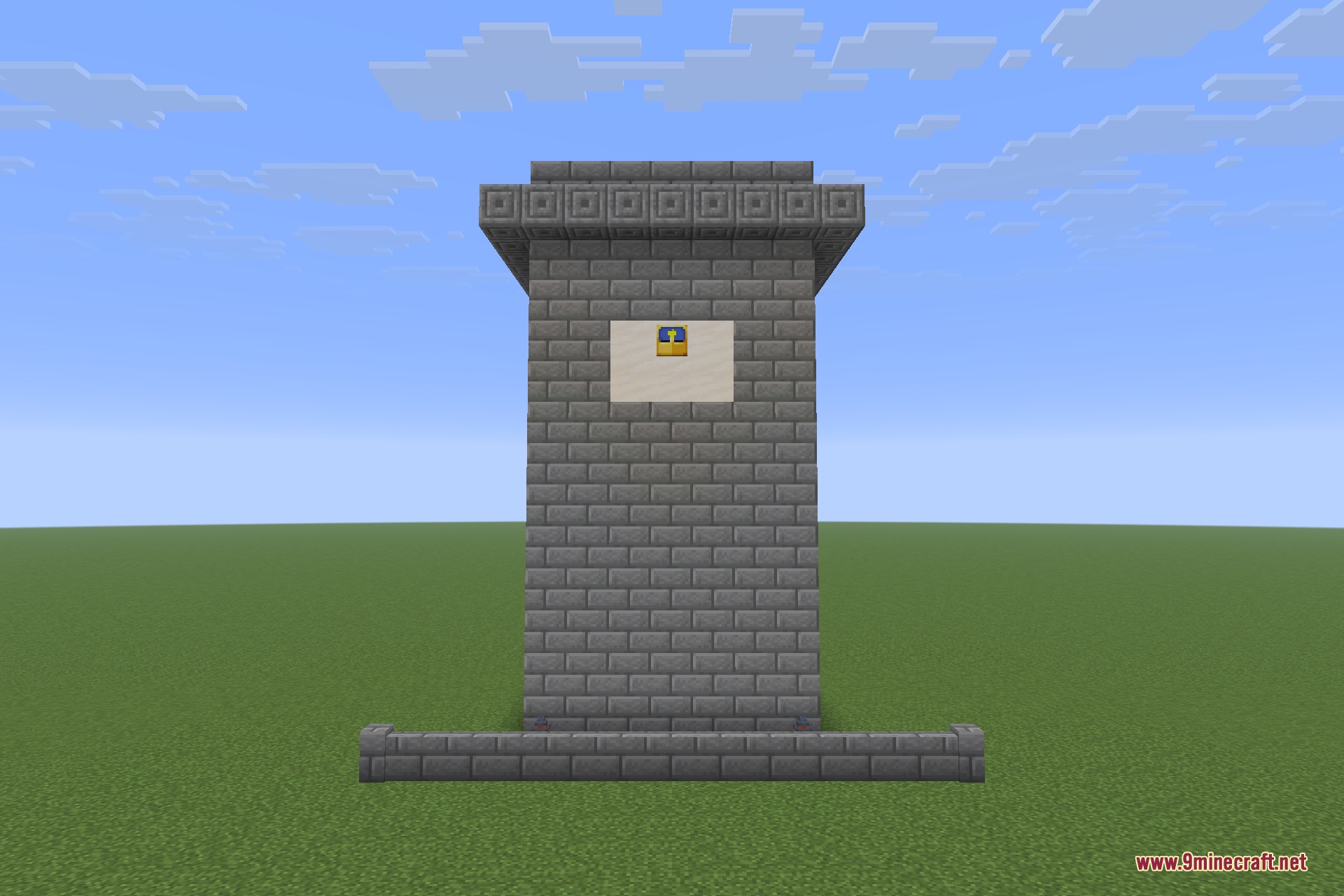
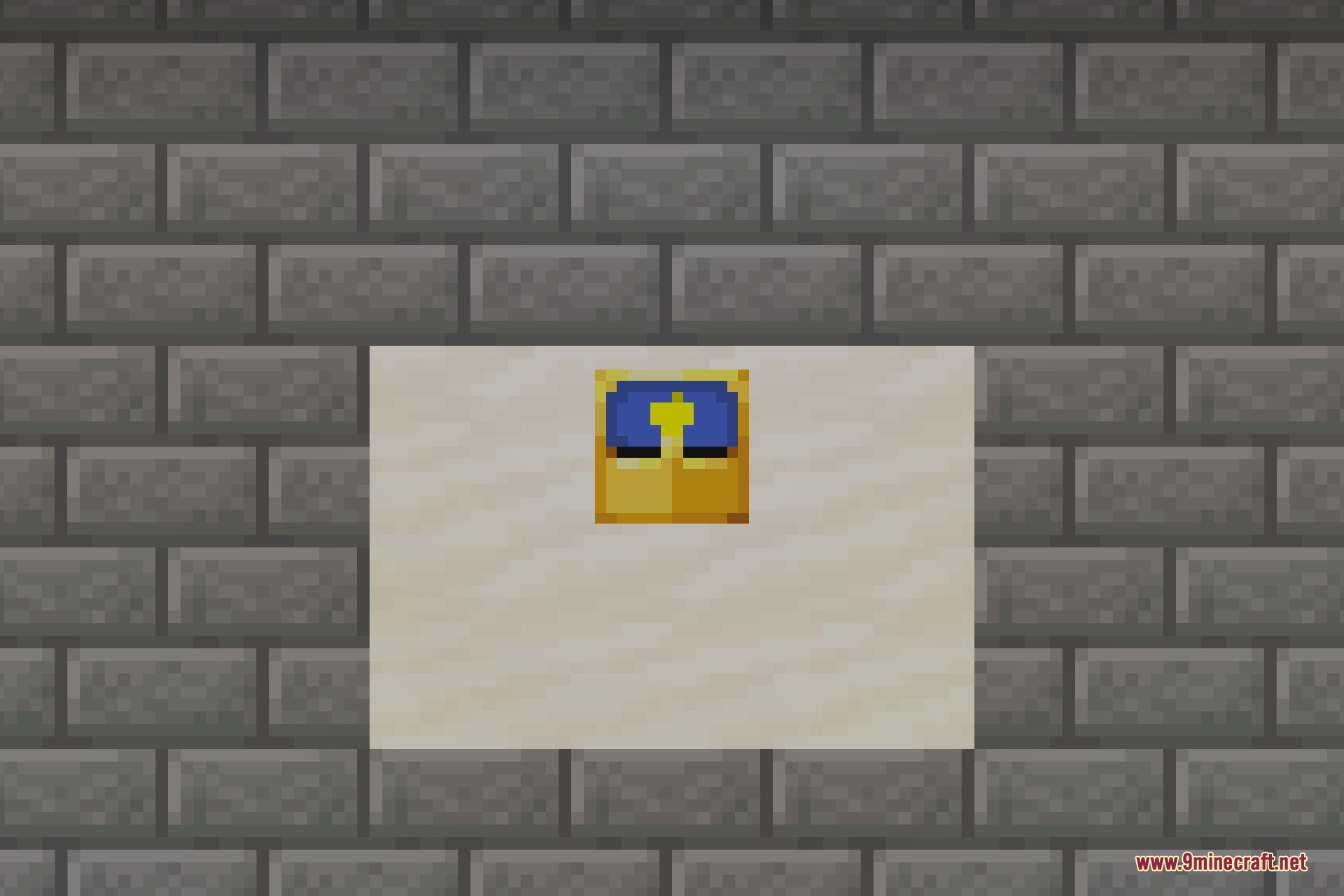
Pop-out Clocks 9minecraft Resource Pack fixes something small that has always looked slightly wrong: a clock hung in an item frame is a flat sprite pressed against the wall. This pack replaces it with a proper three-dimensional clock – a raised case with a rim, sitting out from the frame the way a real wall clock does, with the dial still turning as the day goes by.
The clever part is where it stops. The new model is only used in the one display context an item frame uses, so a clock in your hand, in your hotbar, in a chest or dropped on the ground is exactly the vanilla clock you already know. Nothing about how the item behaves changes either – it is still the same clock, still tells the same time, still crafts the same way. Only the framed version is redrawn.
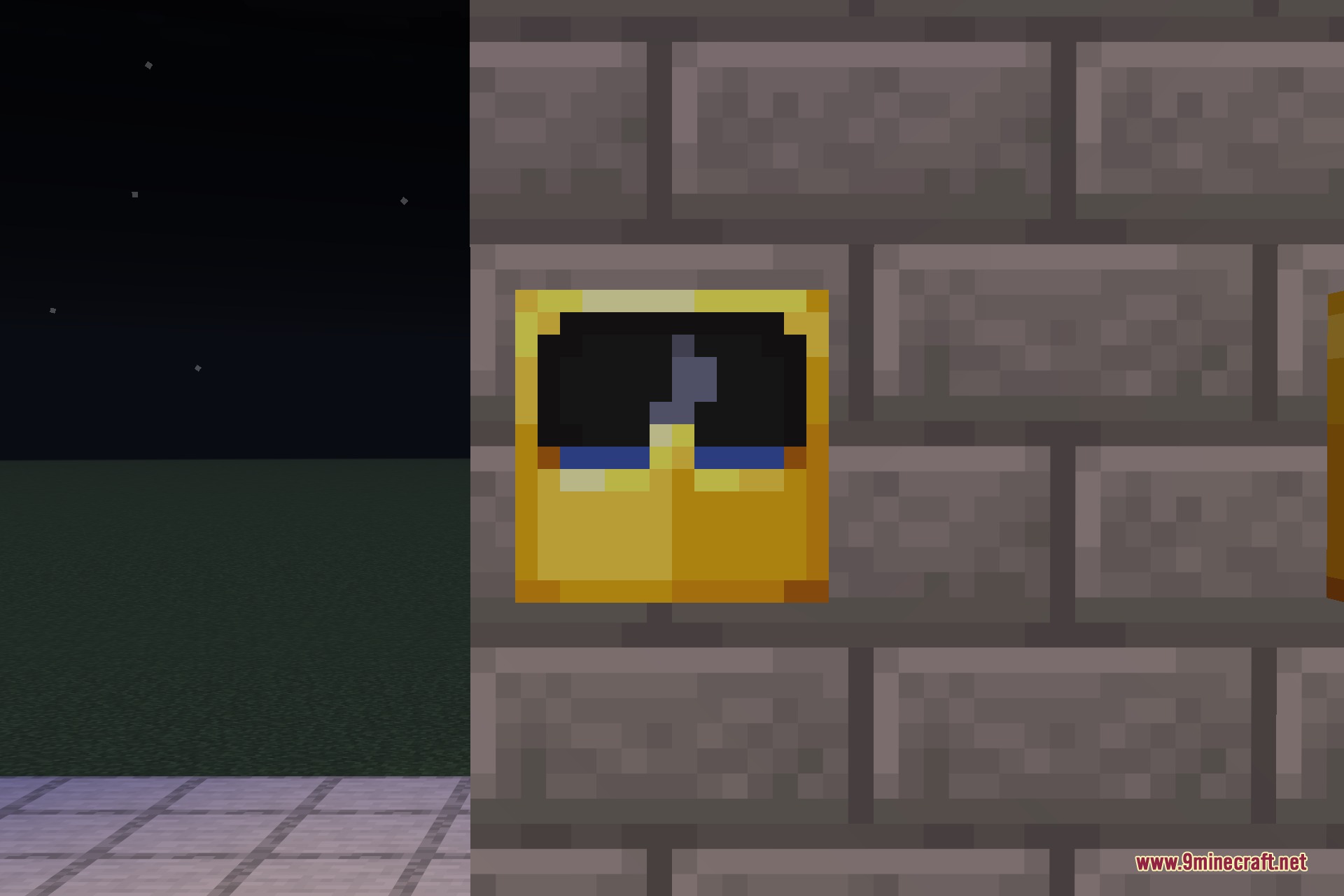
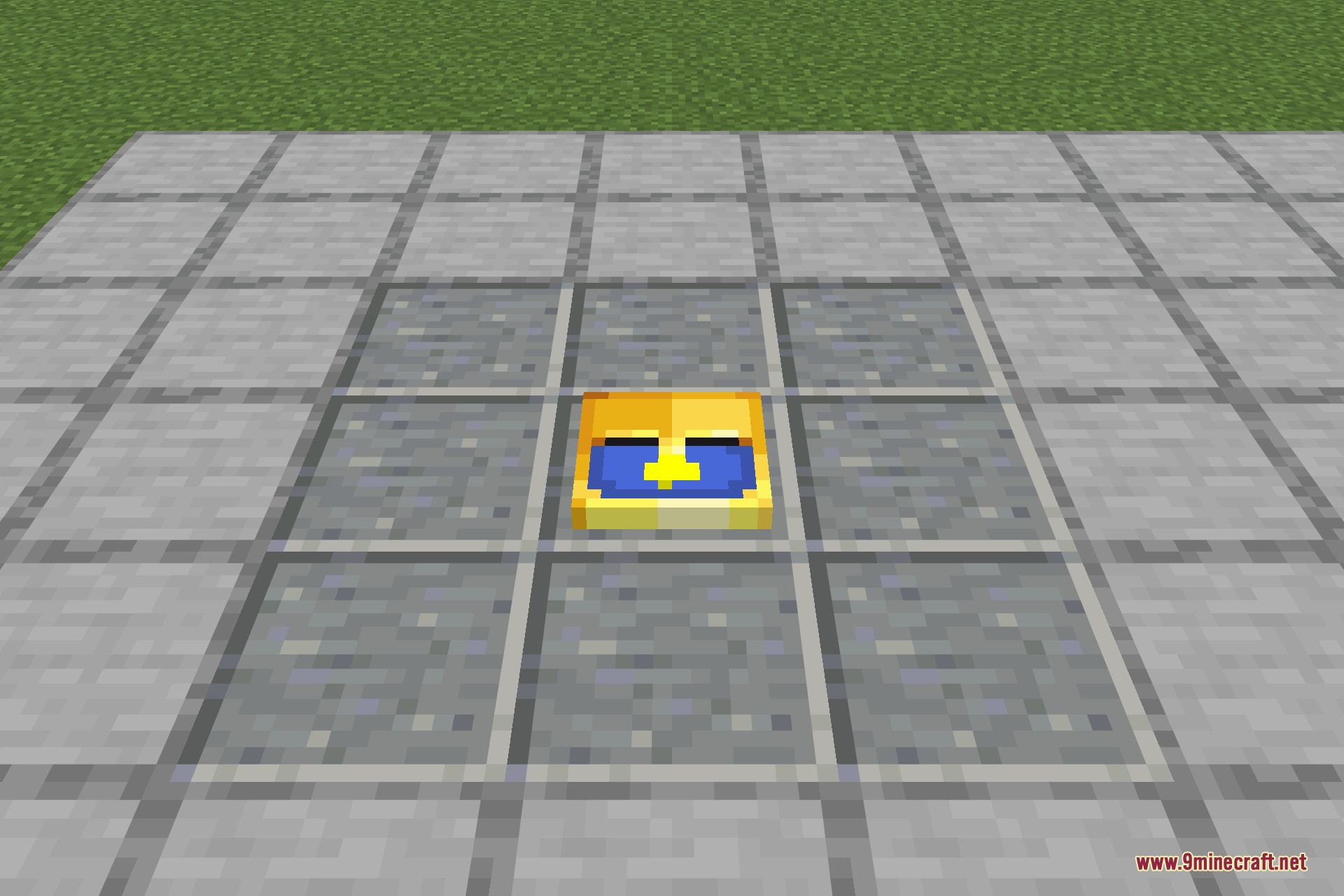
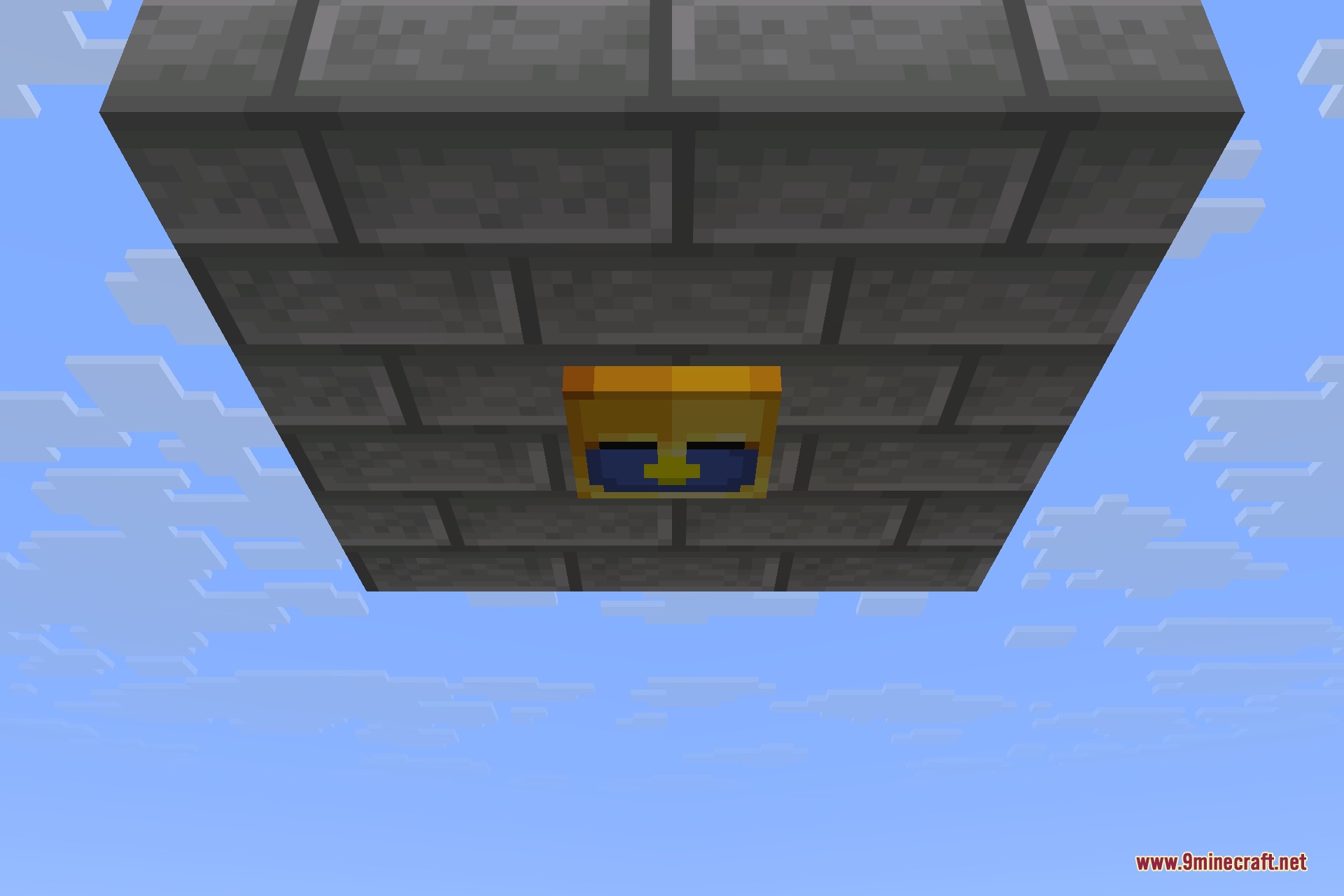
Because a clock’s face is driven by the world time, the framed model animates on its own: the hand sweeps round through the day, the face darkens at night, and a whole wall of them stays in sync. It works in ordinary item frames and glow item frames, on walls, on floors and on ceilings, which makes it an easy decoration for a base entrance, a shop counter or an actual clock tower.
Features:
- Clocks in item frames become raised 3D wall clocks instead of a flat sprite.
- 64 separate faces, so the hand turns smoothly through the whole day-night cycle.
- The night face is dark, matching how the vanilla clock reads after dusk.
- Works in normal item frames and glow item frames, on walls, floors and ceilings.
- Held, dropped and inventory clocks stay completely vanilla – only the framed one changes.
- No gameplay changes at all: same item, same crafting, same behaviour.
- Tiny download and no performance cost.
Pop-out Clocks 9minecraft Resource Pack – Video Showcase
Screenshots:
Pop-out Clocks 9minecraft Resource Pack Download Links
- Edition: Minecraft Java
- File type: .zip (resource pack)
- How to install: Download the .zip resource pack — do not unzip it. → Put it in .minecraft/resourcepacks. → Enable it in Options → Resource Packs.
- Where to get it: Opens on the file's original source — not every file is mirrored on our own servers.
Install steps are the general flow for this file type — How to install Minecraft Java resource packs walks through it step by step.
Pop-out Clocks 9minecraft Resource Pack (26.3) – True 3D Wall Clocks is a free Minecraft Java resourcepack. Download it and open it directly in the game.