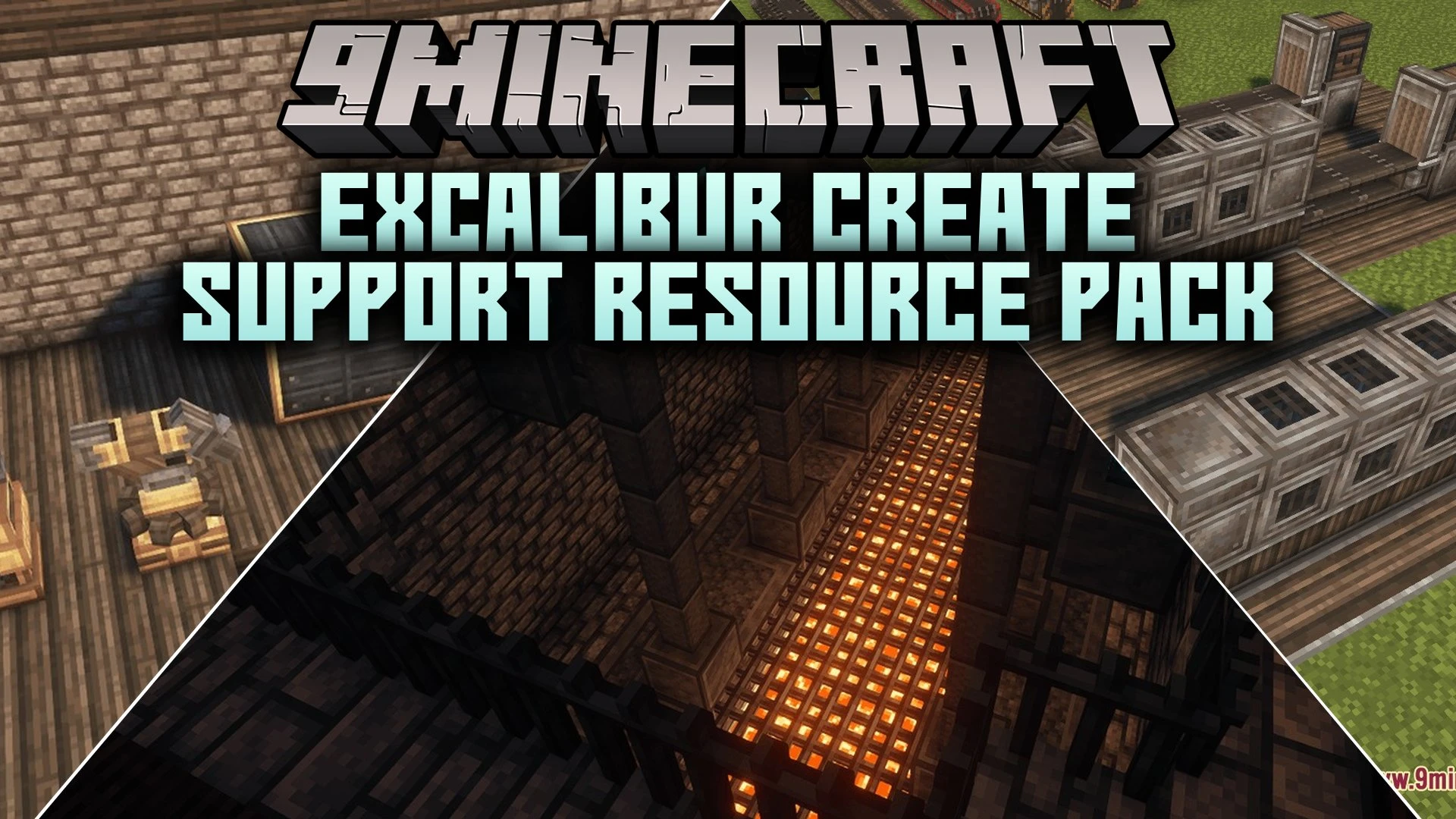


Excalibur Create Support Resource Pack reskins Create mod blocks and items to match the rustic look of Excalibur. This pack redesigns machines, decorative blocks, and tools so your factories fit into dark medieval castles and rustic towns. It brings a cohesive look to your technical builds without clashing against fantasy surroundings.
Features:
- Restyles all blocks found in the Main and Decorative tabs of the Create mod.
- Updates models and textures for machines, cogwheels, and structural pieces.
- Gives all modded items fresh icons that match the Excalibur style.
- Redesigns user interface menus to blend with Excalibur menus.
- Adds connected textures for stone brick variants, natural terrain blocks, and display boards.
- Helps technical machinery look natural inside fantasy and medieval worlds.
Screenshots:
Excalibur Create Support Resource Pack Download Links
Quick facts
- Edition: Minecraft Java
- File type: .zip (resource pack)
- Minecraft versions listed: 1.21.11, 1.20.1
- How to install: Download the .zip resource pack — do not unzip it. → Put it in .minecraft/resourcepacks. → Enable it in Options → Resource Packs.
- Where to get it: Opens on the file's original source — not every file is mirrored on our own servers.
Install steps are the general flow for this file type — How to install Minecraft Java resource packs walks through it step by step.
Excalibur Create Support Resource Pack (1.21.11, 1.20.1) is a free Minecraft Java resourcepack. Compatible with Minecraft 1.21.11, 1.20.1. Download it and open it directly in the game.